Associate a Manual Column with an Assessment
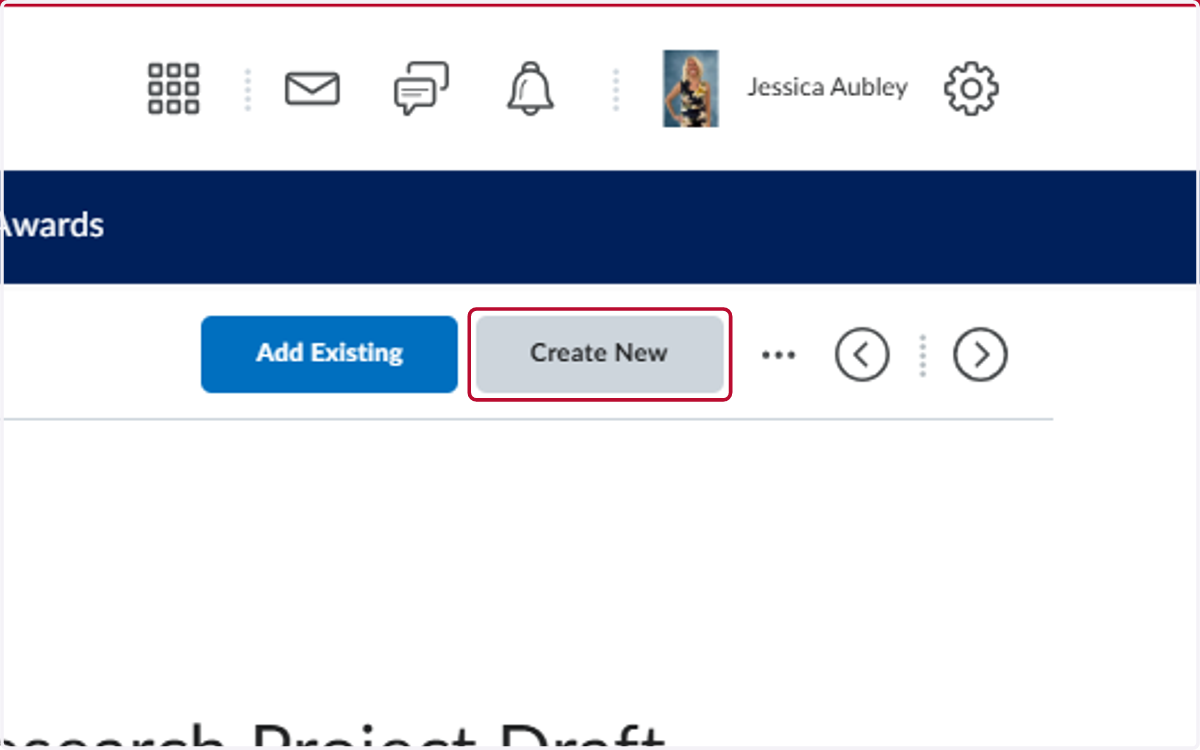
1. Locate where you want to put the assessment in the course
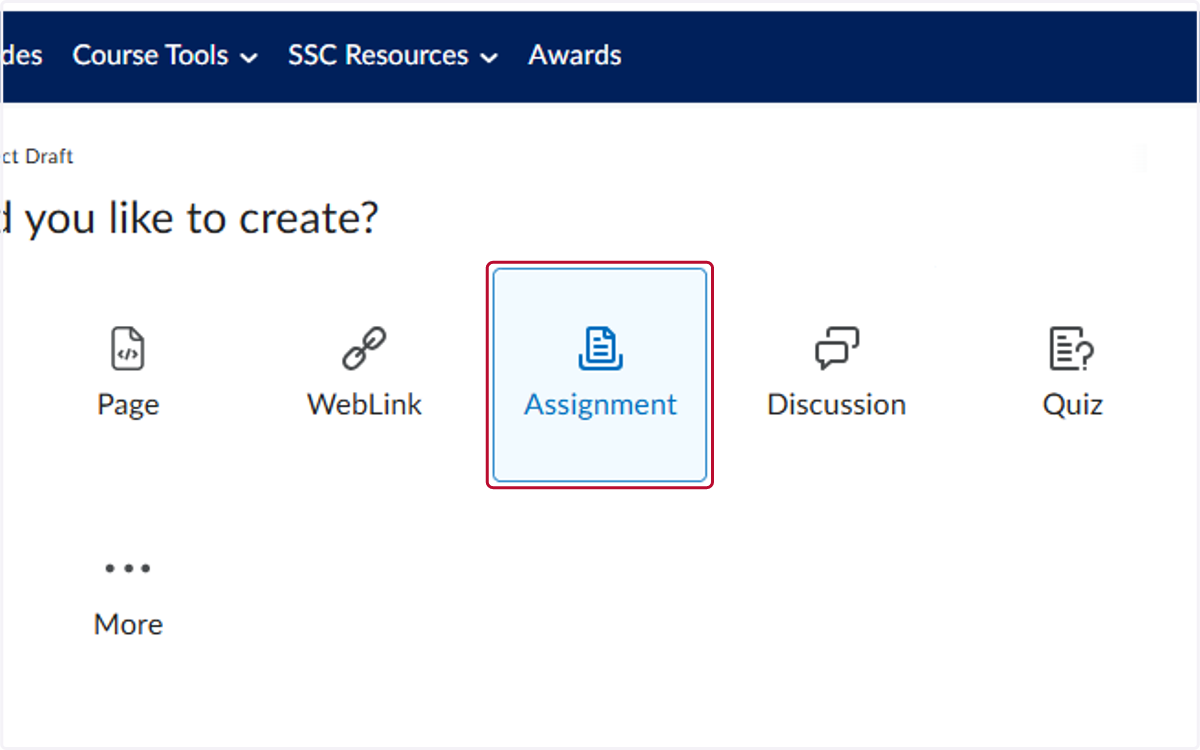
2. Click on Assignment
3. Add the Assessment title
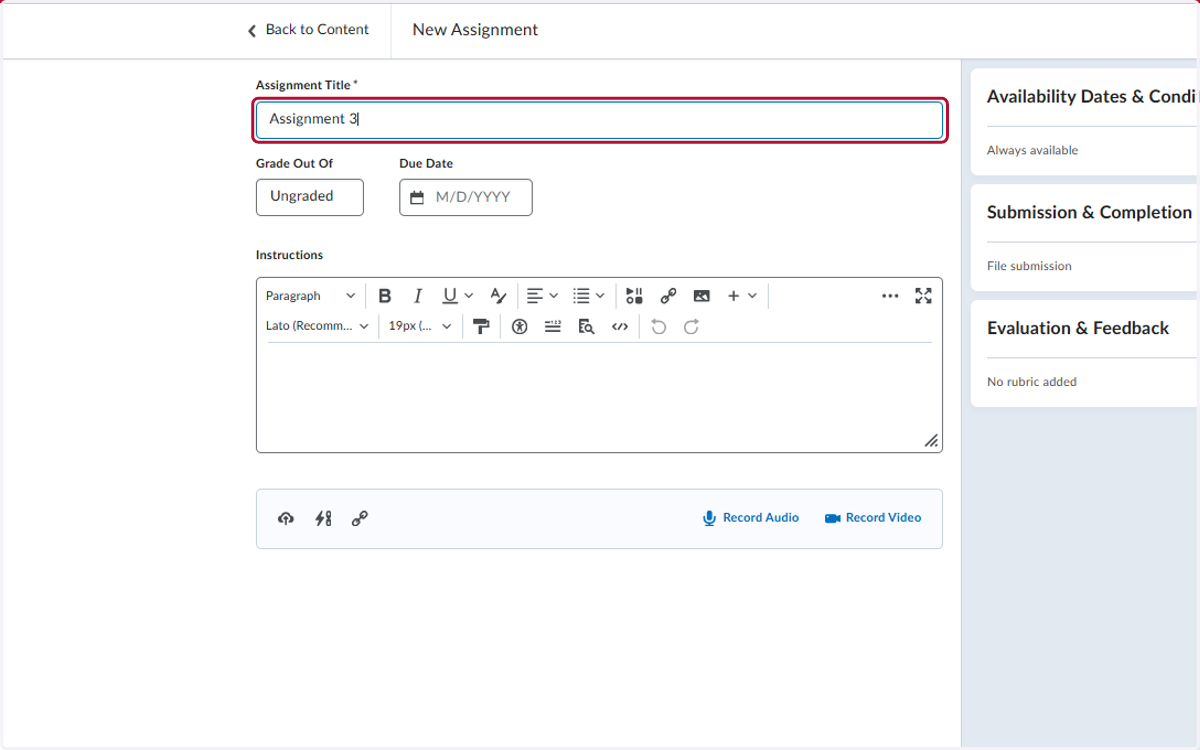
4. Click on Ungraded
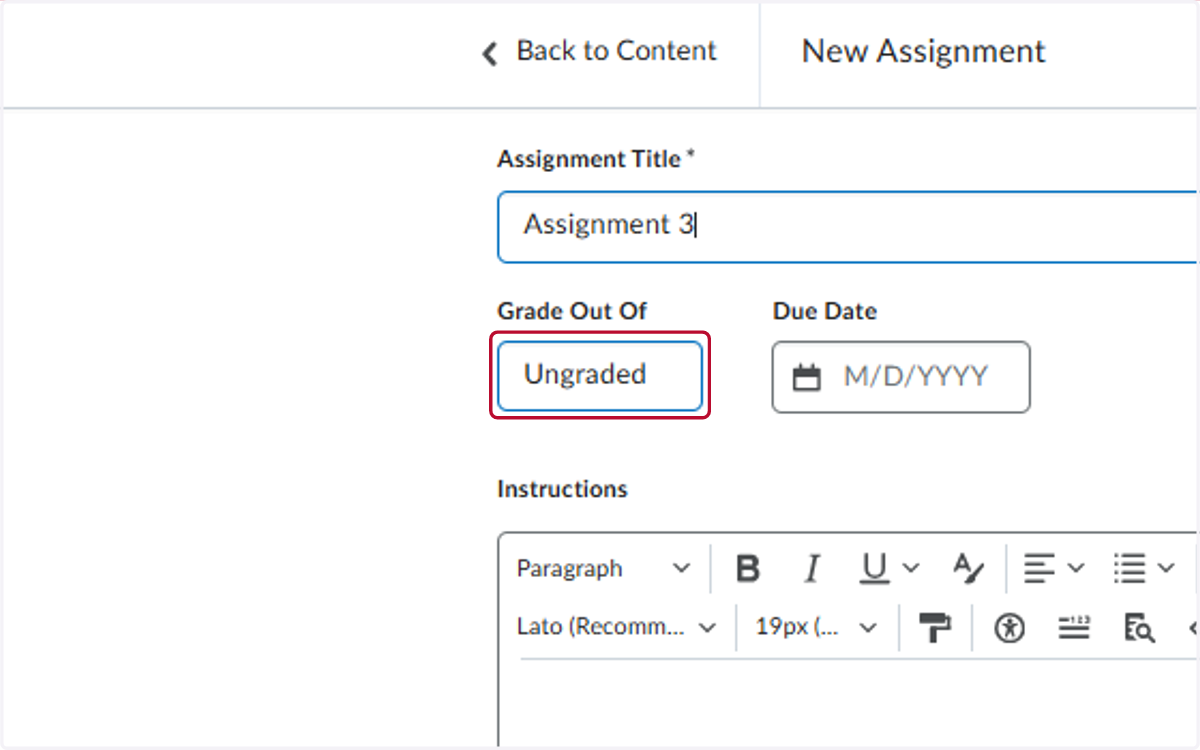
5. Add the point value
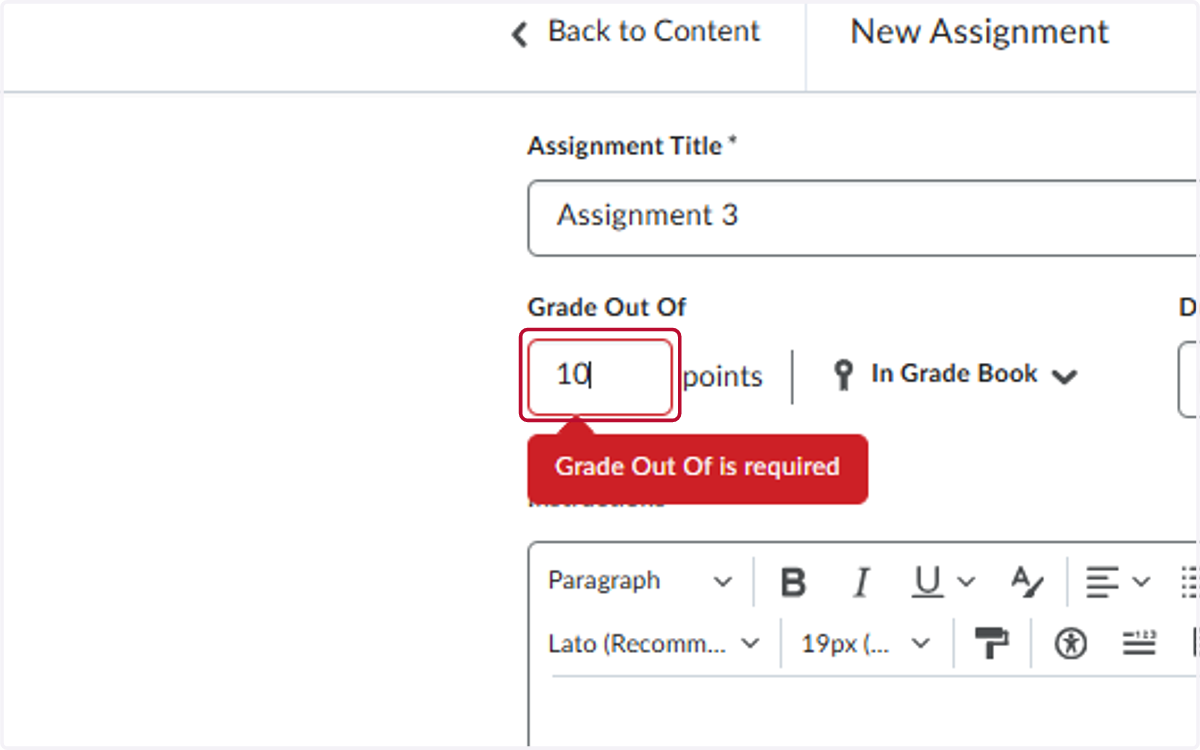
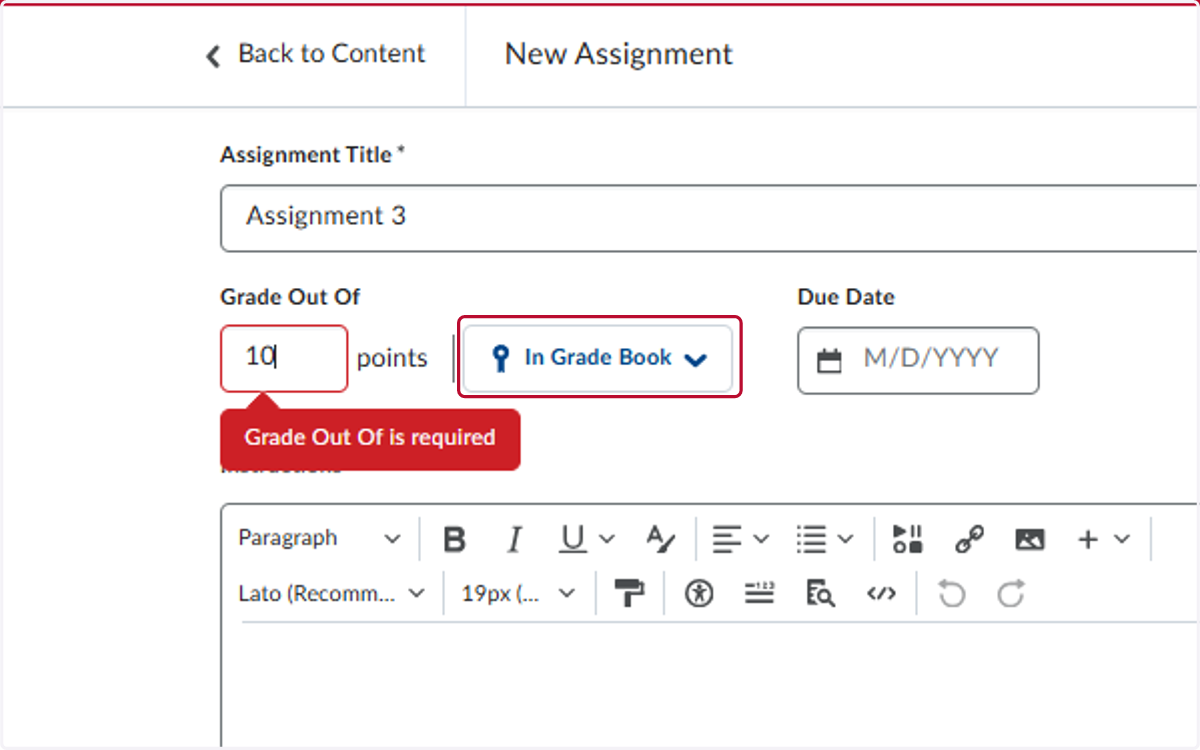
6. Click on In Grade Book
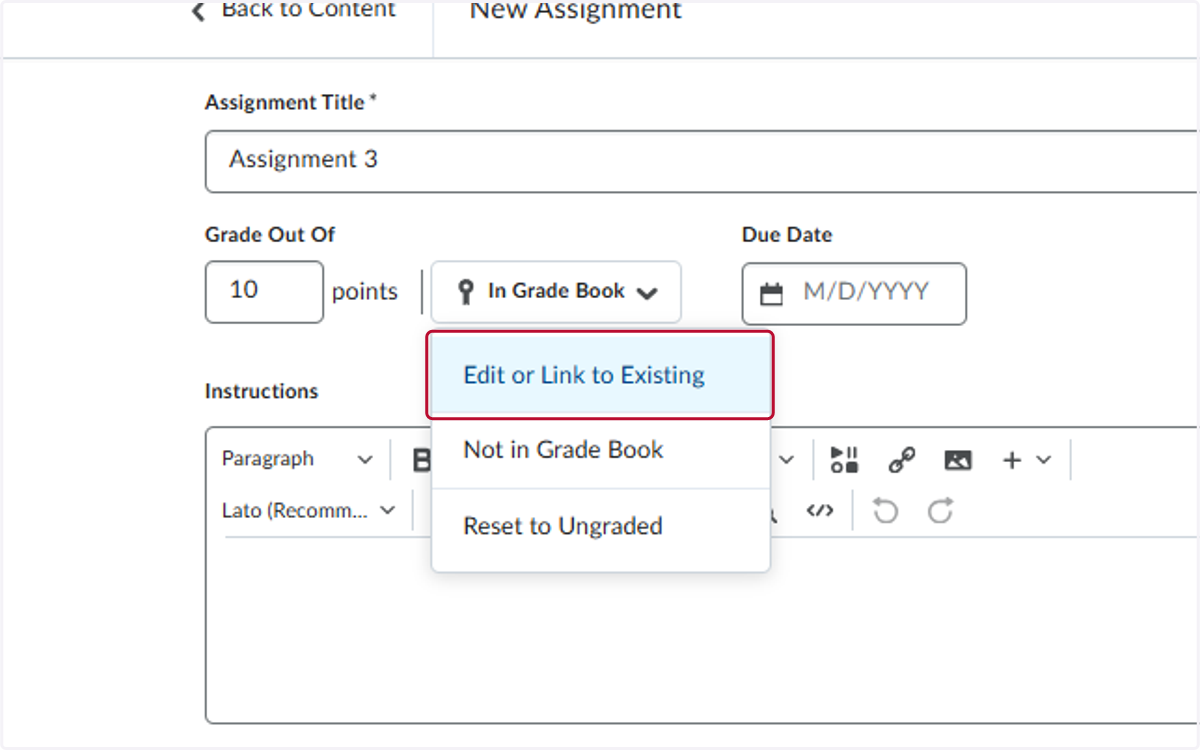
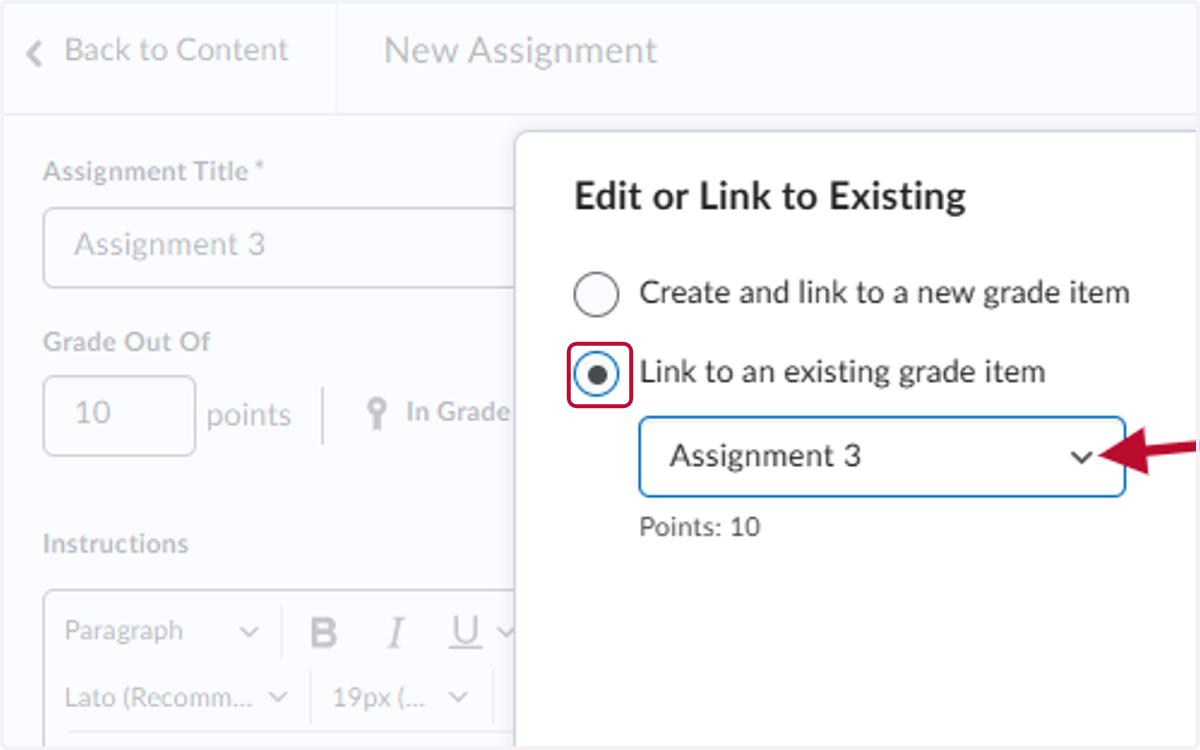
7. Click on Edit or Link to Existing
8. Select Link to an existing grade item
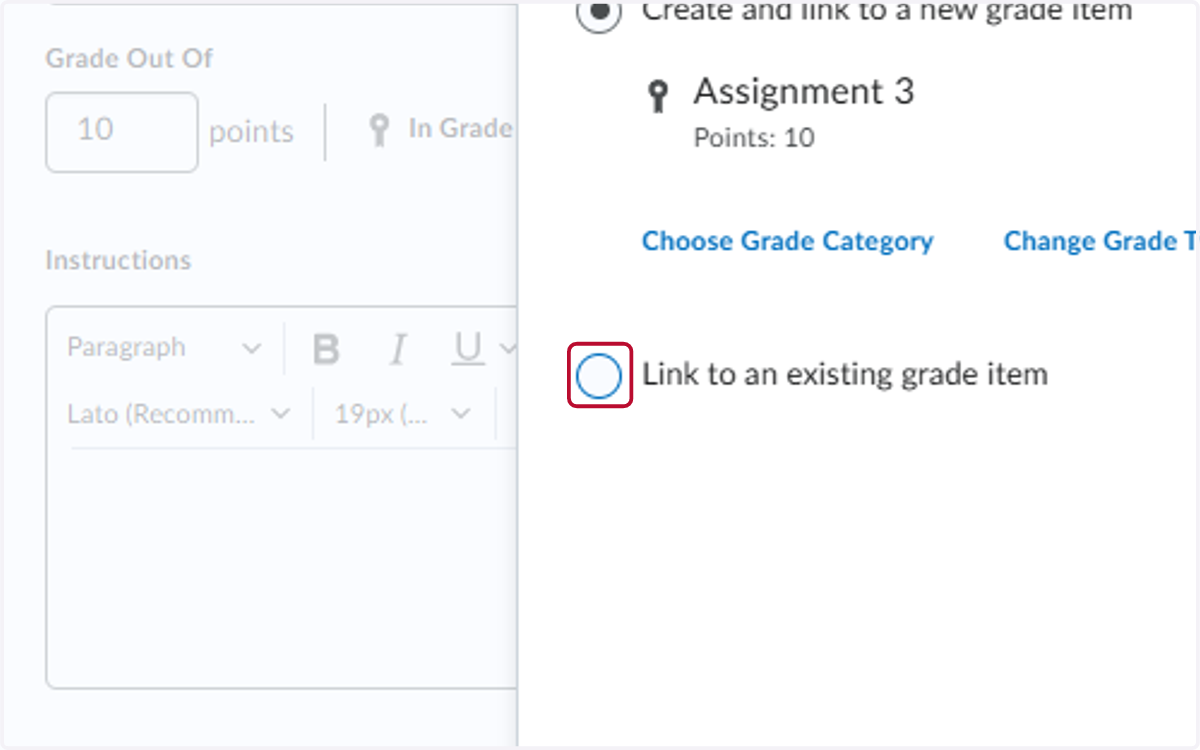
9. Select Link to an existing grade item and select the grading column from the dropdown menu
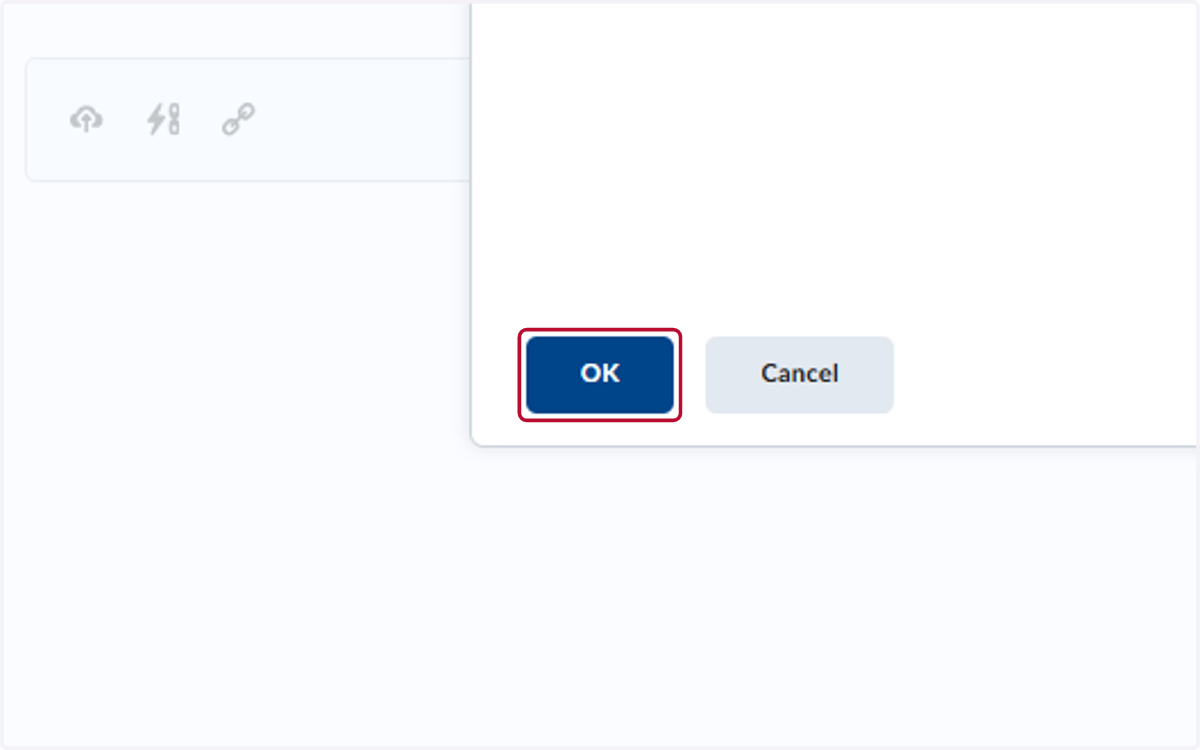
10. Click on OK
11. Click on Save and Close