Approve Social Media Posts in HeyOrca
HeyOrca | The Social Media Scheduler for Teams
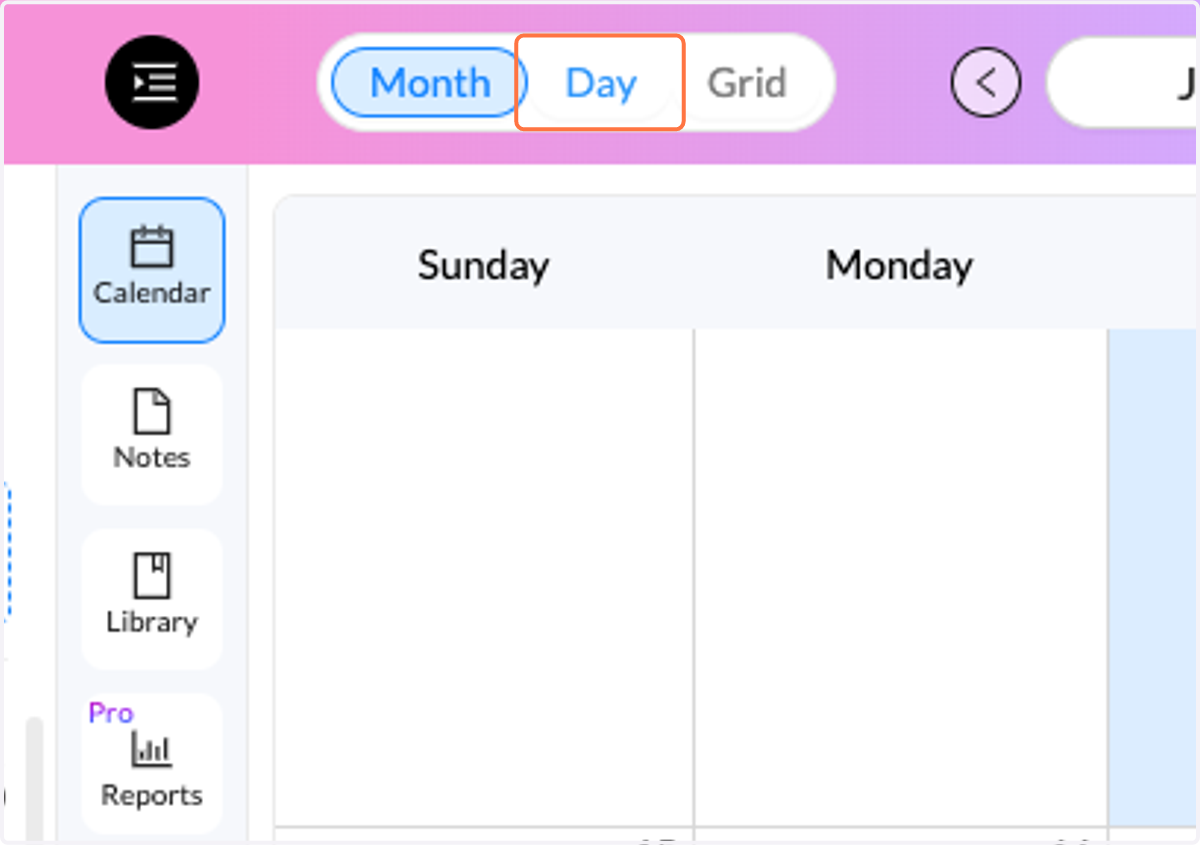
1. Click on Day
Click on day so it is easier to scroll down and look at each post
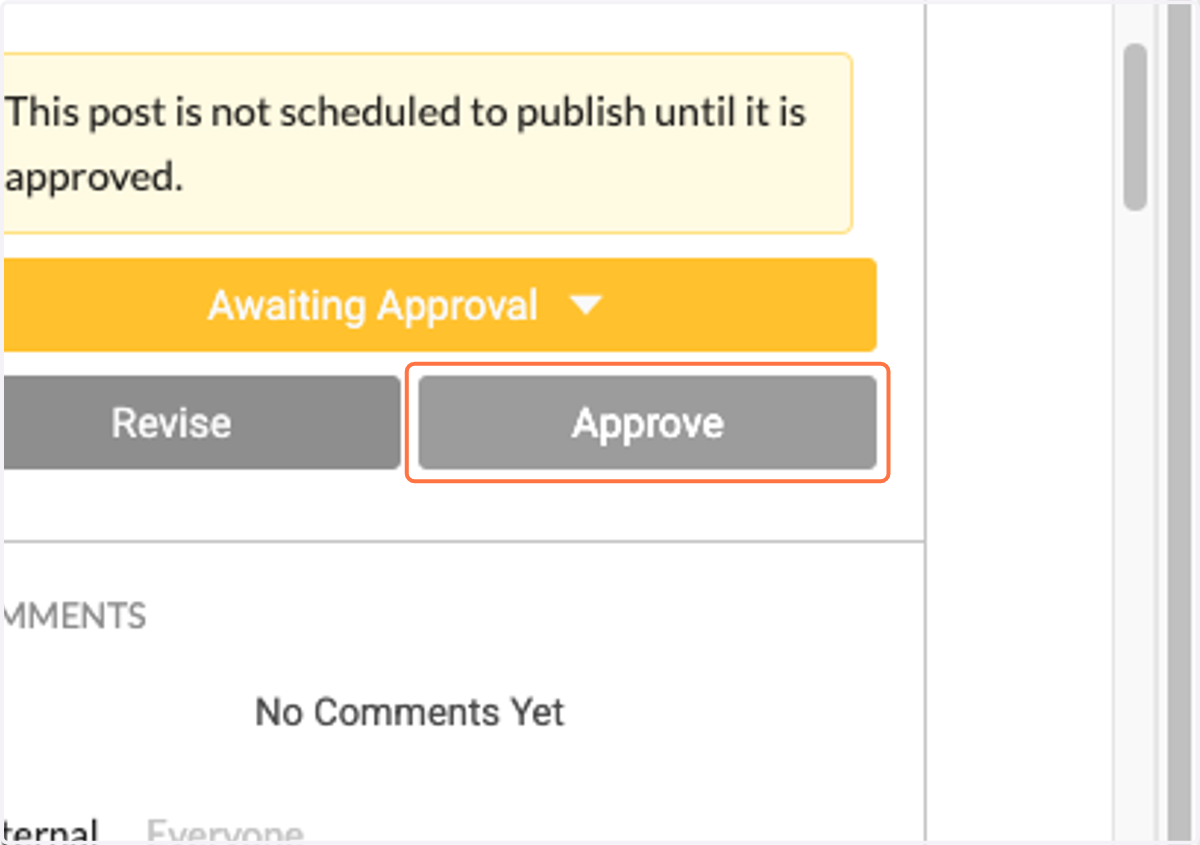
2. Click on Approve or Revise
If the post looks good, click approve. If it needs edits, click revise
3. Click on Revise
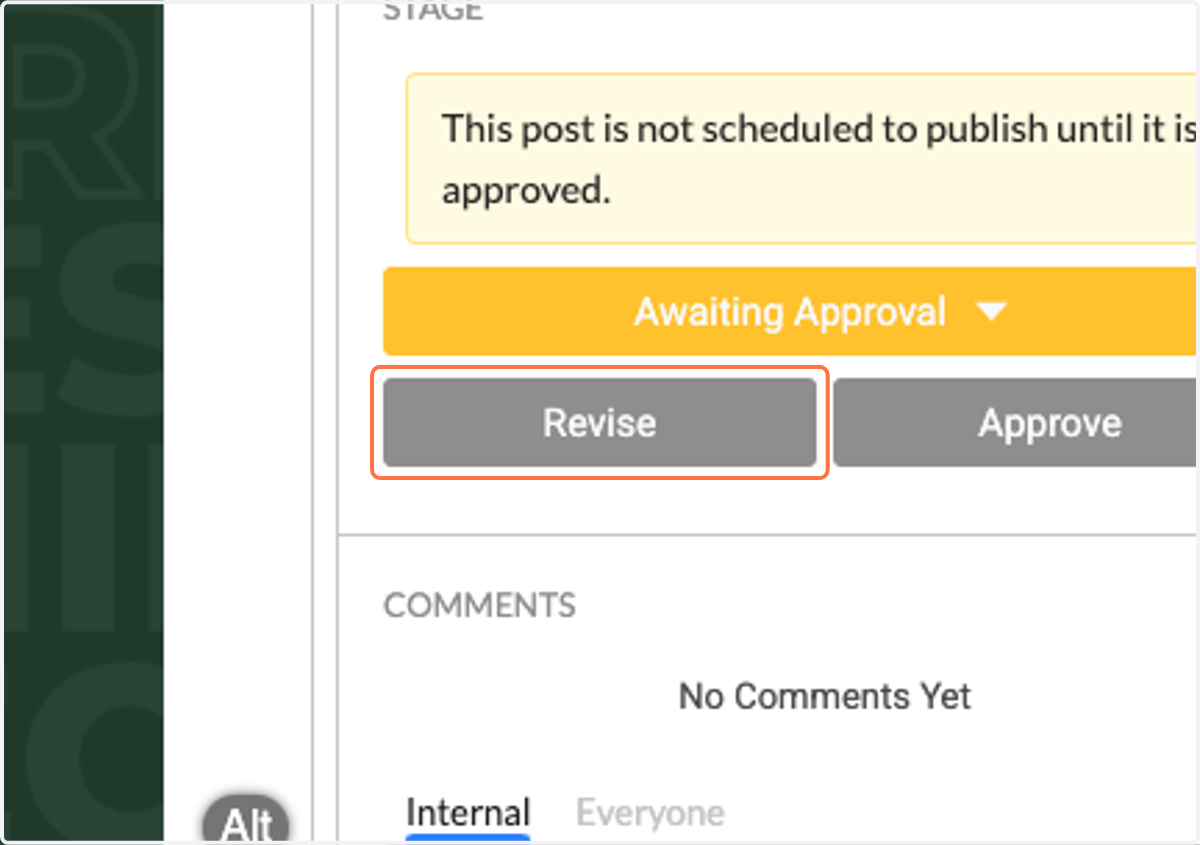
4. Suggest Edits
If you click 'Revise', comment here on what you would like changed
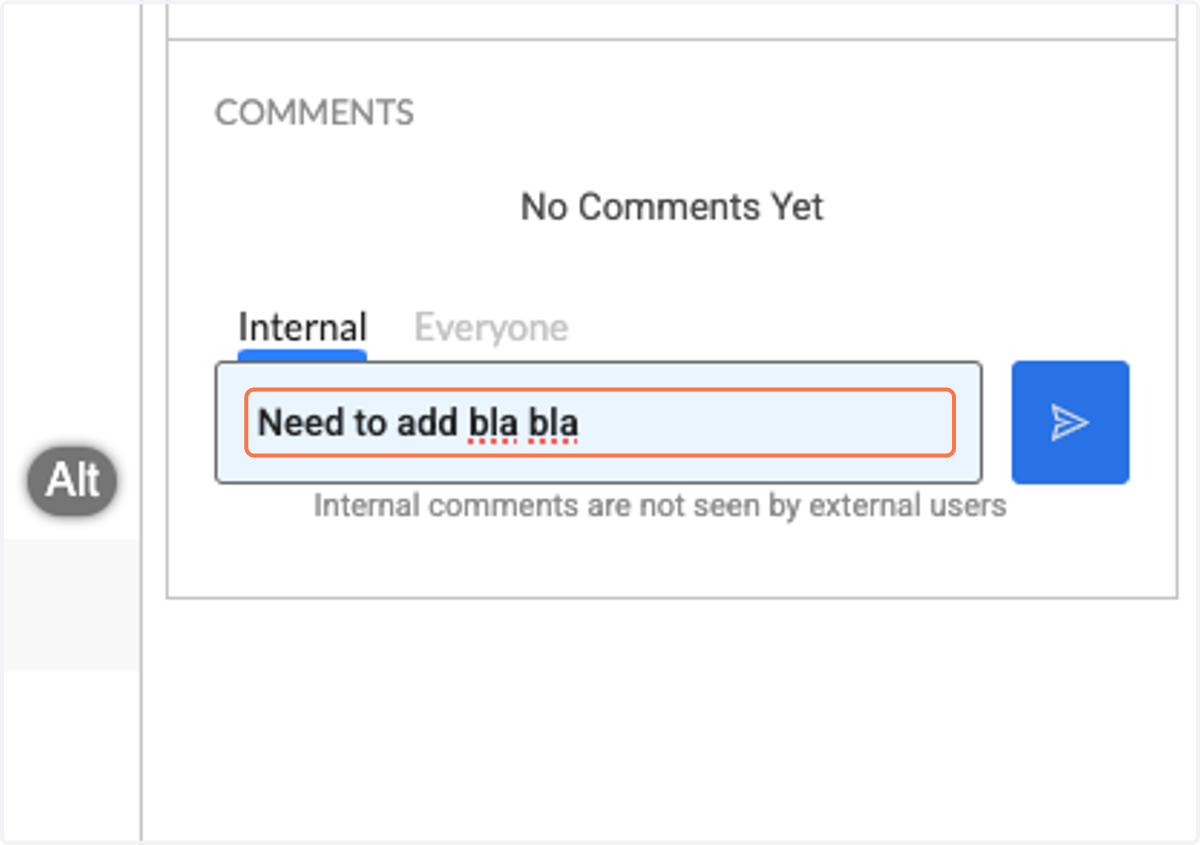
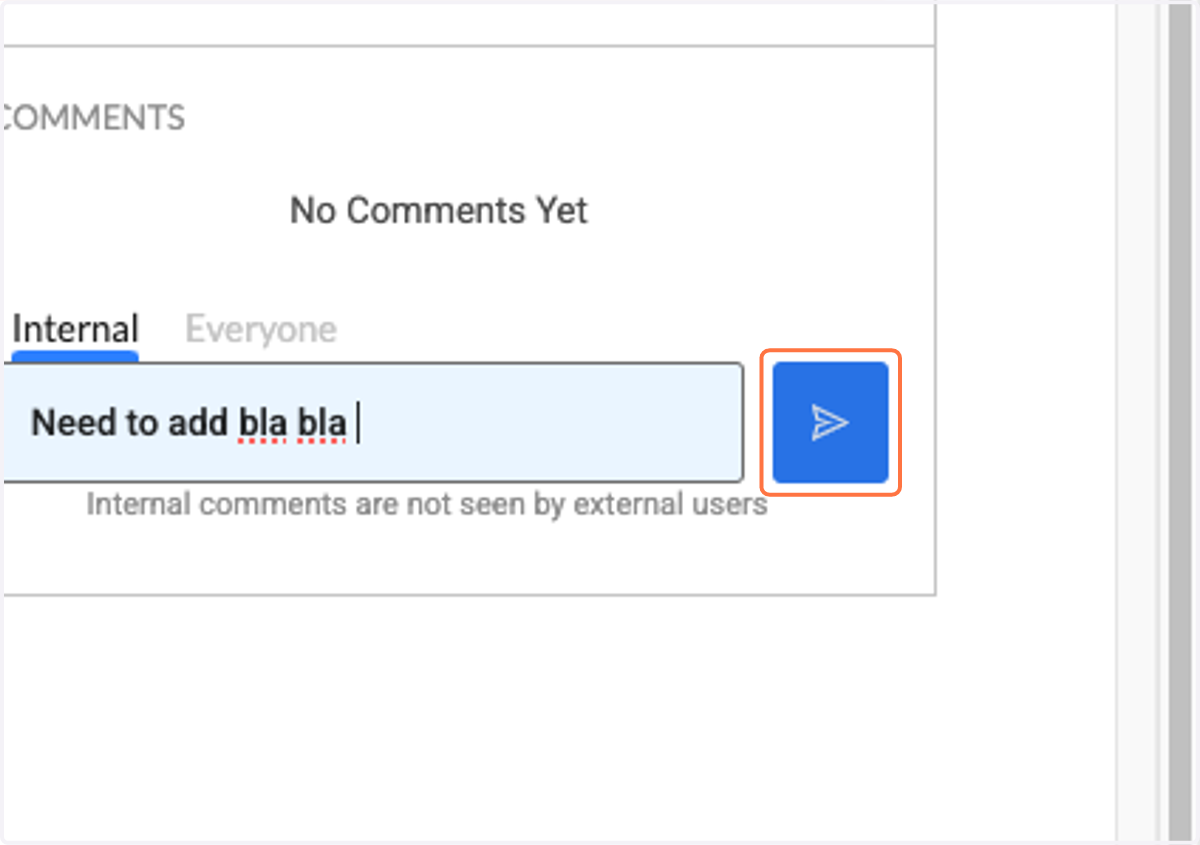
5. Press the blue send button
It will automatically email me what comments you made, so you don't need to email me to let me know :)