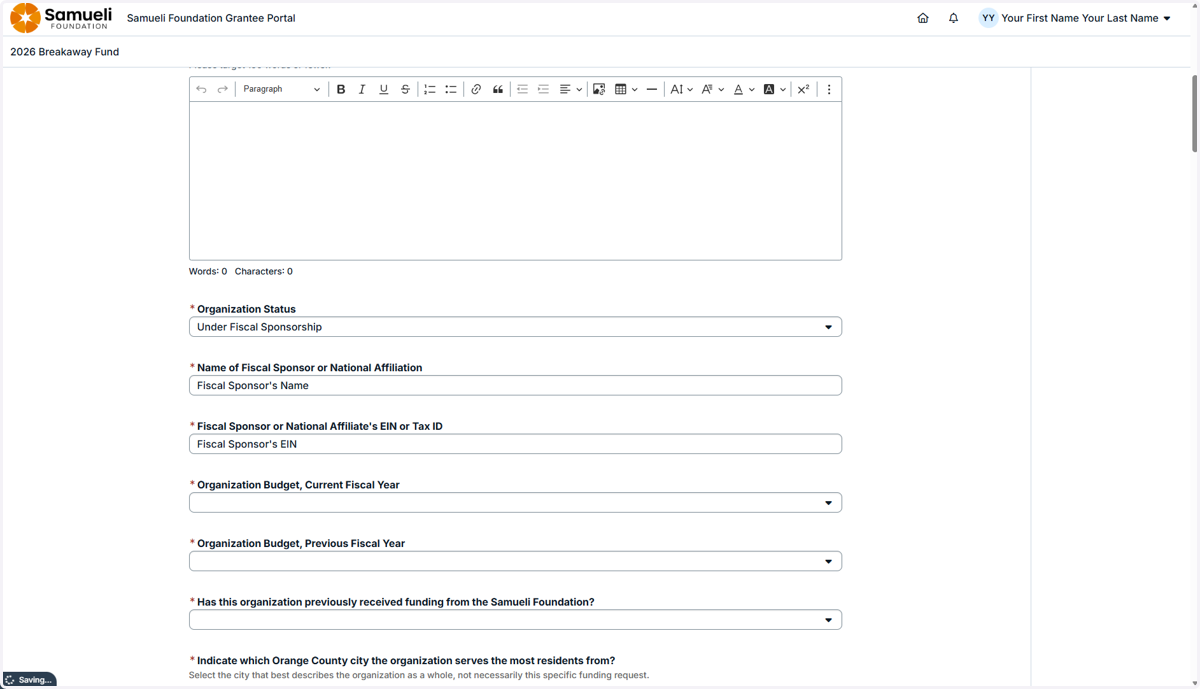
Applying as a Fiscally Sponsored Program
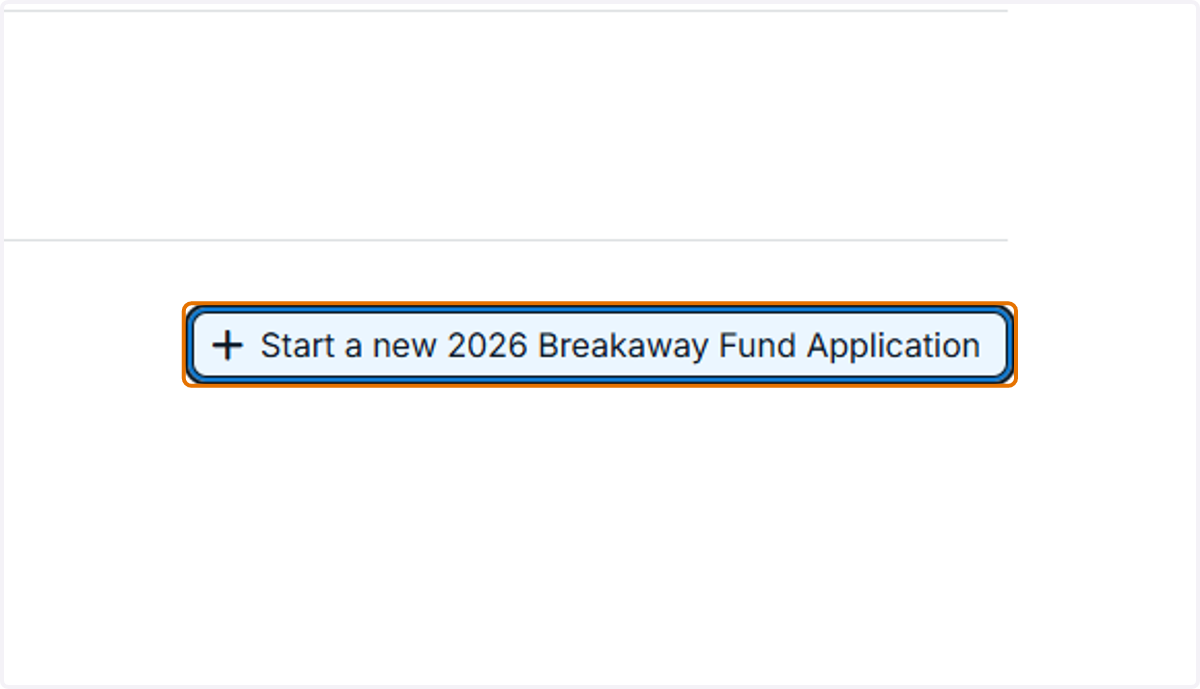
1. Log into the application and click the "Start an application" button.
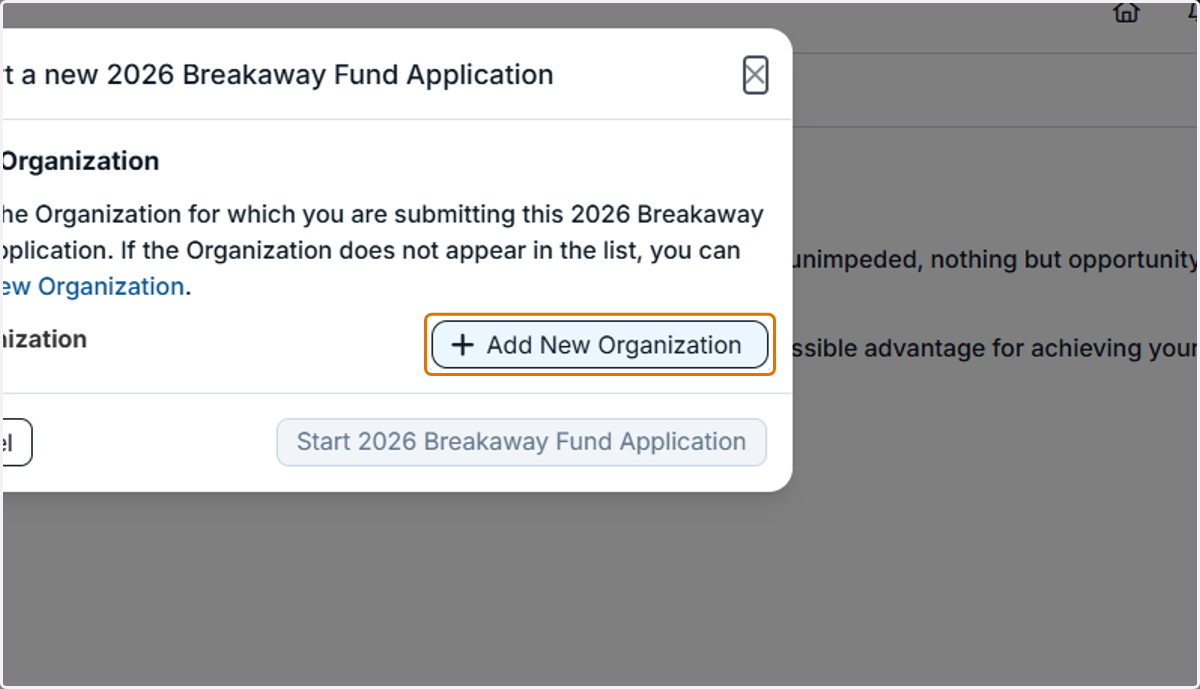
2. Click on "Add New Organization"
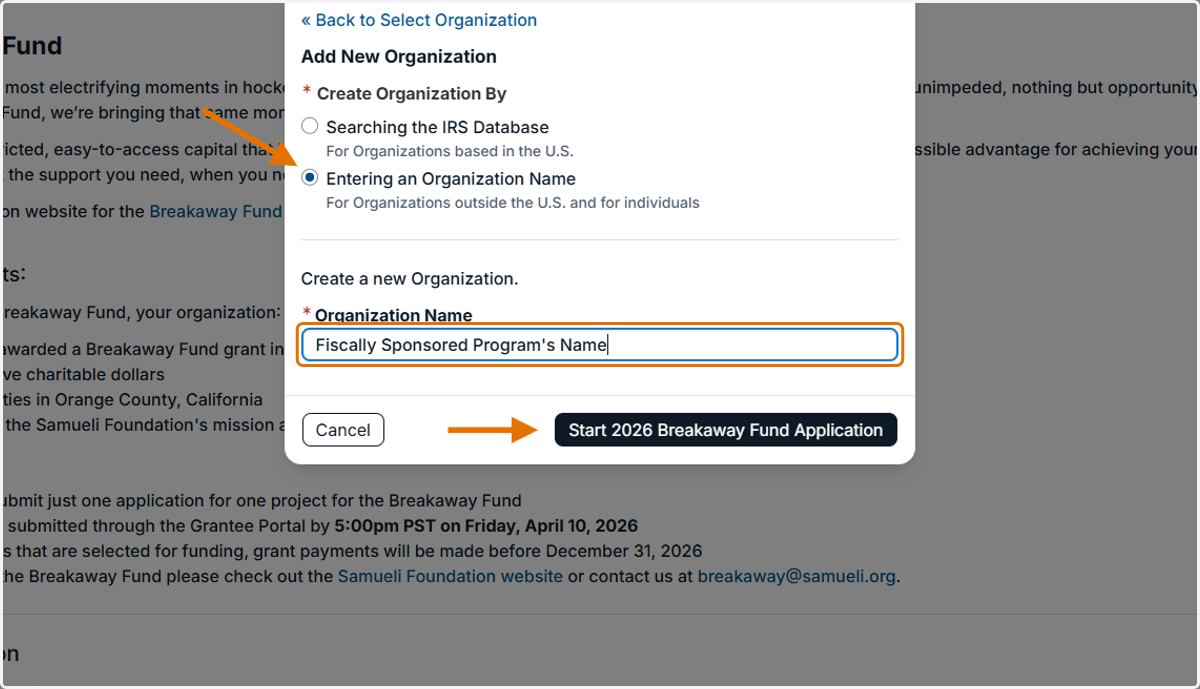
3. Select "Entering an Organization Name" and type in the fiscally sponsored program's name. Then click the "Start" button.
4. Click on the "Open Application button.
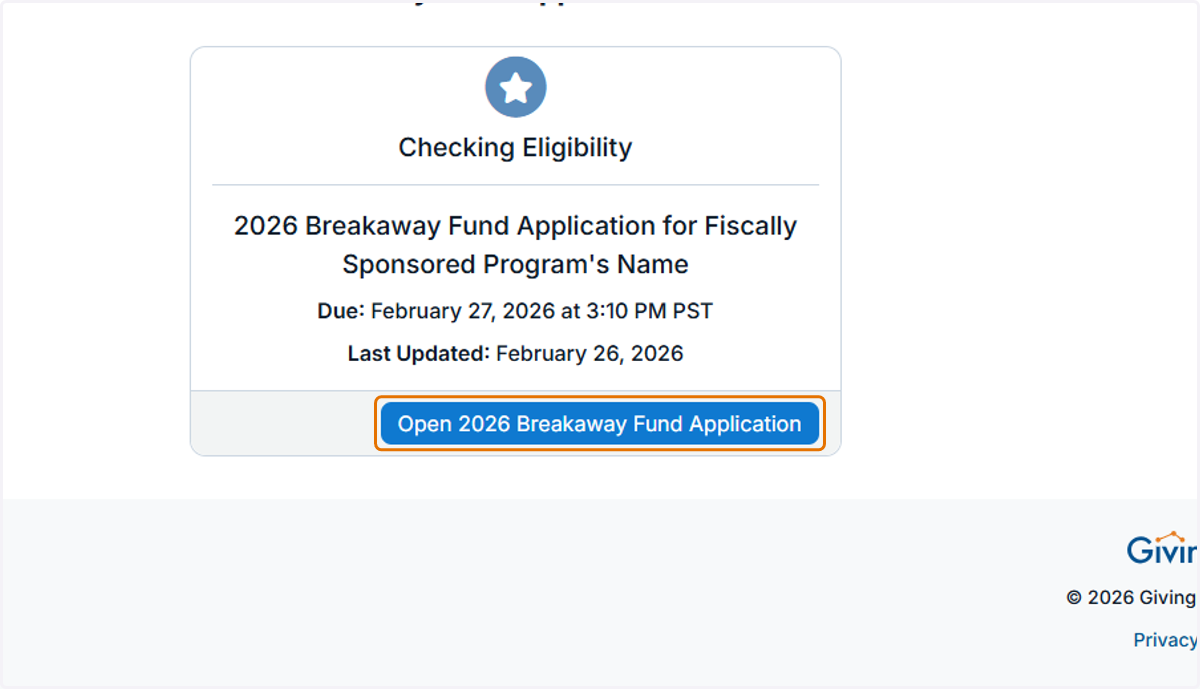
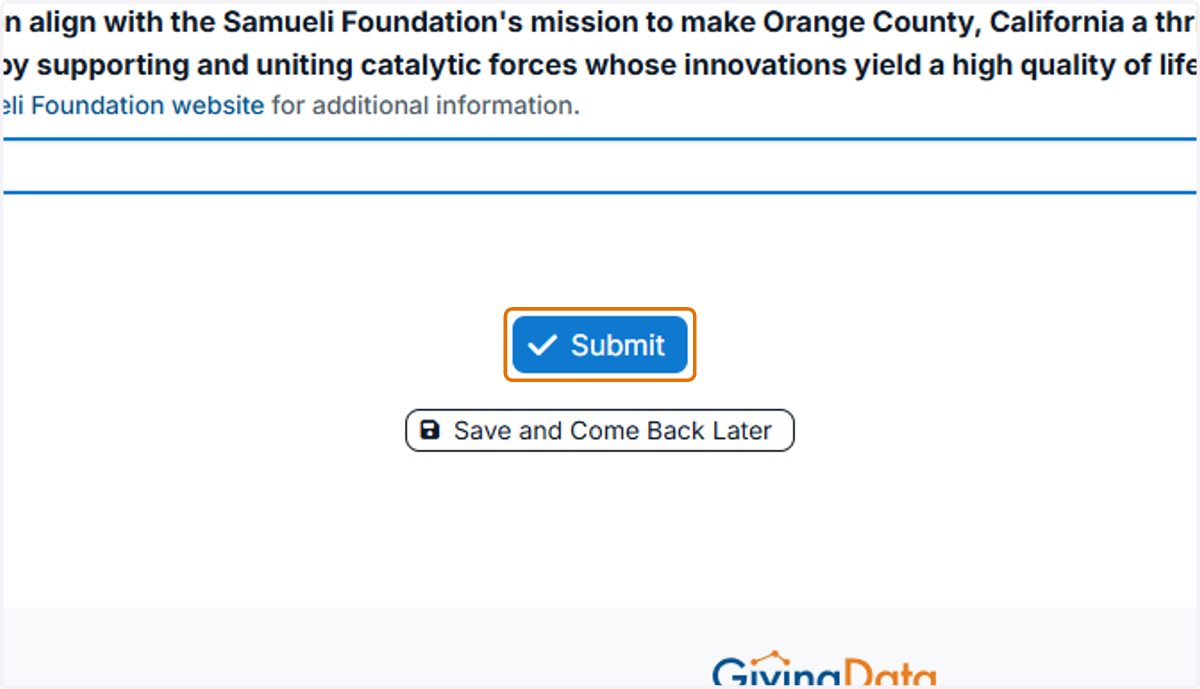
5. Complete the Eligibility Quiz and then click "Submit."
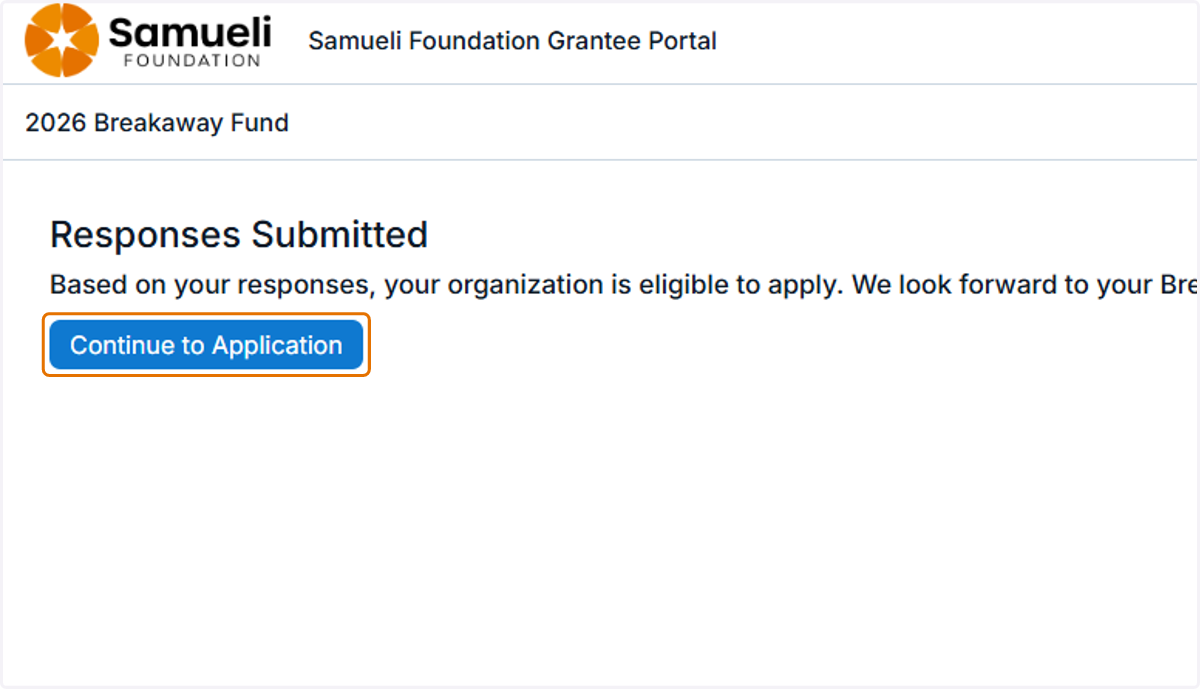
6. If your fiscally sponsored program is eligible, continue onto the application.
7. For "Organization Status," select "Under Fiscal Sponsorship. Then add the fiscal sponsor's name and EIN.
Continue to complete all steps of the application in order to submit.