All Users - How to change your password in Maestro
Student Portal - Dashboard
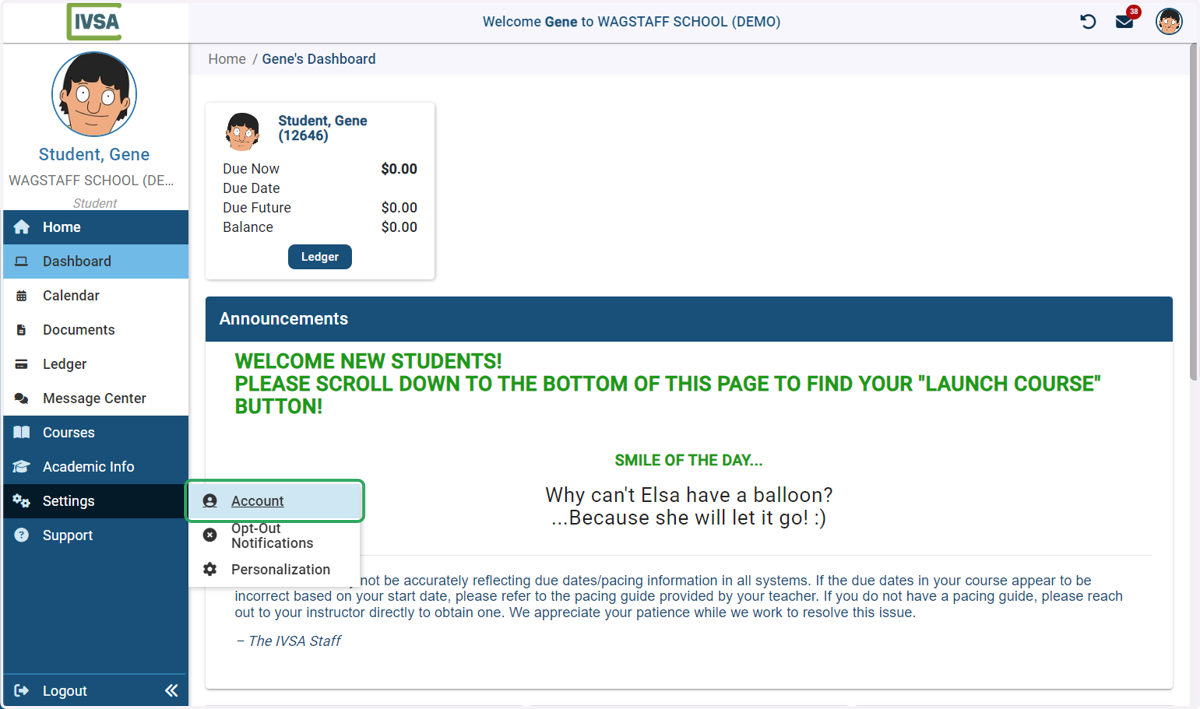
1. On the dashboard, hover over settings and click Account
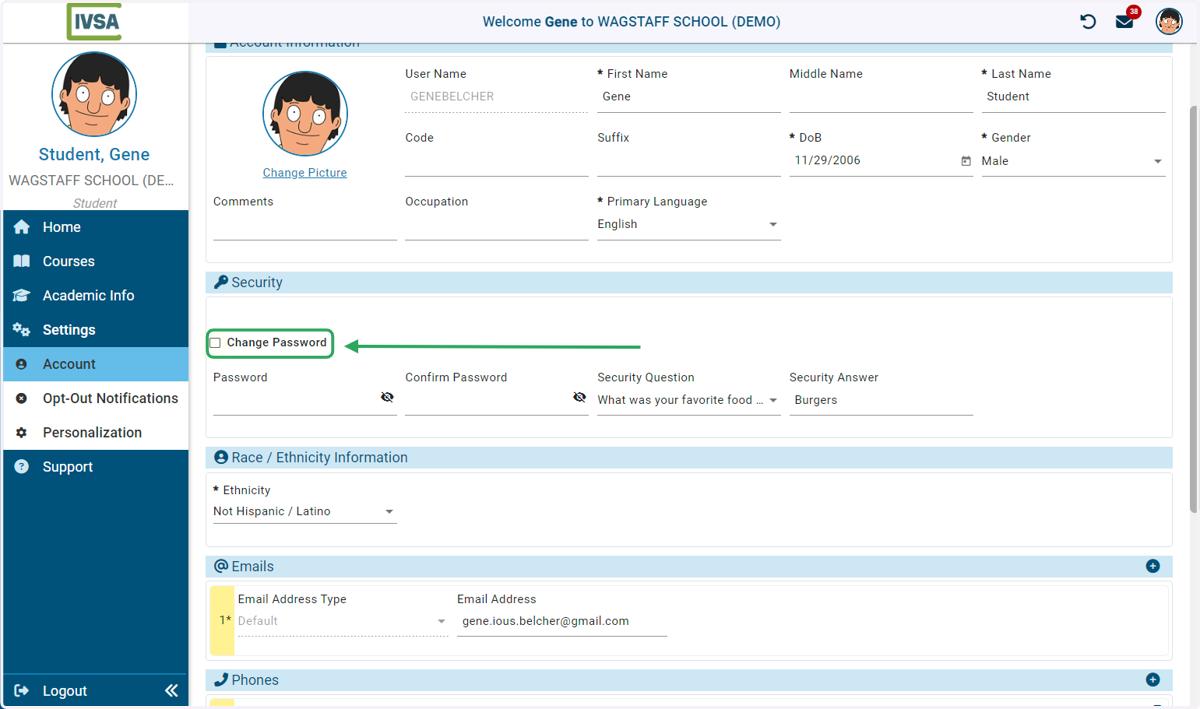
2. Check the Change Password box
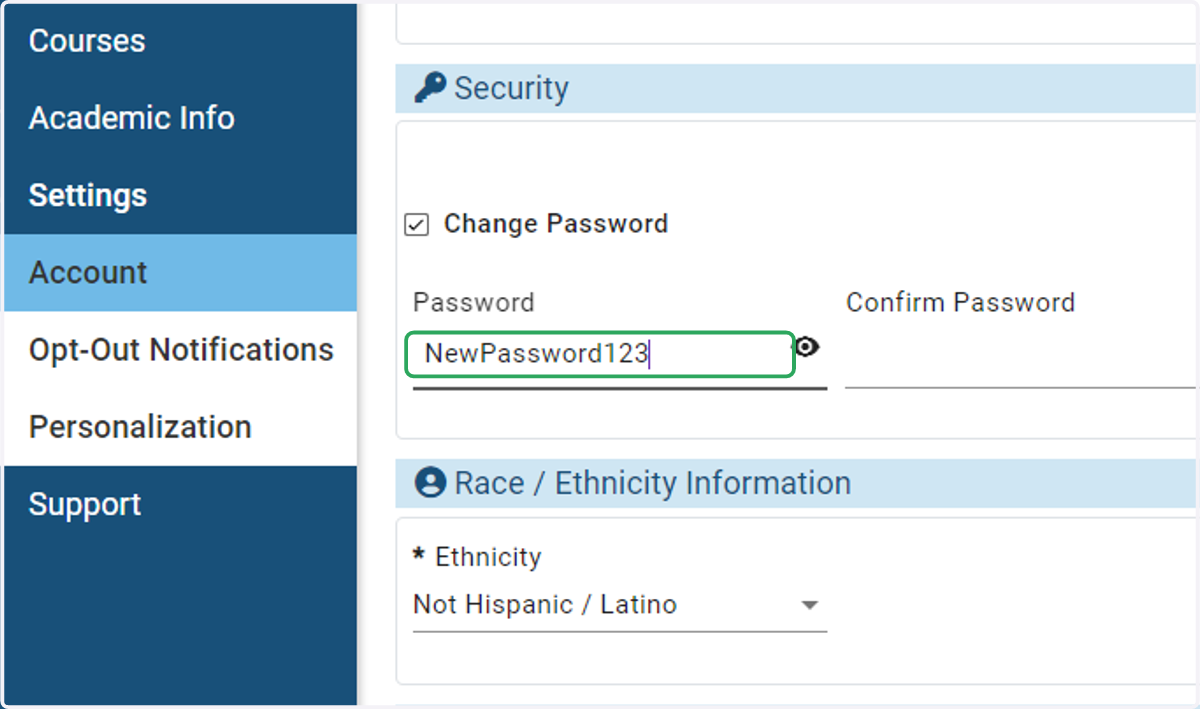
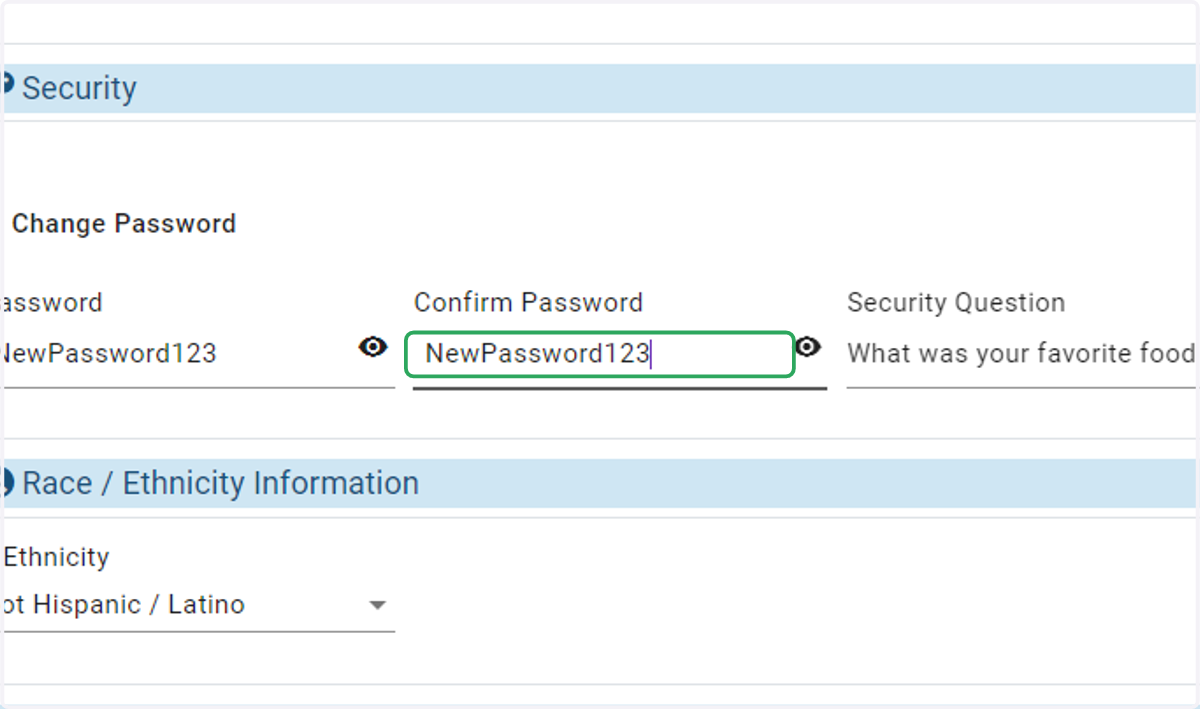
3. Type the new password you want to use
4. Confirm your password
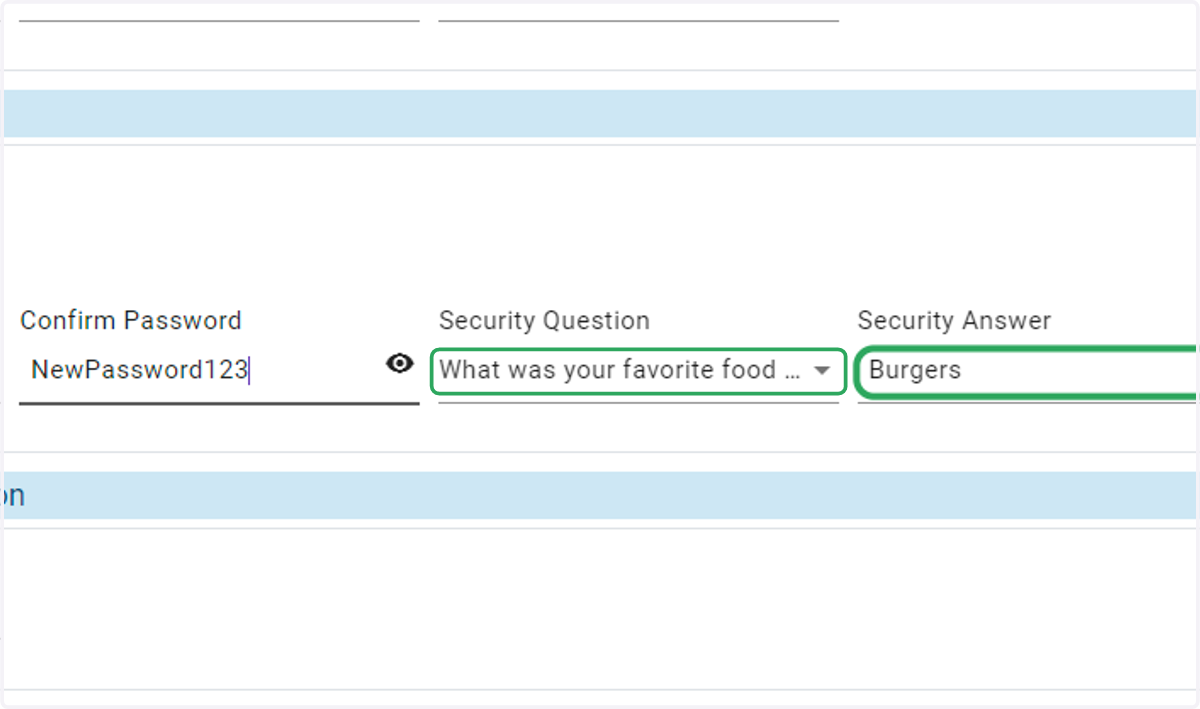
5. Select a security question and answer
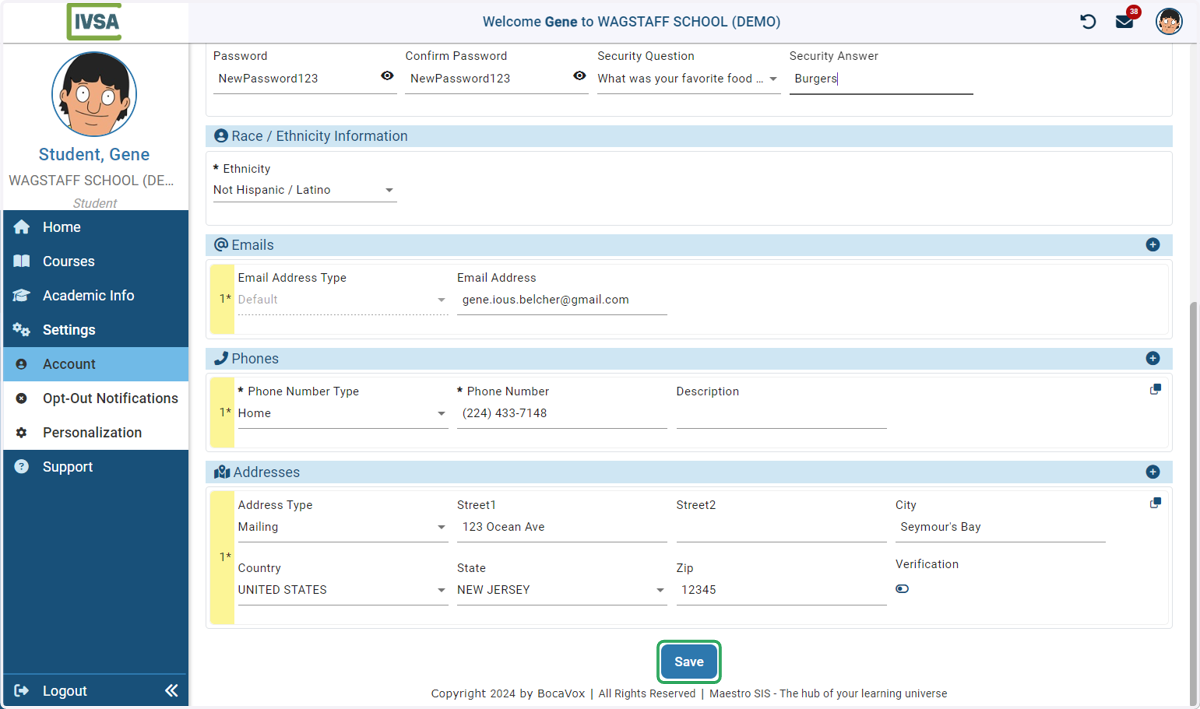
6. Scroll to the bottom of the page and click Save
Now you will be able to use the new password the next time you login.