Adding the link to the Booking Appointment Module in the Email Template
startpage
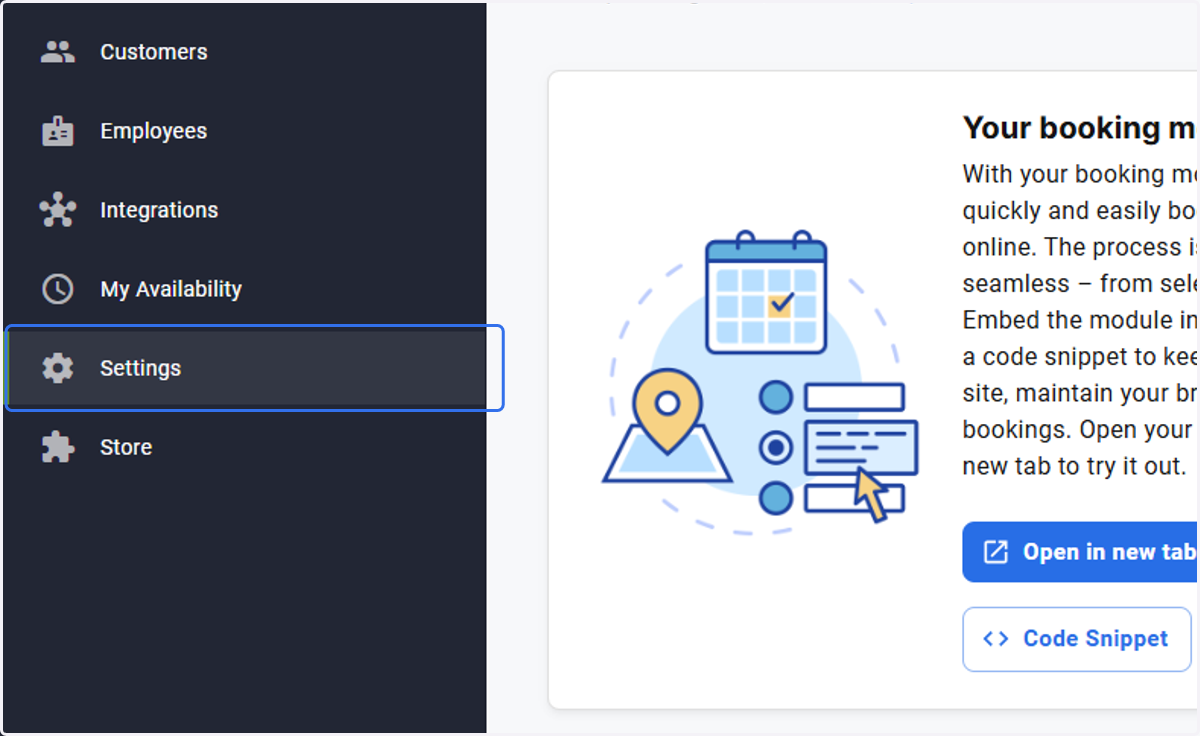
1. Click on Settings
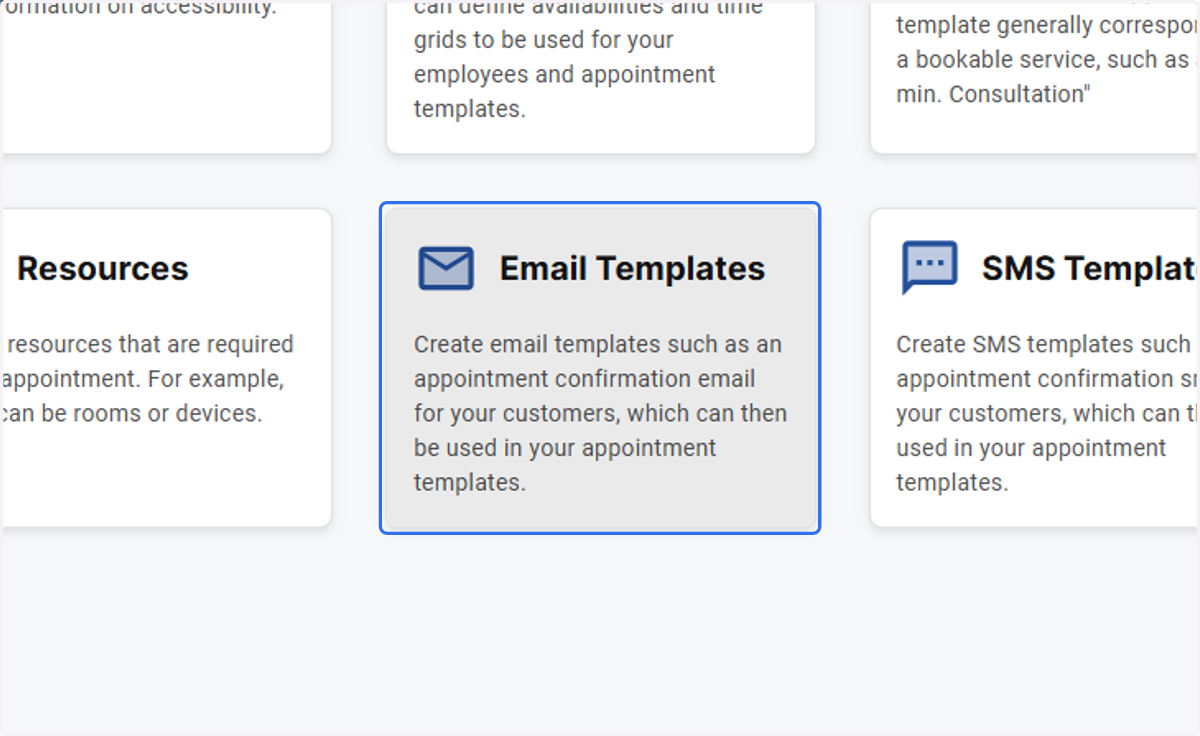
2. Click on Email Templates…
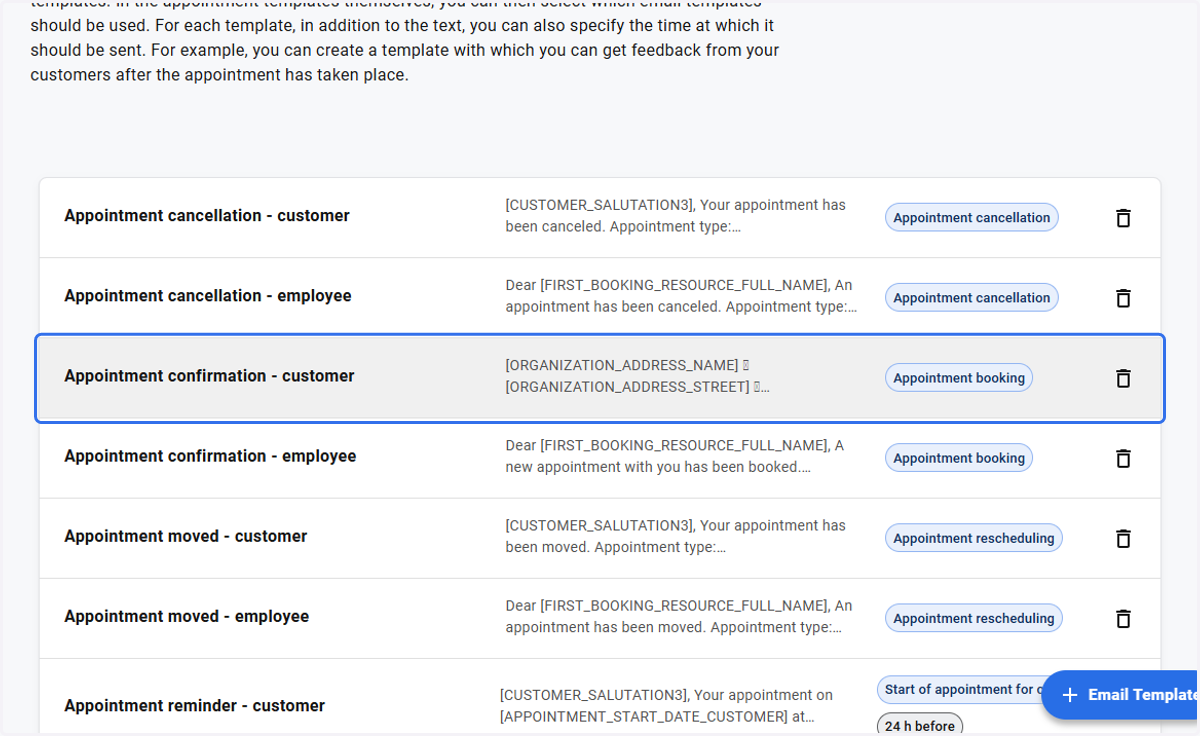
3. Click on Appointment confirmation - customer…
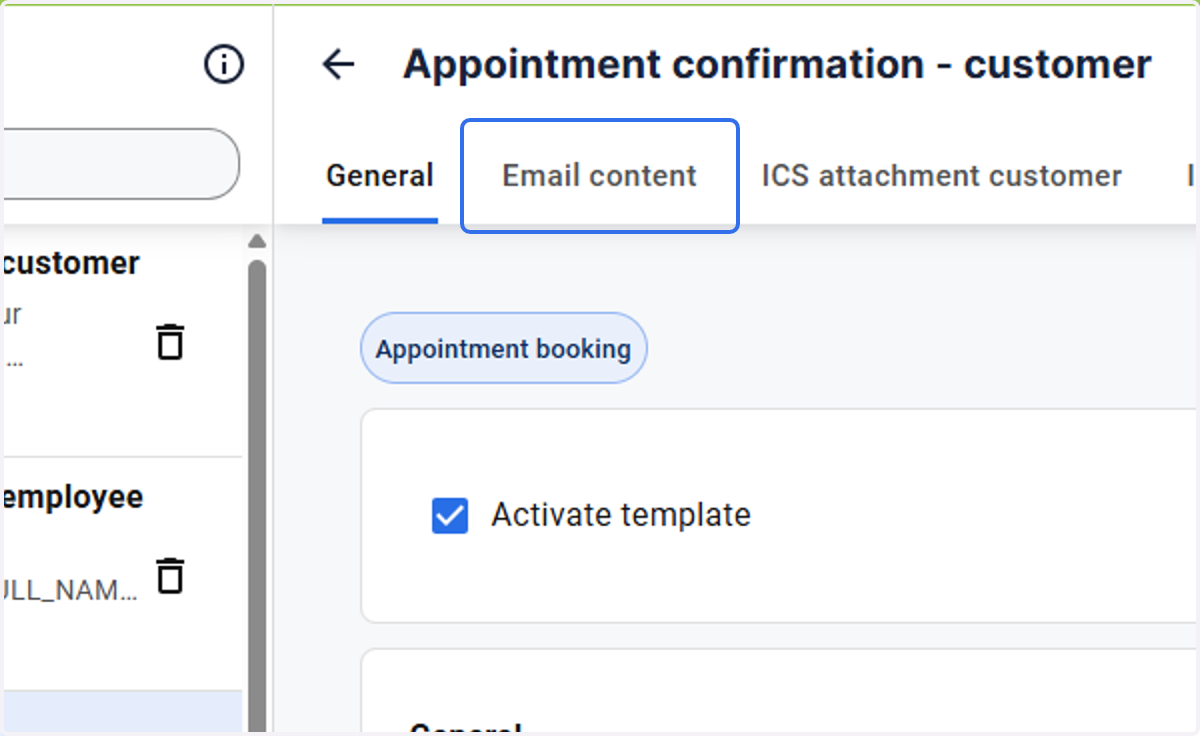
4. Click on Email content
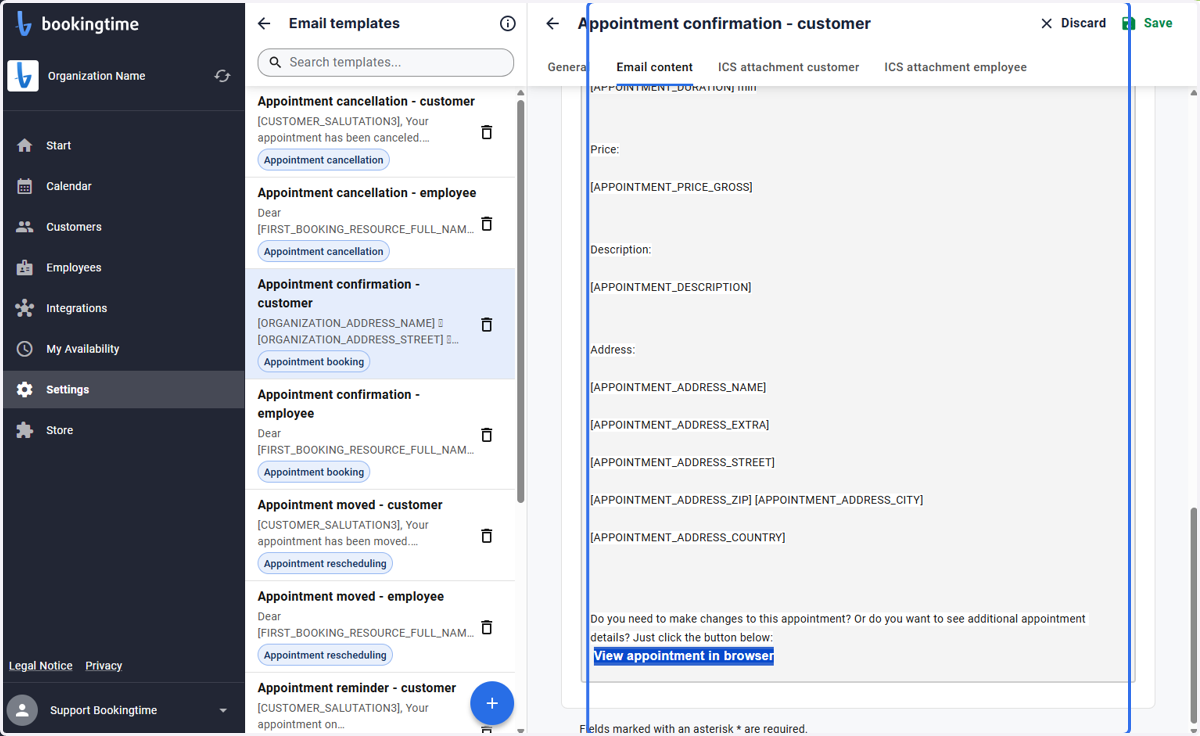
5. Select the text you wish to add the link to
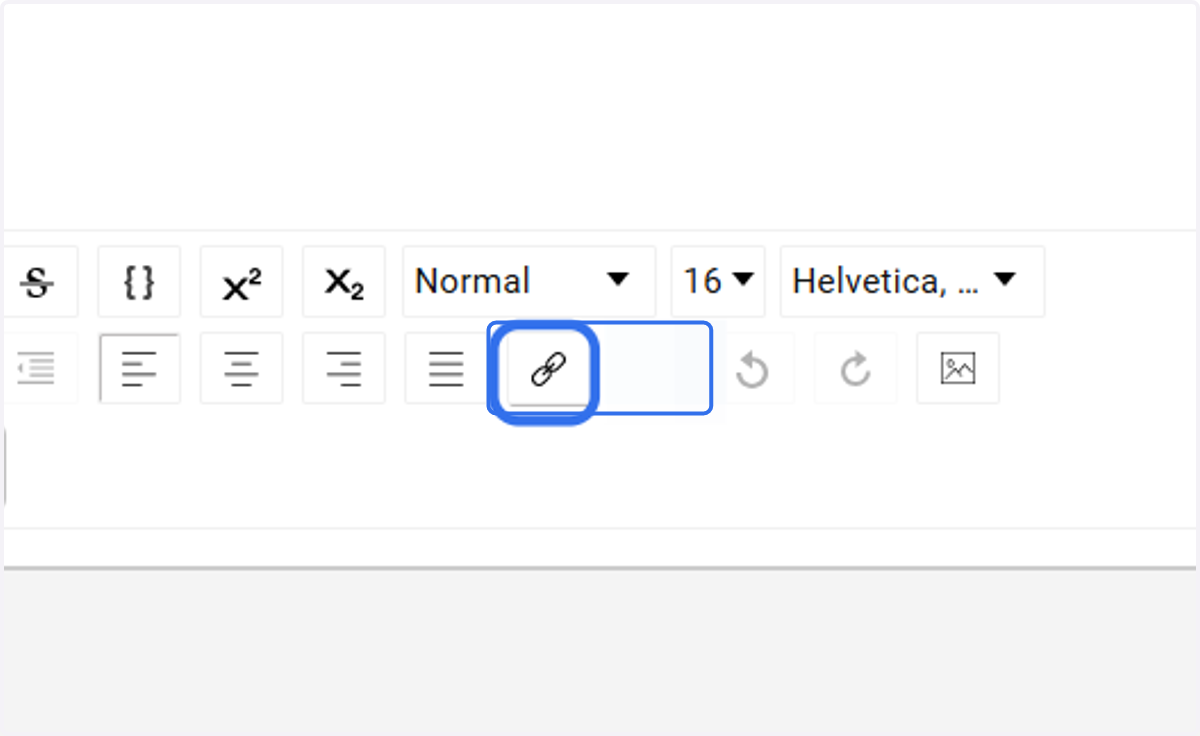
6. click on the hyperlink icon
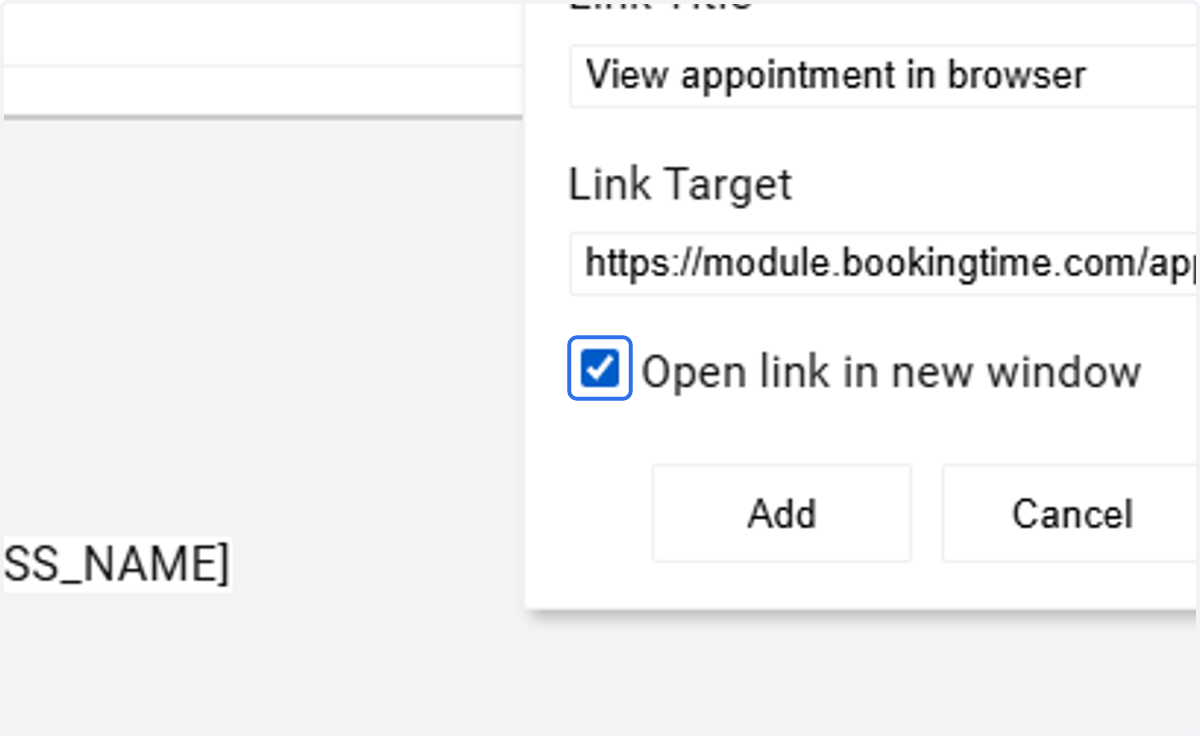
7. add the booking module link under the link target
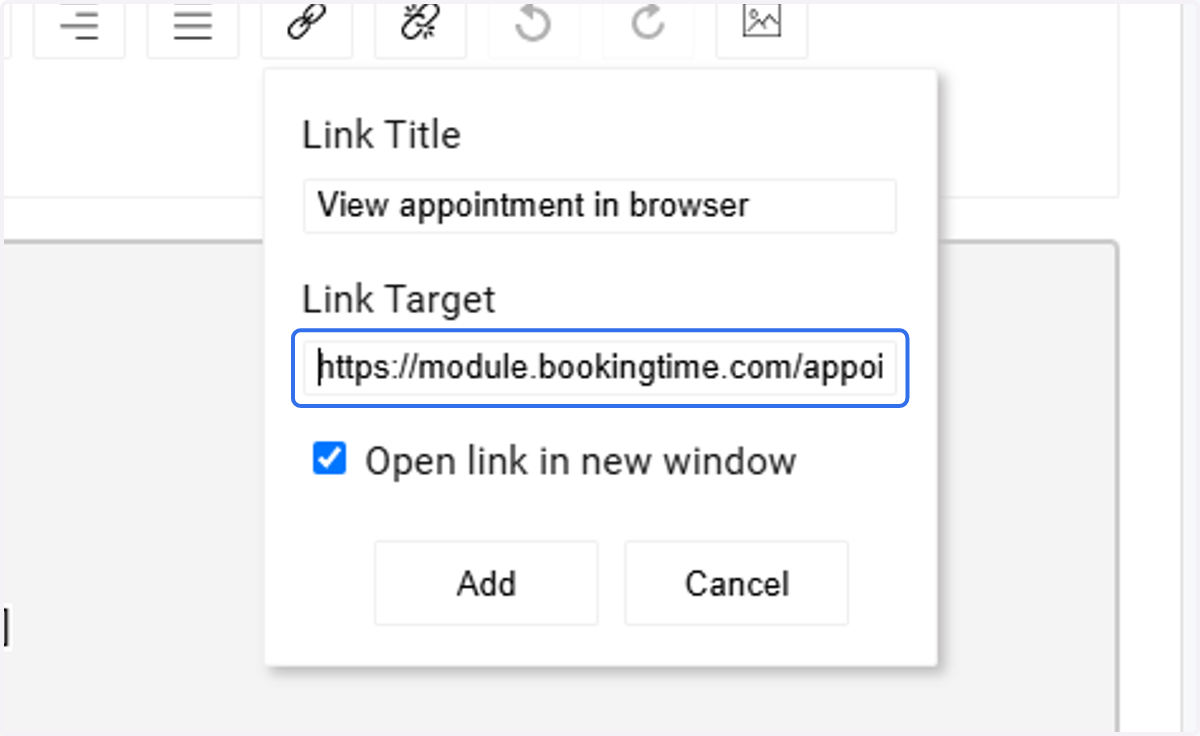
8. Check Open link in new window
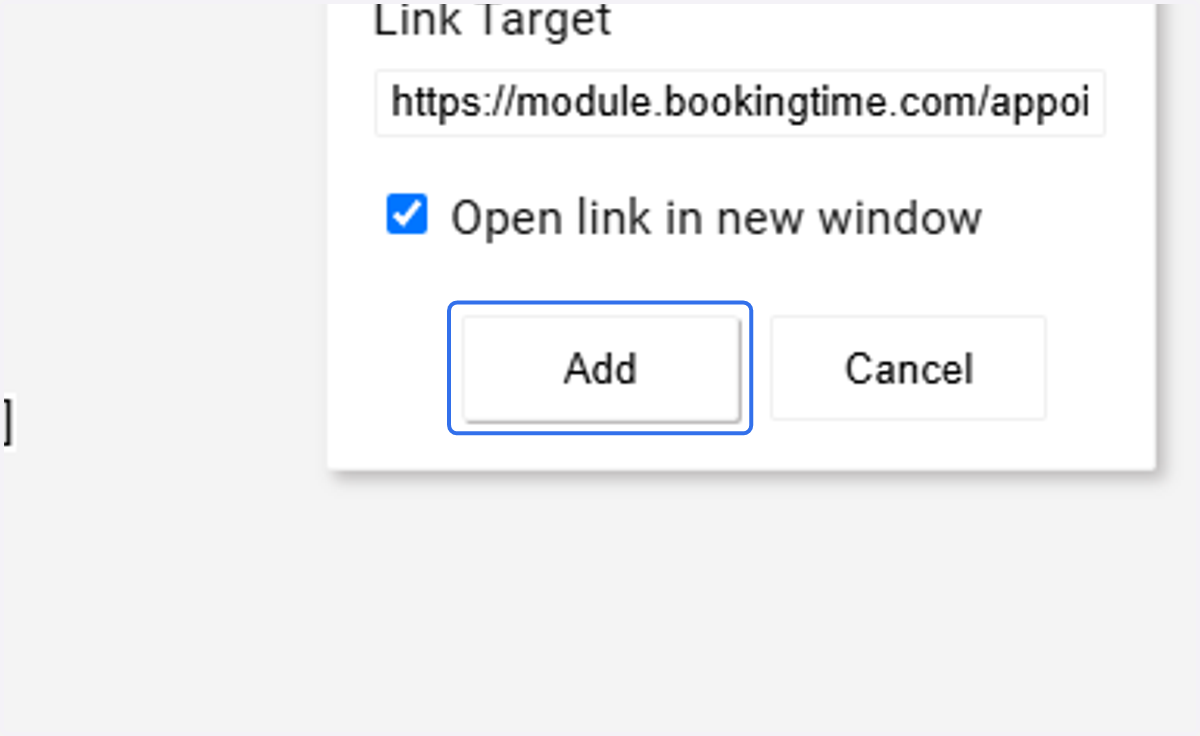
9. Click on Add
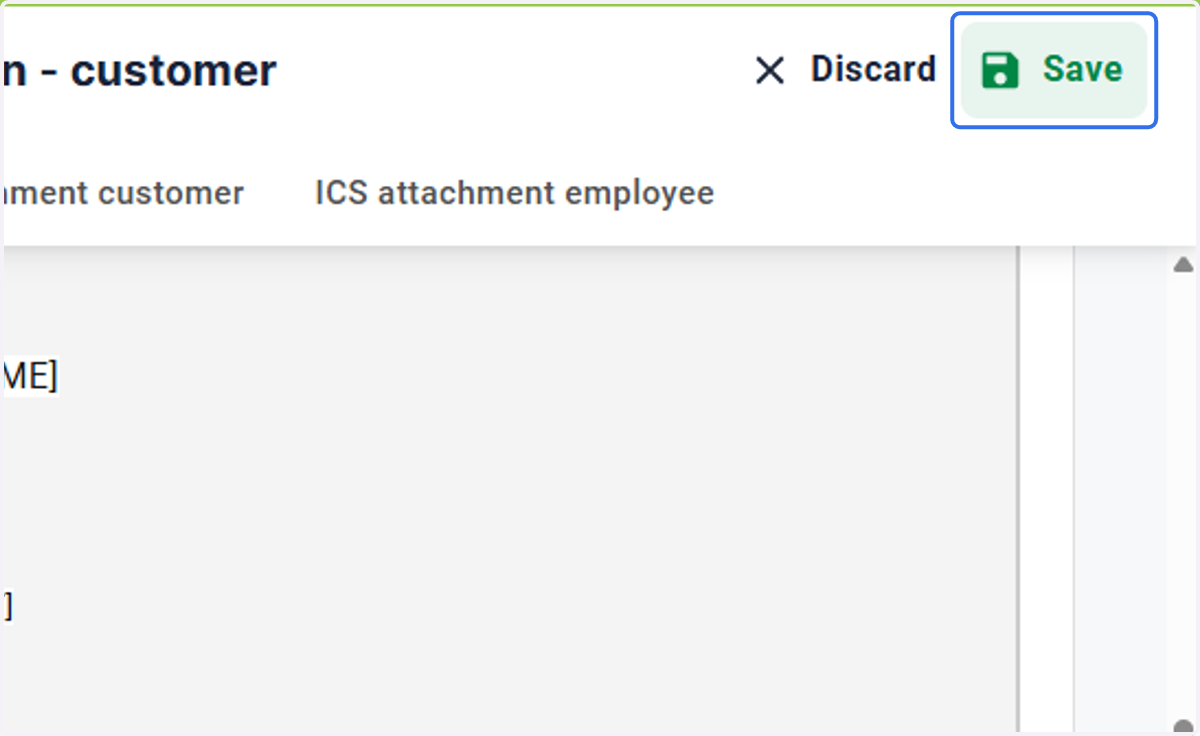
10. Save your changes