Adding chemicals to the inventory
Chemicals
❕ If you do not have access to an inventory, contact the inventory owner (PI/Supervisor) to give you access
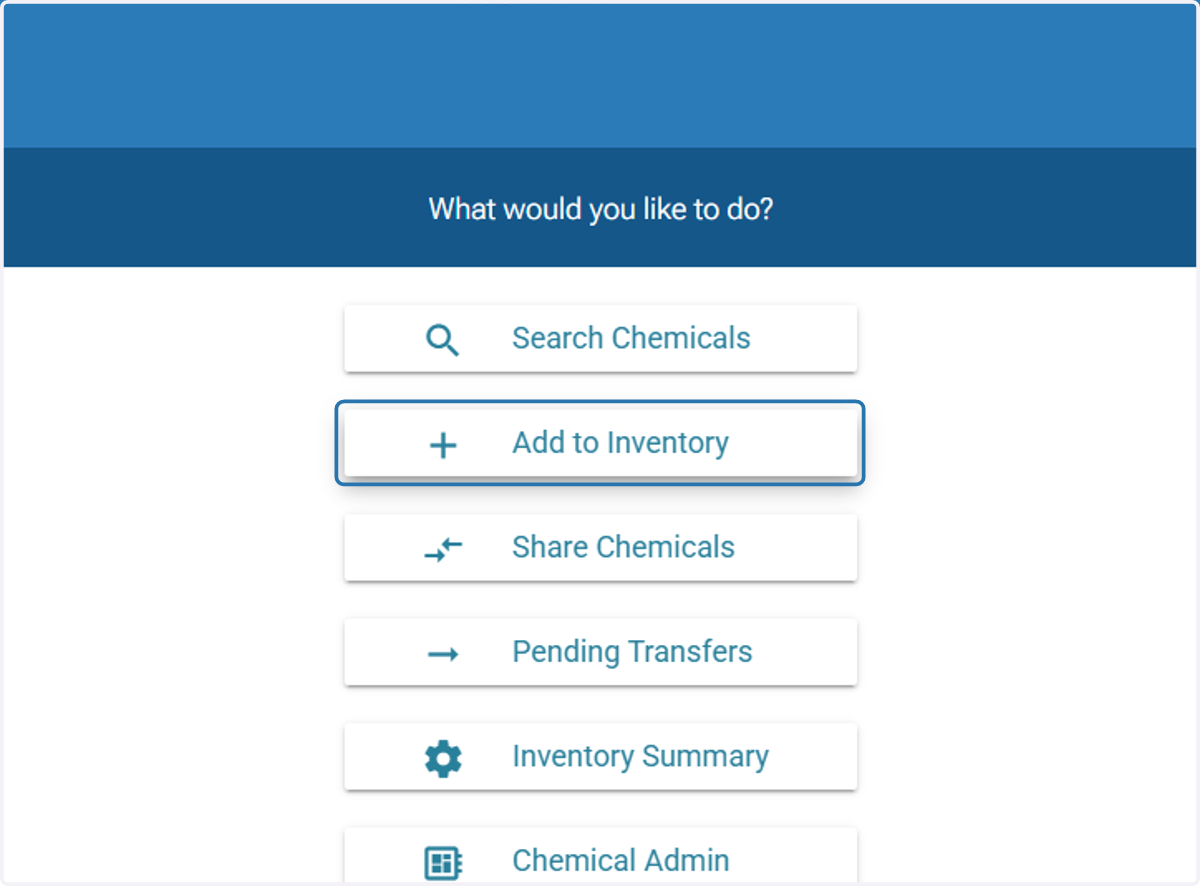
1. Click on 'Add to Inventory'
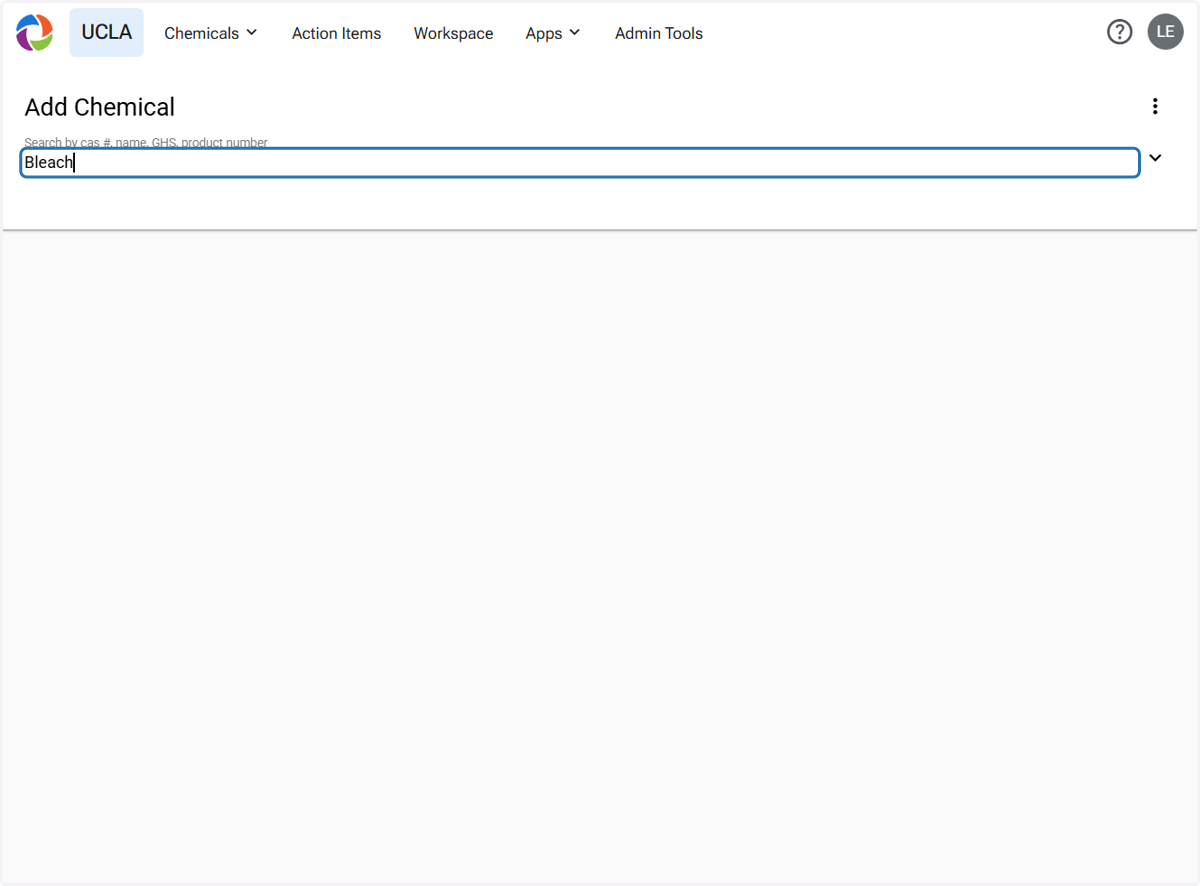
2. Search the chemical by CAS#, name, GHS, or product number
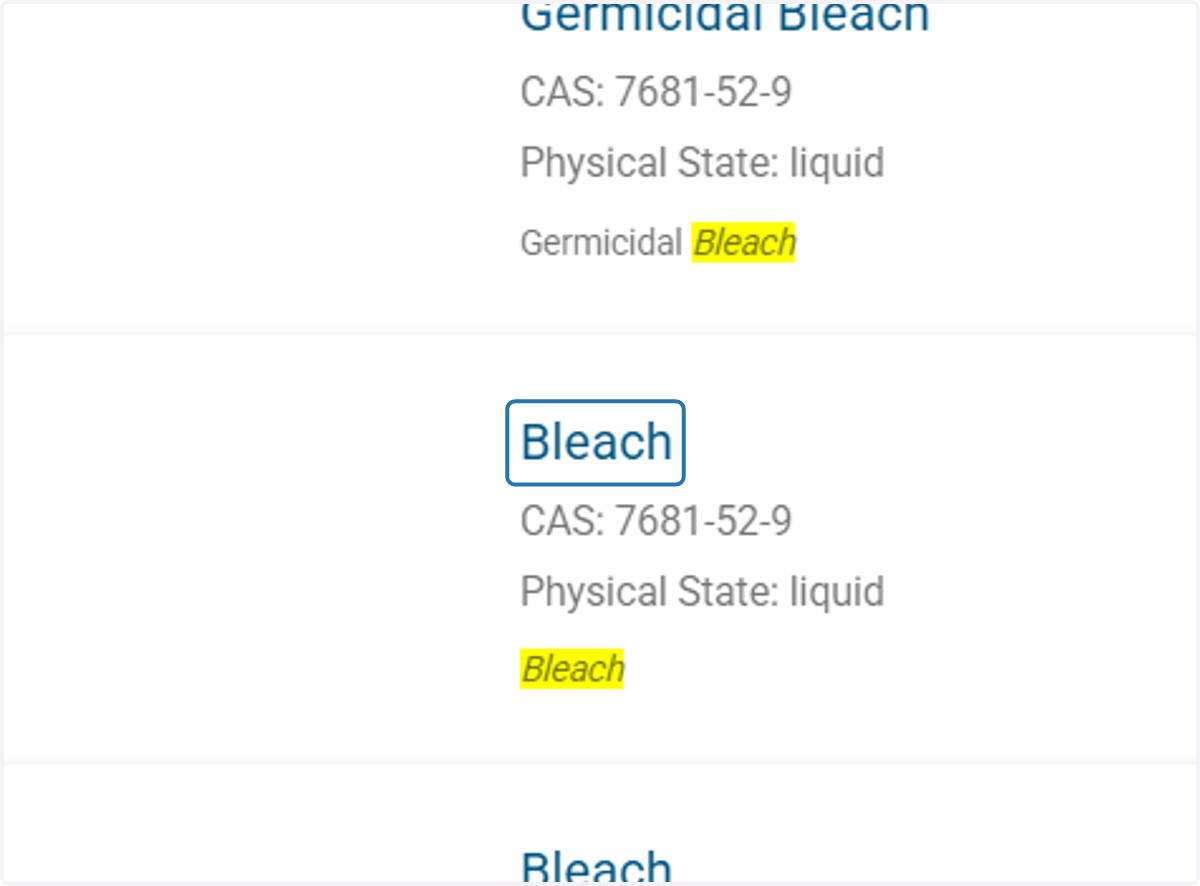
3. Select the option that best represents the chemical
4. Click on the 'Add' button

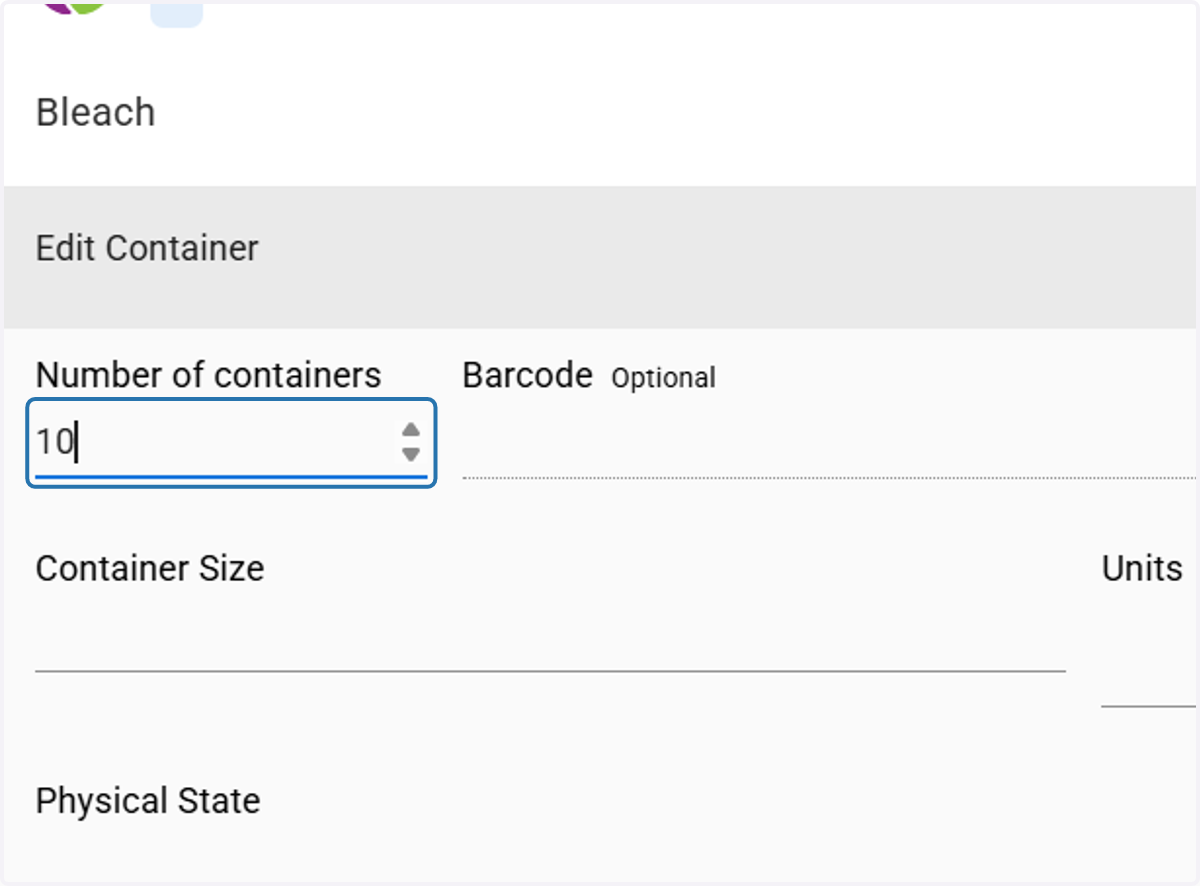
5. Type in number of containers
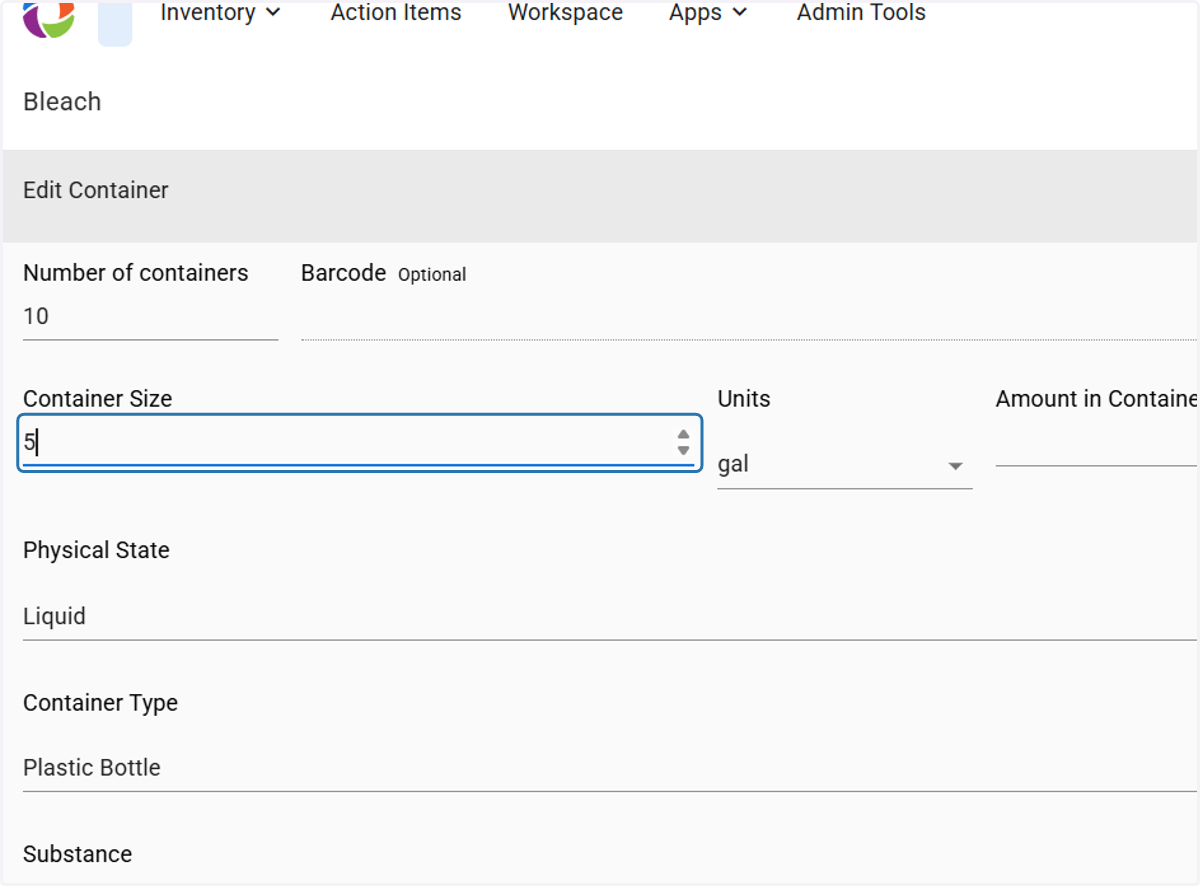
6. Type the Container Size
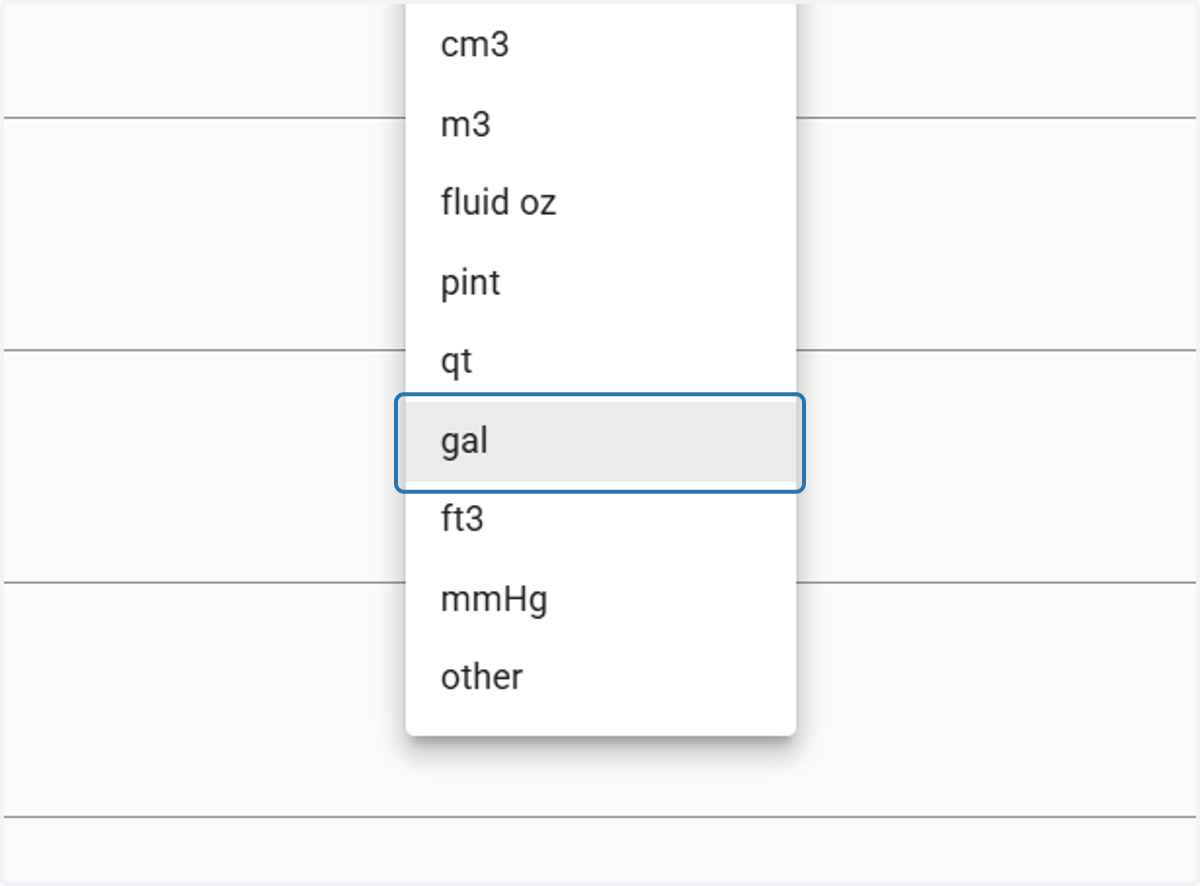
7. Select the size Unit
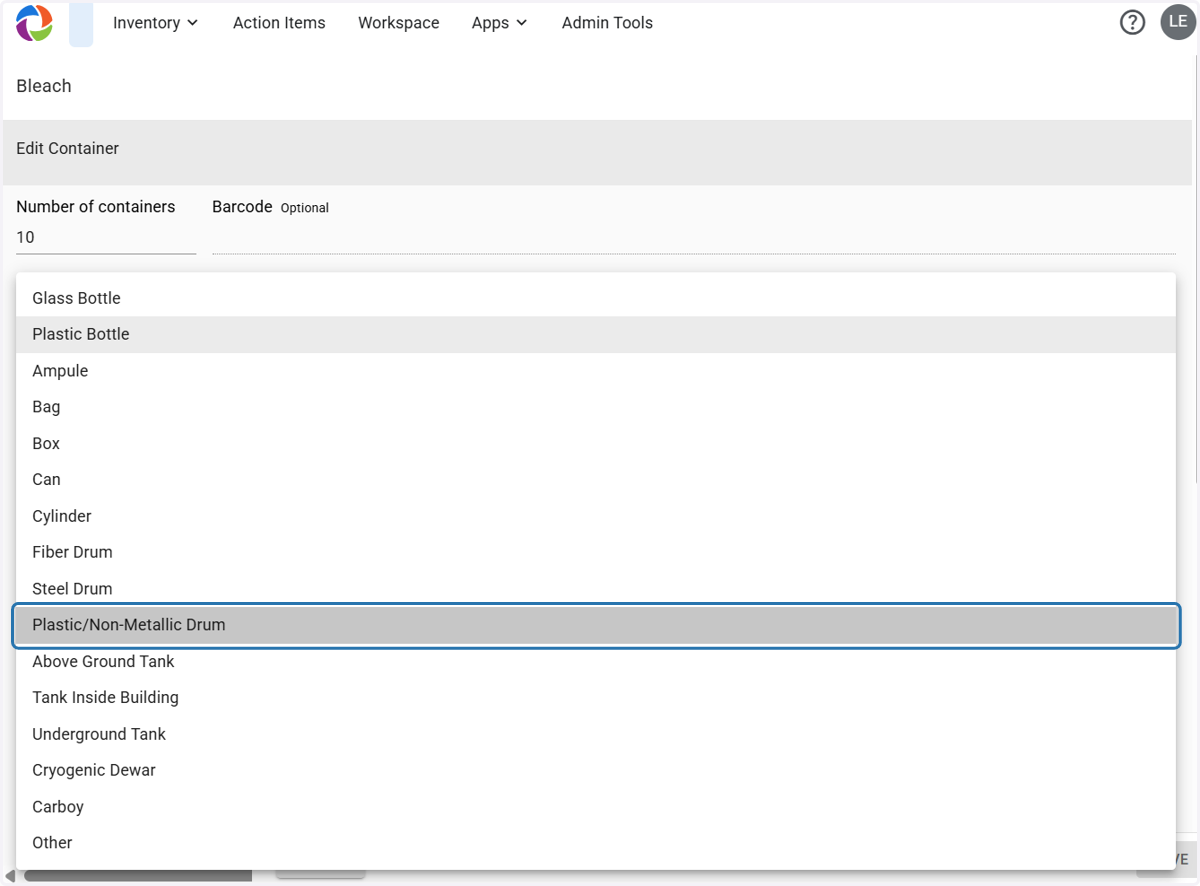
8. Select the Container Type
9. Select the Location
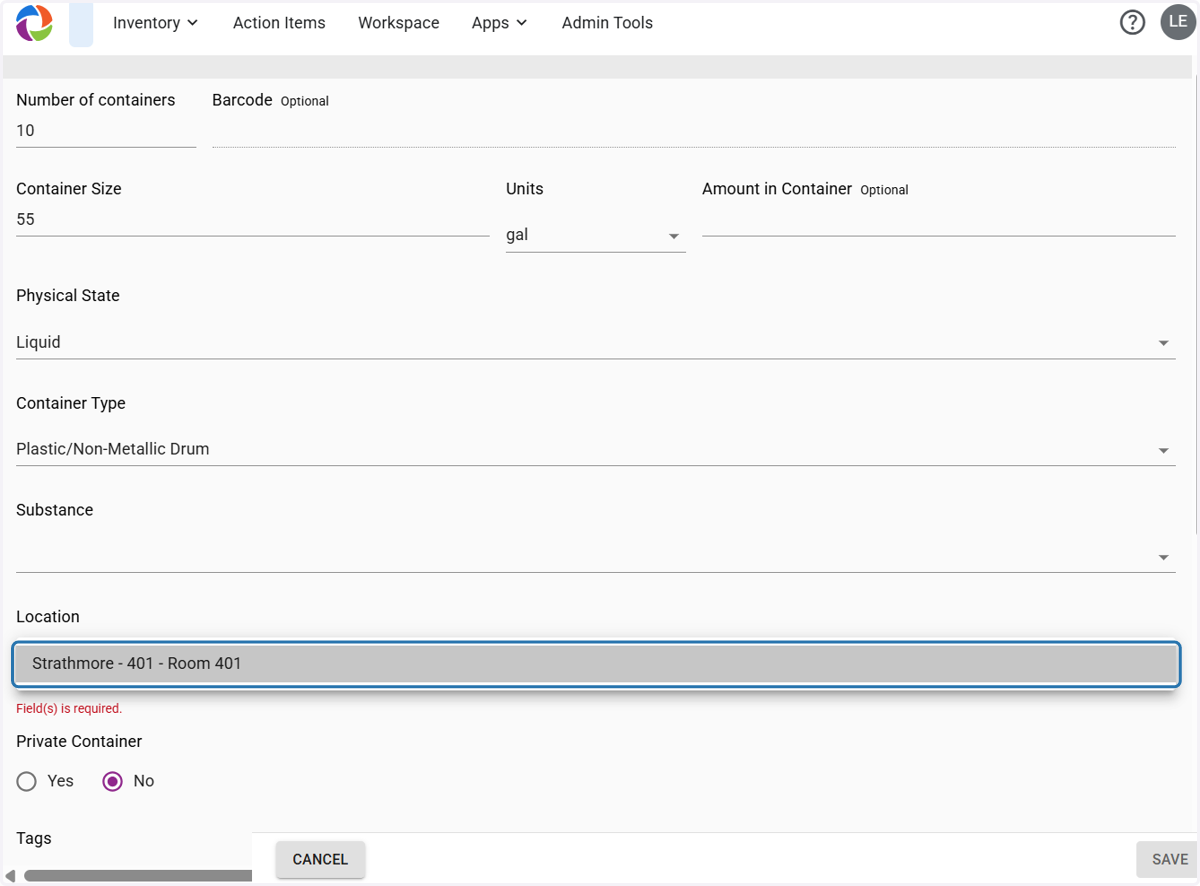
10. Add any other information that may be necessary for your group
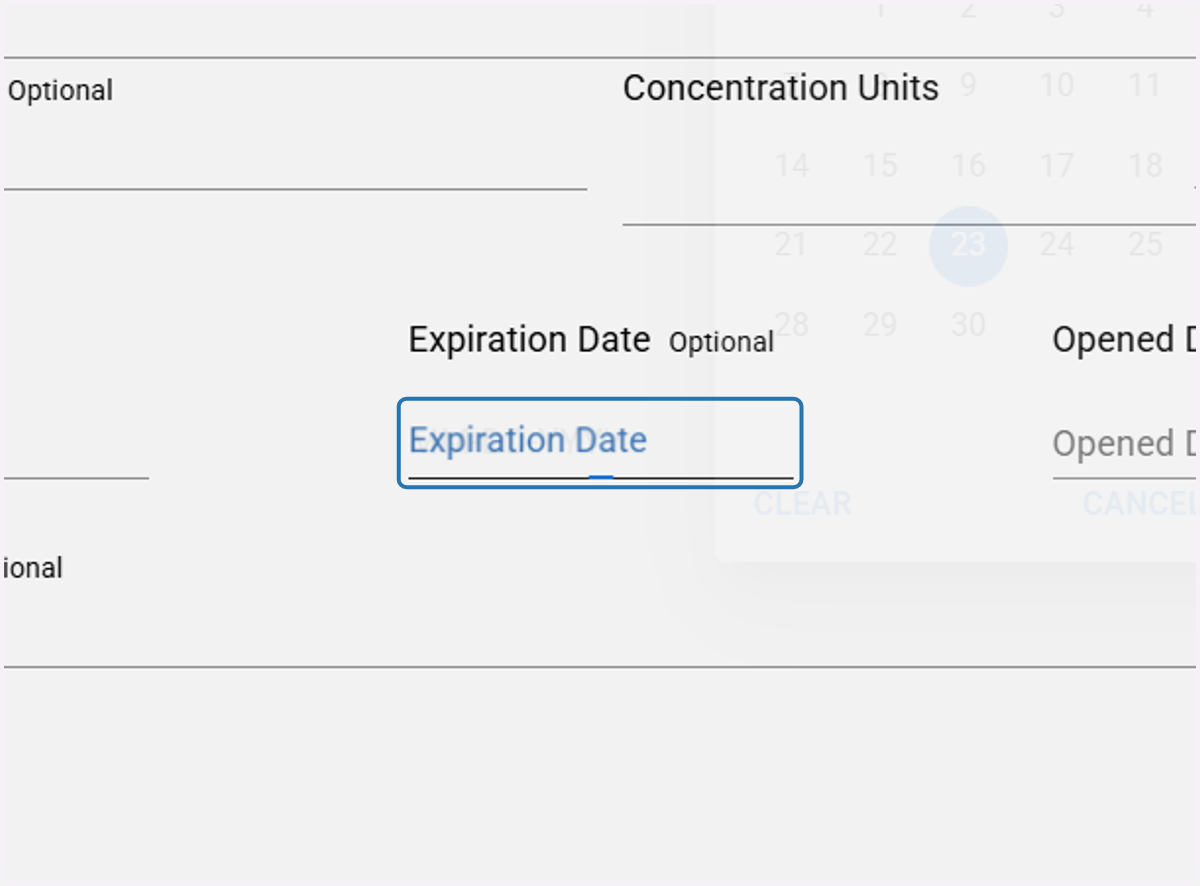
11. Click on SAVE