Adding a Vehicle - Paper or Temp Plates
1. Login to your parking account
2. Click on Vehicles

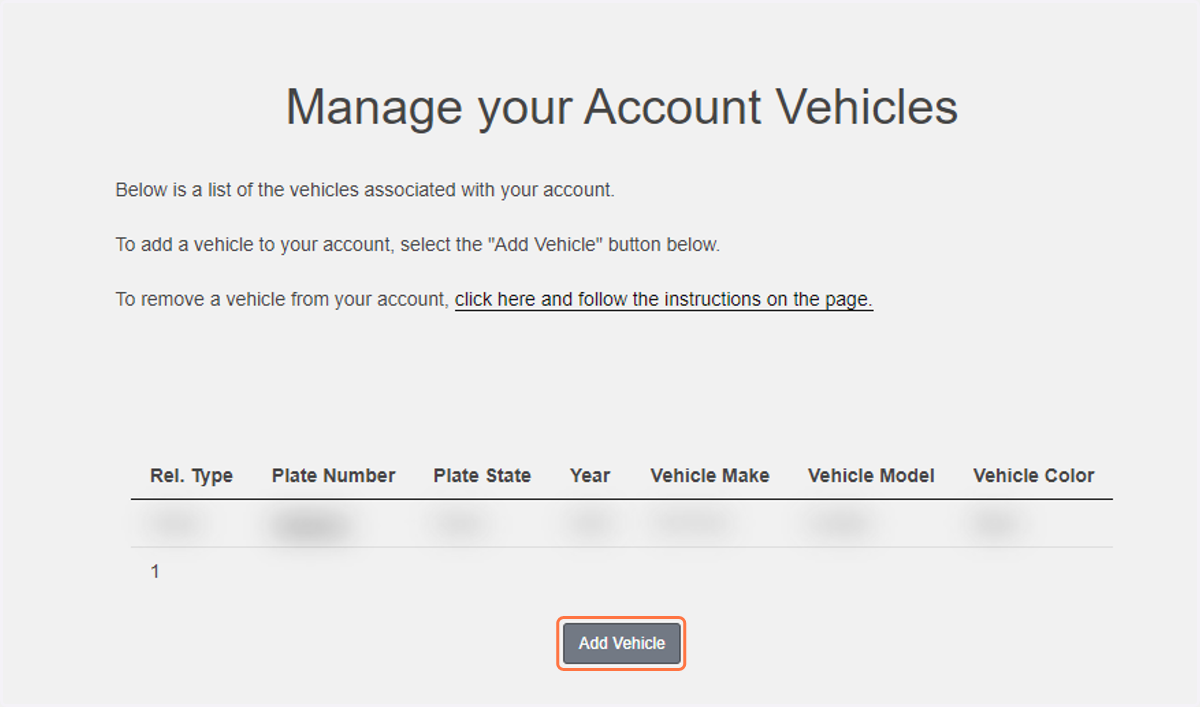
3. Click on Add Vehicle
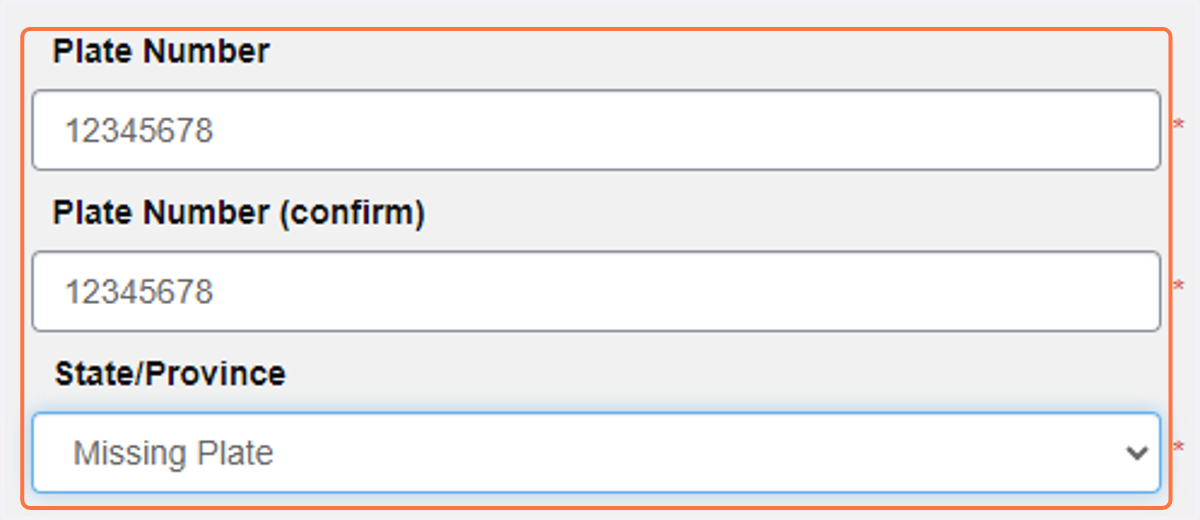
4. Enter the LAST EIGHT (8) DIGITS OF THE VIN then select Missing Plate for the state
Note - this may be a combination letters and numbers; enter letters as ALL CAPS
5. Fill out the rest of the vehicle information on the page and click next
6. Verify that the vehicle is now listed on your account

7. Once you receive your permanent plates, edit the vehicle on your account to reflect the correct information.