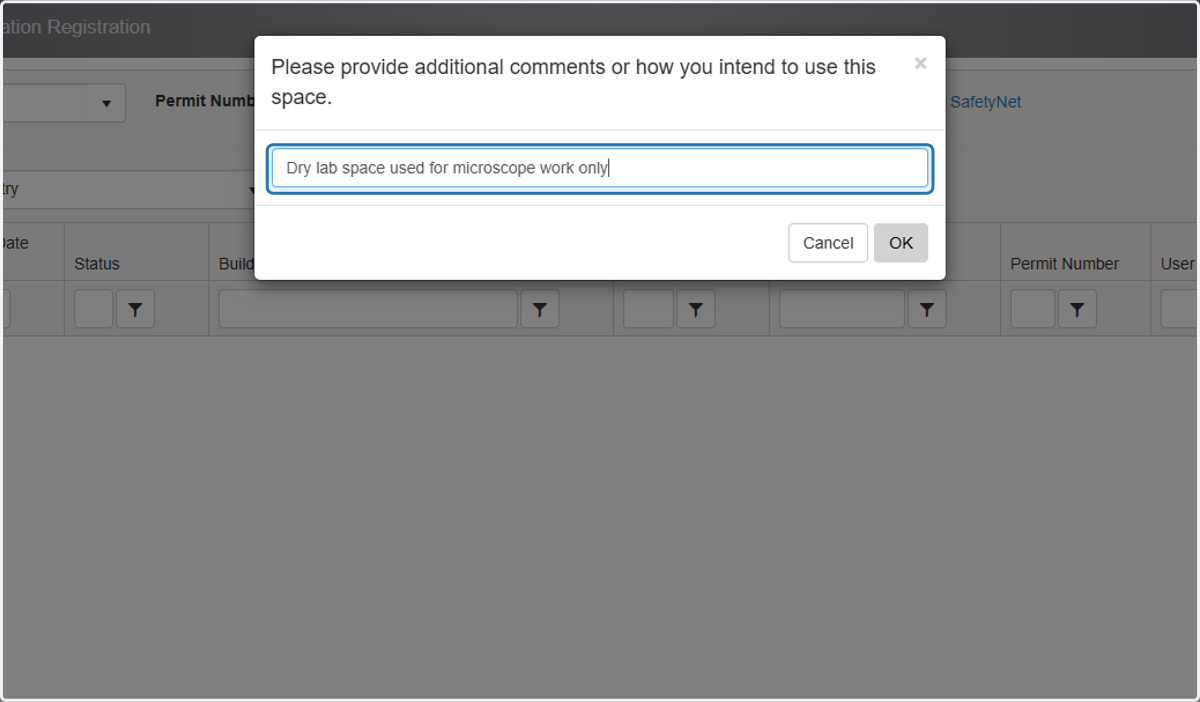
Adding a Location to an Existing Account from the Homepage
EHSA allows groups to add locations to their accounts directly.
Please DO NOT use this method to add locations to an account as part of a BioSafety Use Authorization (BUA) or a Radiation Use Authorization (RUA). Room changes submitted here will not be captured in your BUA/RUA submission. Instead, use SafetyNet (https://safetynet.research.ucla.edu/)
Log into EHSA
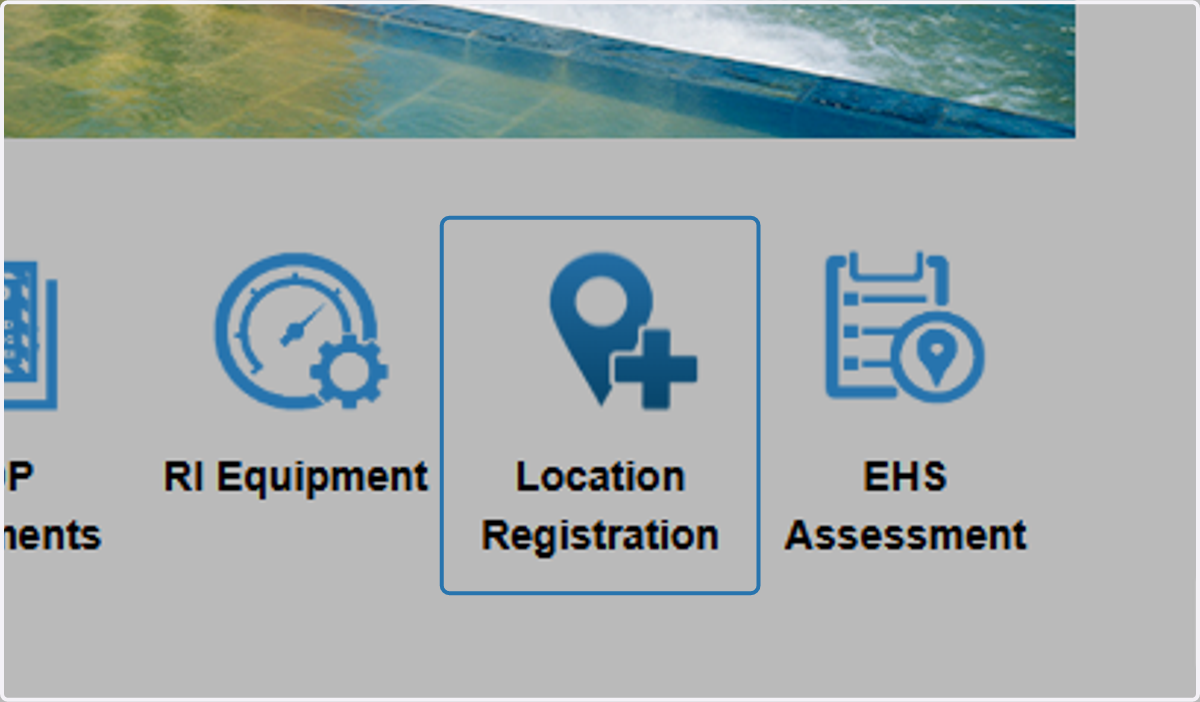
1. From the home page, click on Location Registration
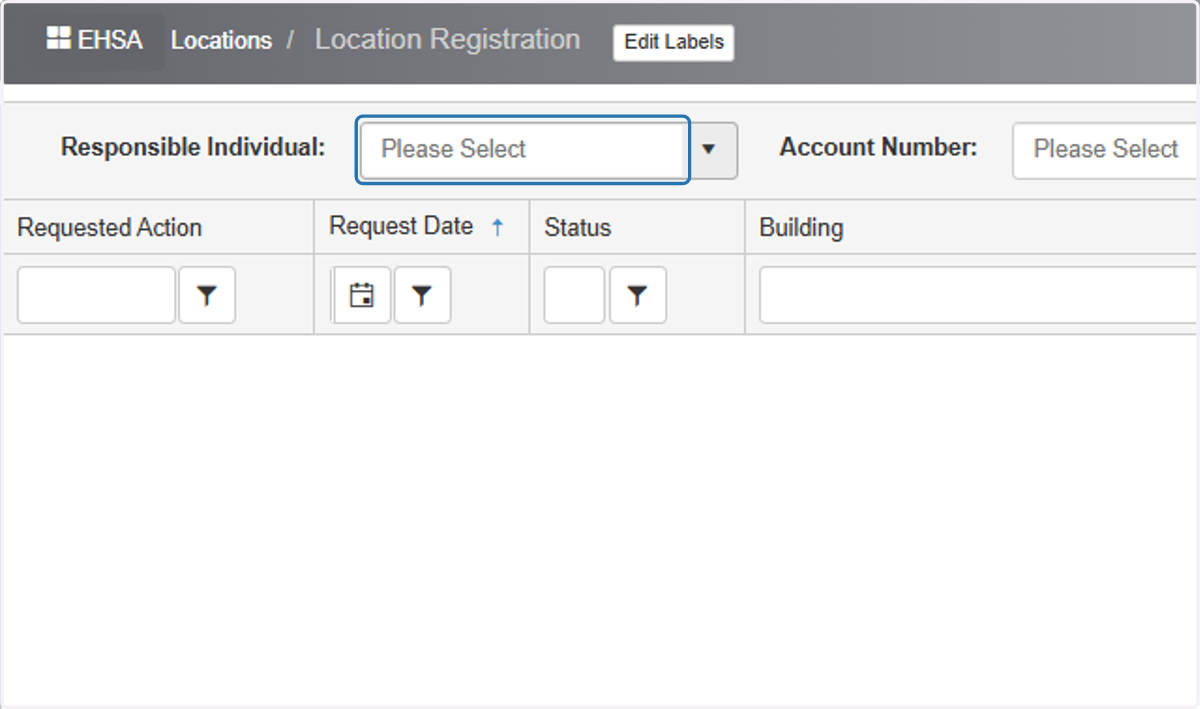
2. Select the Responsible Individual.
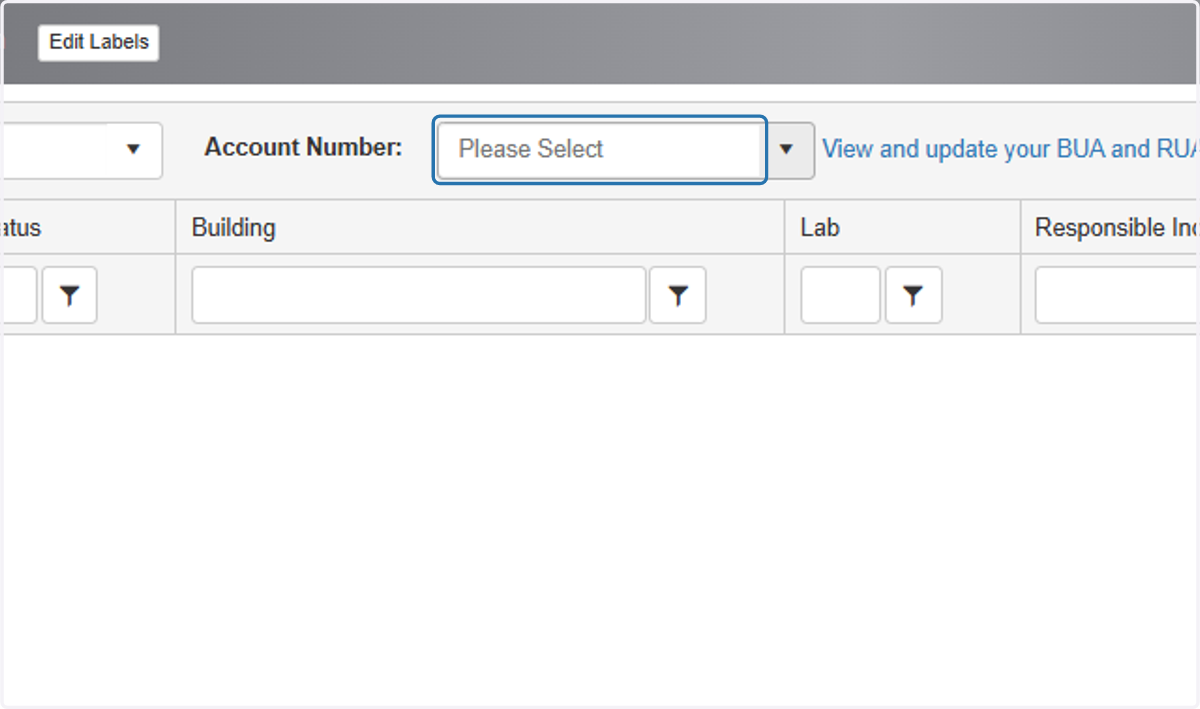
3. Select the account number where you want to add the location.
The chemical permit is identified as the account number starting in "CH"
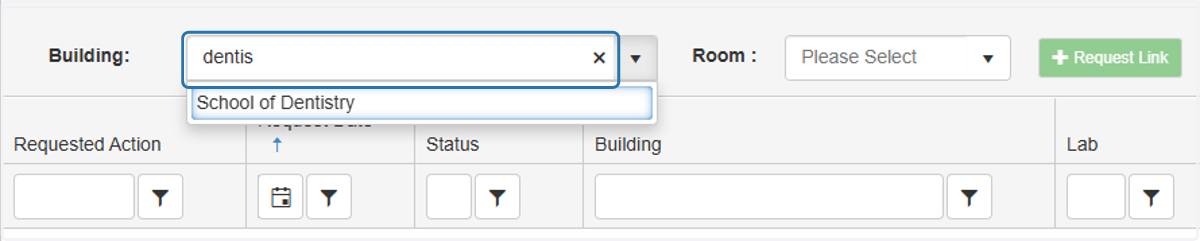
4. In the "Building" field, you can type the name of the building location you want to add. Alternatively, you can use the down arrow to browse a list of buildings in our database.
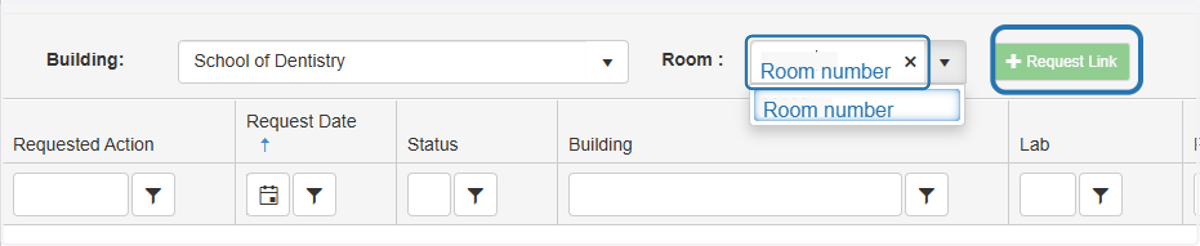
5. In the "Room" field, you can type the room number you want to add to the account or click the down arrow to browse a list of rooms associated with the selected building. Select 'Request Link'
6. You will be prompted to provide additional information to EH&S about the use of the new location. EH&S will review this information and reach out for further information if necessary. Click 'Ok'.