Adding a Google Drive Resource to Schoology
Sandbox: mwaldrop | Schoology
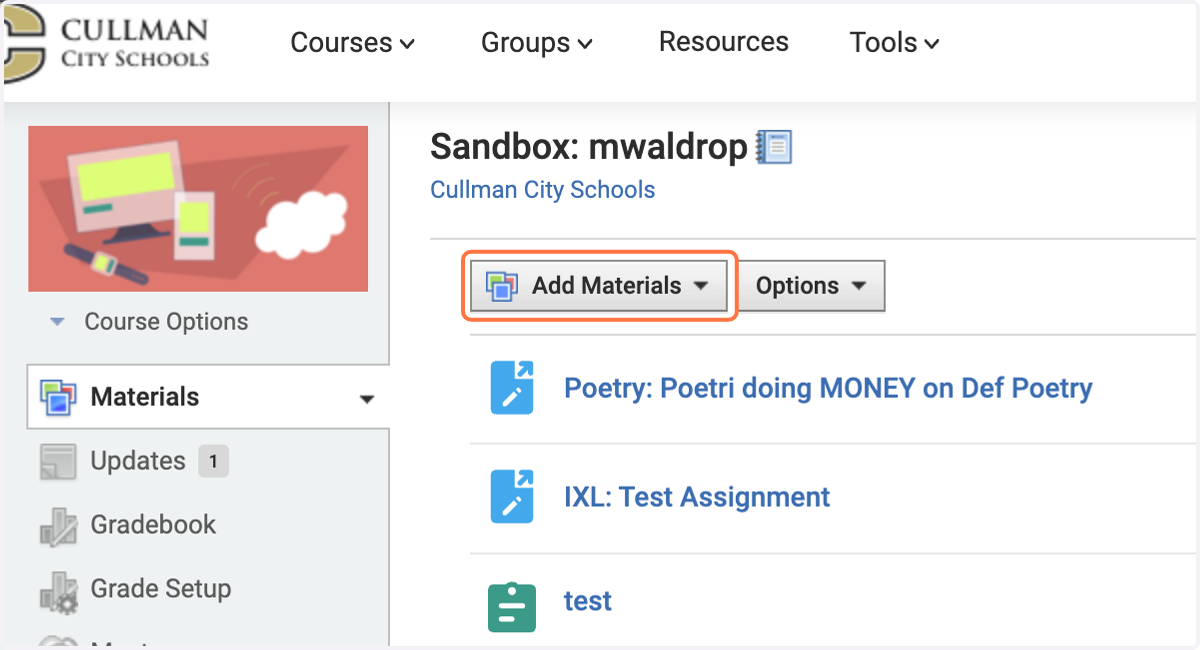
1. Click on Add Materials
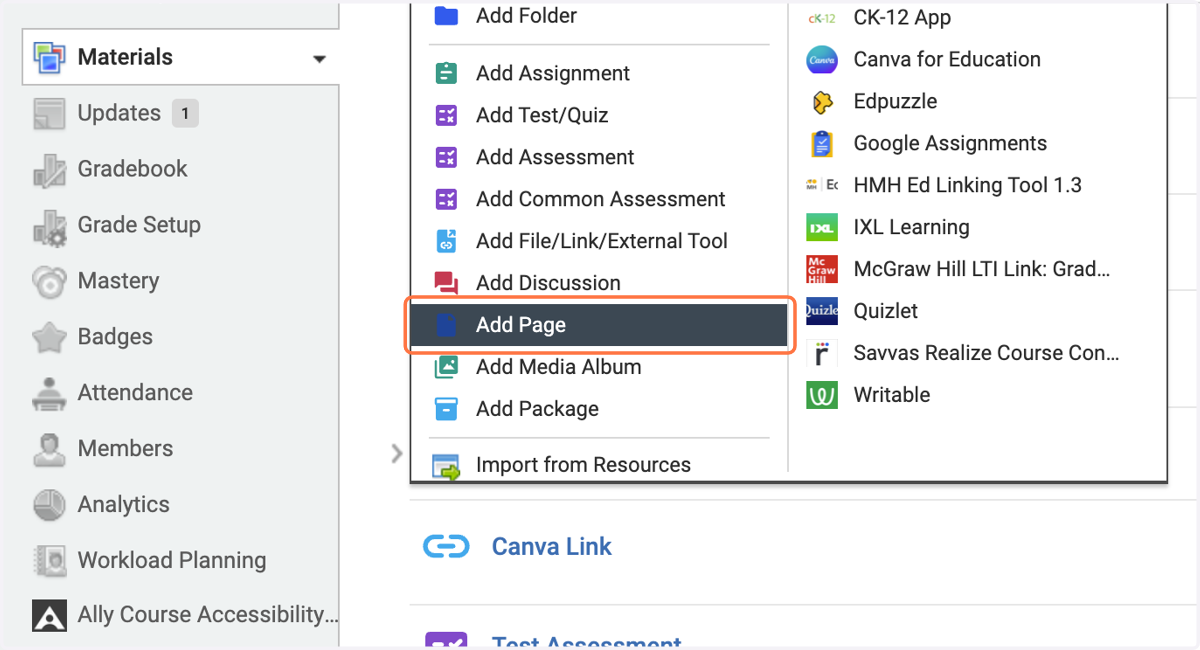
2. Click on Add Page
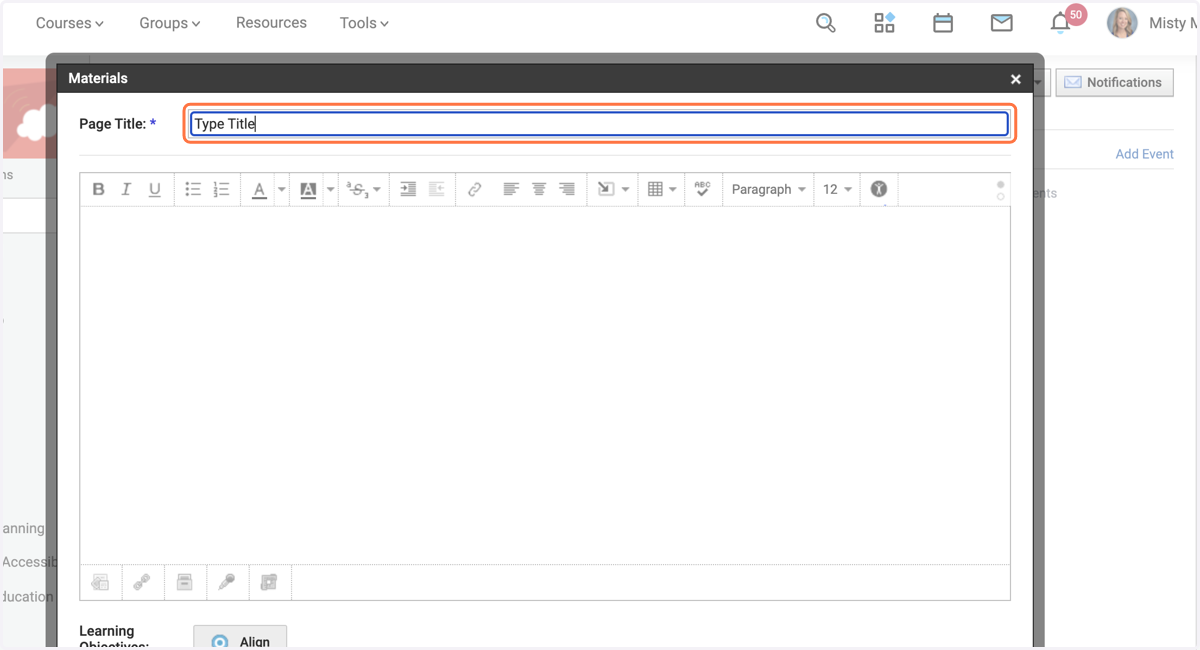
3. Type The Title of the Choice Board
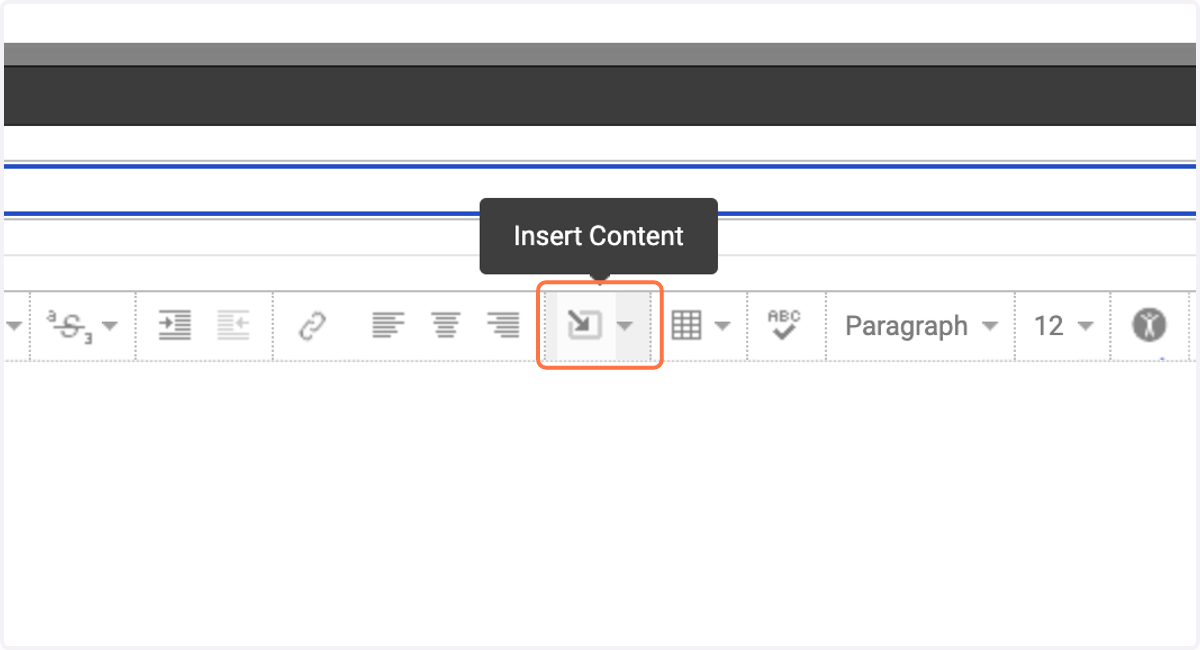
4. Click on Insert Content
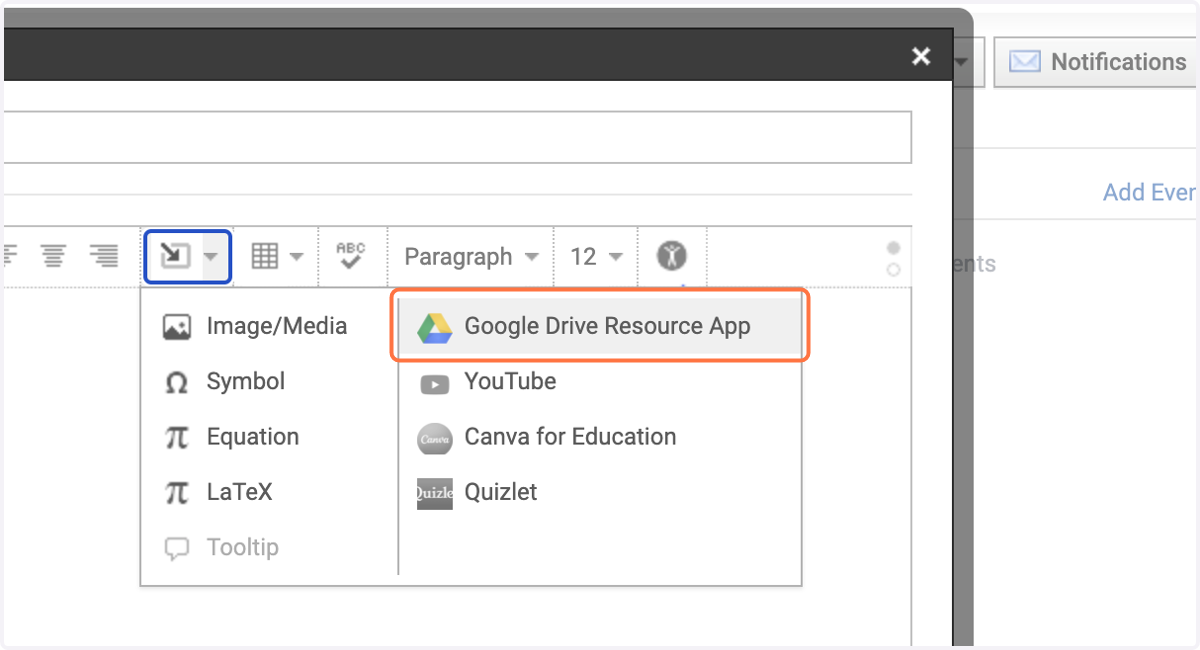
5. Click on Google Drive Resource App
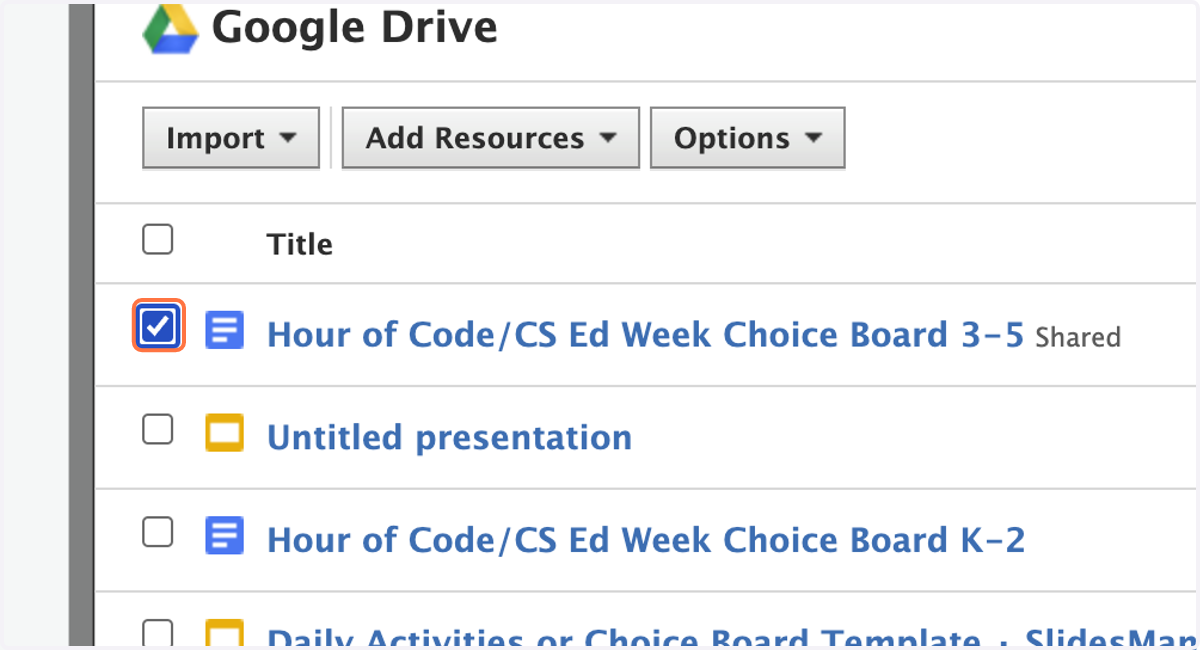
6. Check the box beside the name of the resource. If you don't see it, use the search bar to find it.
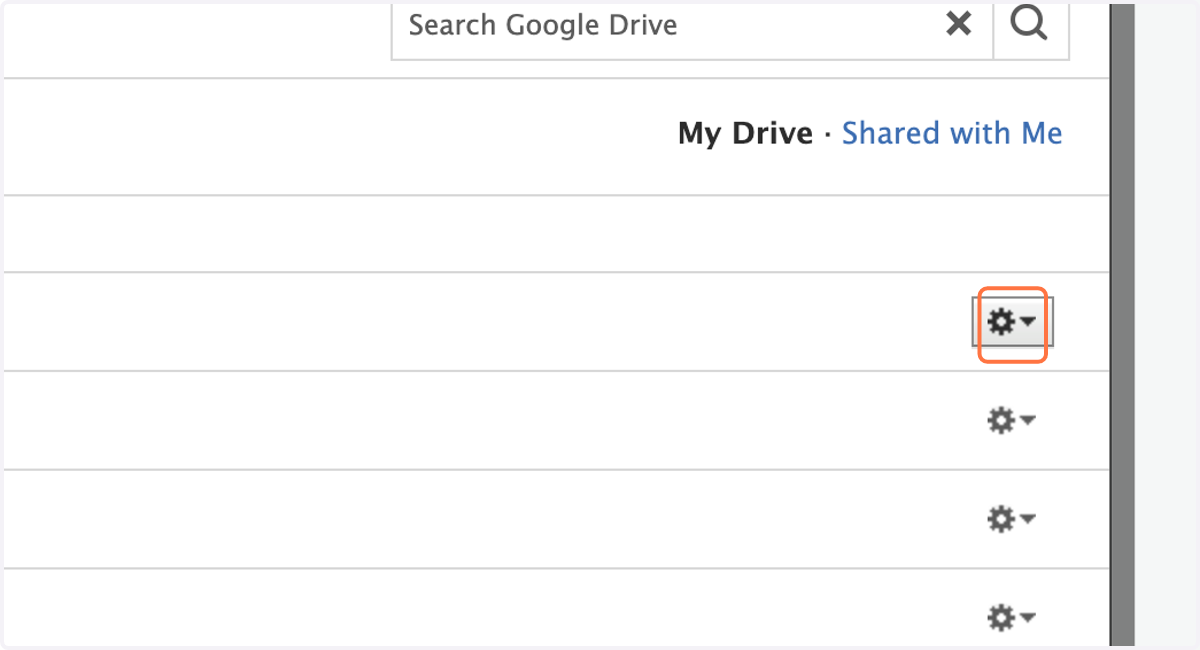
7. Click on The settings wheel on the right.
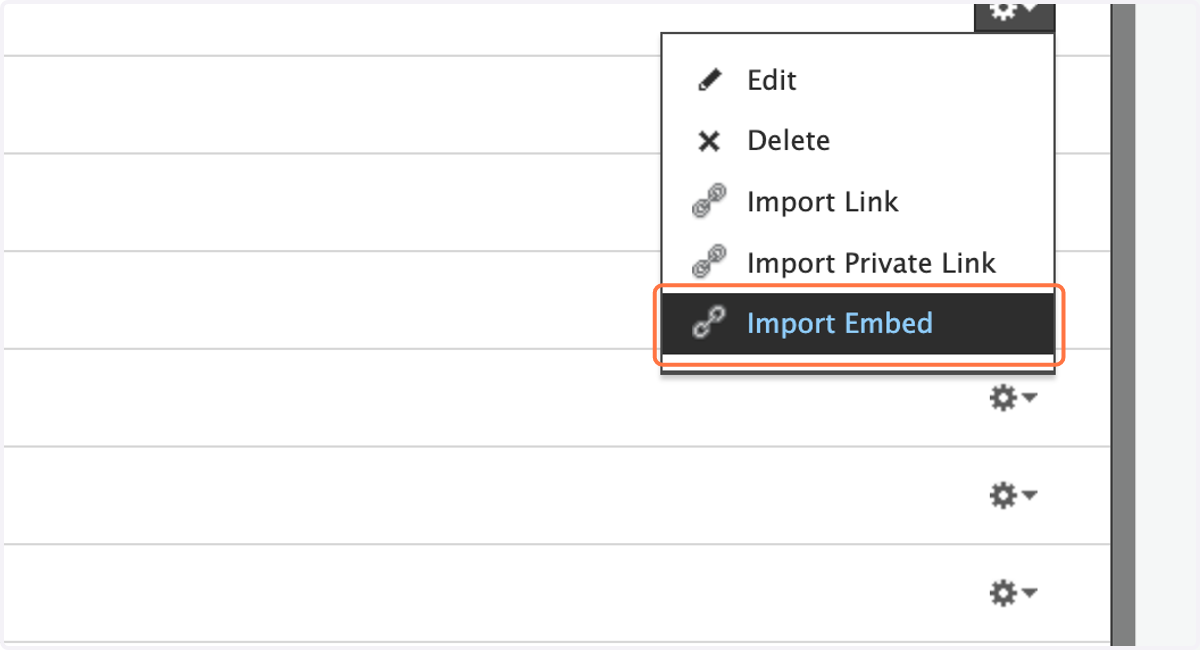
8. Click on Import Embed
9. Change to Display inline
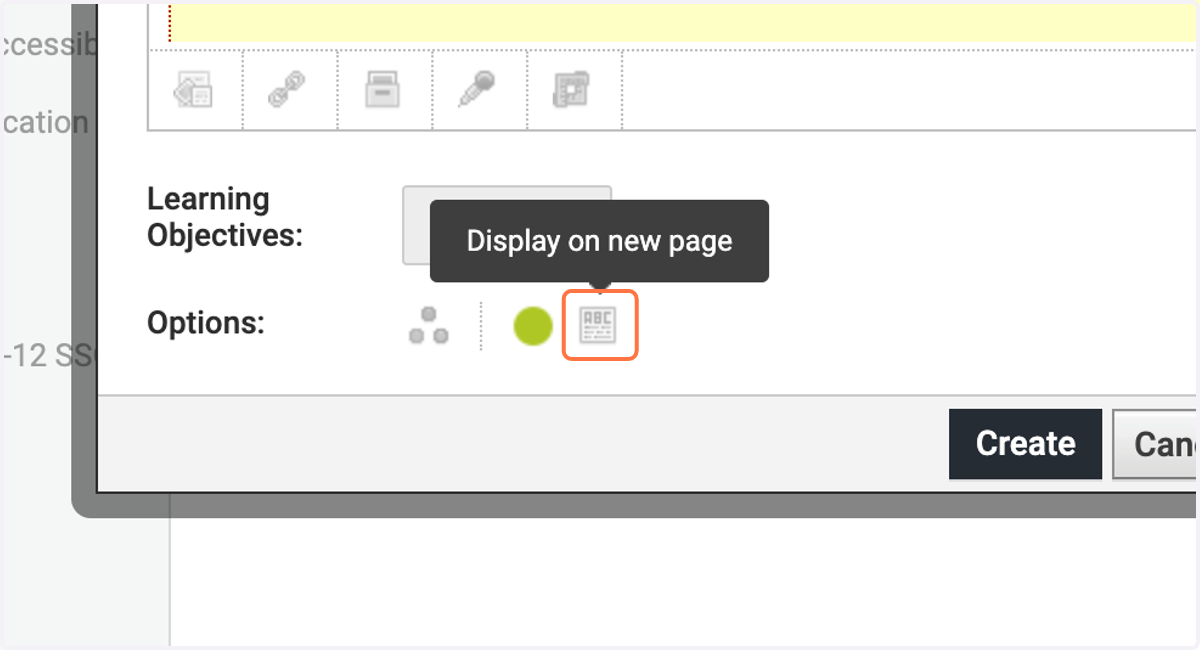
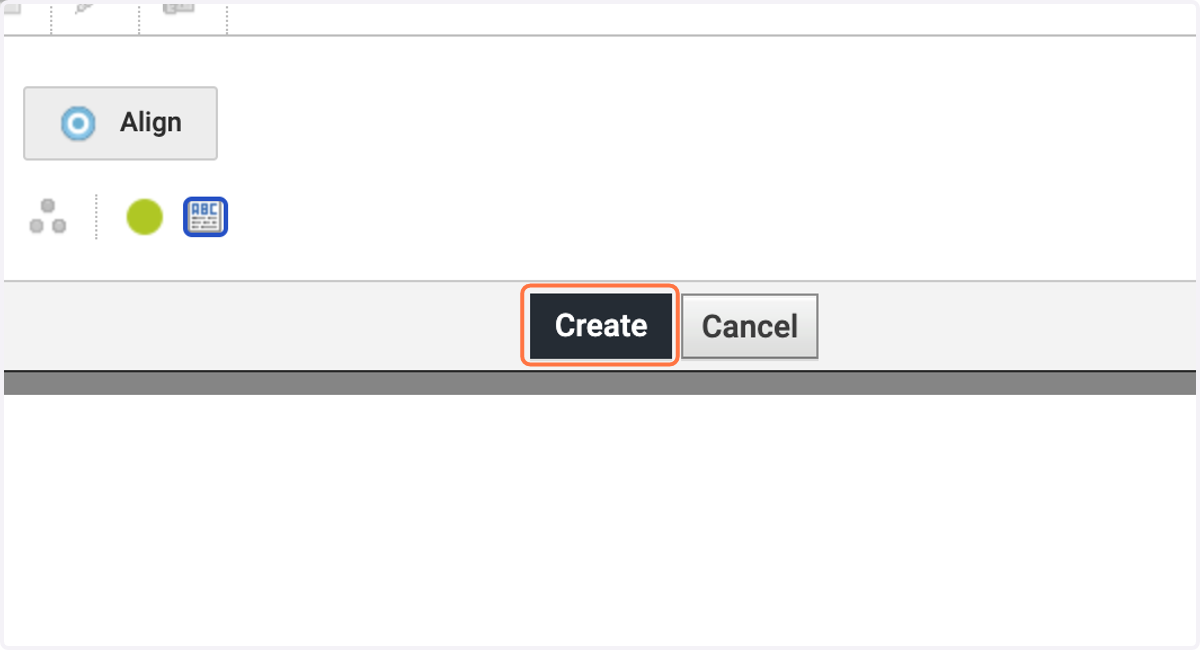
10. Click on Create