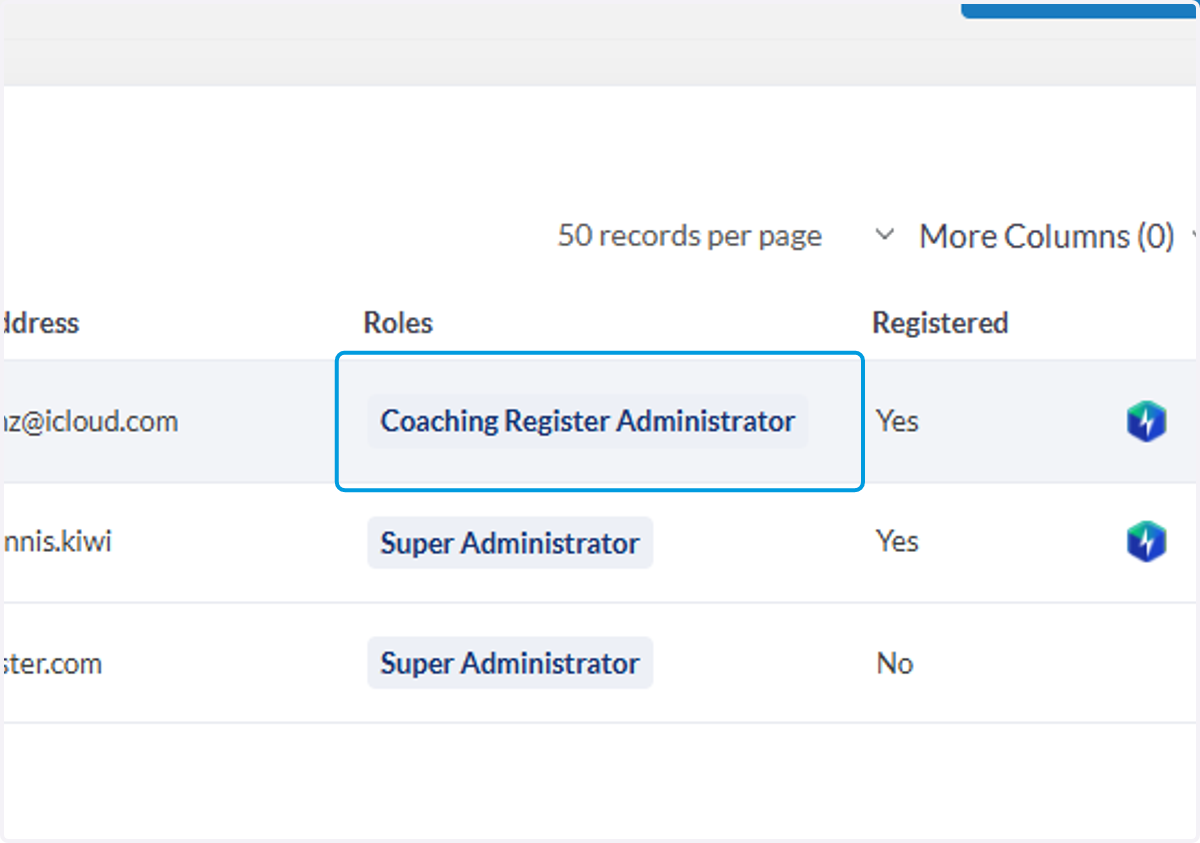
Adding a Coaching Register Administrator in Clubspark
If your coach is unable to view the sessions in the TNZ Coaching App then you will need to add them as a Coach Register Administrator. This allows them access to their sessions and be able to email attendees, cancel session and tick off attendees.
You will need to do this action on the
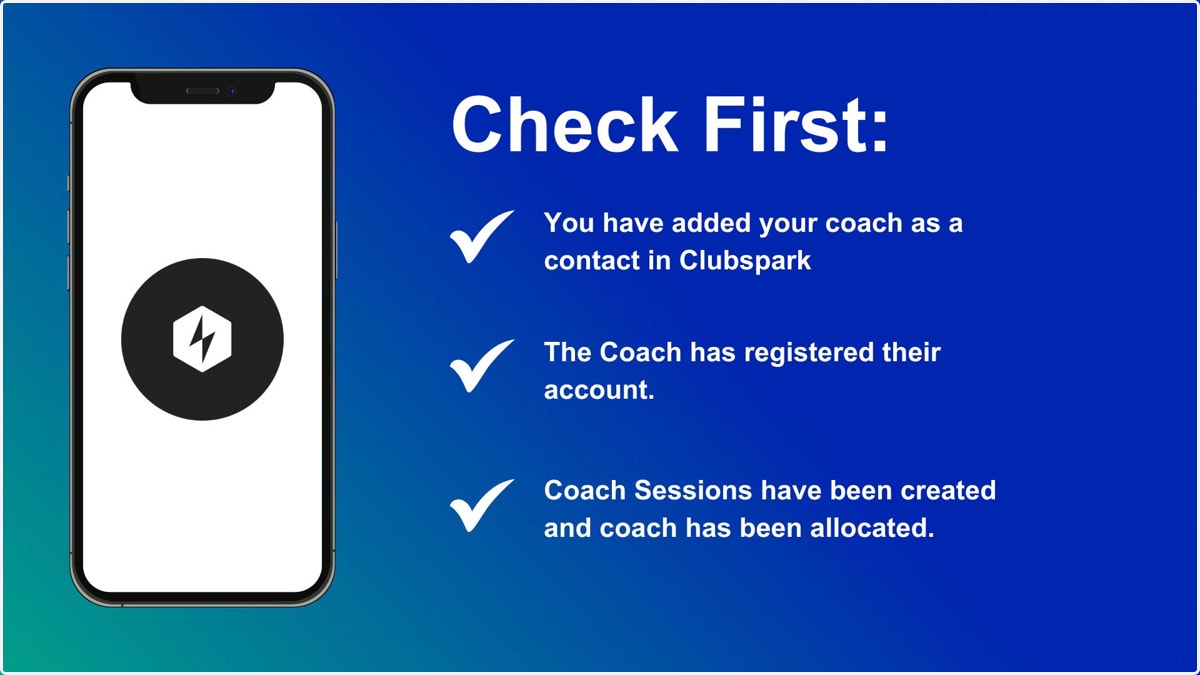
1. First Things First!
2. Click on Administrators

3. Click on Add administrator

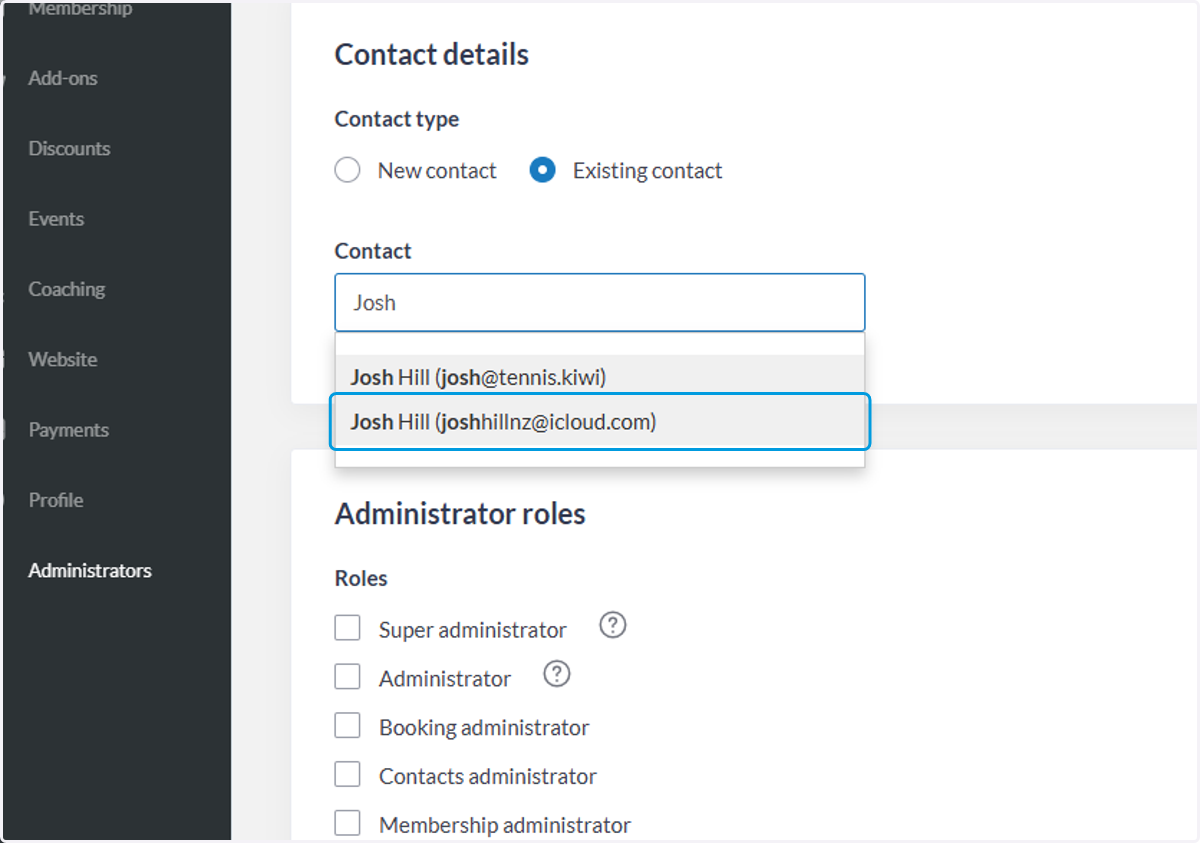
4. Select Existing contact

5. Type "Josh"

6. Click on Josh Hill (joshhillnz@icloud.com)
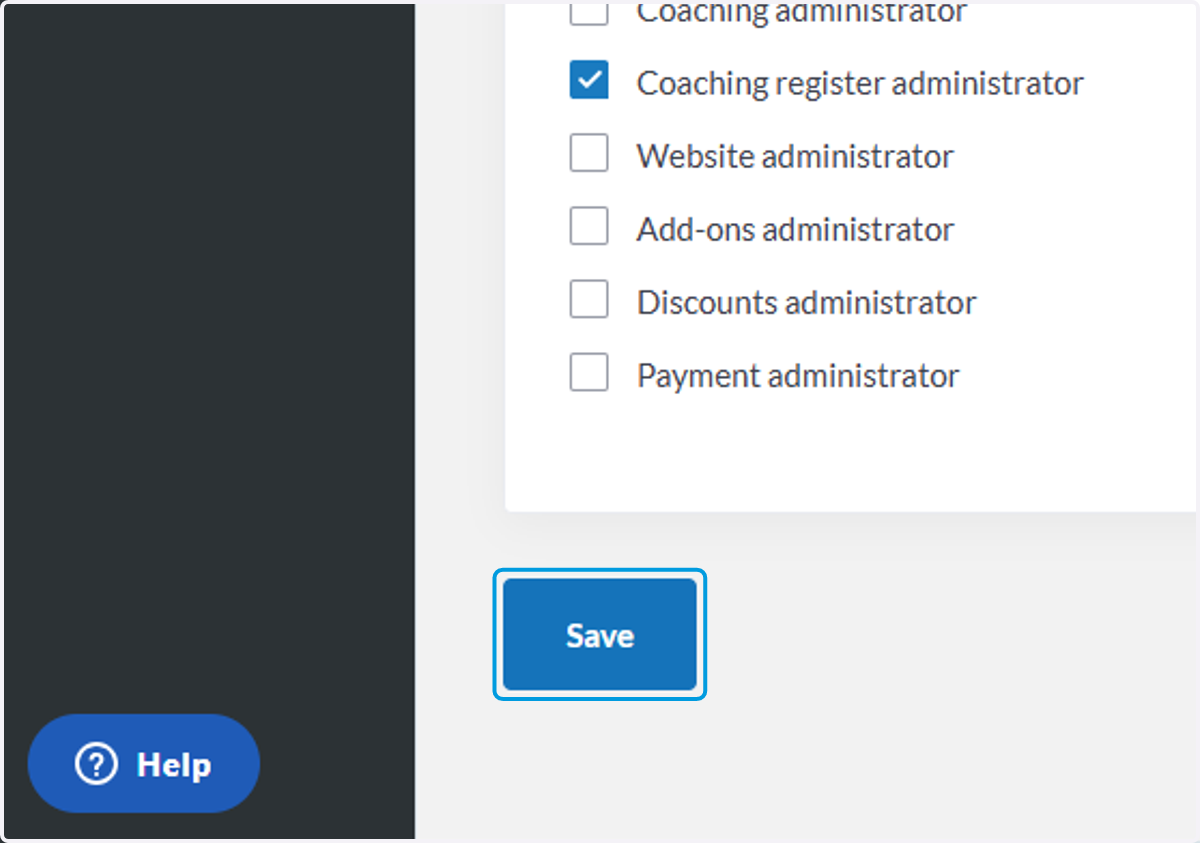
7. Check Coaching register administrator

8. Click on Save
9. Click on Josh…