Adding Newspower to Your Facebook Business Page
To help you get the most out of your Facebook presence, we’ve outlined the simple steps required to grant Newspower admin access to your store’s Facebook page. This access enables us to audit and optimise your page, increase your online visibility, and connect your store to the Newspower Post Assist program.
Once you're connected to the Post Assist program, Newspower will publish high-quality, relevant content directly to your Facebook page 4–6 times per week—keeping your page active and your customers engaged. We’ll also run targeted paid advertising campaigns from time to time in your local area to help you reach more customers, including those who don’t currently follow your page. These ads are funded by Newspower through our own Facebook advertising account, so there is no cost to you.
1. Sign into your personal Facebook account.
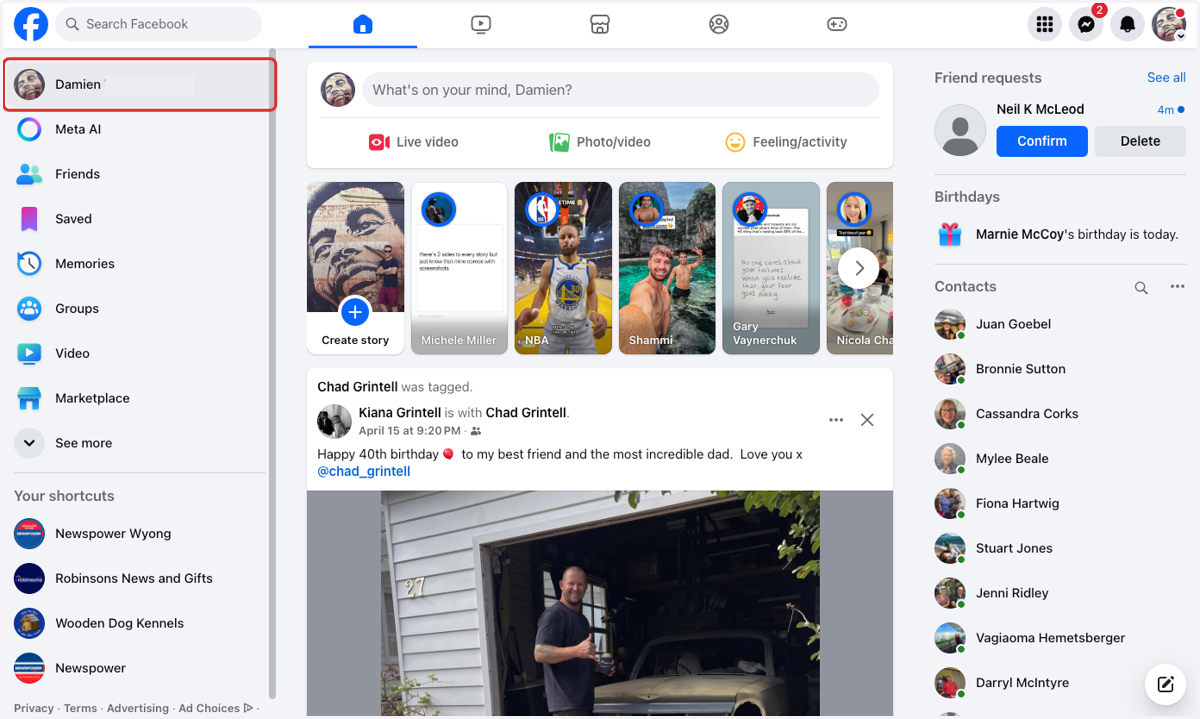
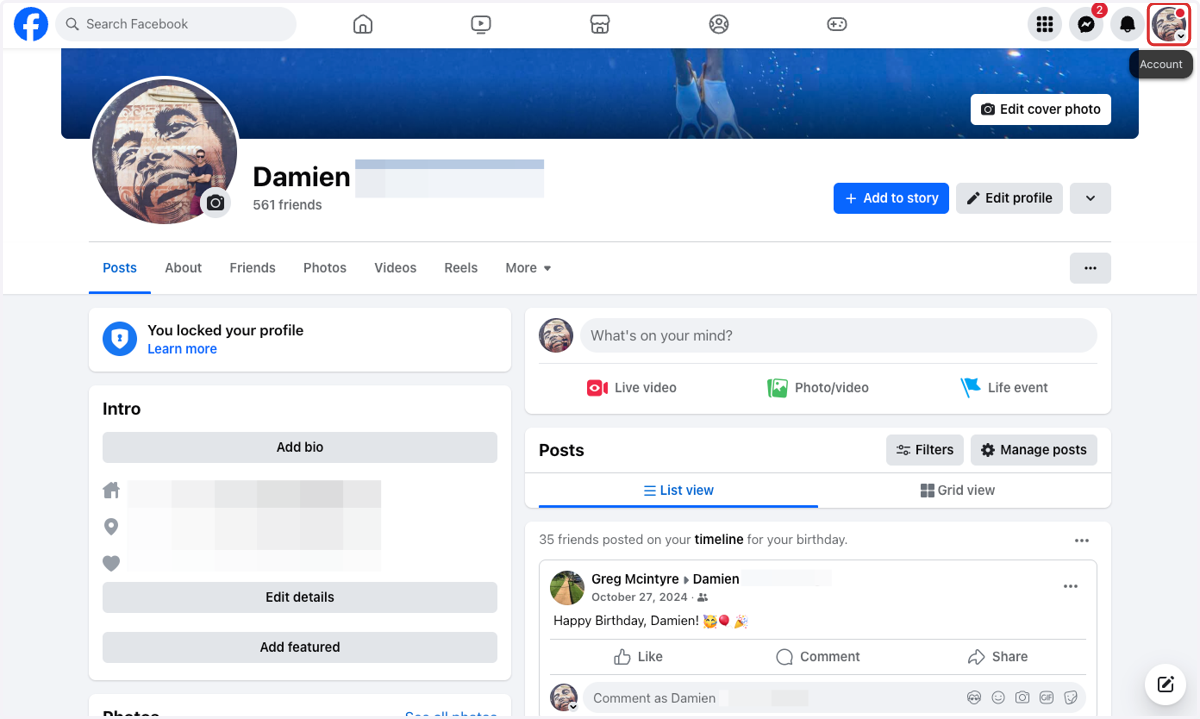
2. Click on the profile dropdown menu in the top righthand corner.
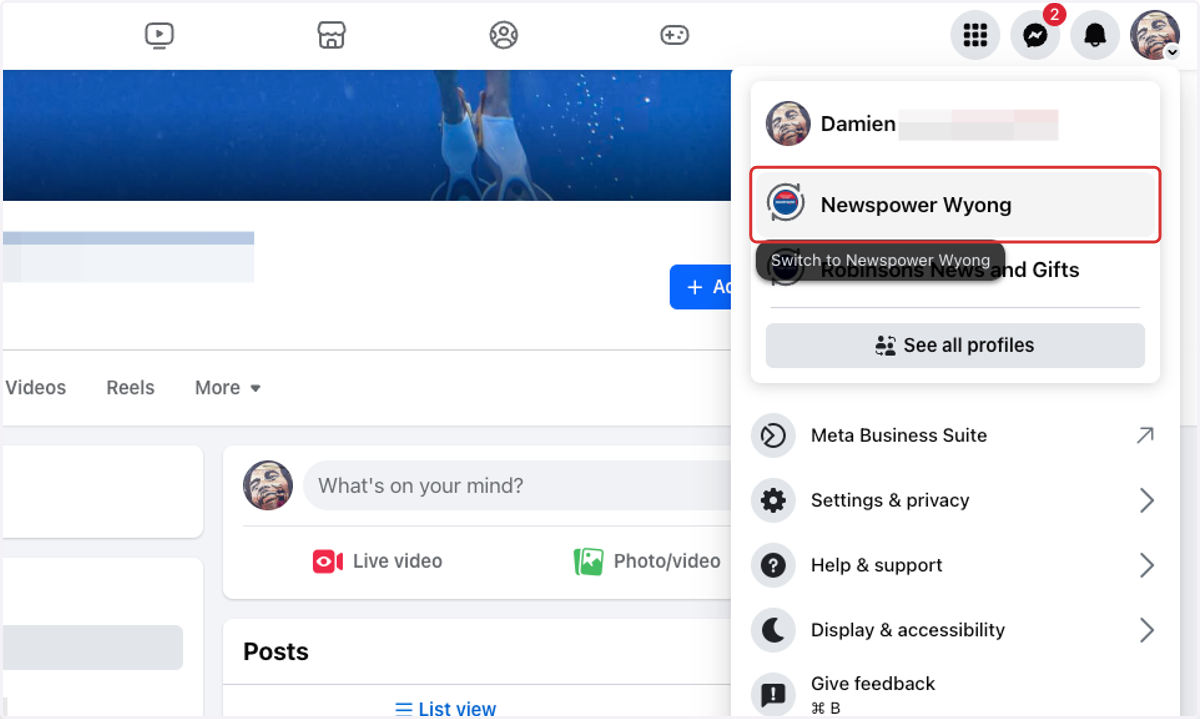
3. Select your business page from the menu to jump into your page.
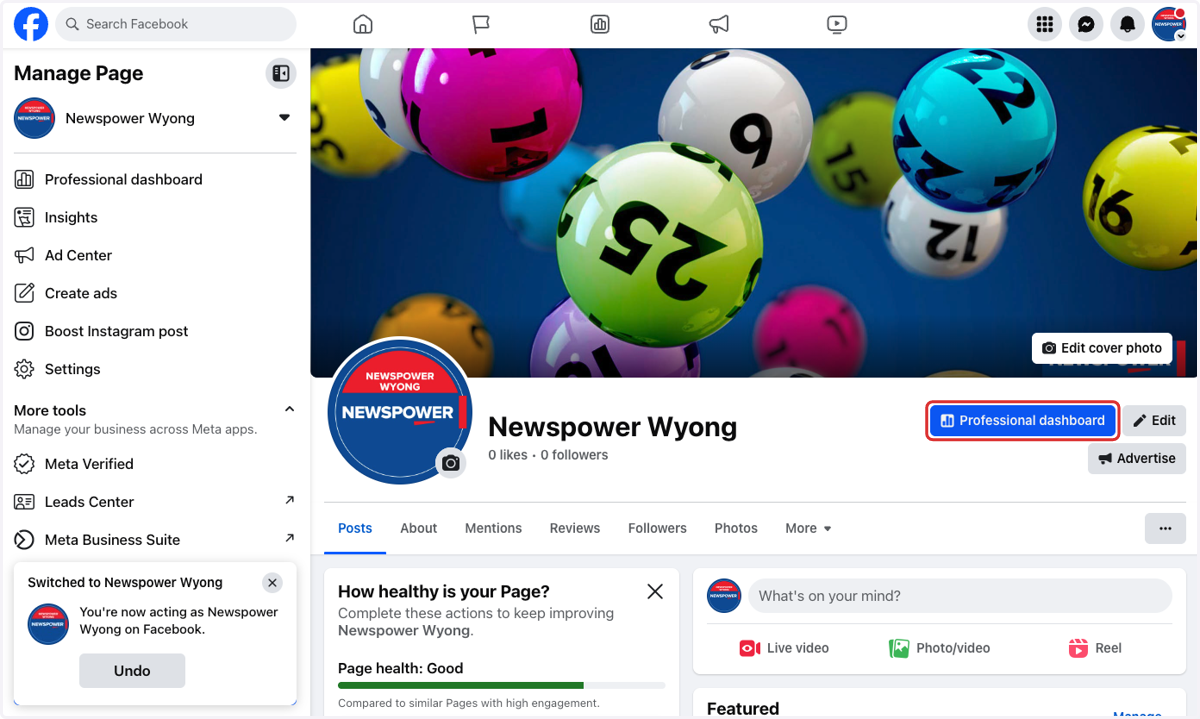
4. Click on Professional dashboard
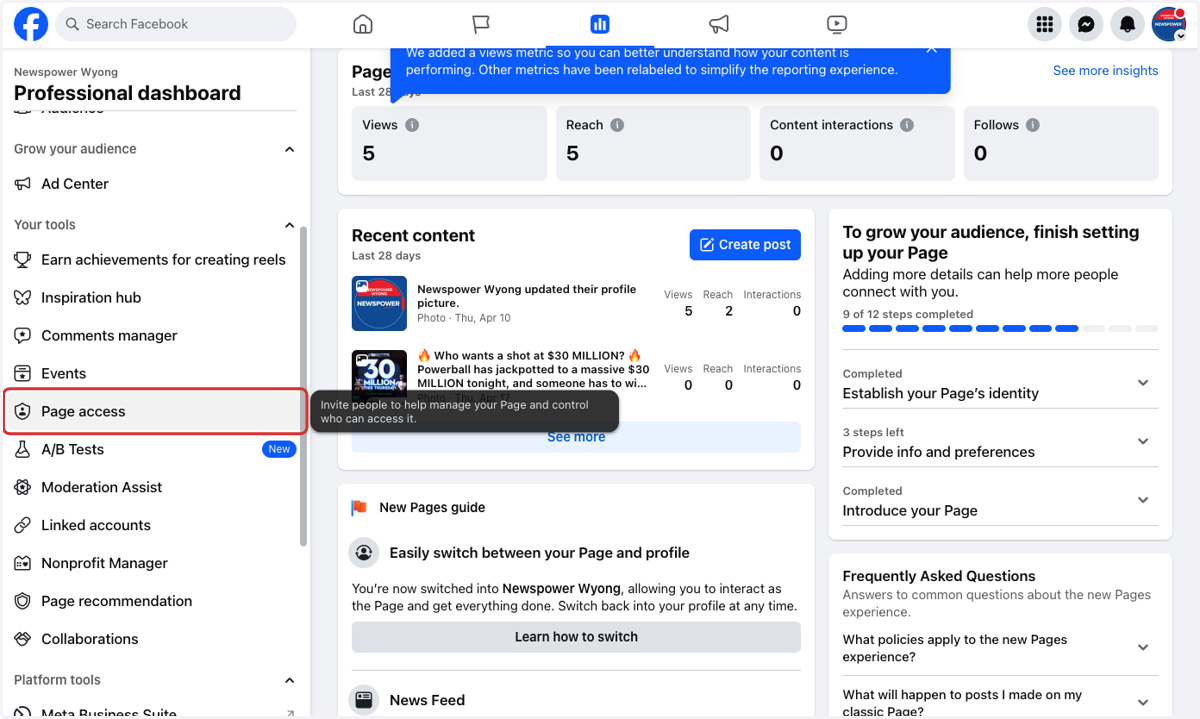
5. Click on Page access from the menu on the left.
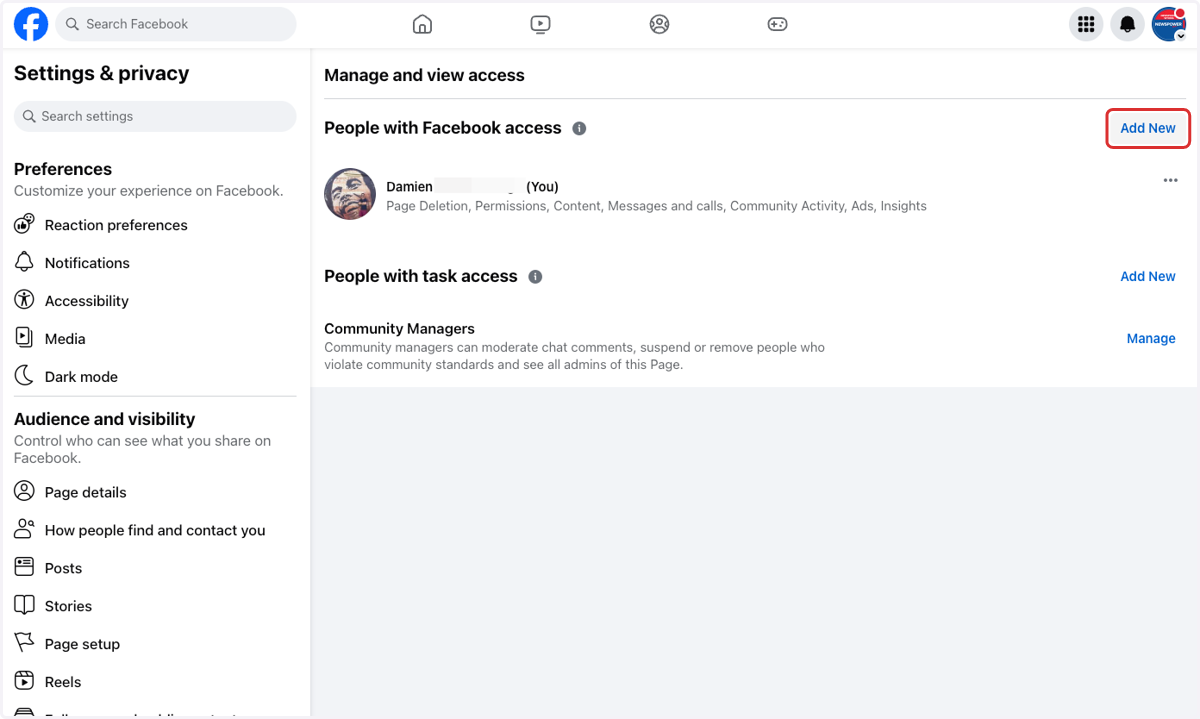
6. Click on the top Add New (People with Facebook access)
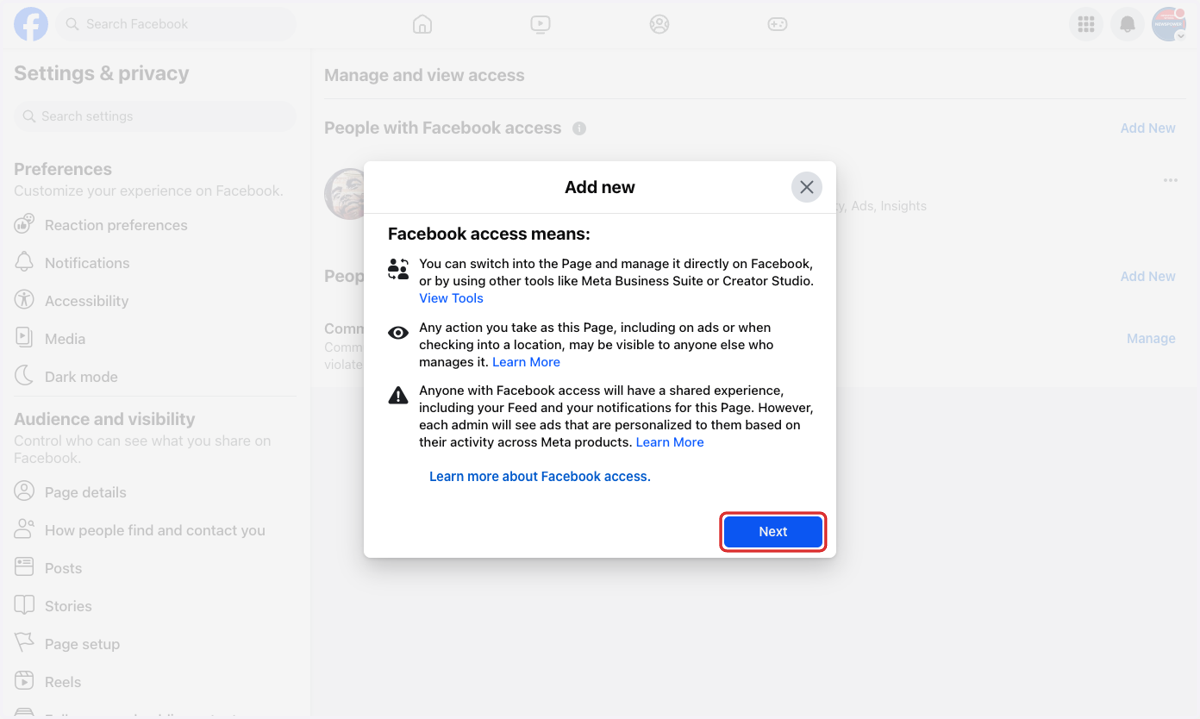
7. Click on Next
8. Type "Newspower Aust"
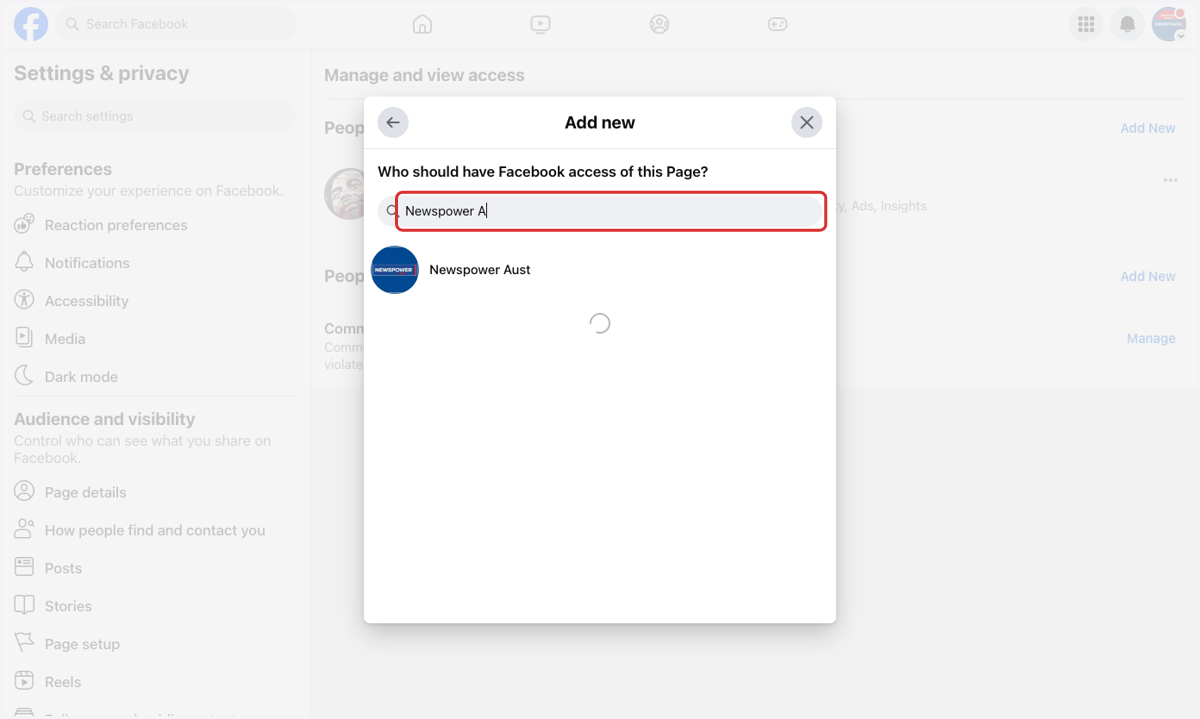
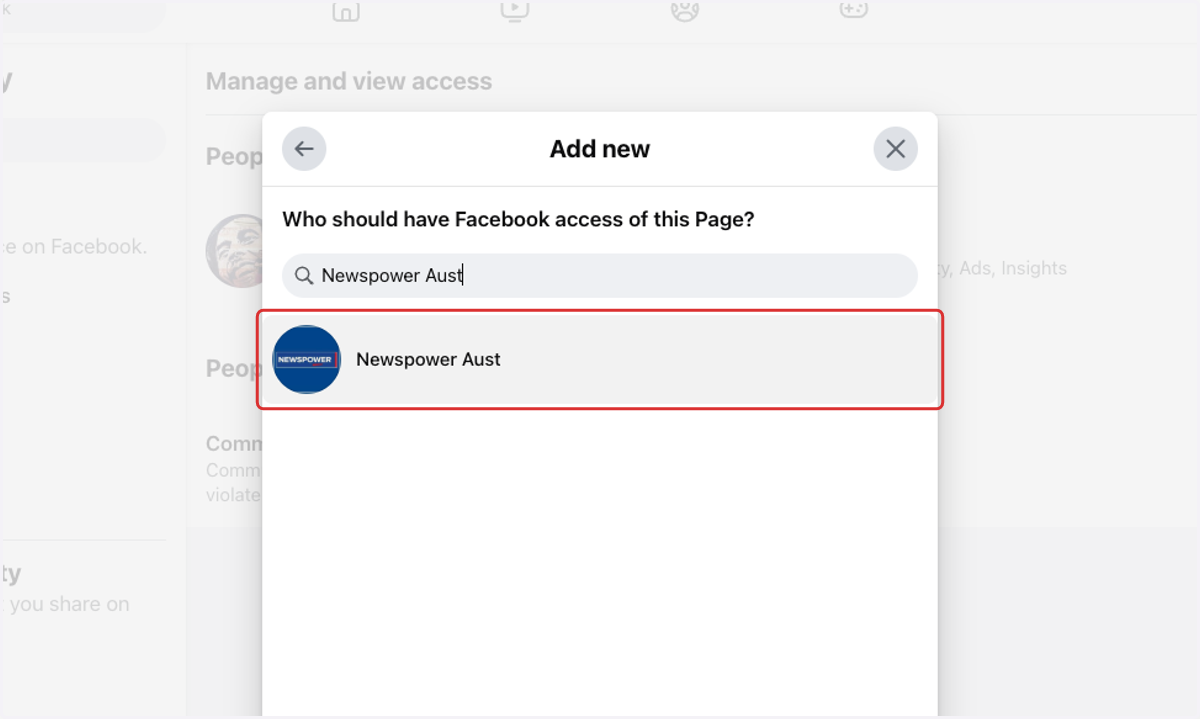
9. Click on the Newspower Aust profile
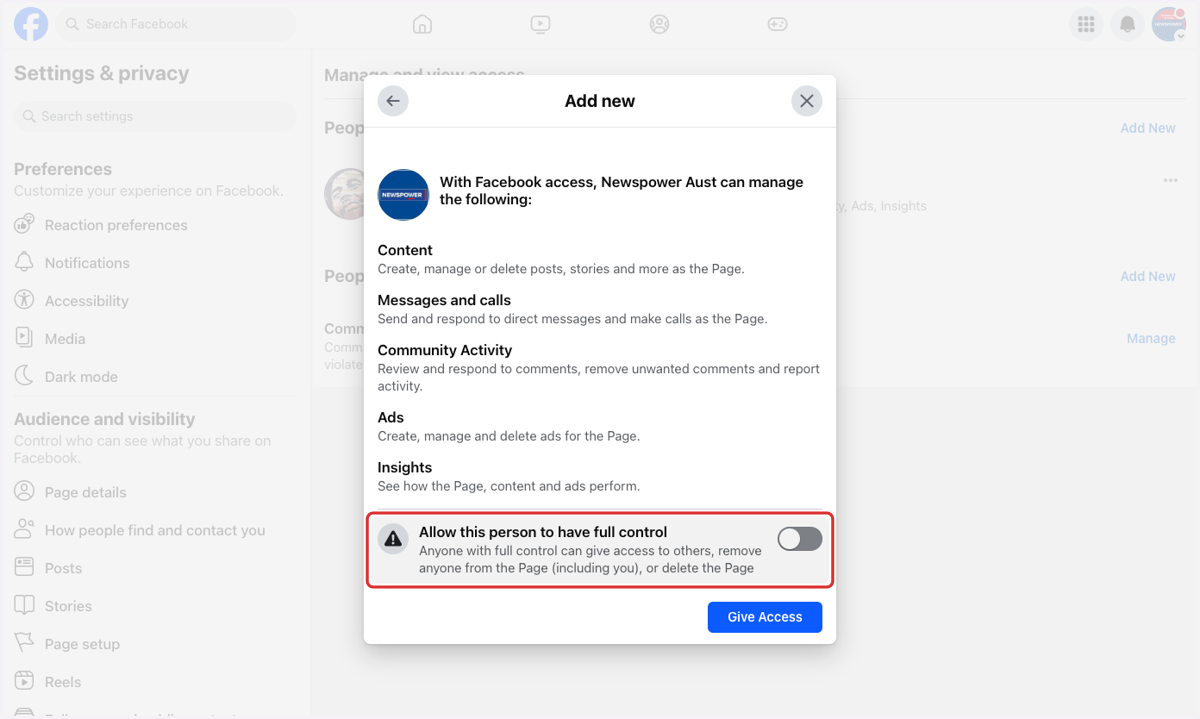
10. Click on Allow this person to have full control…
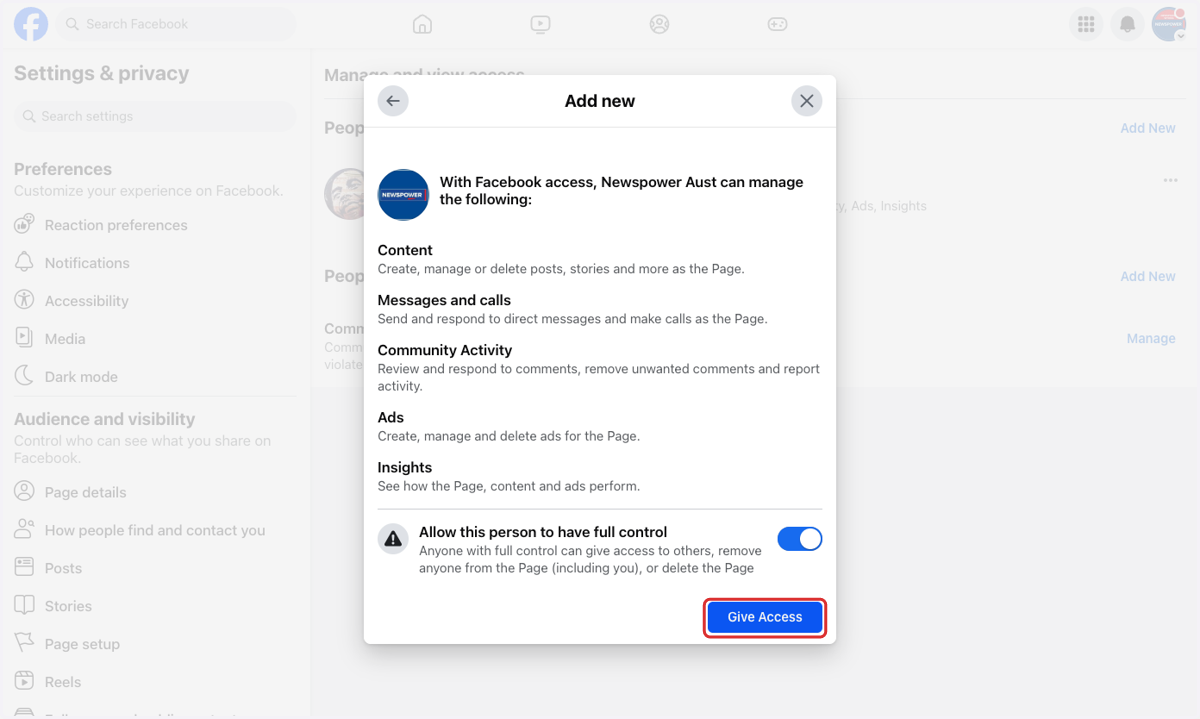
11. Click on Give Access
12. Type in your password.
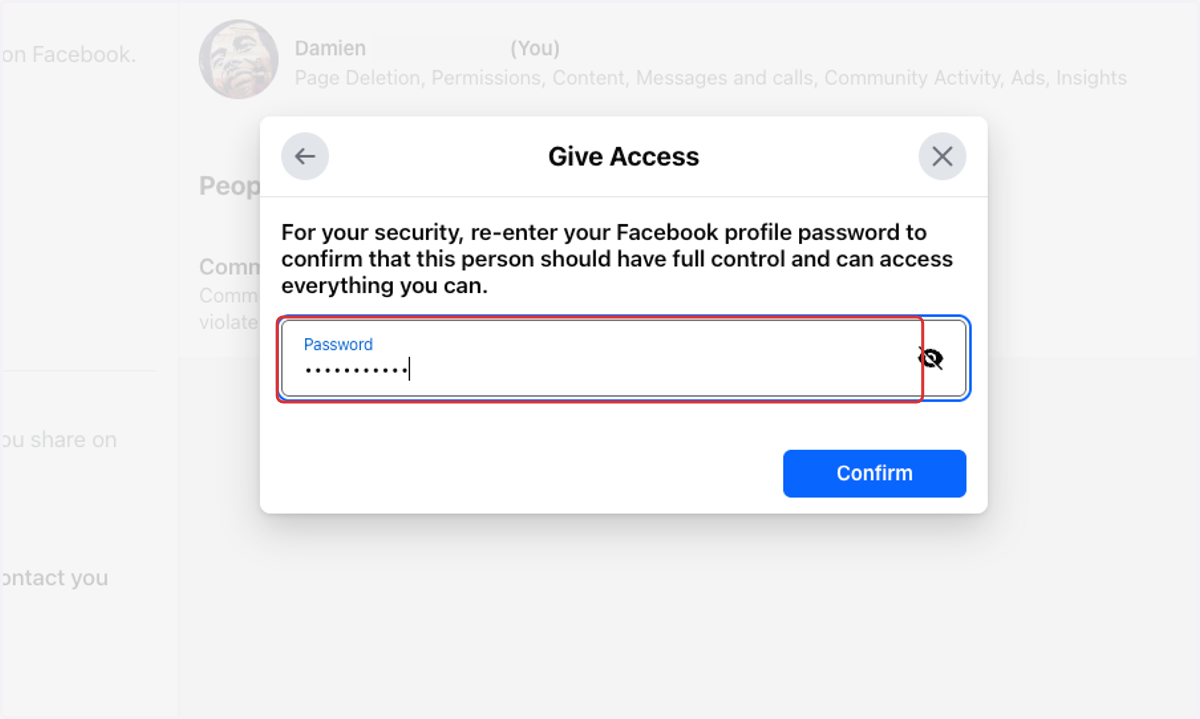
13. Click on Confirm
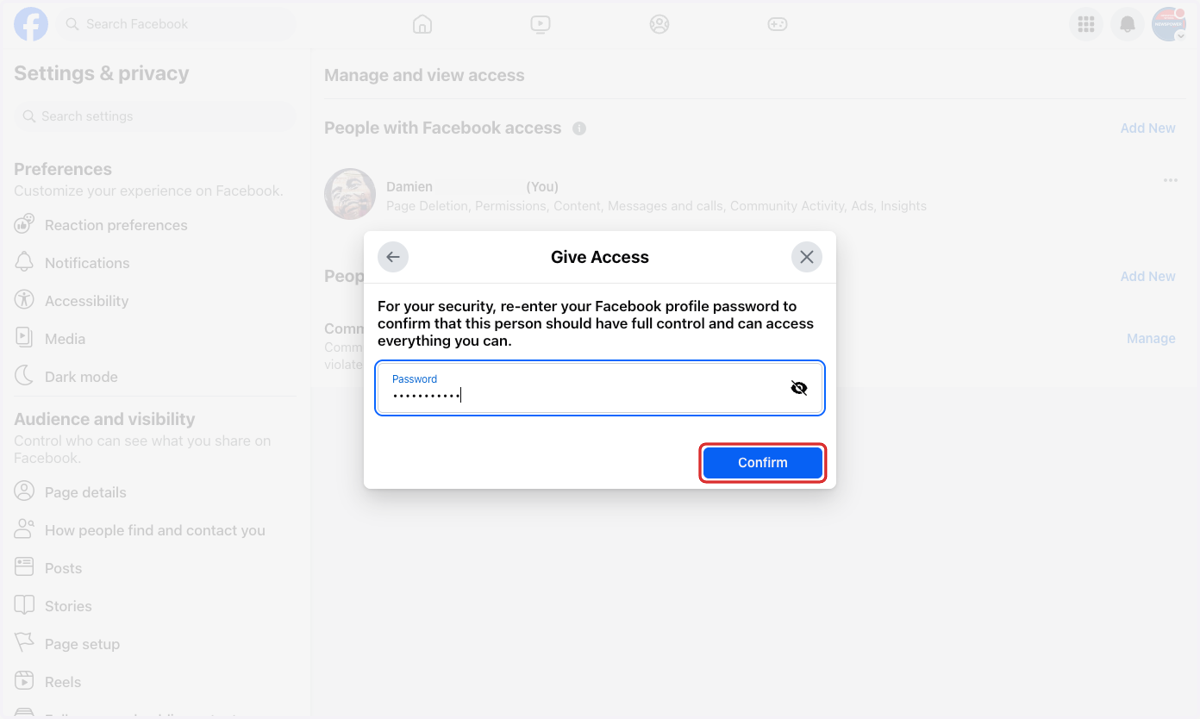
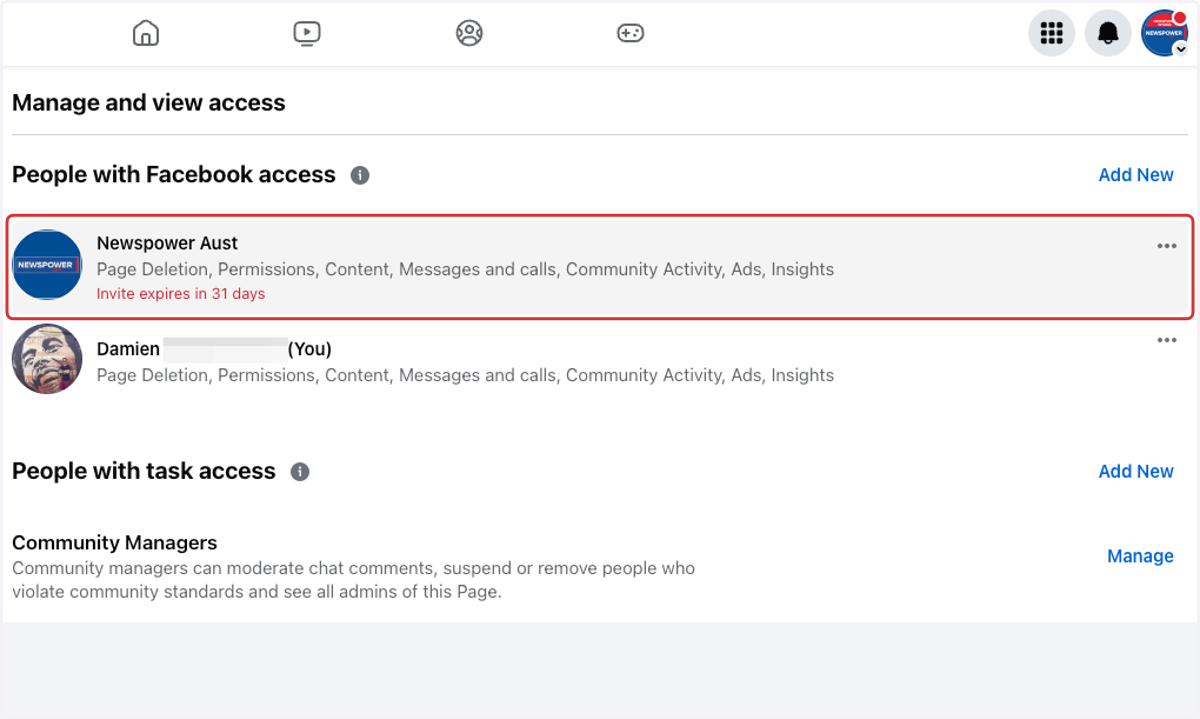
14. Here you can see an invite has been sent to Newspower to access your page.