Adding Members to Risk and Safety Solutions (RSS)
Have access to your group's chemical inventory, waste program, and essential RSS programs
Risk & Safety Solutions
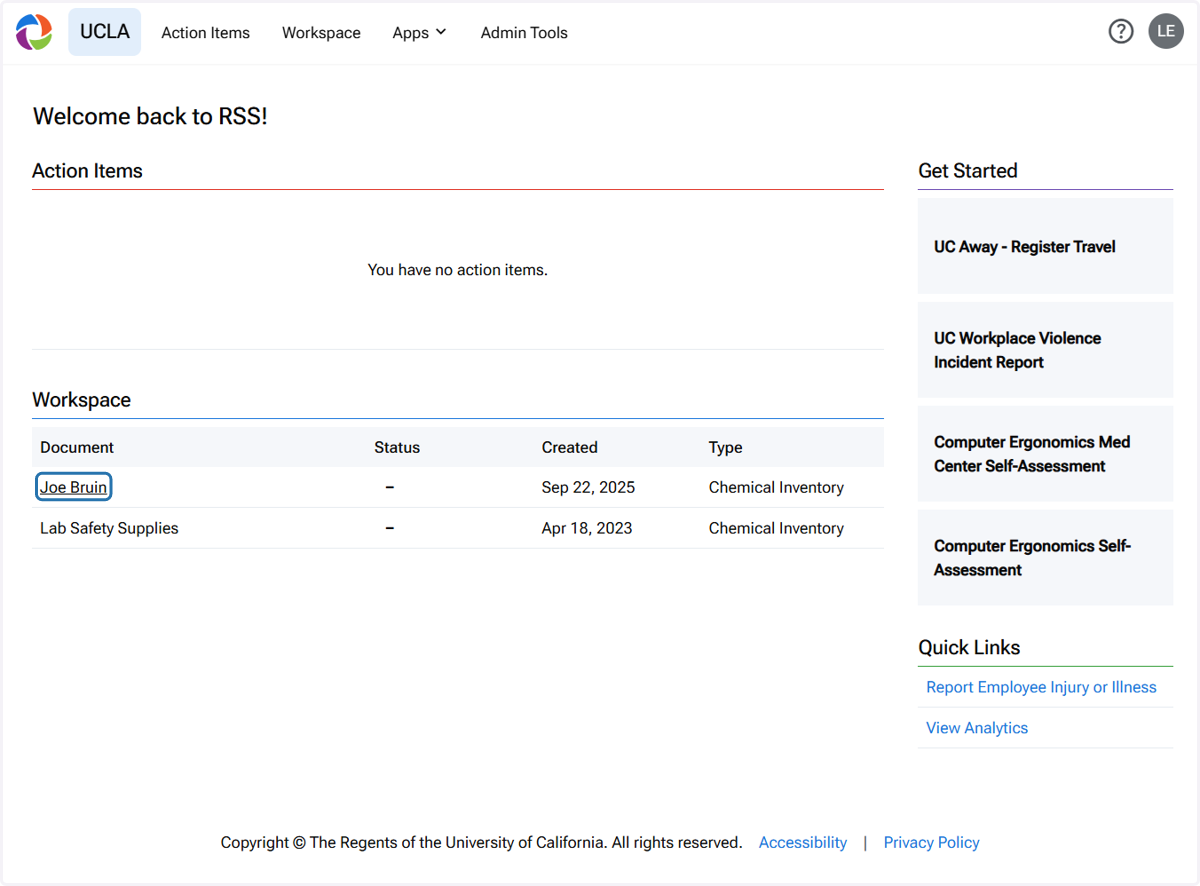
1. Click on 'Joe Bruin' (Inventory Owner)
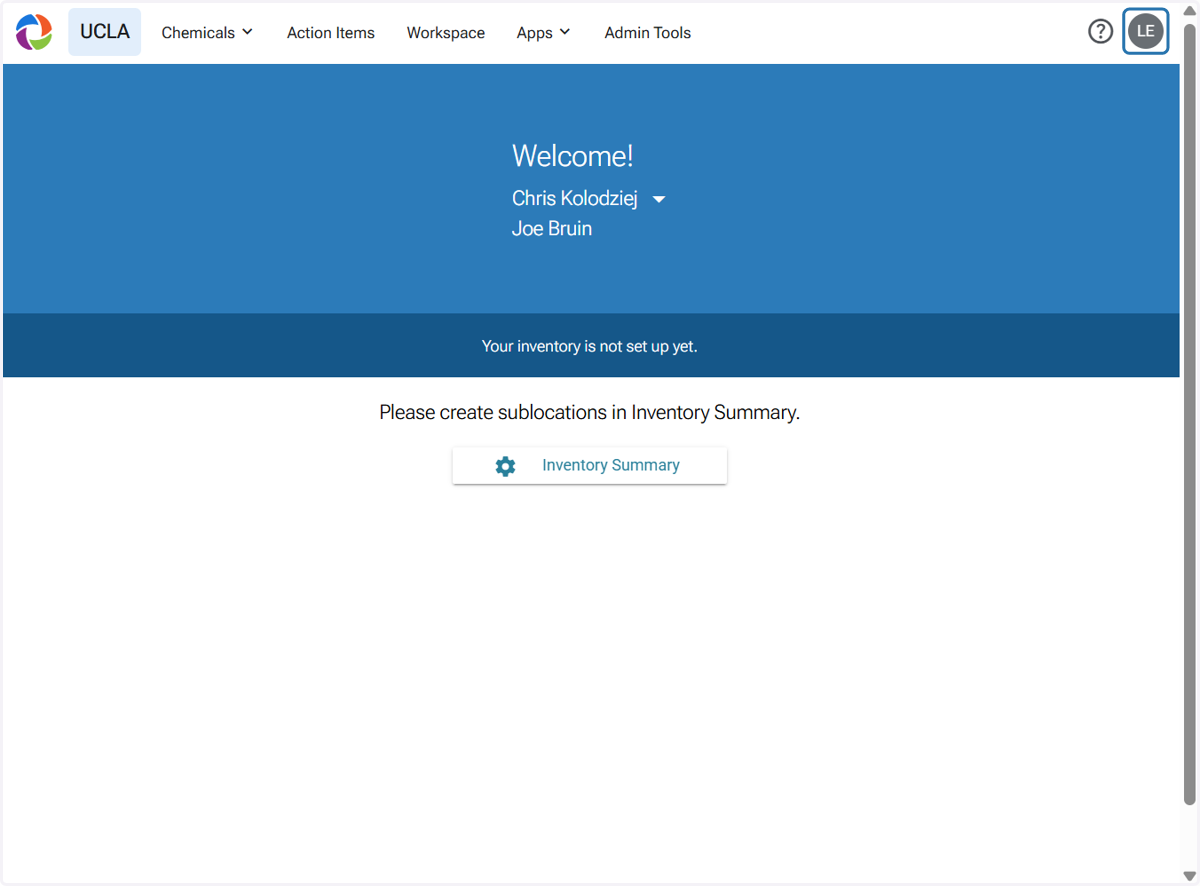
2. Click on your initials at the upper right corner
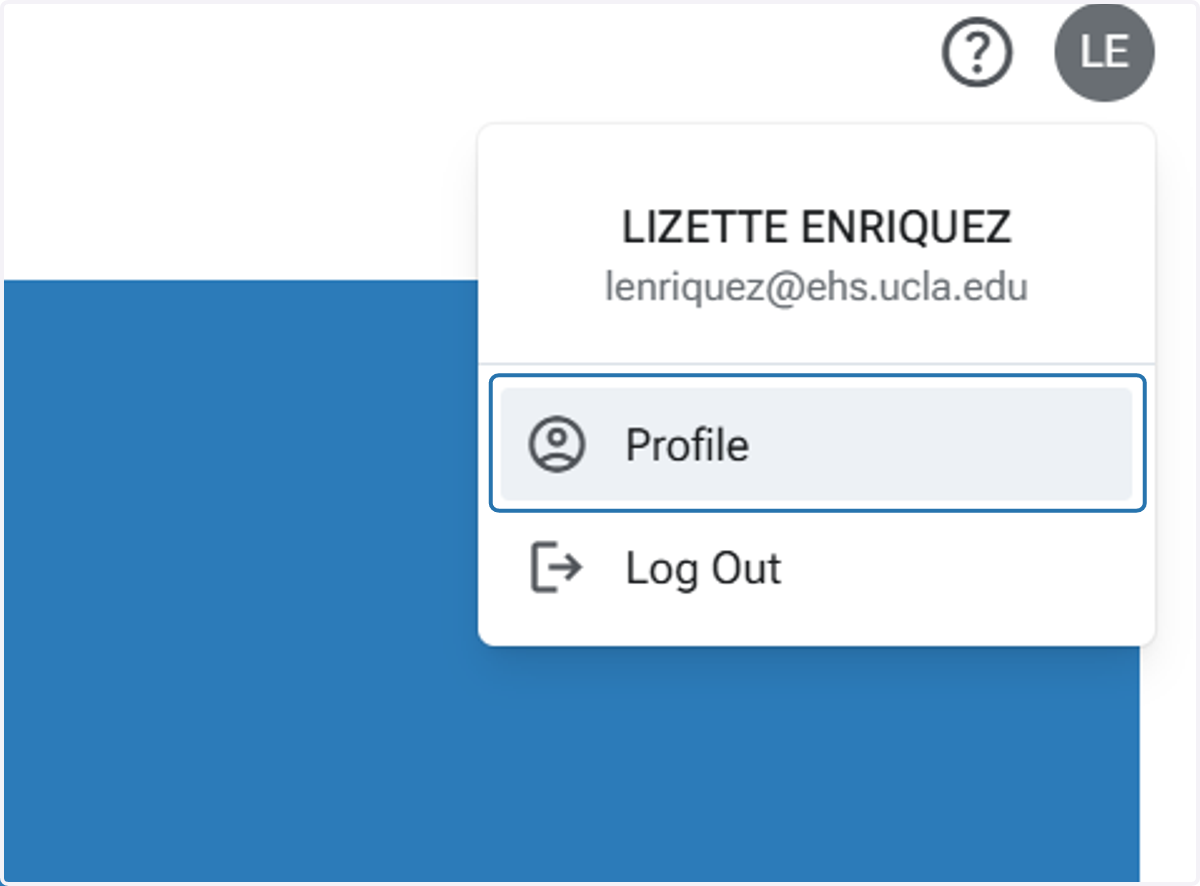
3. Click on Profile
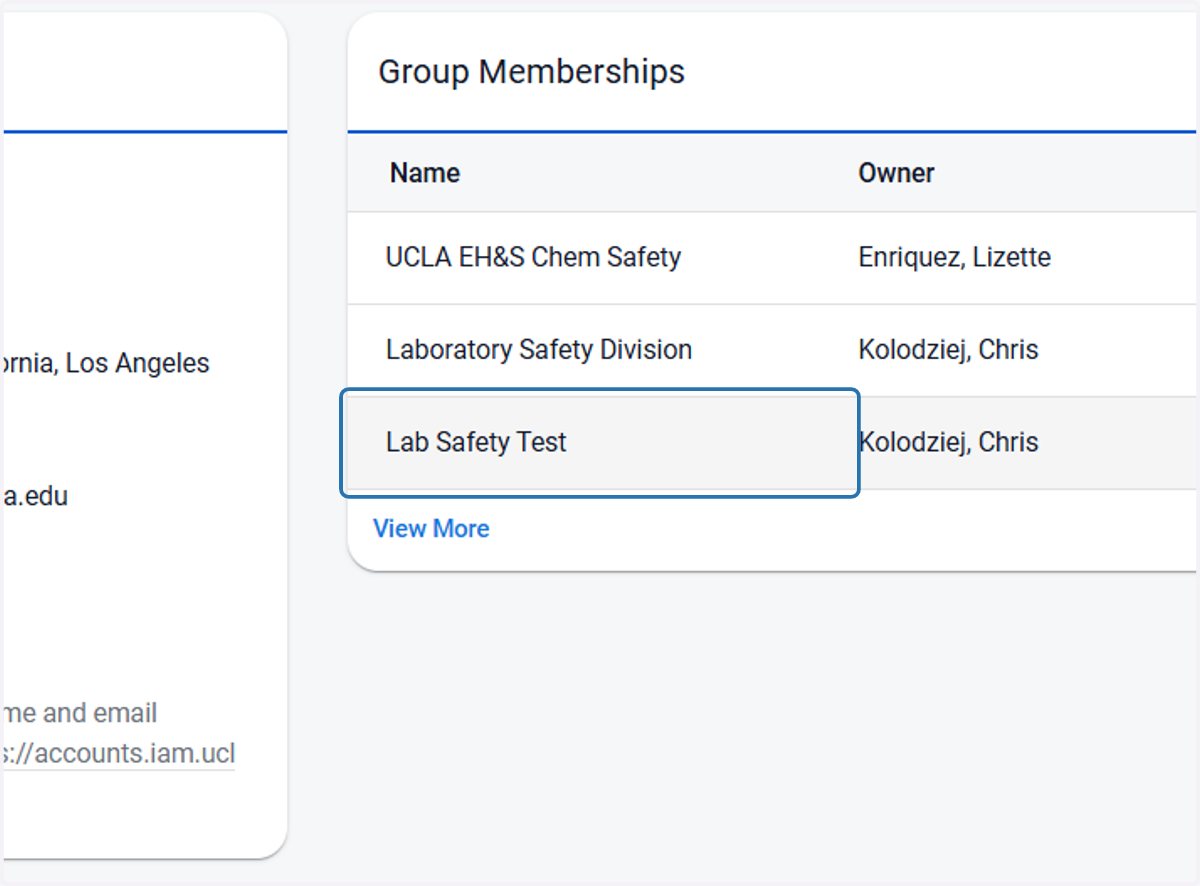
4. Click on your lab's group
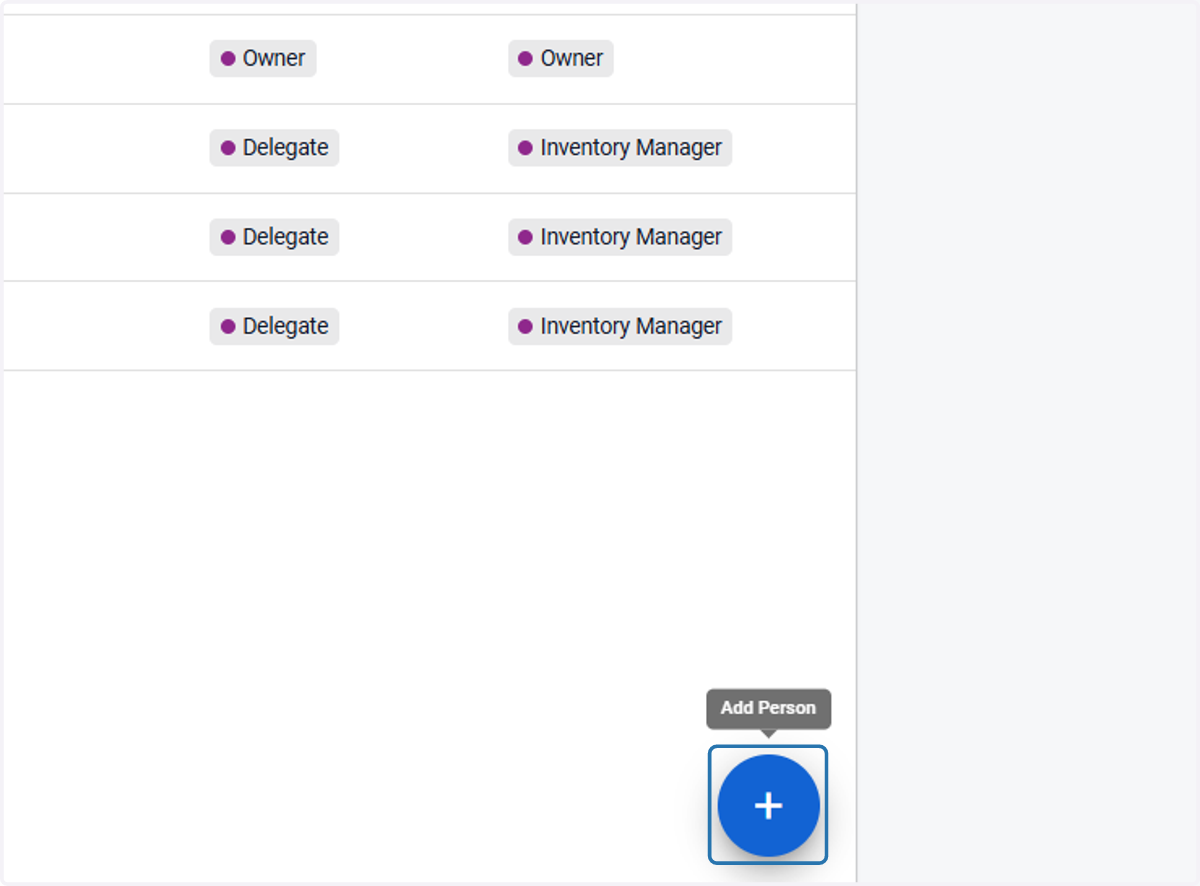
5. Click on the 'Add' button at the lower right corner
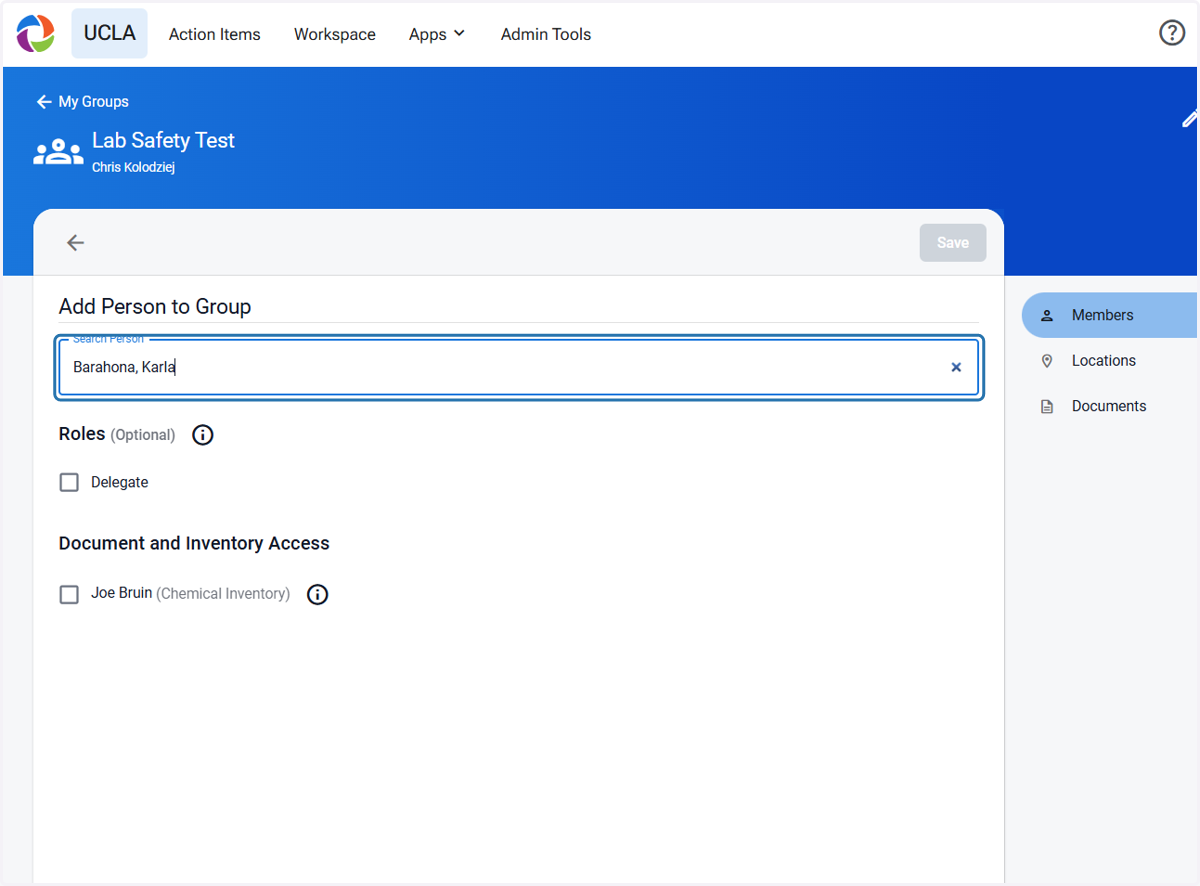
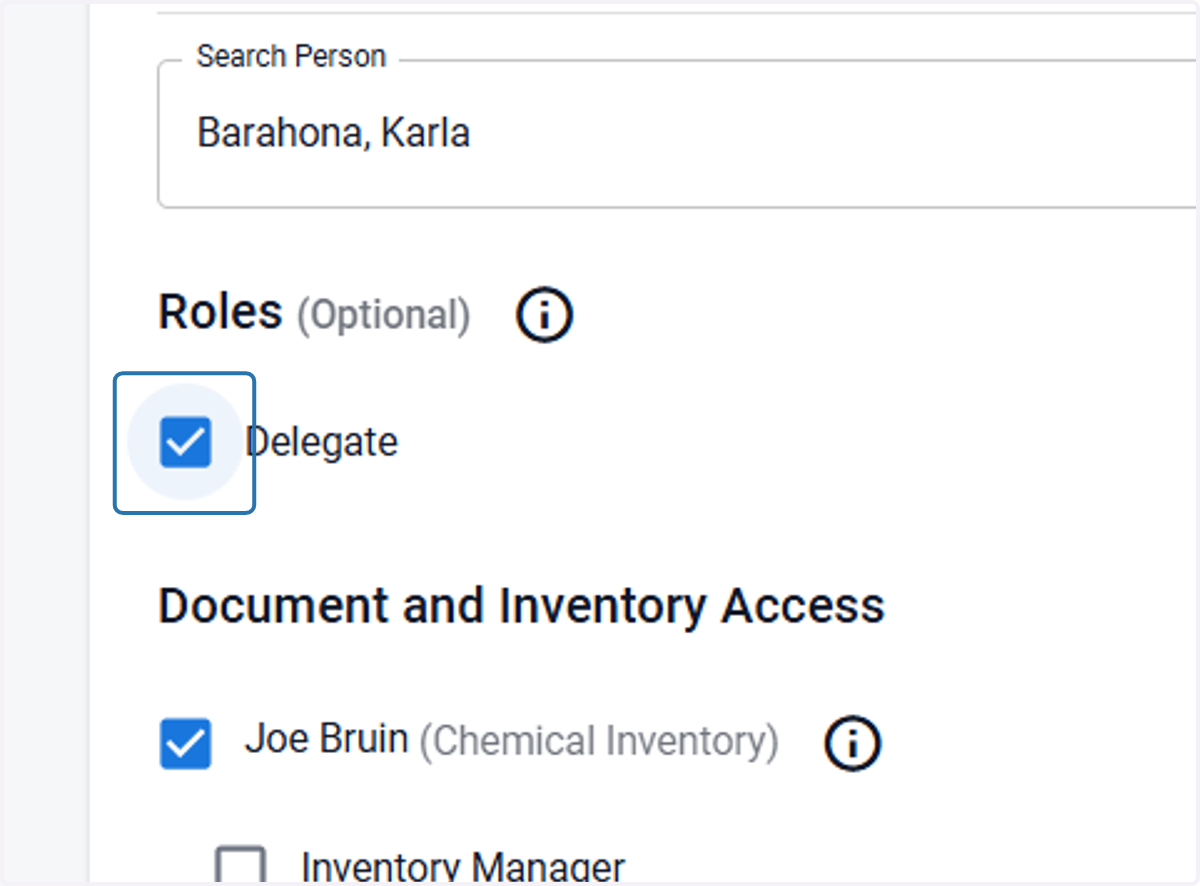
6. Type your lab member's name/email and select
7. Check the box for the lab's chemical inventory
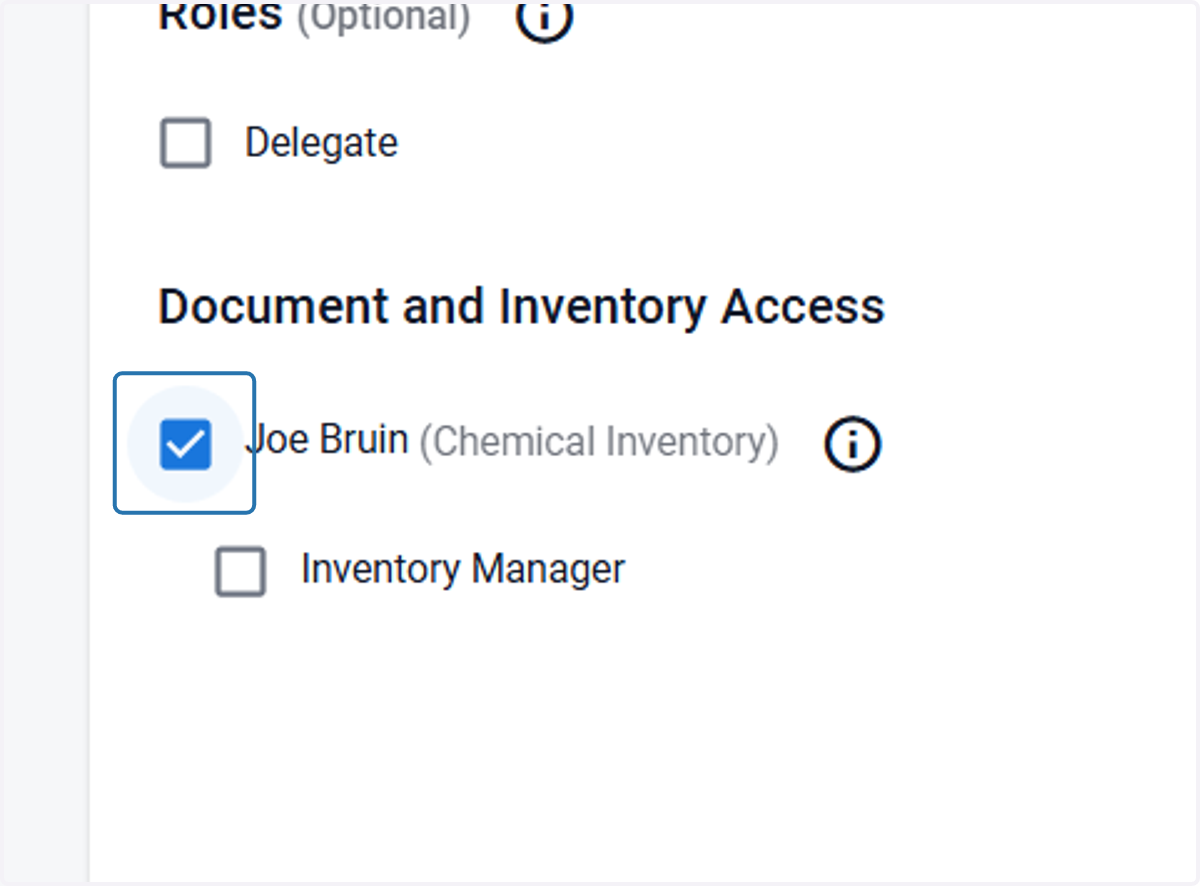
8. Check any applicable roles
Inventory Manager will be able to create sublocations
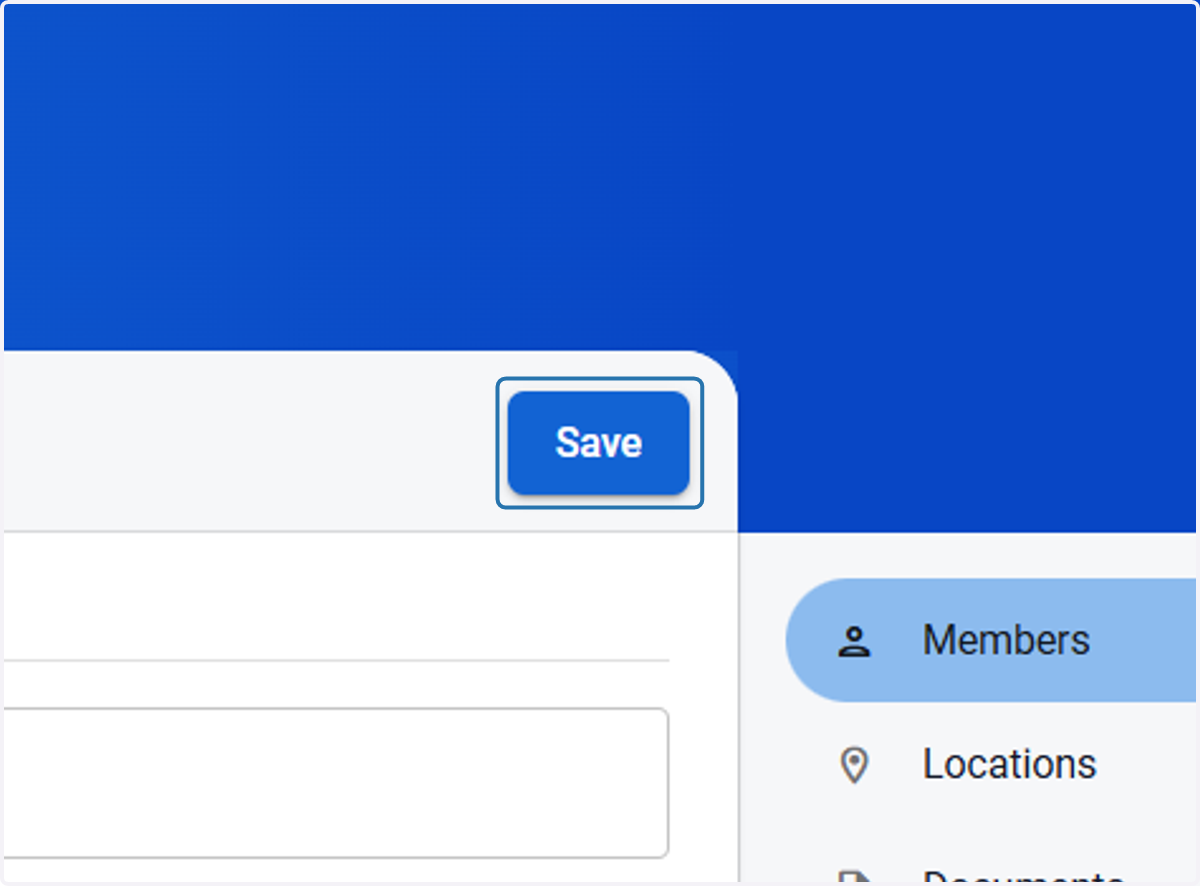
9. Click on Save