Adding Locations to UC Chemical Inventory
Chemicals
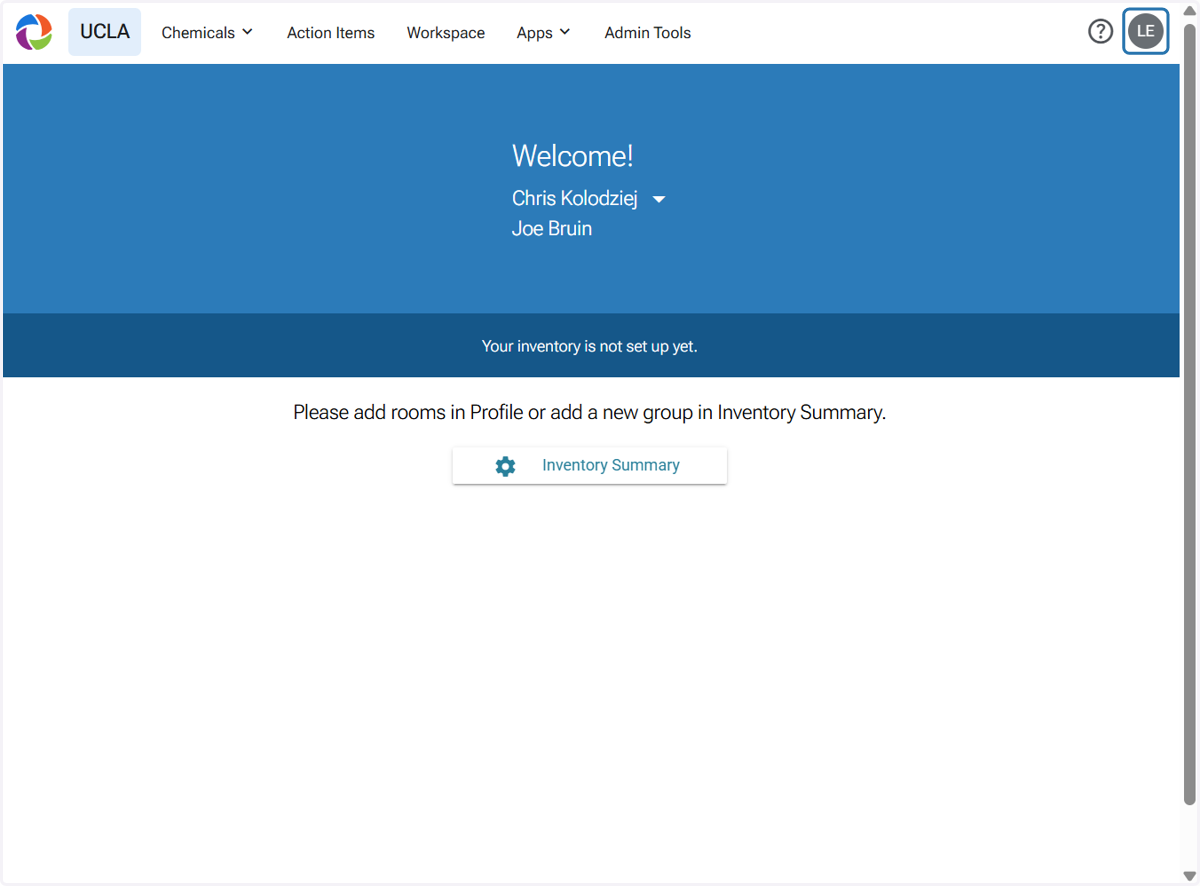
1. Click on your initials at the upper right corner
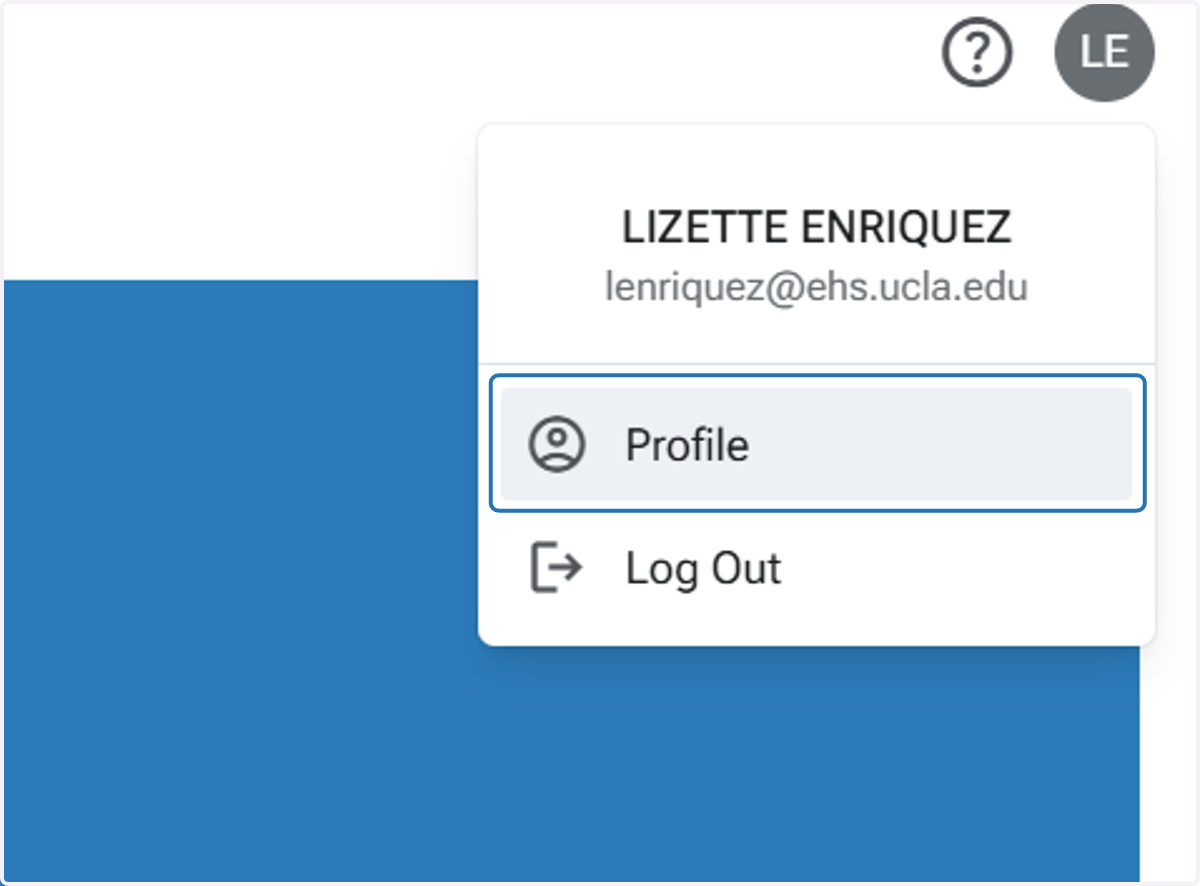
2. Click on Profile
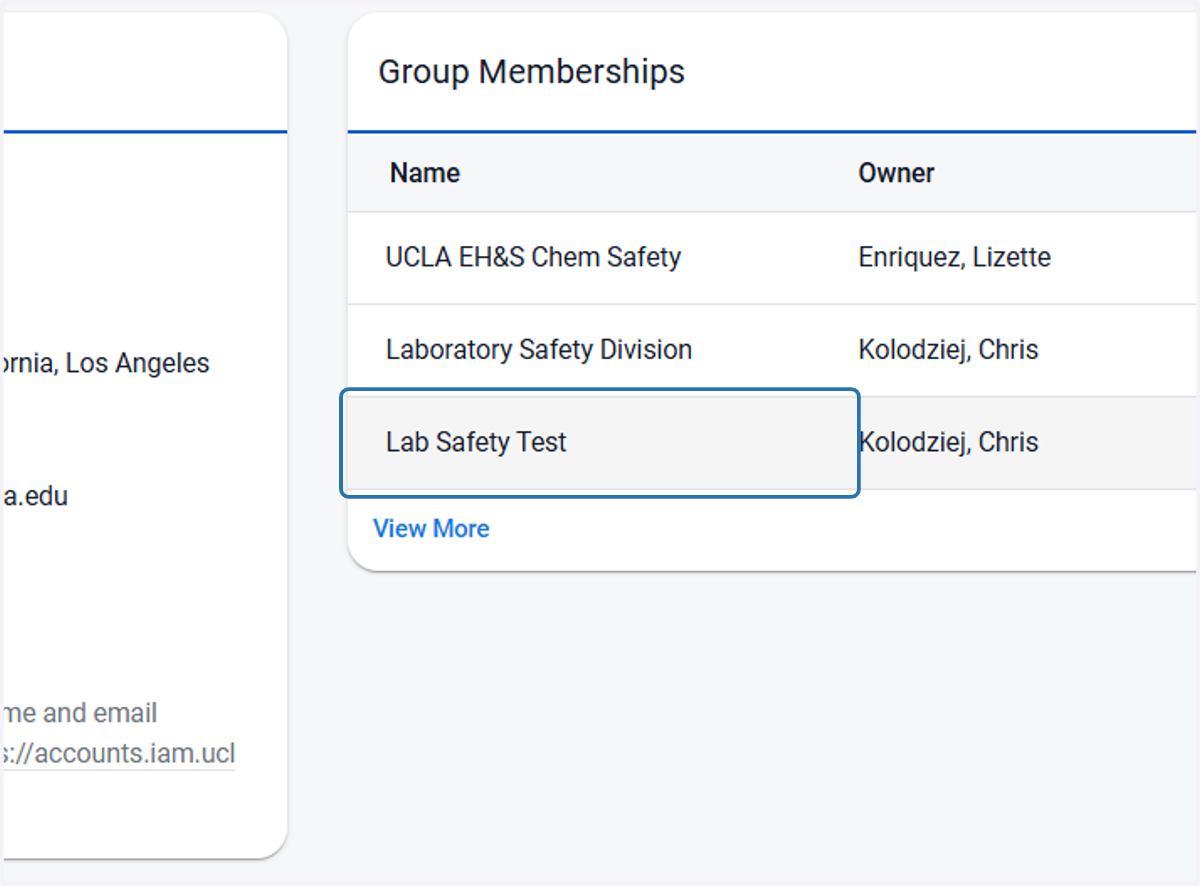
3. Click on your group's membership
4. Click on Locations
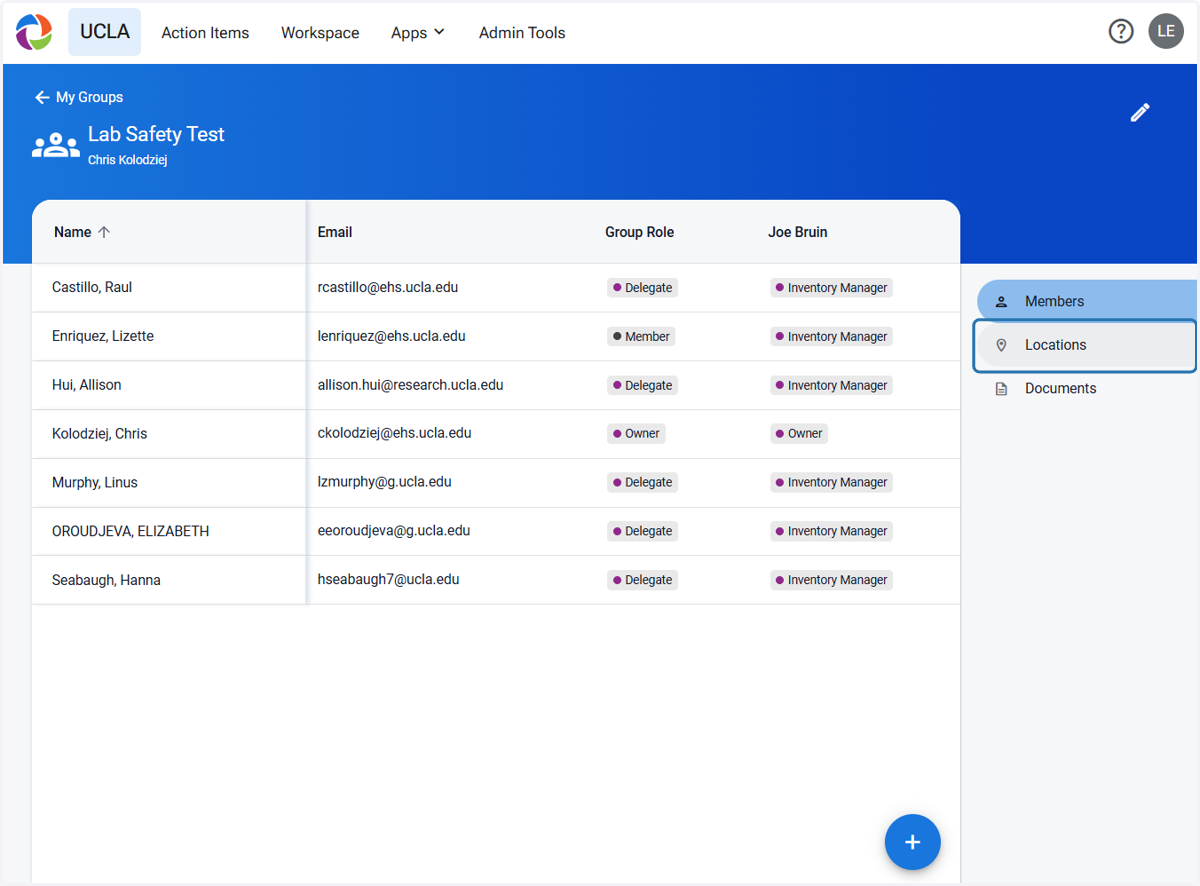
5. Click on the 'Add' button on the lower bottom right corner
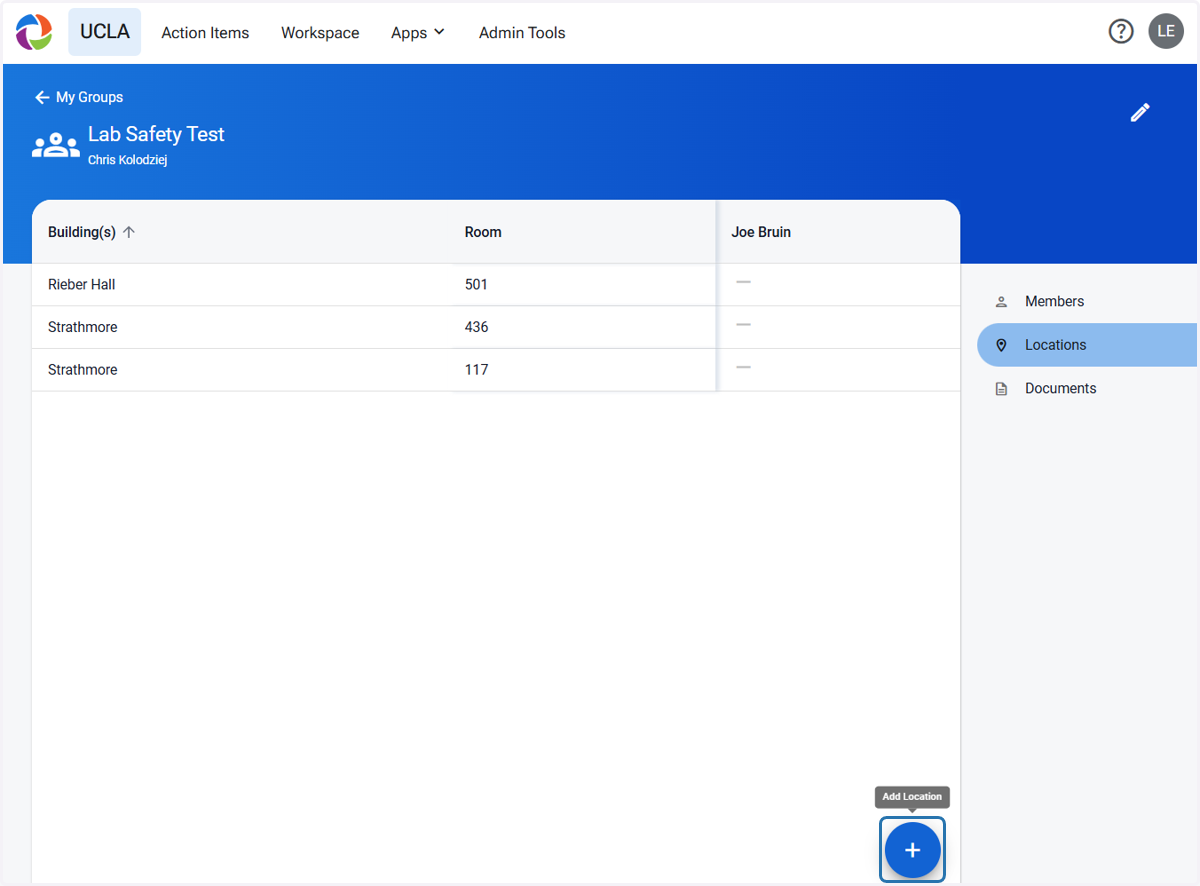
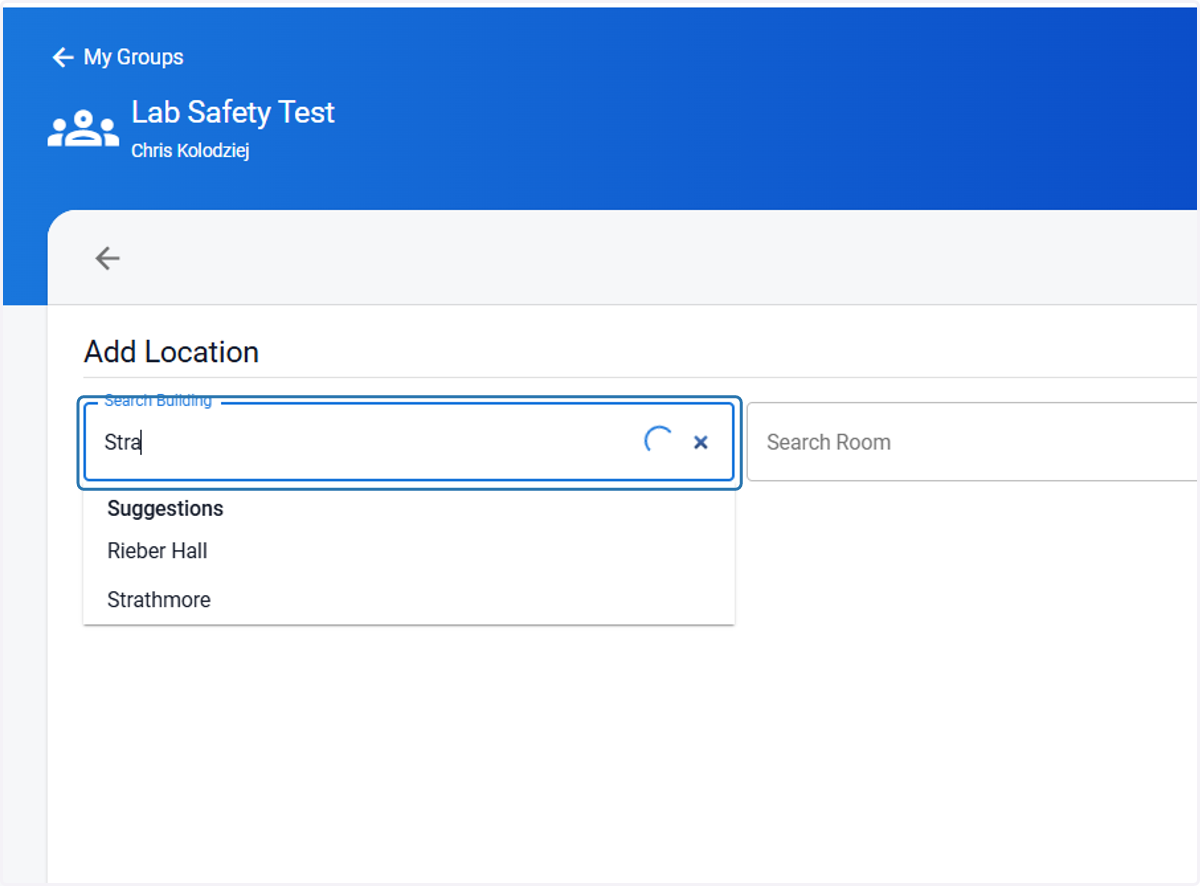
6. Type your building name
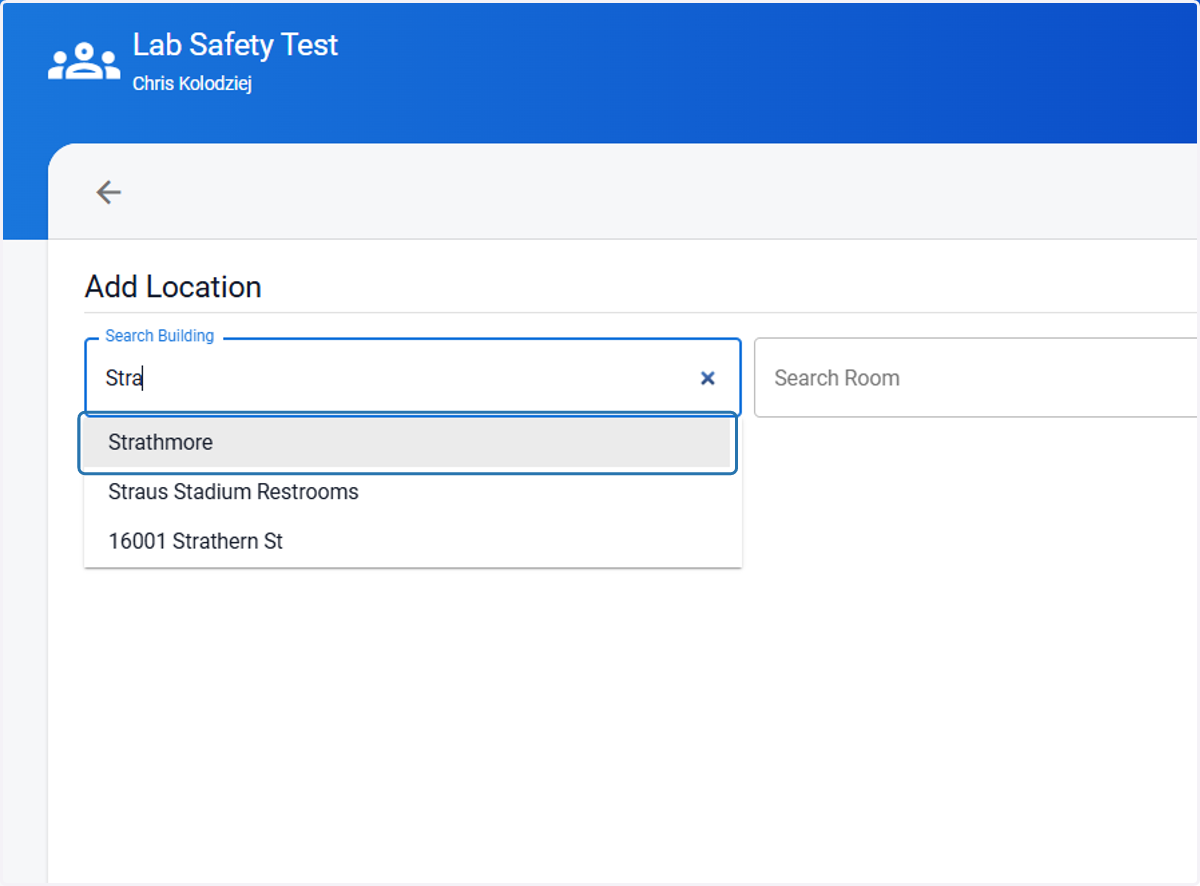
7. Click on your building name
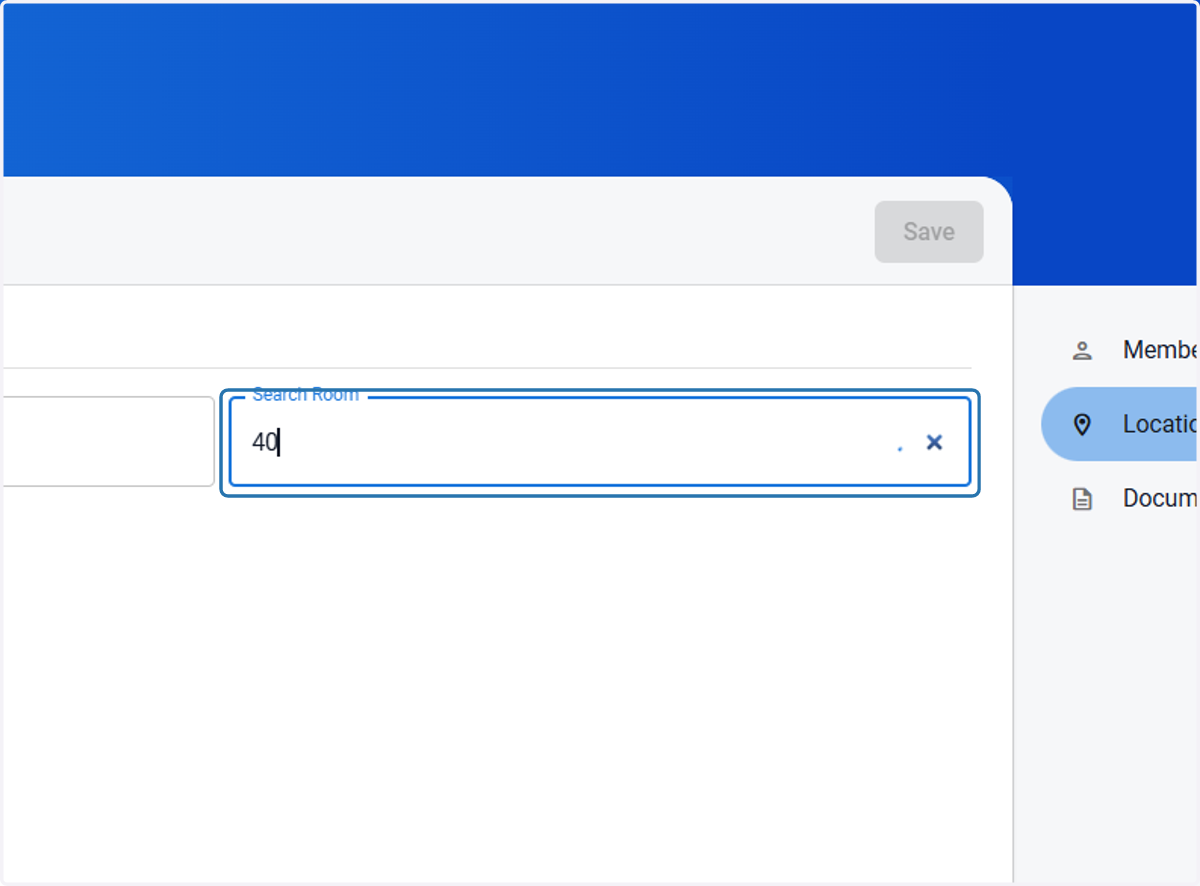
8. Type your room number
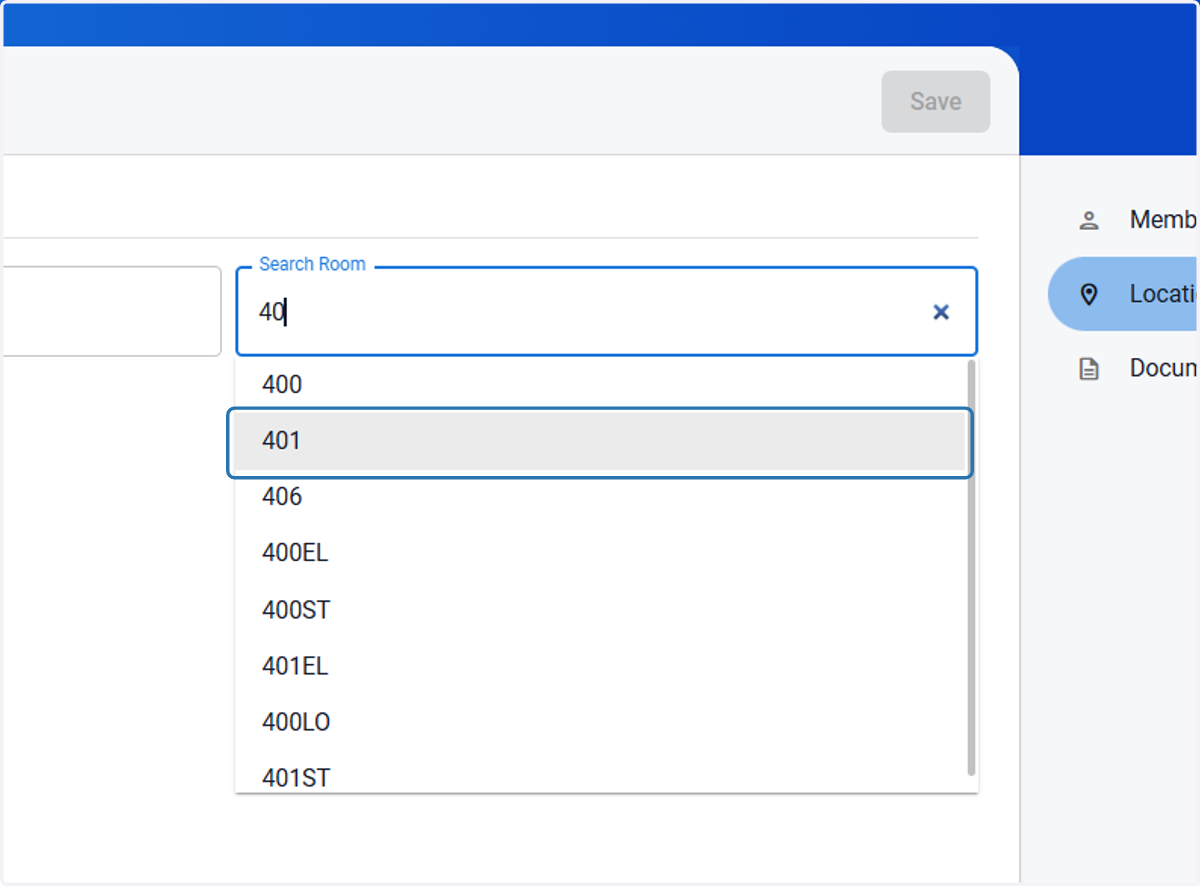
9. Click on your room number
10. Check the inventory to add to it
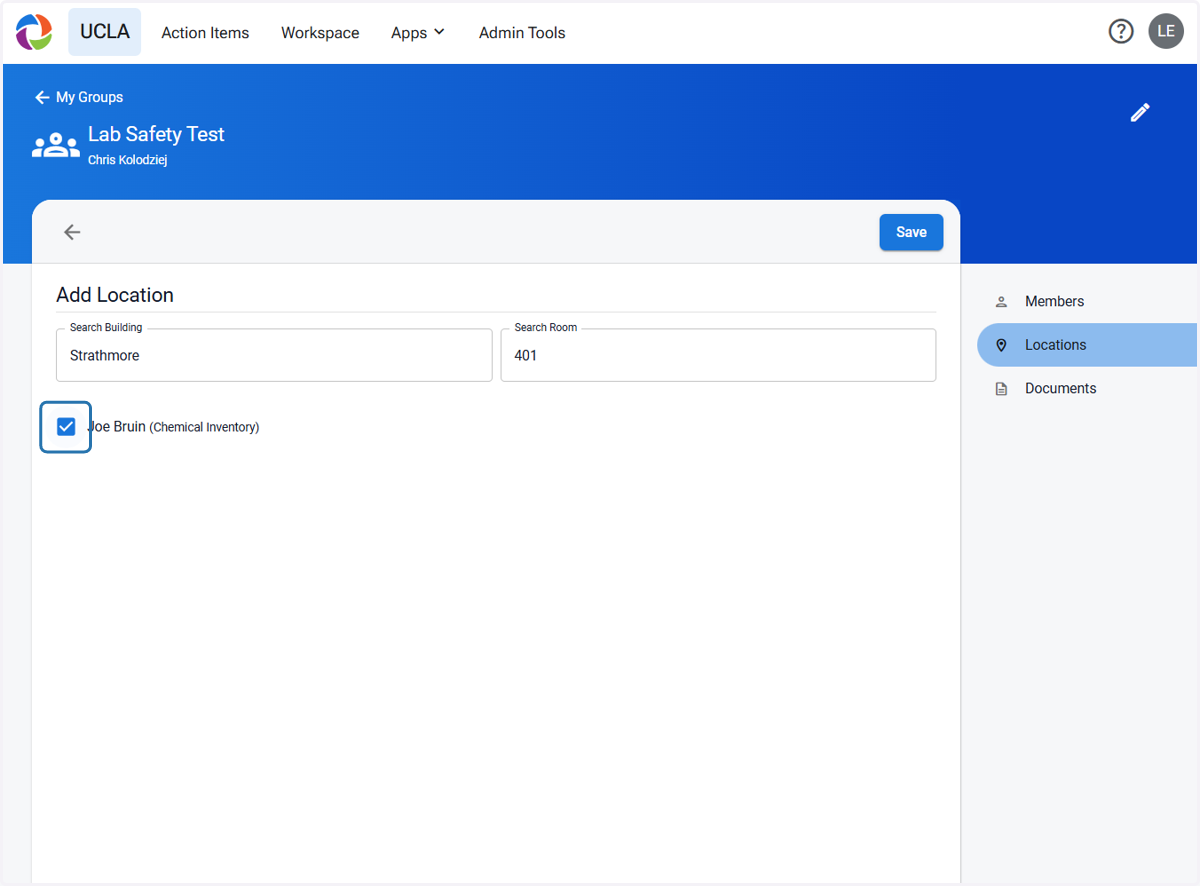
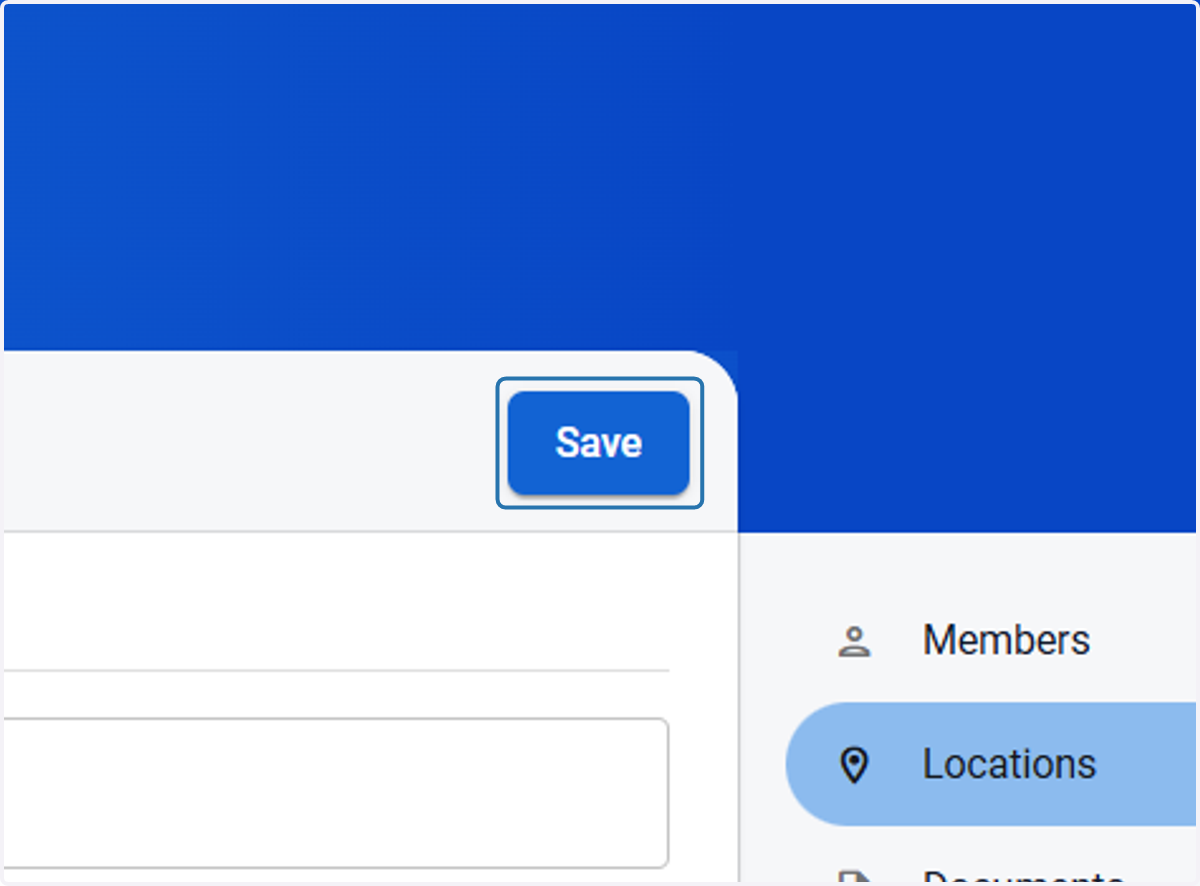
11. Click on Save