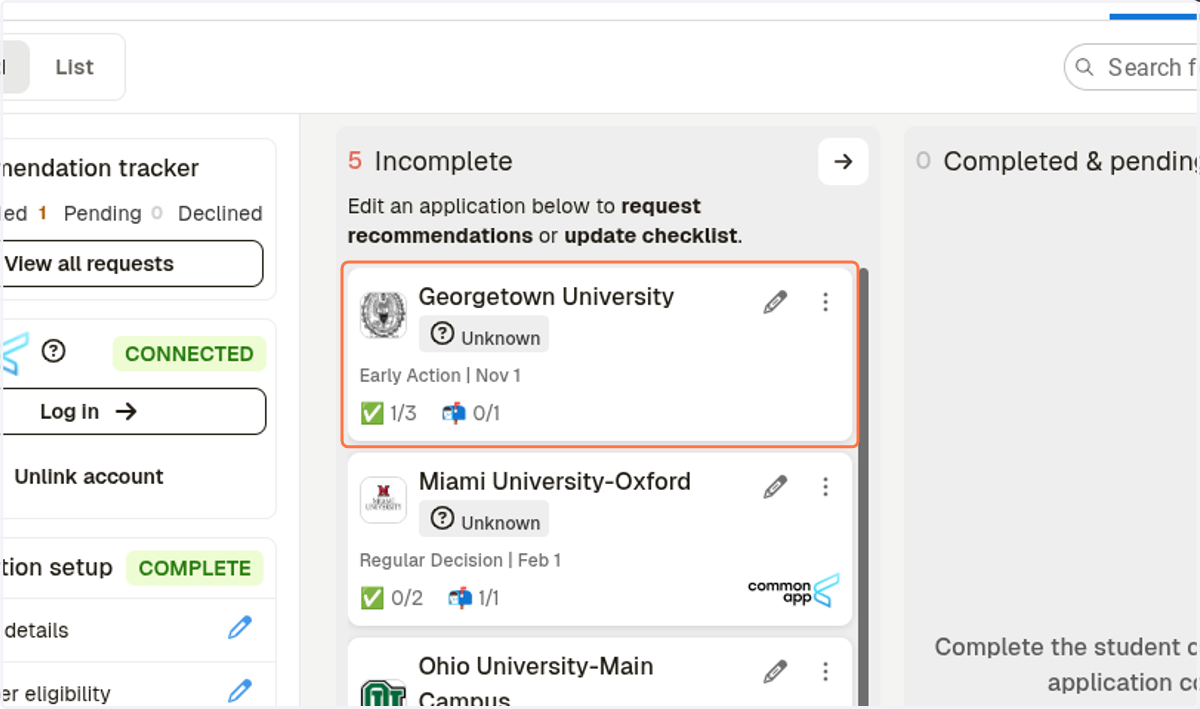
Adding Application in Schoolinks for Colleges not on the Common App
Schoolinks
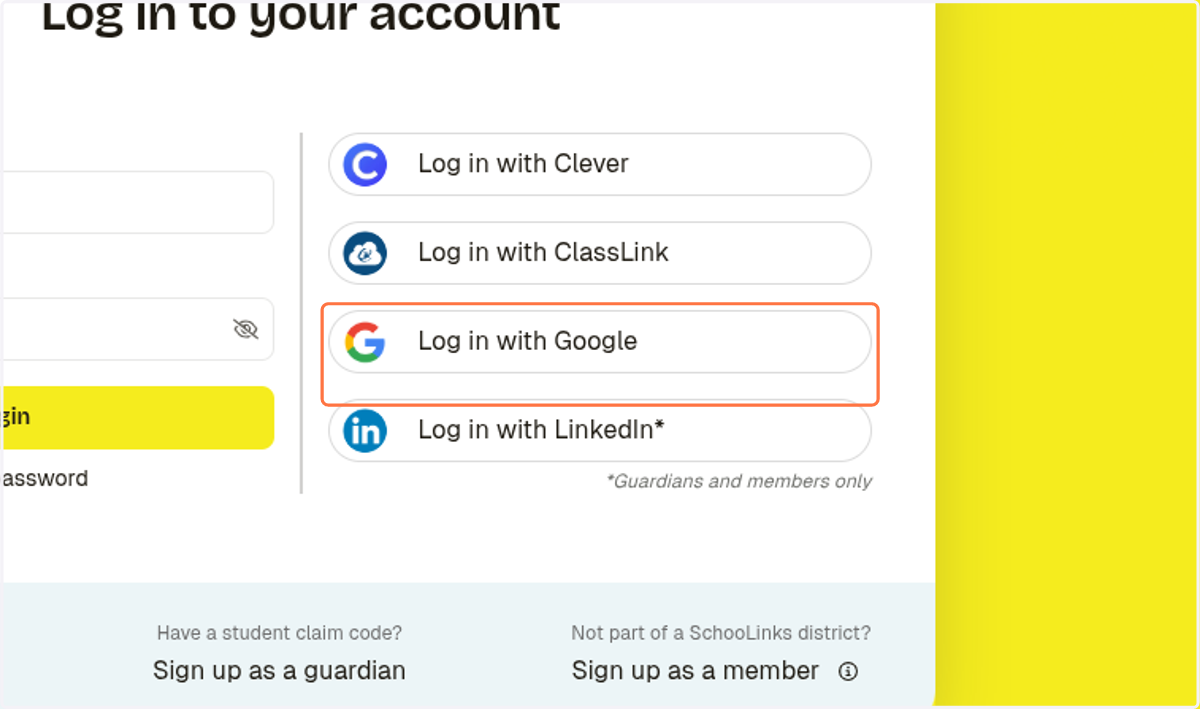
1. Click on Log in with Google
Sign in - Google Accounts
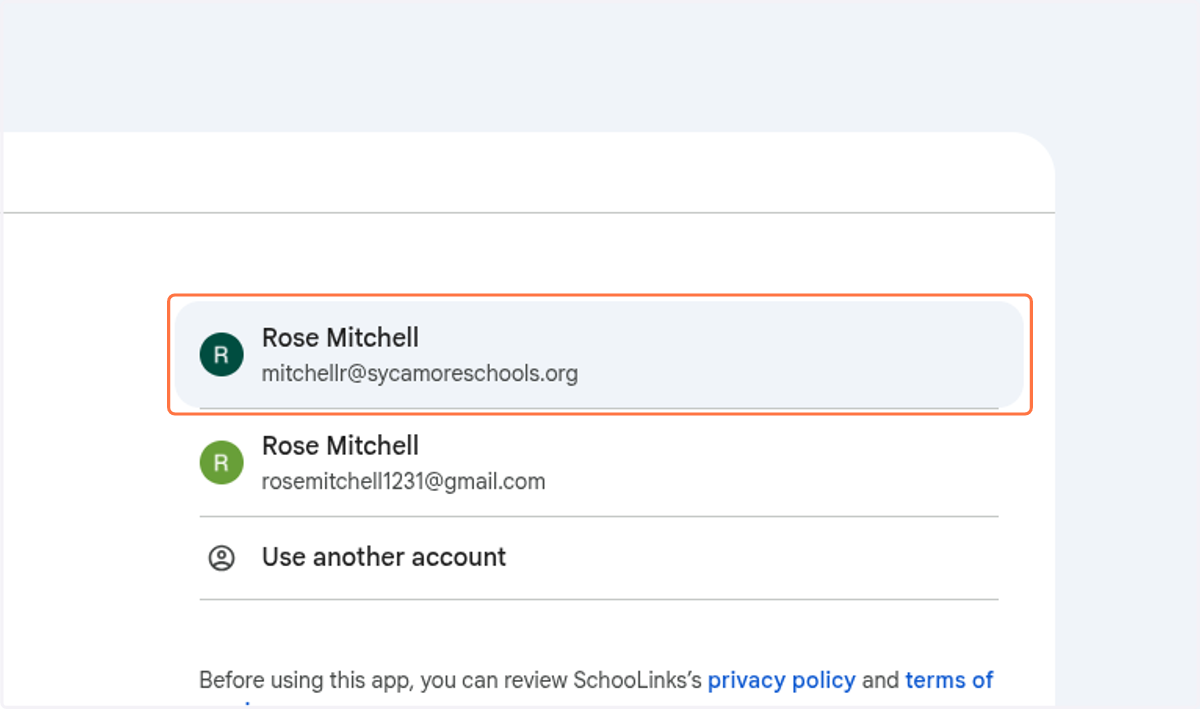
2. Sign in with your school email
Schoolinks
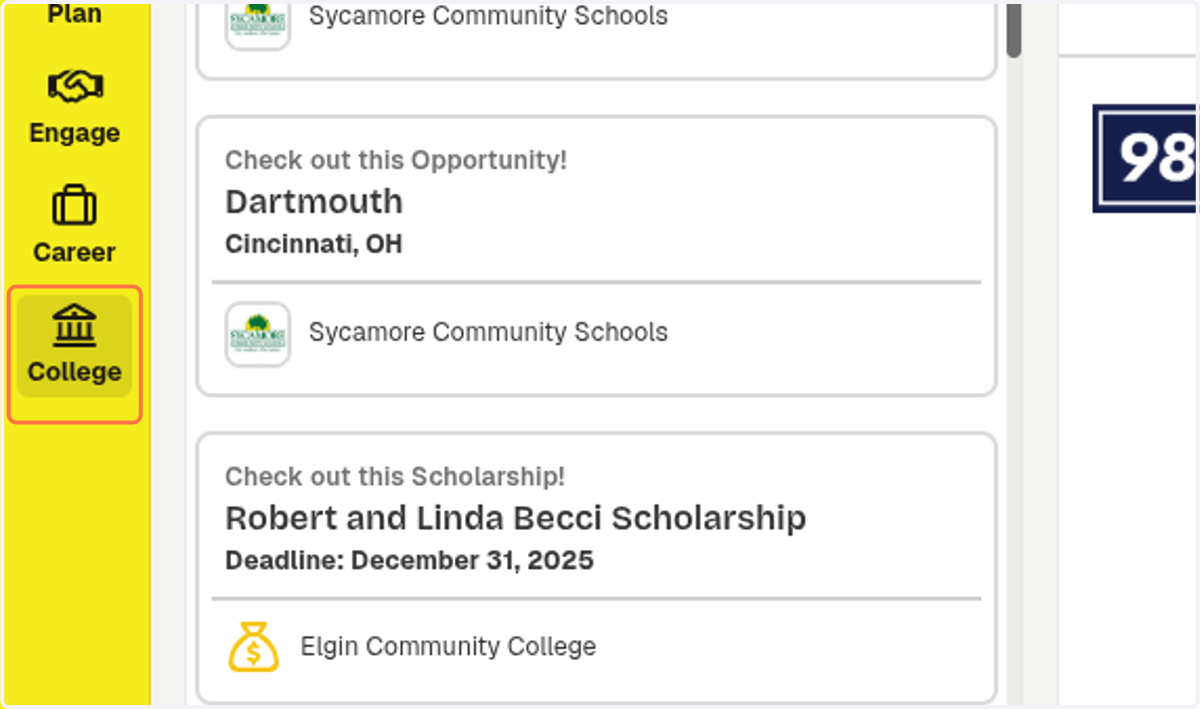
3. Click on College
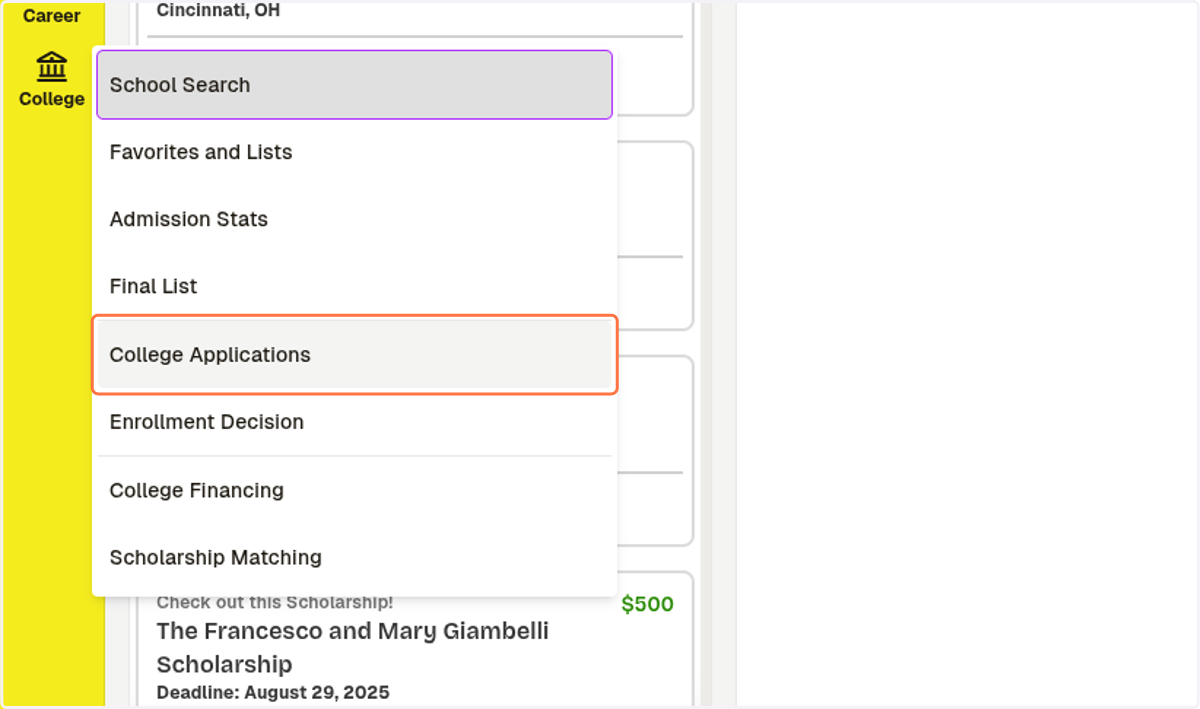
4. Click on College Applications
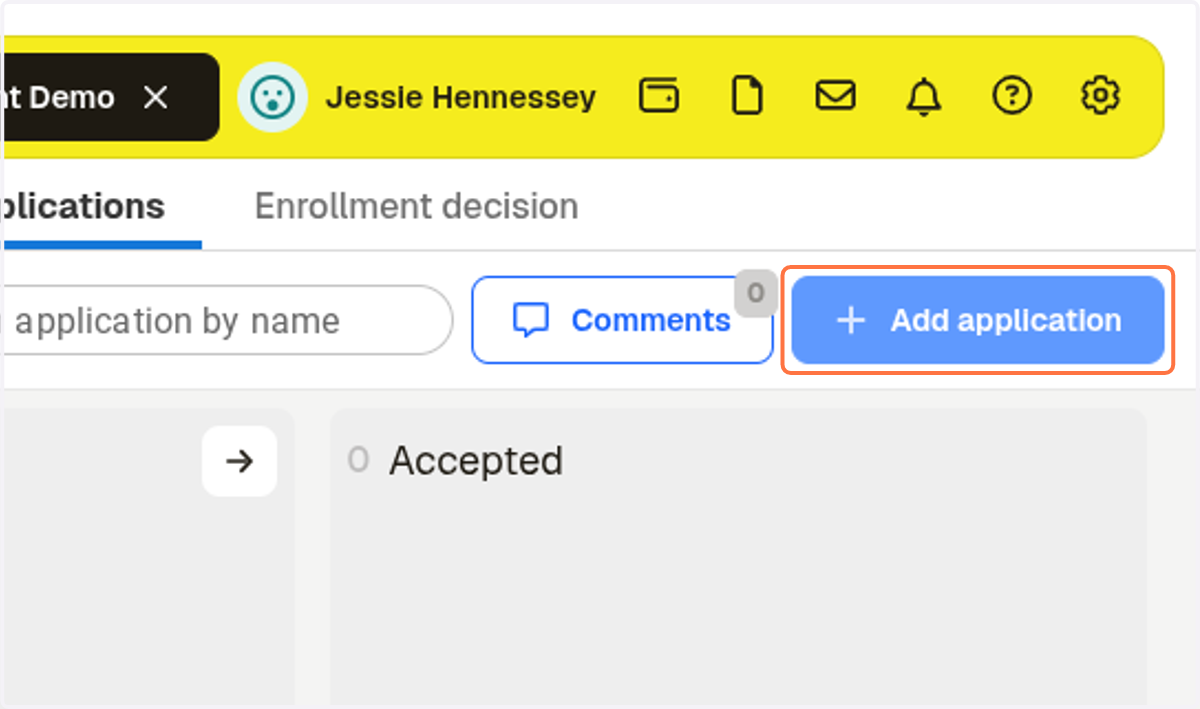
5. Click on Add application
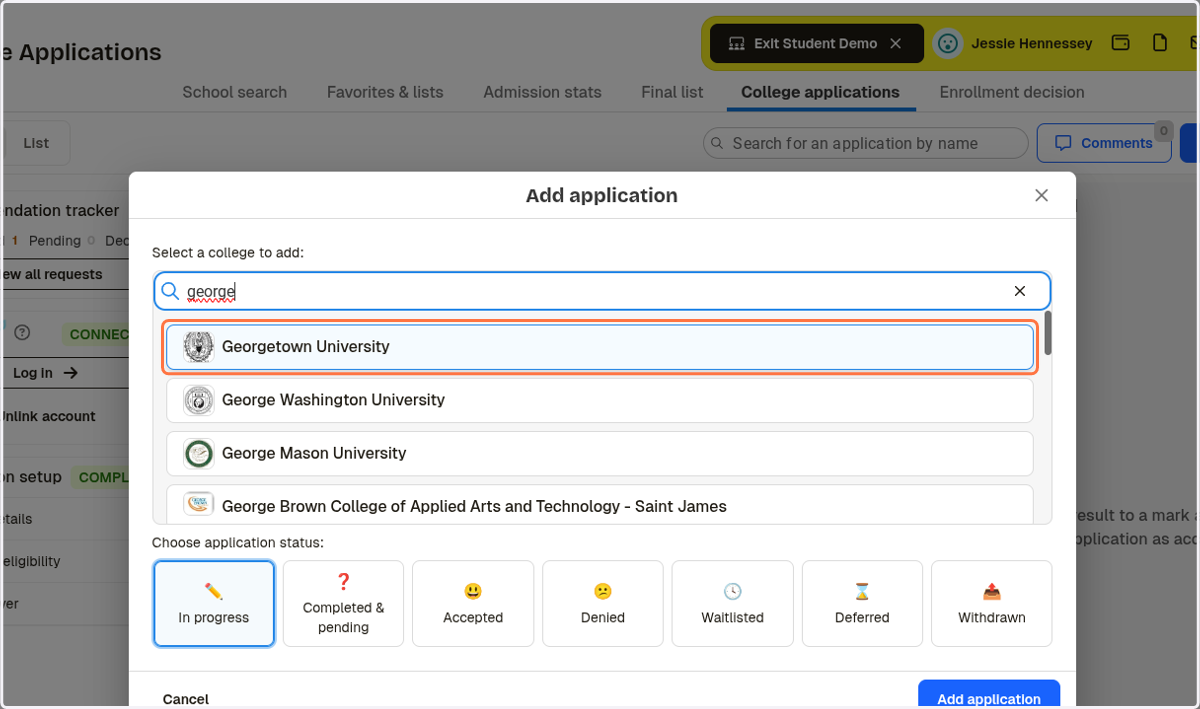
6. Type in the school name and select the college
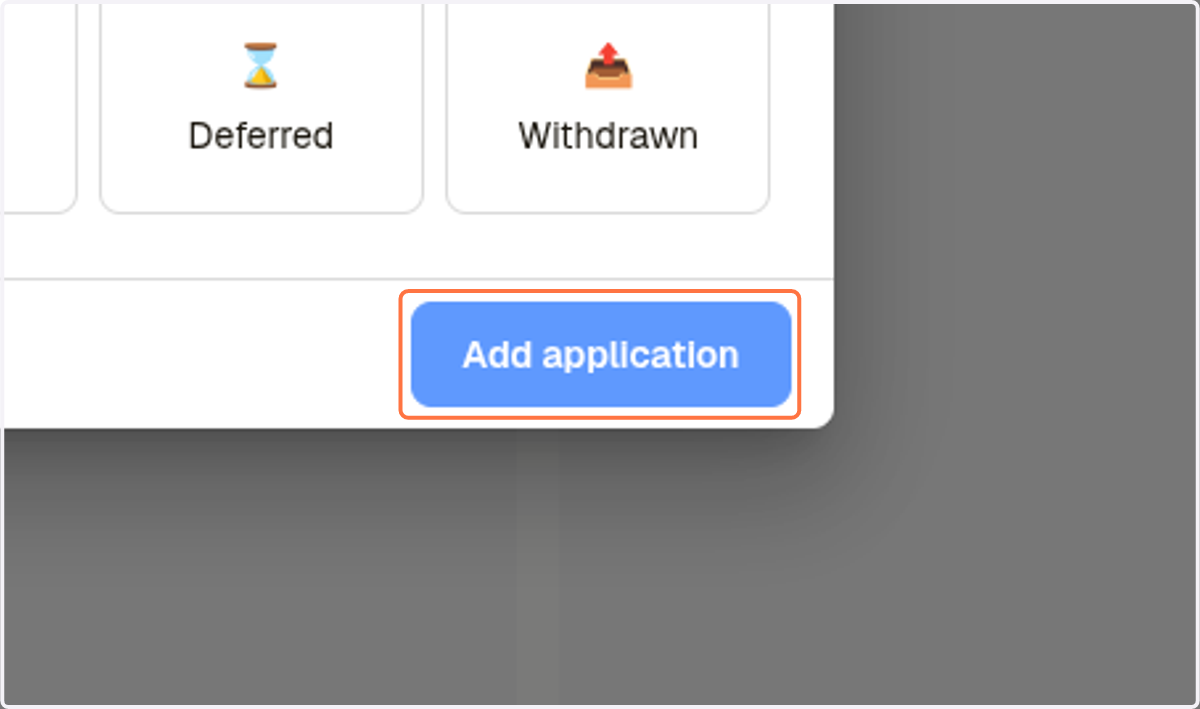
7. Click on Add application
8. Click on School-specific online app
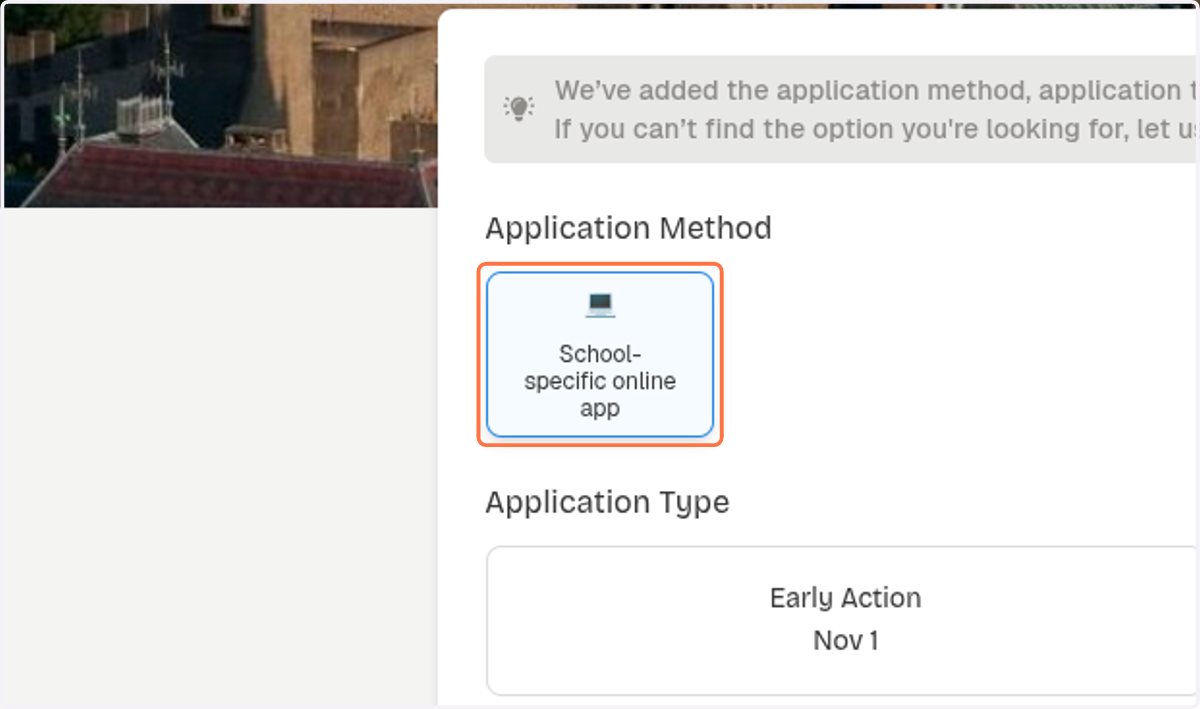
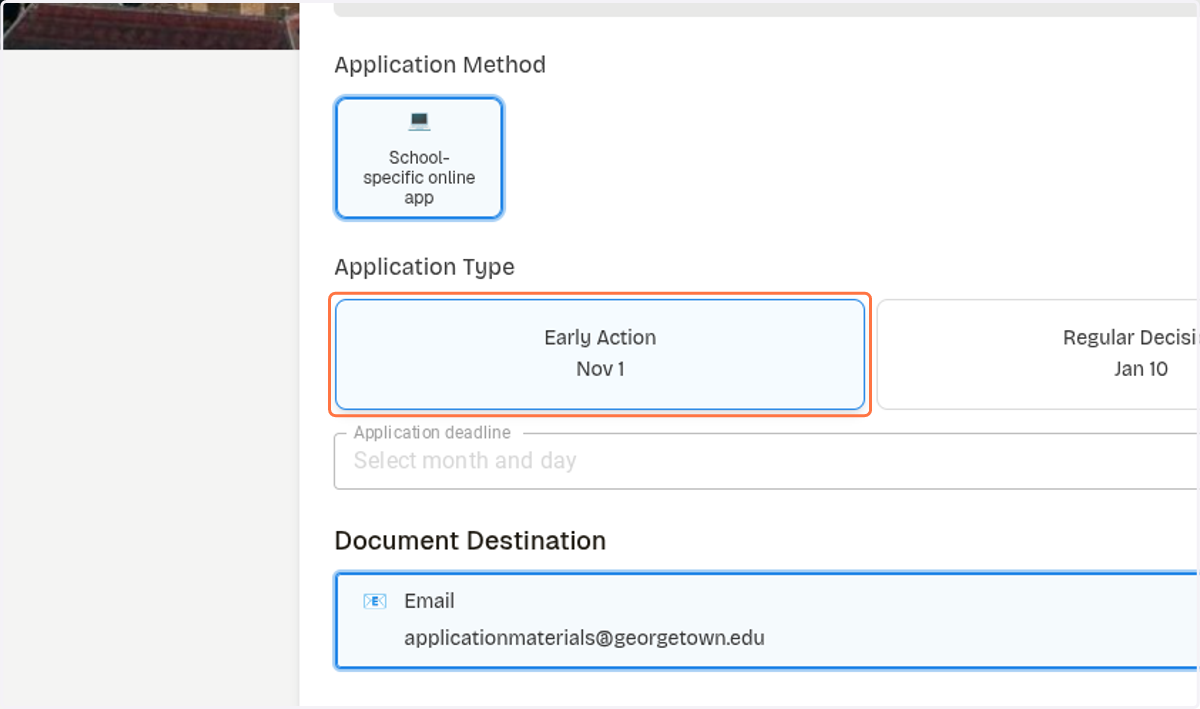
9. Click on application type
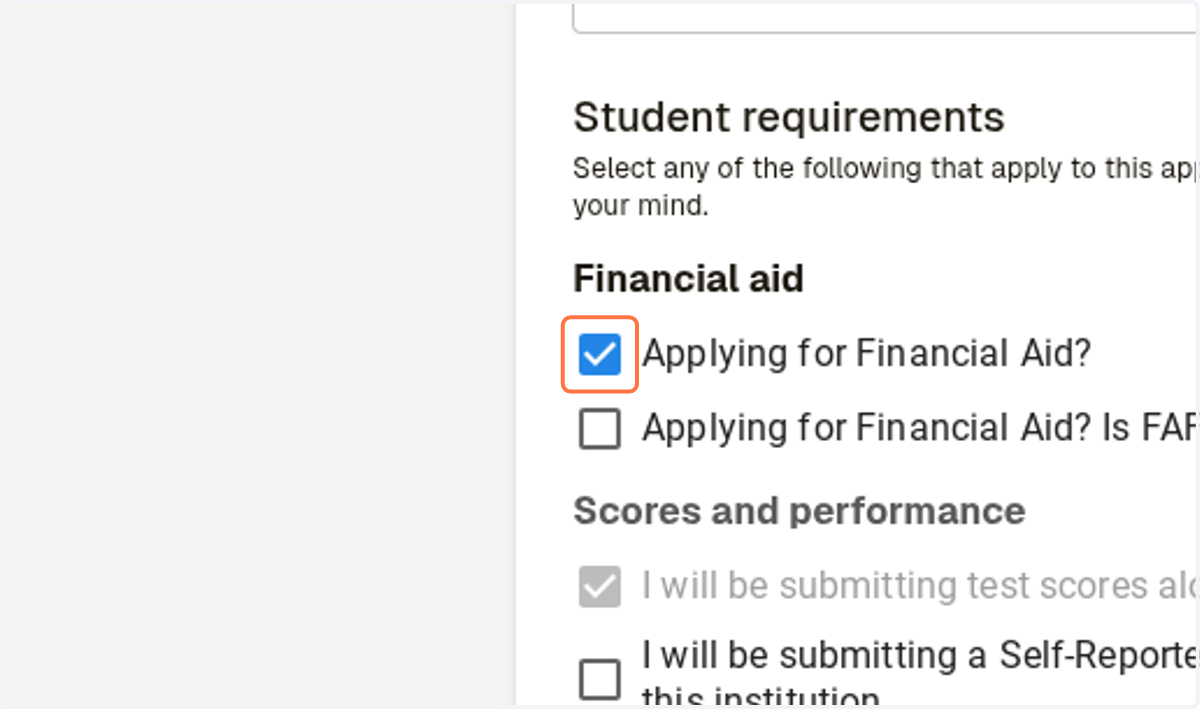
10. Check if you are Applying for Financial Aid
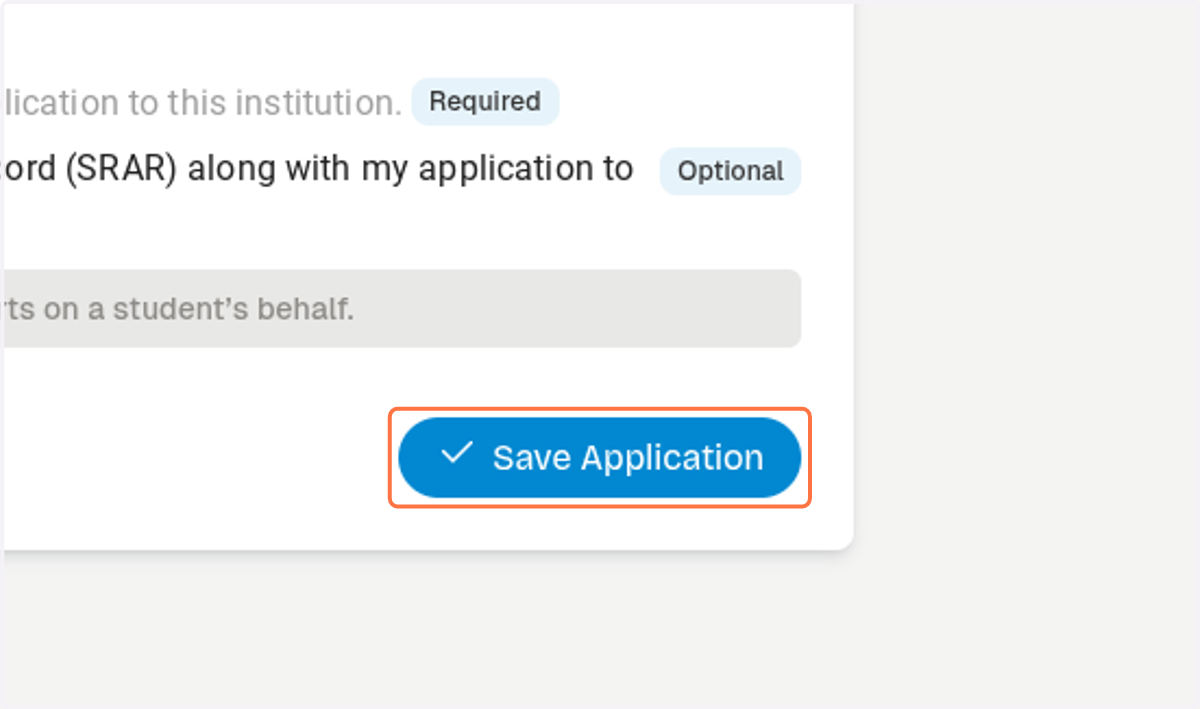
11. Click on Save Application
12. The college will be added to your pending applications