Add or Update Vehicle in UTEP Parking Portal
UTEP Parking Portal
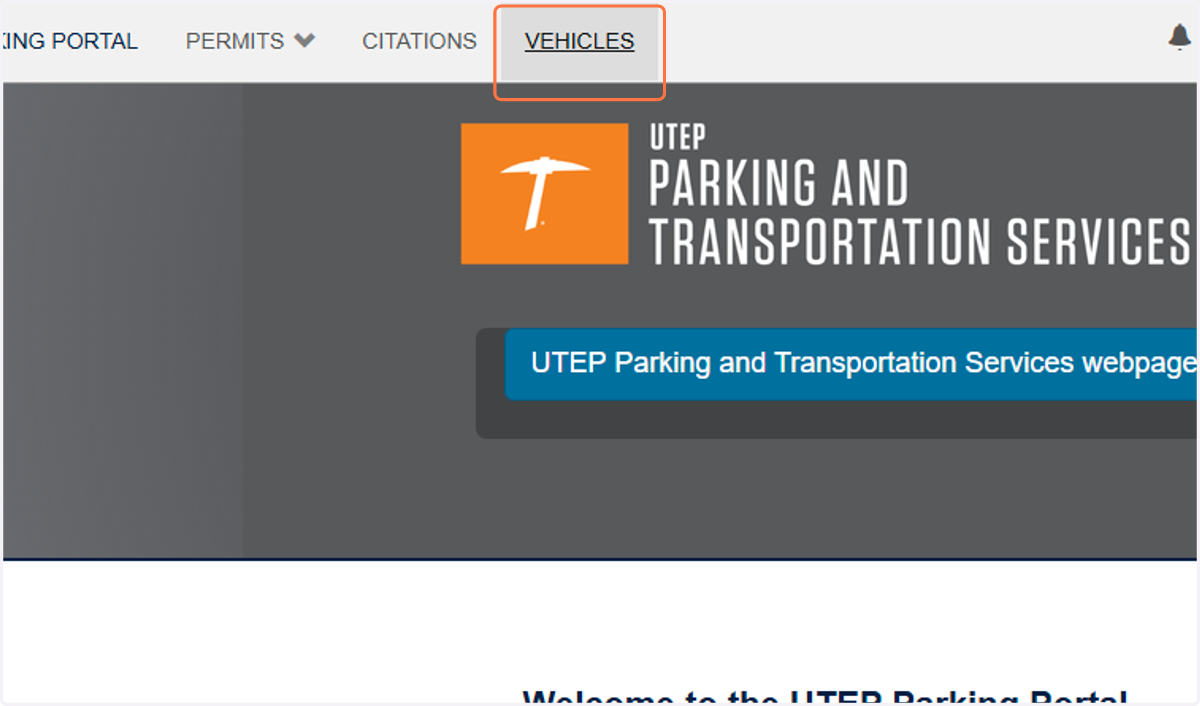
1. Click on VEHICLES
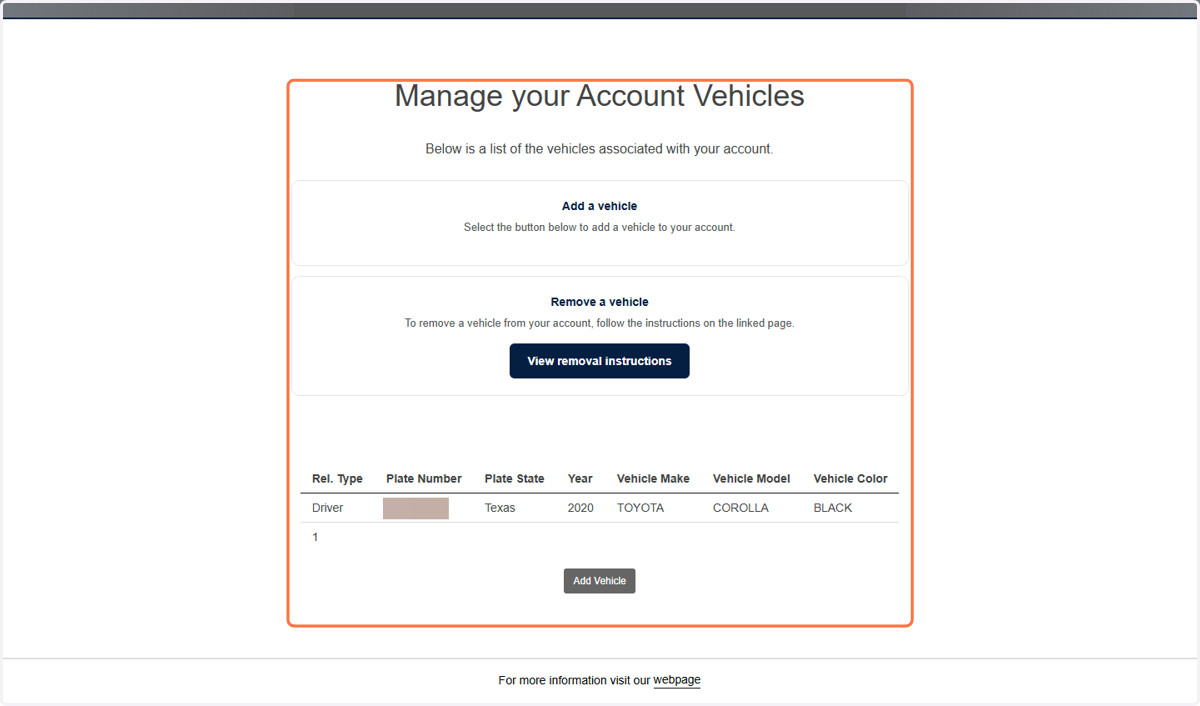
2. This page is where you can view and modify the vehicles on your account.
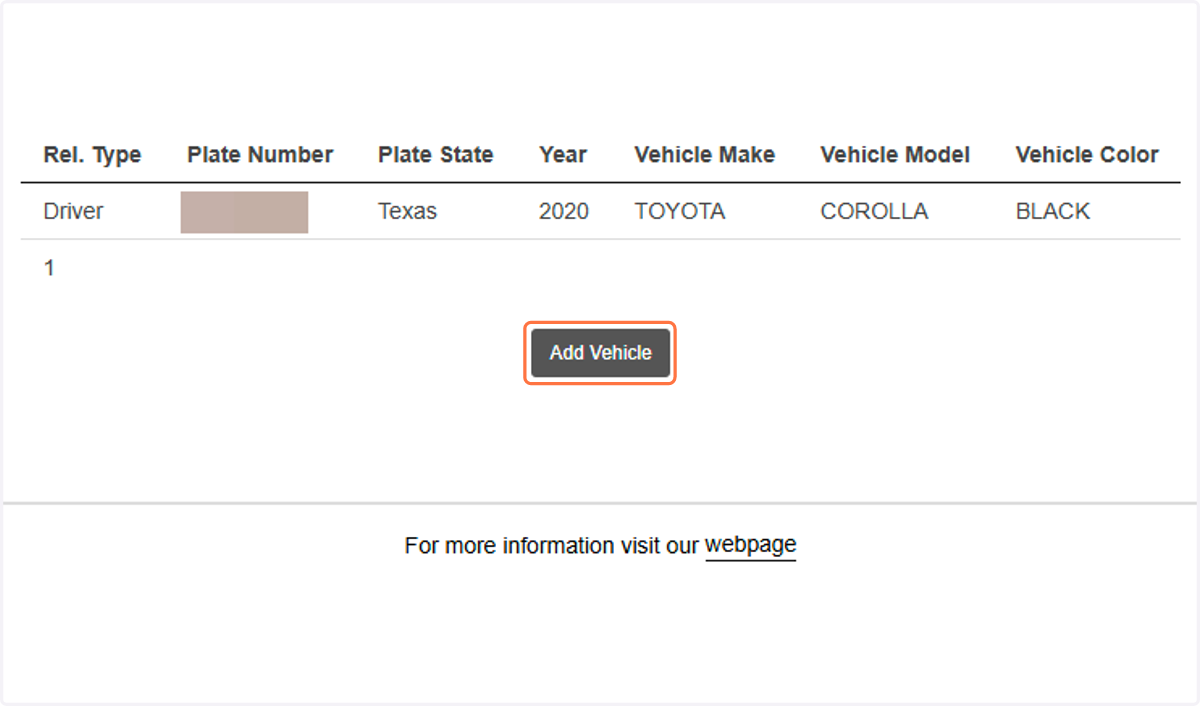
3. To add a new vehicle, click on Add Vehicle
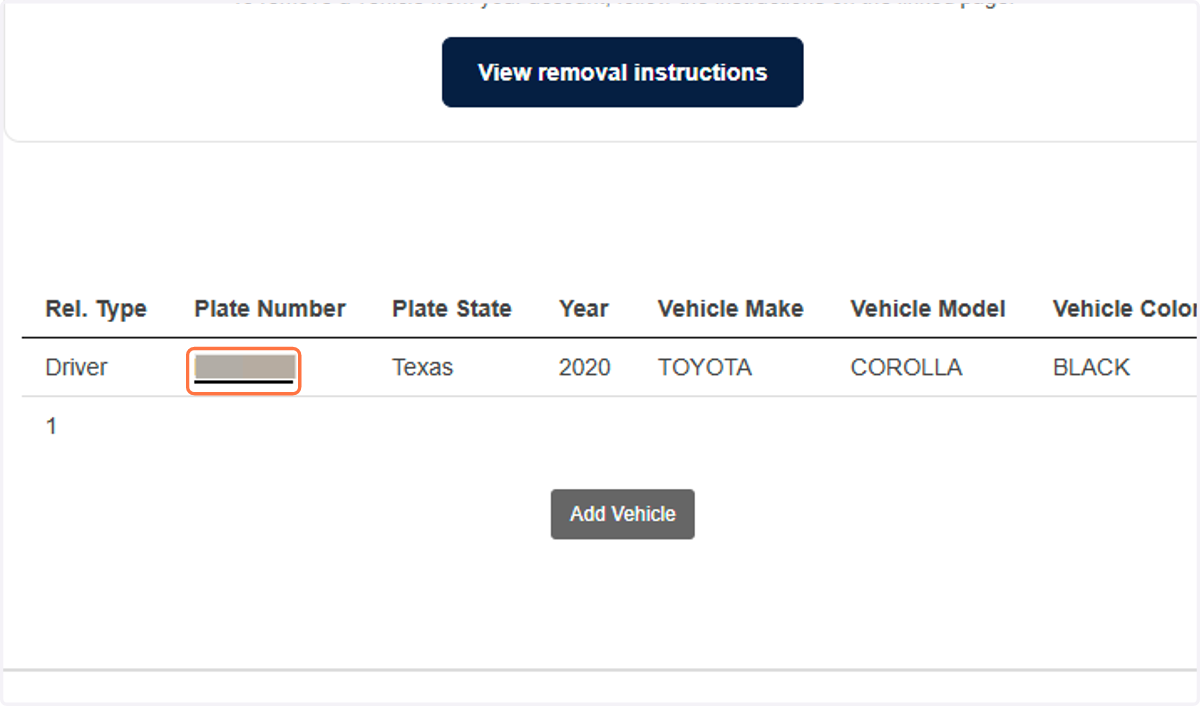
4. To edit an existing vehicle, click on the Plate Number
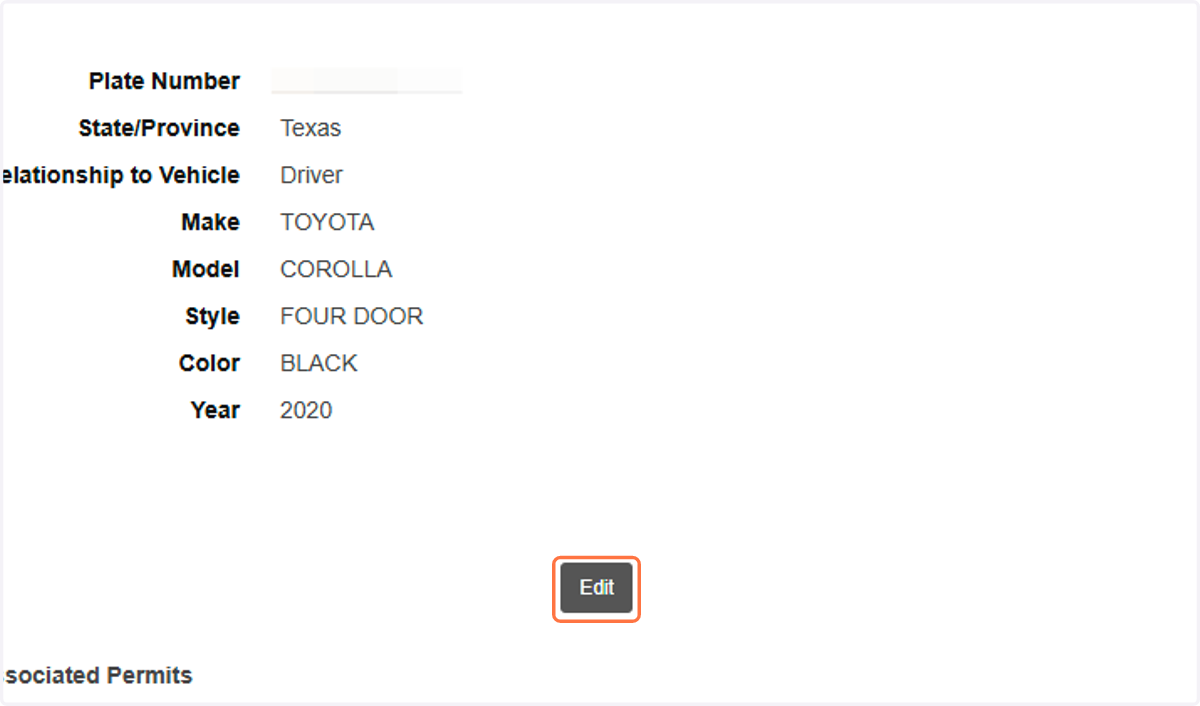
5. Click on Edit