Add or Update Mailing Address in UTEP Parking Portal
UTEP
1. Click on Welcome, [Your Name]! and click on Manage Your Account Information from the dropdown menu
![Click on Welcome, [Your Name]! and click on Manage Your Account Information from the dropdown menu](https://images.tango.us/workflows/08b93137-19de-44ed-8f29-934feb0e5ba7/steps/a9d61c31-c525-4a69-8501-ae75b2cbb51c/eae7f90a-0b18-474f-af73-ca0edeeabf6d.png?fp-x=0.7078&fp-y=0.0538&fp-z=2.8425&w=1200&border=F4F2F7&bx=1404&by=44&bw=258&bh=49&c=FF7442&dpr=1.00)
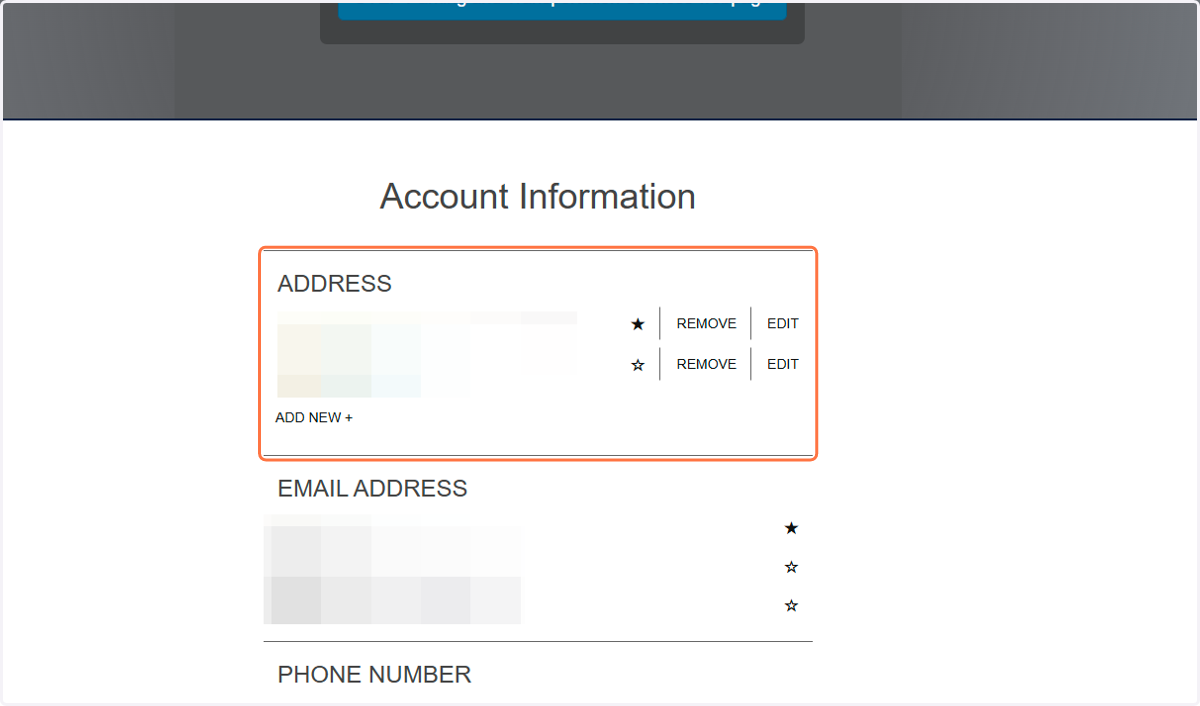
2. You can see the addresses linked to your account on this page
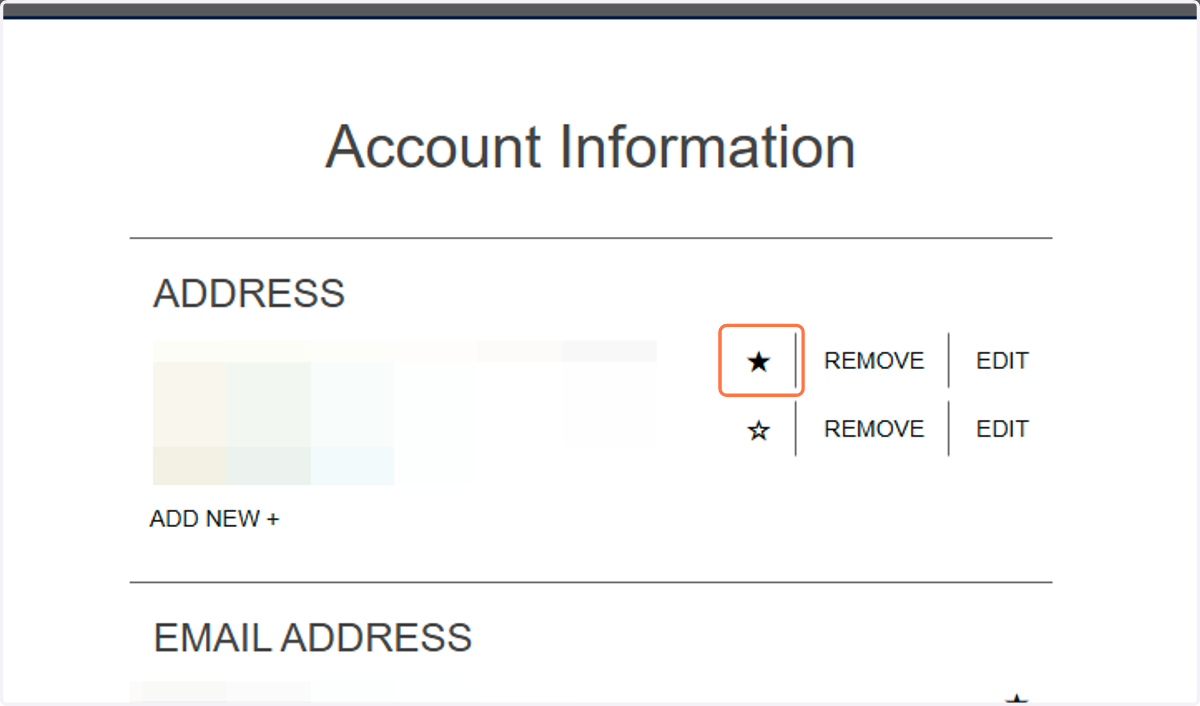
3. Your priority address that will be used by the vendor to mail your permit out is starred
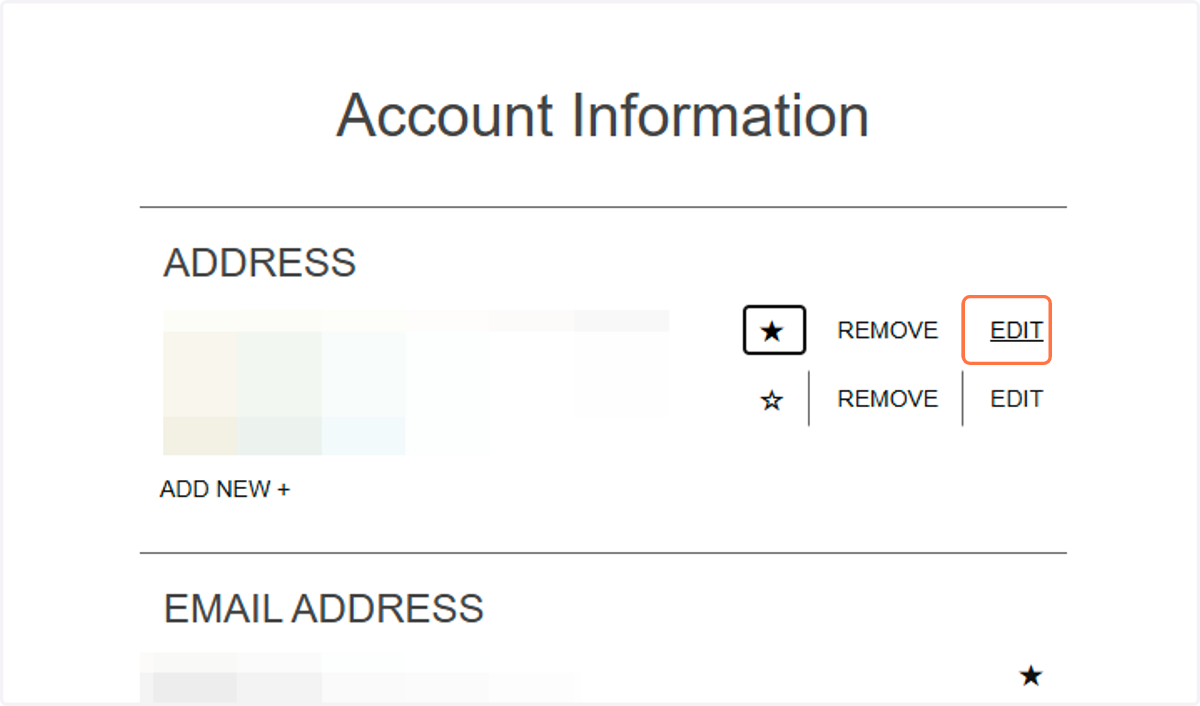
4. To edit an existing address, click EDIT
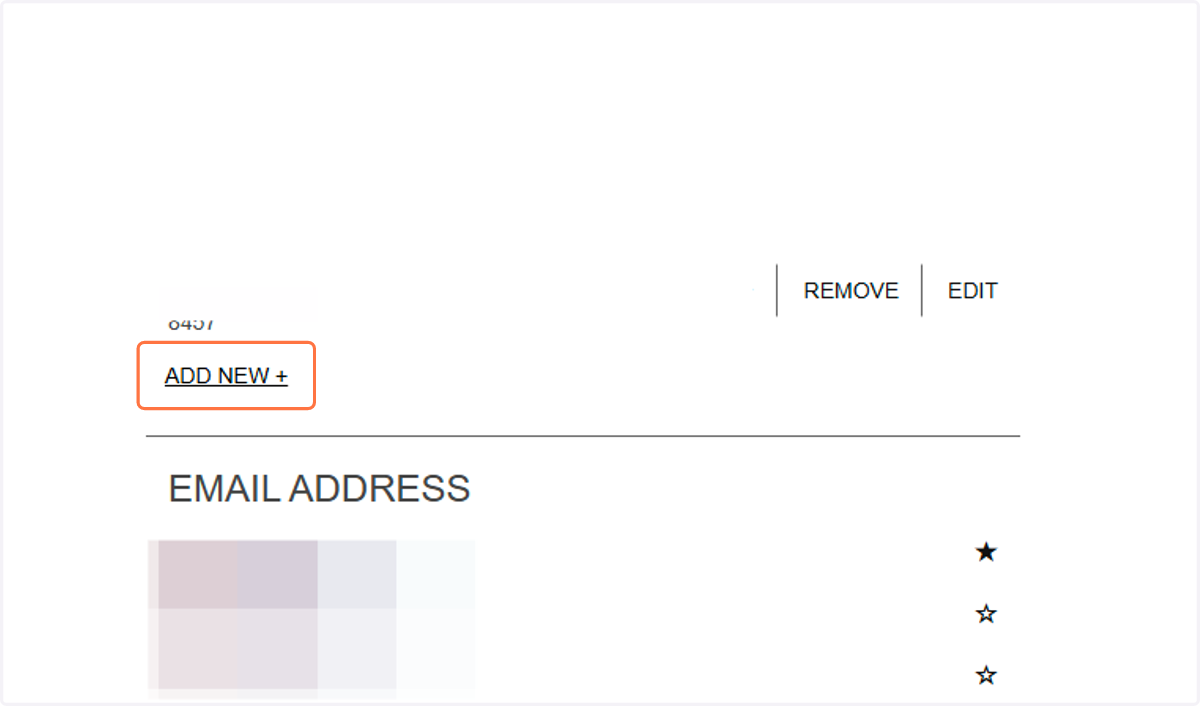
5. To add a new address, click on ADD NEW +