How to Allow Anyone to Add Invitations to Your Calendar
Go to Google Calendar
Go to https://calendar.google.com
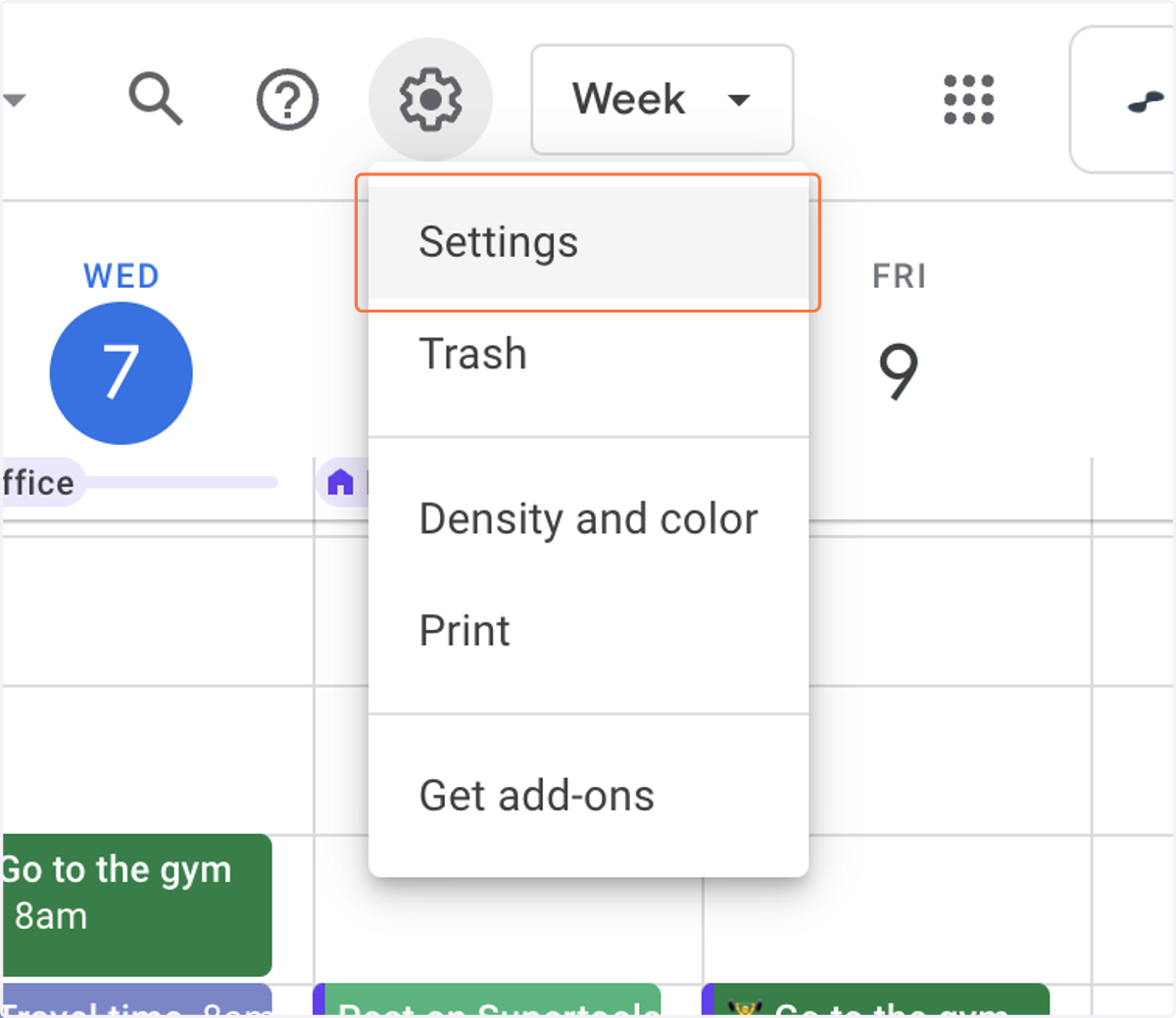
1. Click on Settings
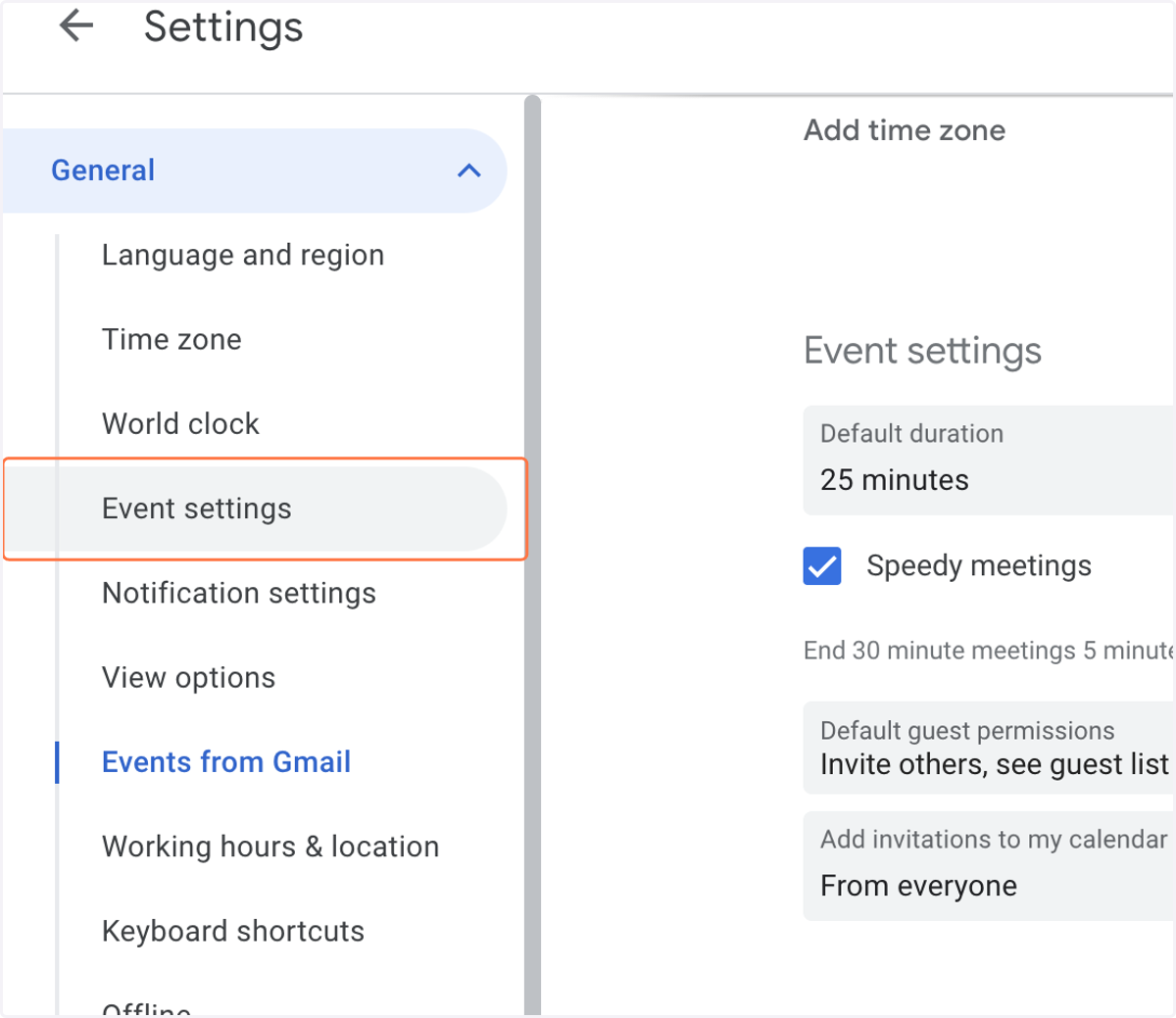
2. Click on Event settings
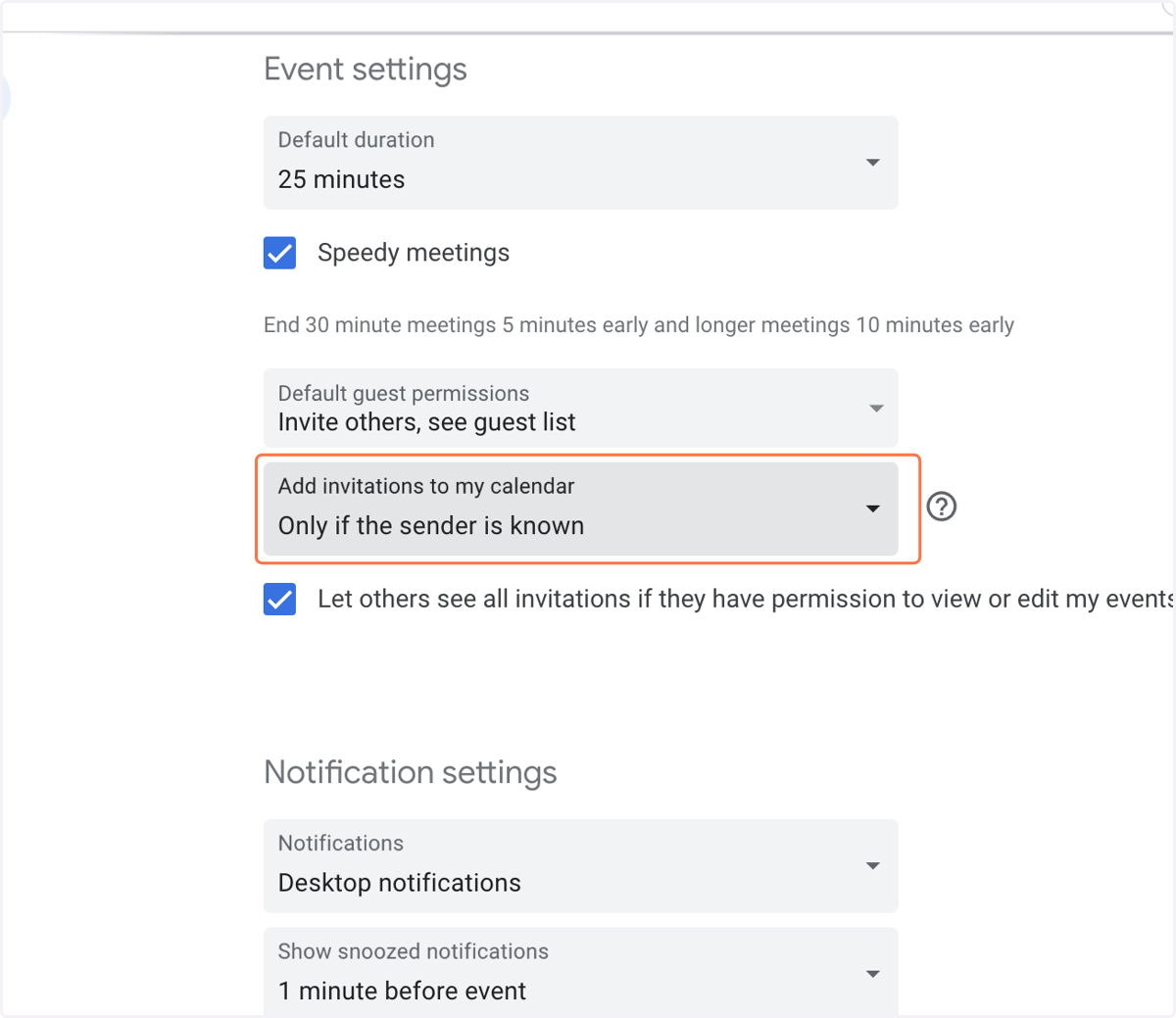
3. Click on Add invitations to my calendar…
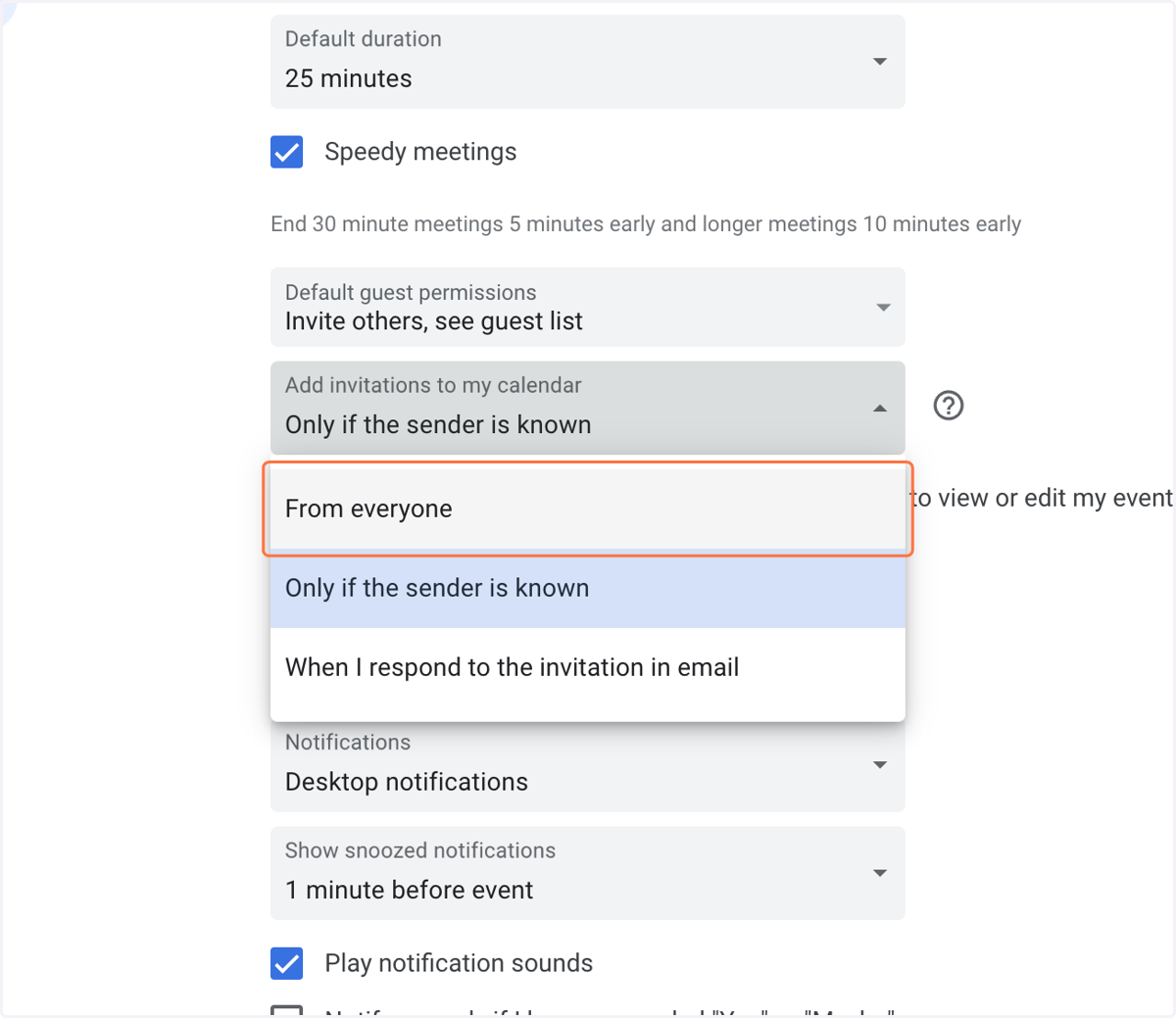
4. Change to on From everyone
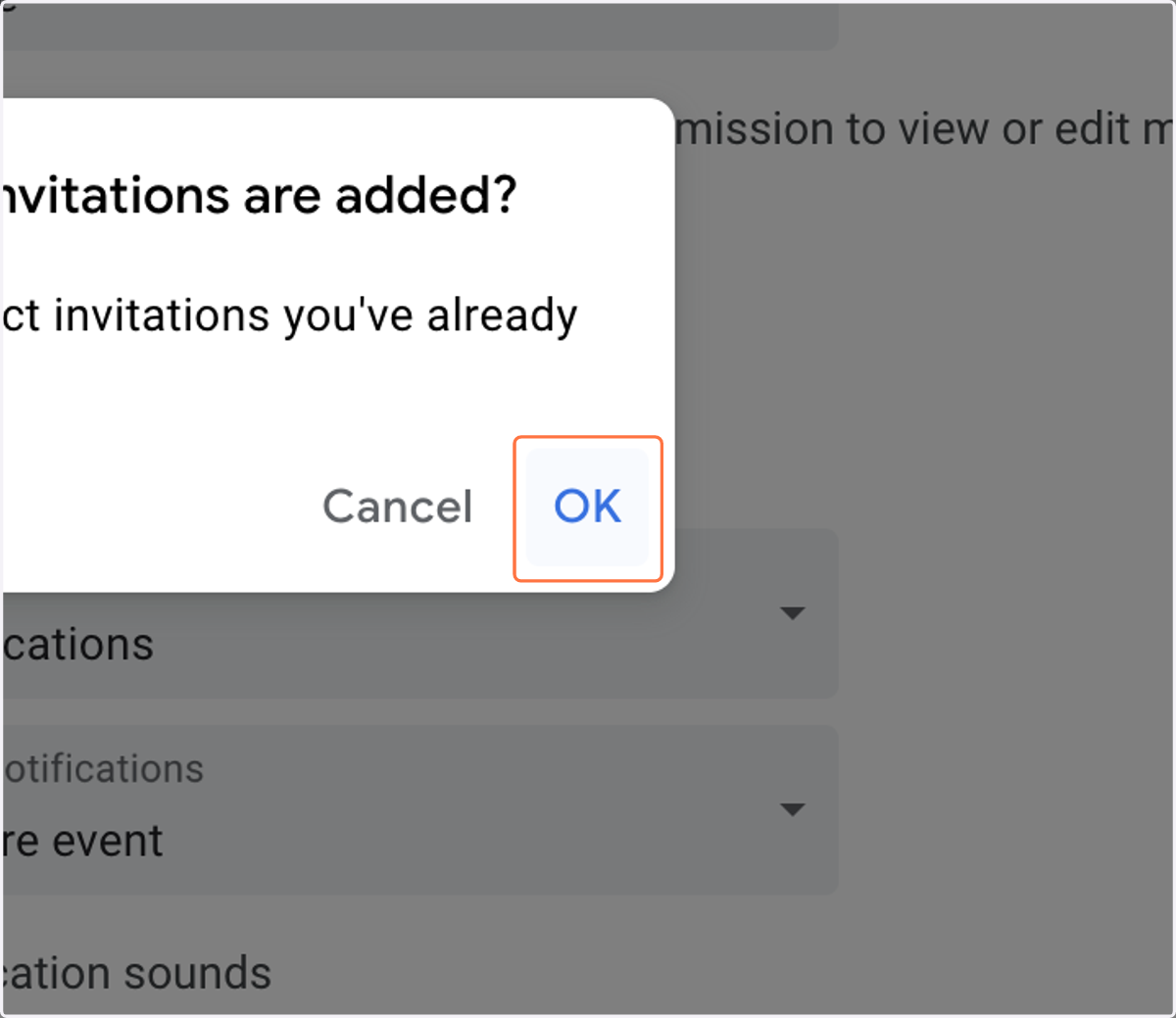
5. Click on OK
Go to https://calendar.google.com