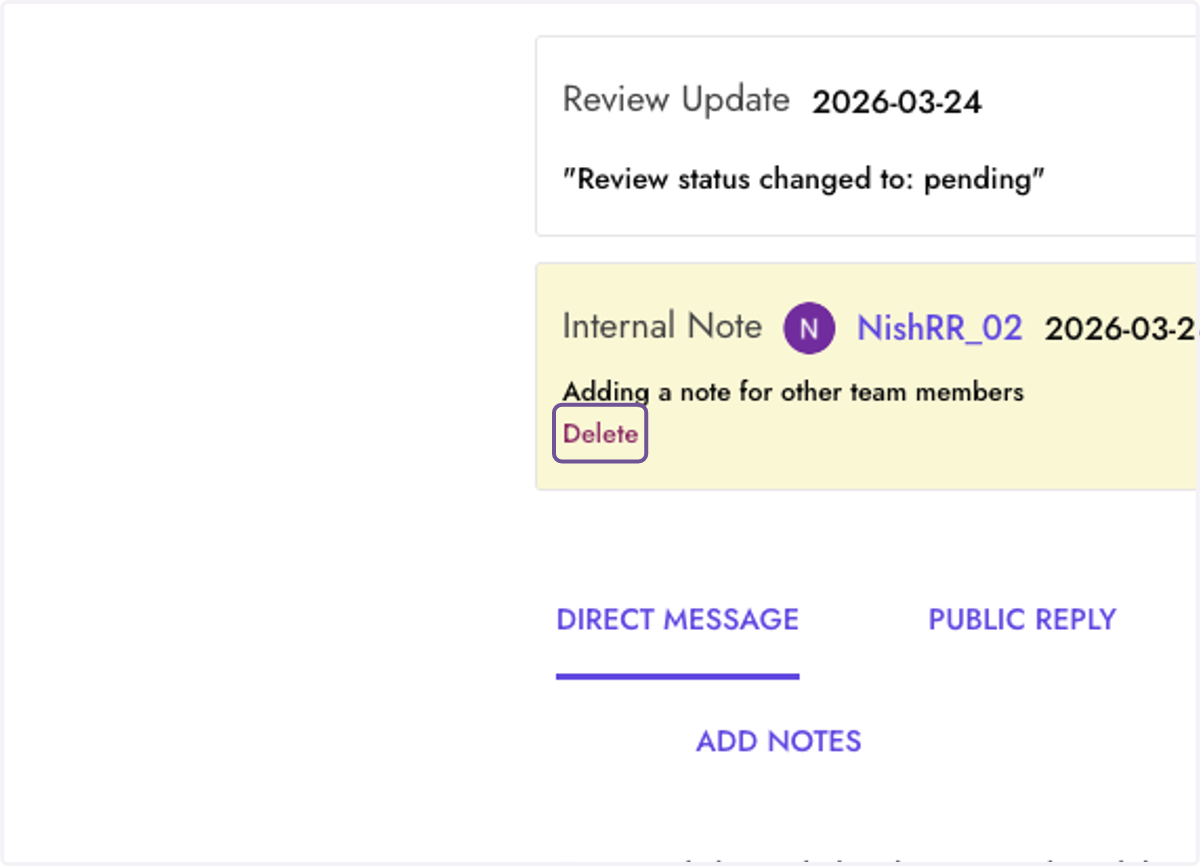
Add and Delete Notes for reviews
You can add notes for other team members to inform them of the review, and what's going on with it if you've directly contaced a reviewer, etc.
Dashboard | ResellerRatings
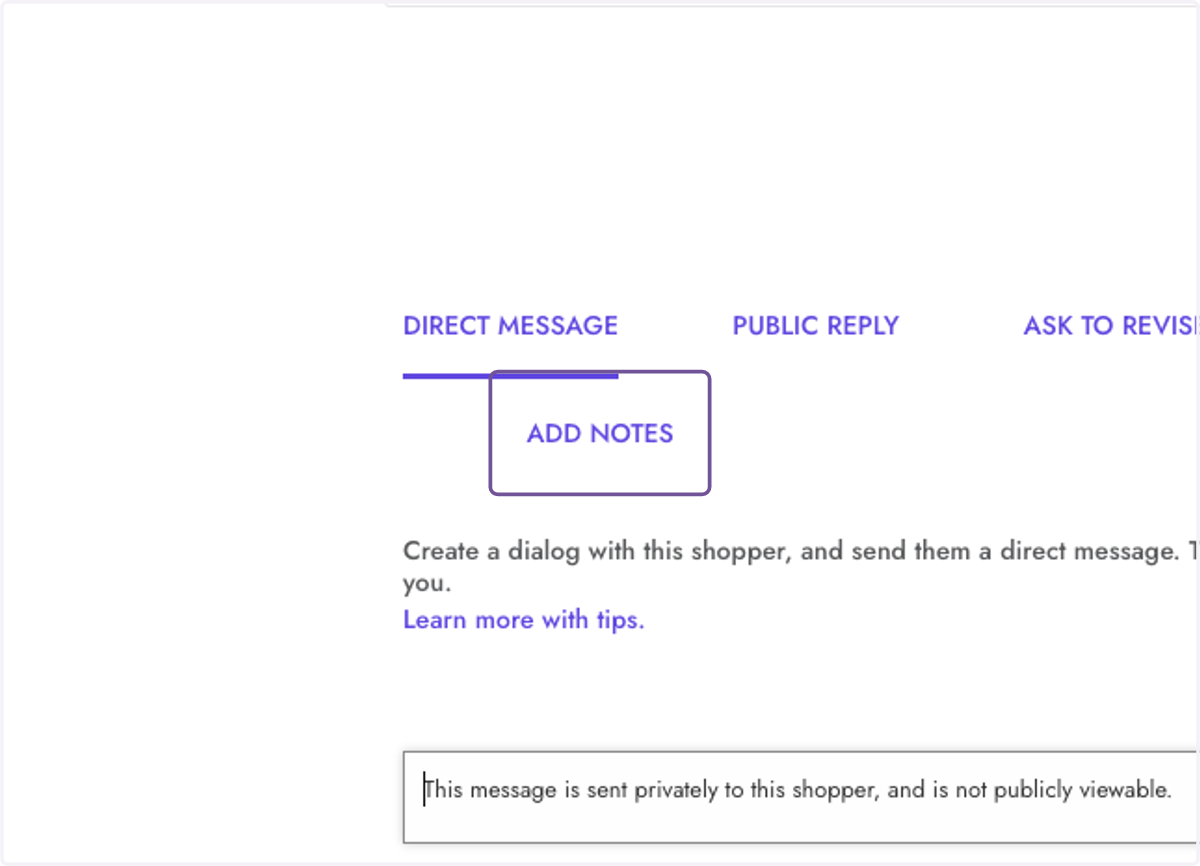
1. Click on ADD NOTES
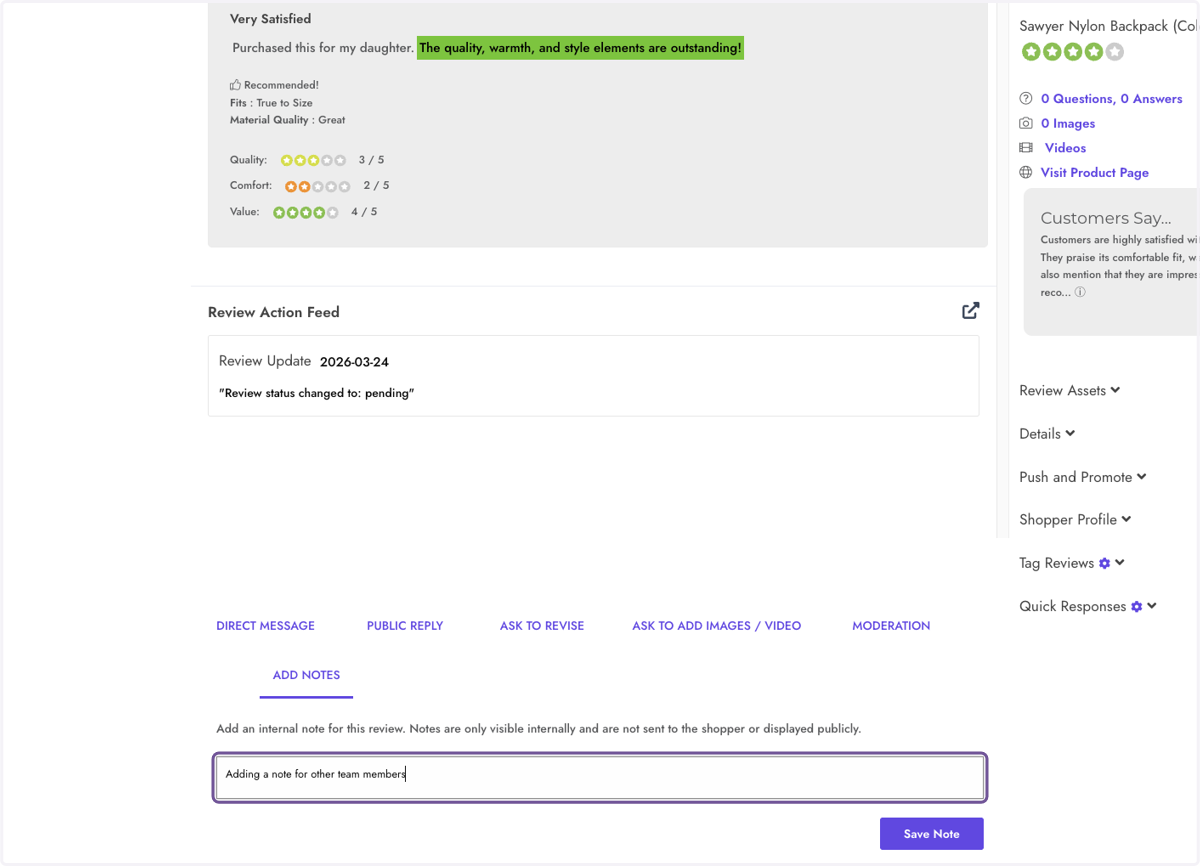
2. Type "Adding a note for other team members"
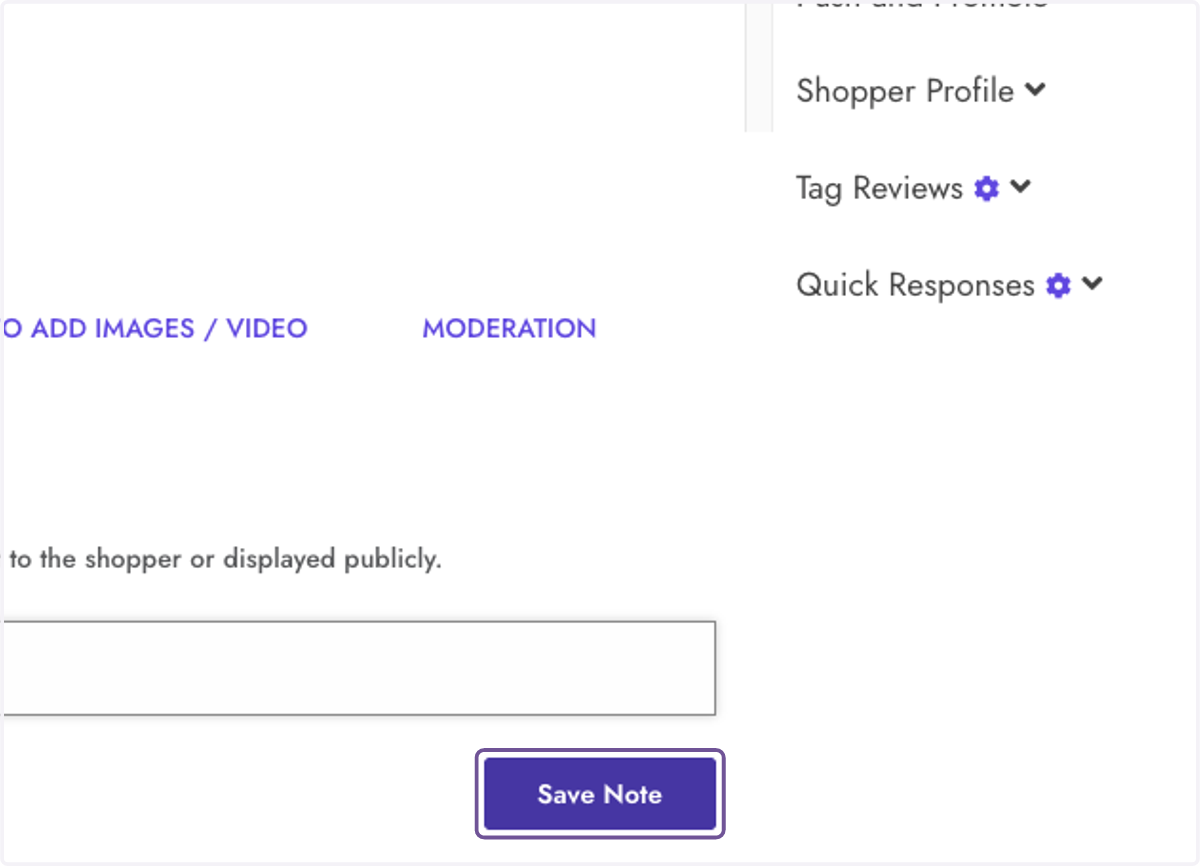
3. Click on Save Note
4. Click on Adding a note for other team members…
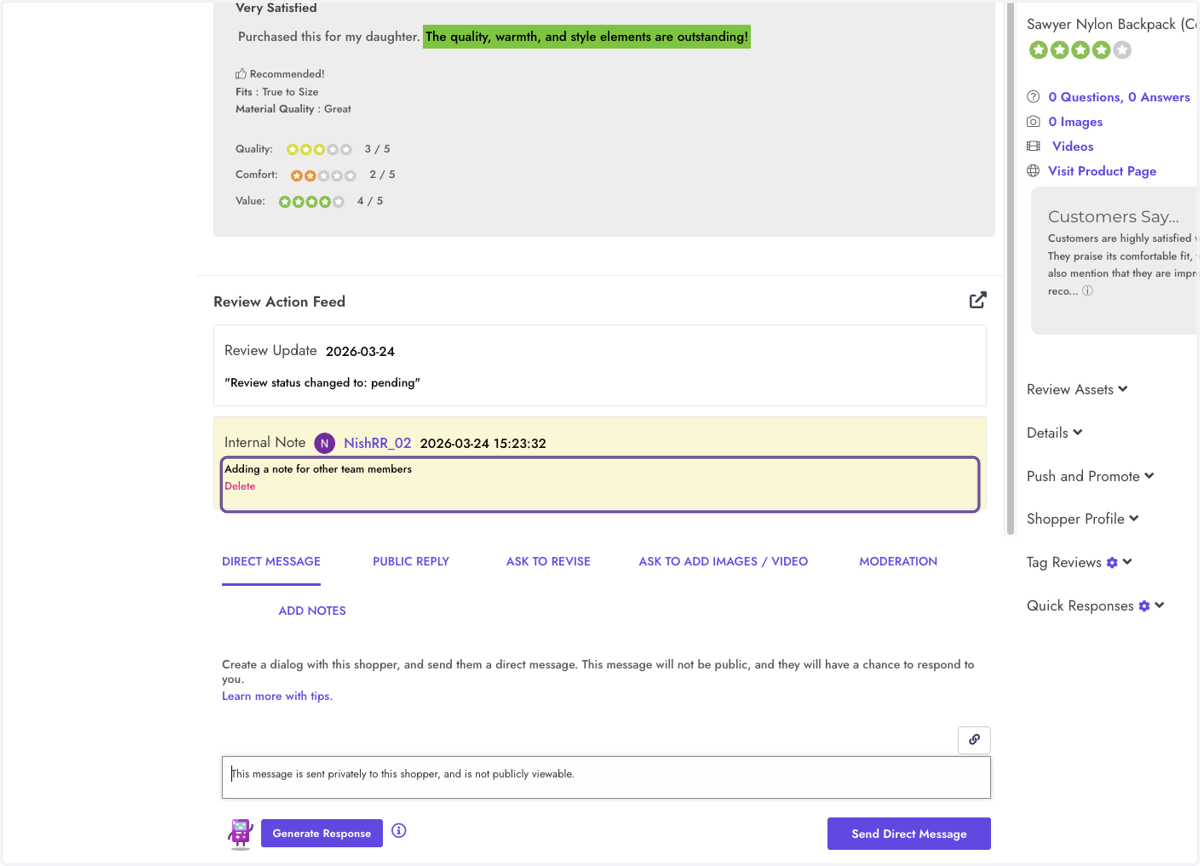
5. Click on Delete