Add an Event to Google Business Profile
If your Newsagency is running a special promotion, hosting a community activity or hosting an in-store event, adding an event to your Google Business Profile is a great way to let people know. Events show up directly in your profile when people search for your business on Google or Maps, putting your update in front of local customers at just the right time.
This guide will show you how to create and post an event that can help drive more attention and foot traffic to your store.
✅ Why Adding Events Is Worthwhile for Newsagents:
Promote special activities: Whether it’s a colouring competition, gift wrapping service, Lotto jackpot draw, or school holiday deal, an event helps you promote it clearly and professionally.
Reach local customers: Events are shown to people searching in your area, making it more likely they’ll visit during the promotion or activity.
Add urgency and interest: Events are time-based, so they naturally encourage people to act sooner rather than later.
Keep your listing active: Posting events regularly helps keep your Google profile fresh, which can improve visibility in search.
Using events is a simple and free way to get more people aware of what’s happening in-store. Let’s walk through how to add one to your Google Business Profile.
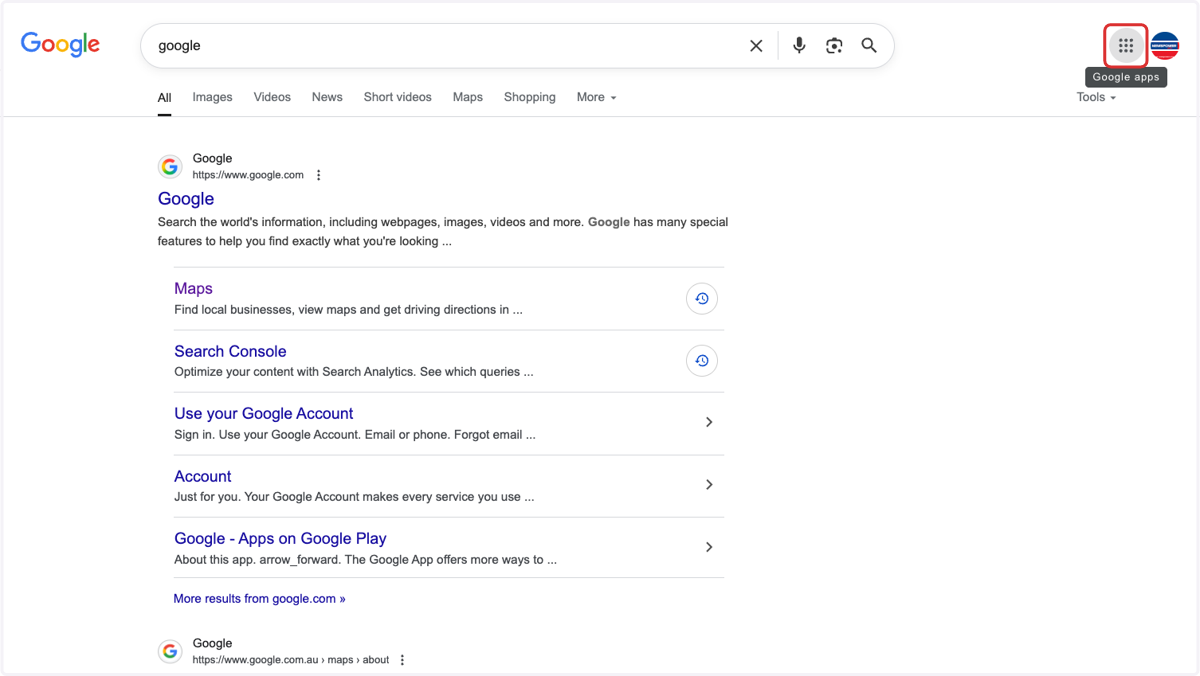
1. Open Google search & click on the 9 dots
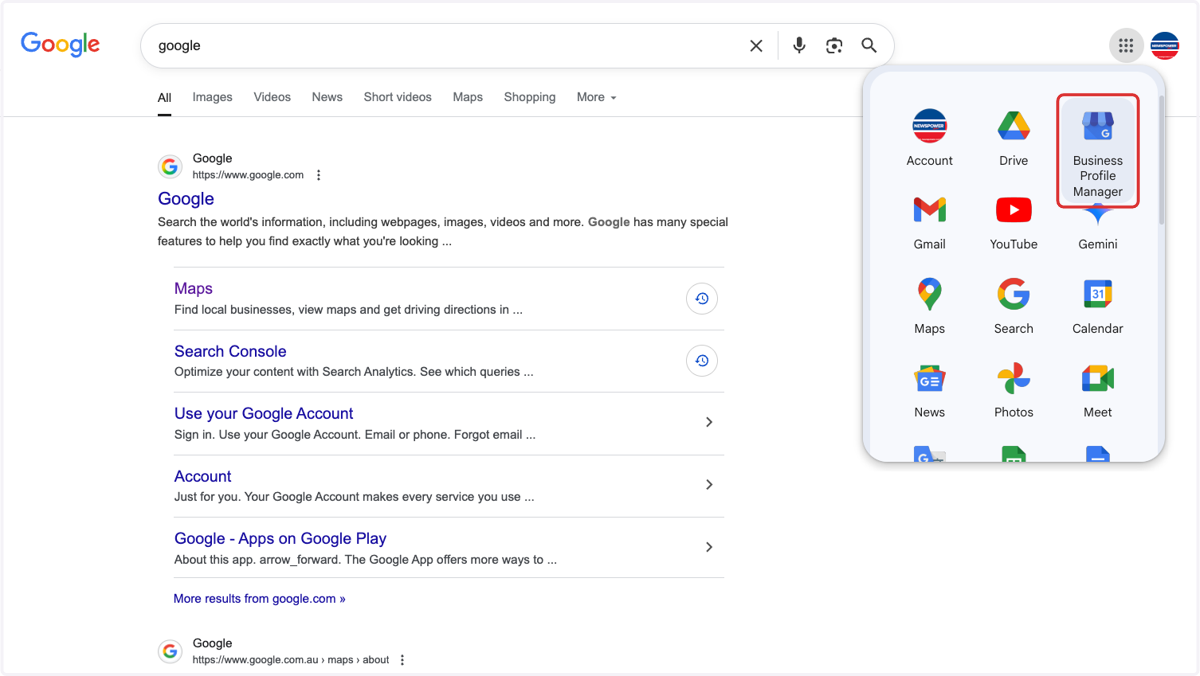
2. Click on Business Profile Manager
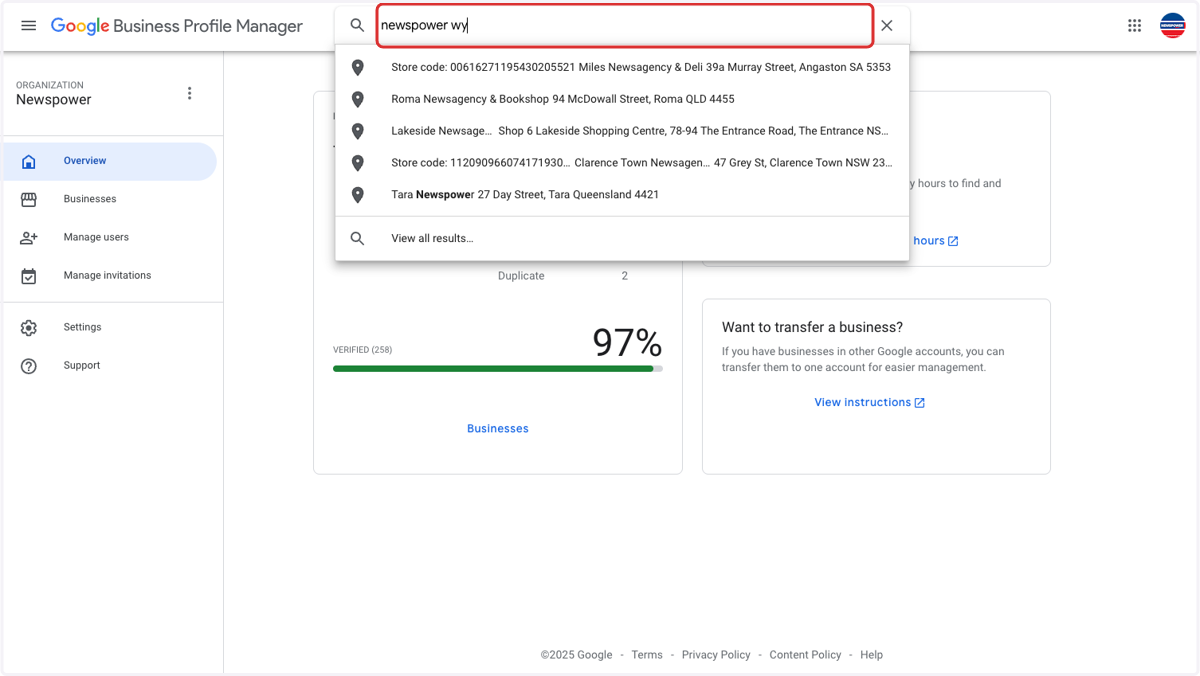
3. Search for your store
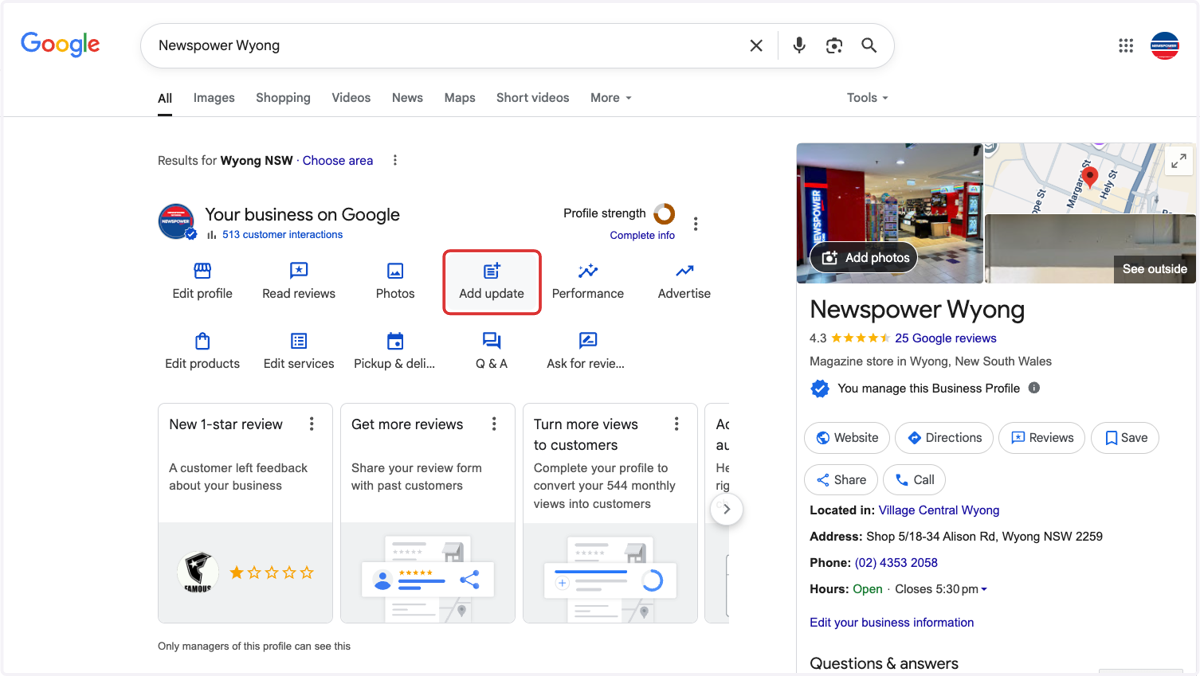
4. Click on Add update
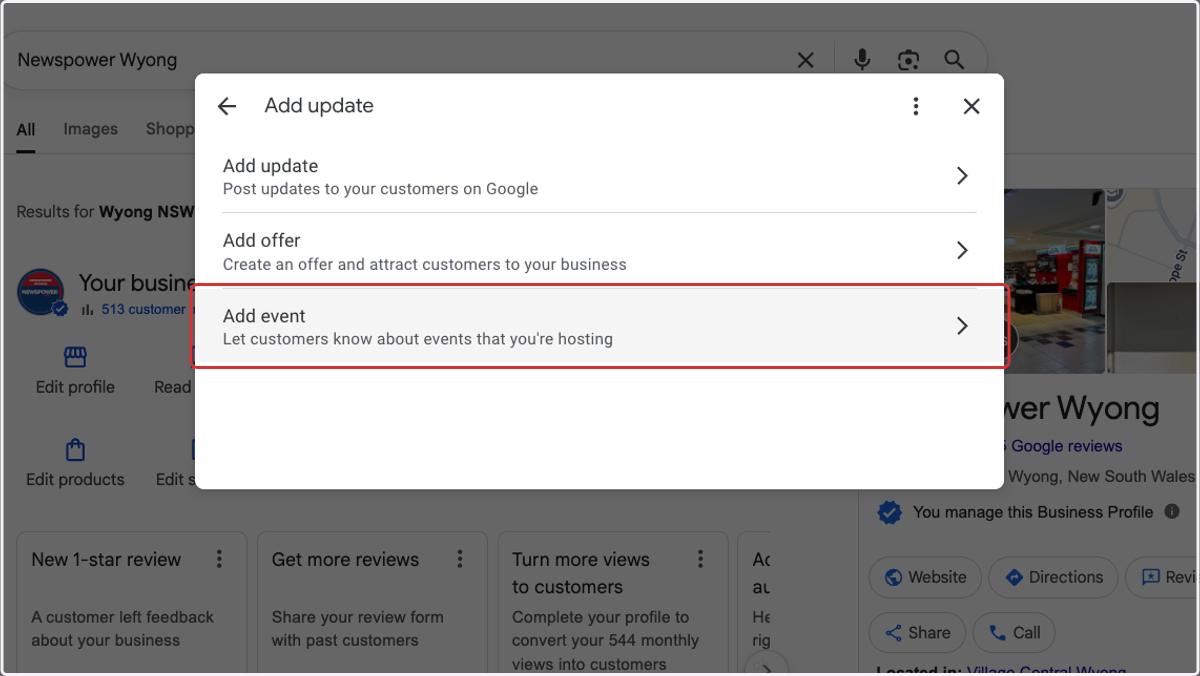
5. Click on Add event
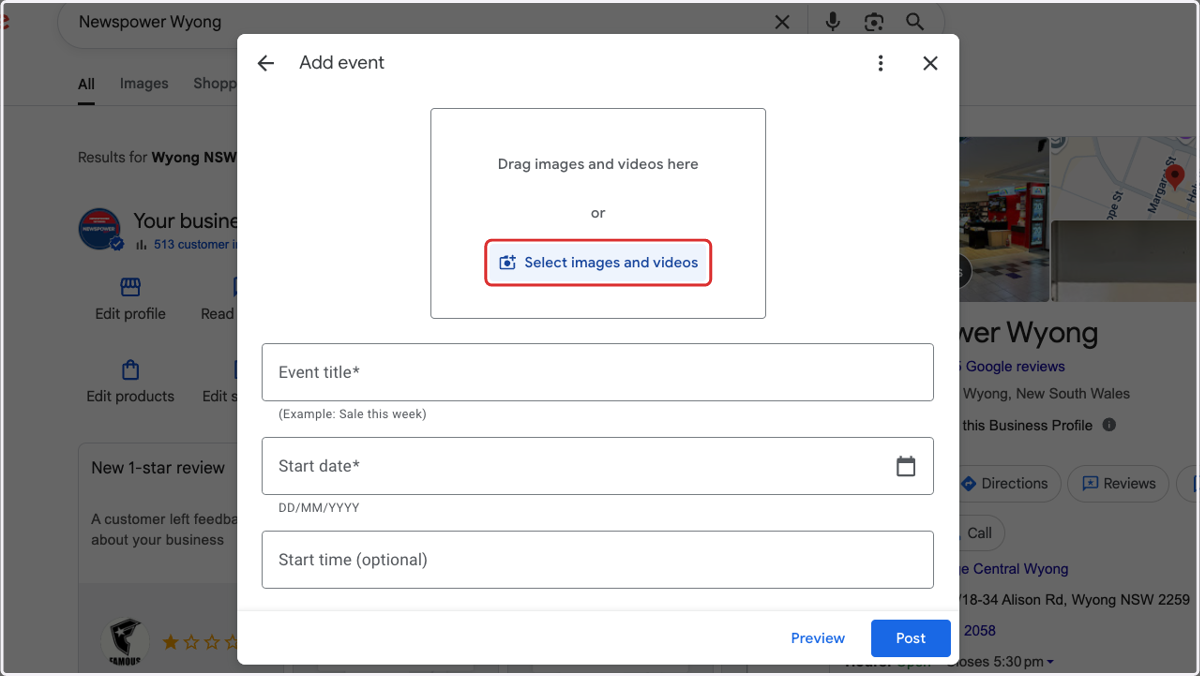
6. Add image or video
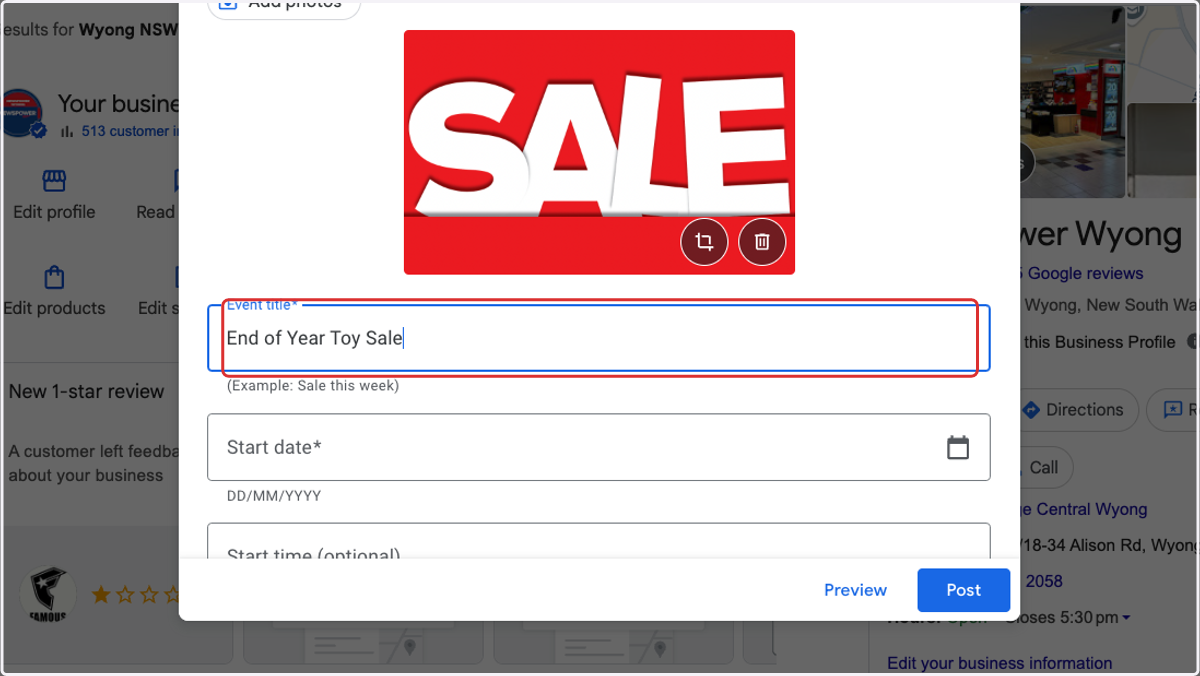
7. Add Event title
8. Add Start date

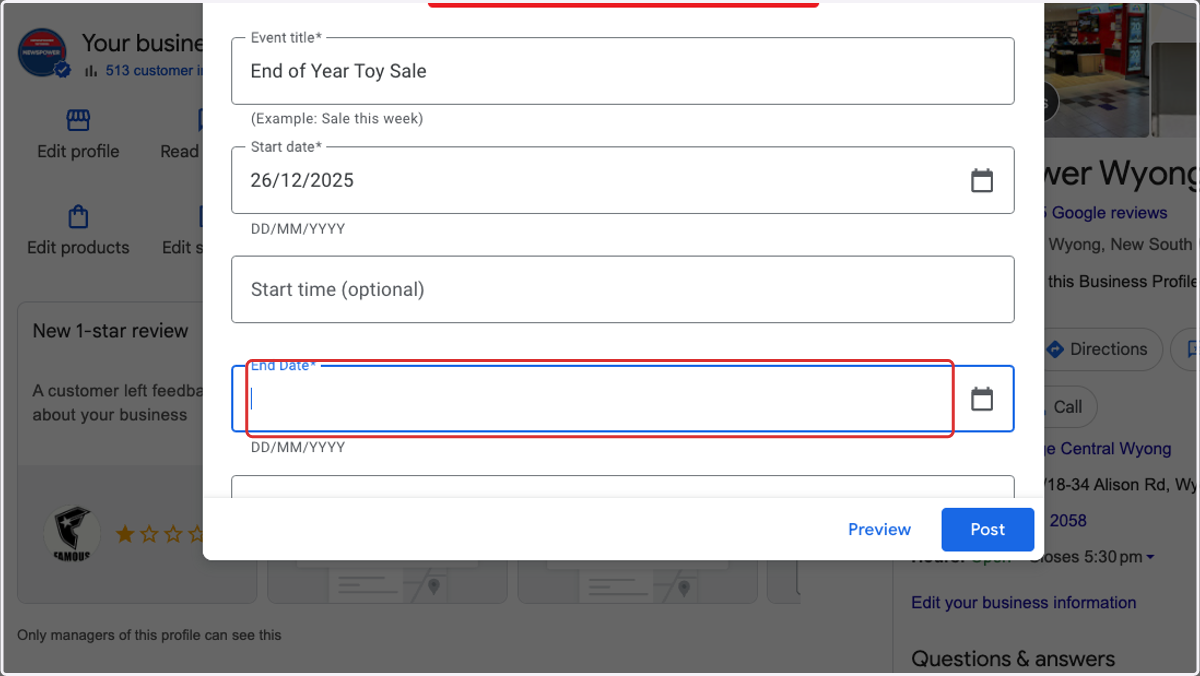
9. Add End Date
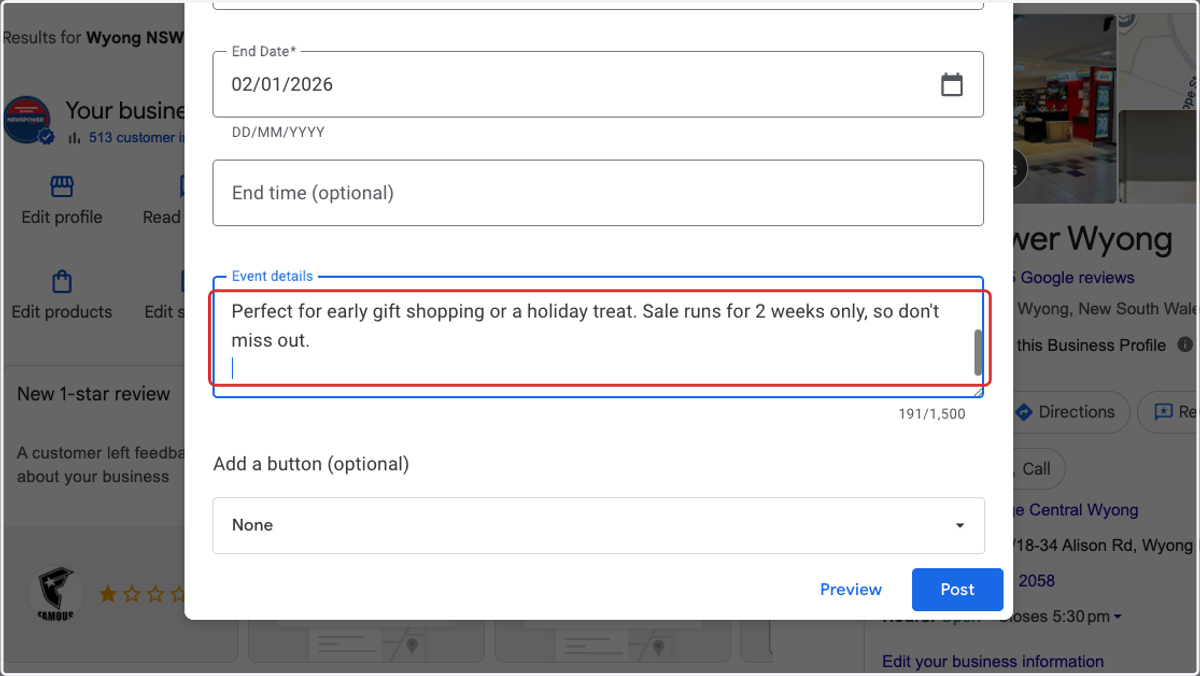
10. Add Event details
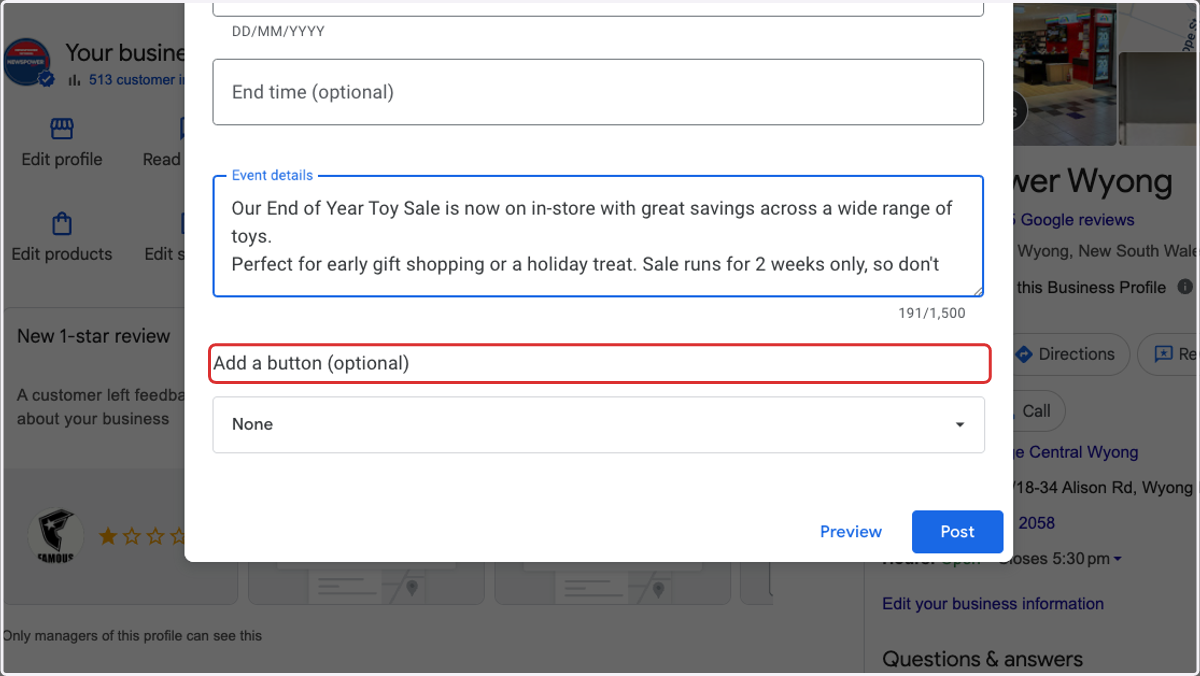
11. Optional - Add a button
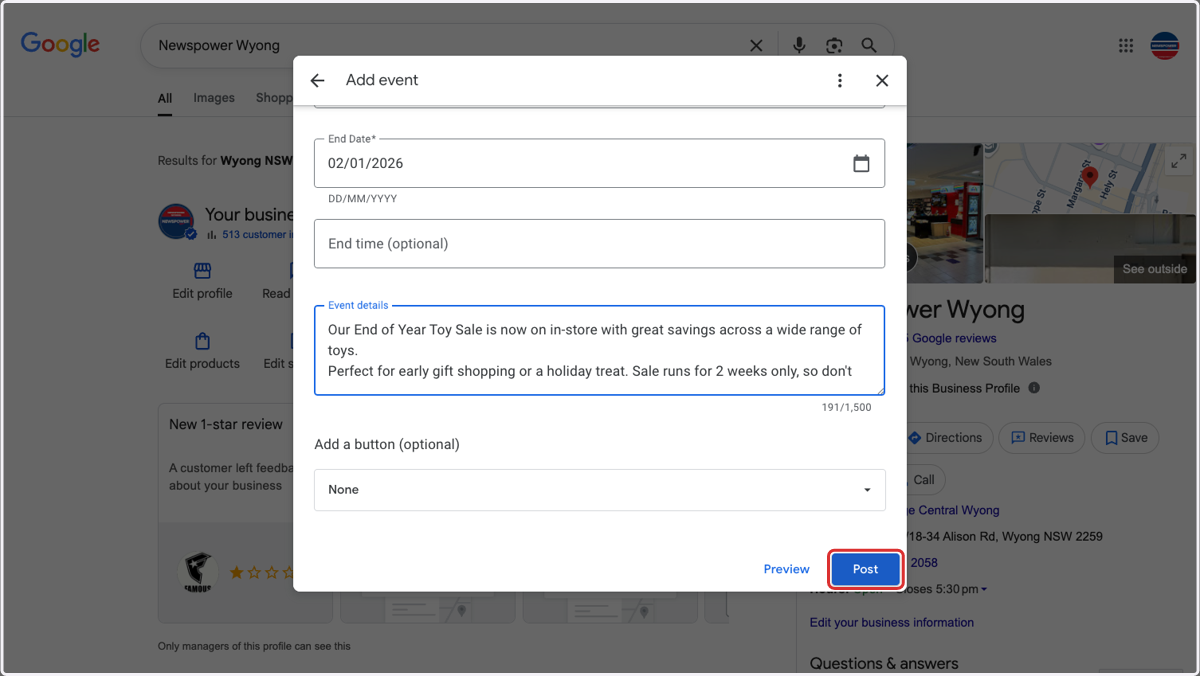
12. Click on Post
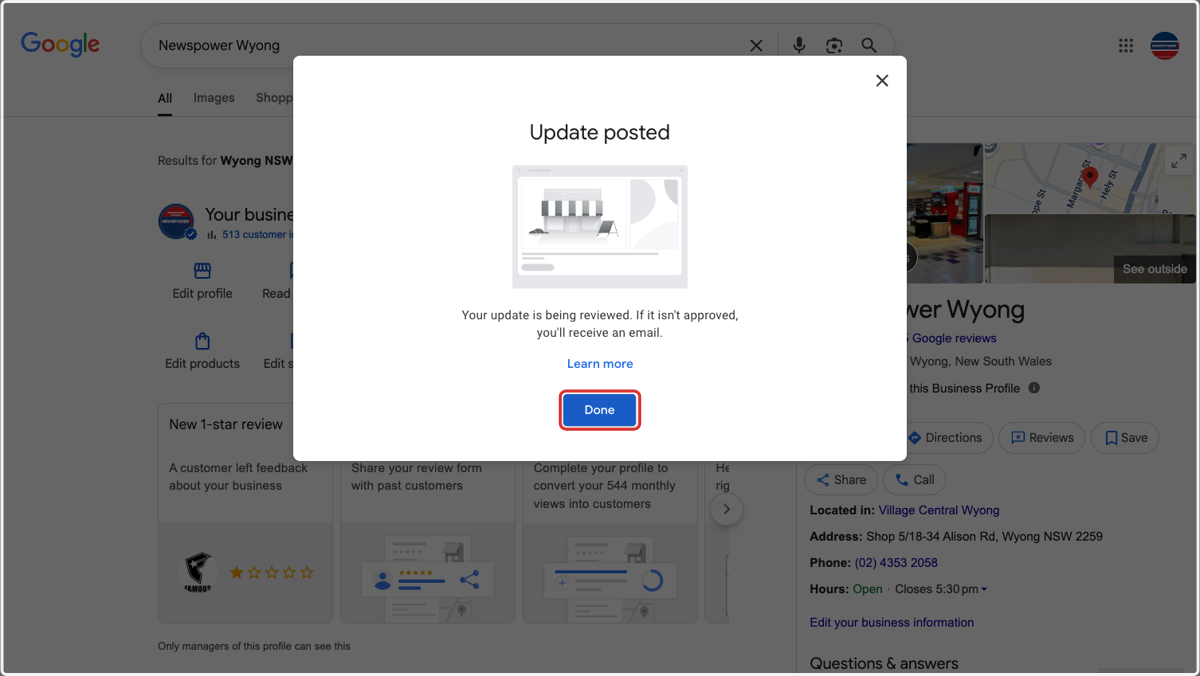
13. Your post is now completed