Add a New Owner to a Database in Majordomo
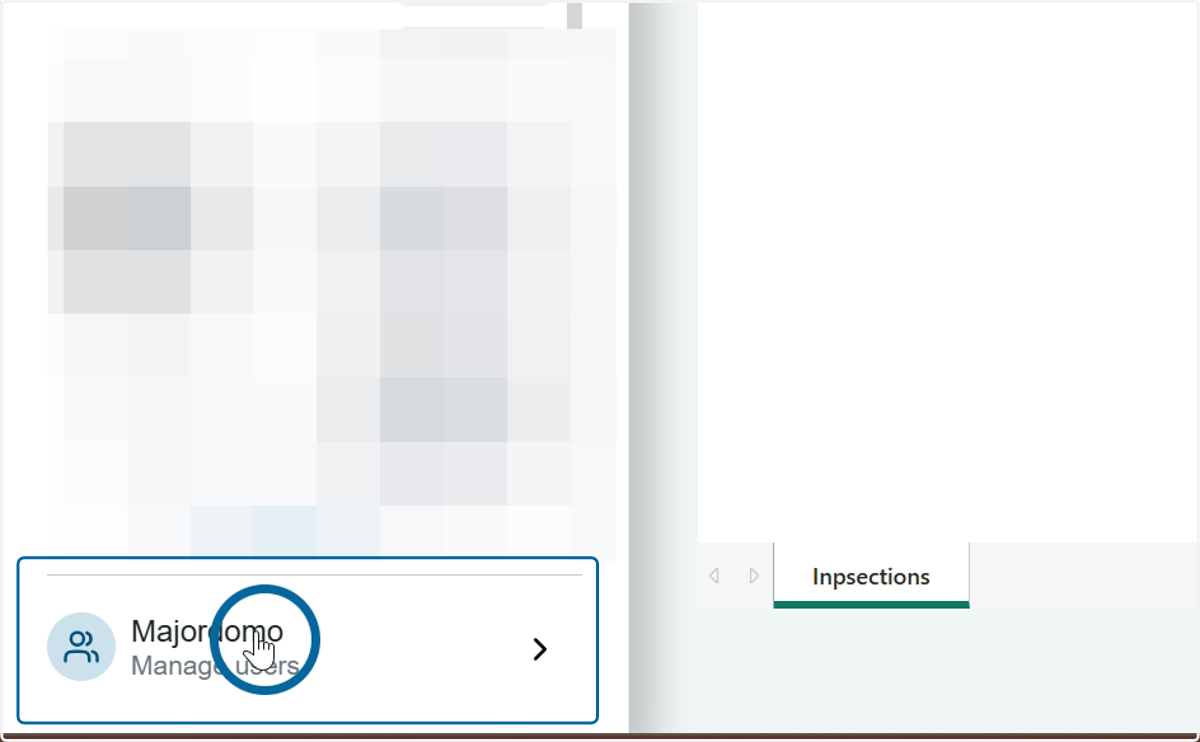
1. Open Majordomo
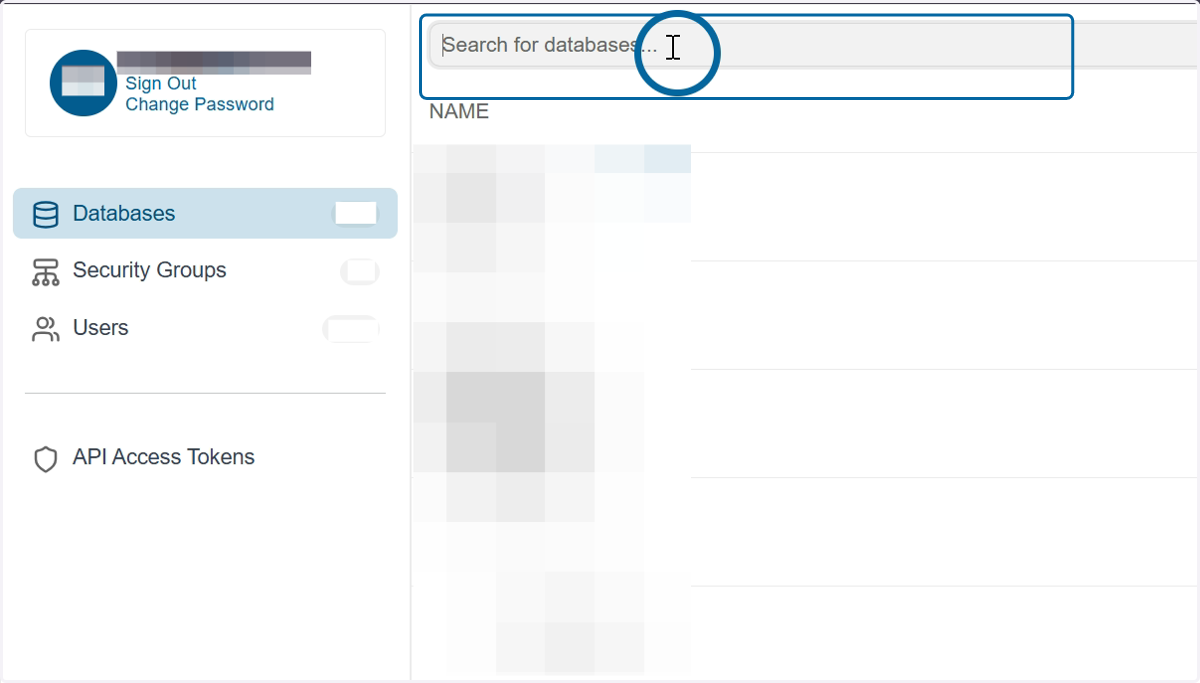
2. Search for the desired database
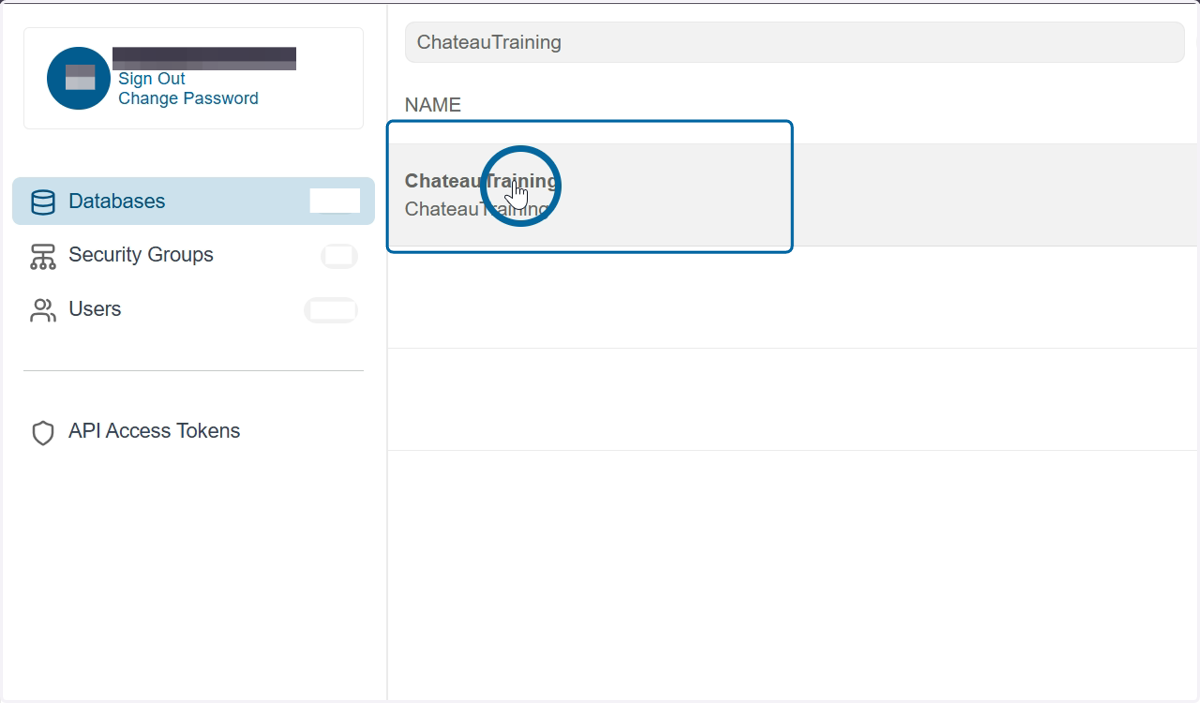
3. Click on the database name in the grid to open the details
4. Click on the Owners tab
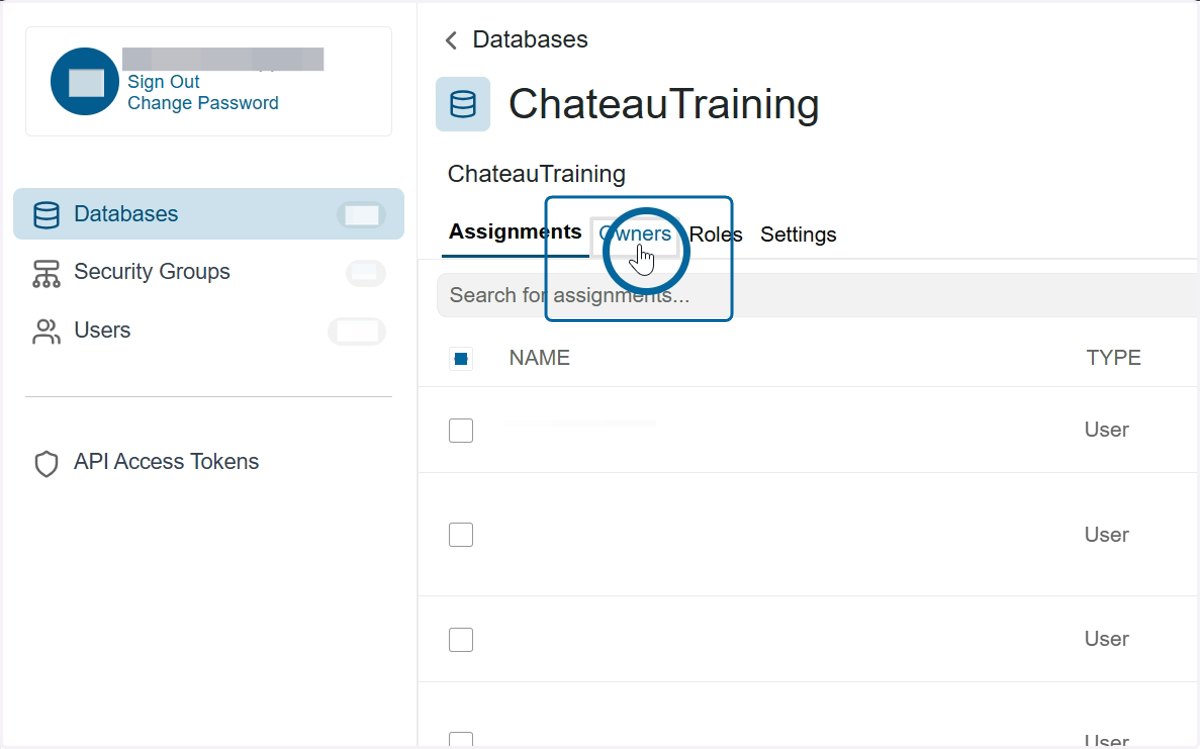
5. Click on the Add Owners button in the upper right corner

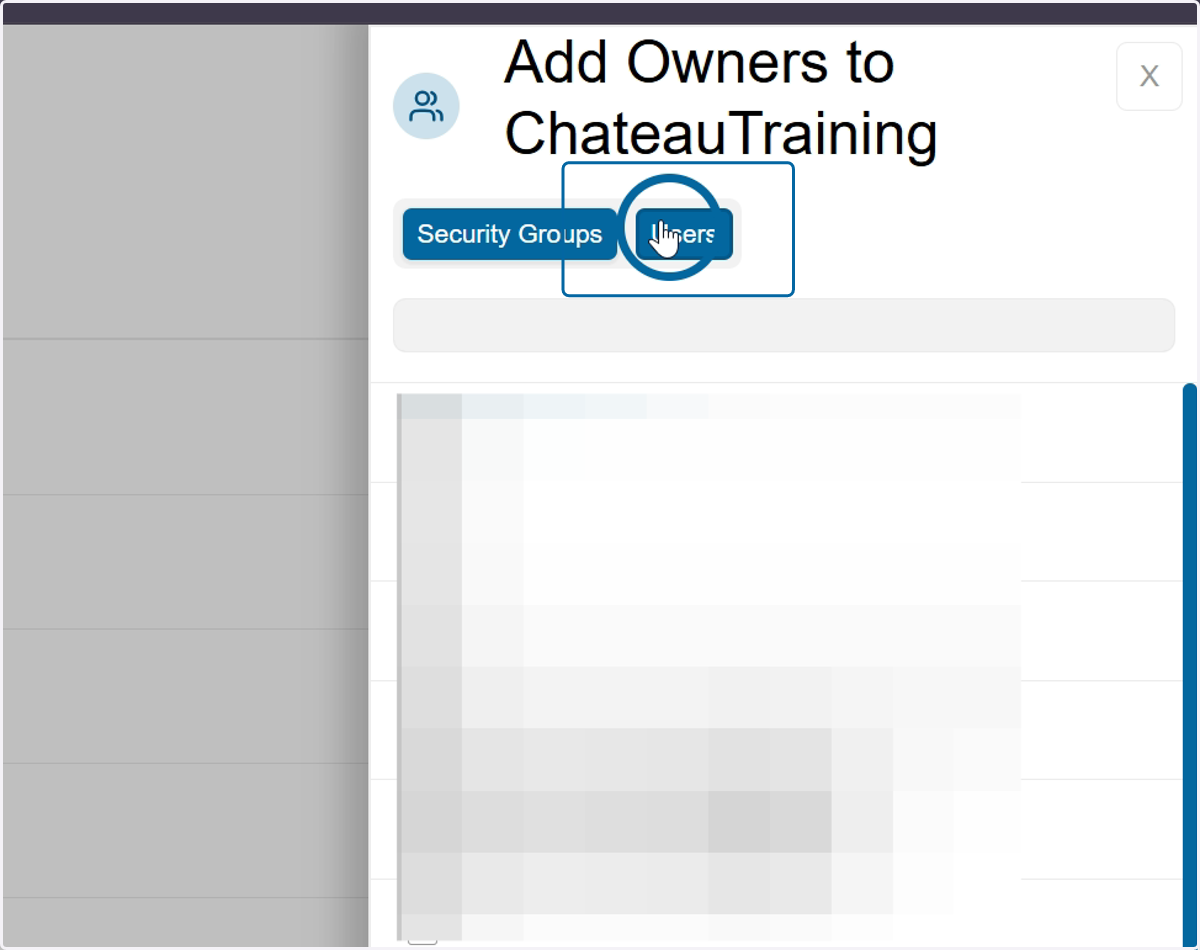
6. Toggle to Users
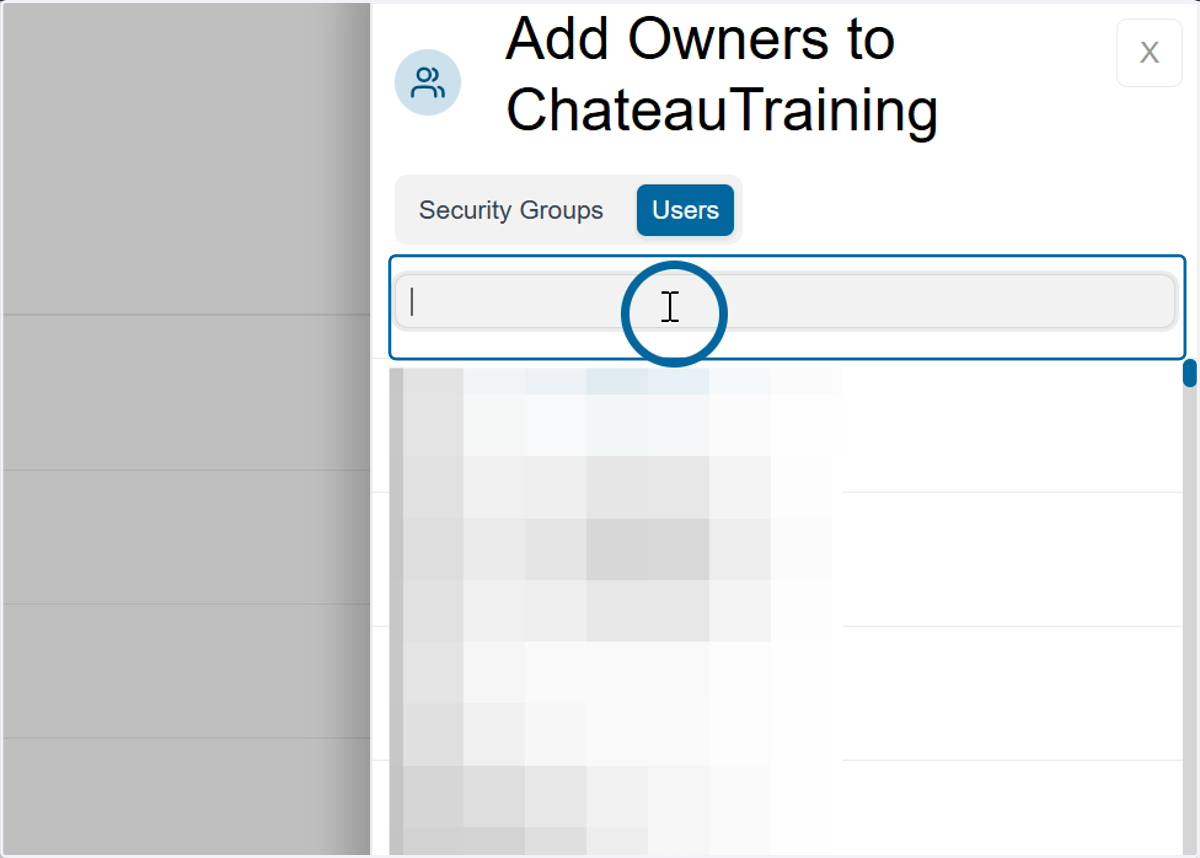
7. Search for the User
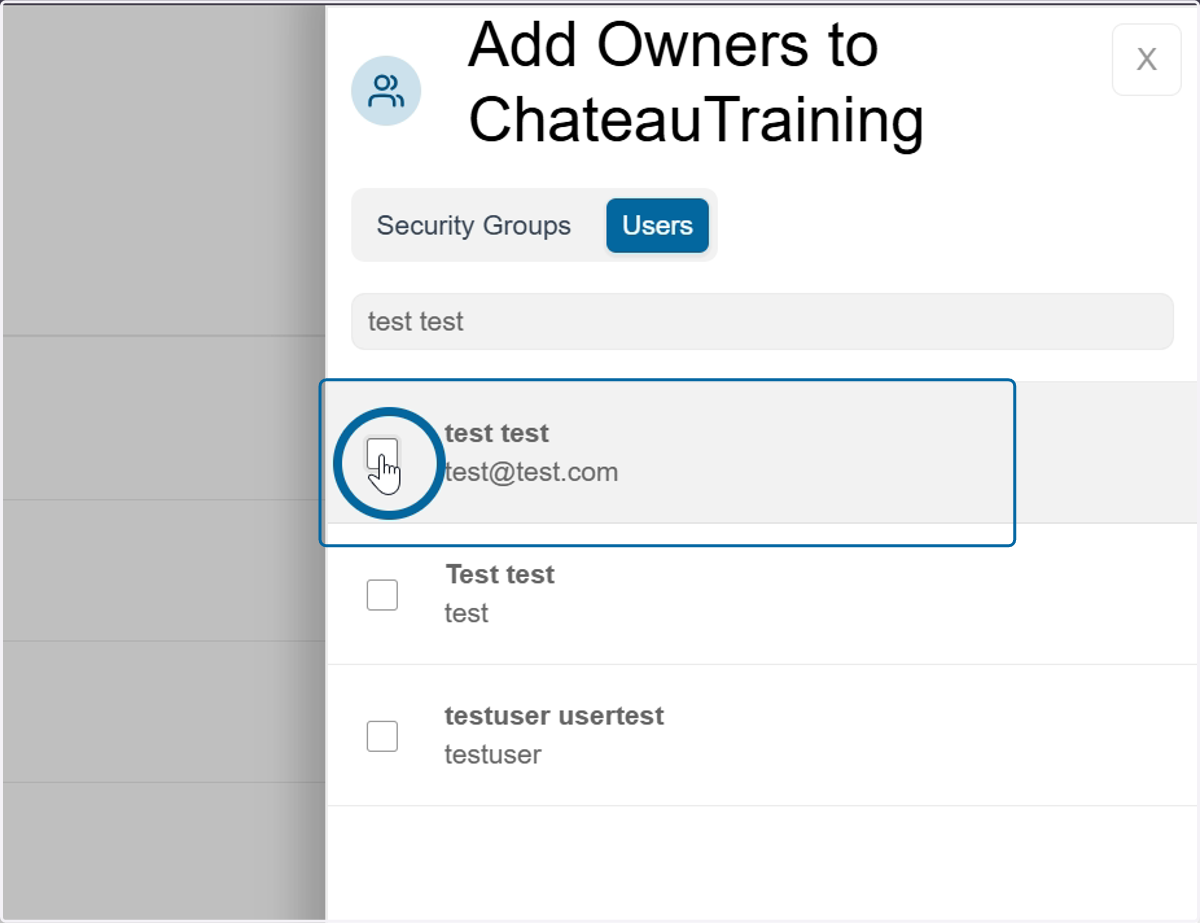
8. Check the box next to the users name. Repeat for any other users you want to add as an owner
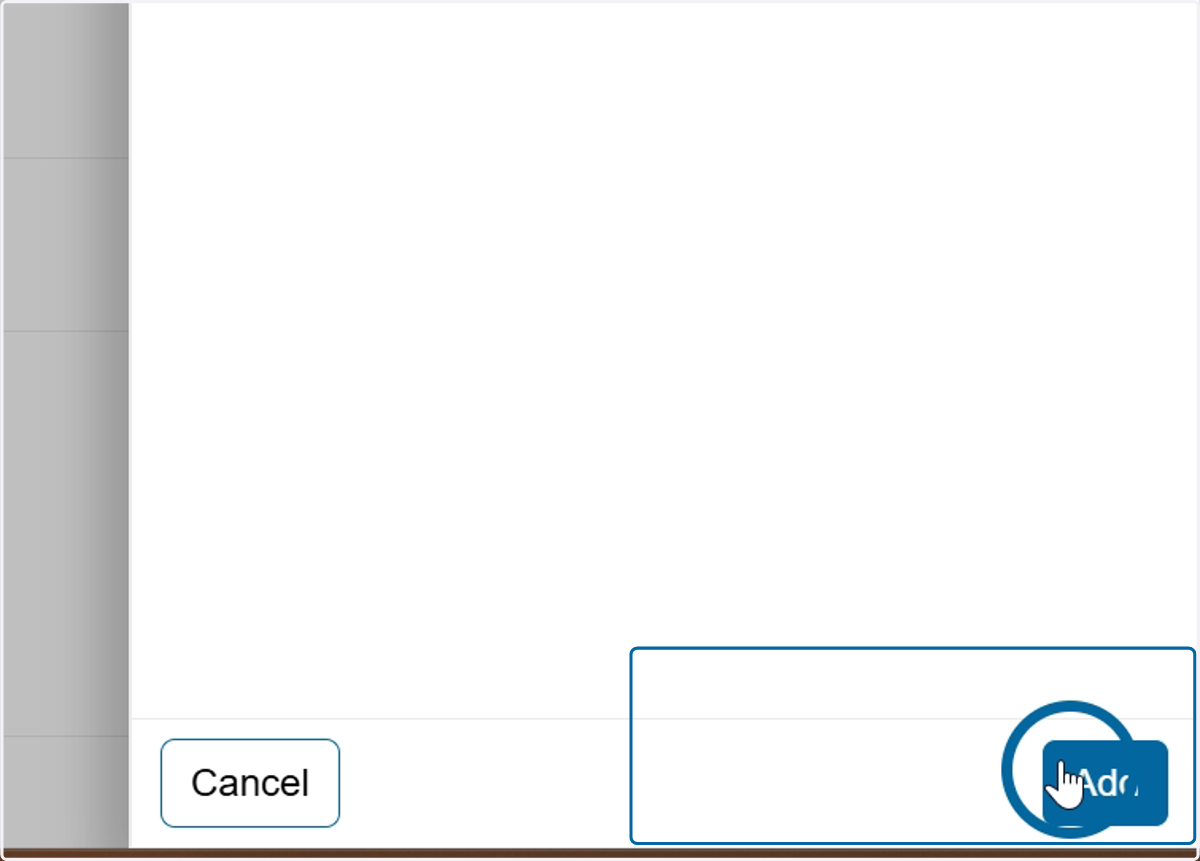
9. Click Add