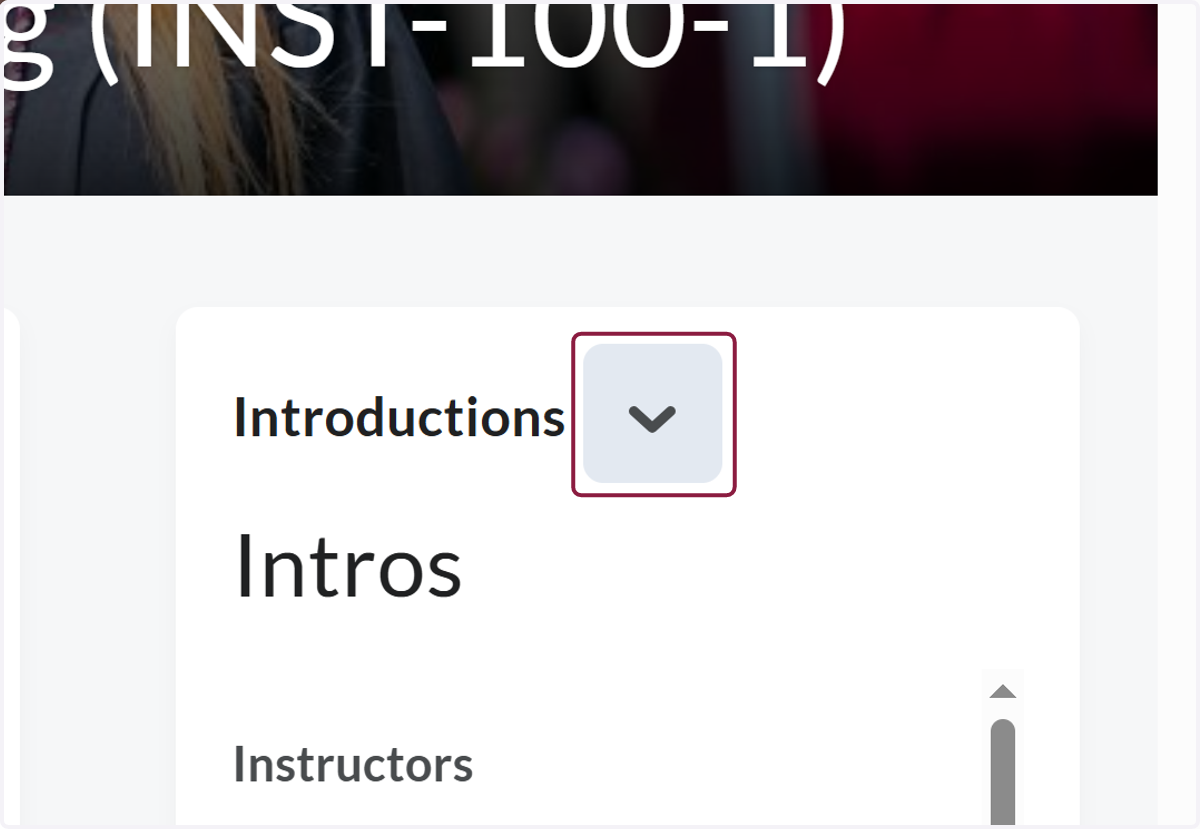
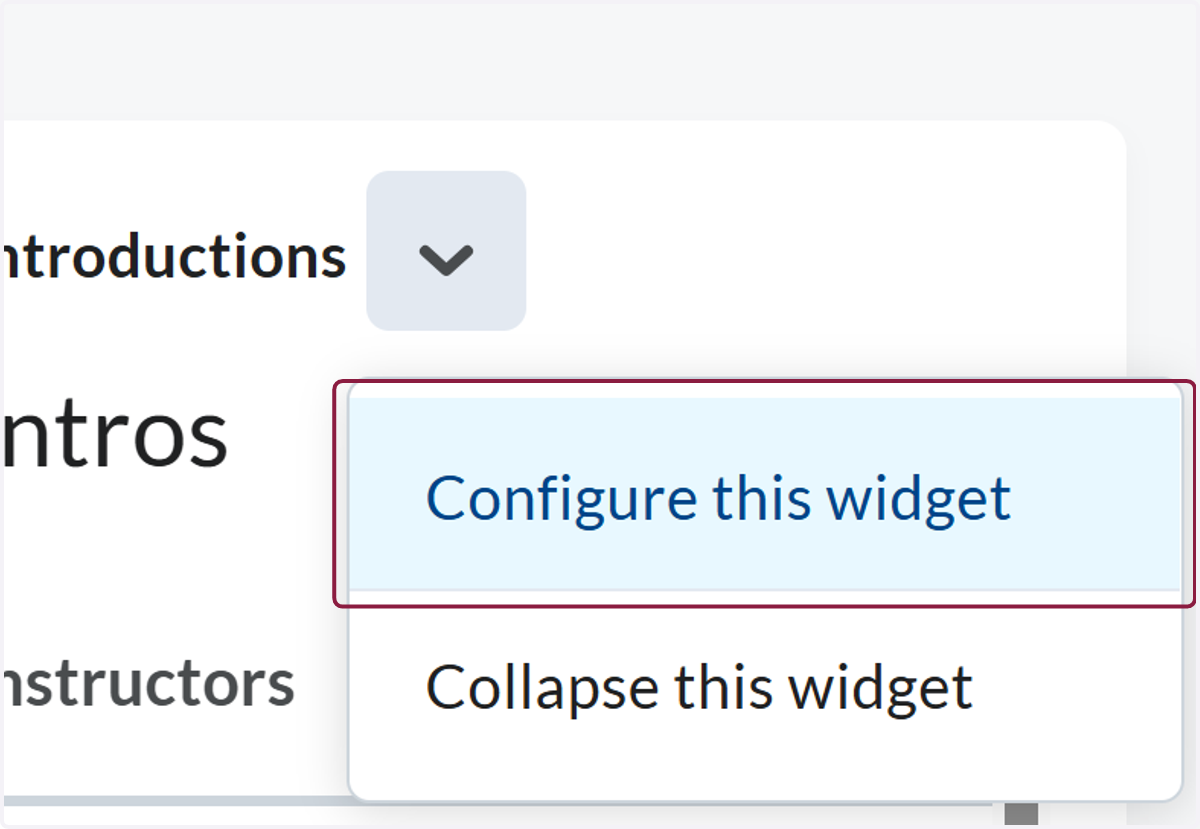
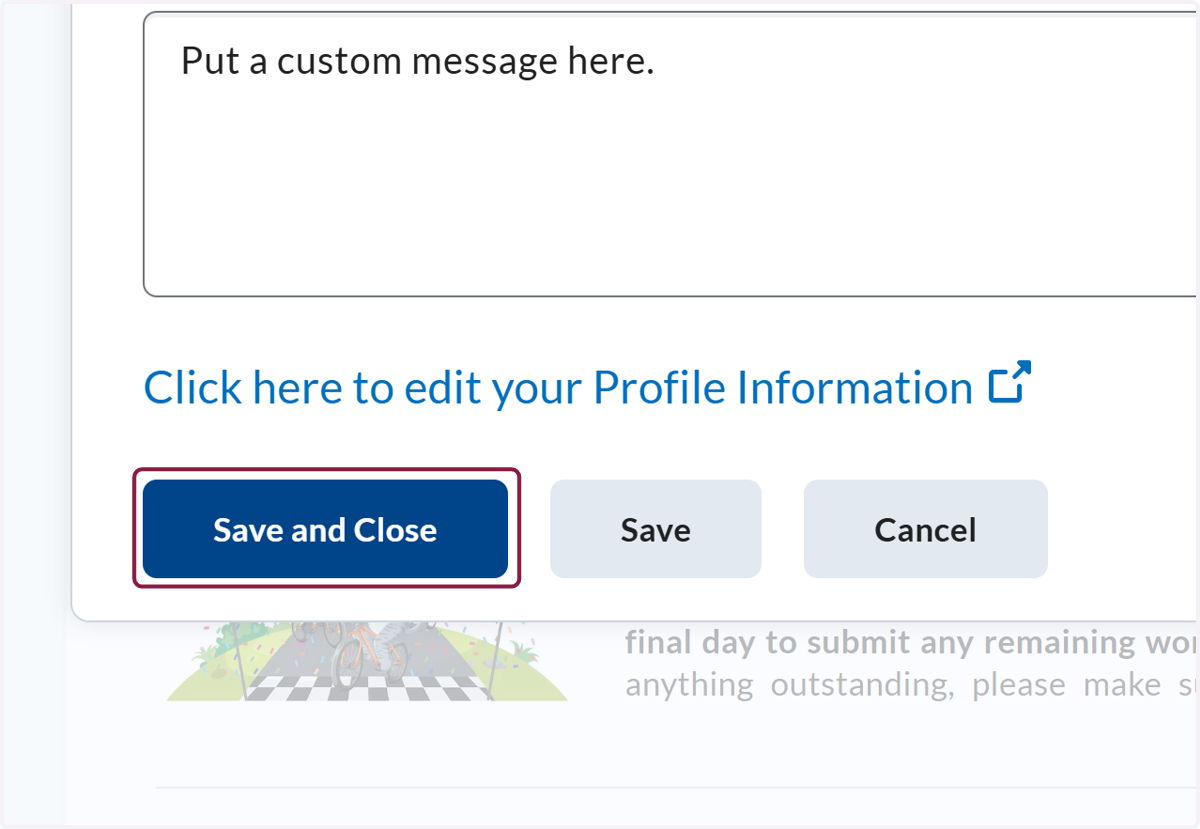
Add a Custom Message to the Instructor Introduction Widget1. Click on Actions for Introductions2. Click on Configure this widget3. Click on Edit Course Information4. Type "Put a custom message here."5. Click on highlight