Add Zeros to Assessments in the Grade Book
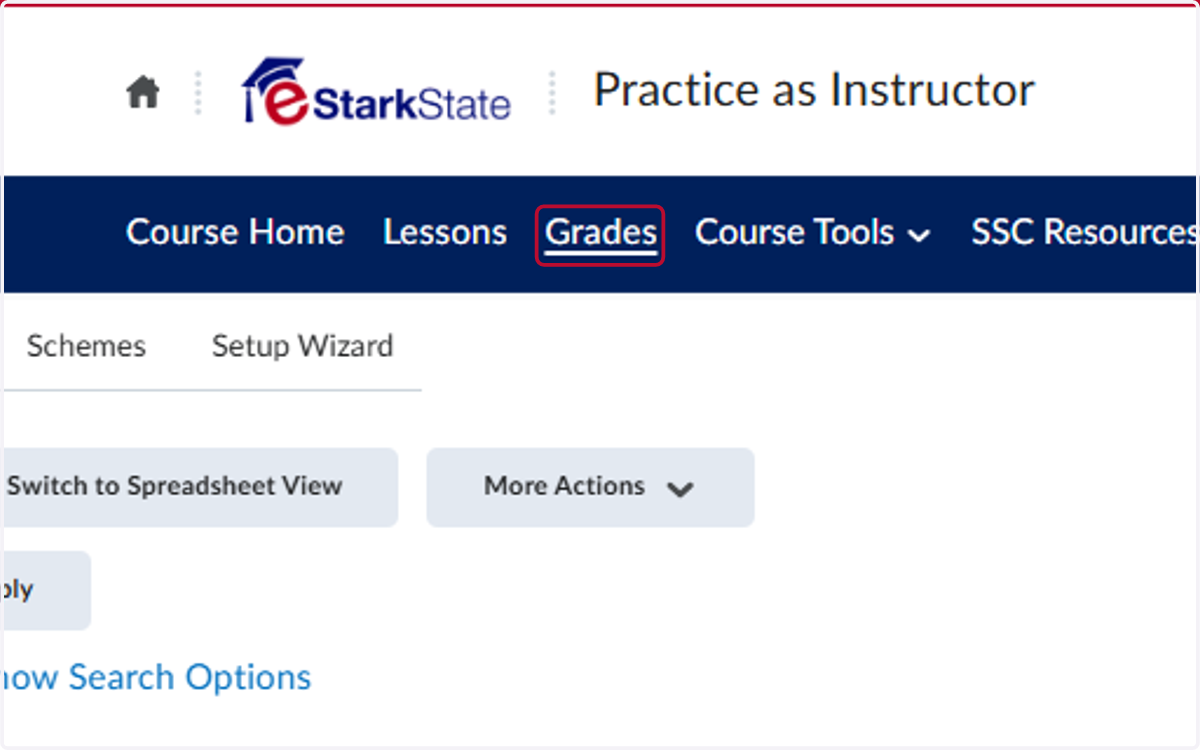
1. Click on Grades
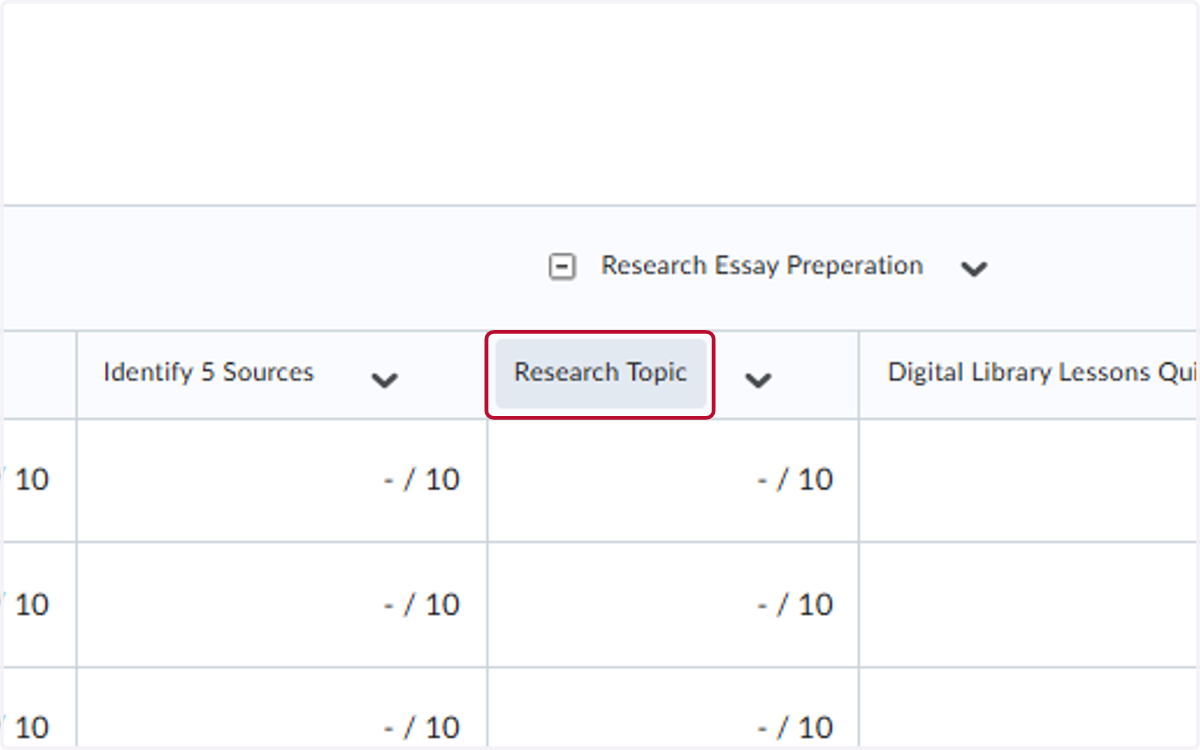
2. Locate the assignment you want to enter 0's for and click on it
This will sort the column by brining all students without grades to the top of your screen
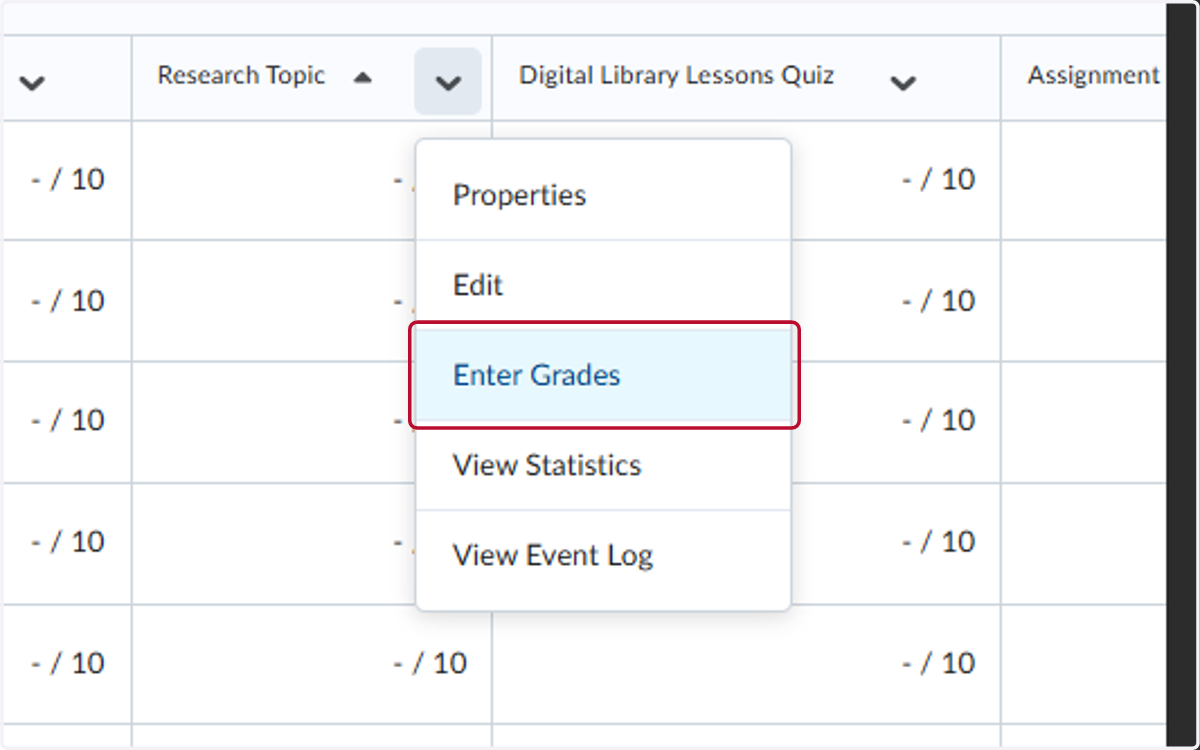
3. Click on V
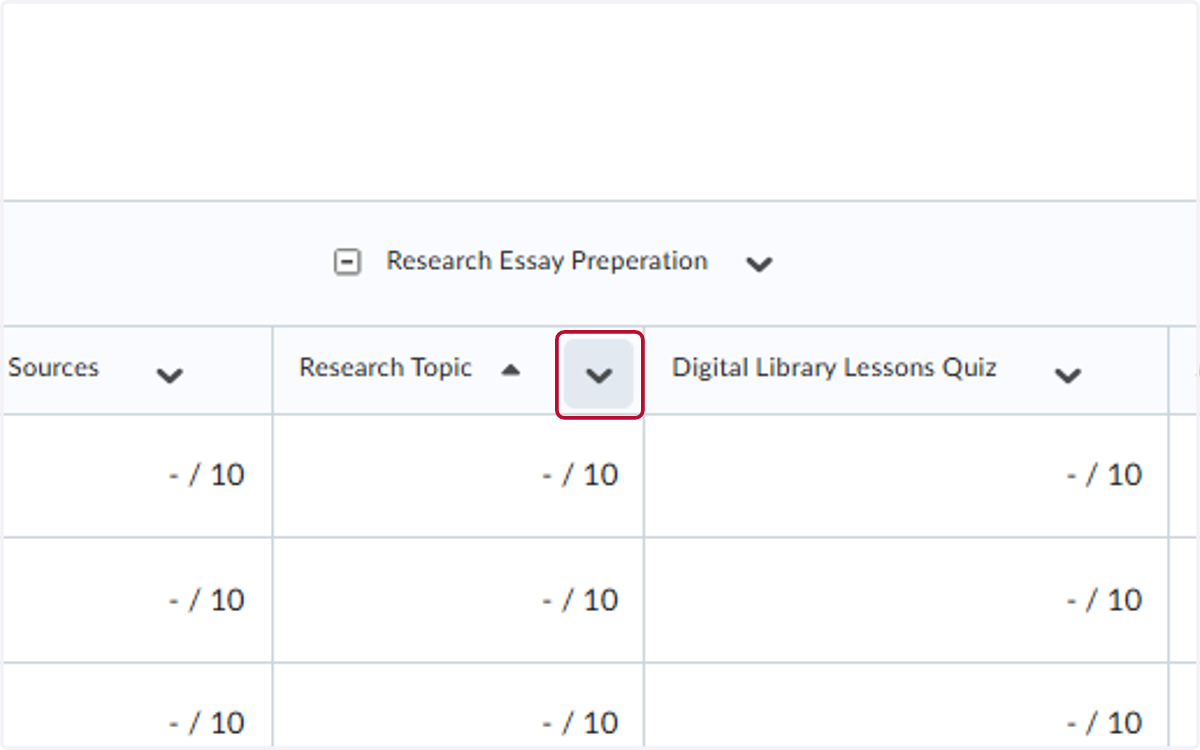
4. Click on Enter Grades
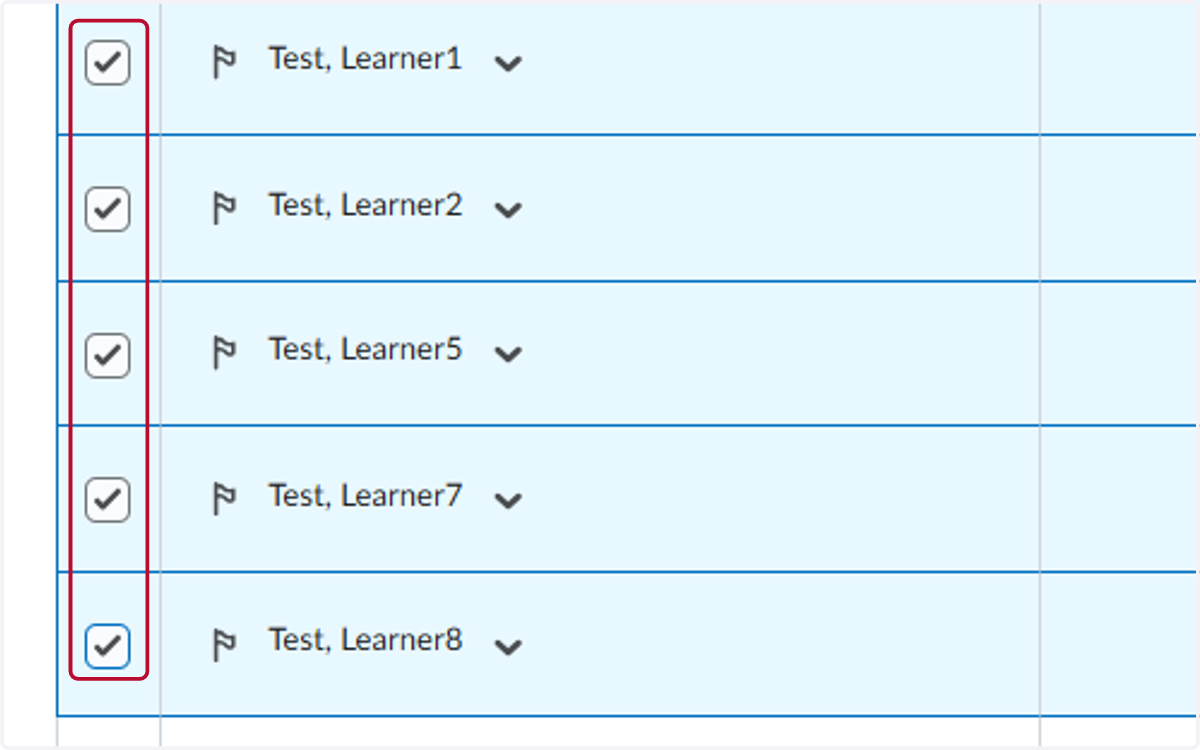
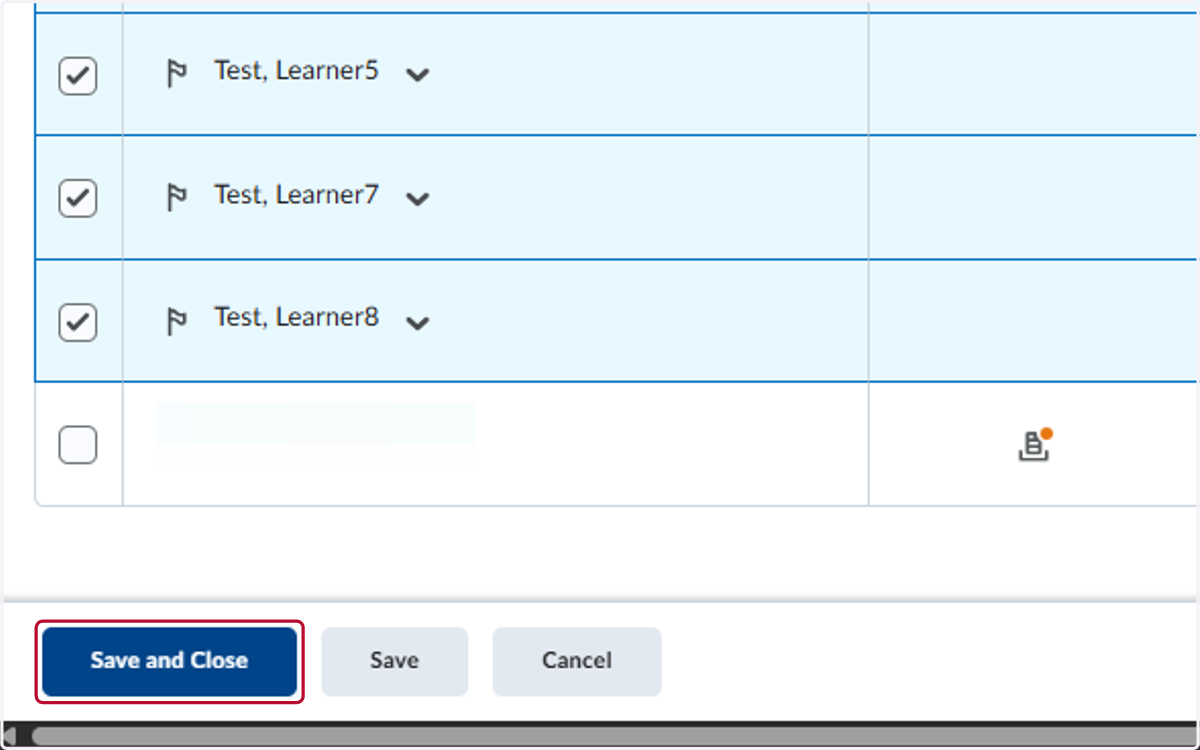
5. Check the students you want to assign 0 points to
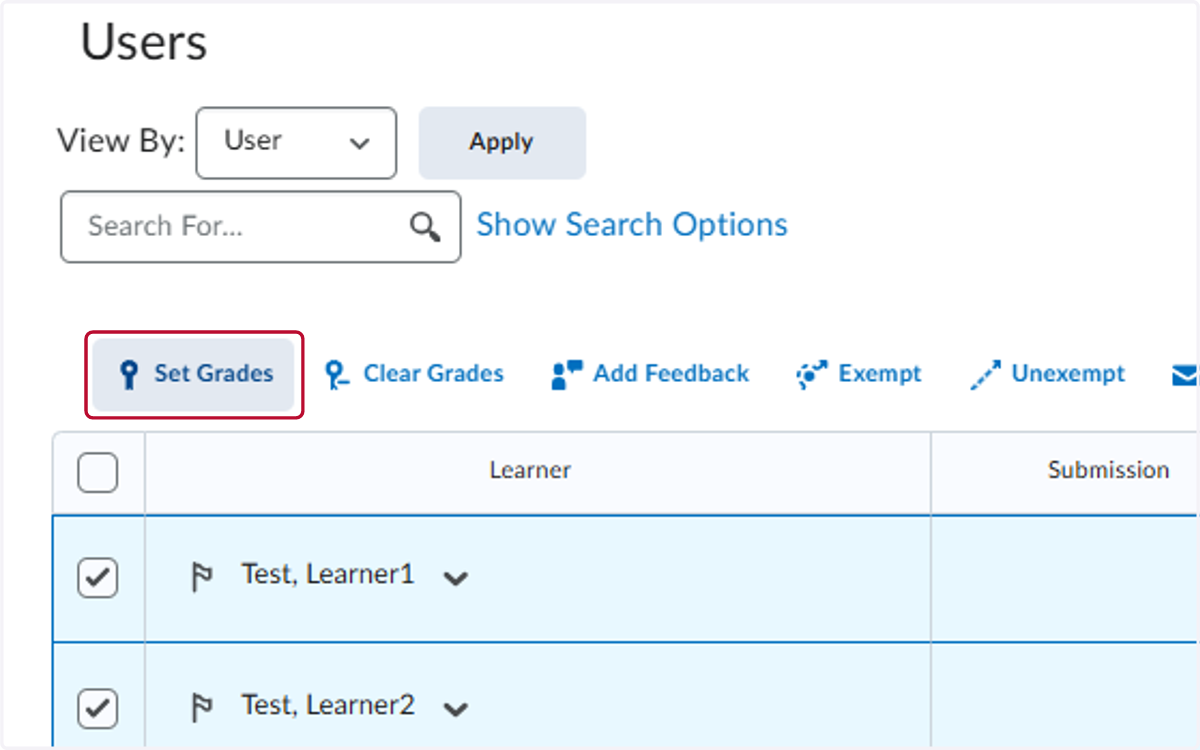
6. Click on Set Grades
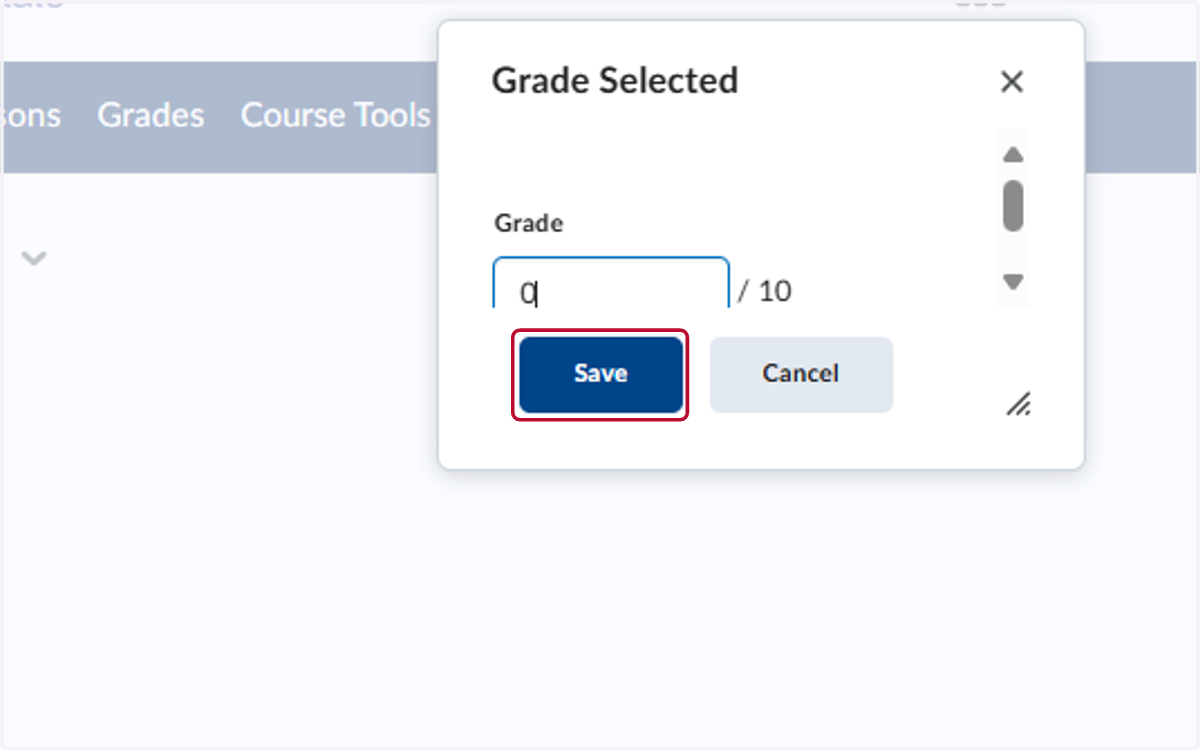
7. Type "0"
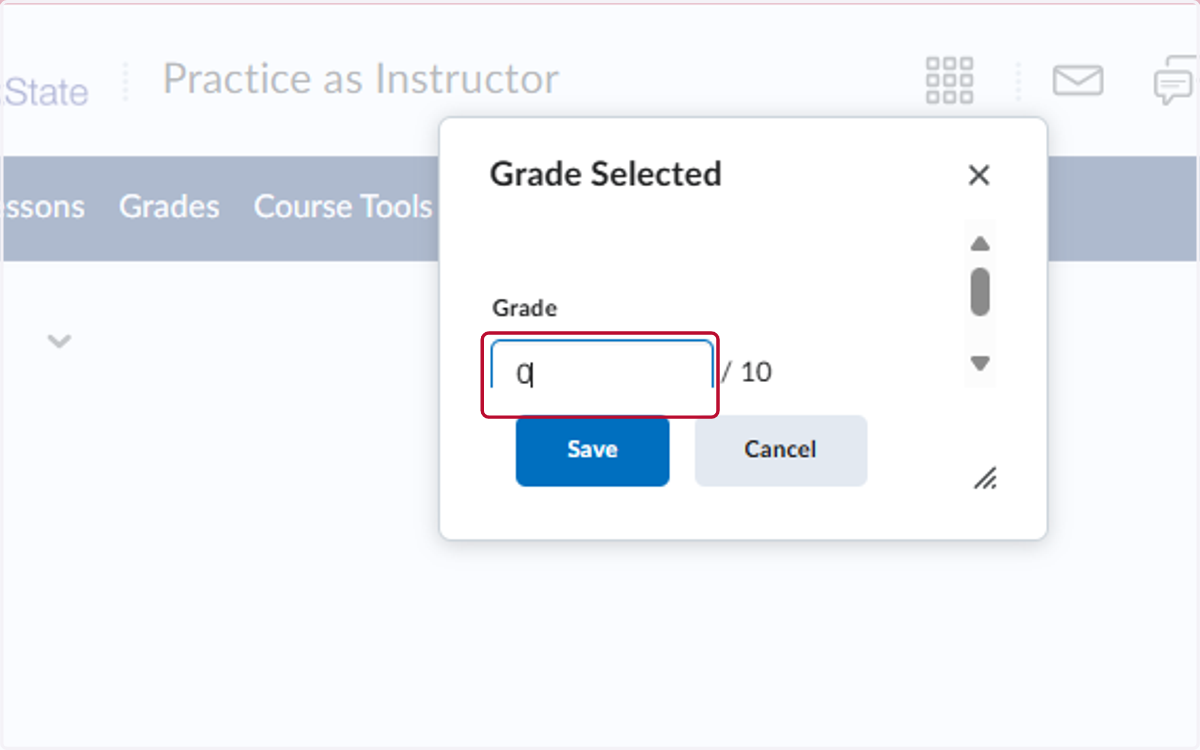
8. Click on Save
9. Click on Save and Close
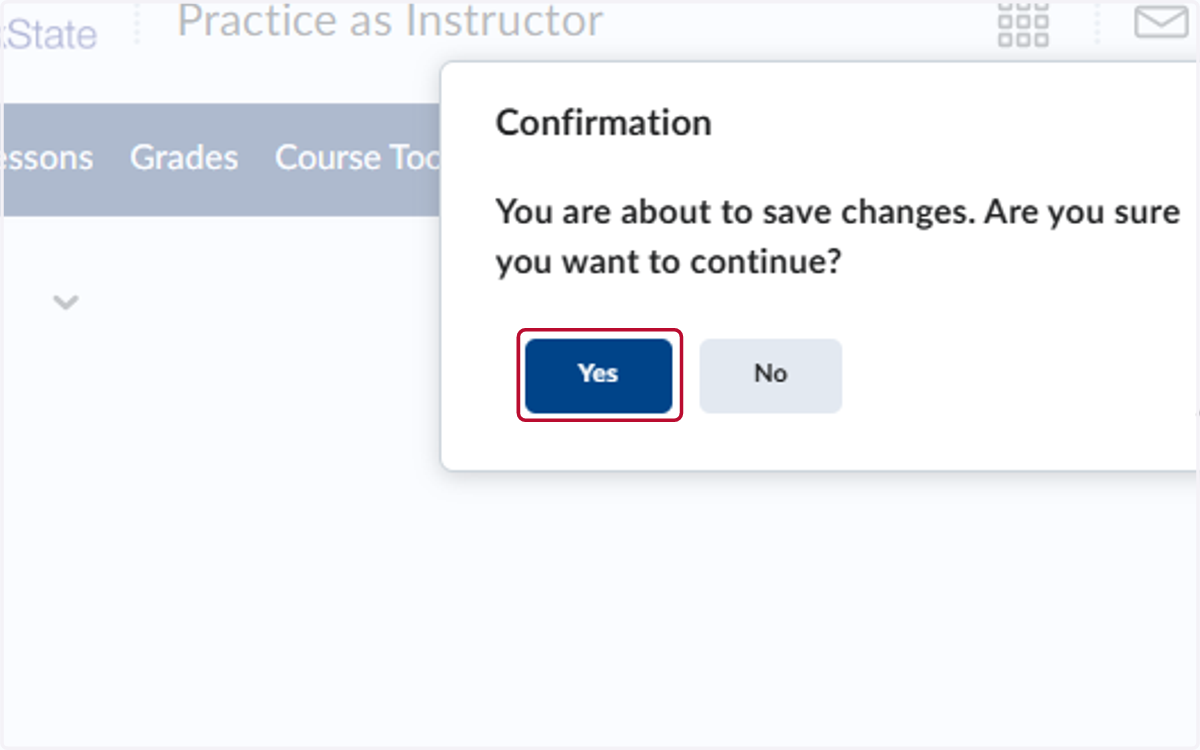
10. Click on Yes