Add Vehicle to UTEP Permit
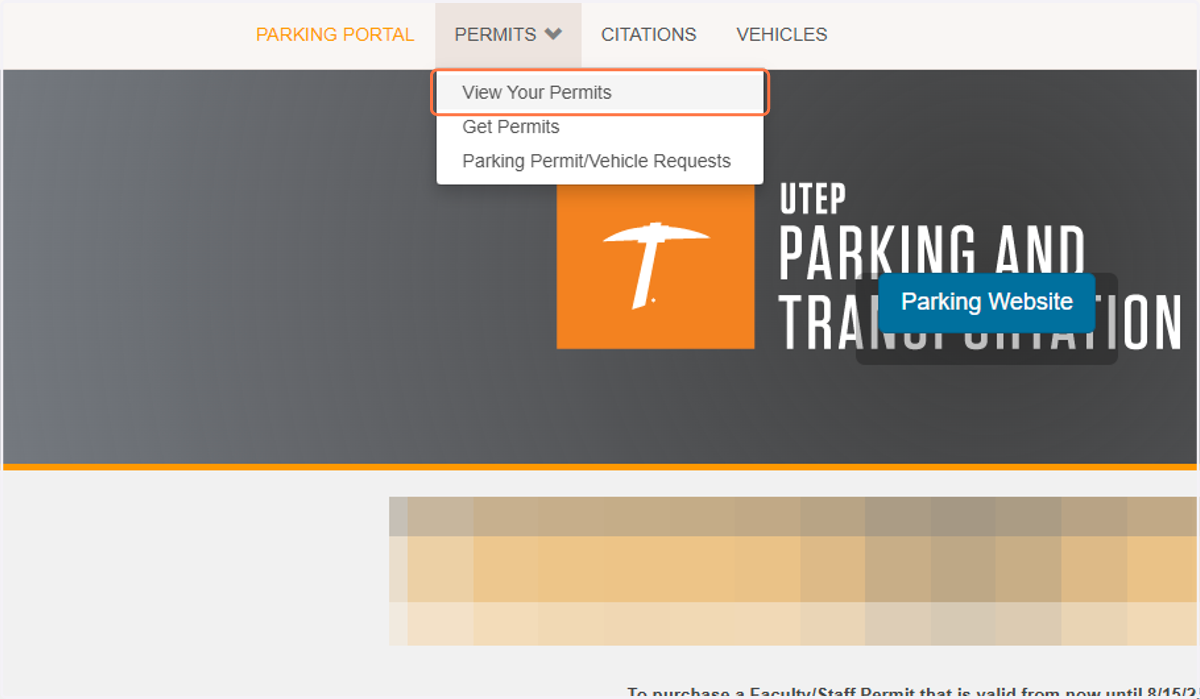
1. Click Permits then View Your Permits
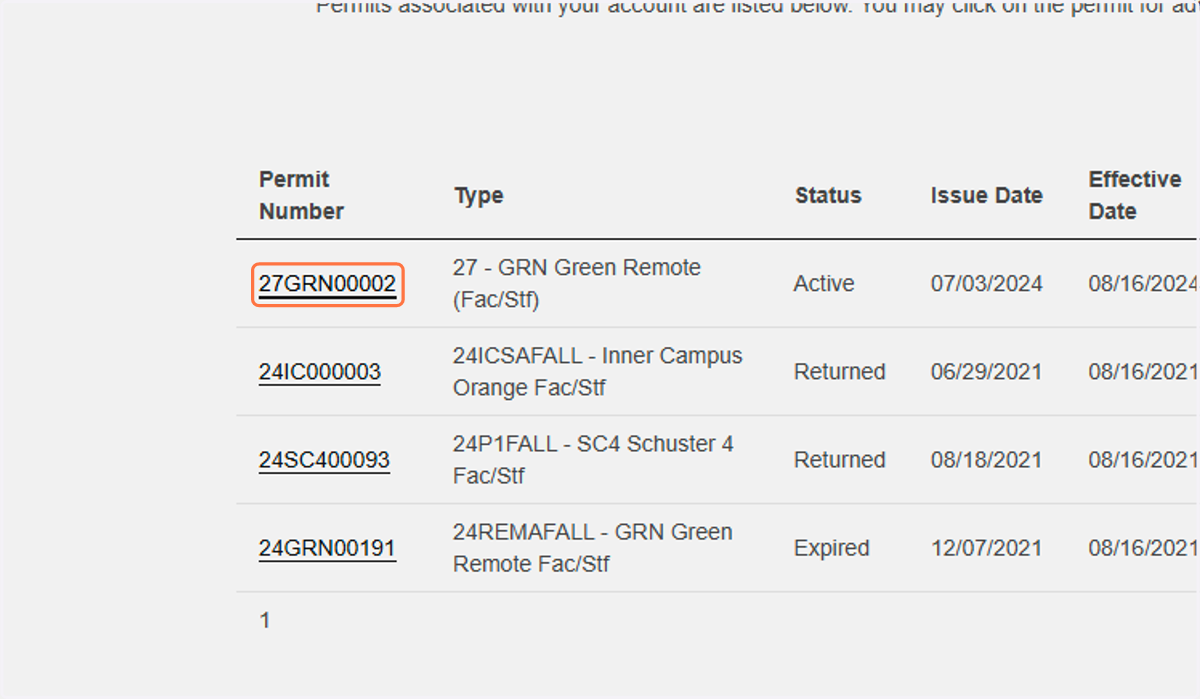
2. Click on your current permit
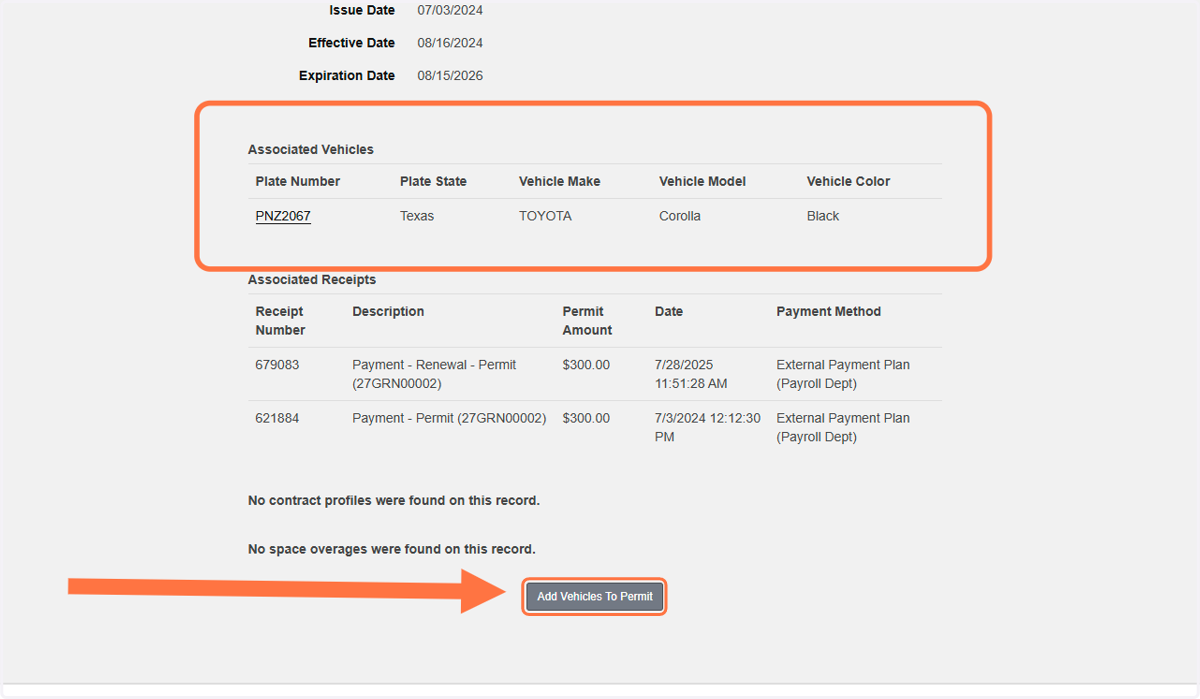
3. On this page, you can see all vehicles that are associated with your permit. To add another vehicle, click the button at the bottom
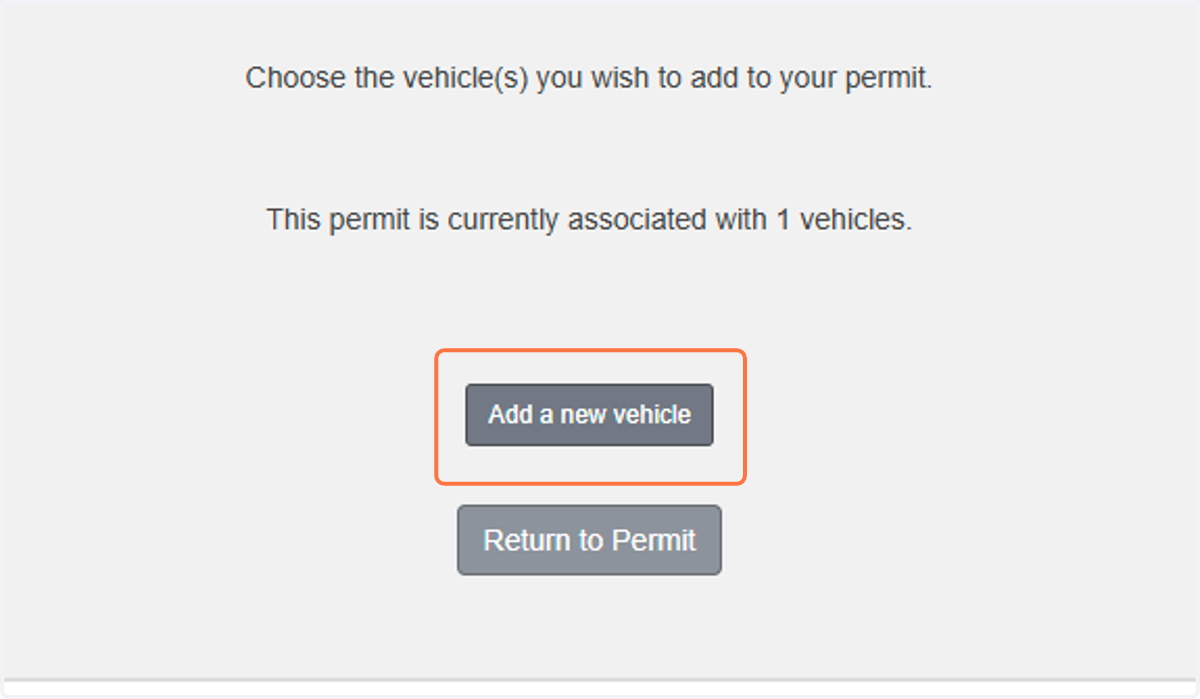
4. If you have any vehicles on your account that are not already linked to your current permit, they will be listed here.
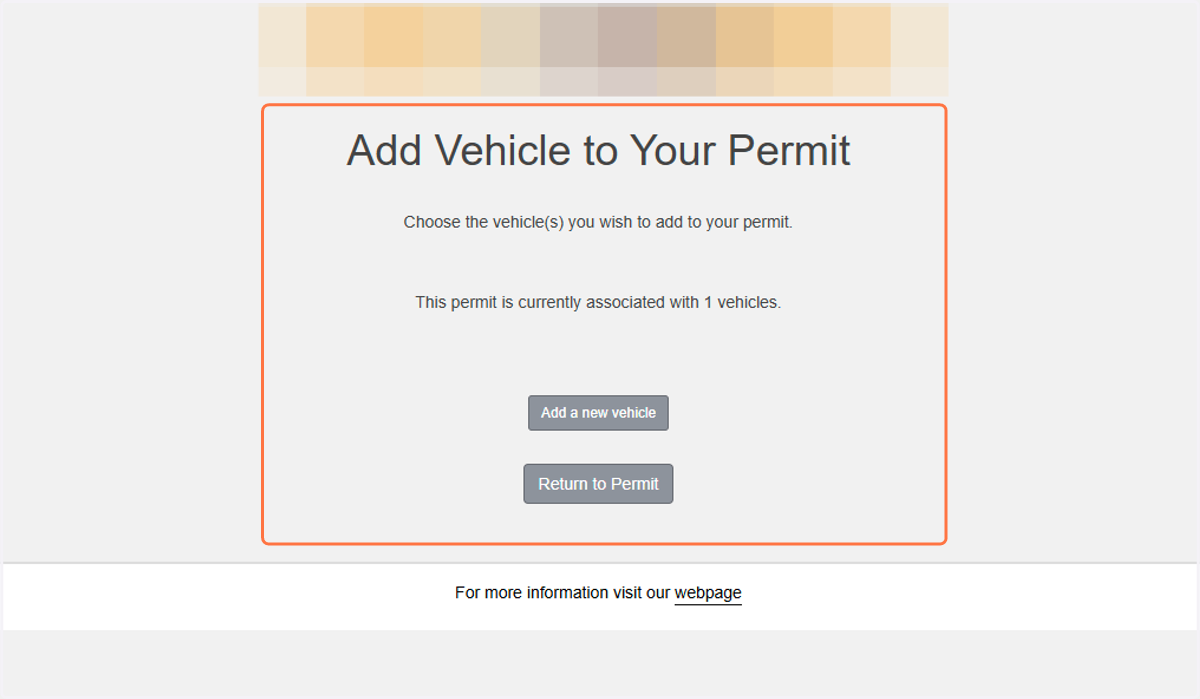
5. If you need to add a new vehicle to your account, click here.