Add User in Clarivoy Dashboard
Clarivoy Dashboard
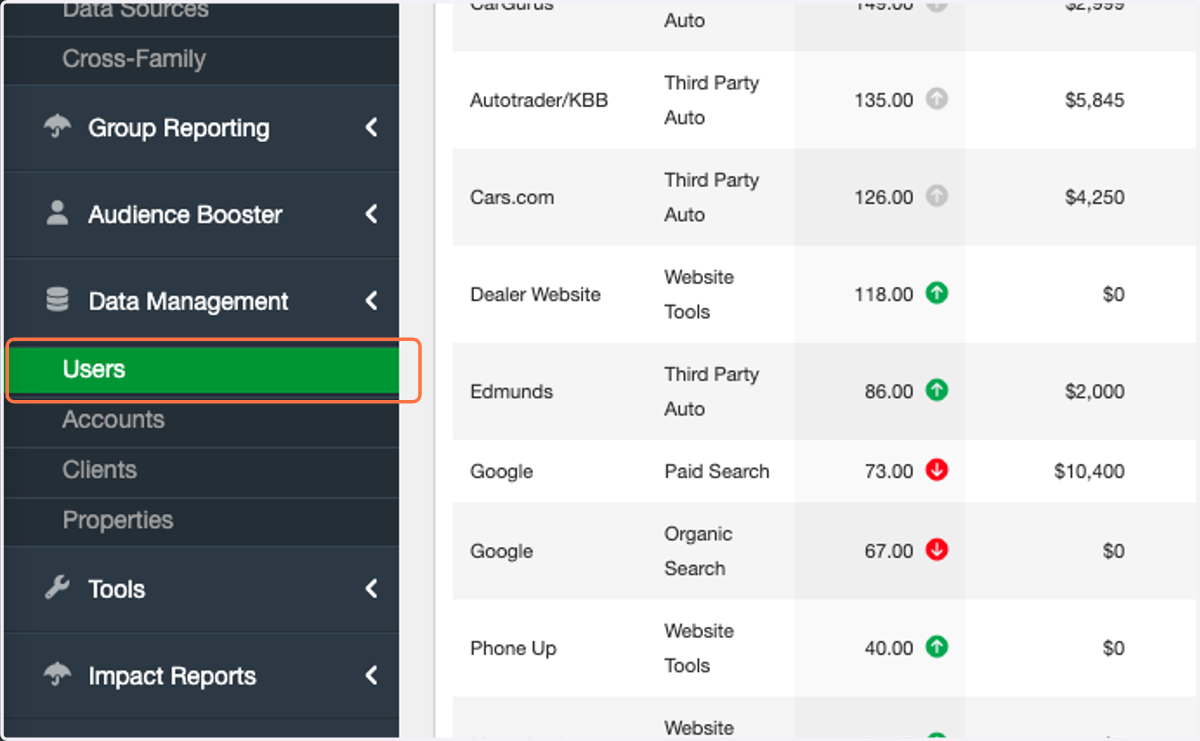
1. Click on Users
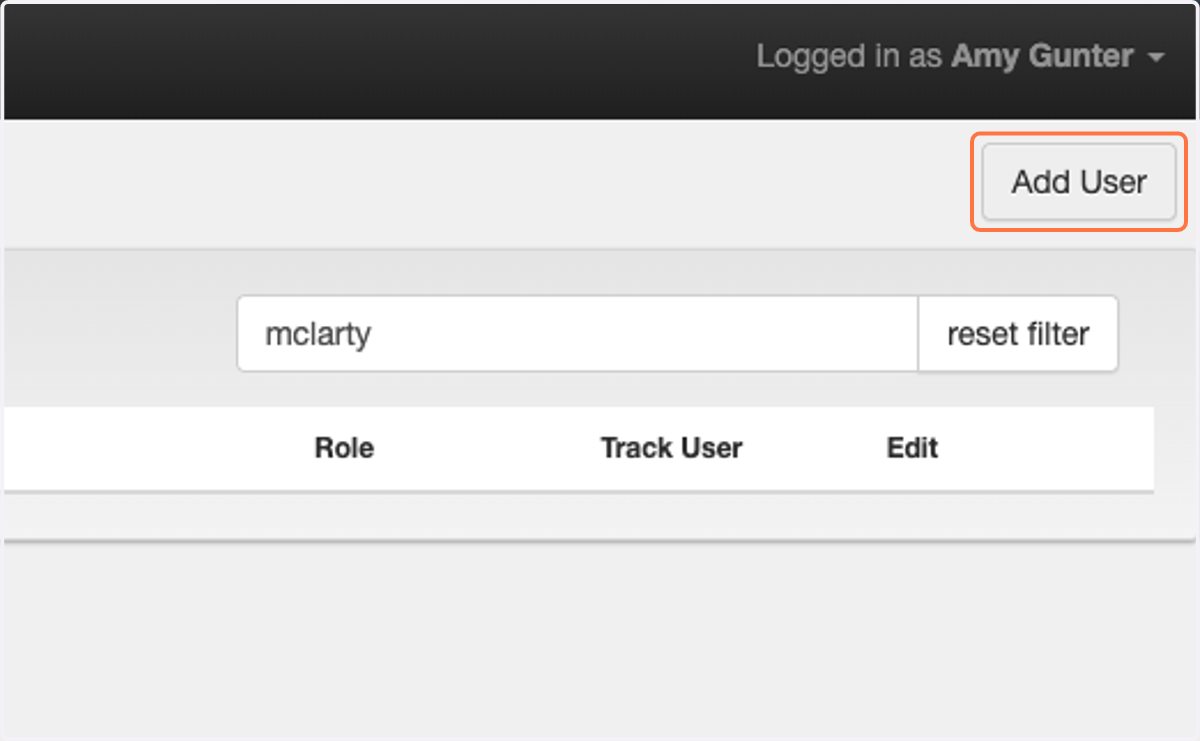
2. Click on Add User
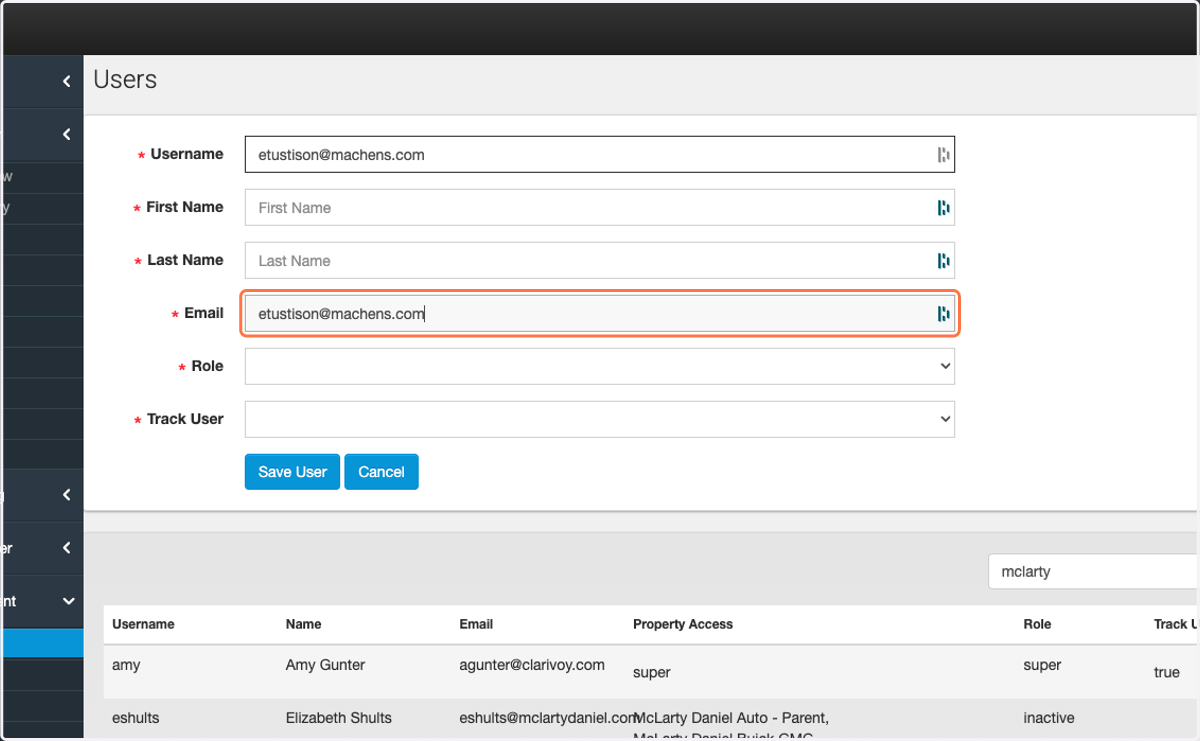
3. Paste email into input
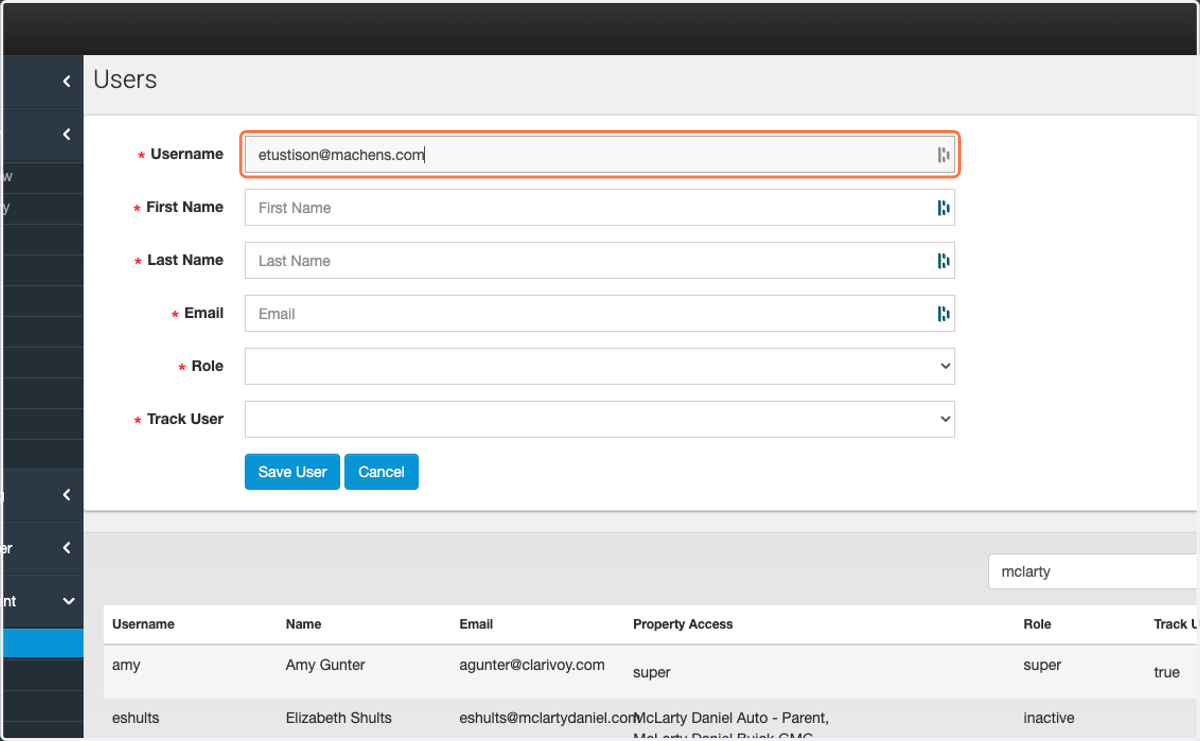
4. Paste email into input
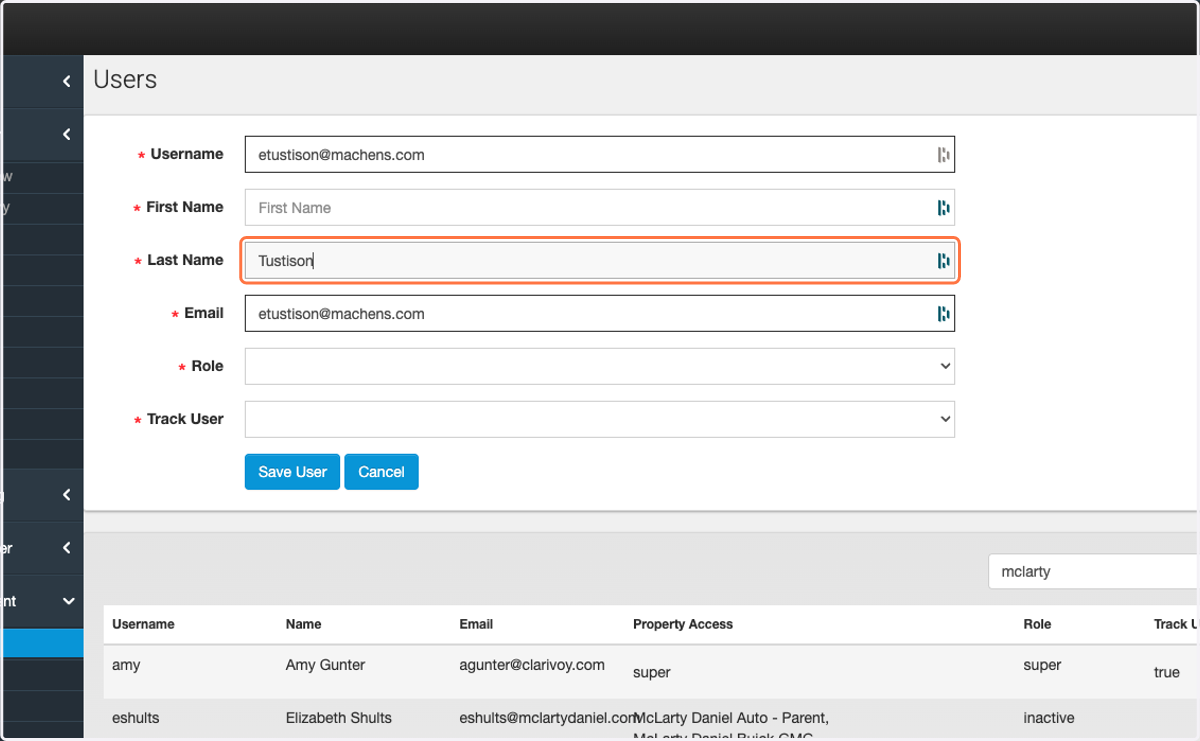
5. Type Last Name
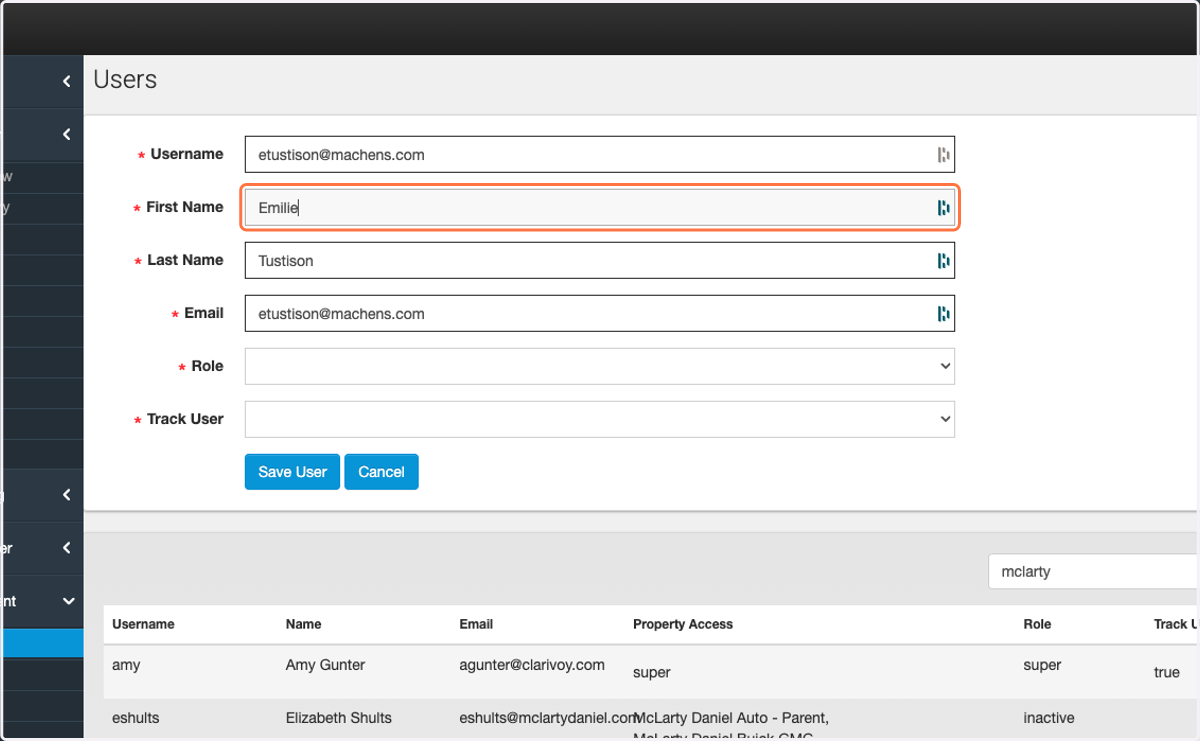
6. Type First Name
7. Select user from Role
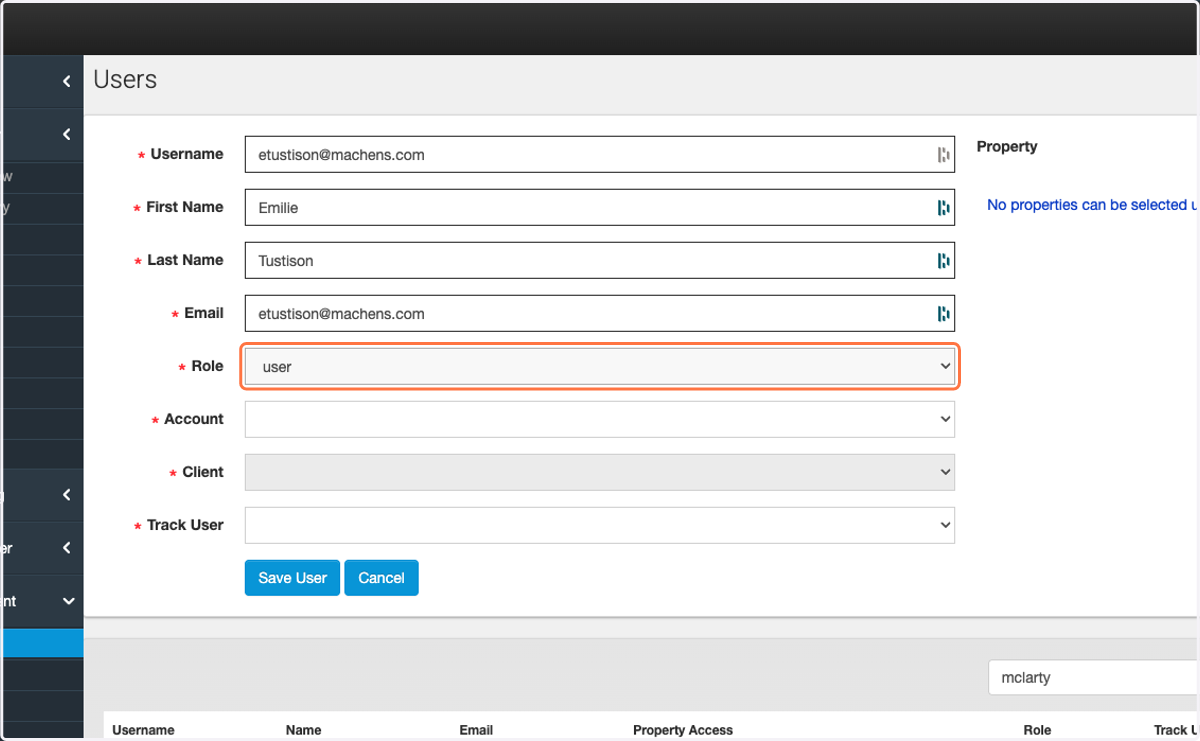
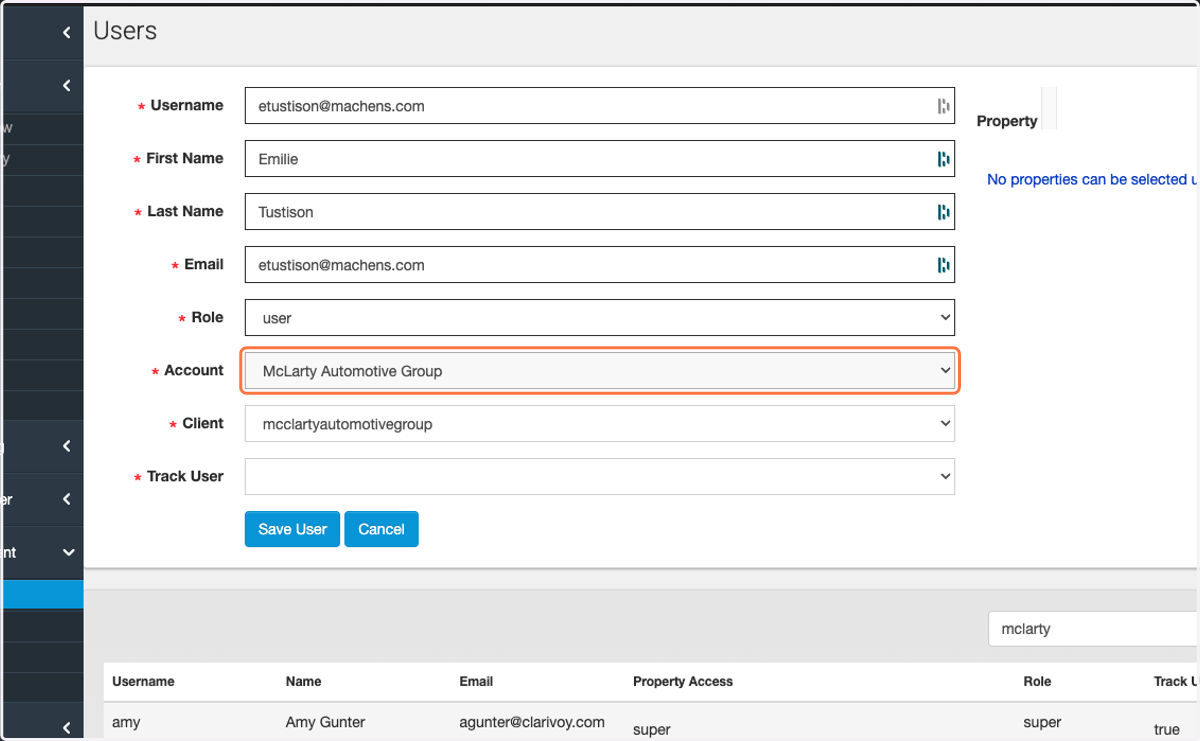
8. Select Account
Client will default after Account is selected
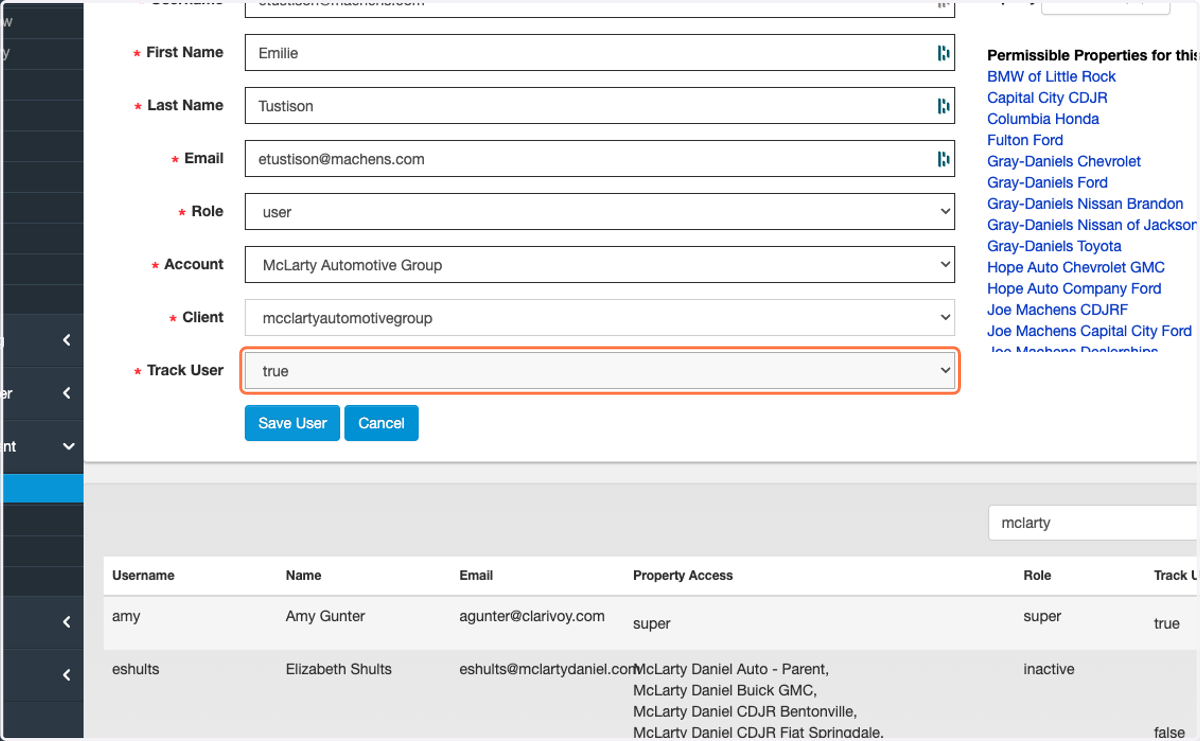
9. Select true from Track User
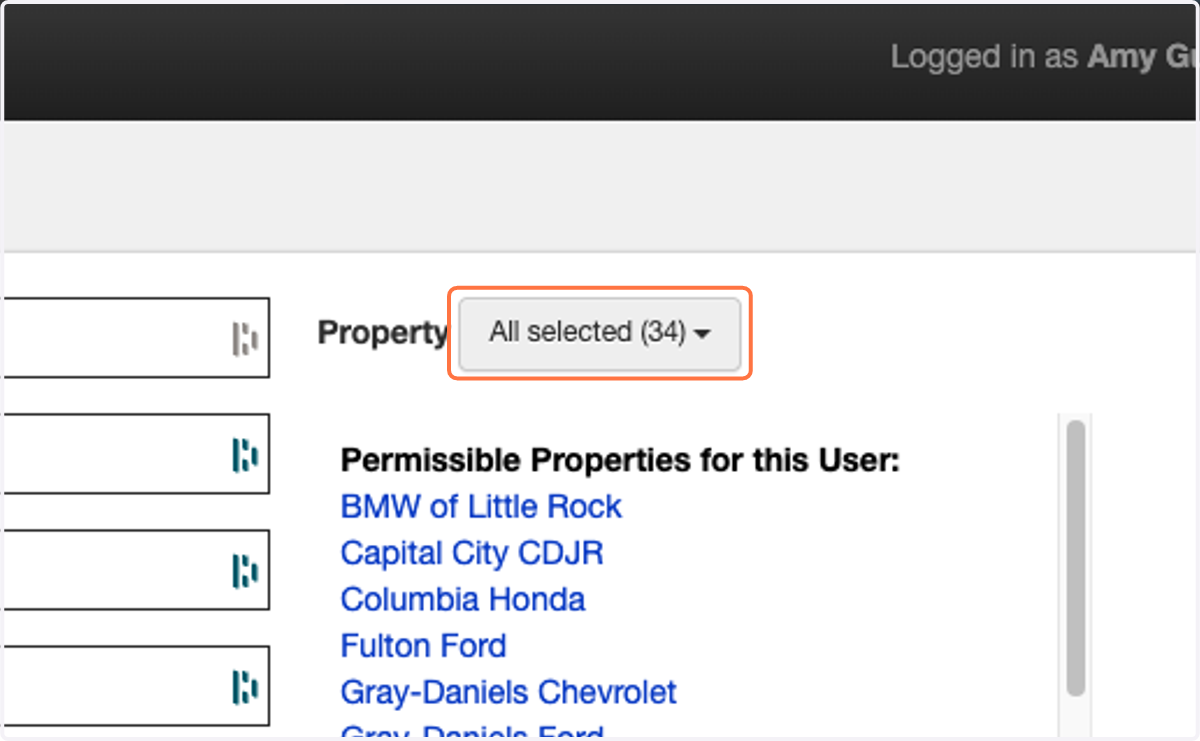
10. Click on Properties that the user needs access to.
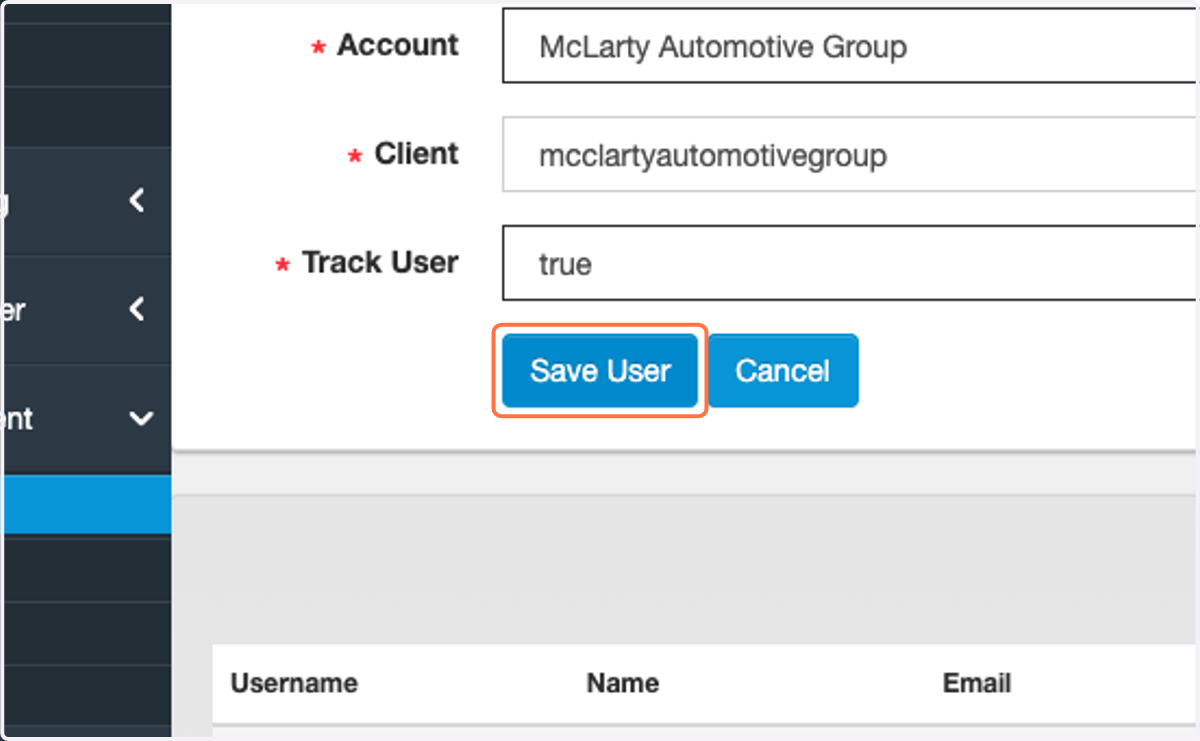
11. Click on Save User