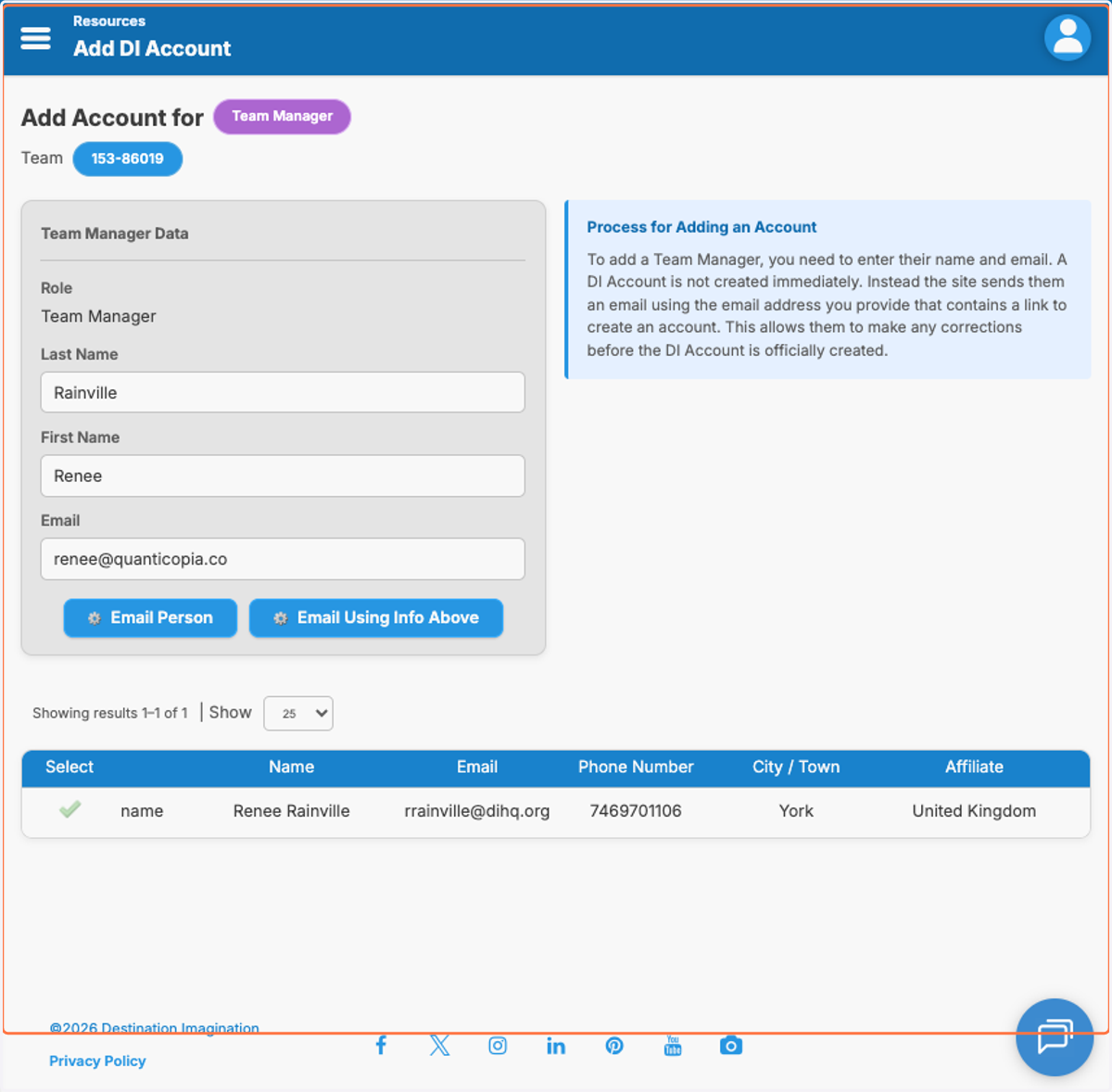
Add Team Managers in Affiliate Teams
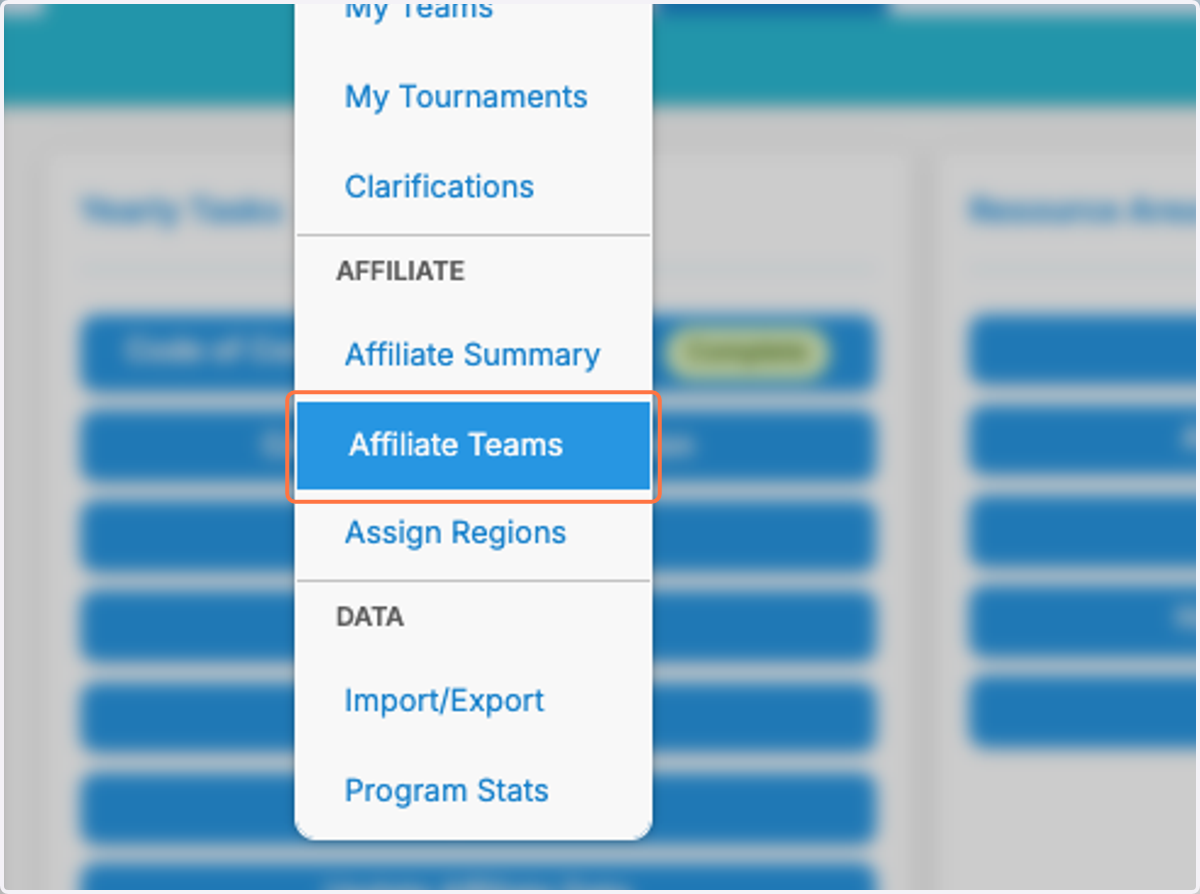
1. Click on Affiliate Teams under the Teams tab
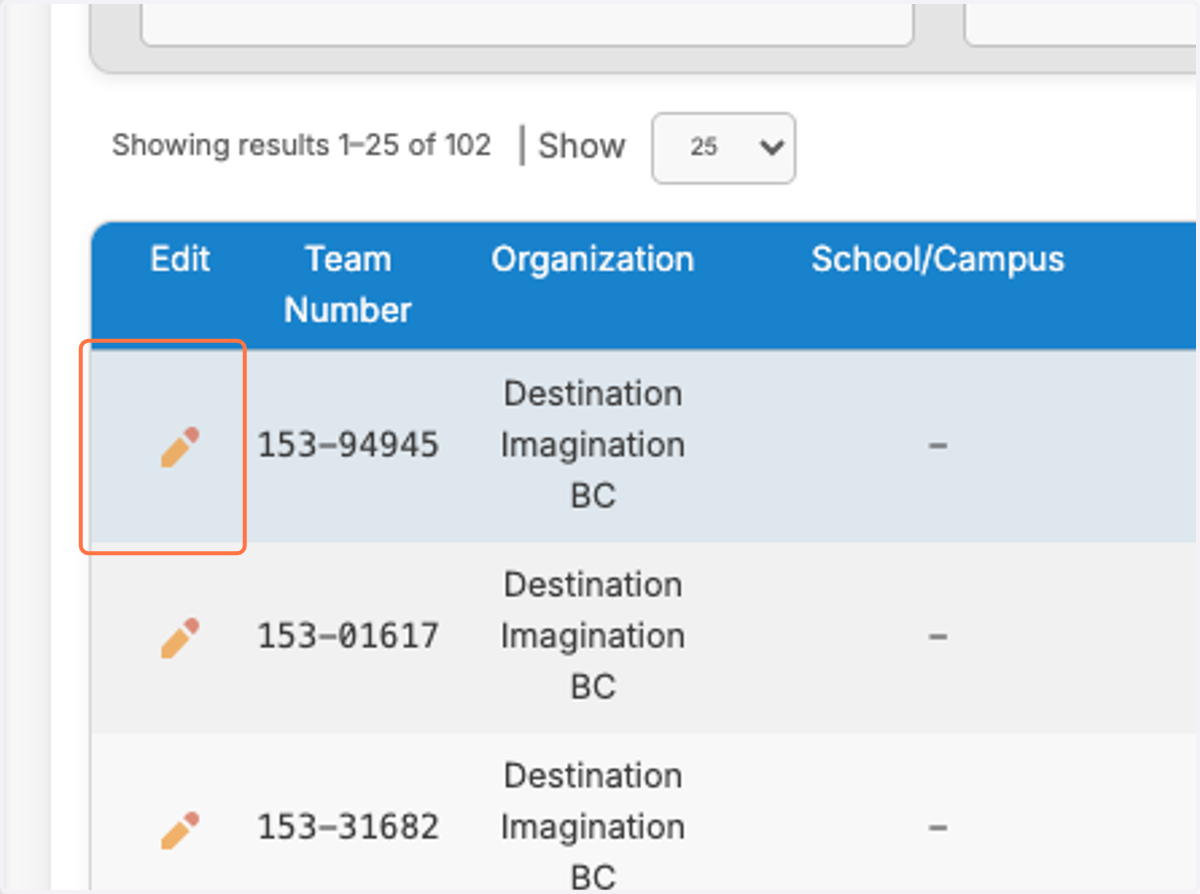
2. Click on the pencil icon to the left of the team you want to assign
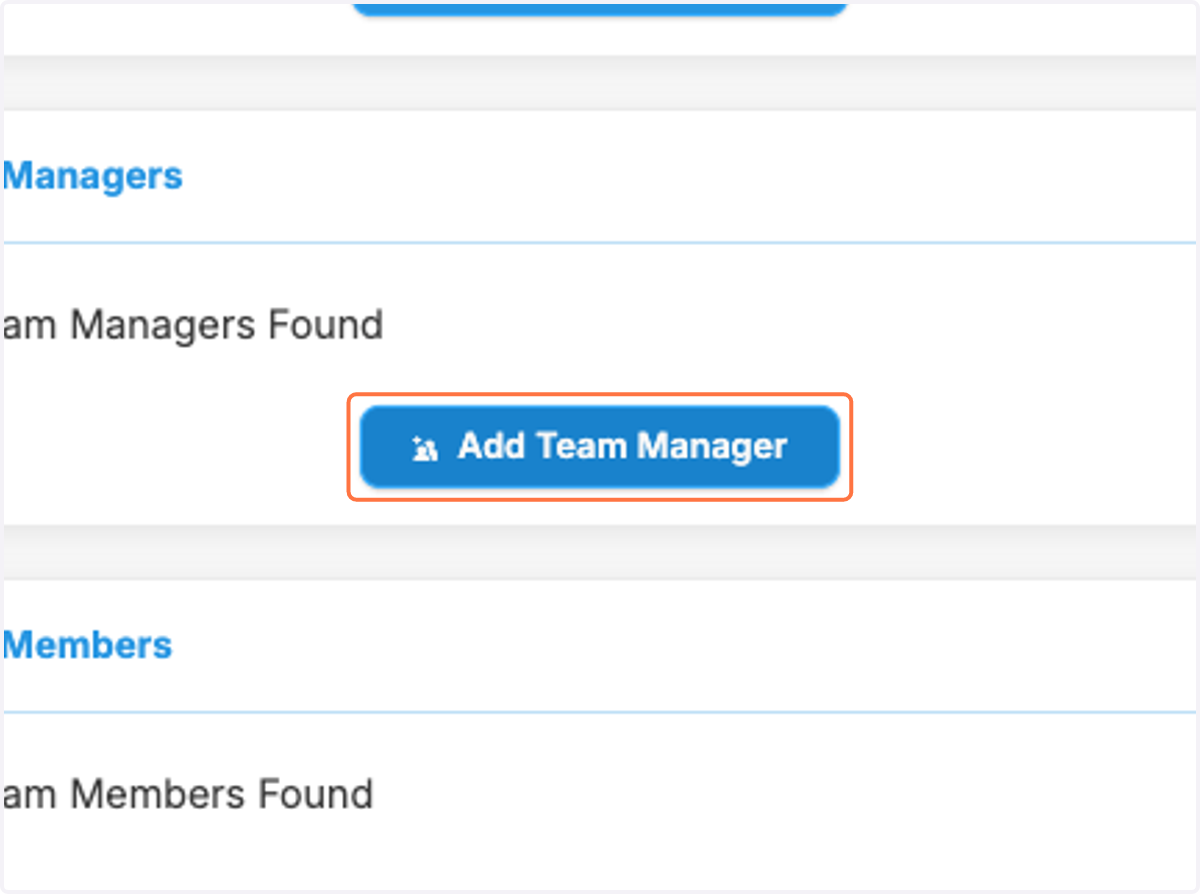
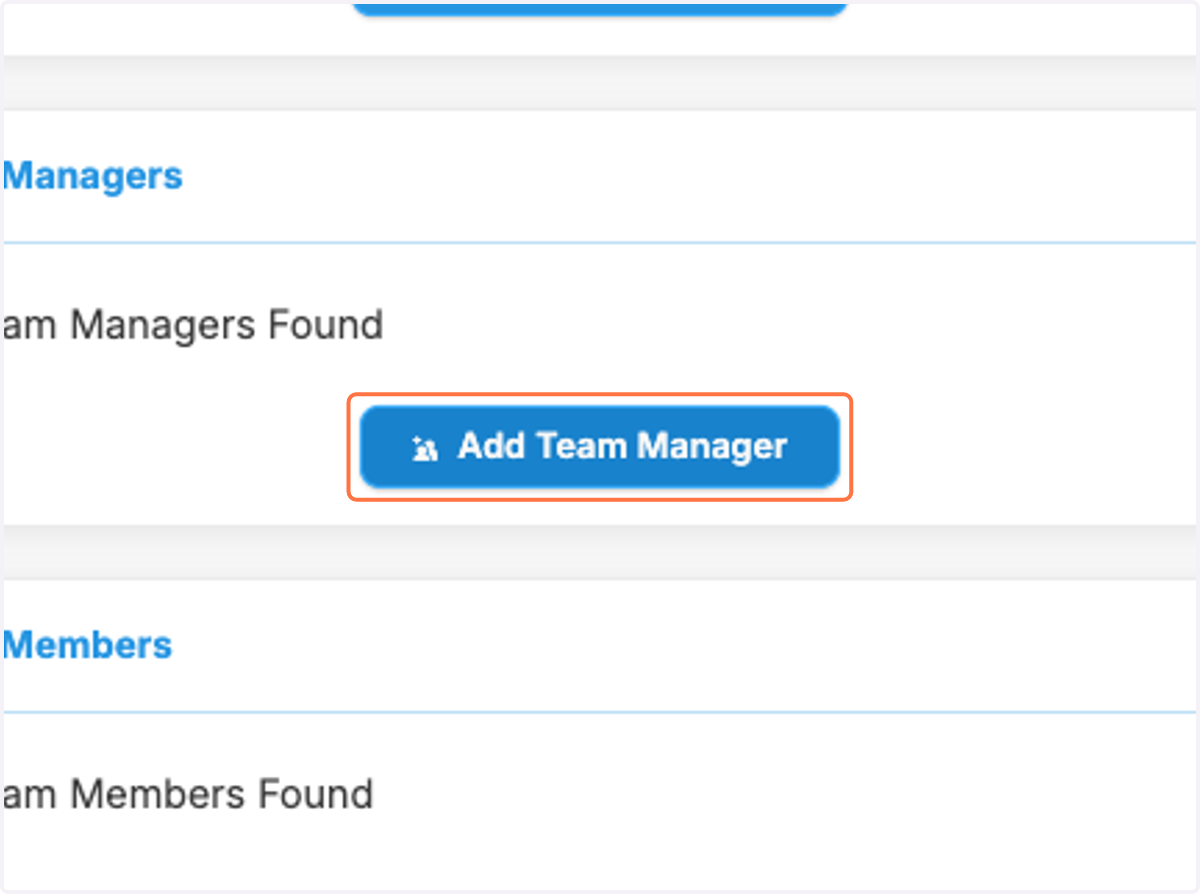
3. Click on Add Team Manager
Option 1: Assign a Team Manager that already has a DI account
4. Fill in Last Name, First Name and/or Email
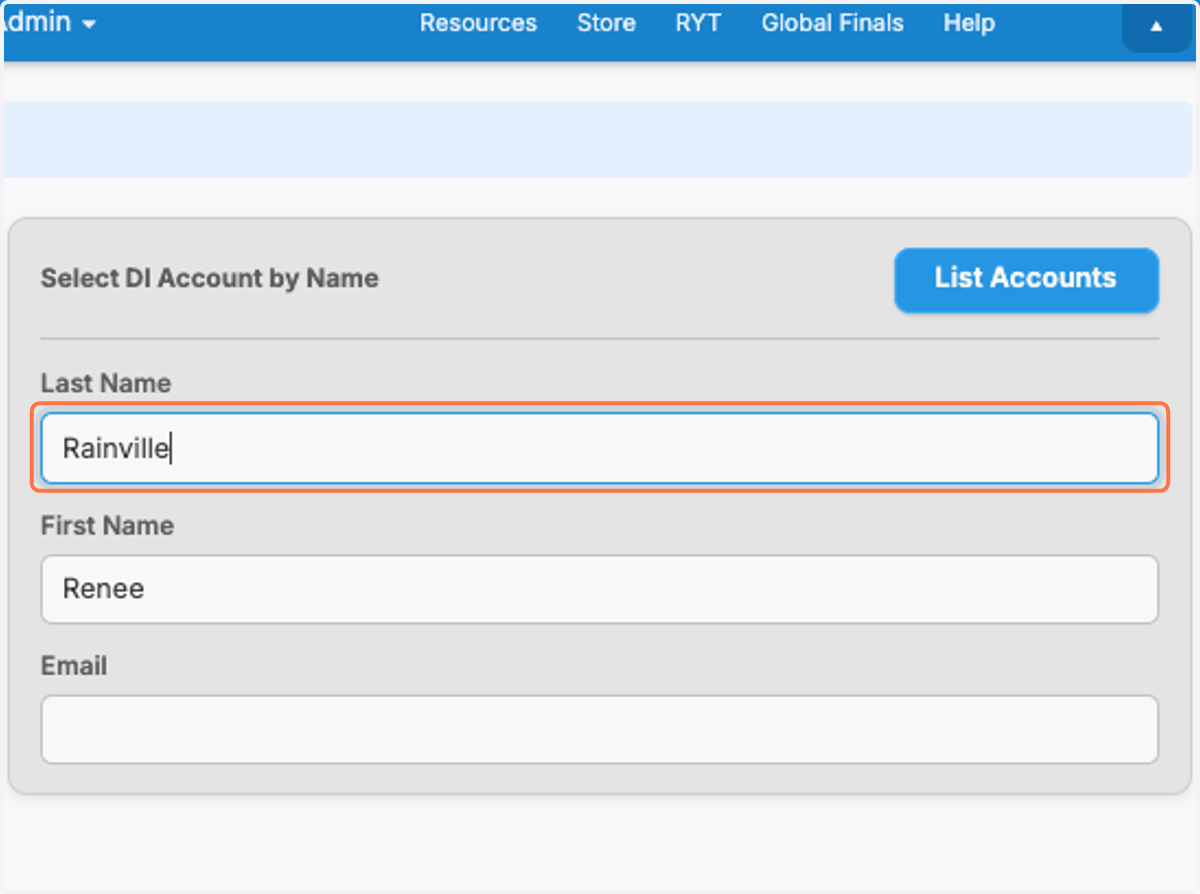
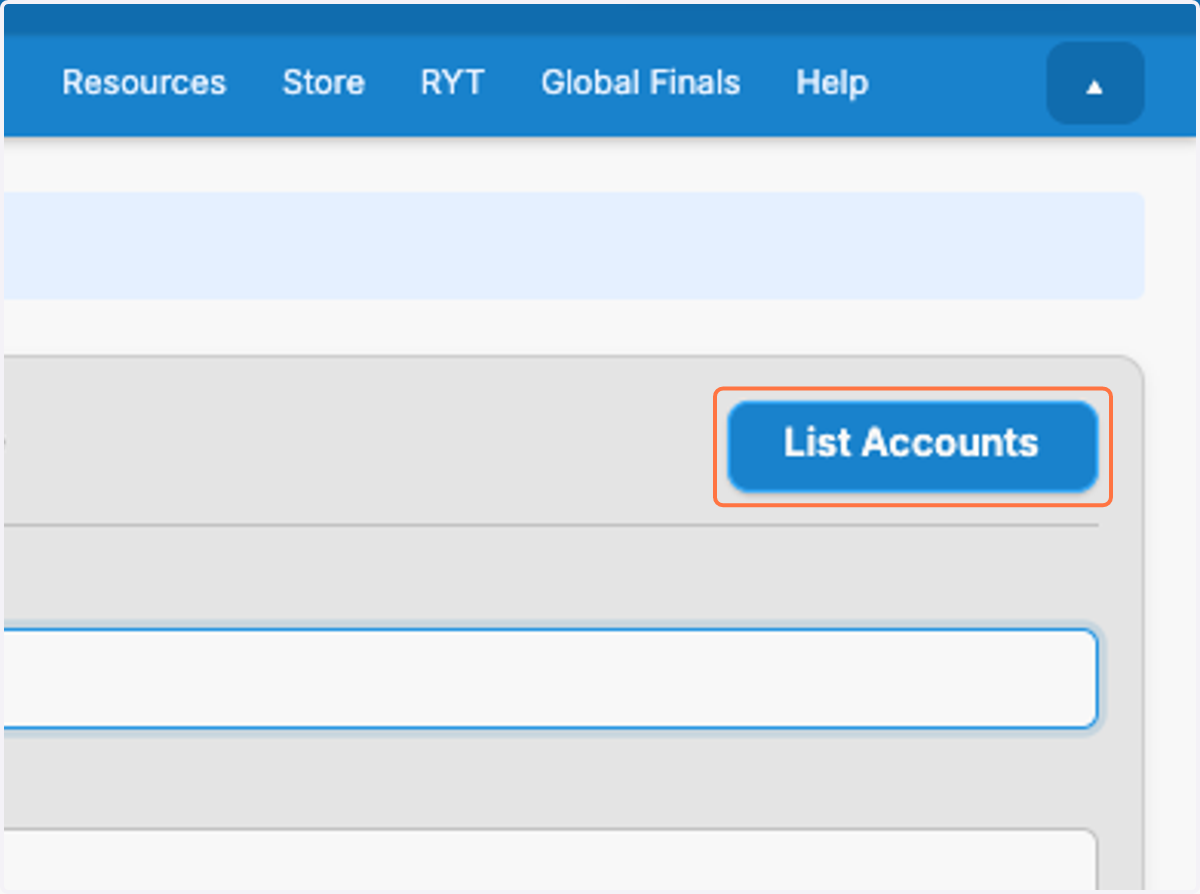
5. Click on List Accounts
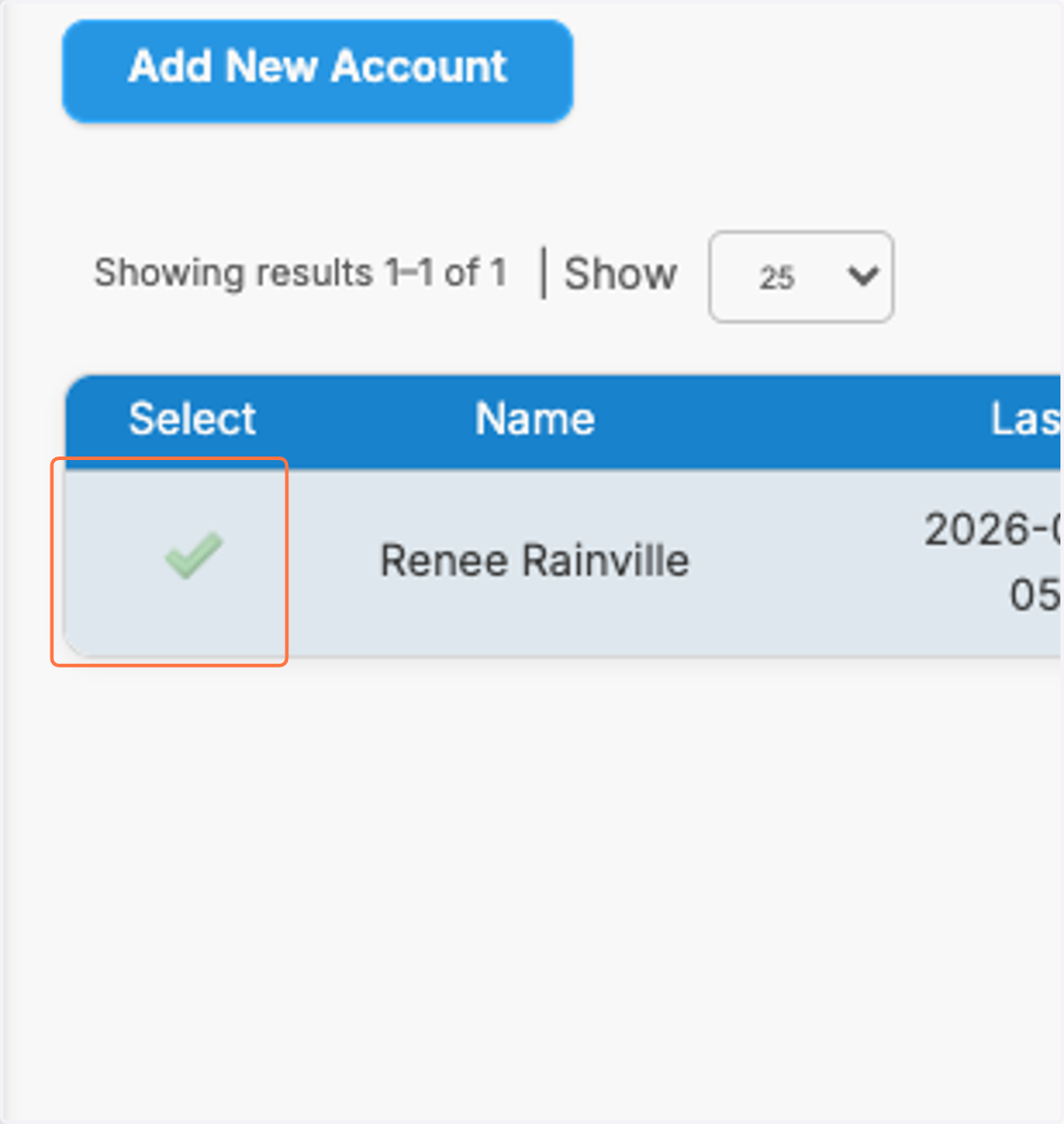
6. Click on the pencil icon next to the correct account listed at the bottom of the screen
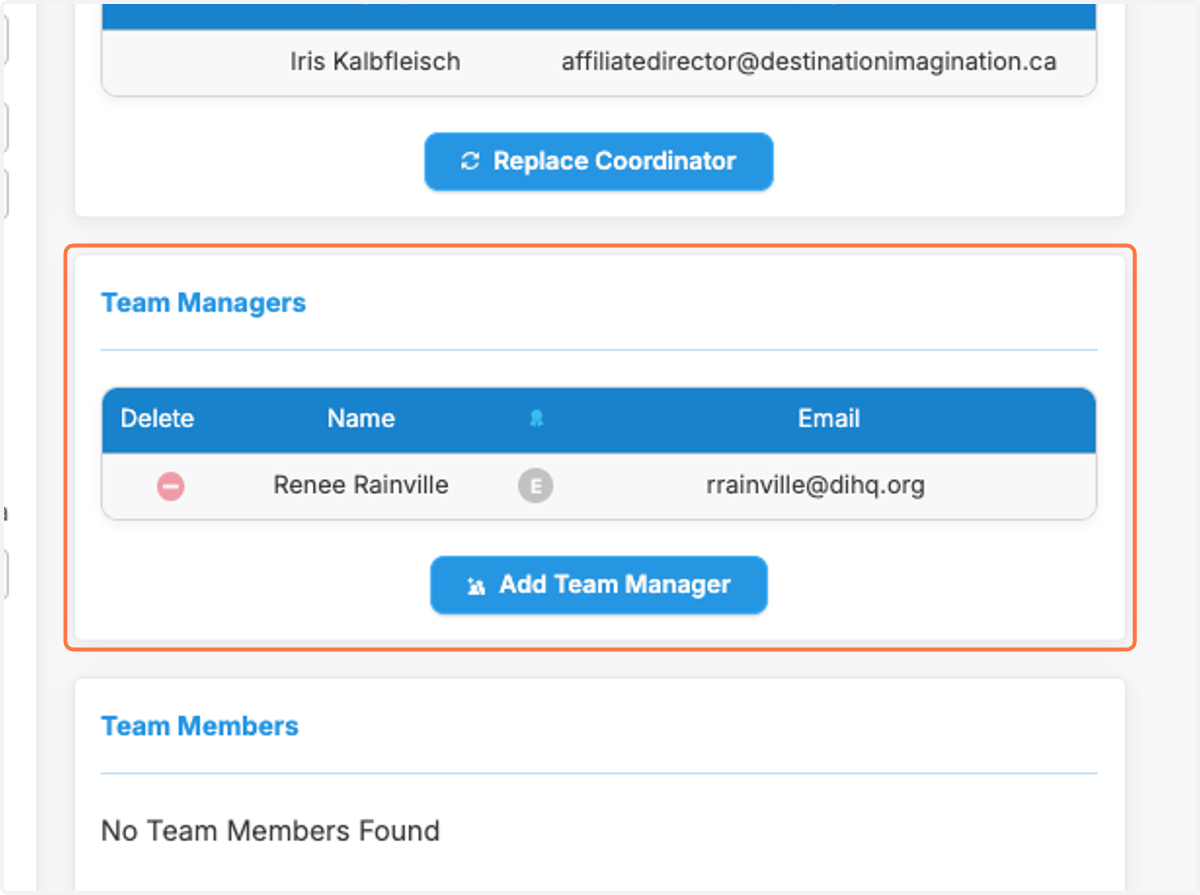
7. The Team Manager is now added to the team
Option 2: Add a new Team Manager to the system
8. Click on Add Team Manager
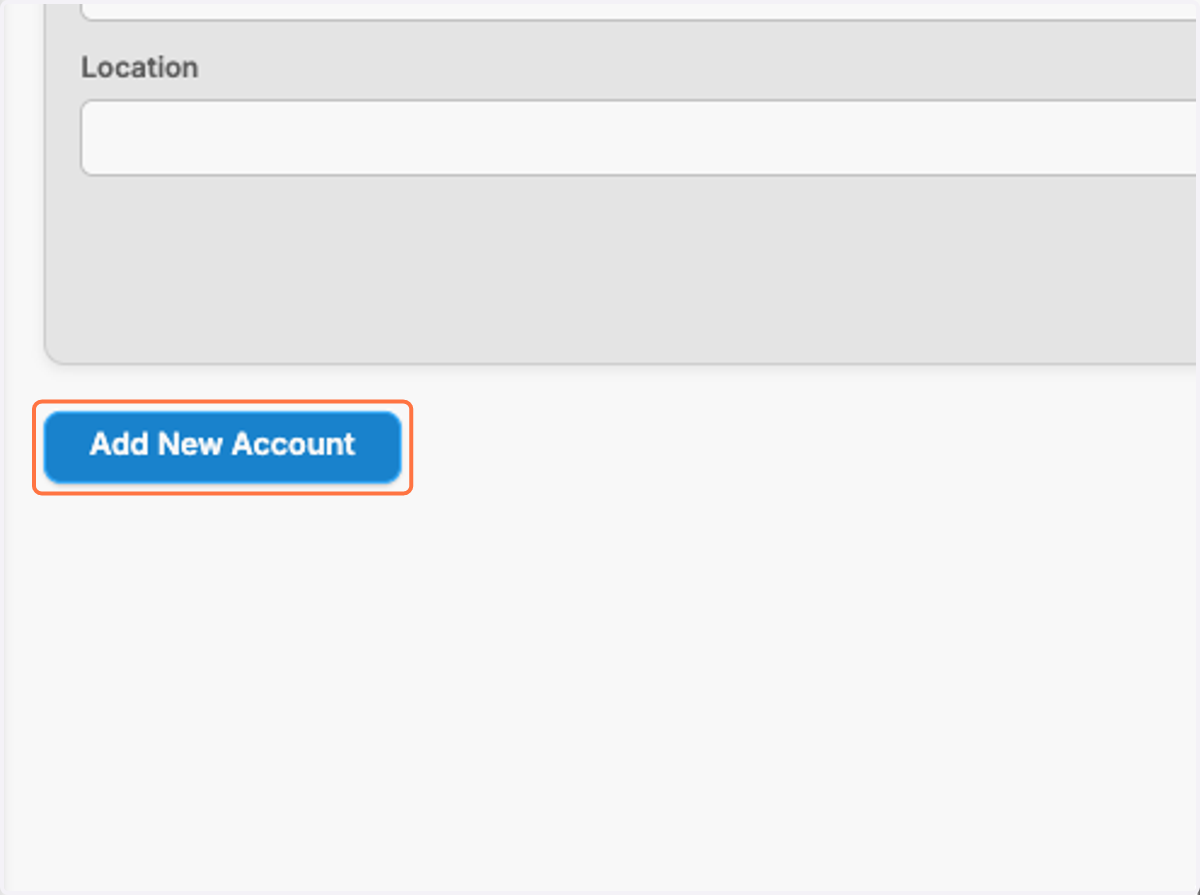
9. Click on Add New Account
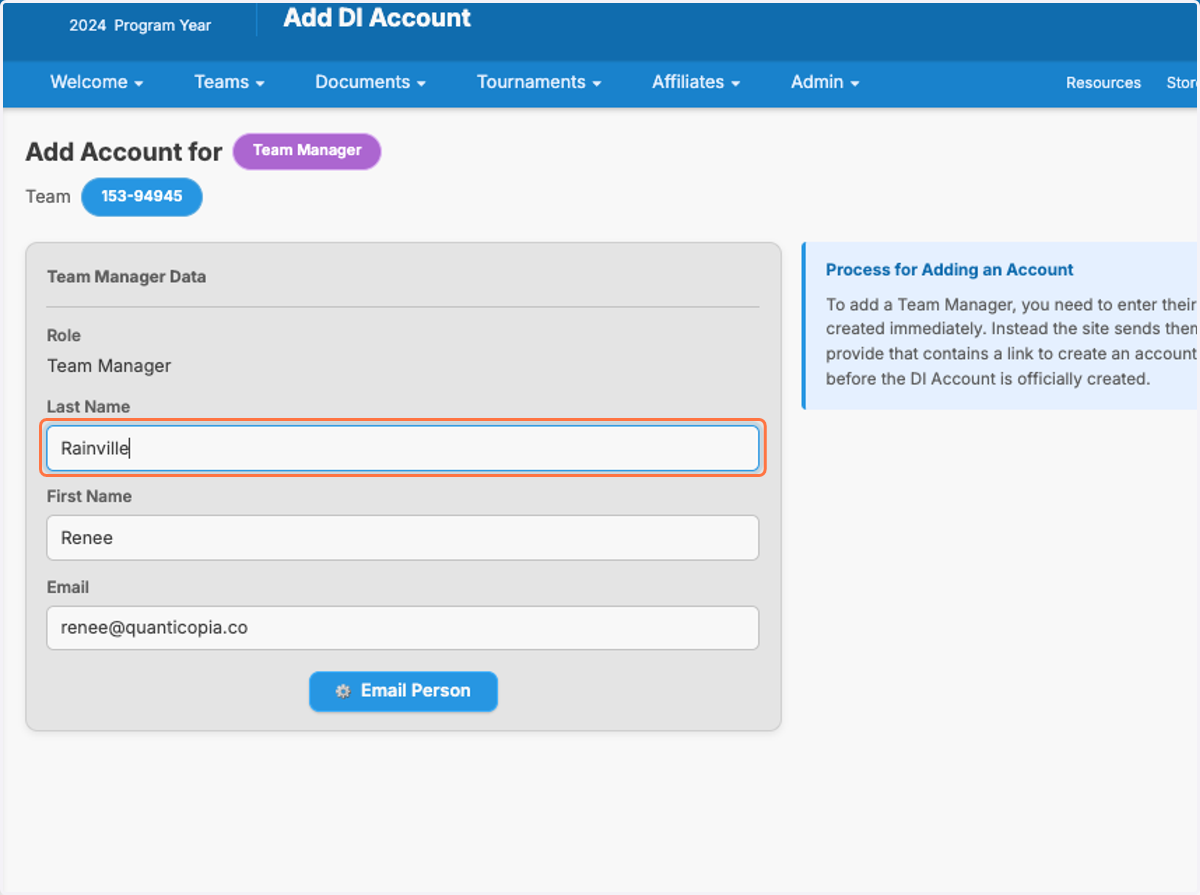
10. Fill in the Last Name, First Name, and Email
11. Fill in the Last Name, First Name, and Email
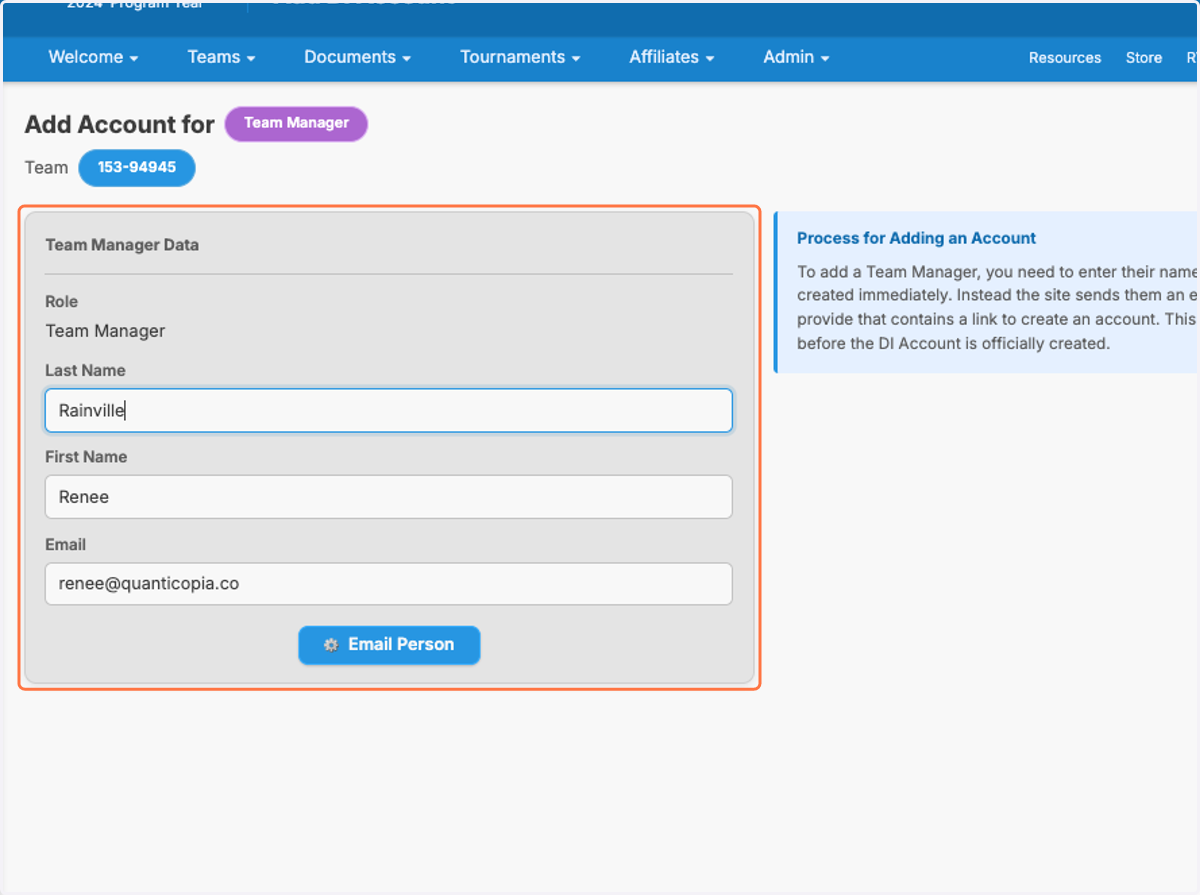
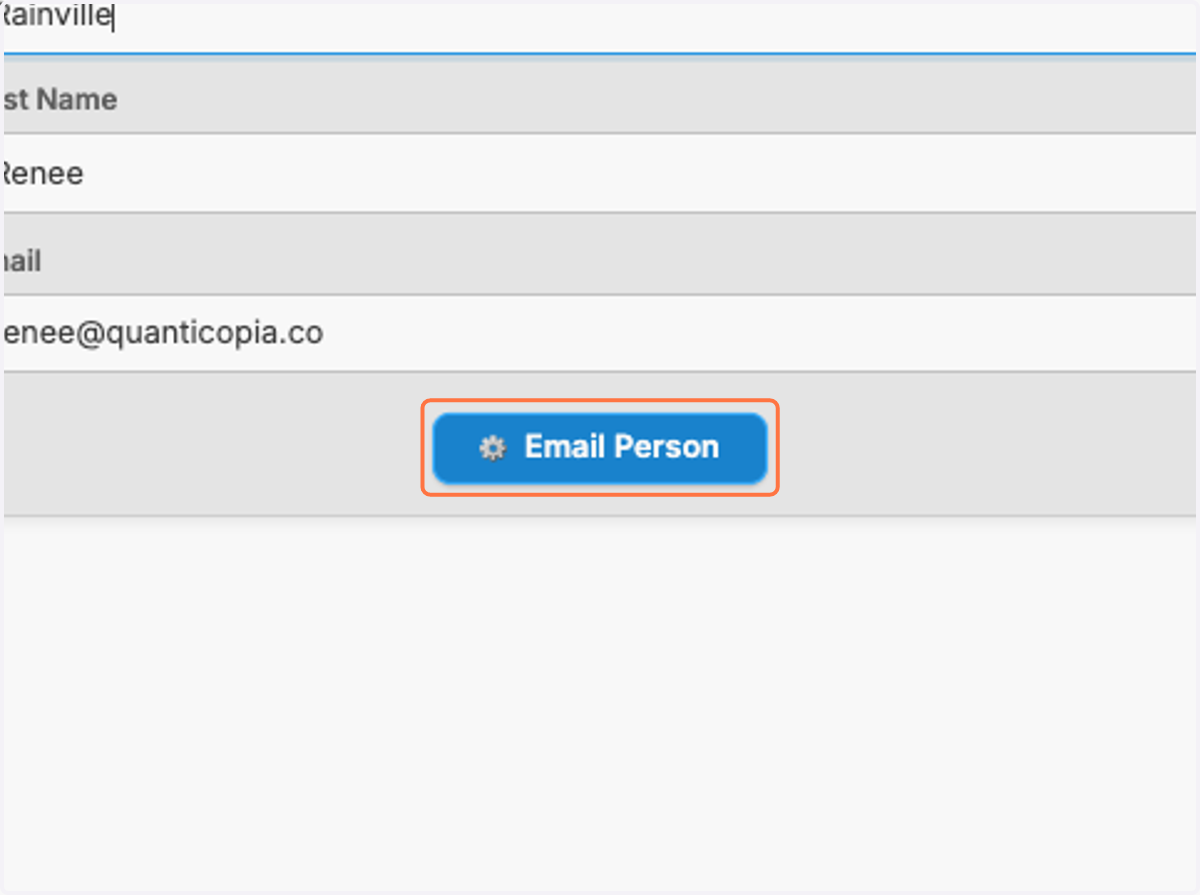
12. Click on Email Person
13. If the person has an account in the system with a partial match or full match, it will be listed at the bottom of the page.