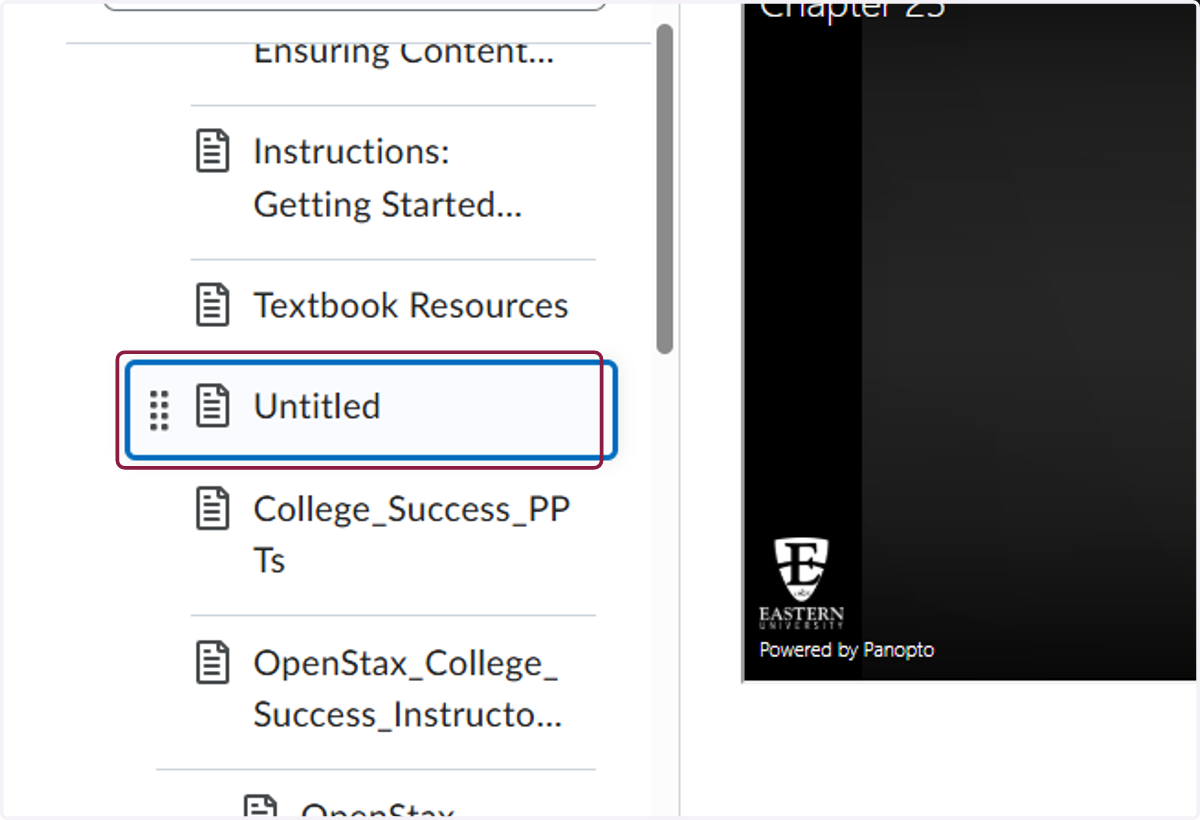
Add Panopto Videos to Course Content
1. Click on Content

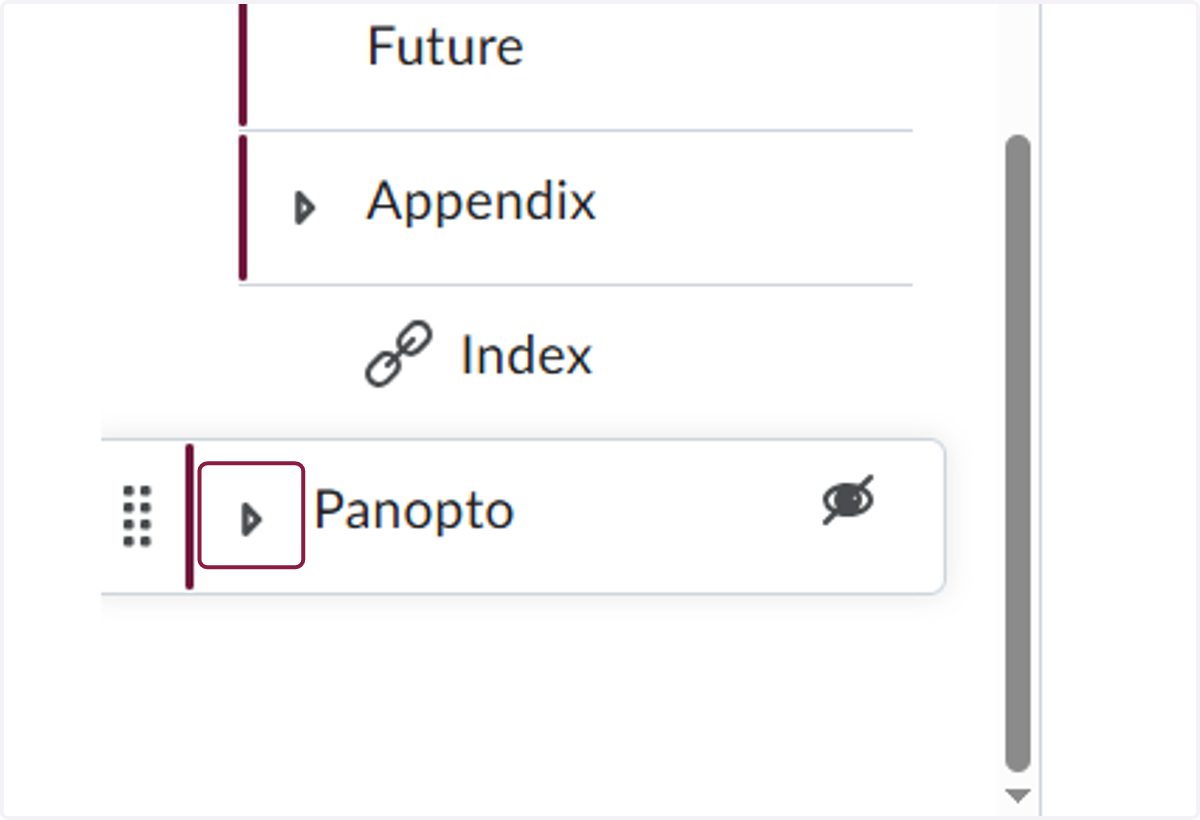
2. Scroll to the bottom of the table of contents to find Panopto
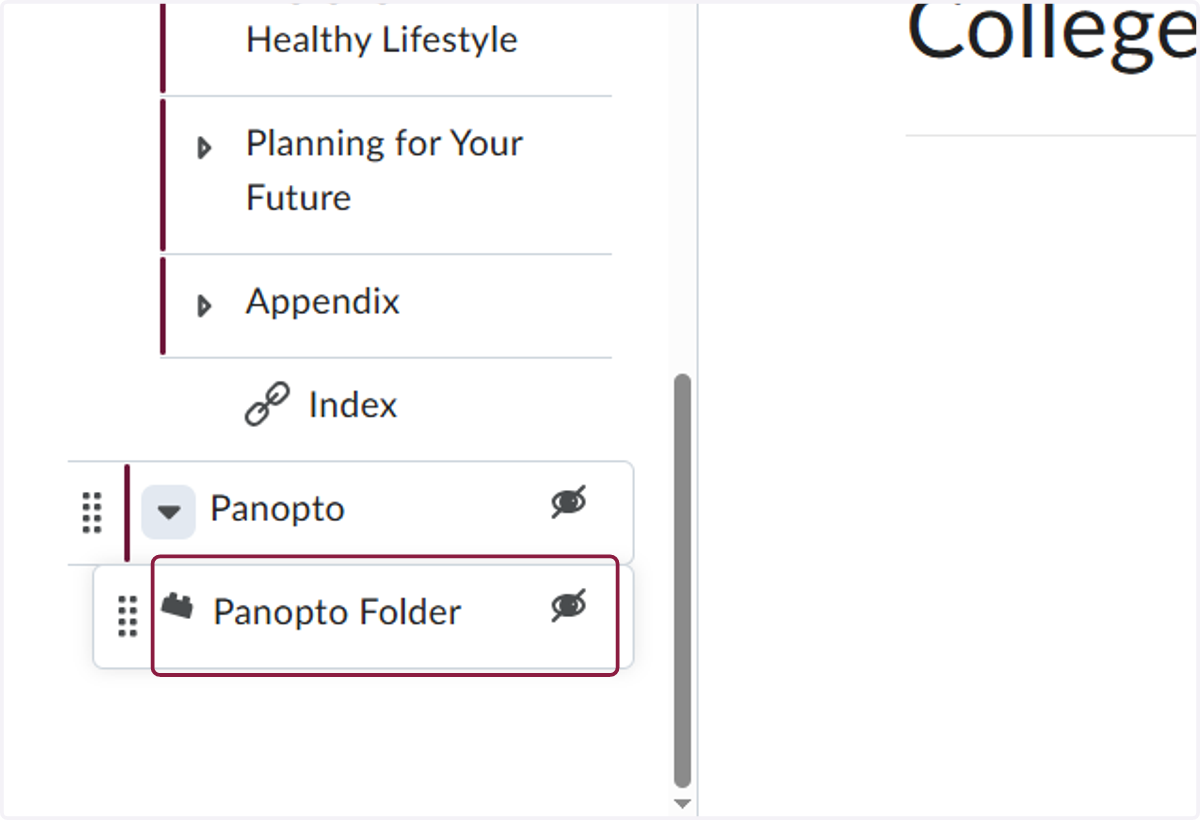
3. Click on Pnaopto Folder
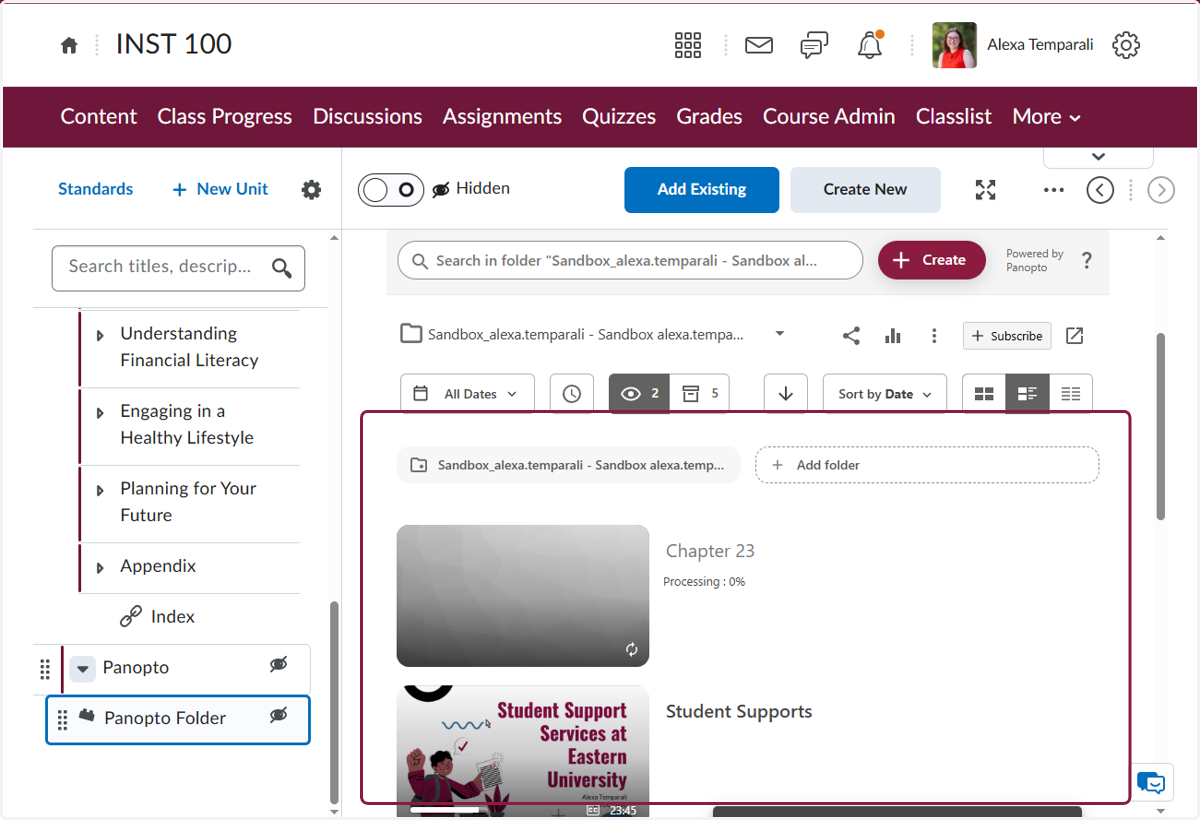
4. Find the video on your computer and drag it to the main body of the Panopto page (where all of the already uploaded videos are lsited)
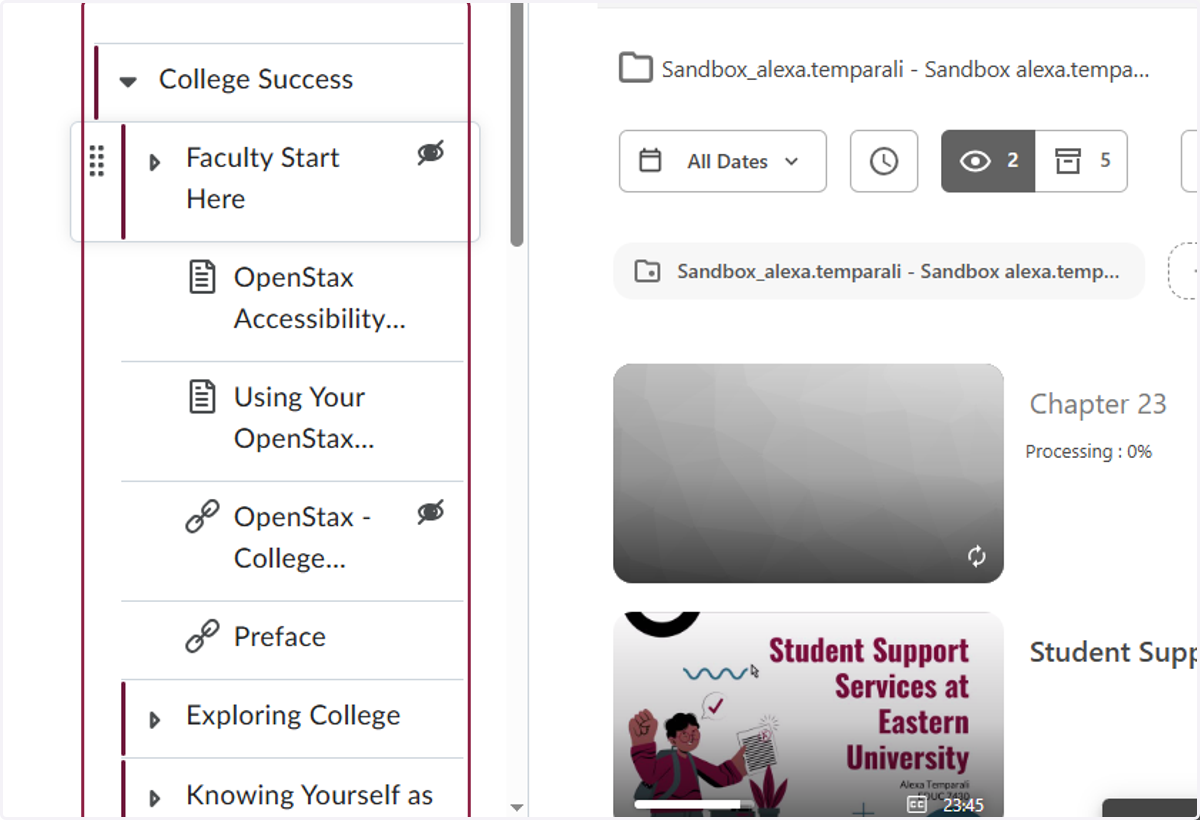
5. Locate the unit in the table of contents where you would like to place the video
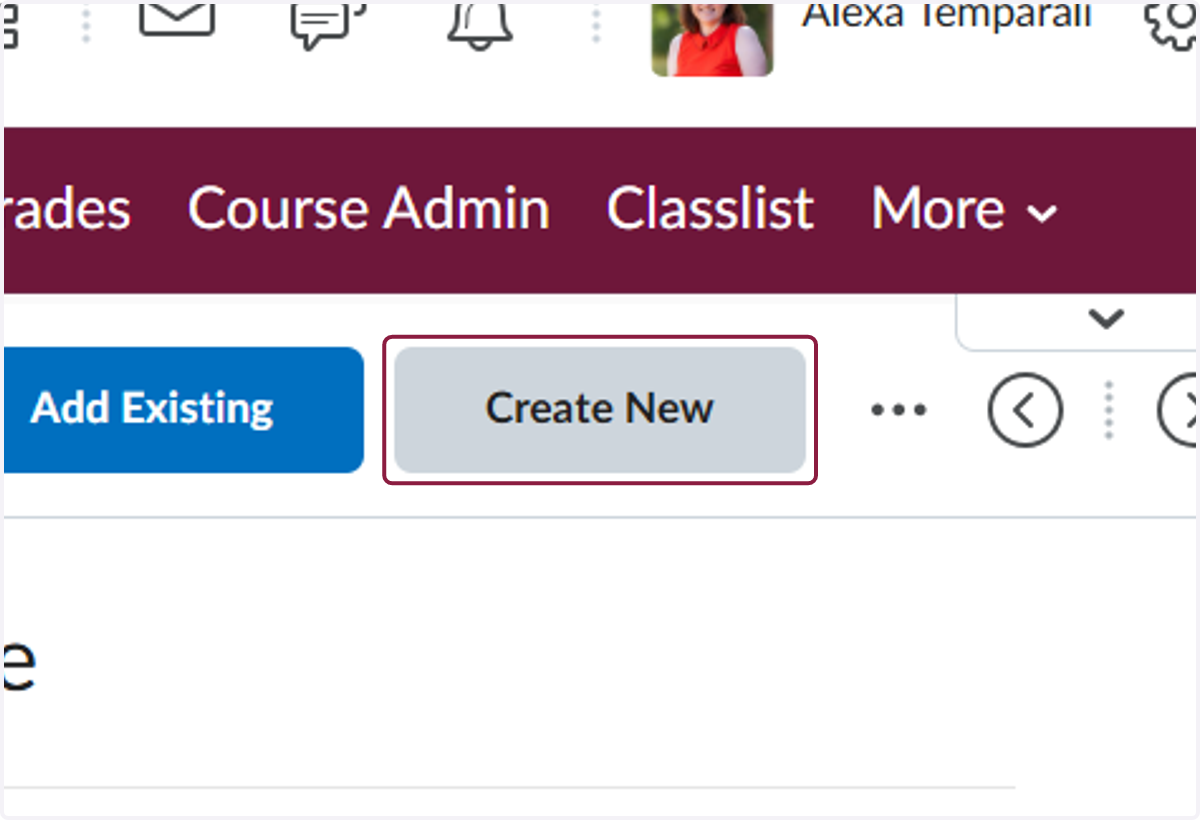
6. Click on Create New
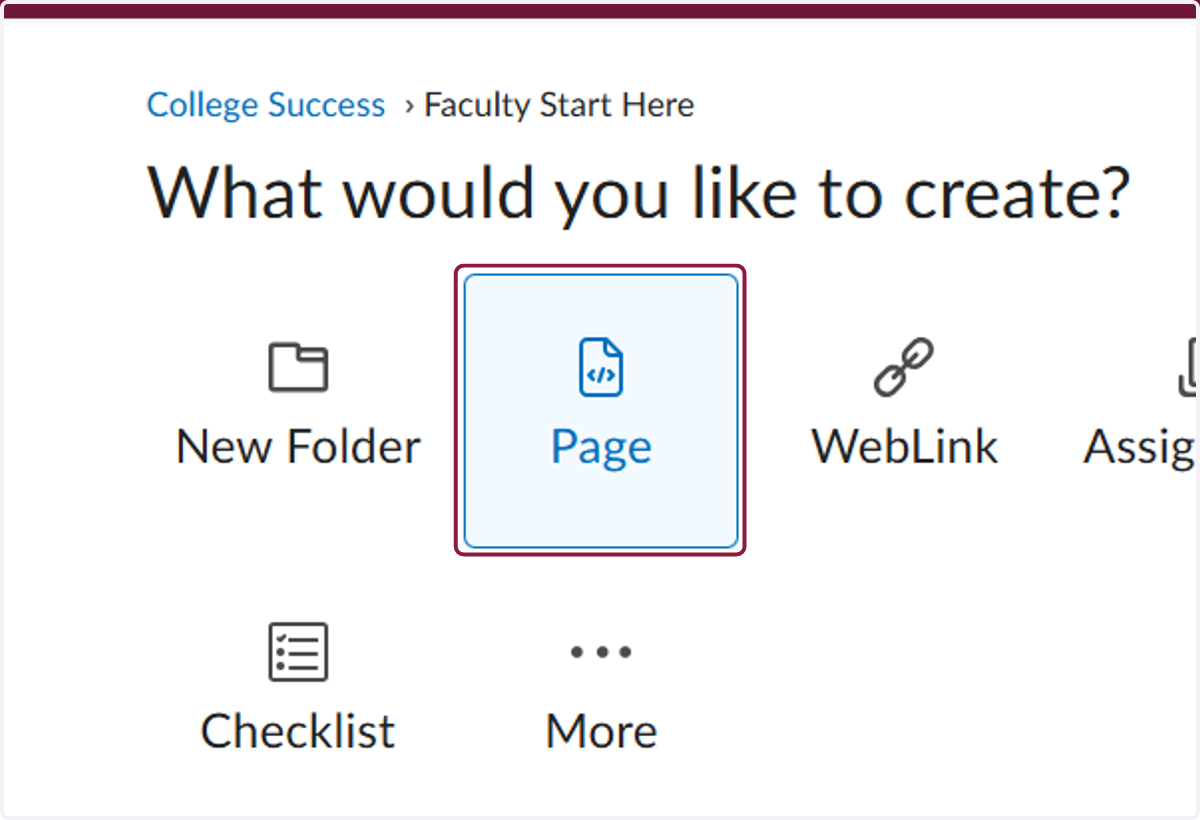
7. Click on Page
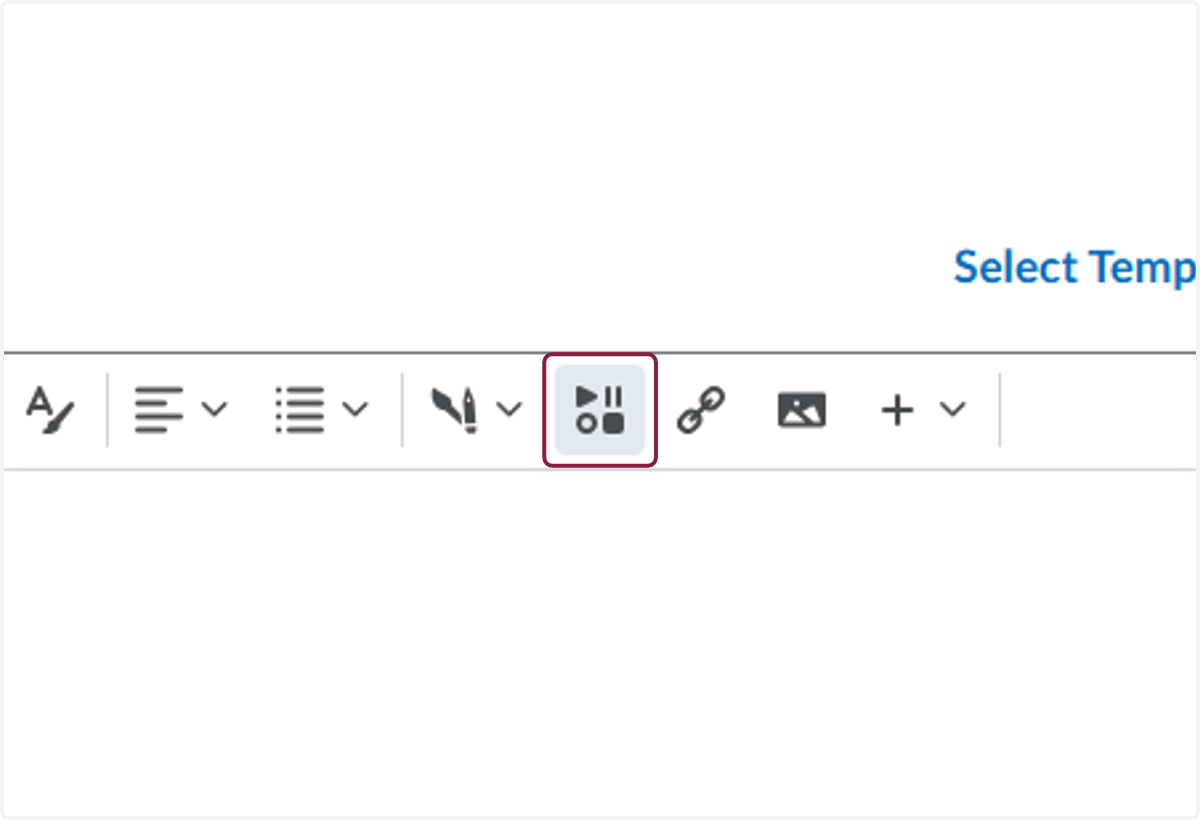
8. Click on Insert Stuff
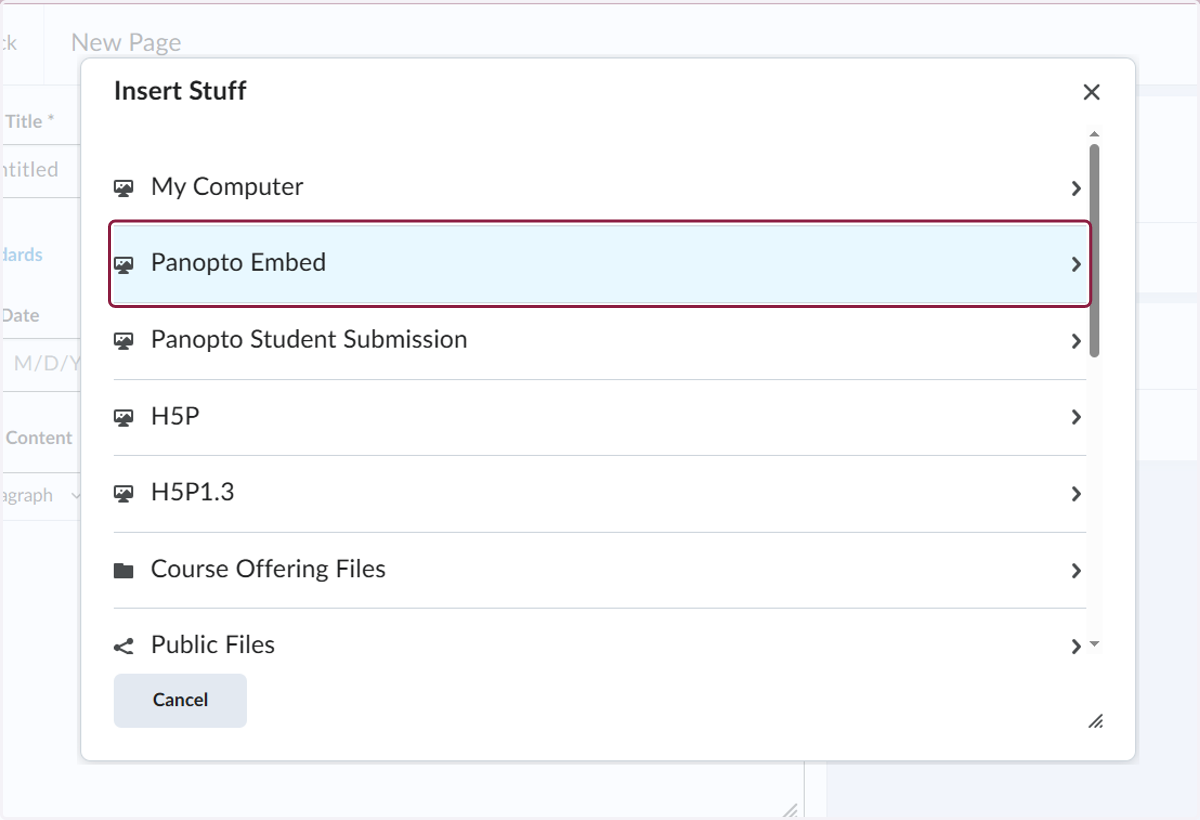
9. Click on Panopto Embed
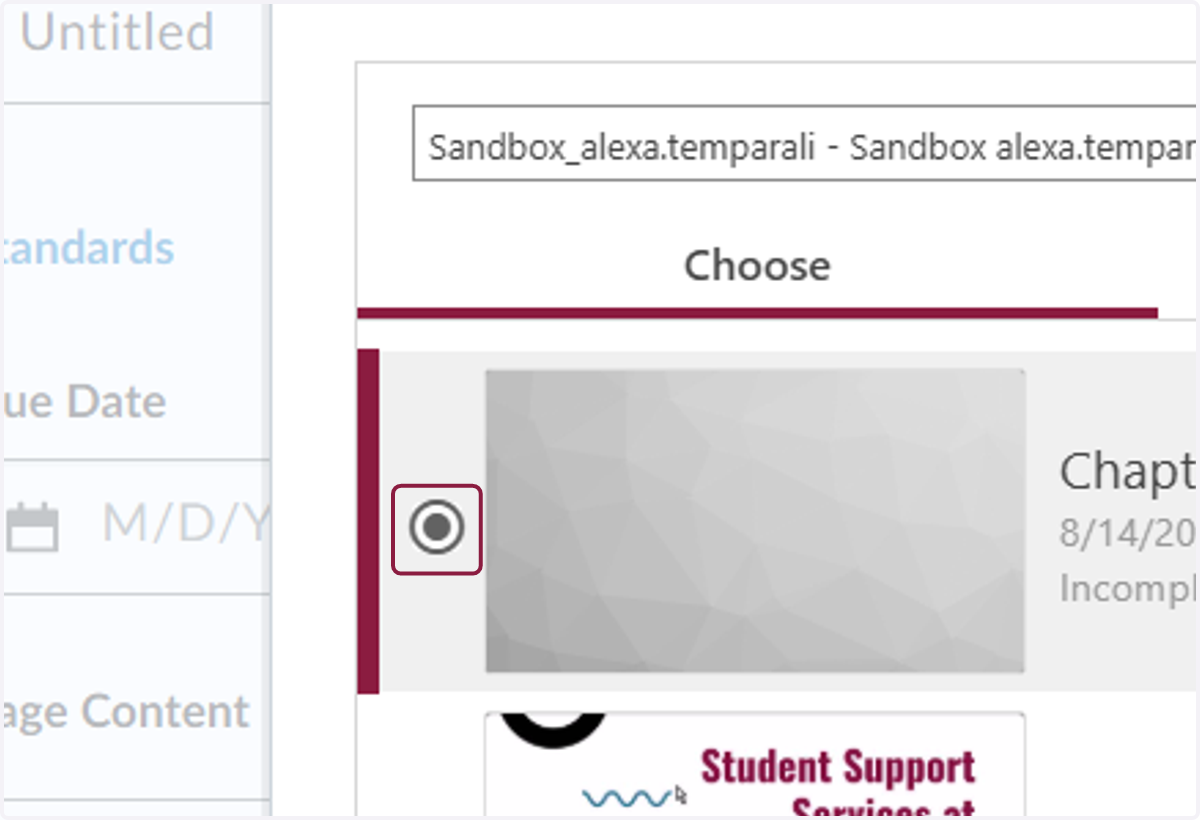
10. Select the video you would like to insert
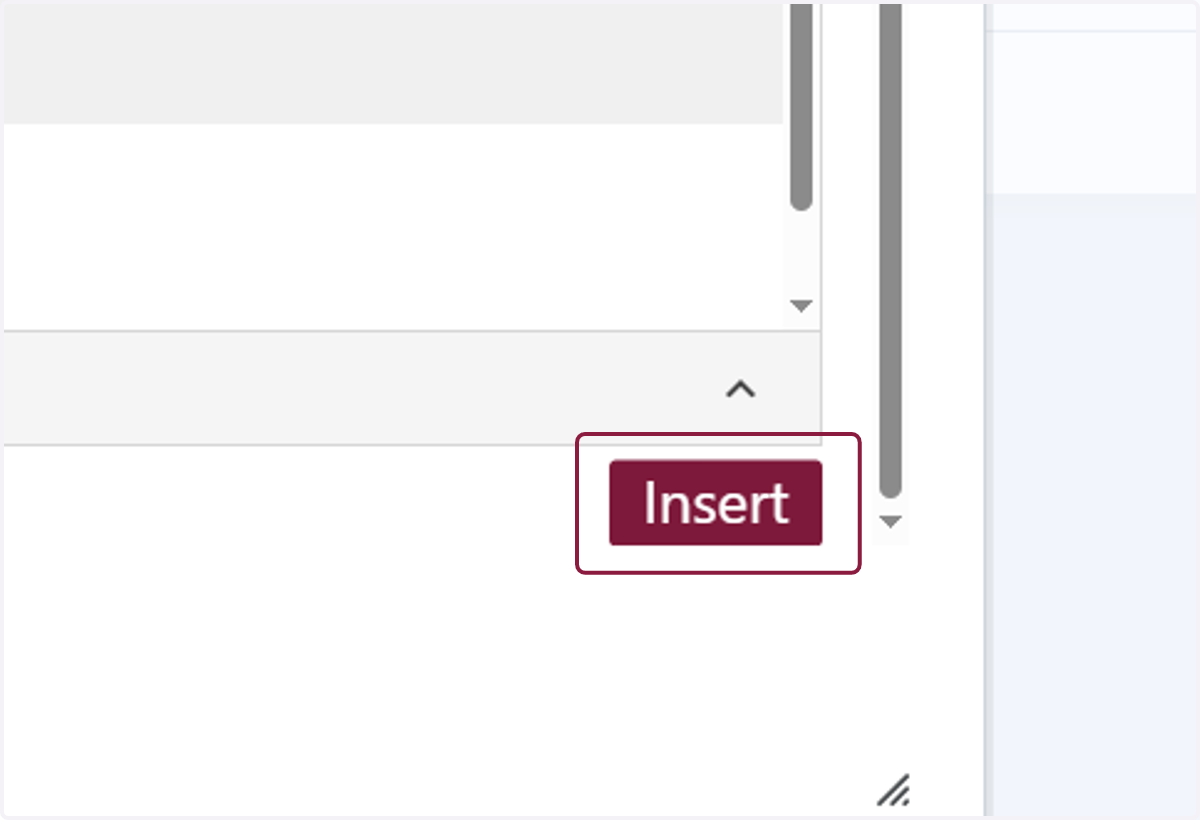
11. Click on Insert
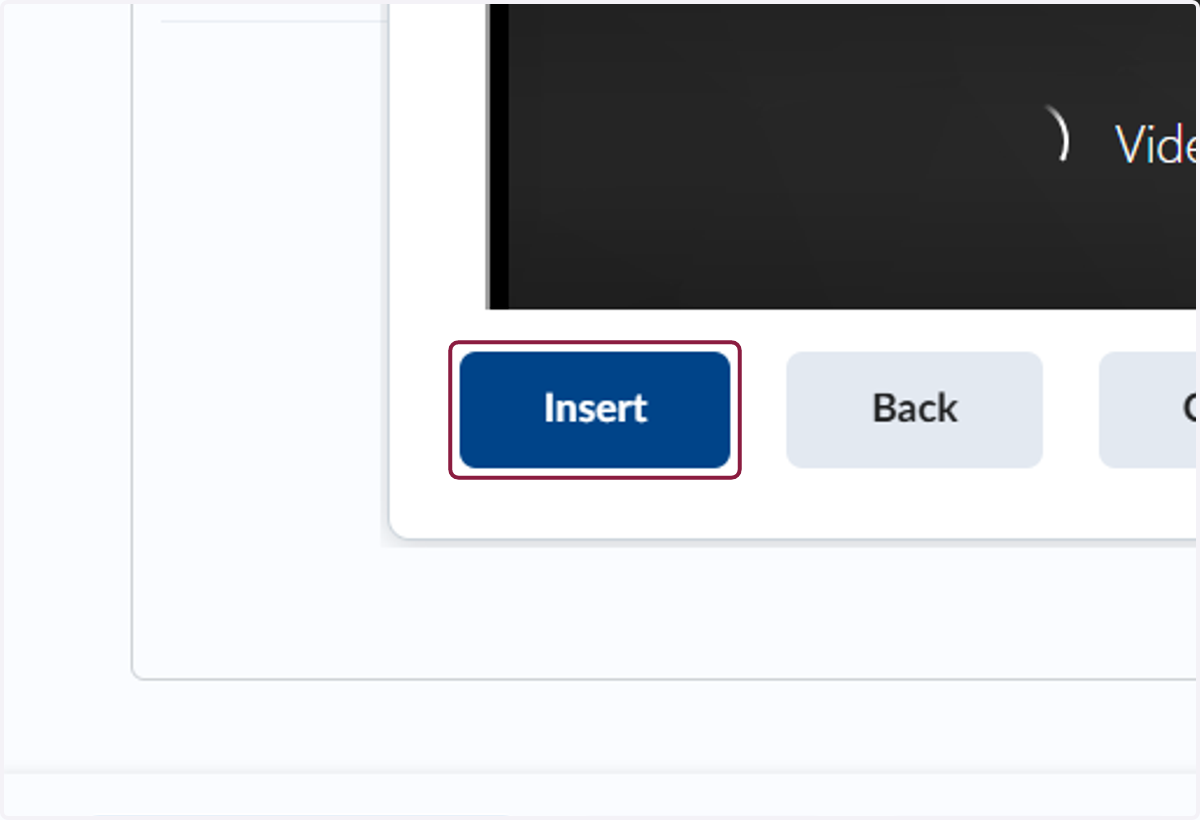
12. Click on Insert
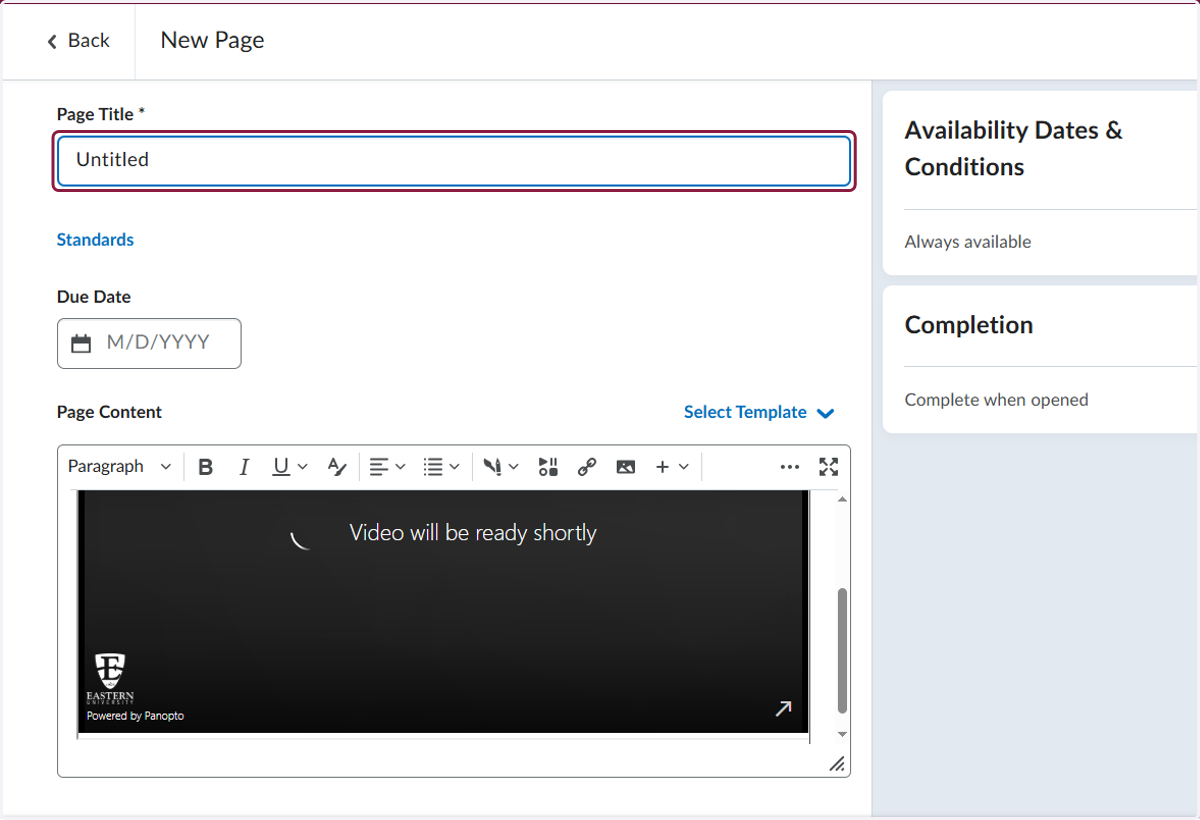
13. Rename the page to whatever you would like
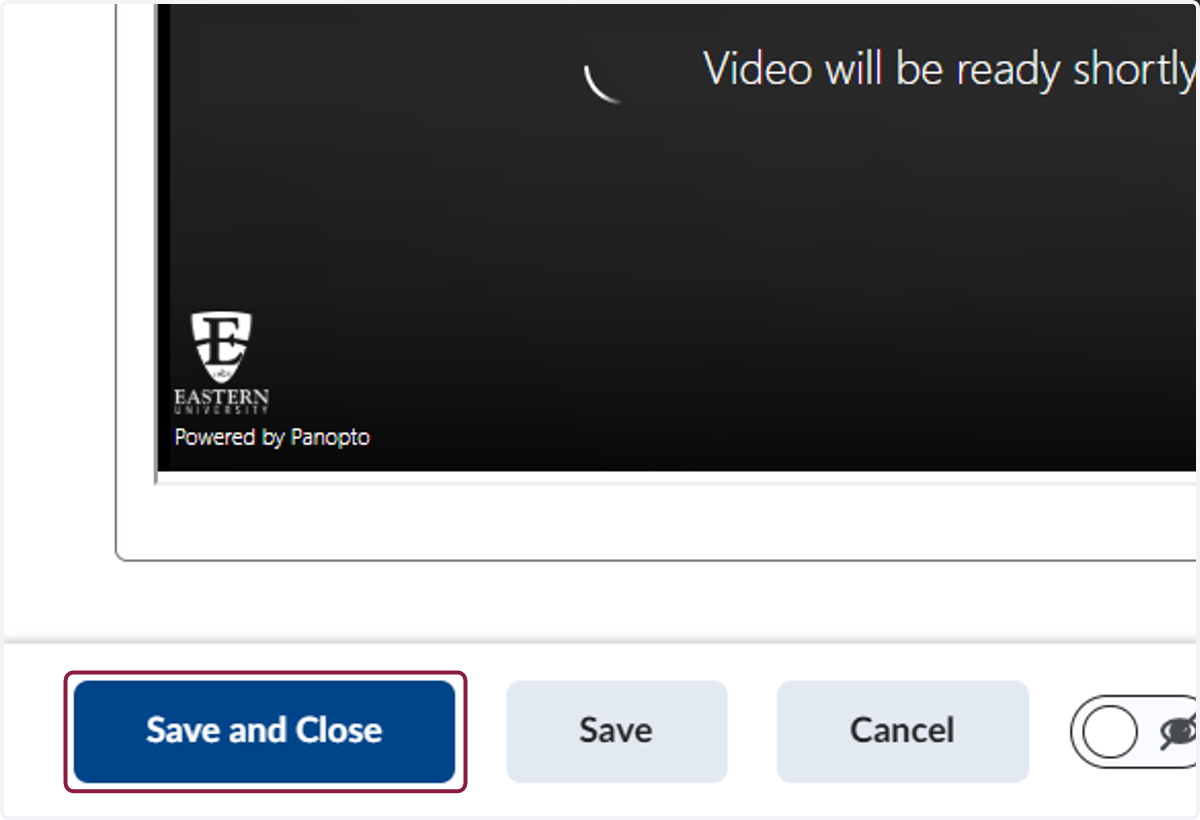
14. Click on Save and Close
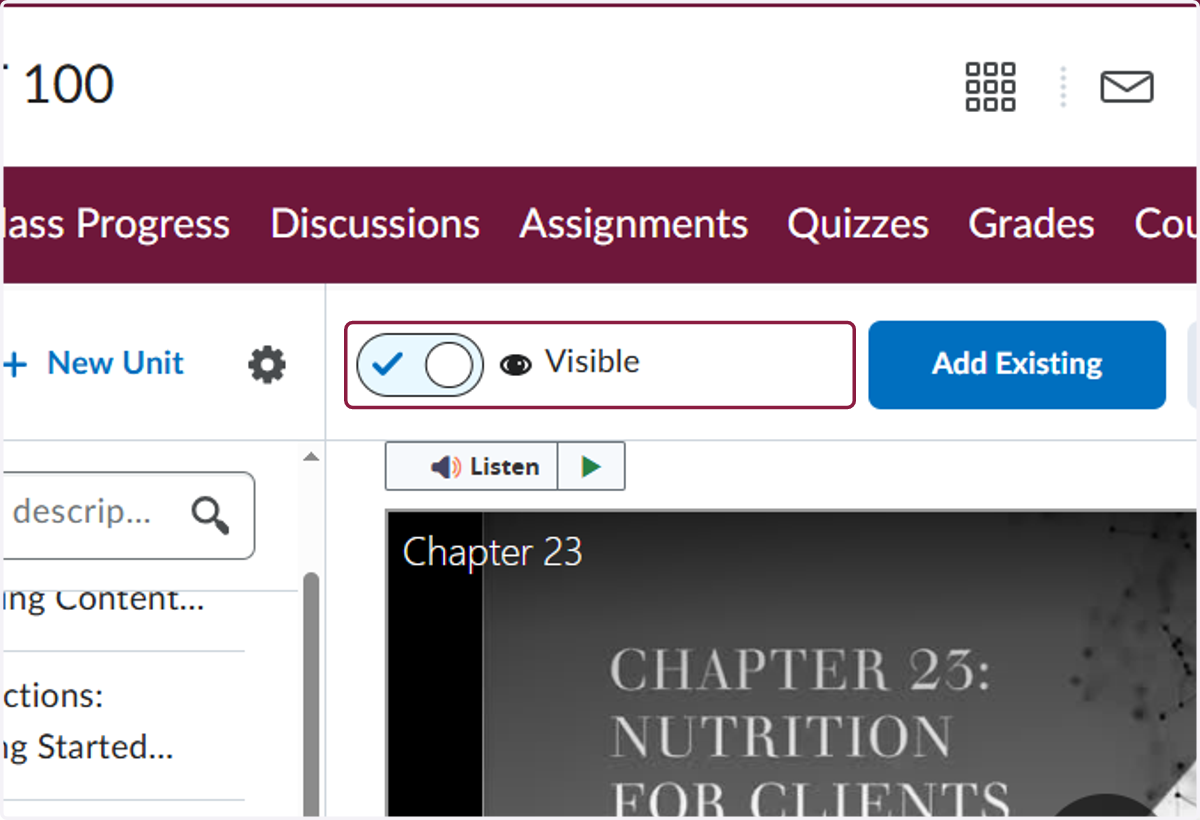
15. Make sure the page is not hidden from students
16. Use the 8 dots to the left of the page in the table of contents to drag it to wherever you would like it to appear in the content order