How To Manage User Role
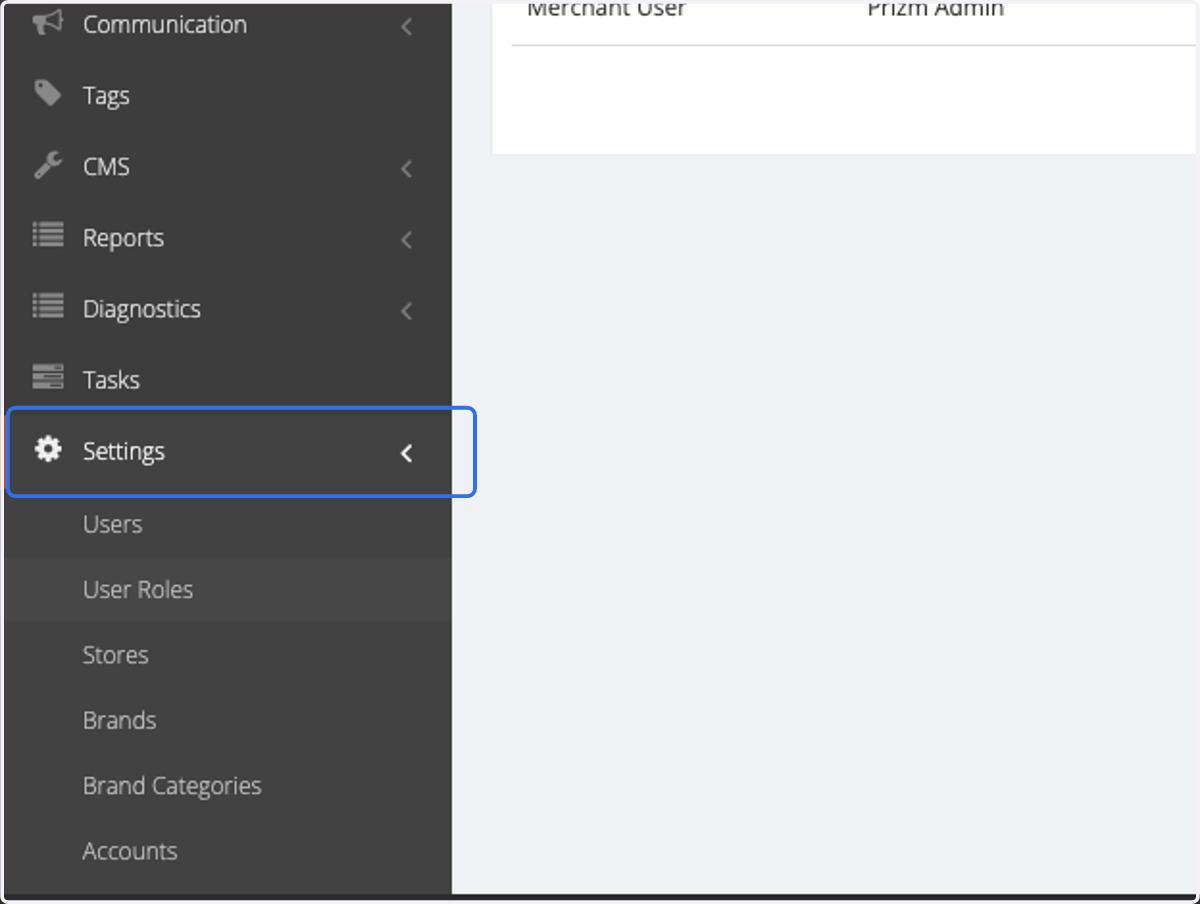
1. Click on Settings
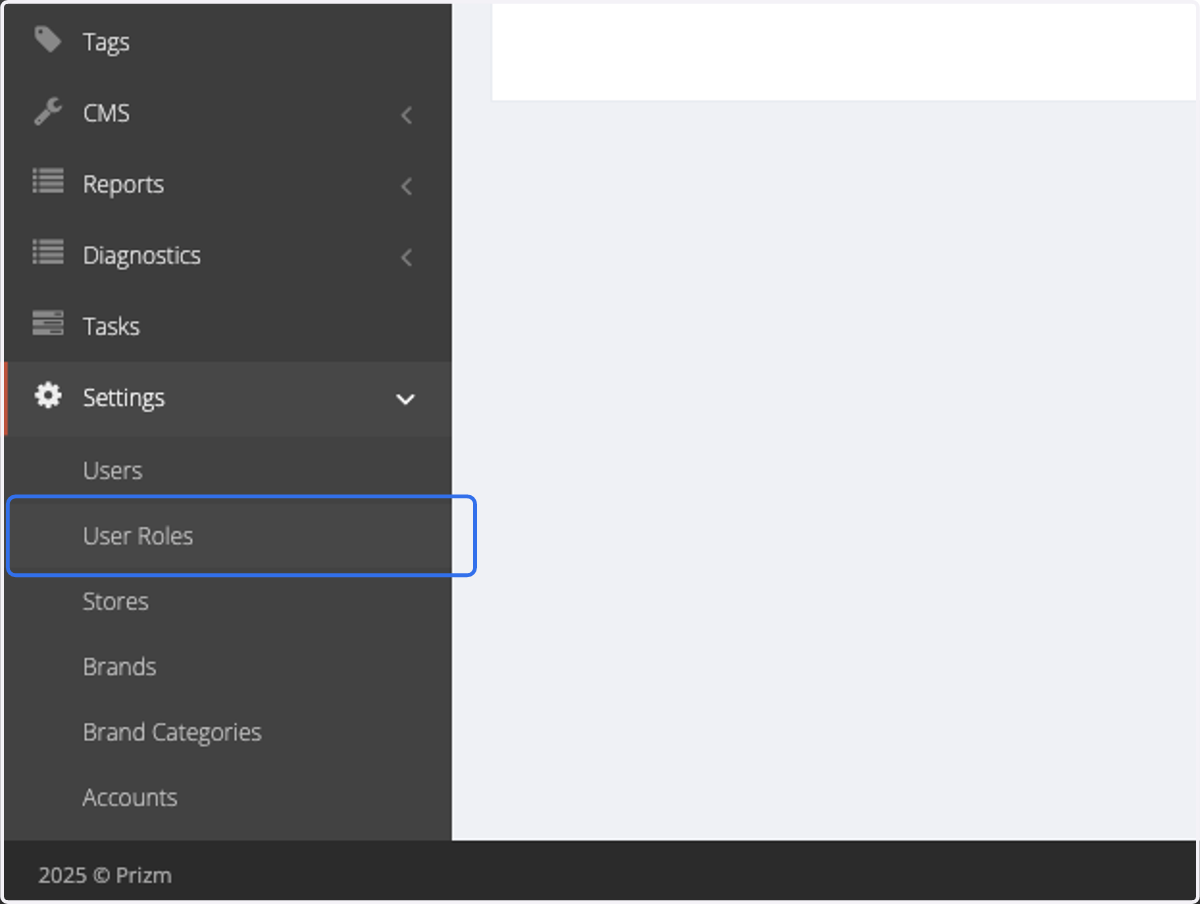
2. Click on User Roles
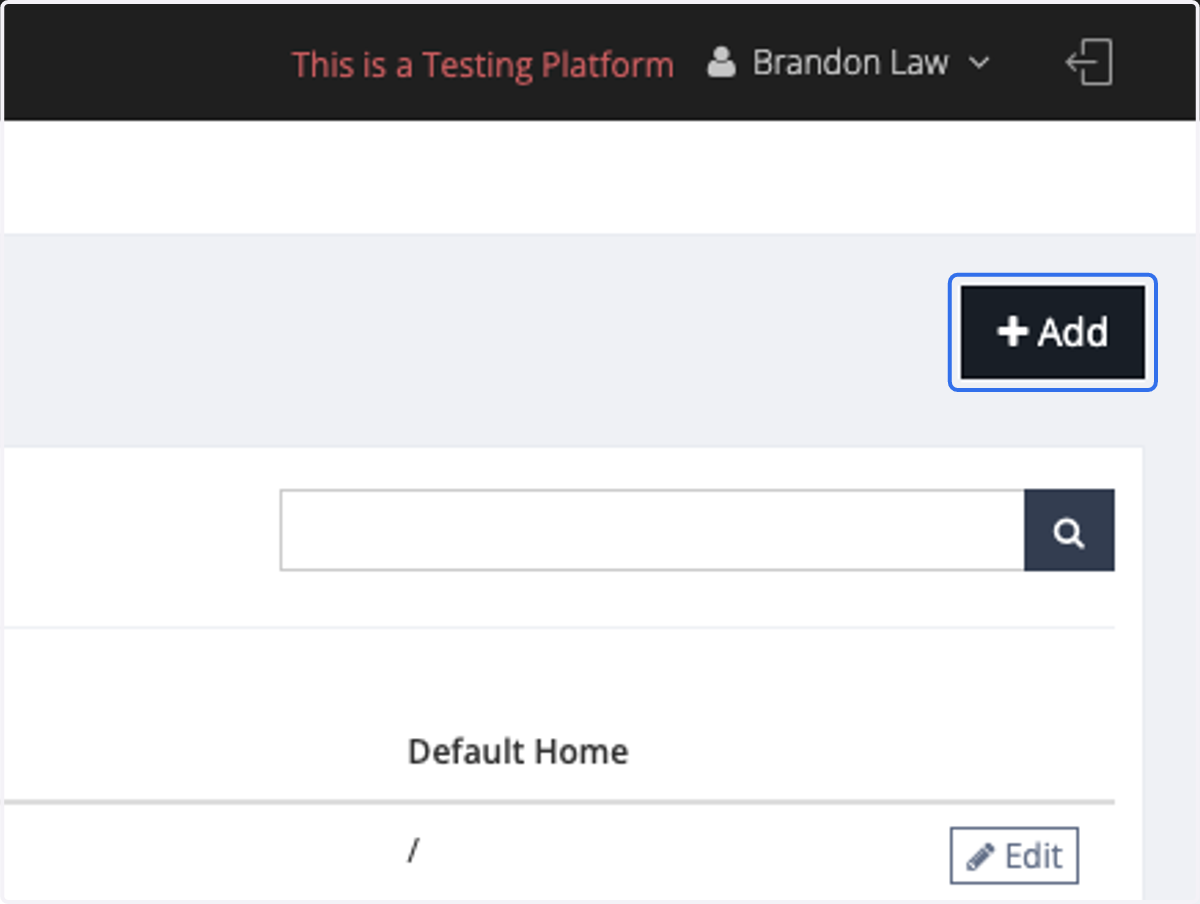
3. Click on Add
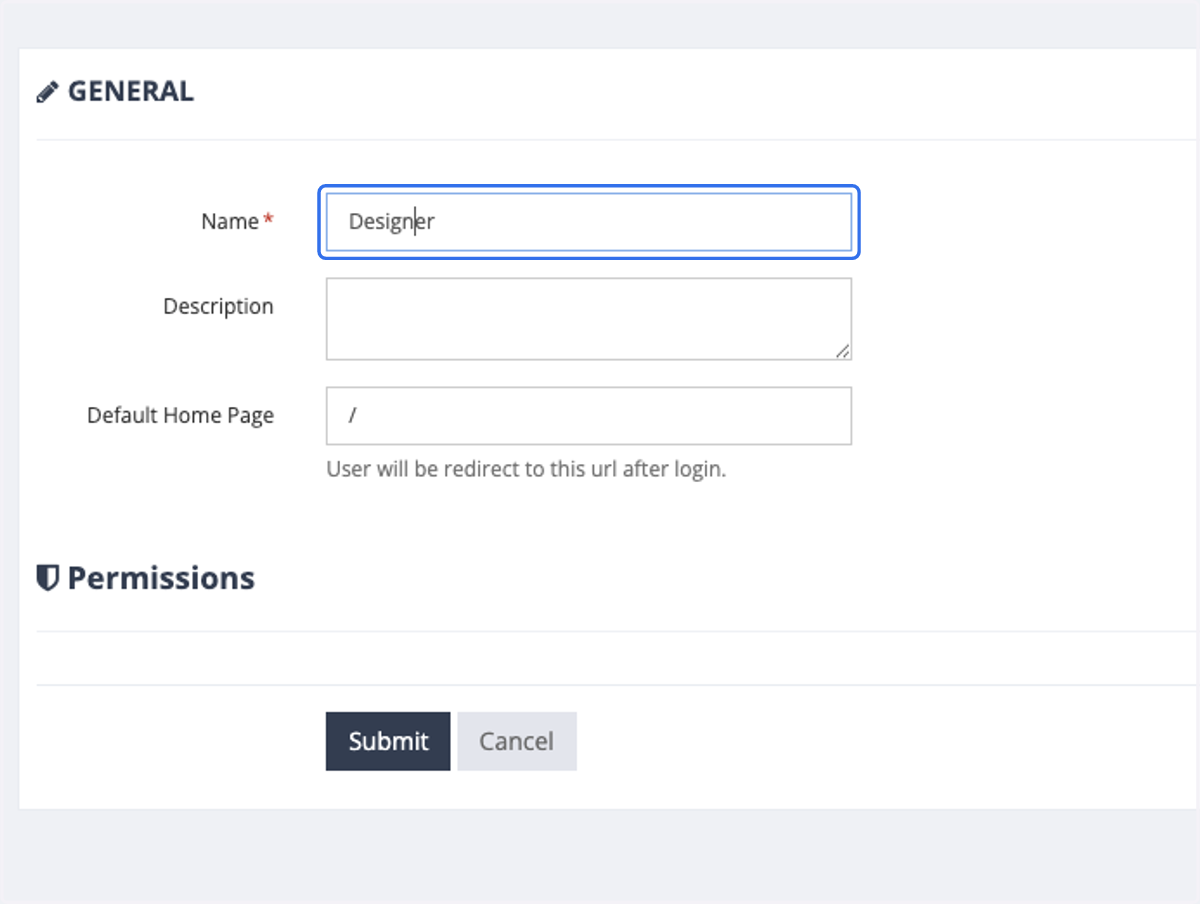
4. Insert the name of the User Role and click Submit
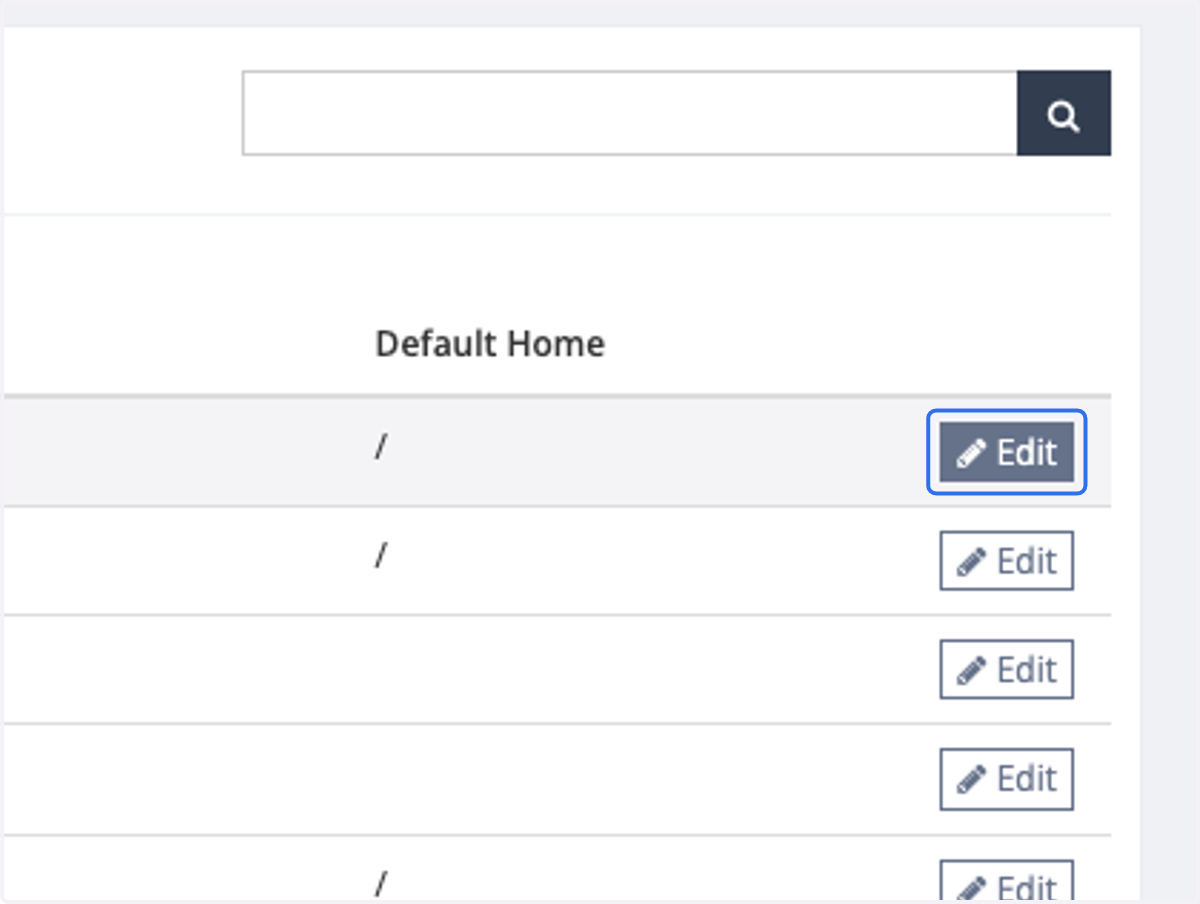
5. Return to the User Role page, select the newly created role, and click "Edit."
6. Edit the permission.
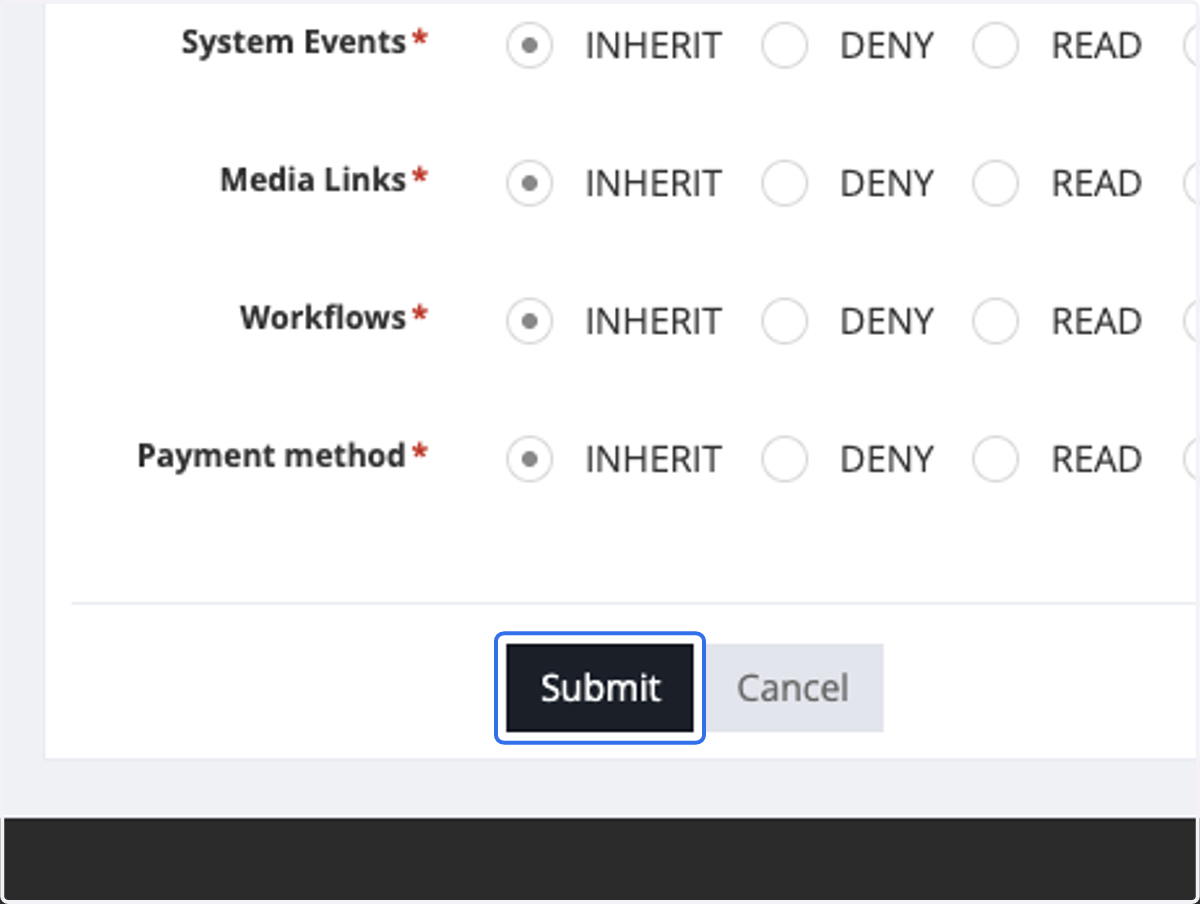
Inherit: When a user with inherited access to specific features creates another user, the newly created user will automatically inherit access to those same features.
Deny: The user will not have access to this feature.
Read: The user can view the feature but cannot edit it.
Edit: The user can access and modify the feature.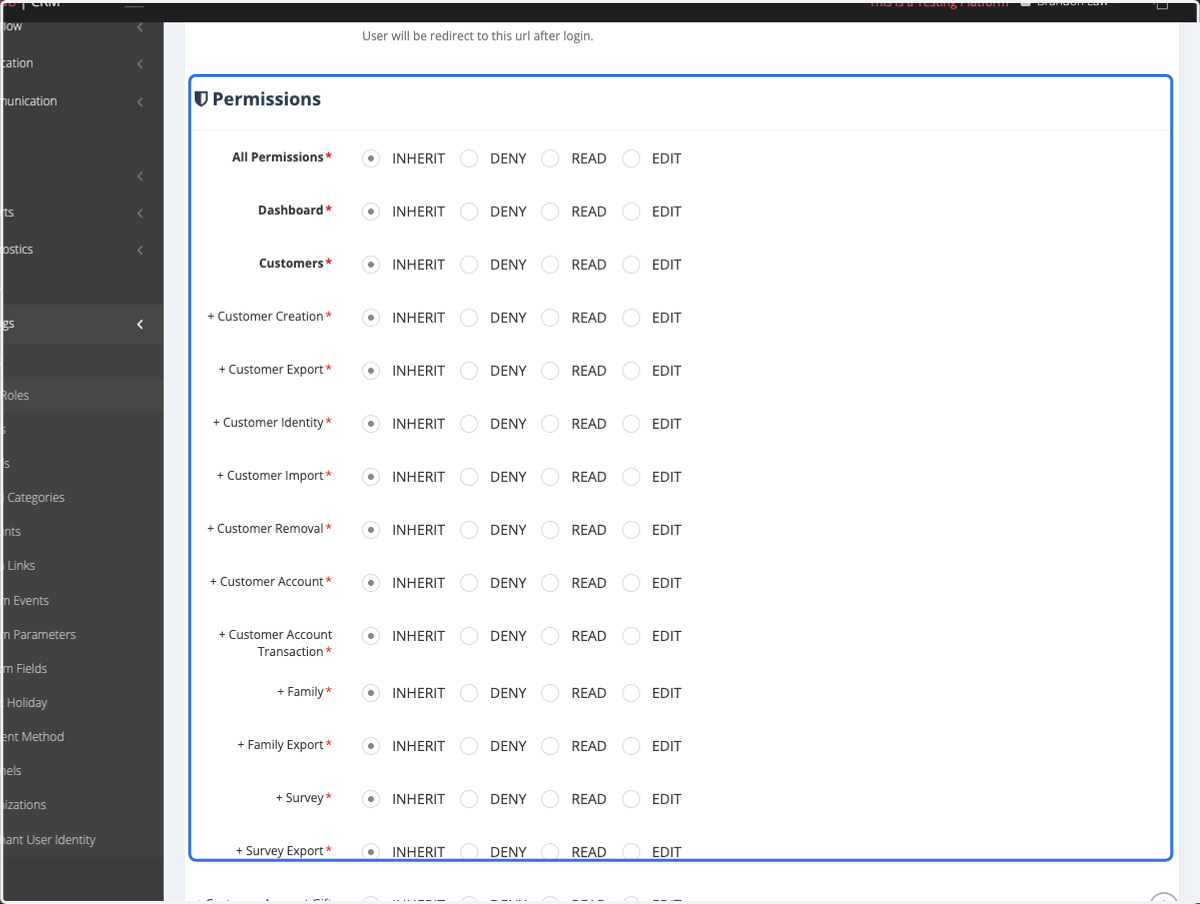
7. Click on Submit