Activities - Editing Sessions
Each session can be edited individually, giving your staff maximum flexibility. Below, you'll learn how to easily adjust sessions to meet the needs of both your members and your team.
Pacesettertechnology
1. Go to Pacesetter Technology
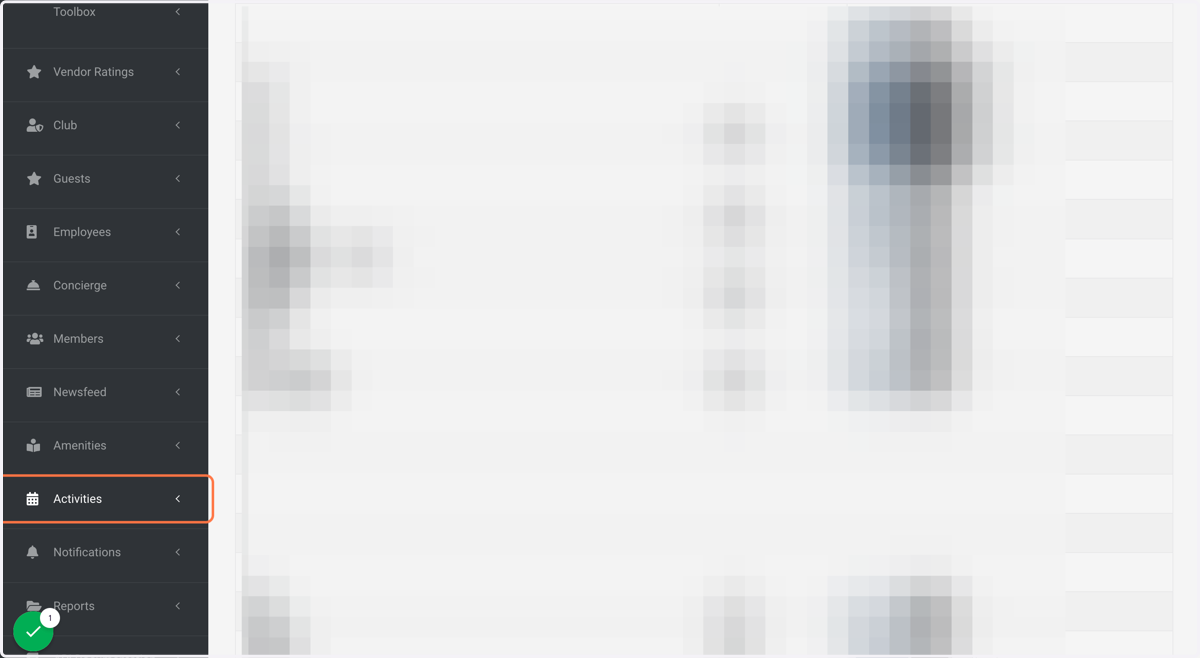
2. Click on Activities
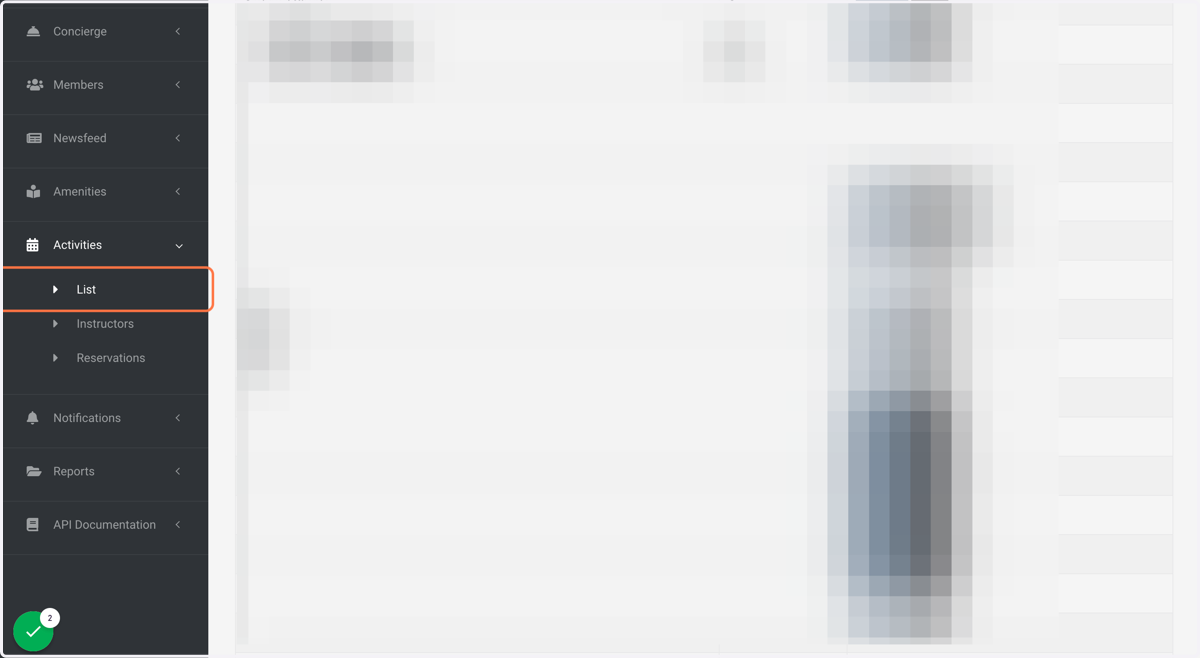
3. Click on List
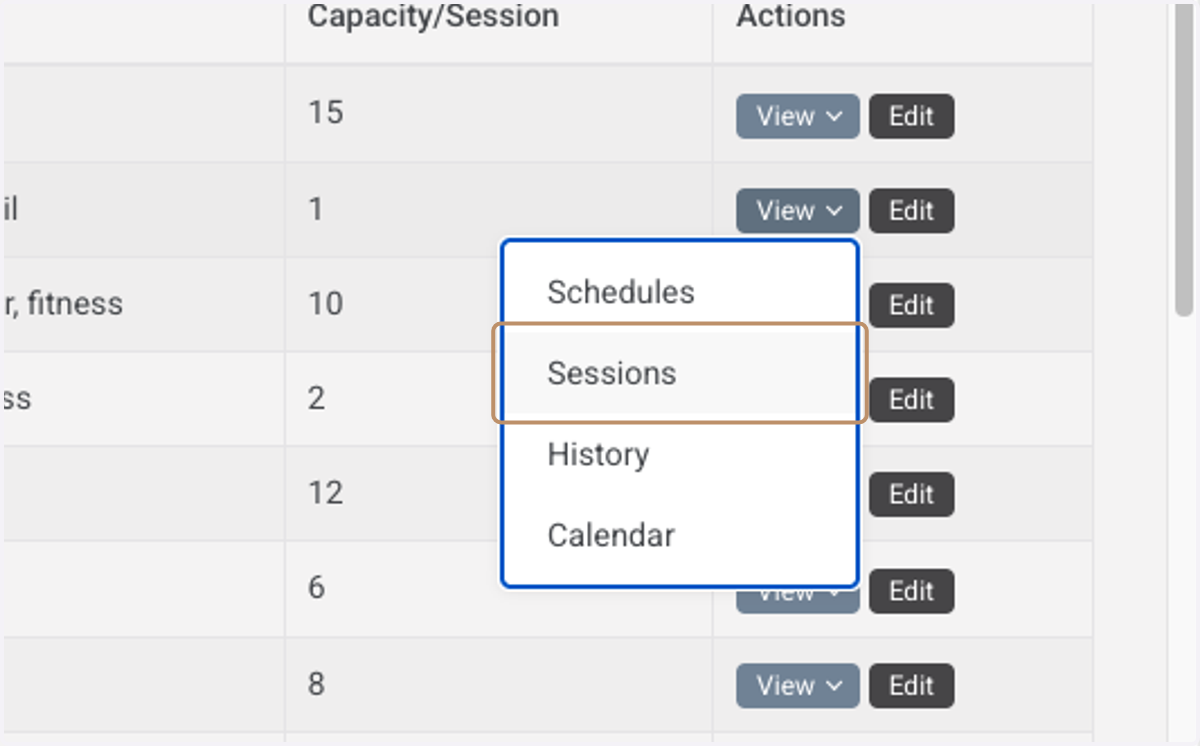
4. Hover the cursor over the view button of the activity you would like to edit.
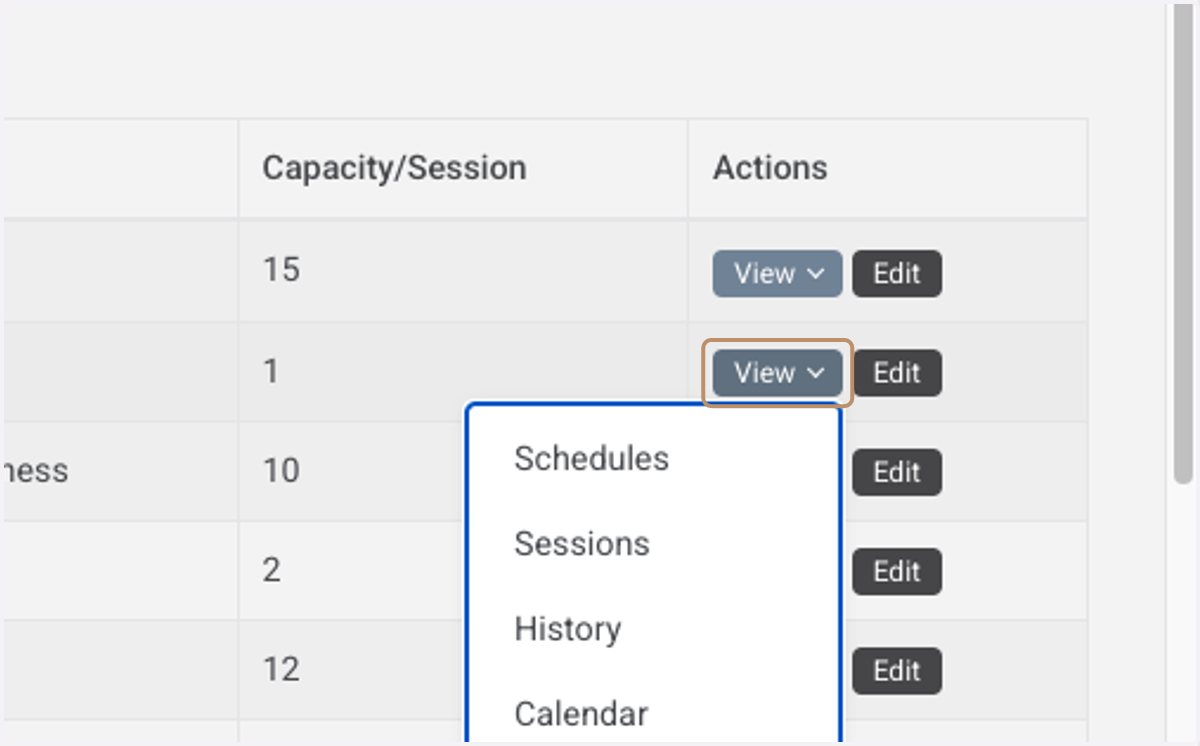
5. Click on Sessions
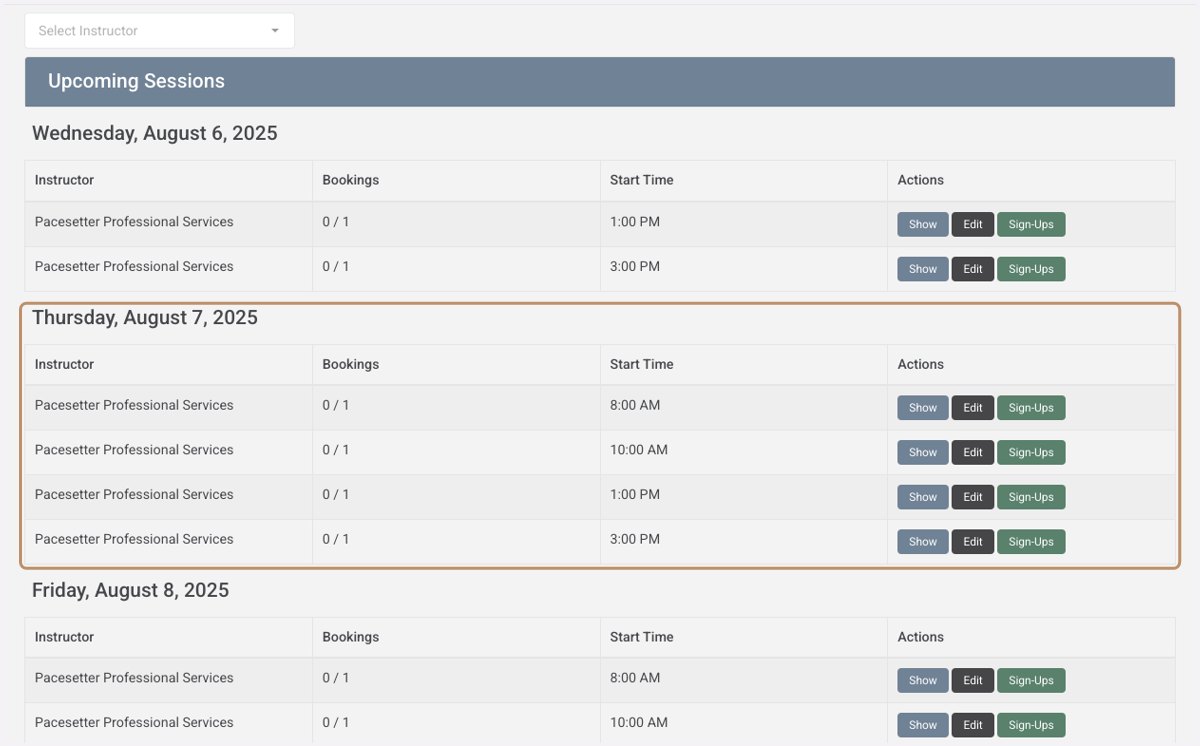
6. This will be the view you see after clicking on sessions.
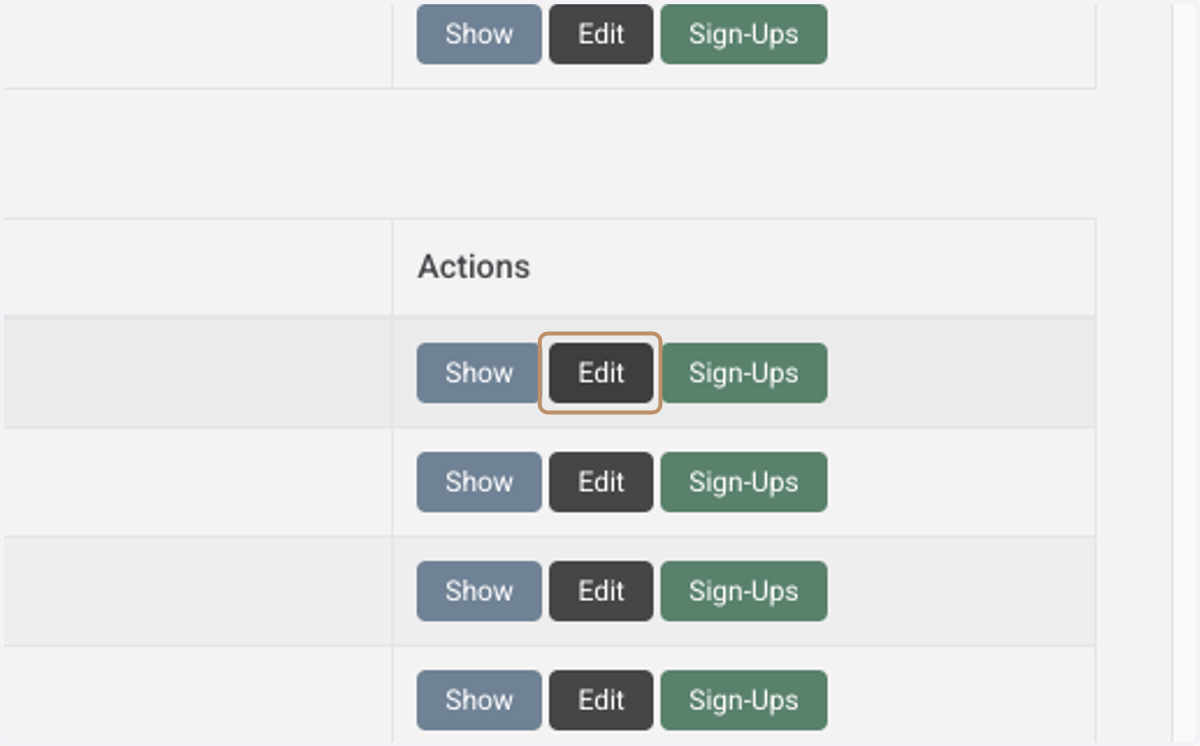
7. Click on Edit of the session you would like to update.
8. Here, you will be able to edit the instructor, add notes, change the date and time, and add a linked feature.
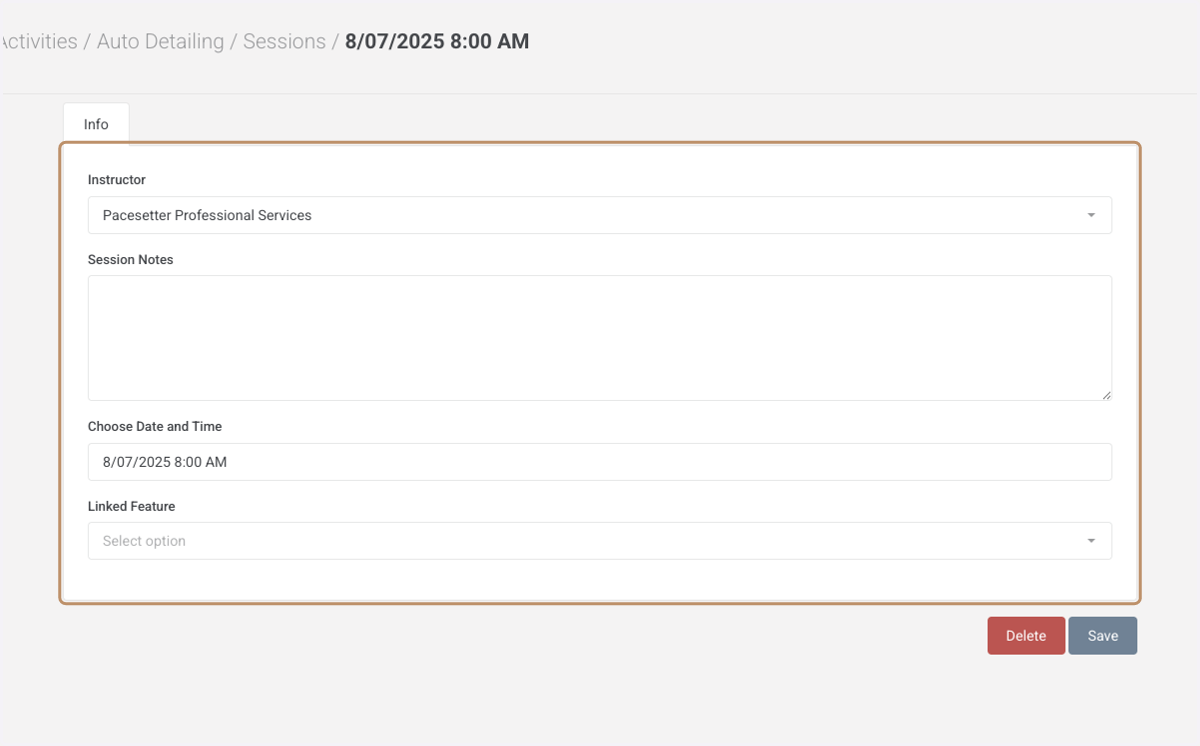
9. Once complete, click on the save button.