Active&Fit Direct - Gym Discounts
ADP Workforce Now
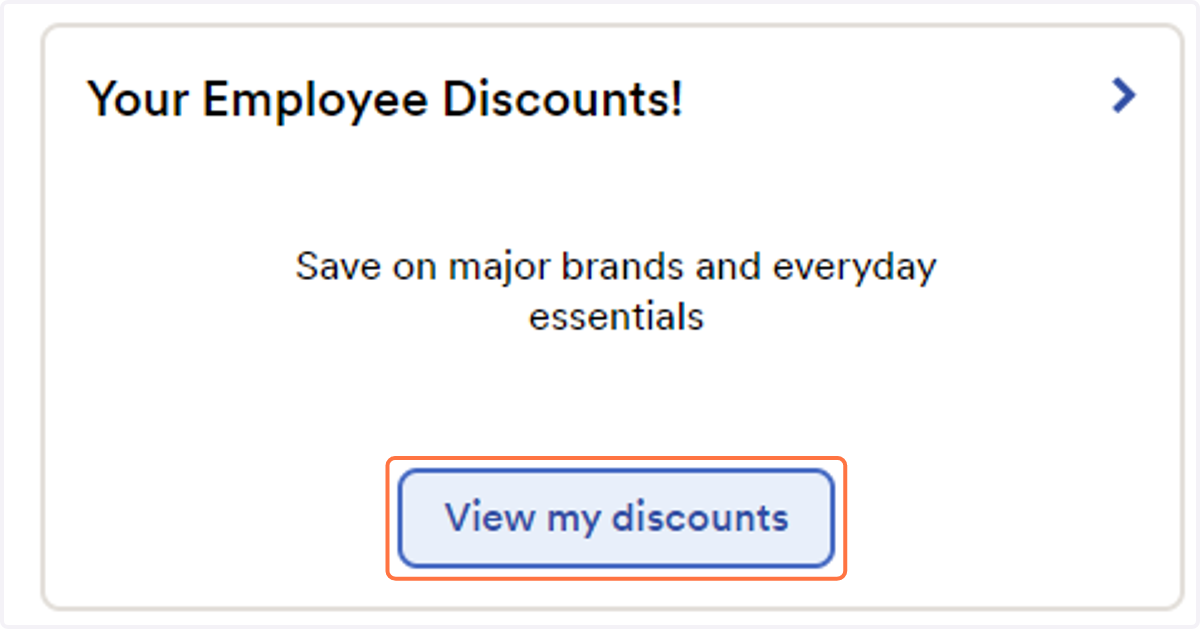
1. Click on View my discounts
Home - LifeMart
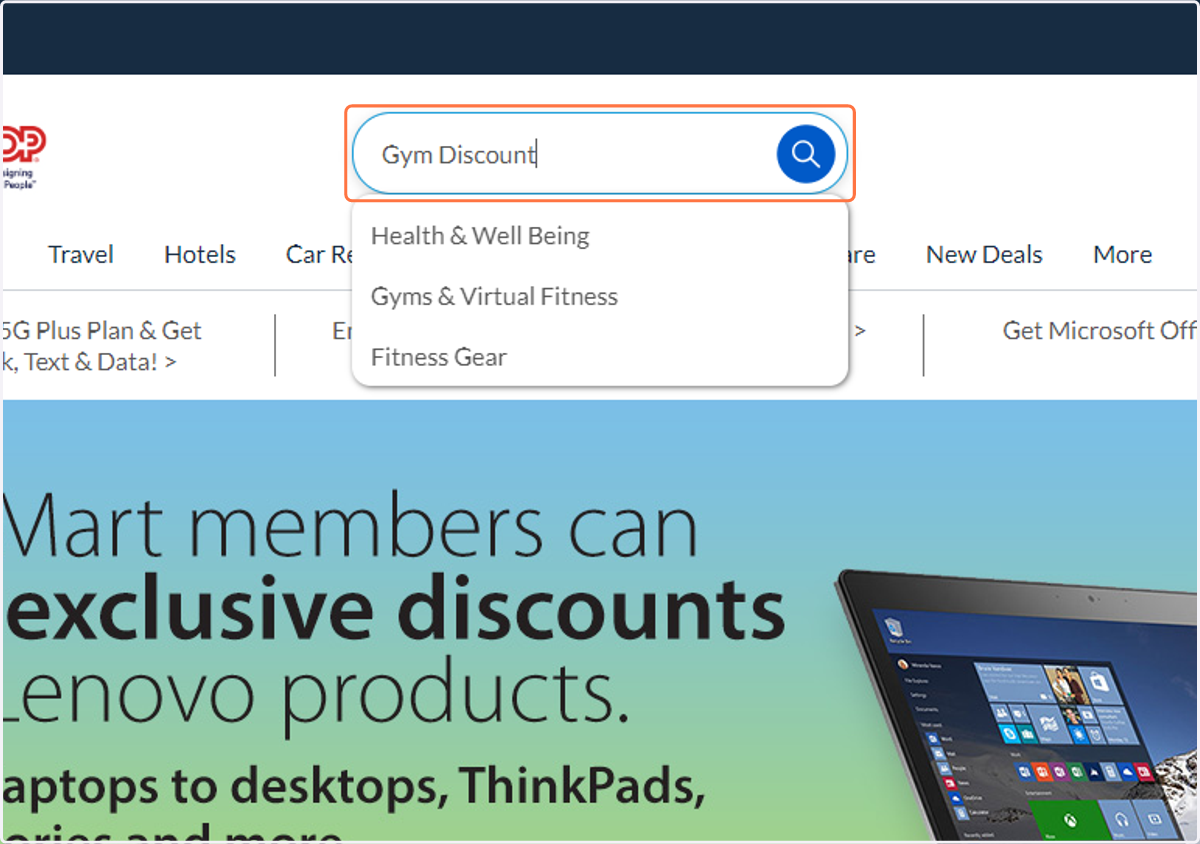
2. Type "Gym Discount"
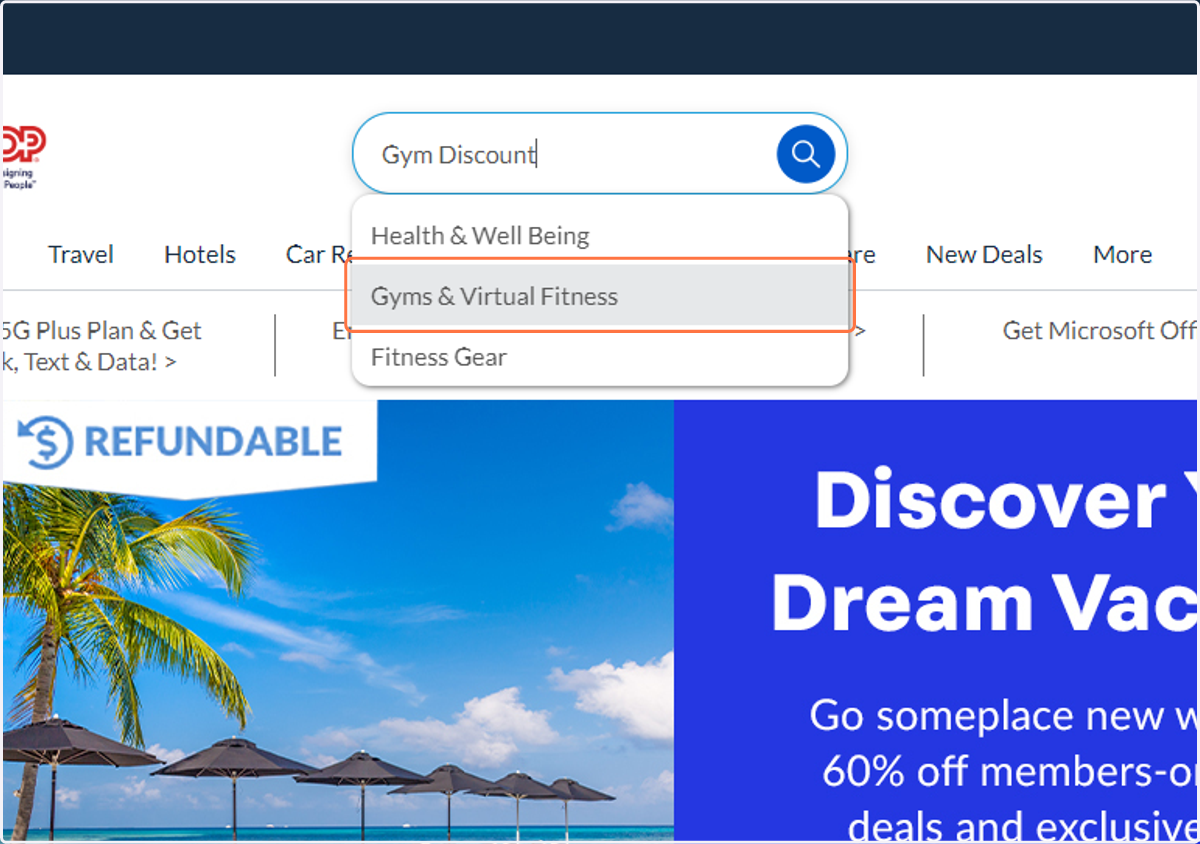
3. Click on Gyms & Virtual Fitness
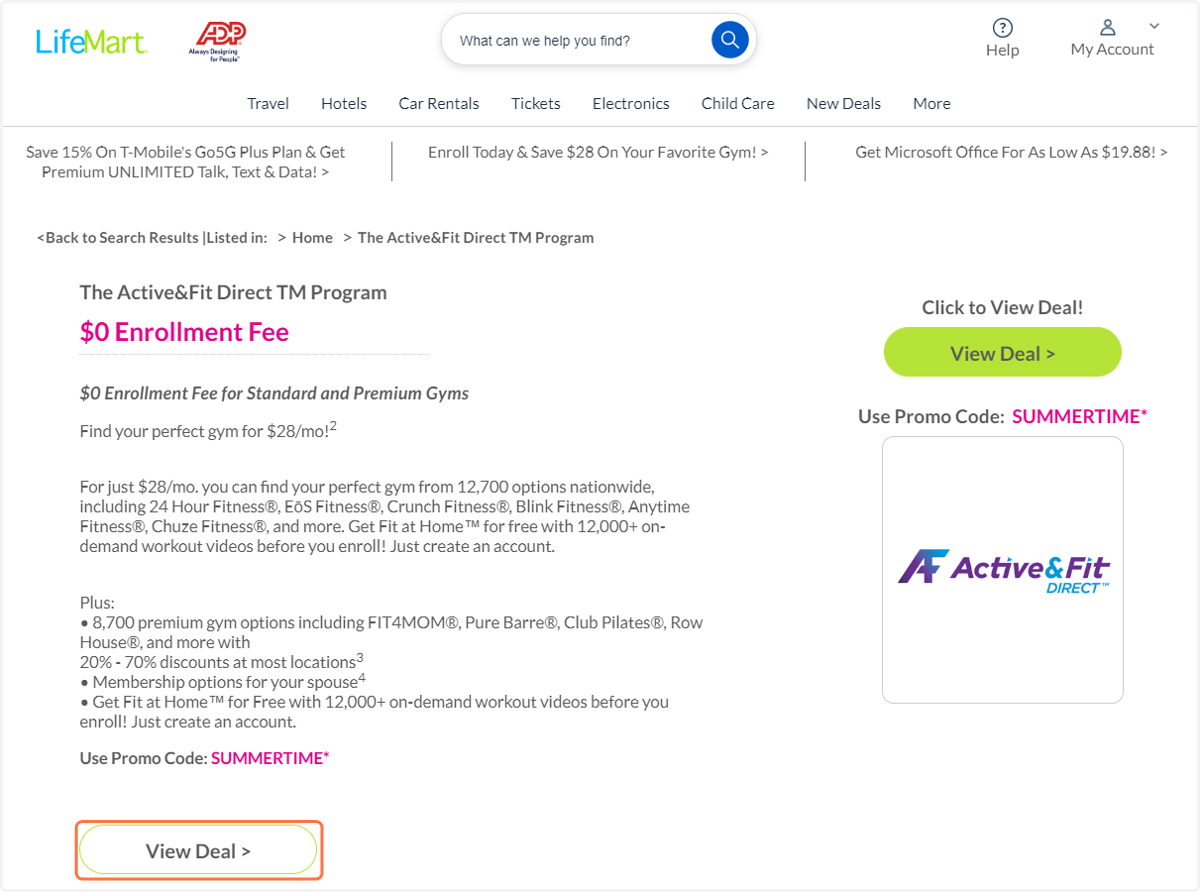
4. Click on View Deal next to Active&Fit Direct

5. Click on View Deal
Active&Fit Direct | Home
6. You will be redirected to Active&Fit Direct Homepage
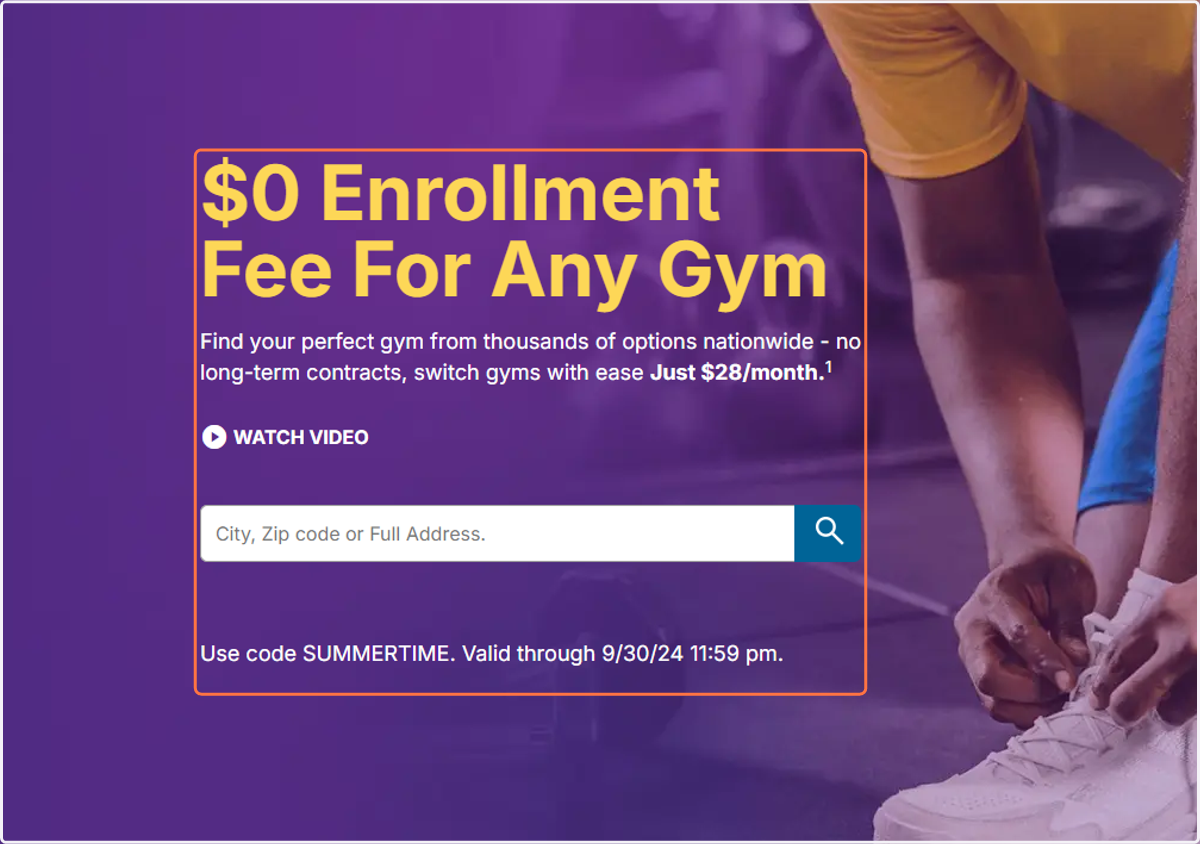
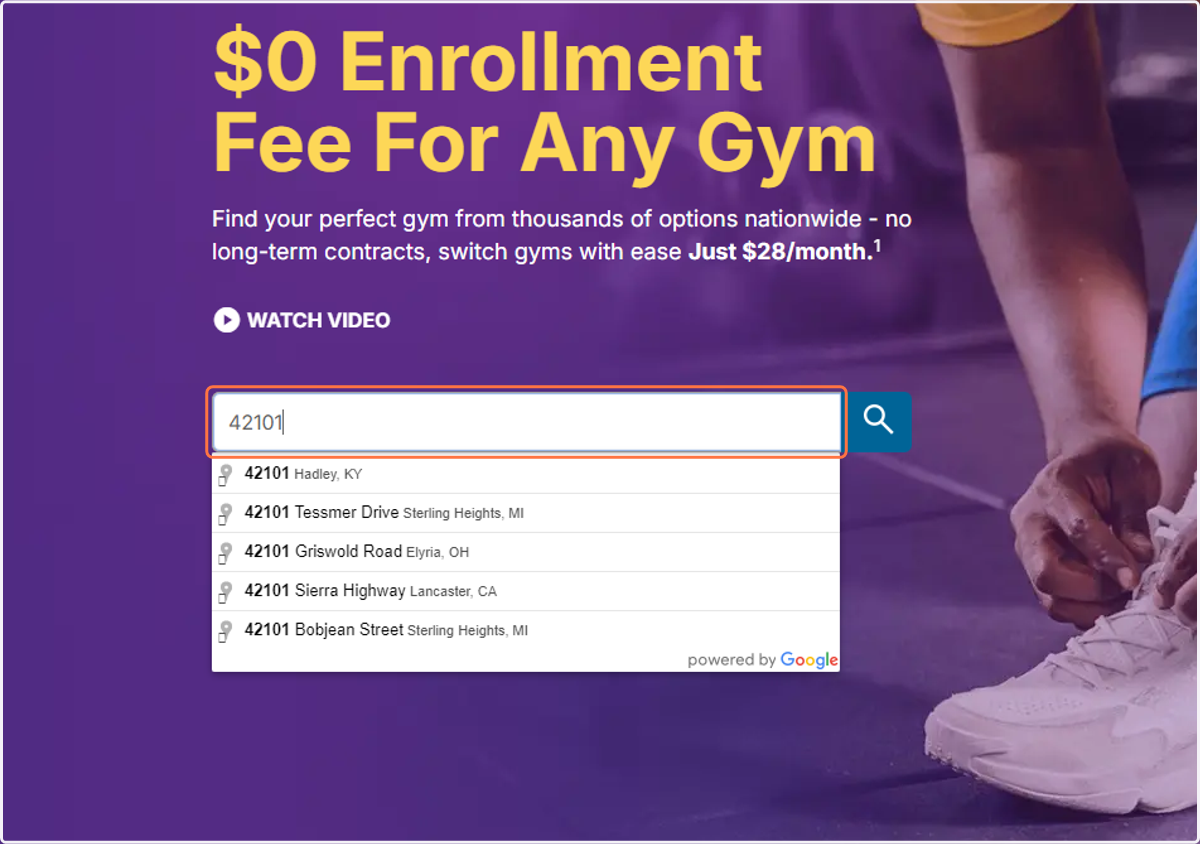
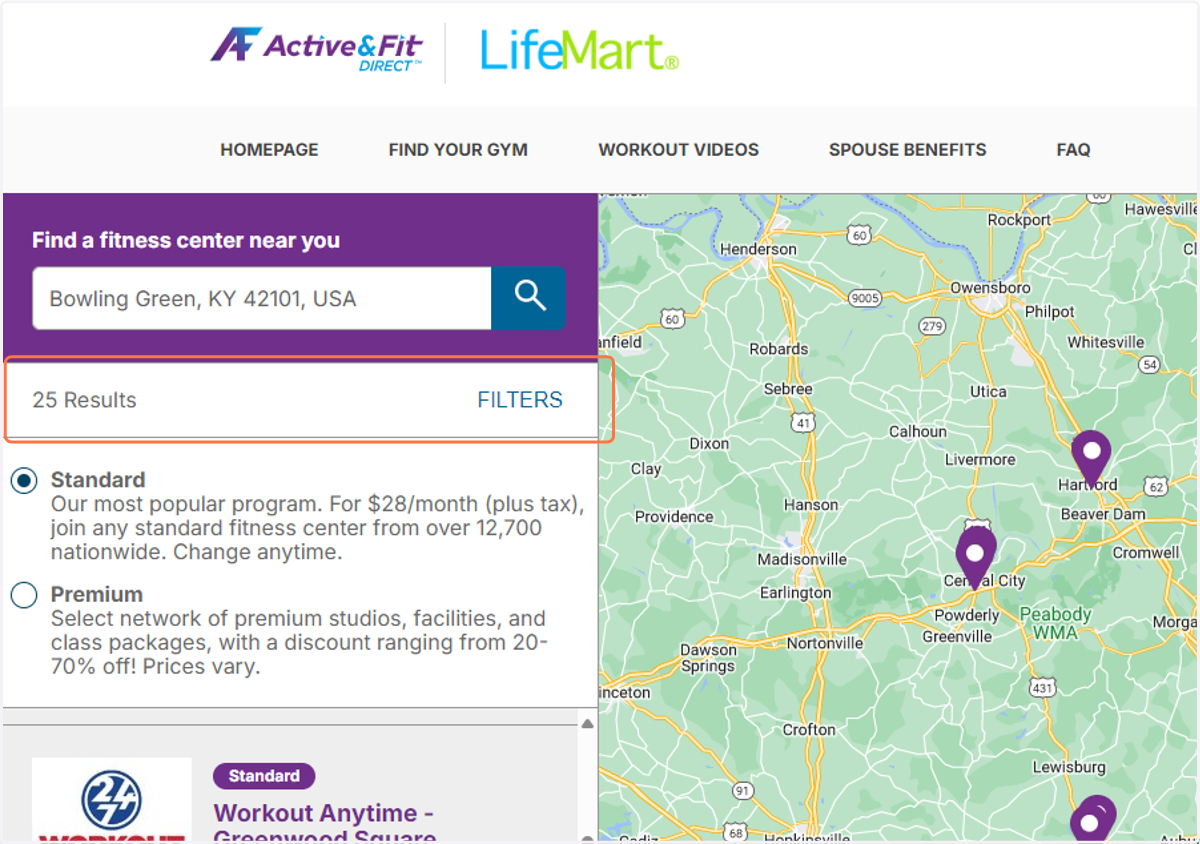
7. Type in your zipcode
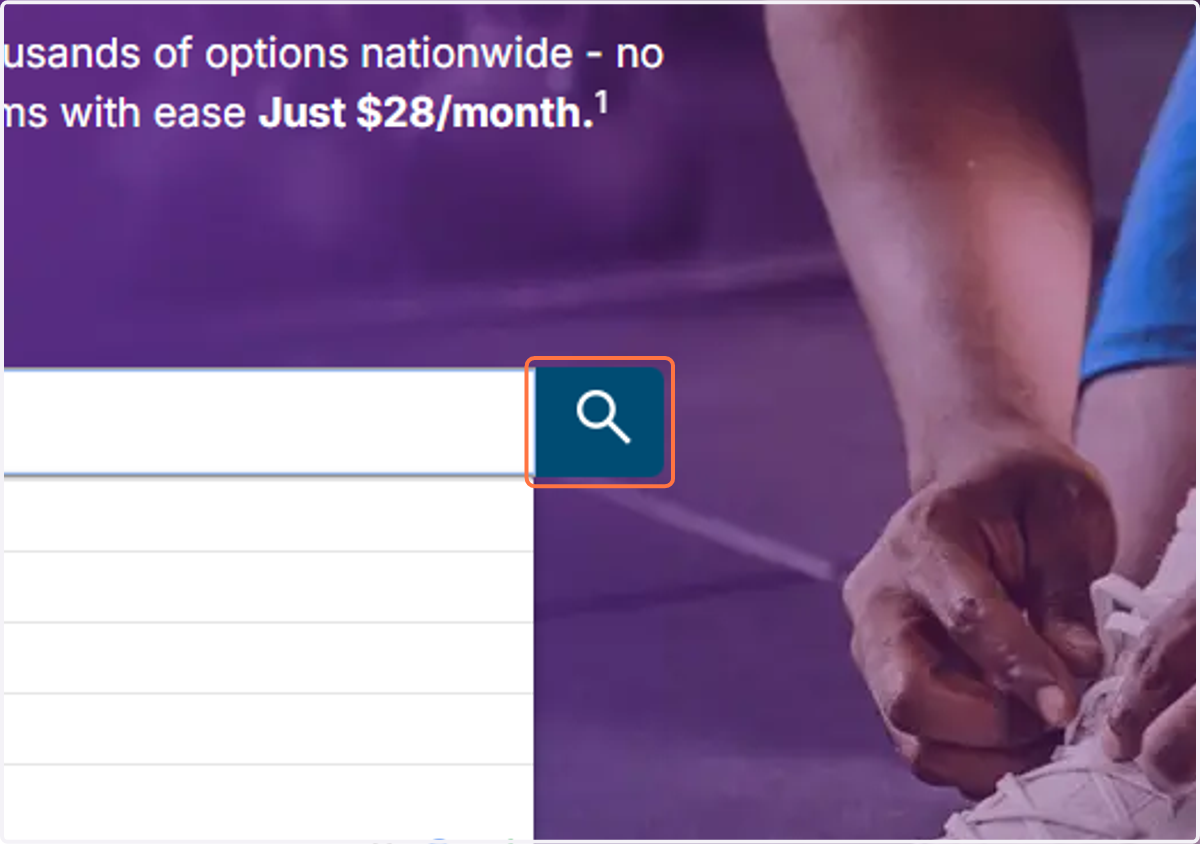
8. Click on search
9. You will see your local results for Standard and Premium. Add filters if needed
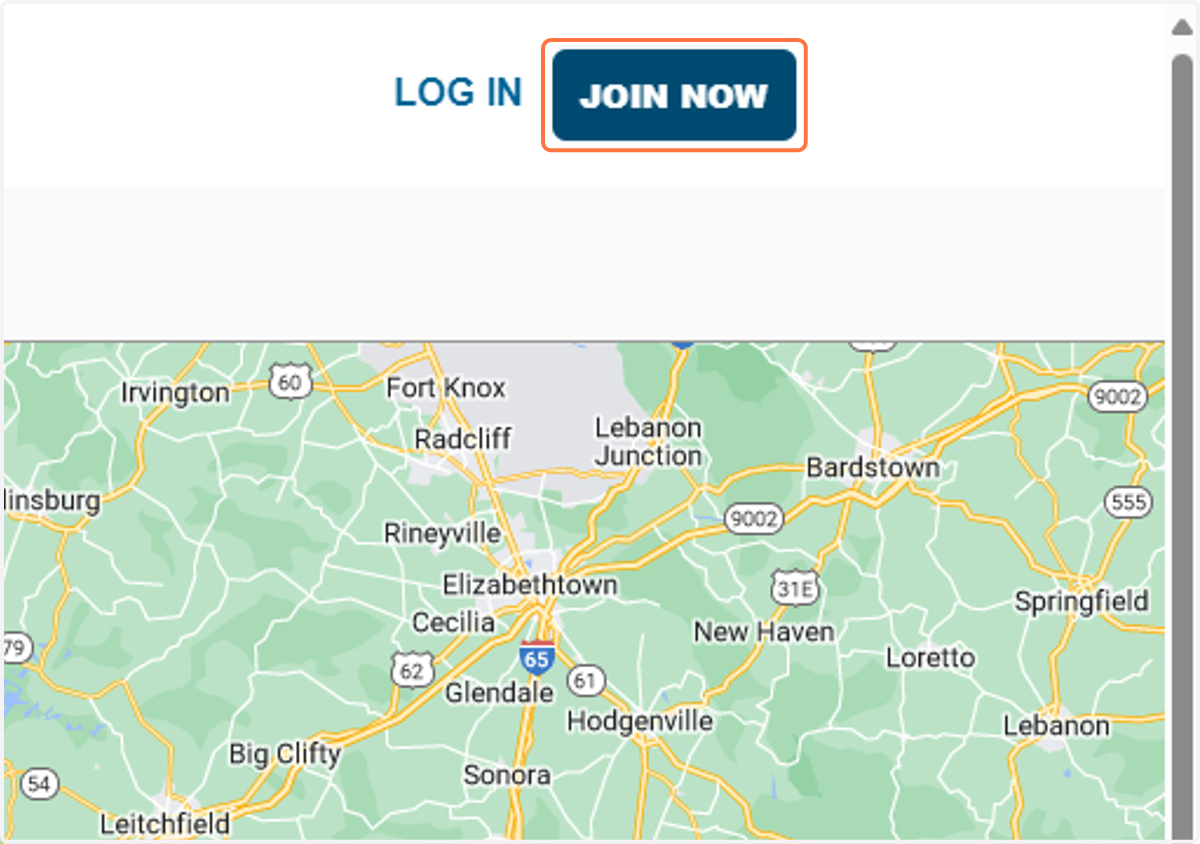
10. Click on JOIN NOW to join Active&Fit Direct
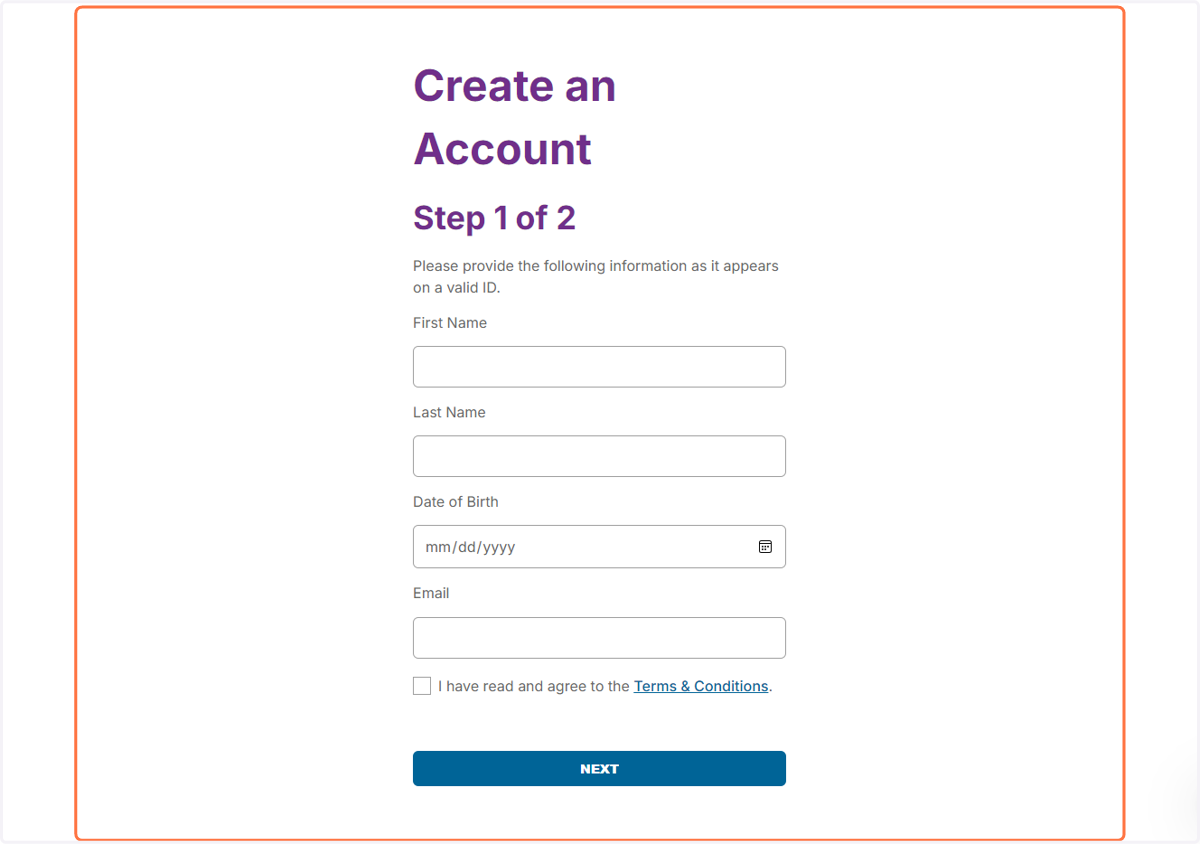
11. Create your account and click continue to page 2 to set up your account