Accessing Transcript in Schoolinks
Schoolinks
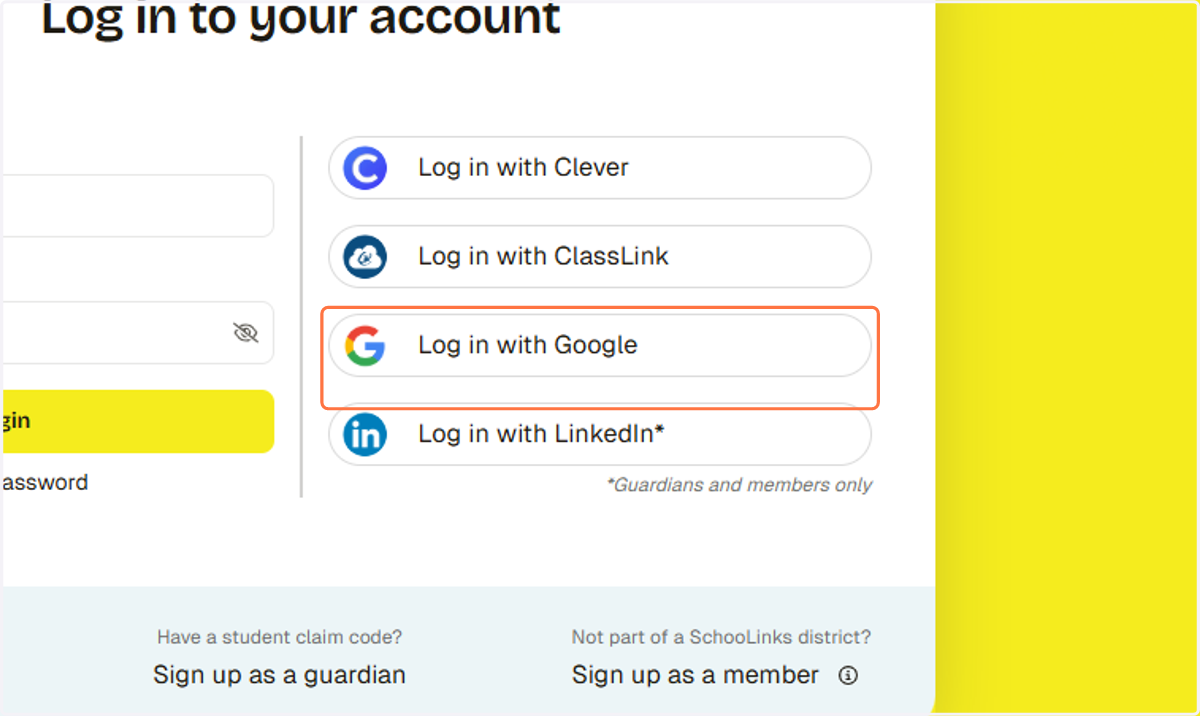
1. Click on Log in with Google
Sign in - Google Accounts
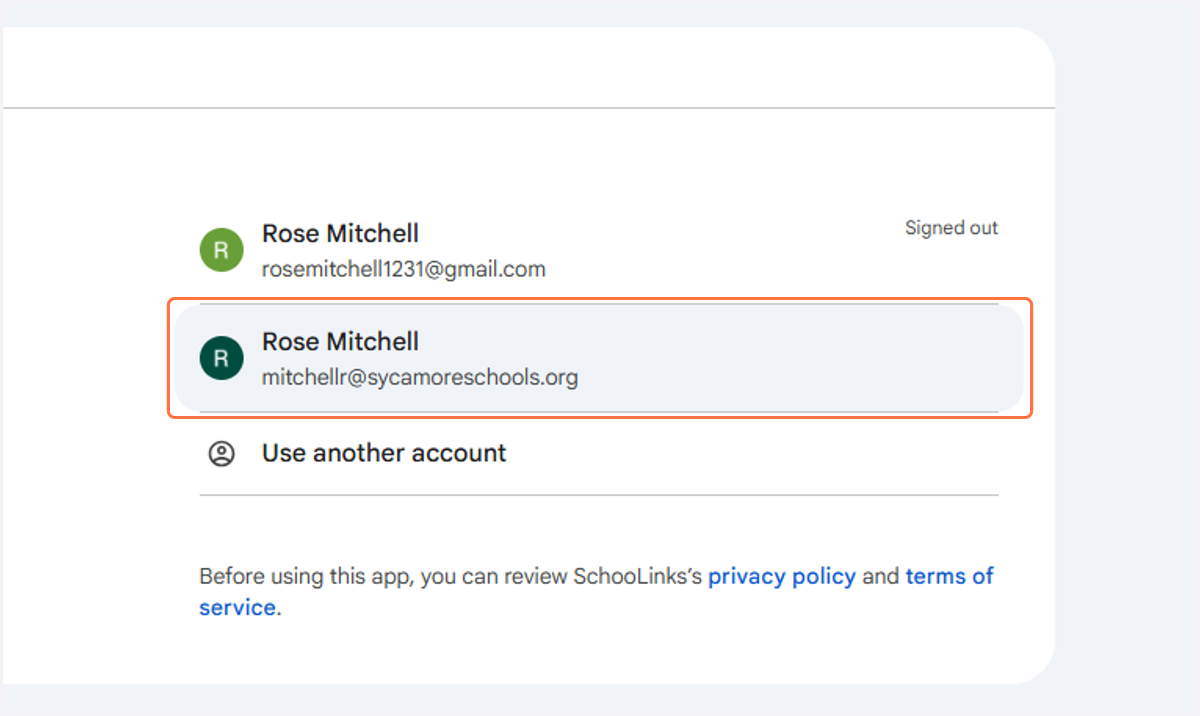
2. Sign into your Sycamore email
Schoolinks
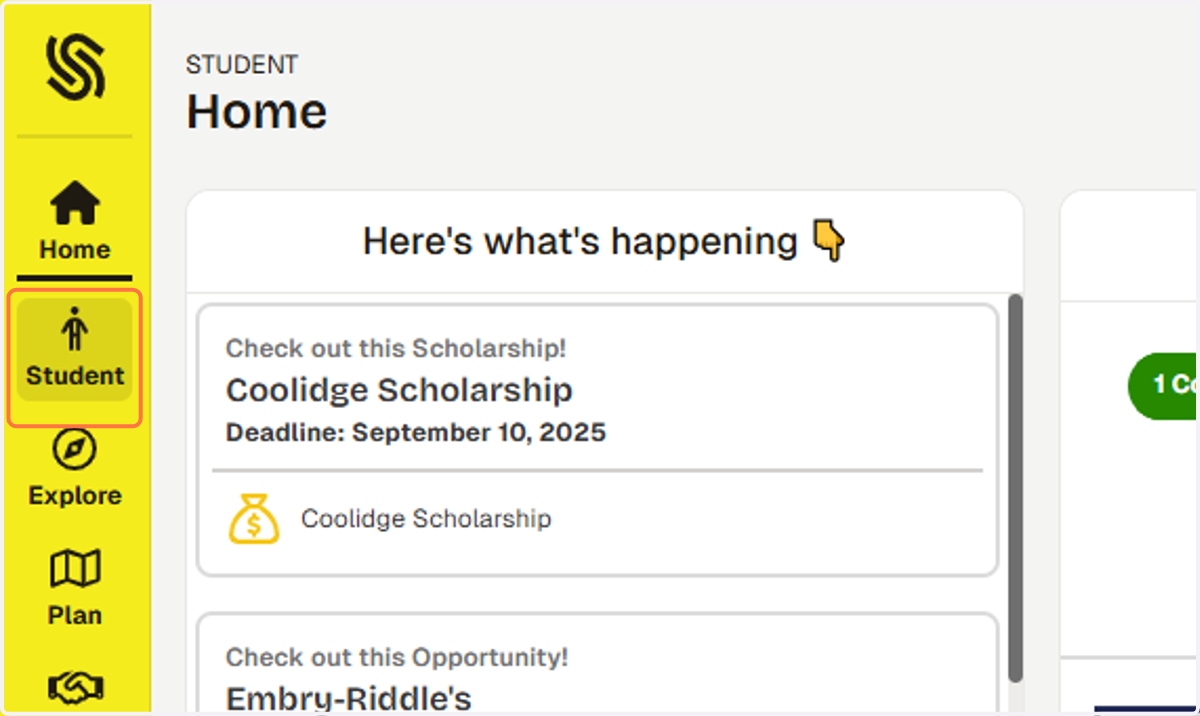
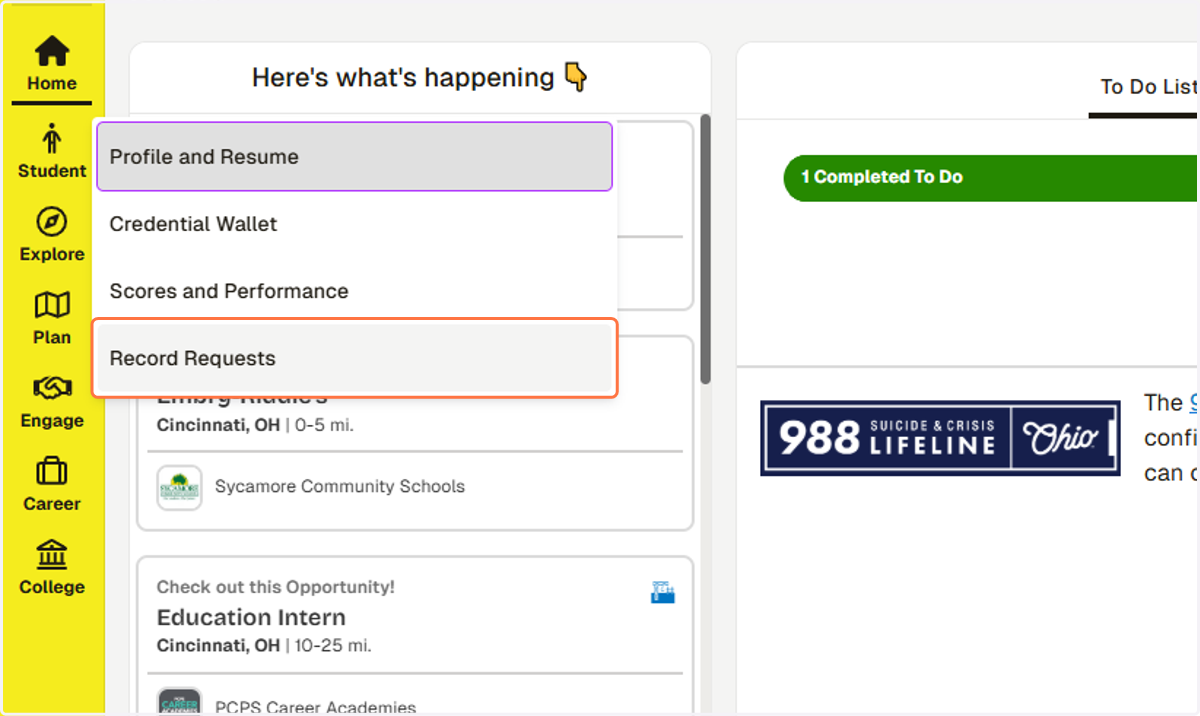
3. Click on Student
4. Click on Record Requests
5. Click on Download unofficial transcript
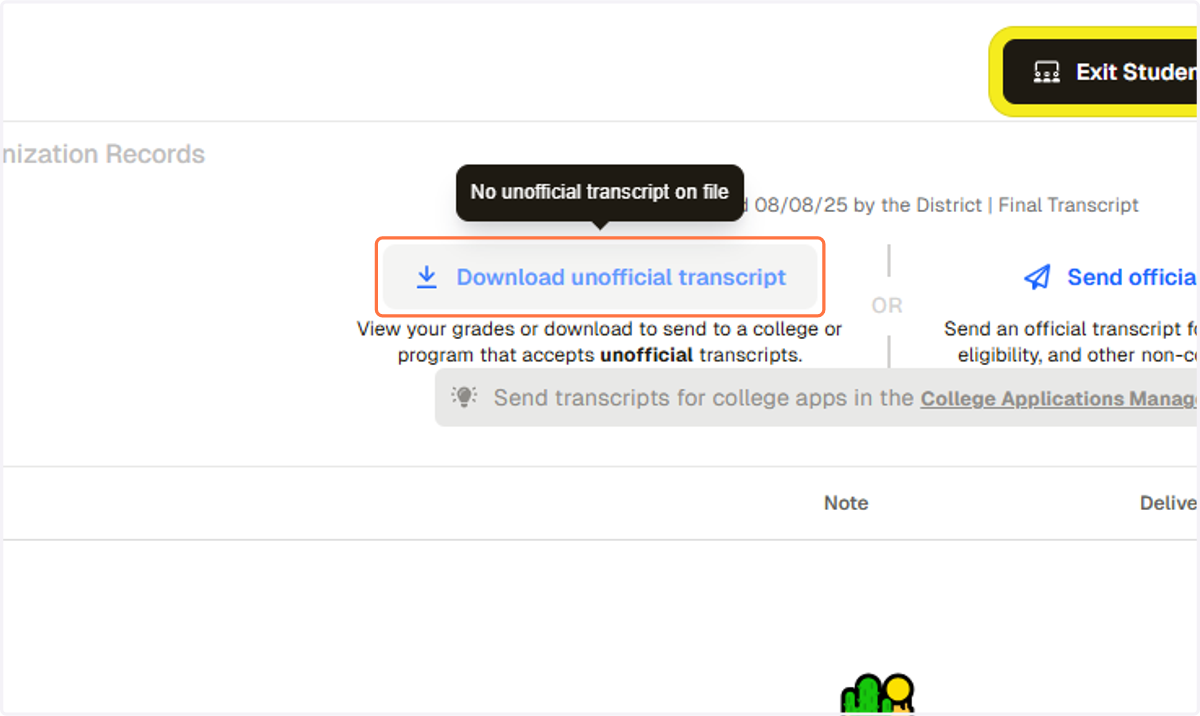
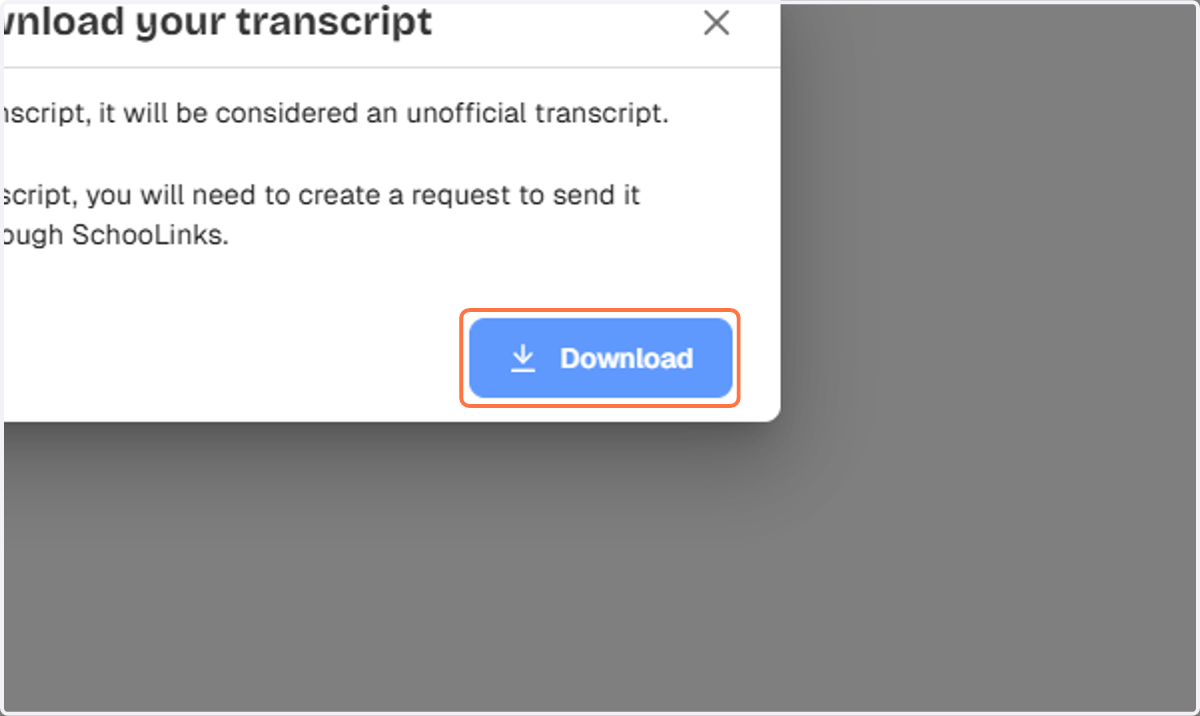
6. Click on Download