Accessing State Assessment Scores from your Skyward Parent Portal
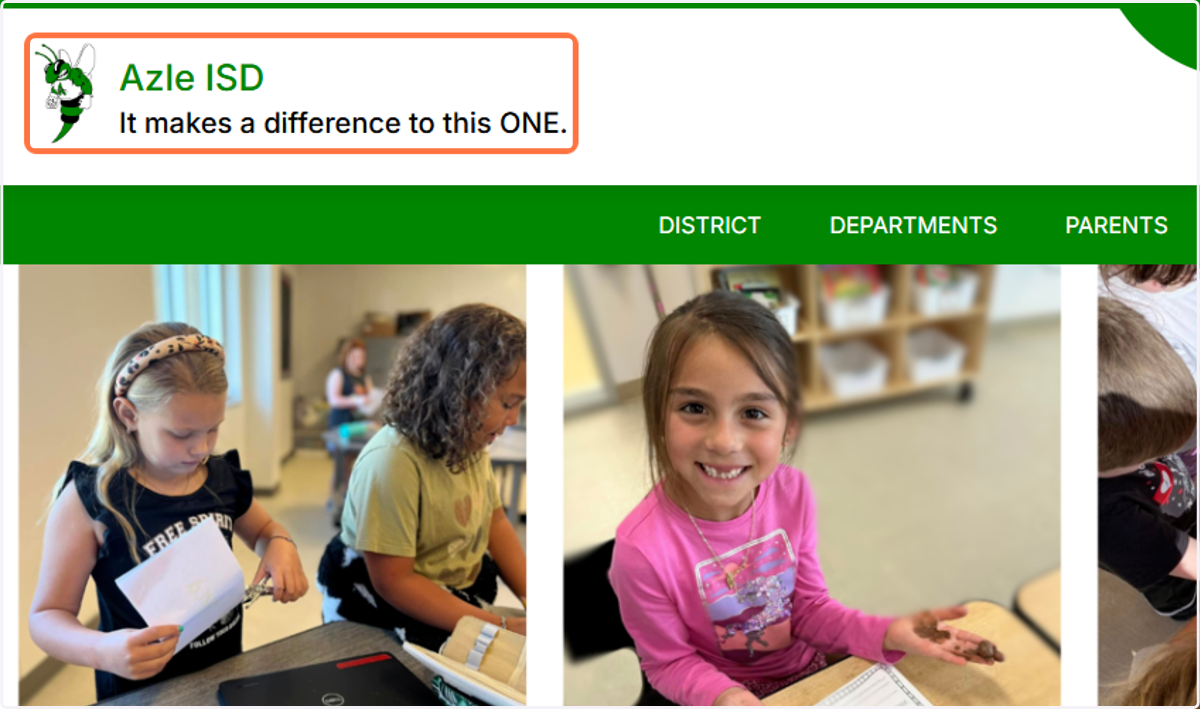
1. Go to azleisd.net
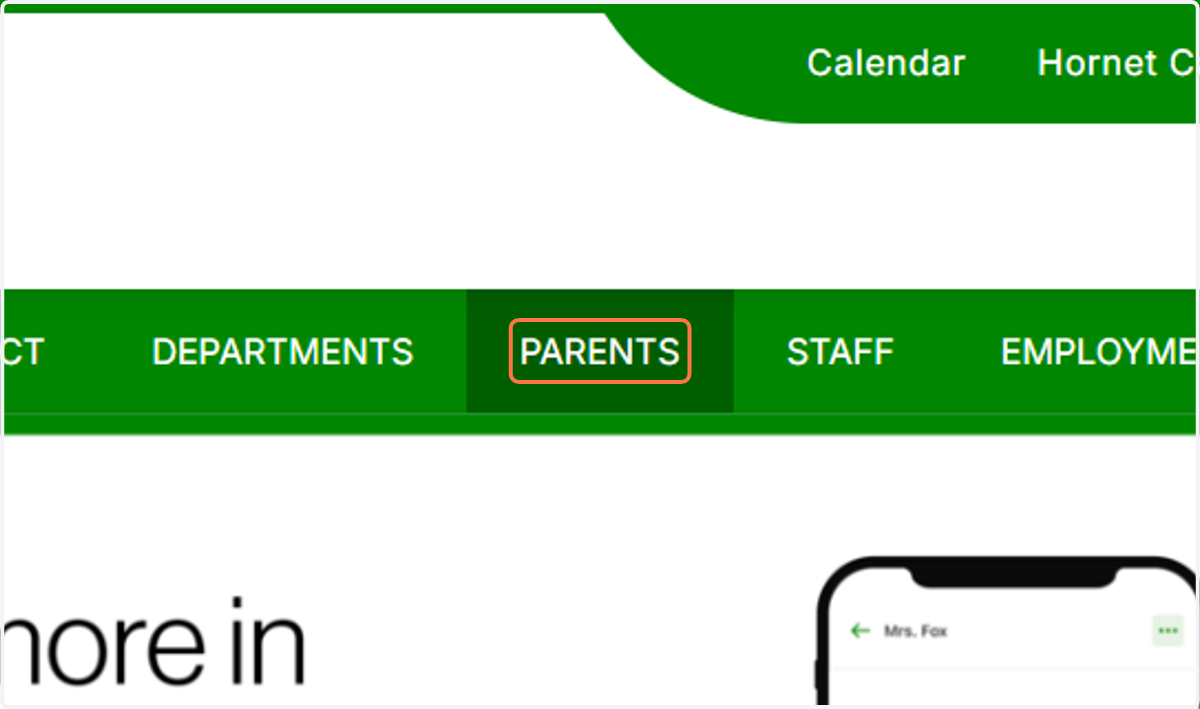
2. Click on PARENTS from the top banner.
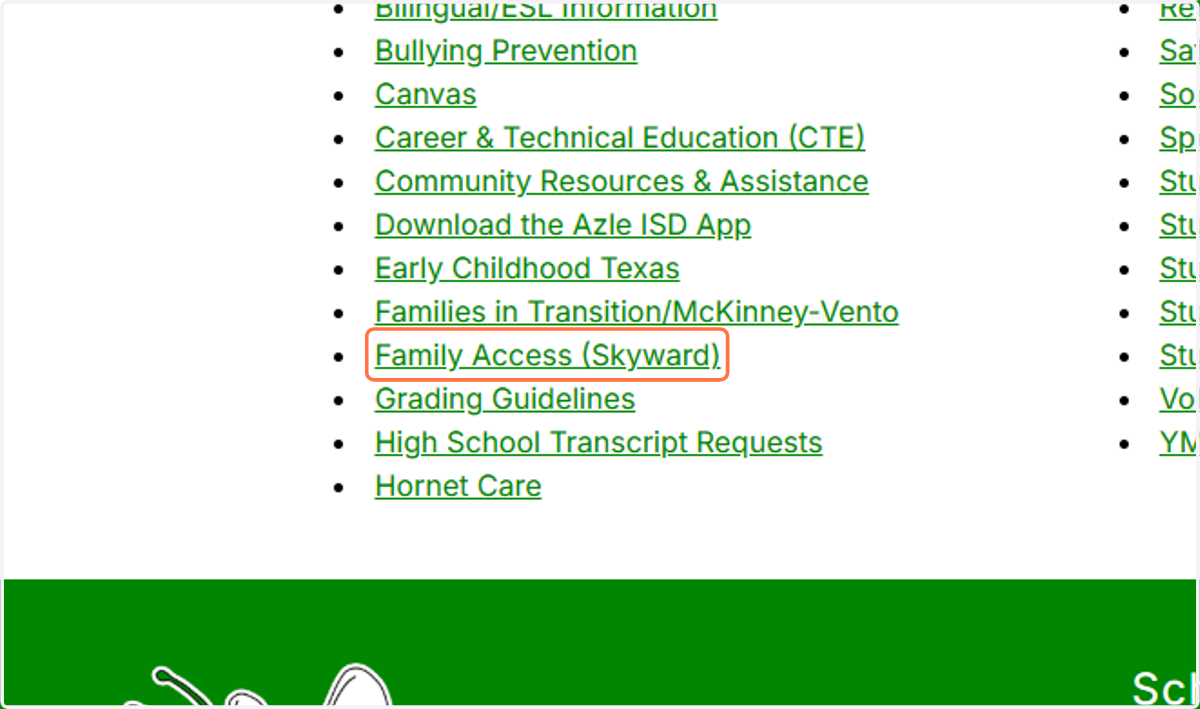
3. Click on Family Access (Skyward) from the left column of options.
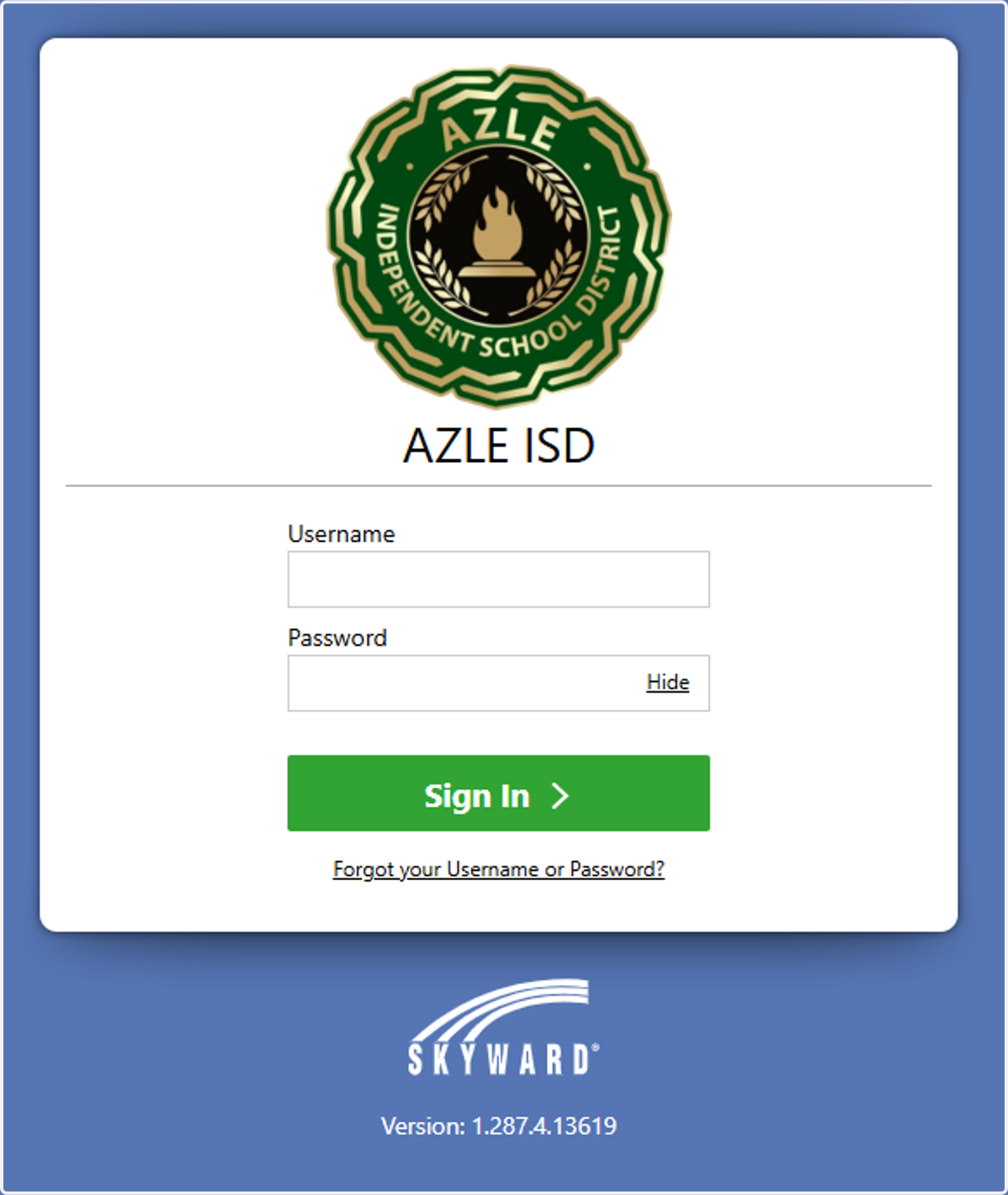
4. Type your username and password and sign in!
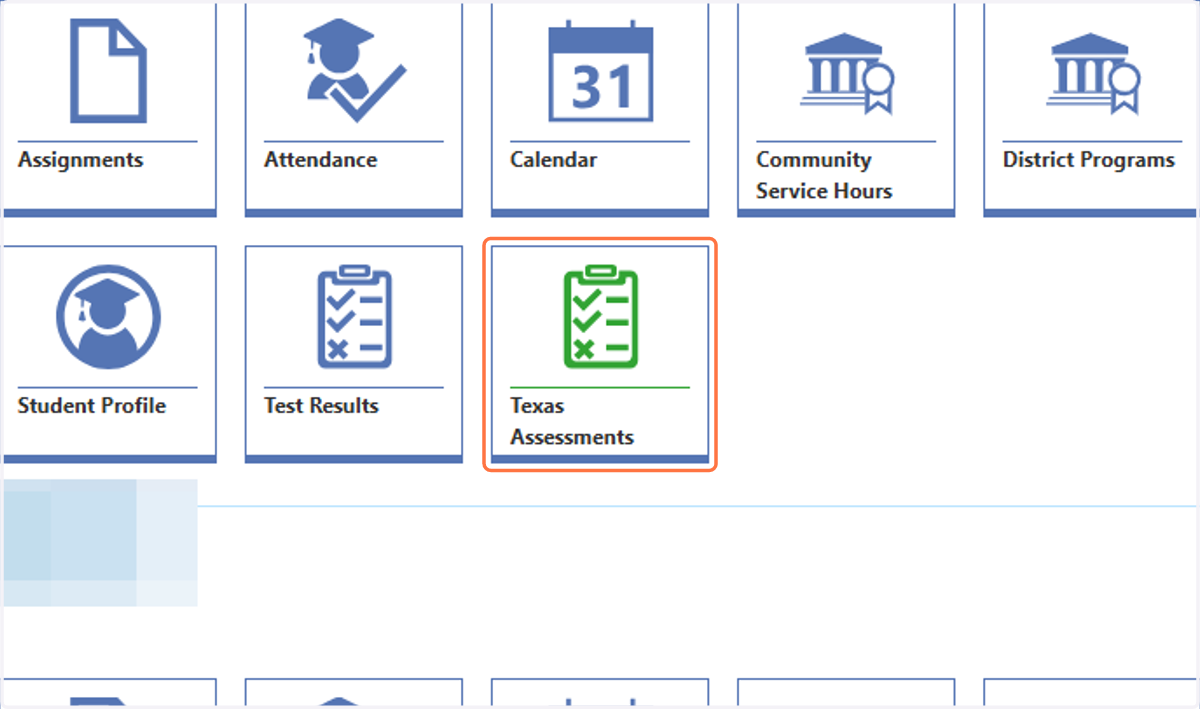
5. You will land on your dashboard. Click on the "tile" for Texas Assessments.
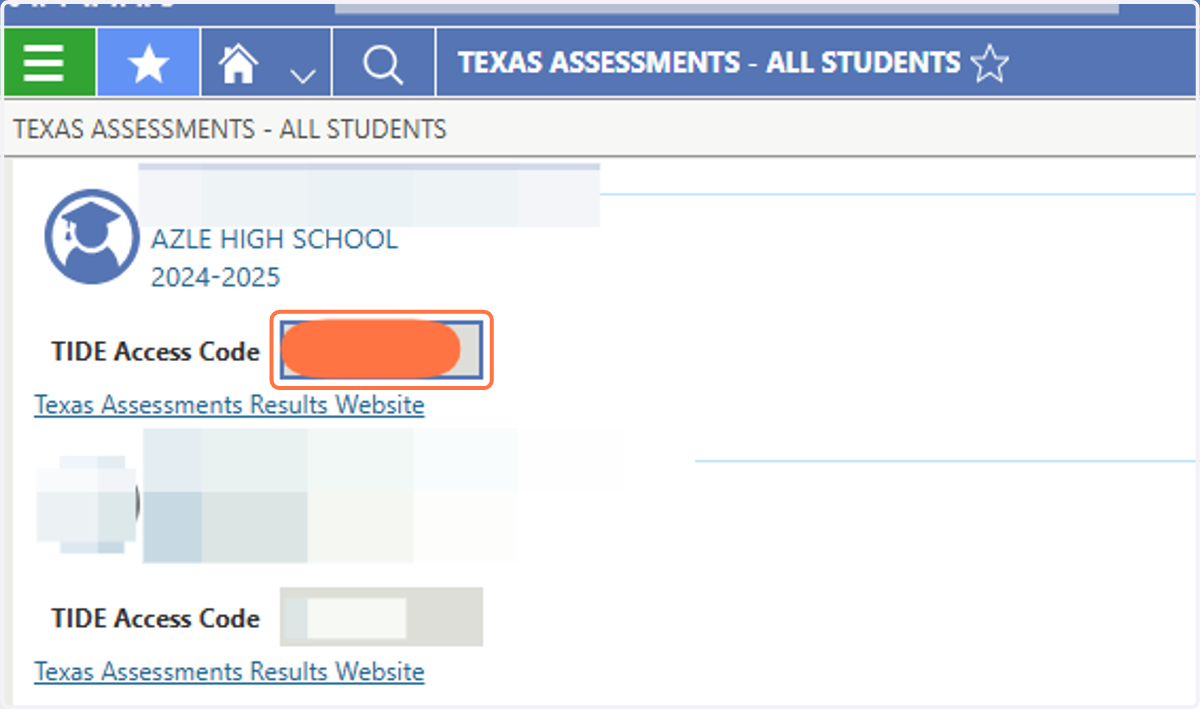
6. You will see the TIDE Access Code.
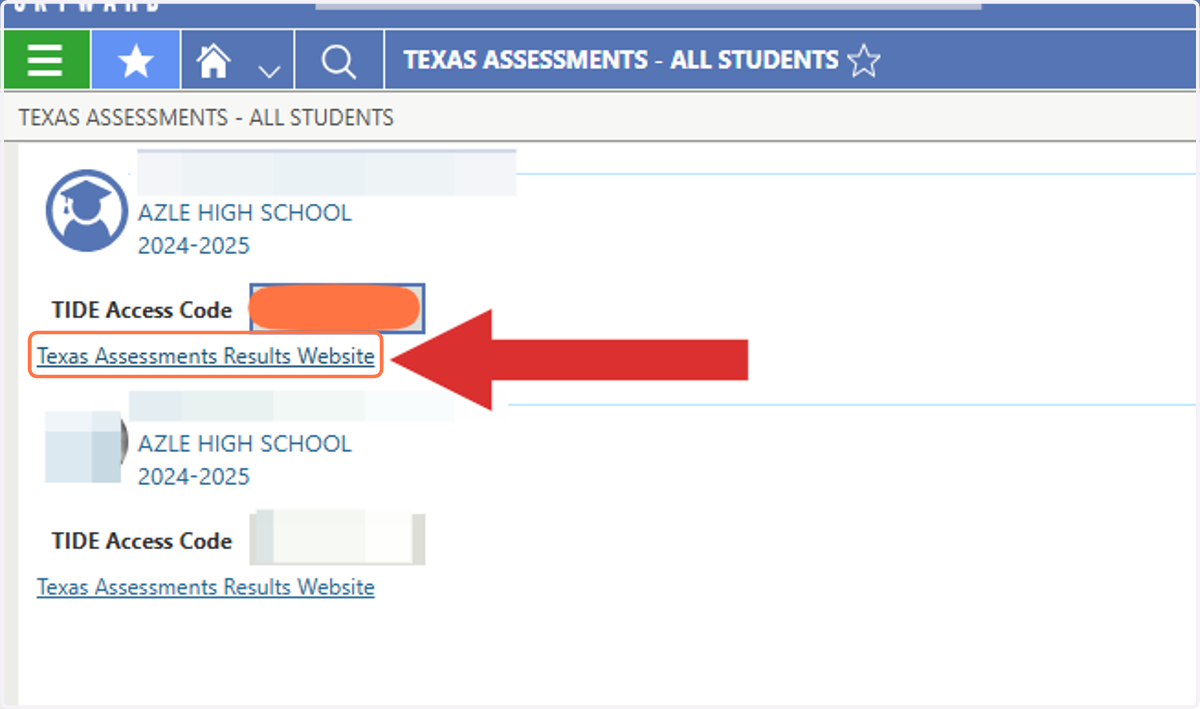
7. Click on Texas Assessments Results Website
8. You will land on your State Assessment Dashboard | Family Portal, where you can see your student's recent scores and access previous year testing information, item reports, and much more. Translations are available!
