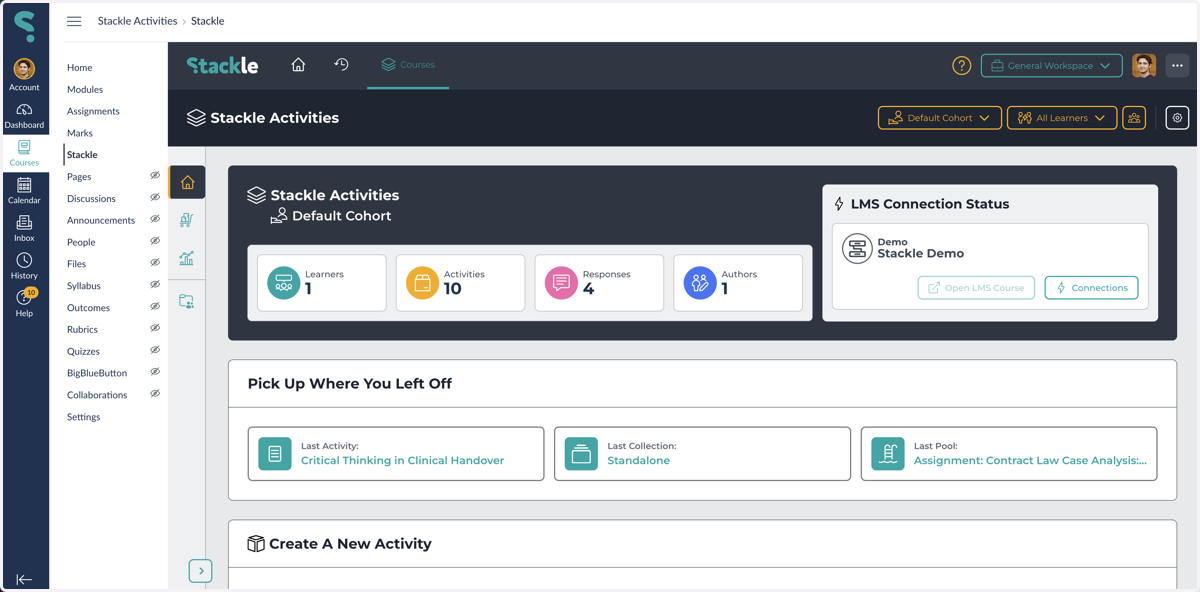
Accessing Stackle
Access Stackle from a Canvas Page
1. Select a Canvas Page
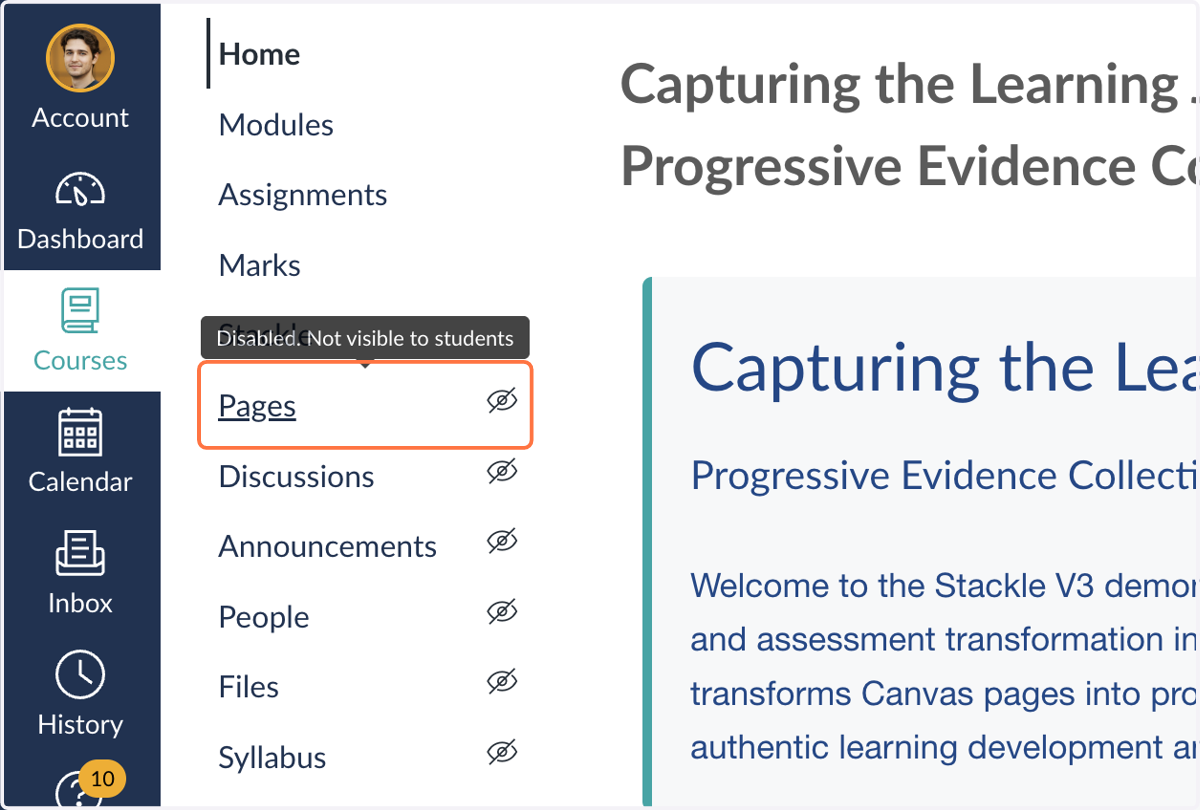
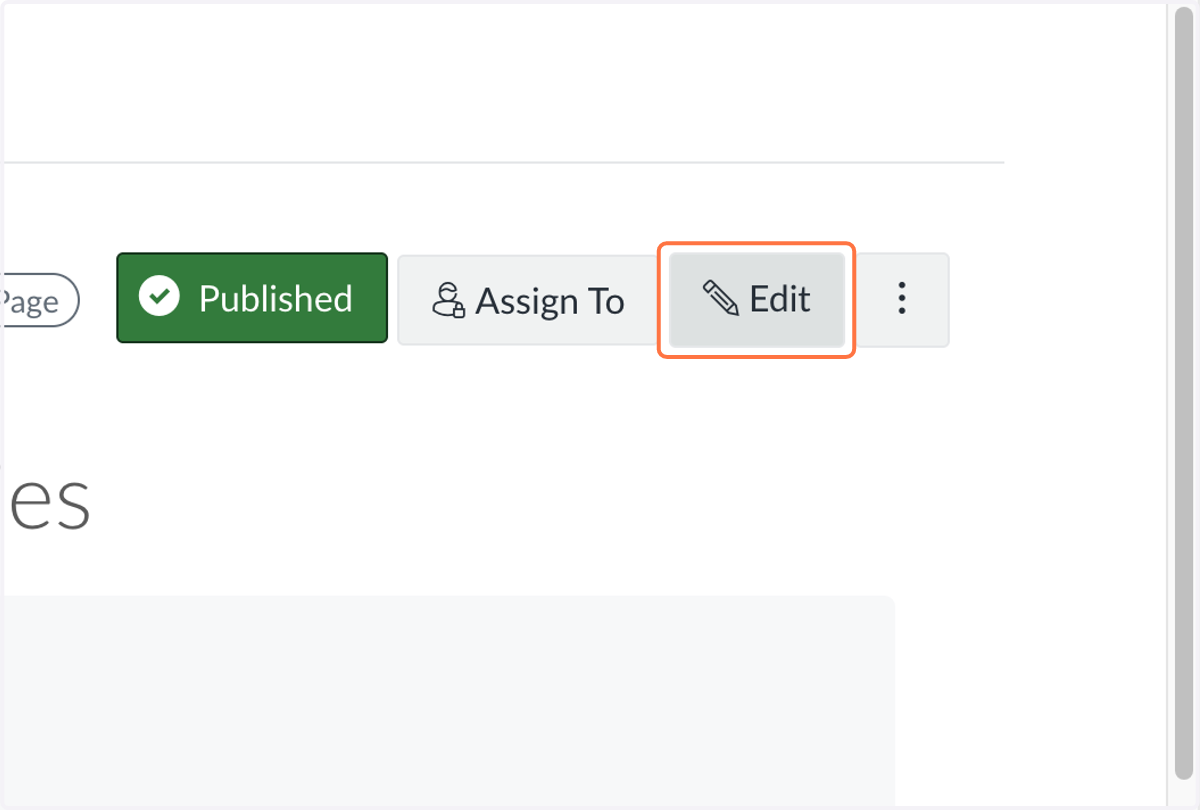
2. Click on Edit
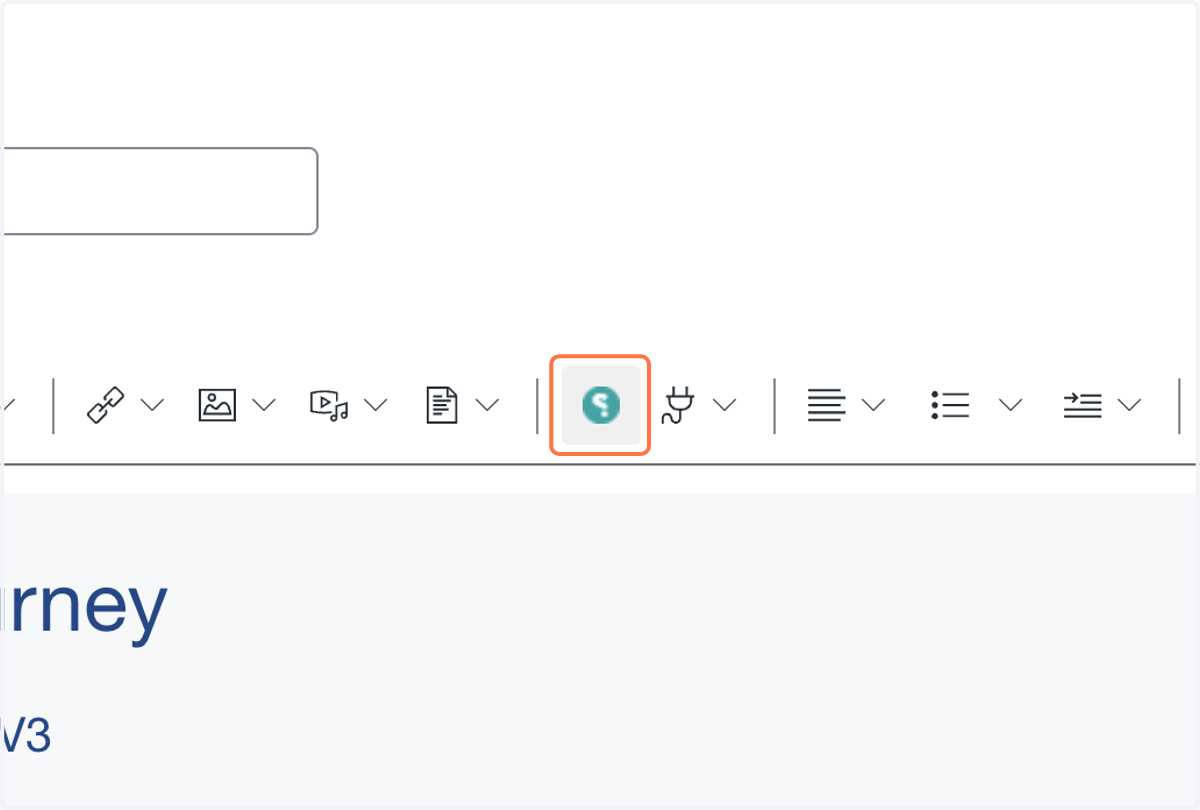
3. Click on Stackle
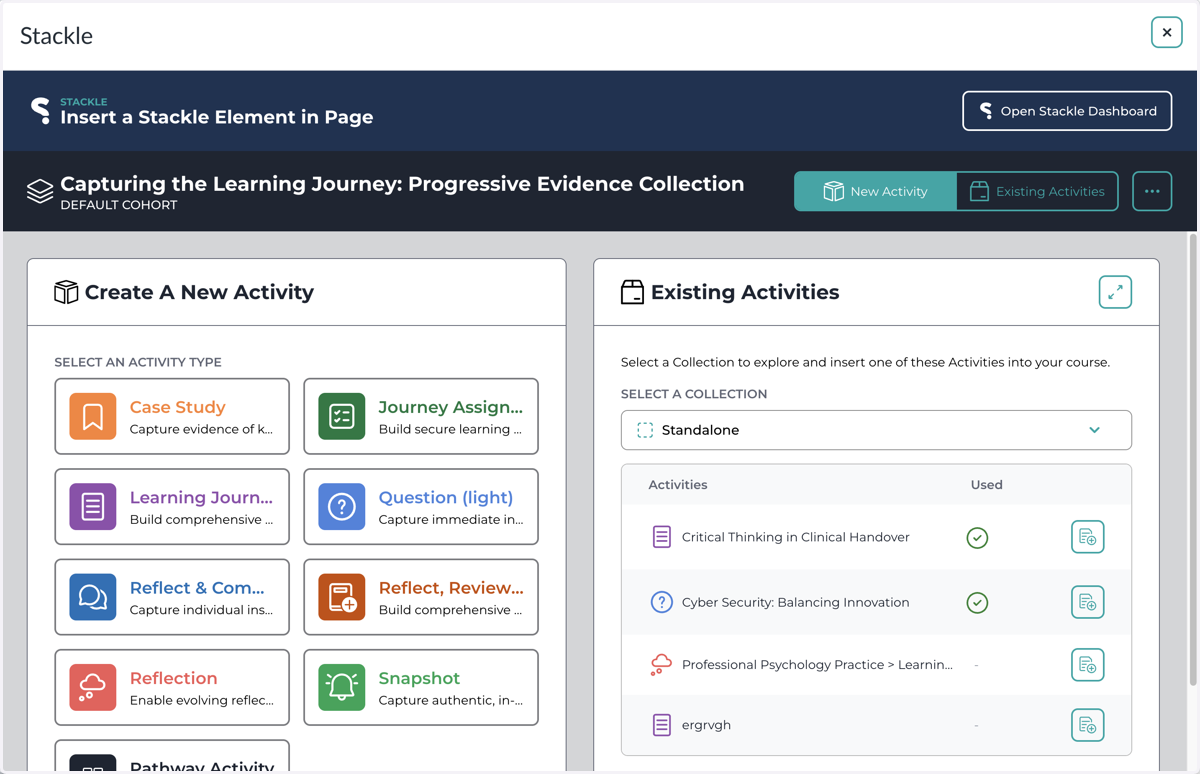
4. Stackle Activities
You can now access all of your Stackle Activities
Access Stackle from a Canvas Assignment
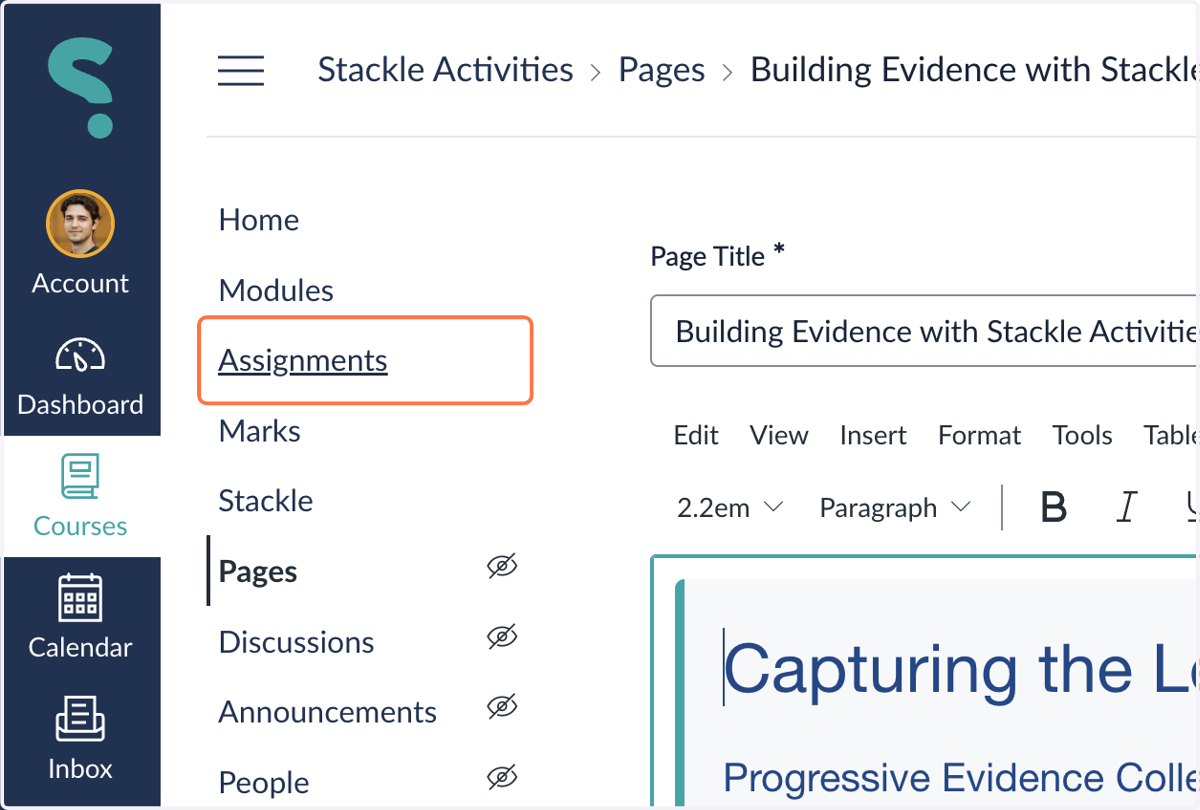
5. Select Assignments in your Course Menu
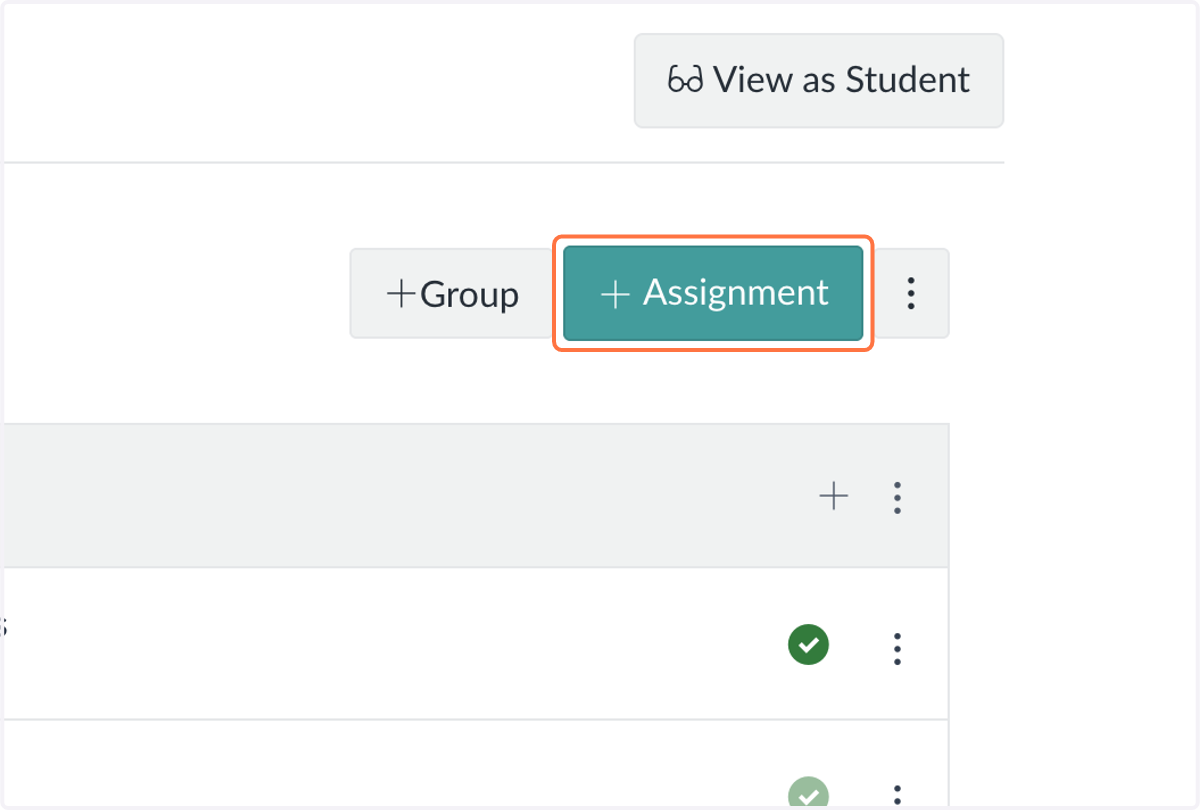
6. Select a new Assignment or an existing Assignment
7. Select External Tool from Submission Type
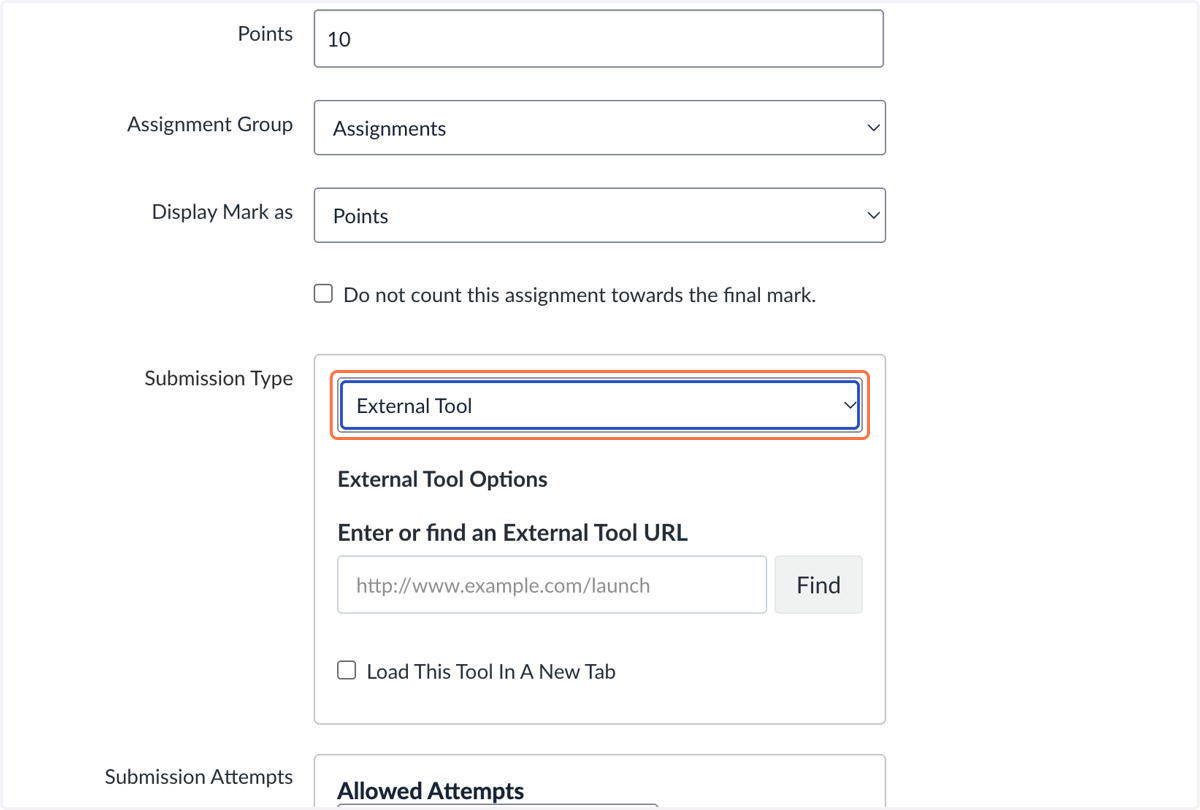
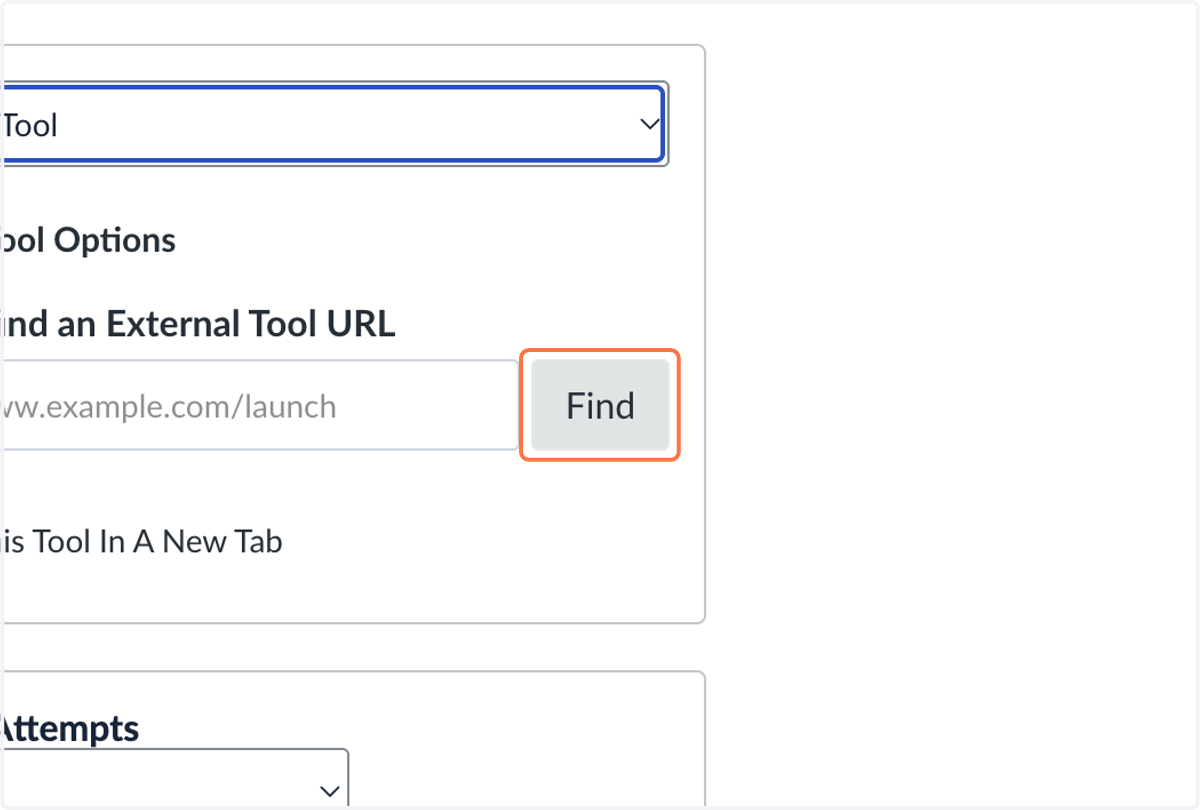
8. Select Find
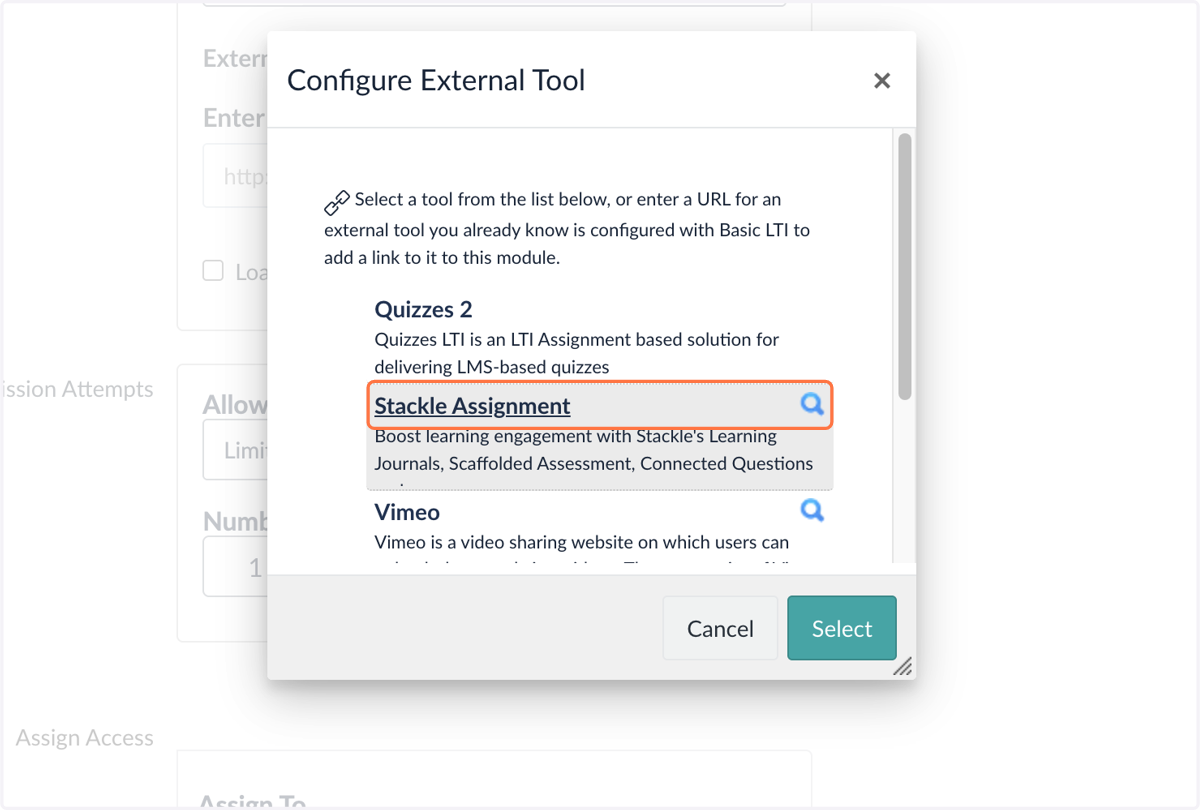
9. Select Stackle Assignment
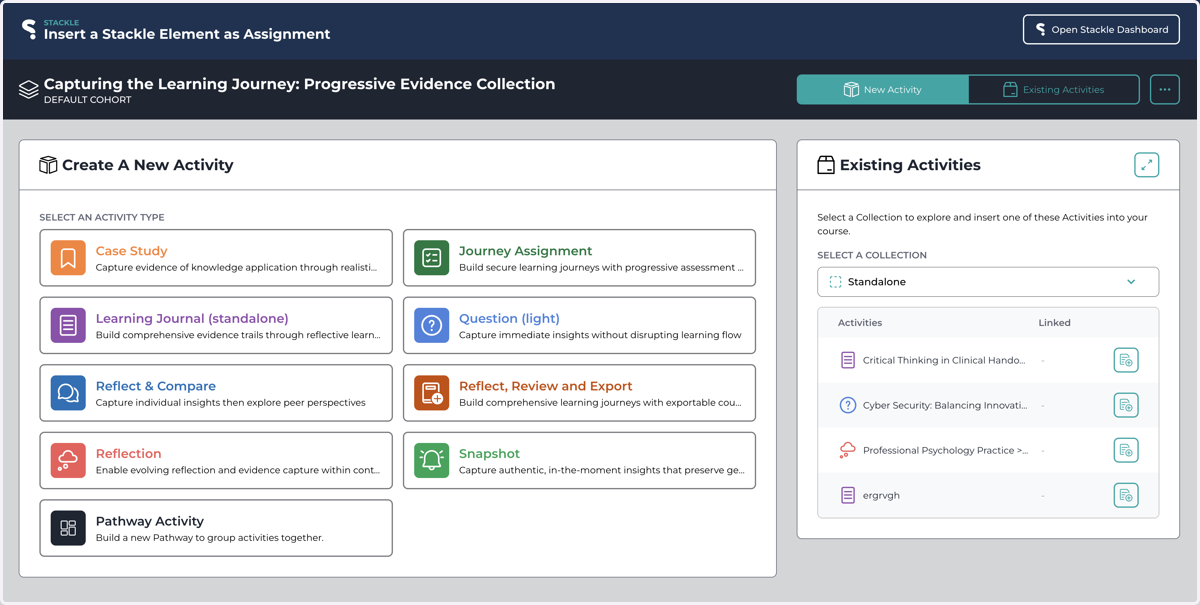
10. Stackle Activities
You now access all of your Stackle Activities
Access Stackle from your Course Menu
11. Click on Stackle in the left menu of your Course
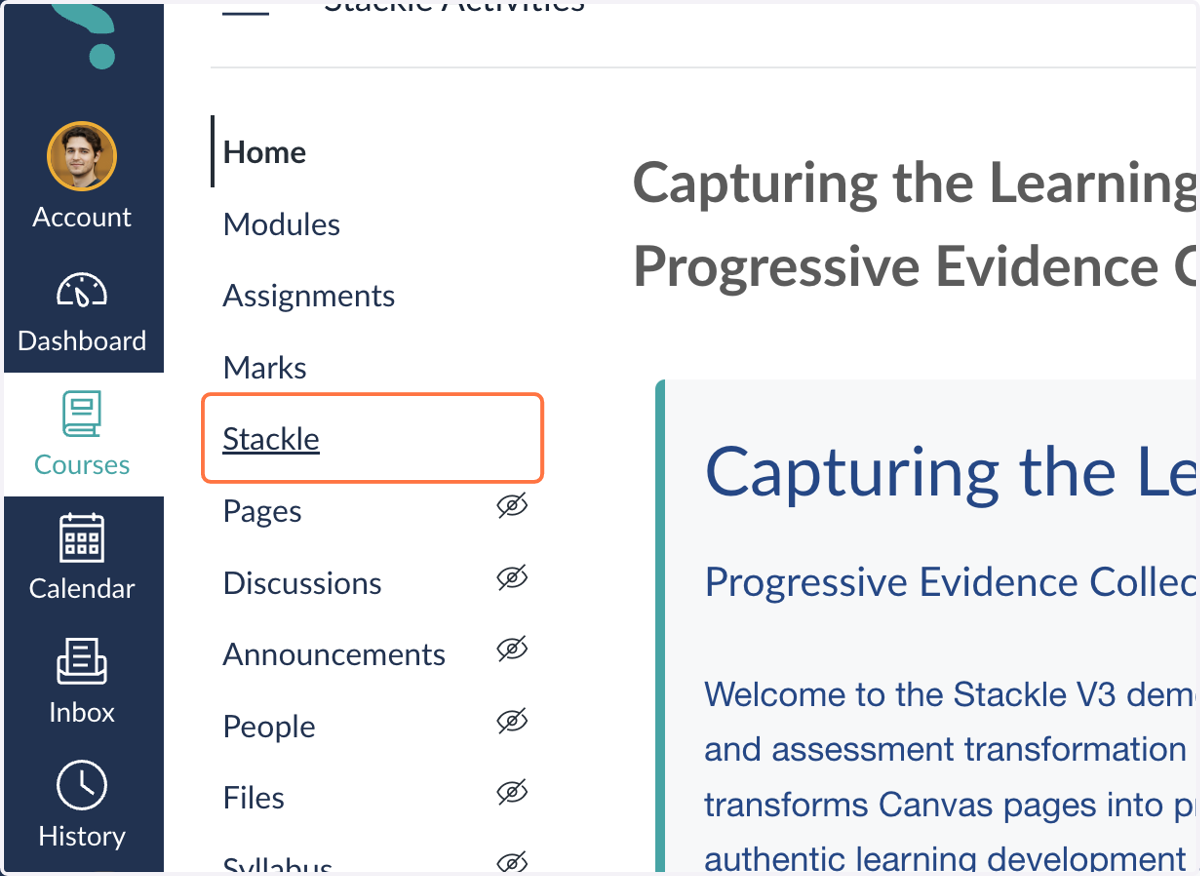
12. You can now access Stackle inside your Canvas Course