Accessing MVPA Reports- Teacher
Follow these steps to download MVPA data directly from the Mastery Tracker in Canvas.
Go to your Canvas Course.
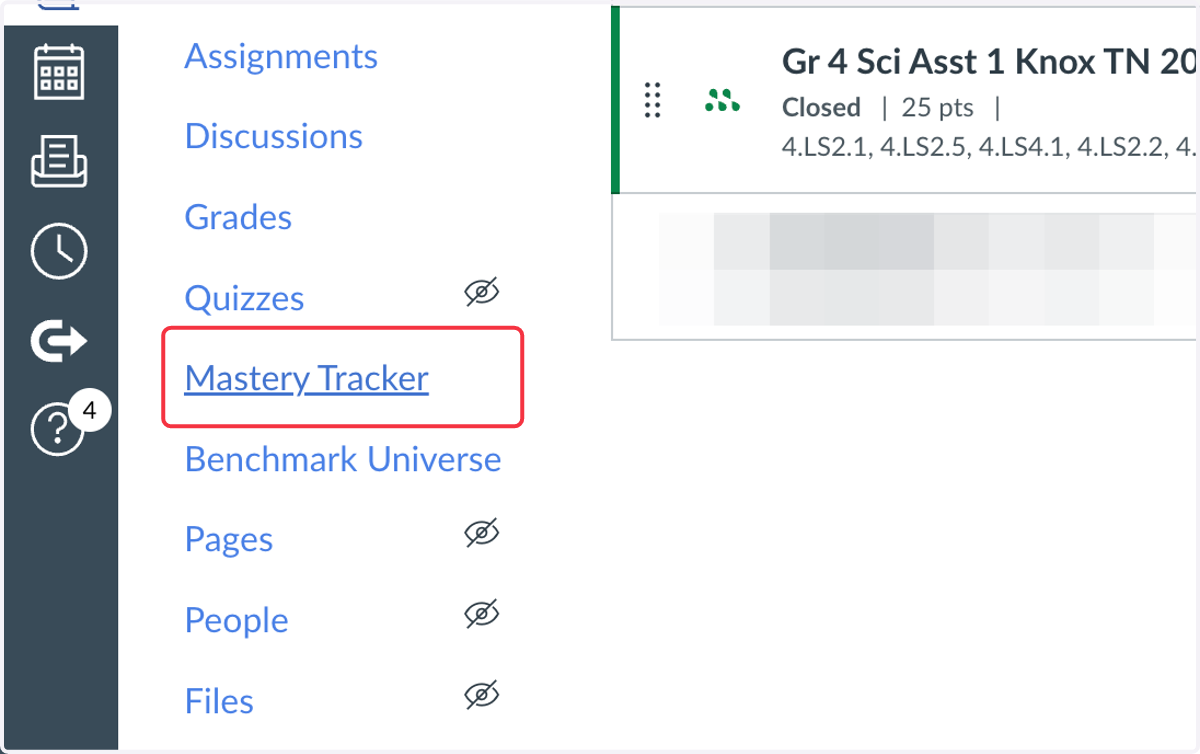
1. Click on Mastery Tracker in the Course Navigation Menu.
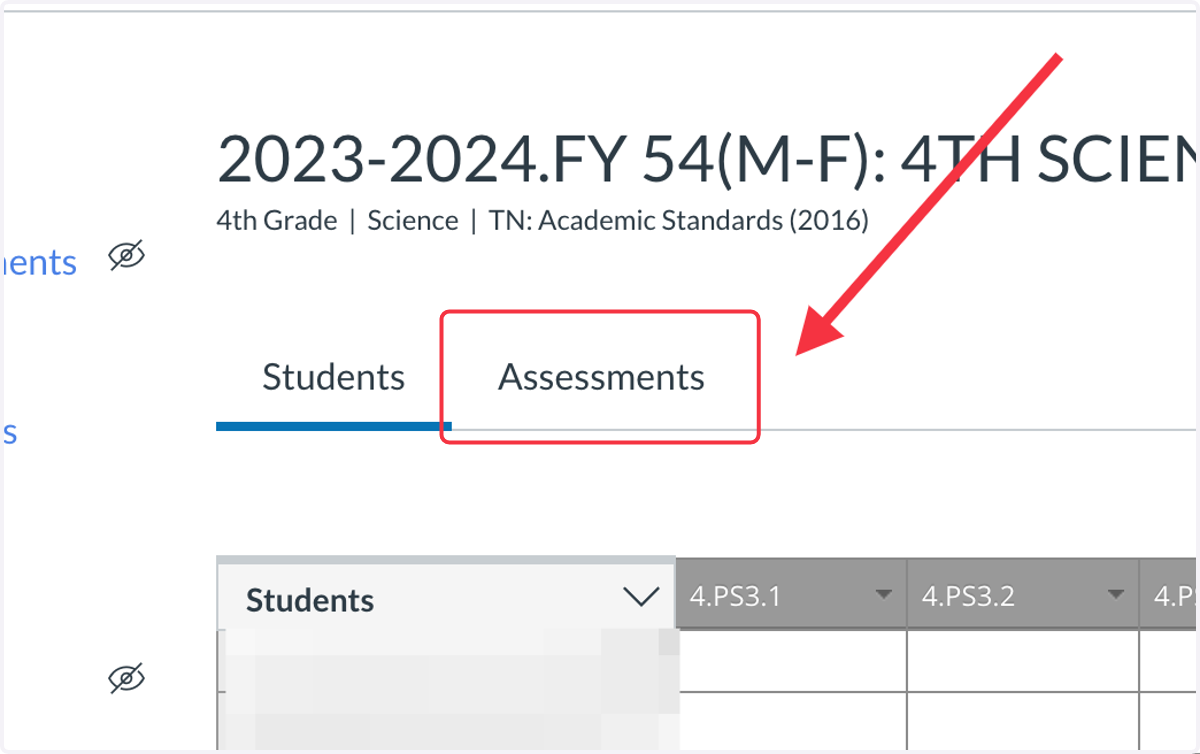
2. Click on Assessments
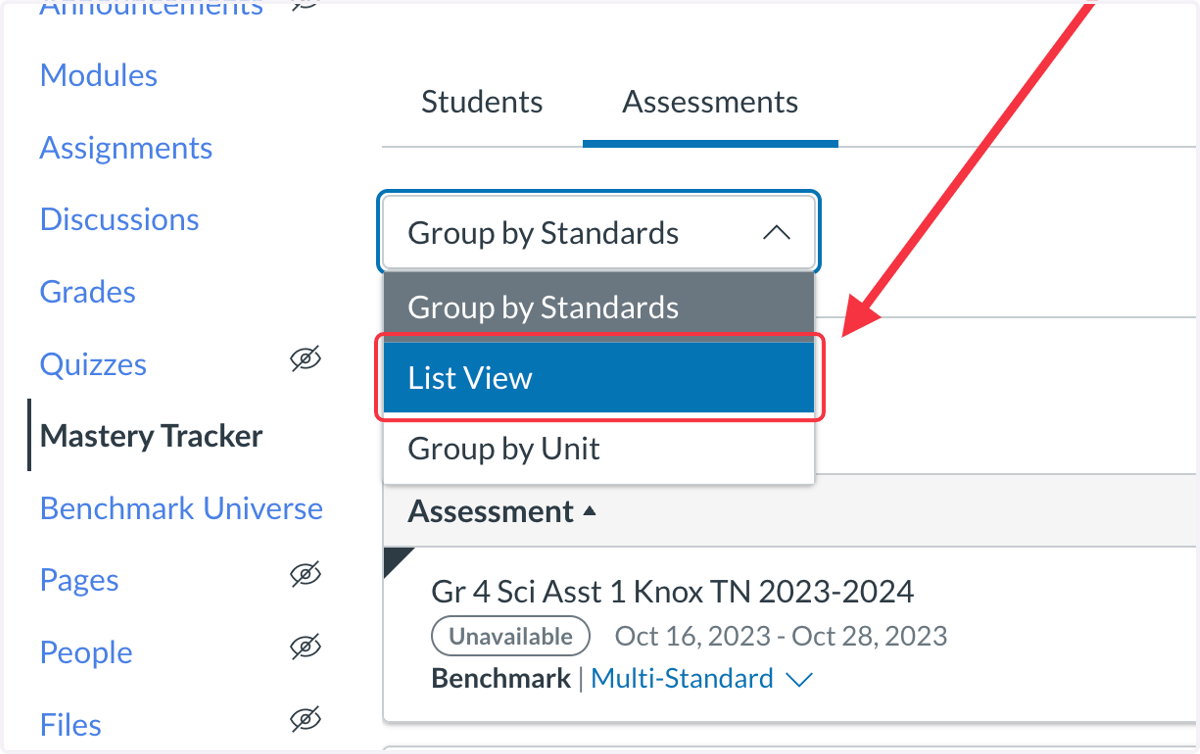
3. Click on List View
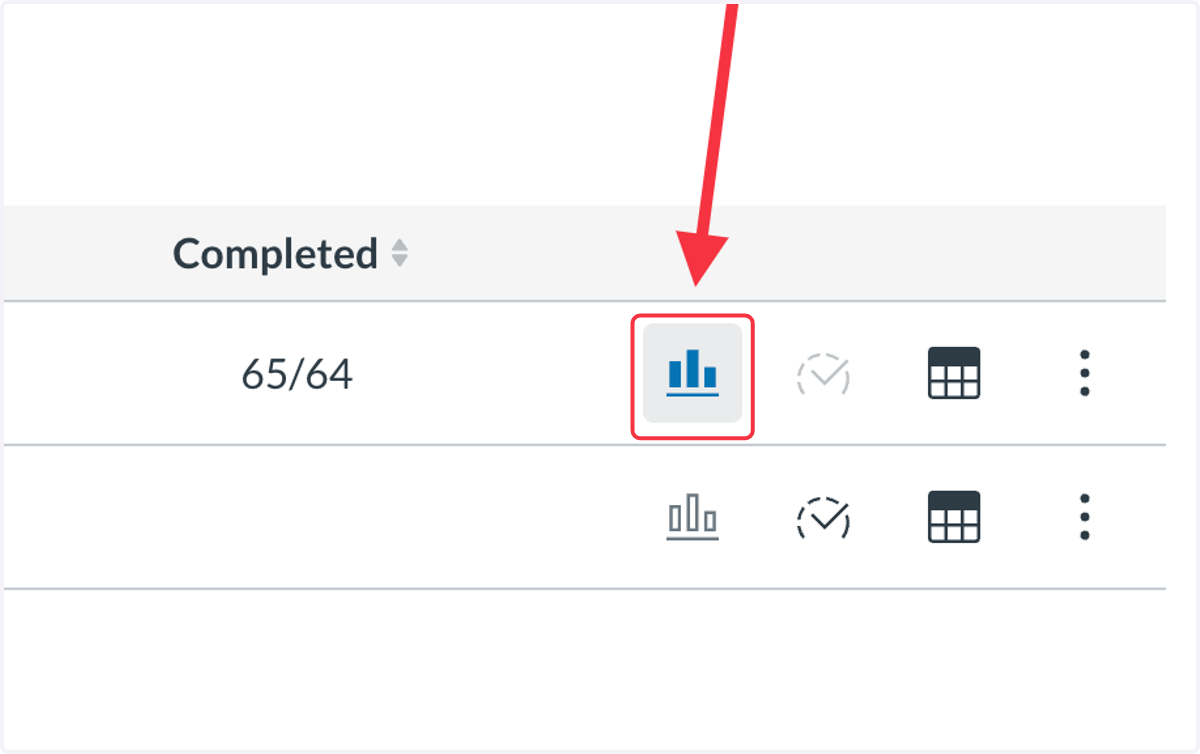
4. Click on the Scores Report Icon.
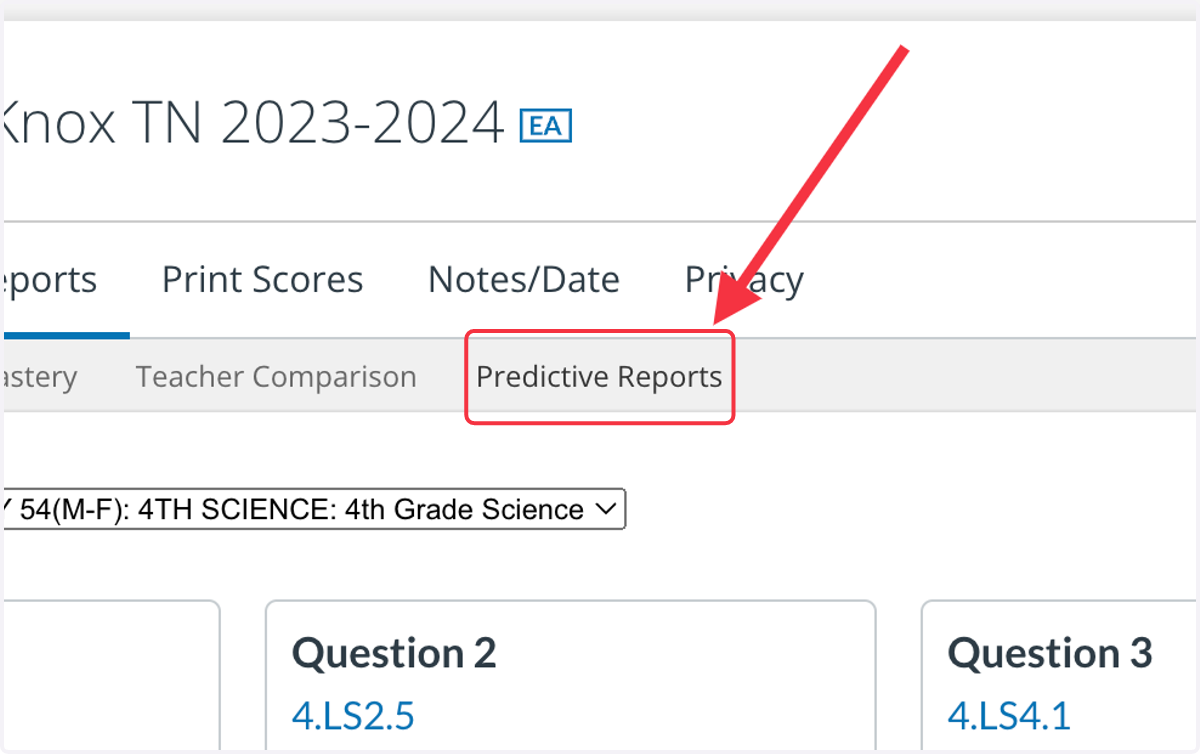
5. Click on Predictive Reports
6. Check Selected Files
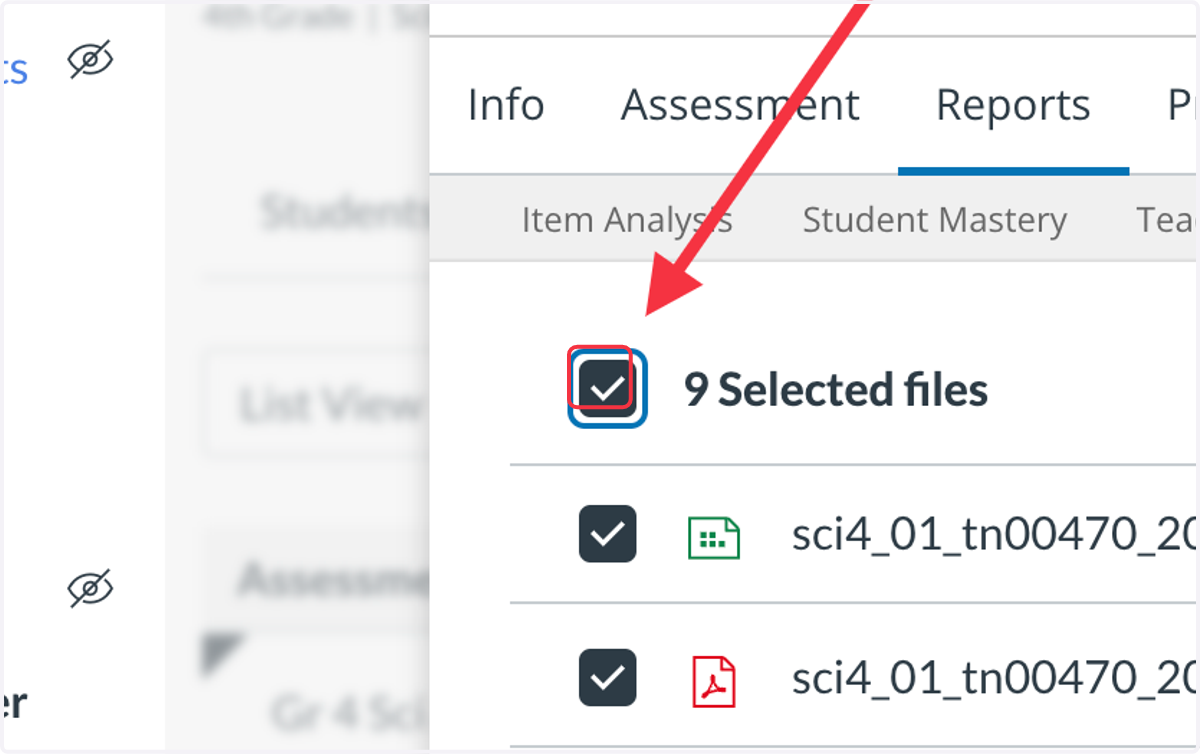
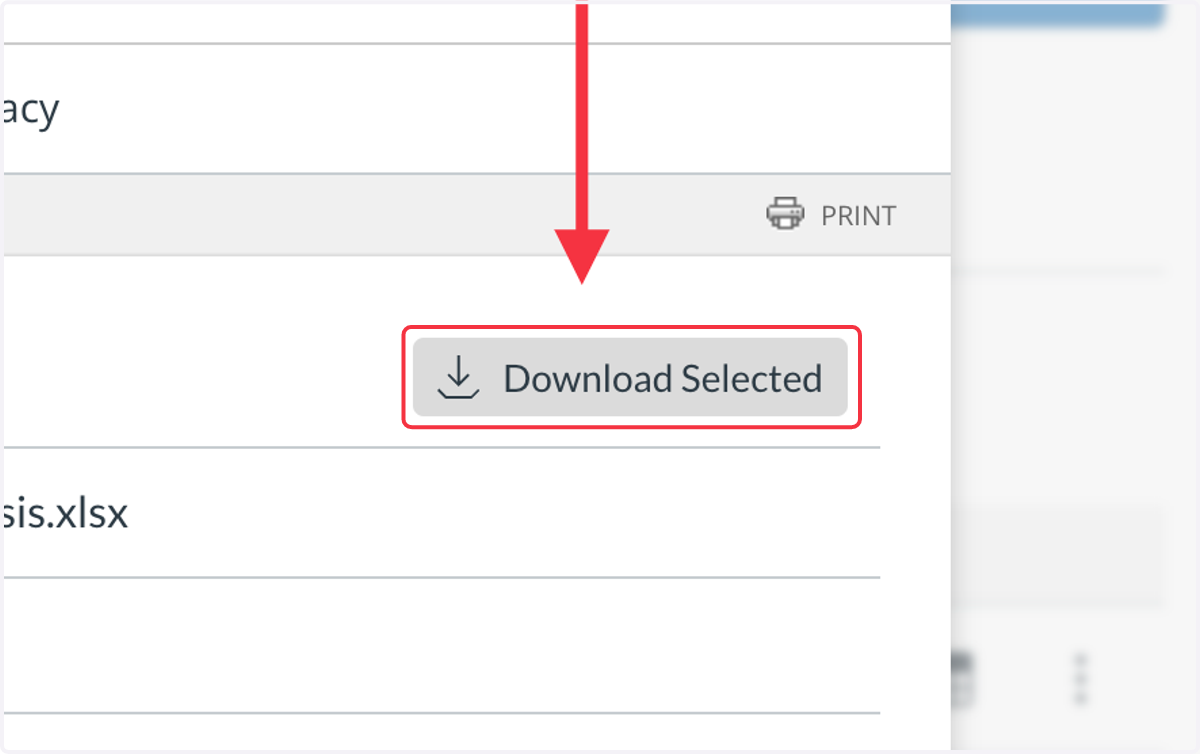
7. Click on Download Selected
MVPA reports will download to your device.