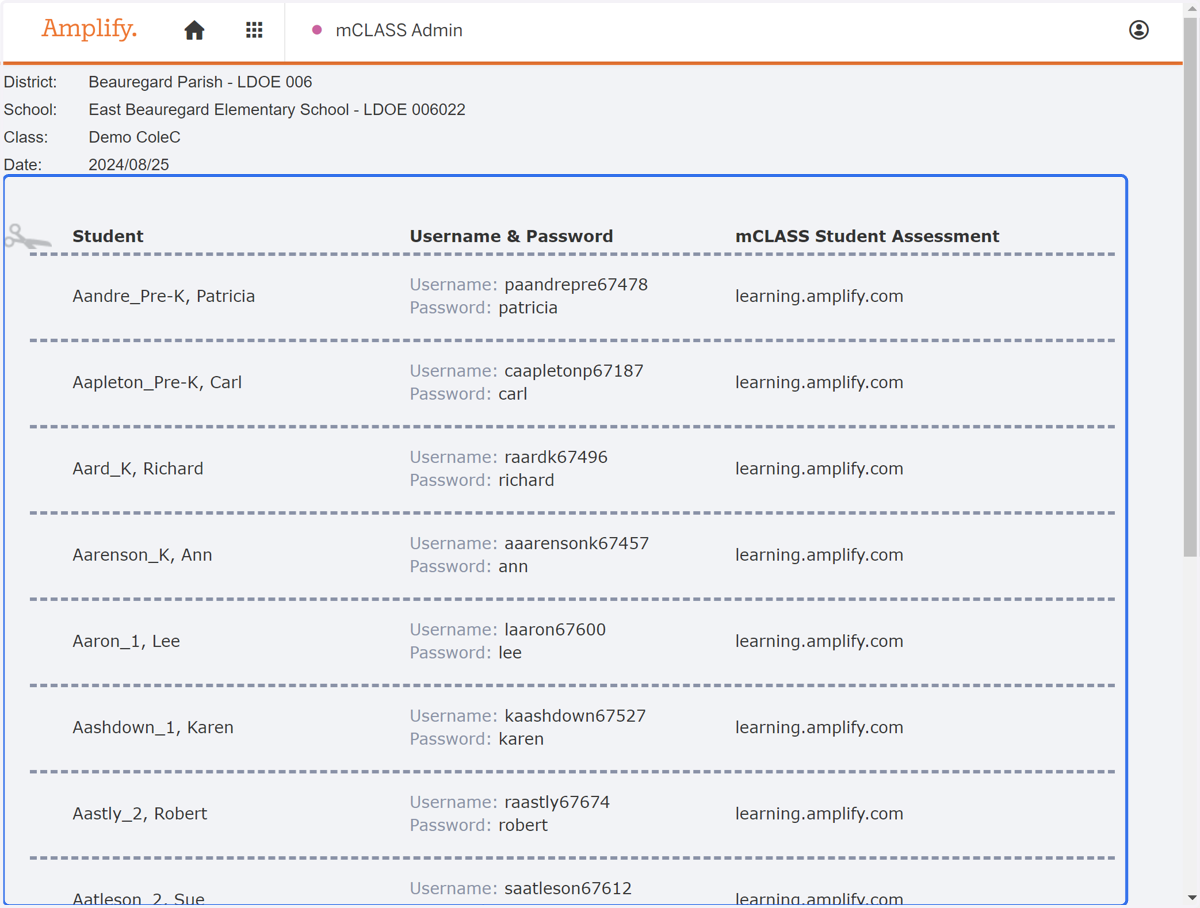
Accessing MAZE Logins in mCLASS
Login to Amplify
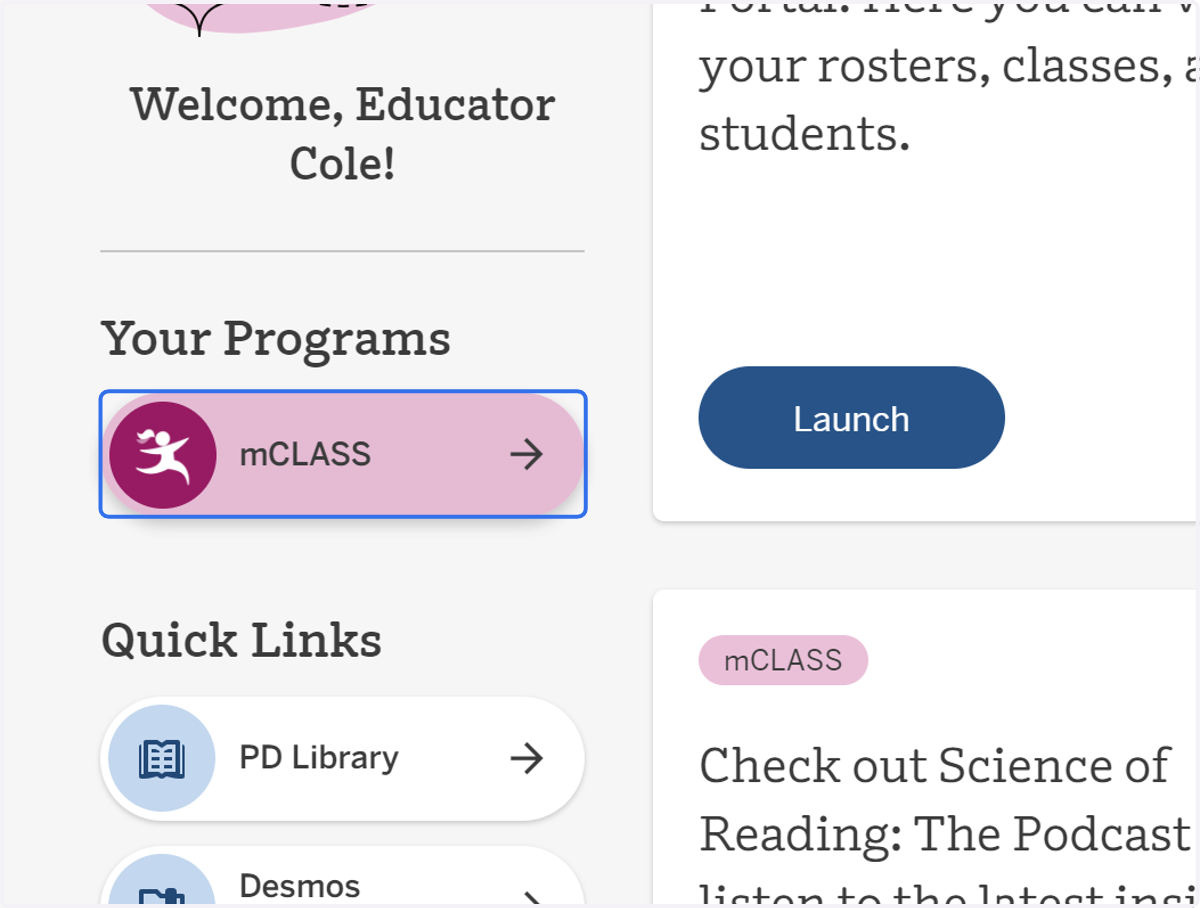
1. Click on the "mClass" icon.
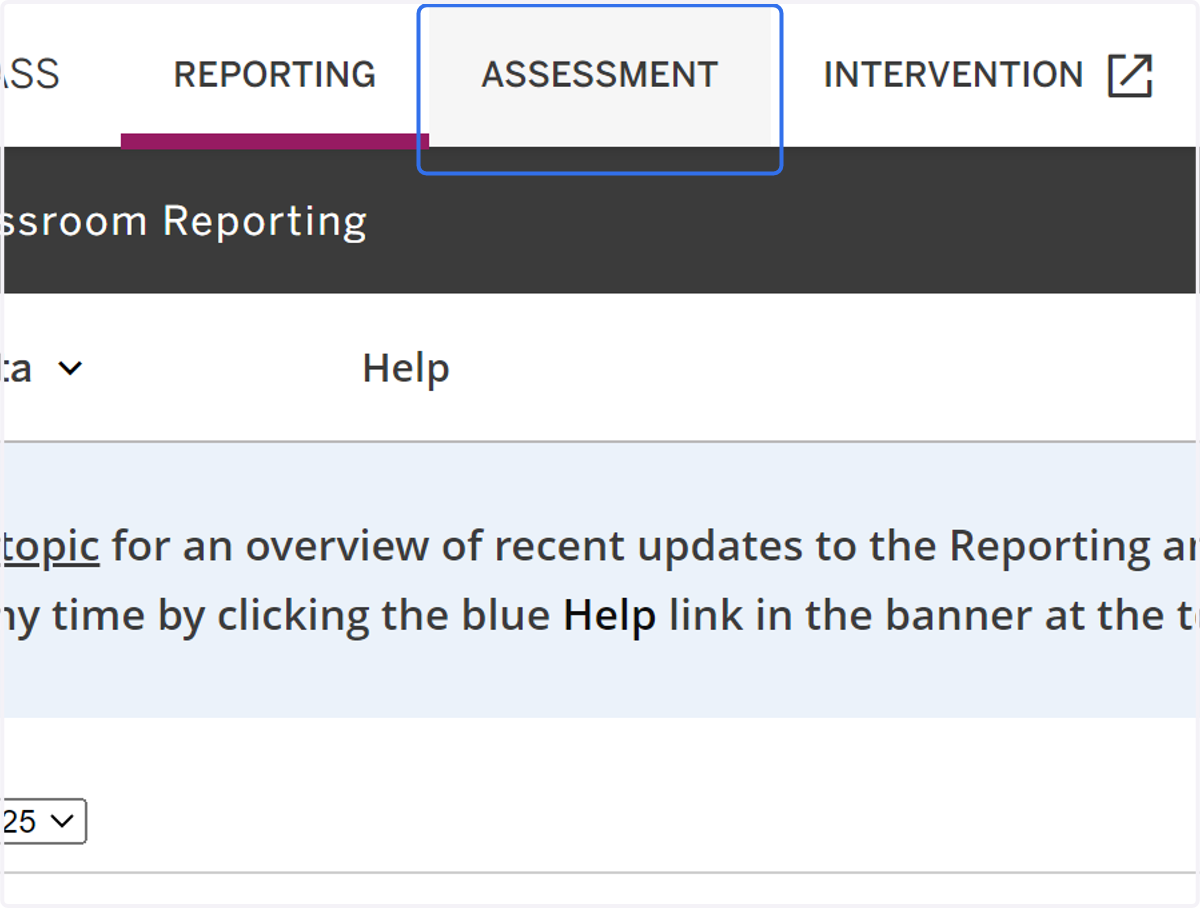
2. Click on ASSESSMENT
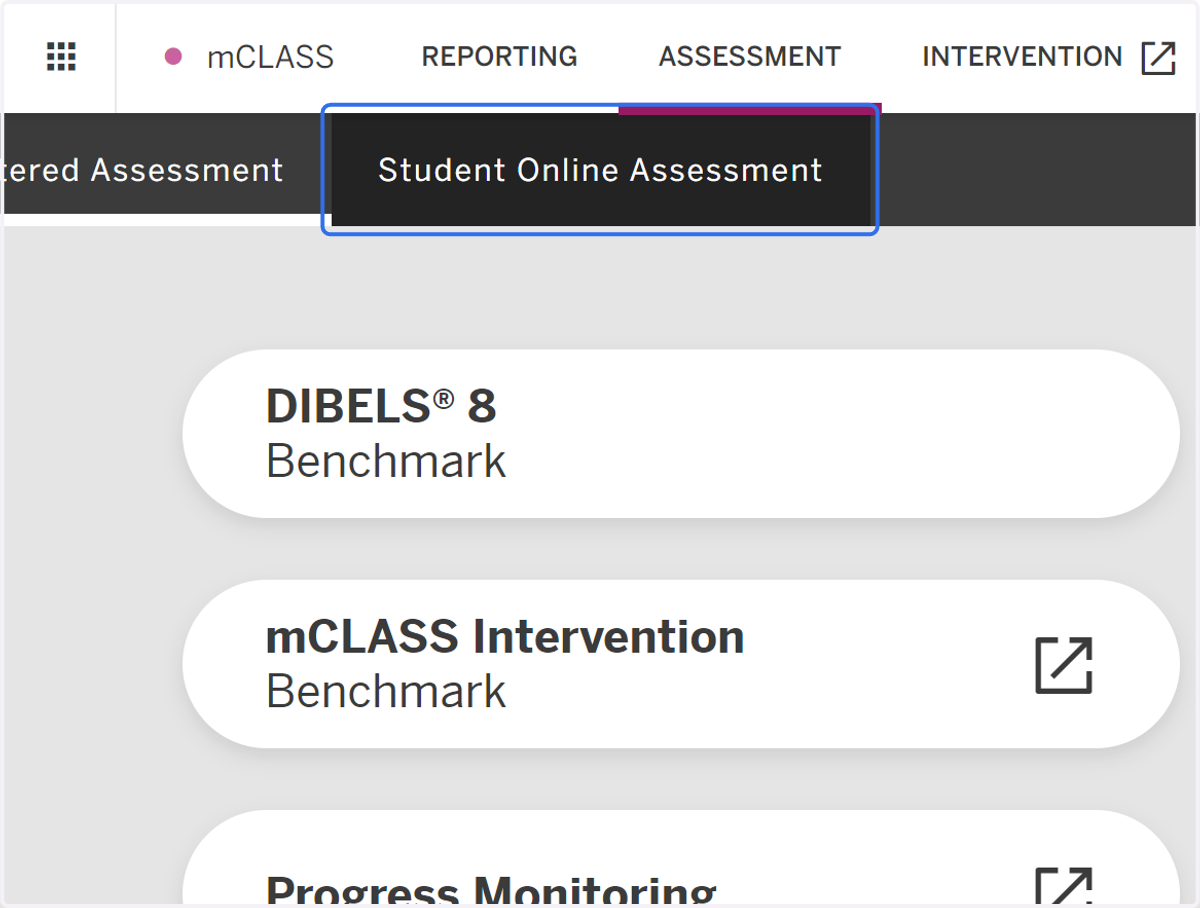
3. Click on Student Online Assessment
4. Click on All Schools
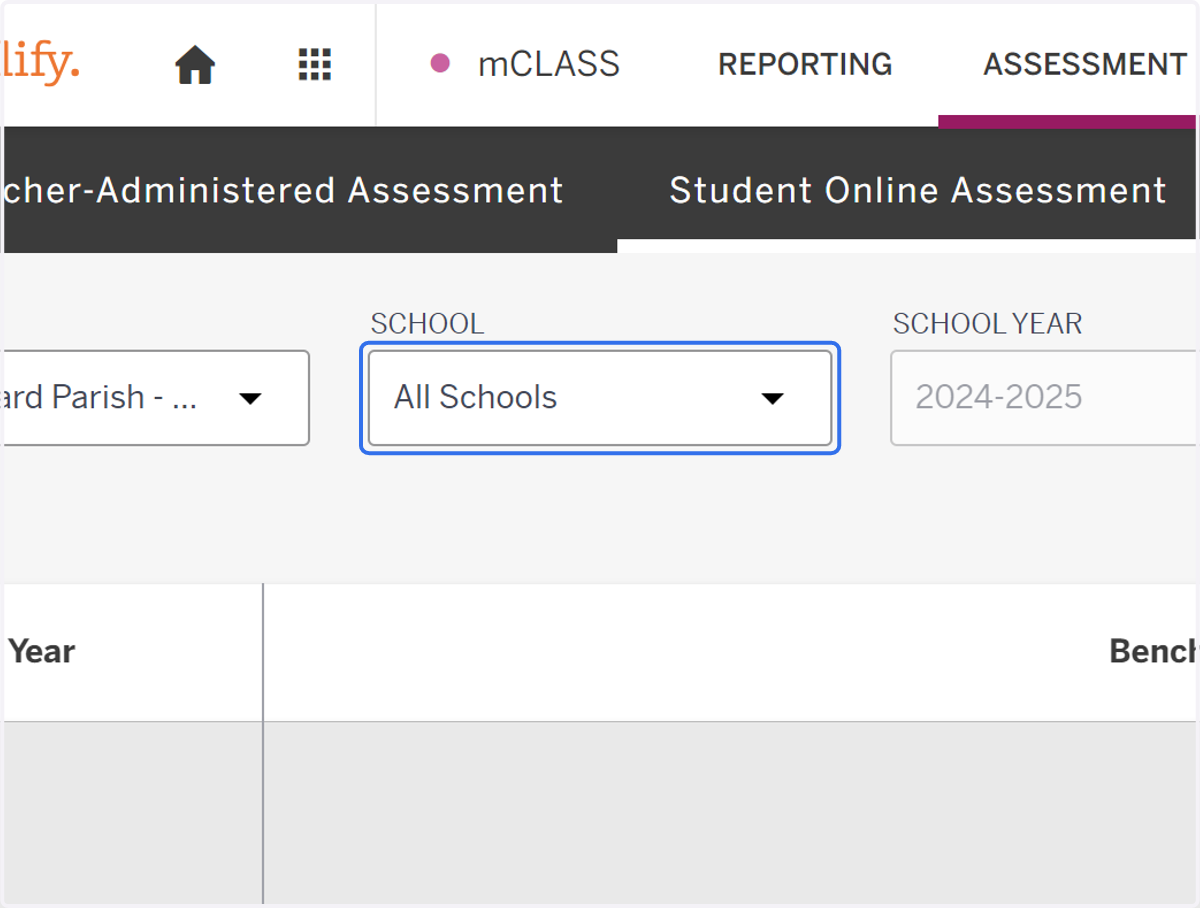
5. Select the appropriate school.
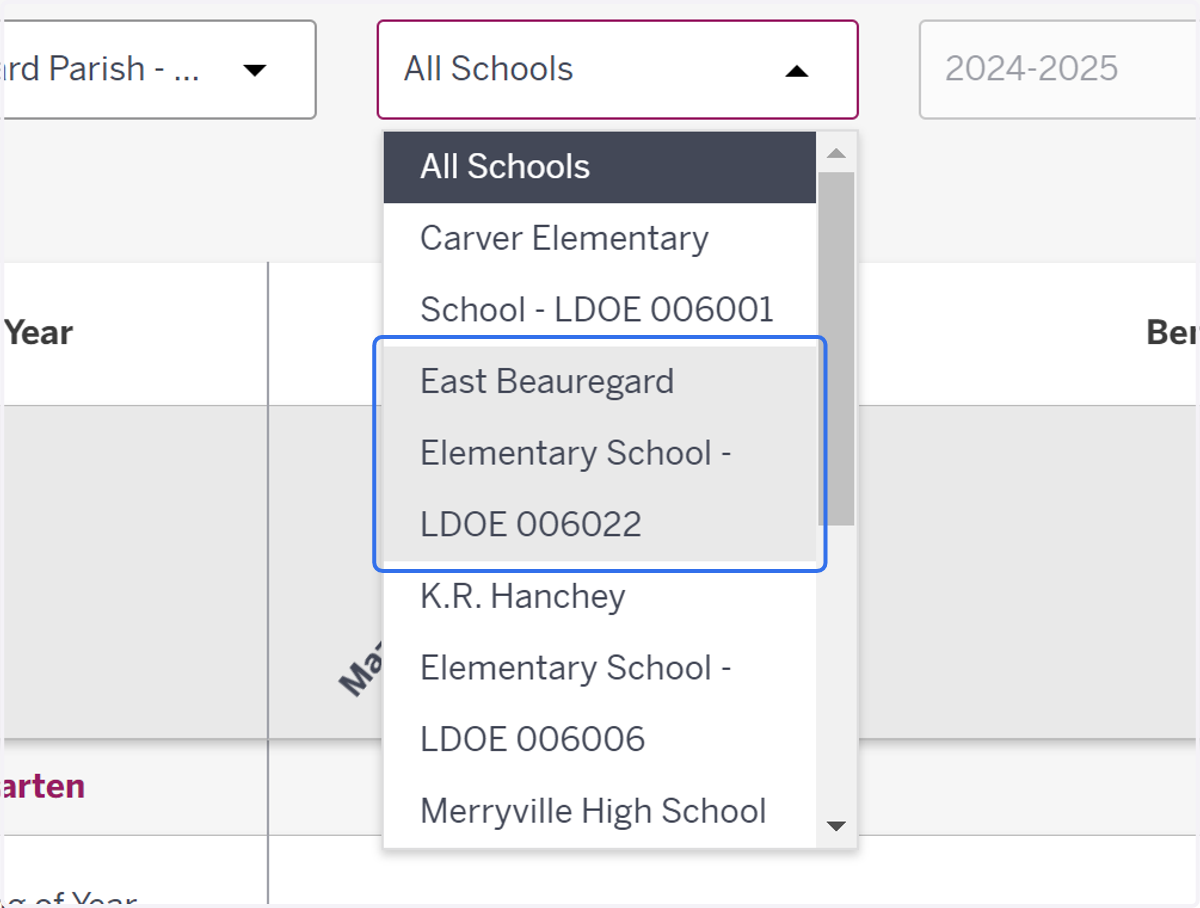
6. Select the appropriate class.
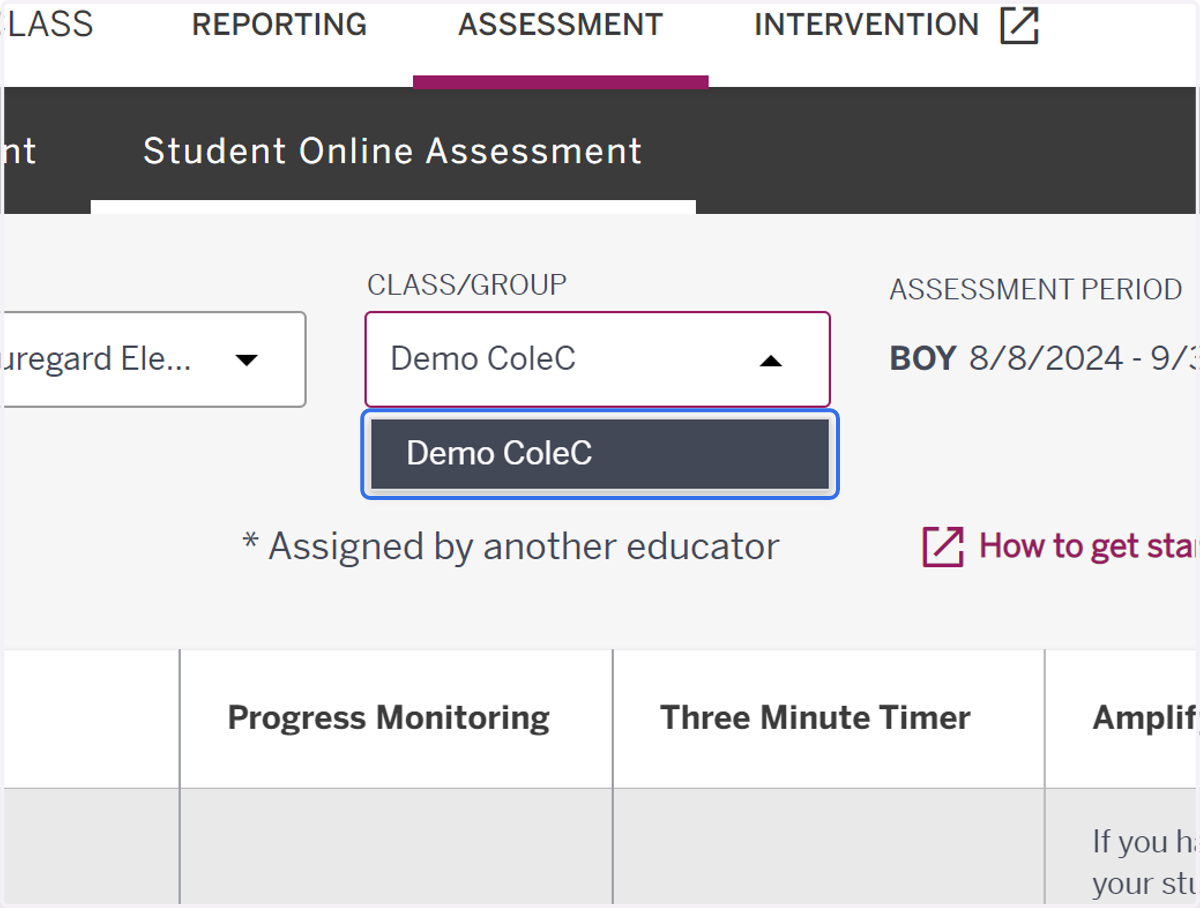
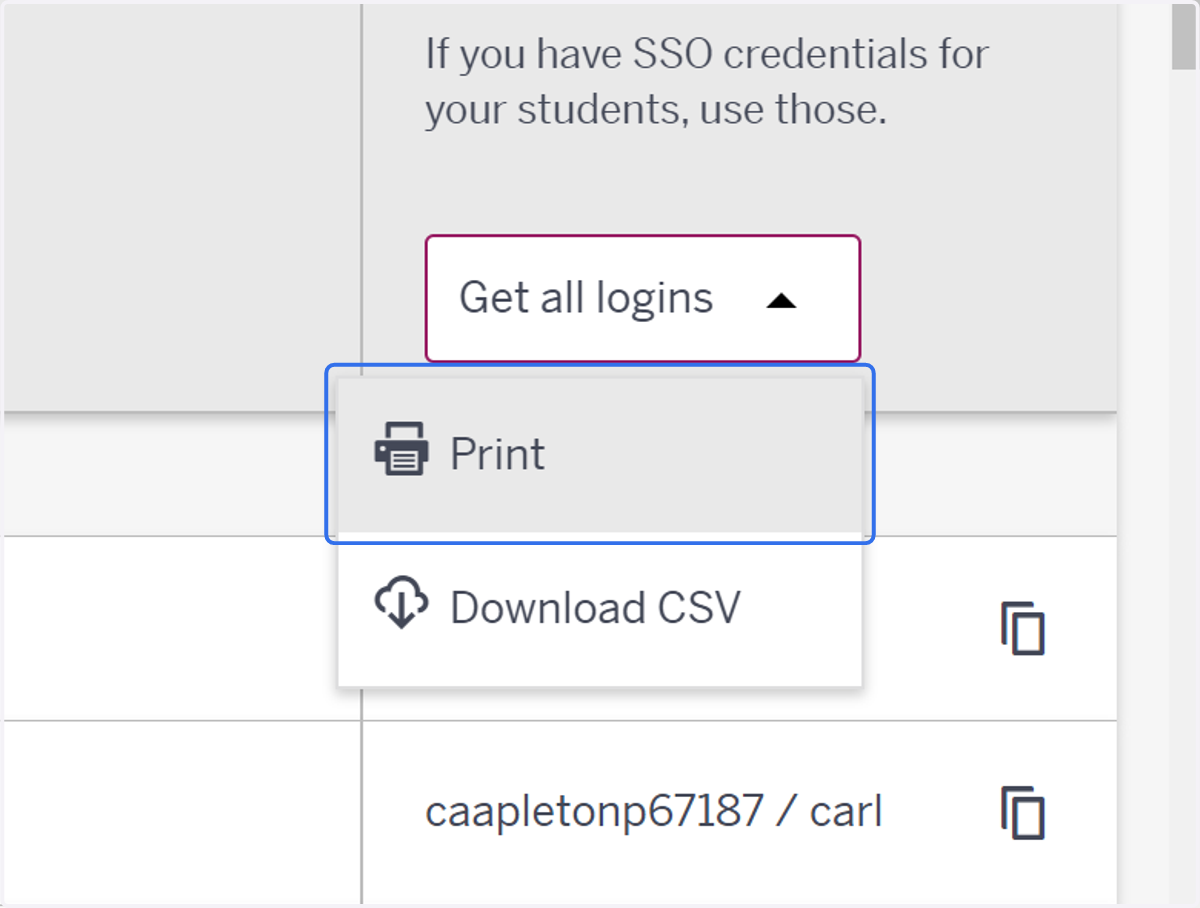
7. Click on Get all logins
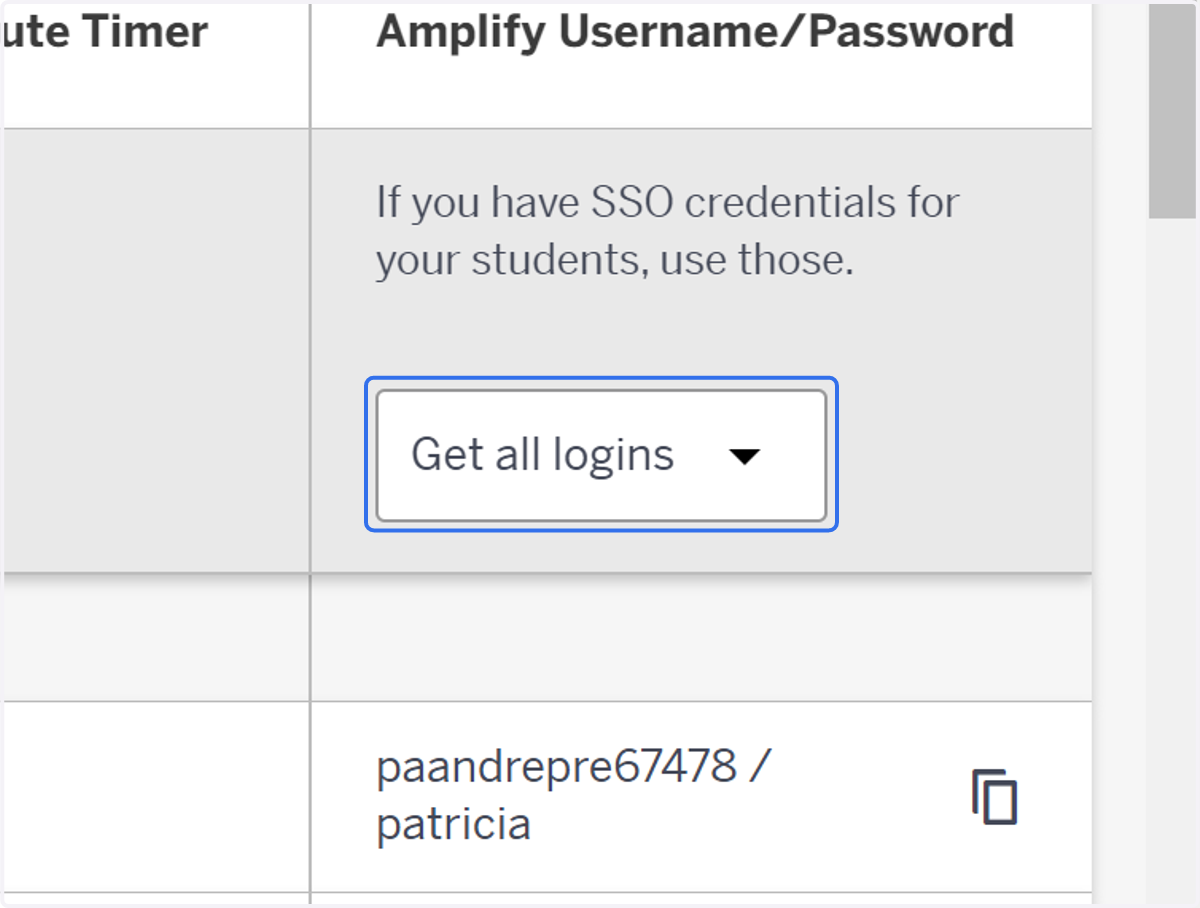
8. Click on Print
9. Print this page for your students.