Accessing Audiobooks
OverDrive Ebooks & Audio Books - Connecticut College
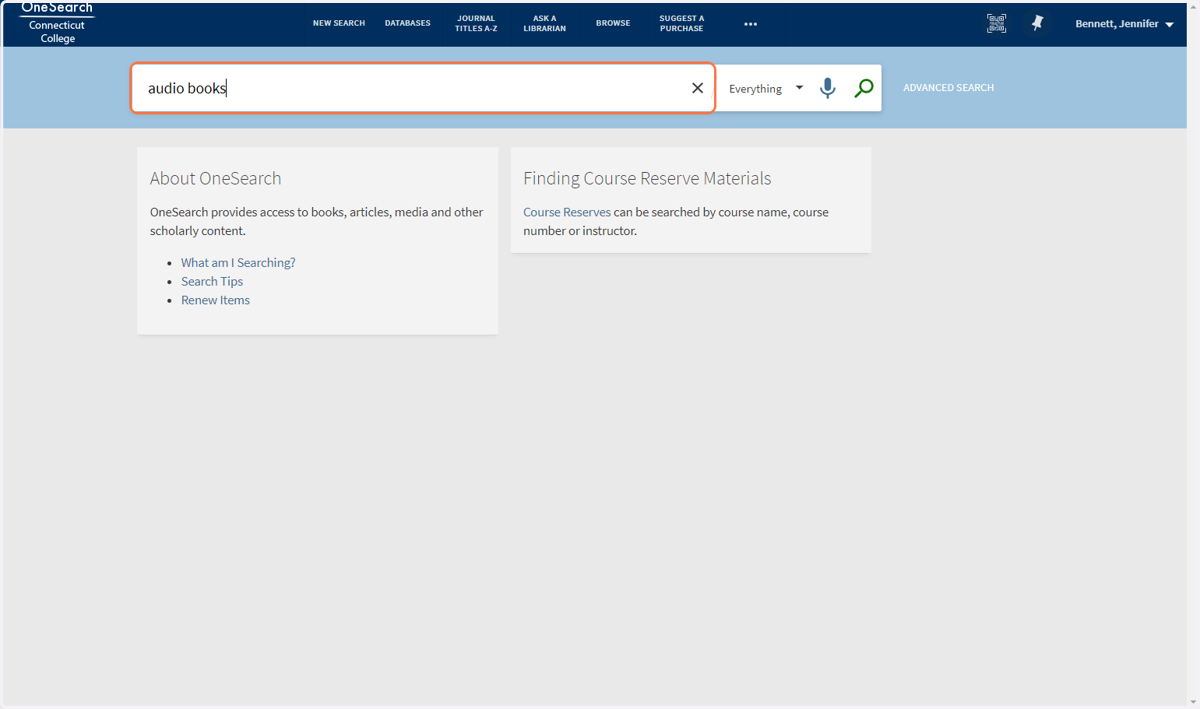
1. Search for audio books on OneSearch
2. Click on the first result
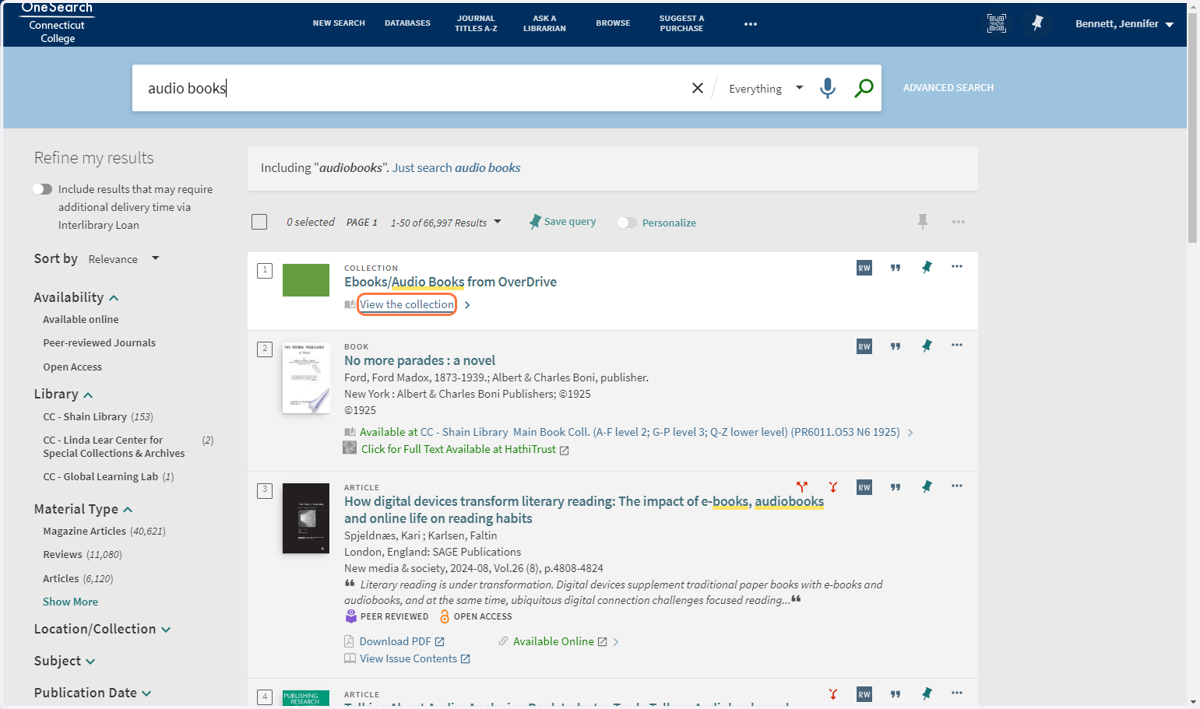
3. Untitled step
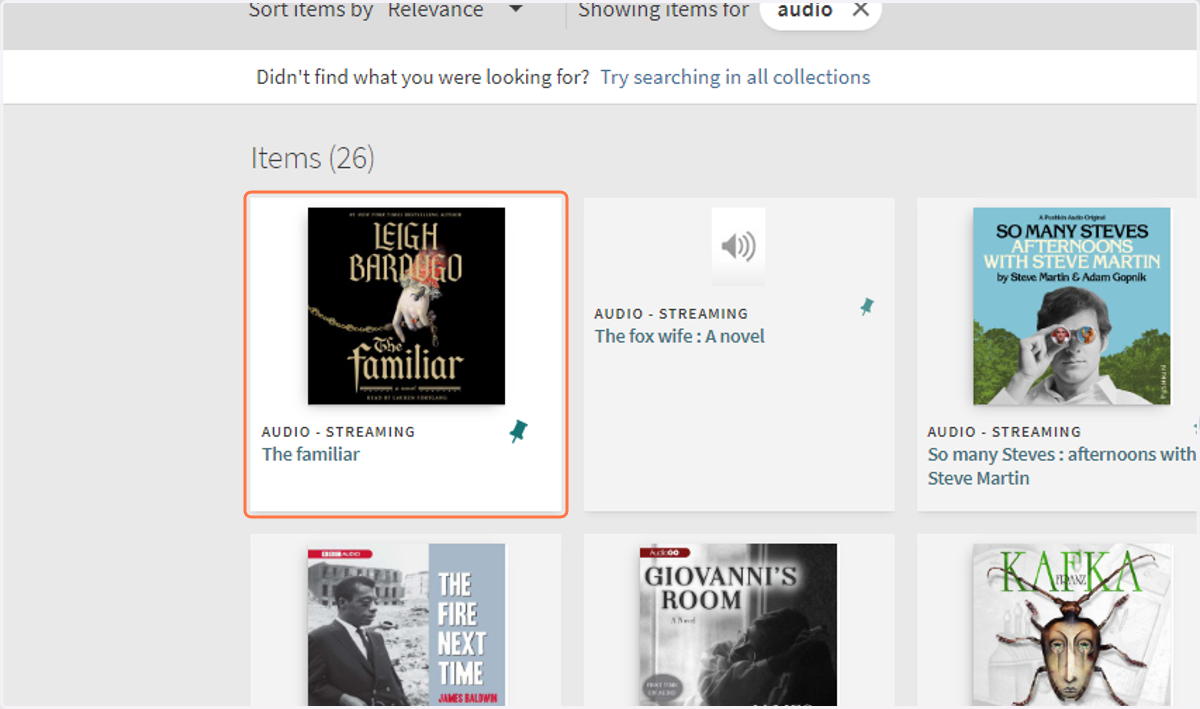
4. Search for audio
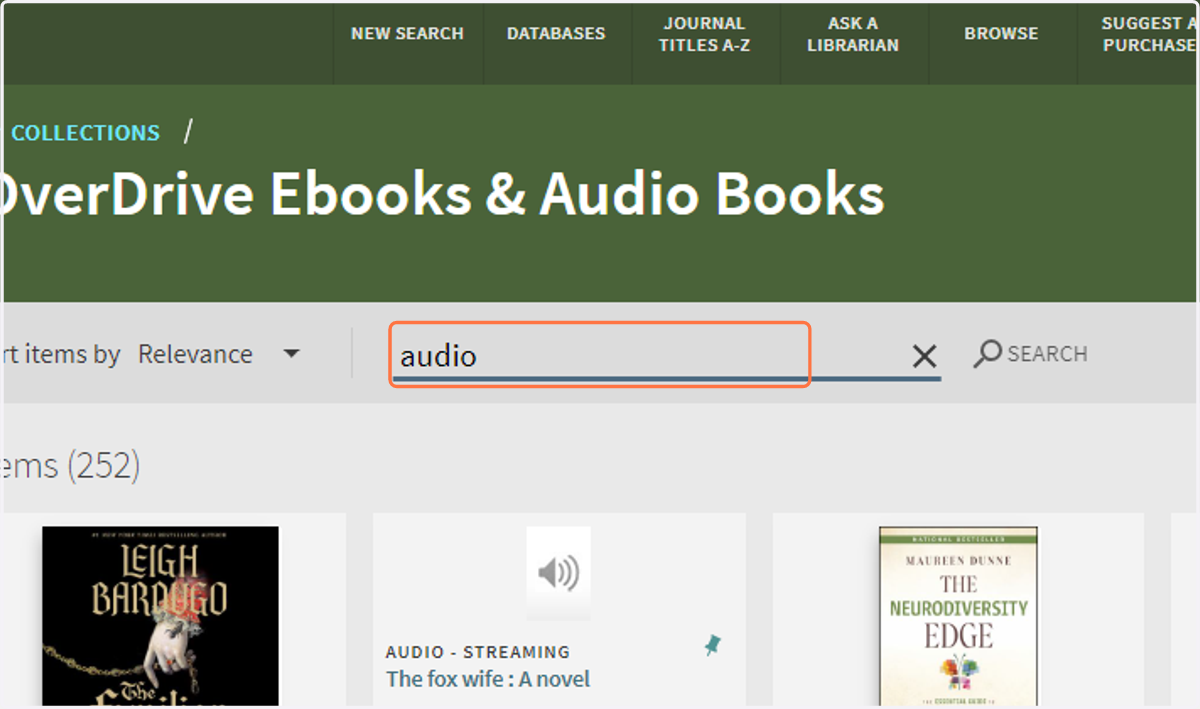
5. Click on the item you want
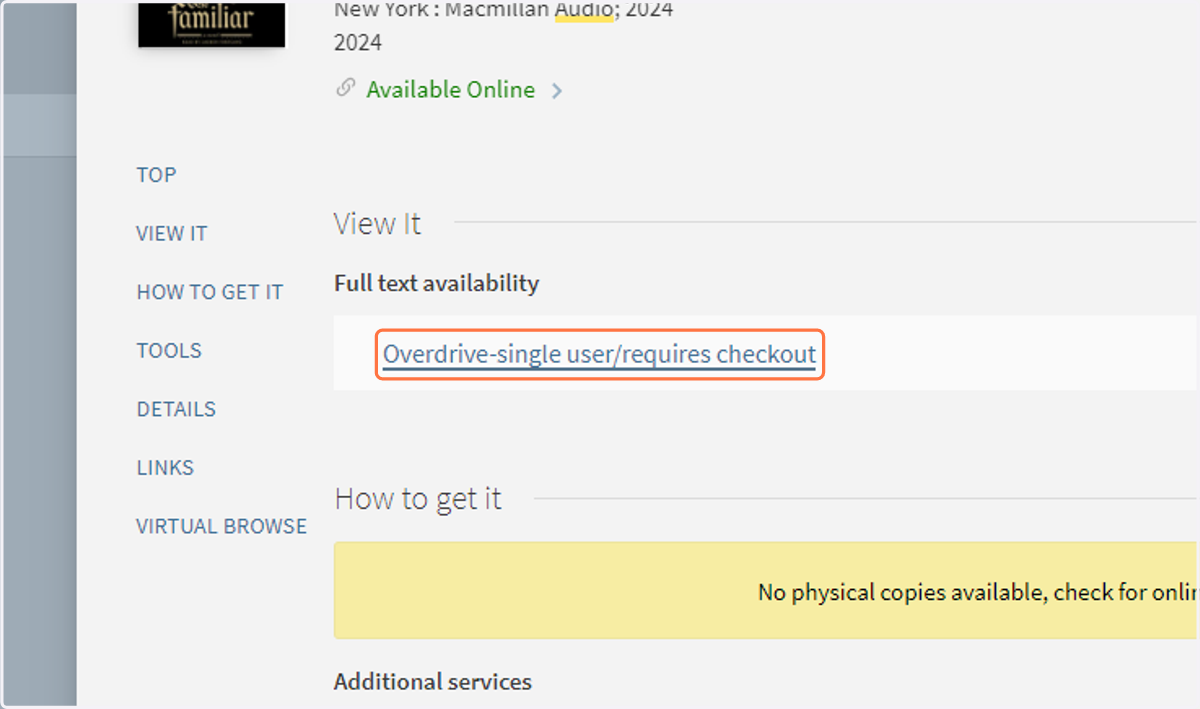
6. Click on Overdrive-single user/requires checkout
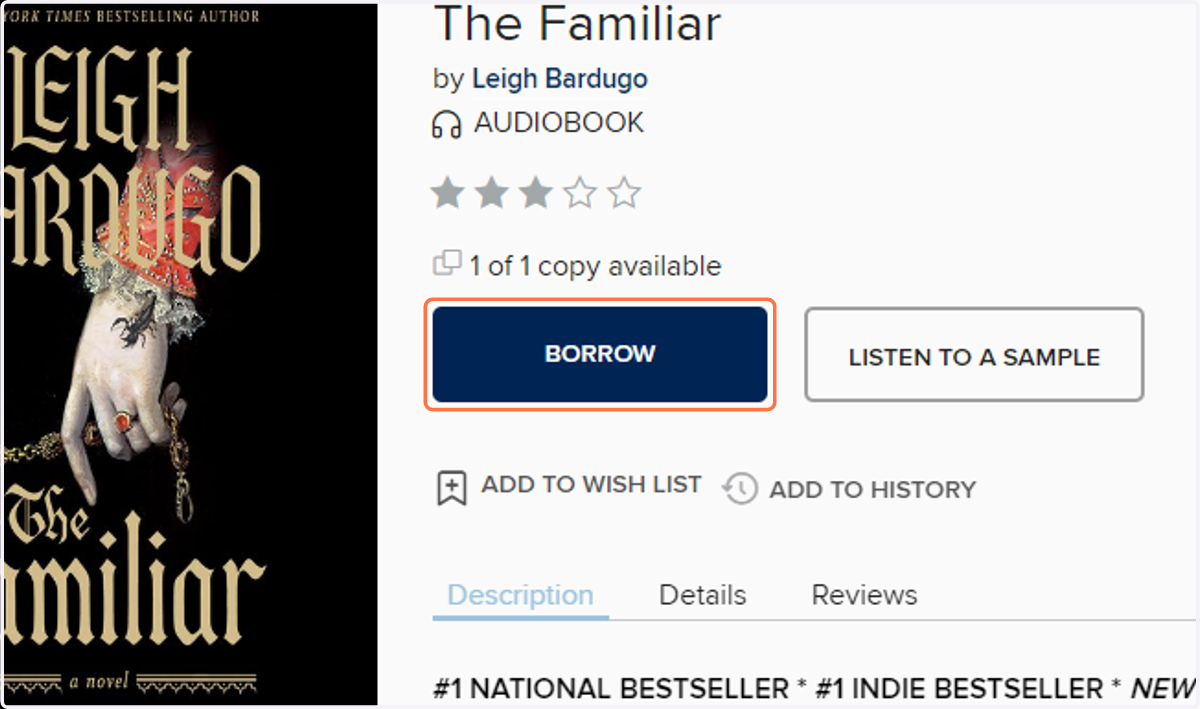
Click Borrow
7. Click on BORROW
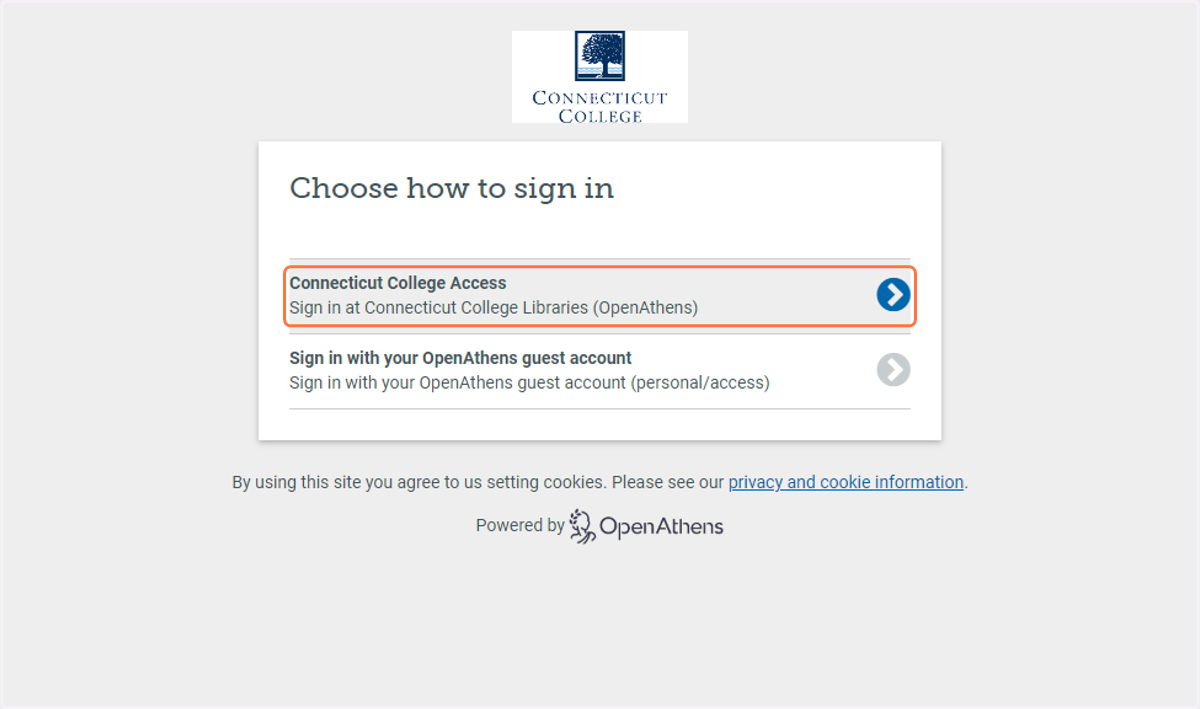
When prompted, sign in to your account
8. Click on Connecticut College Access…
Connecticut College
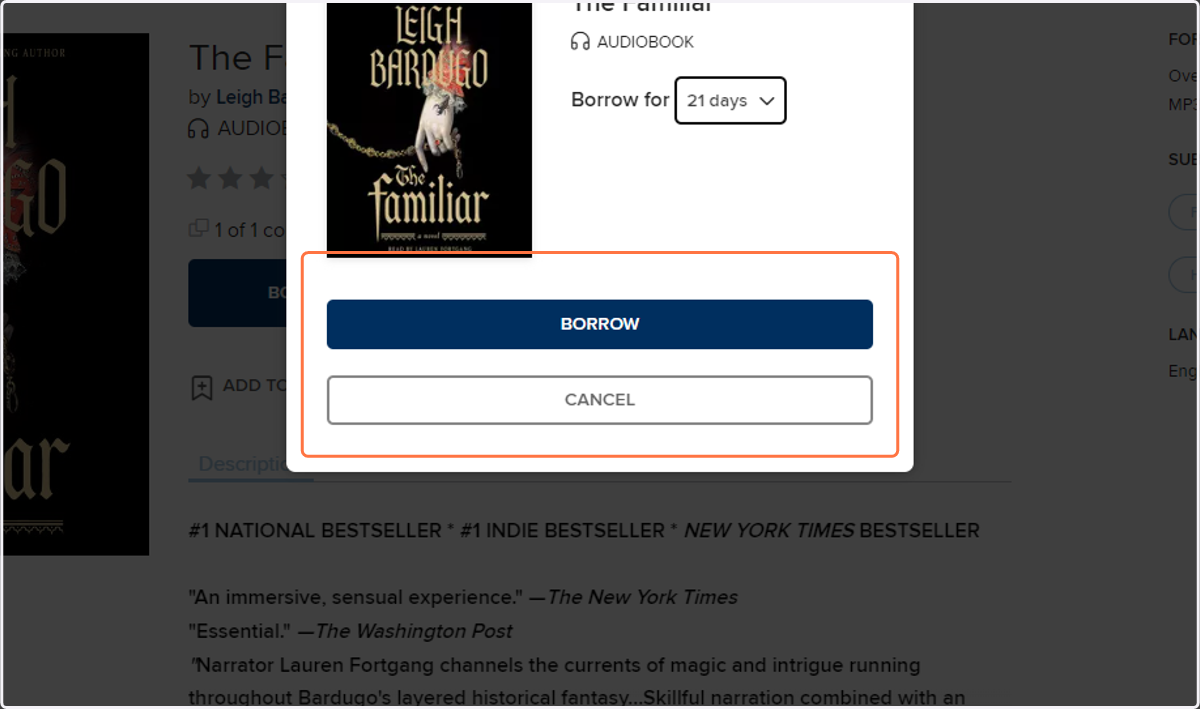
9. Choose the loan time with the drop down arrow and click borrow
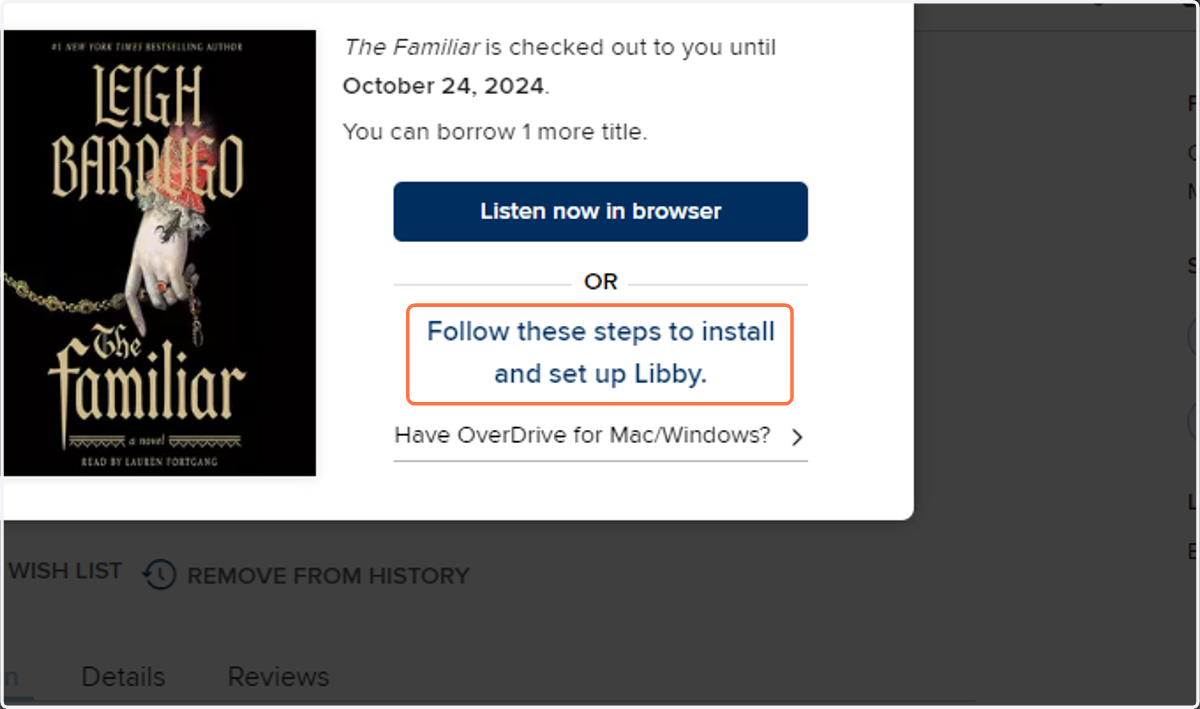
10. Click 'Listen now in browser' or download Libby to listen to the book.