Accessing Alternative Formats in Brightspace
You have the option of reviewing your content in several formats. You will want to choose the one that works best for you!
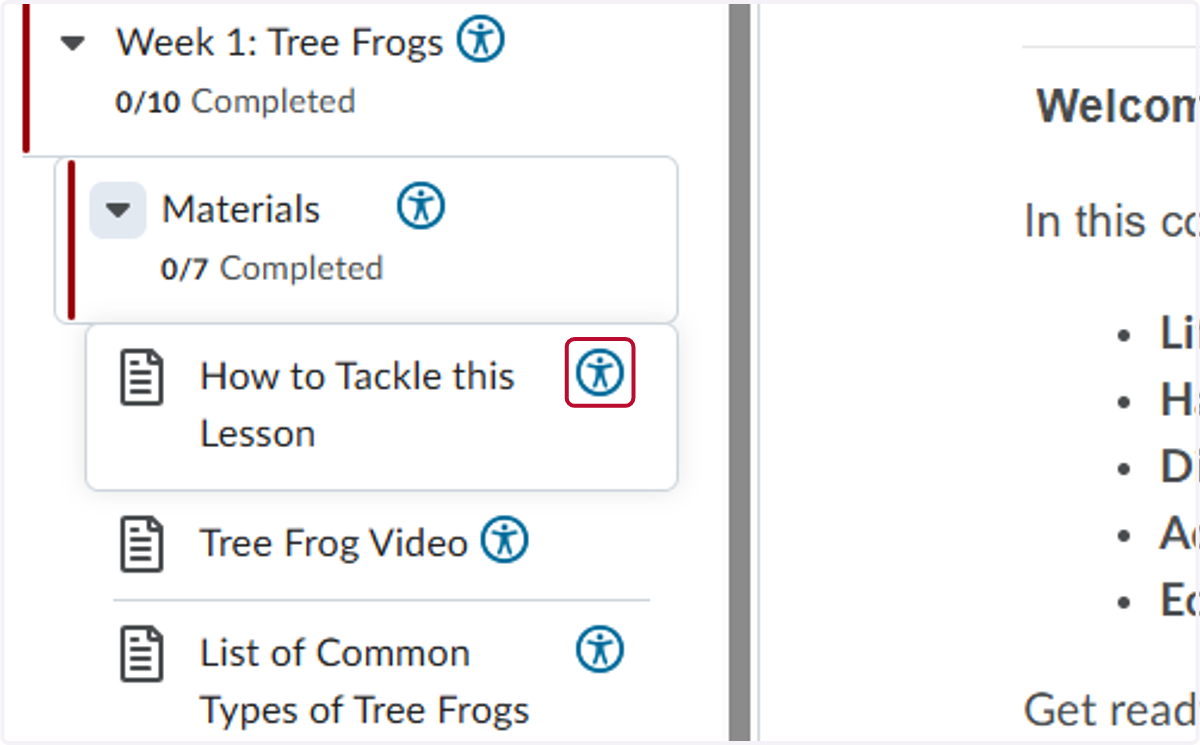
1. Click on circle icon beside the title of the conten you want to review
2. Select the format you prefer
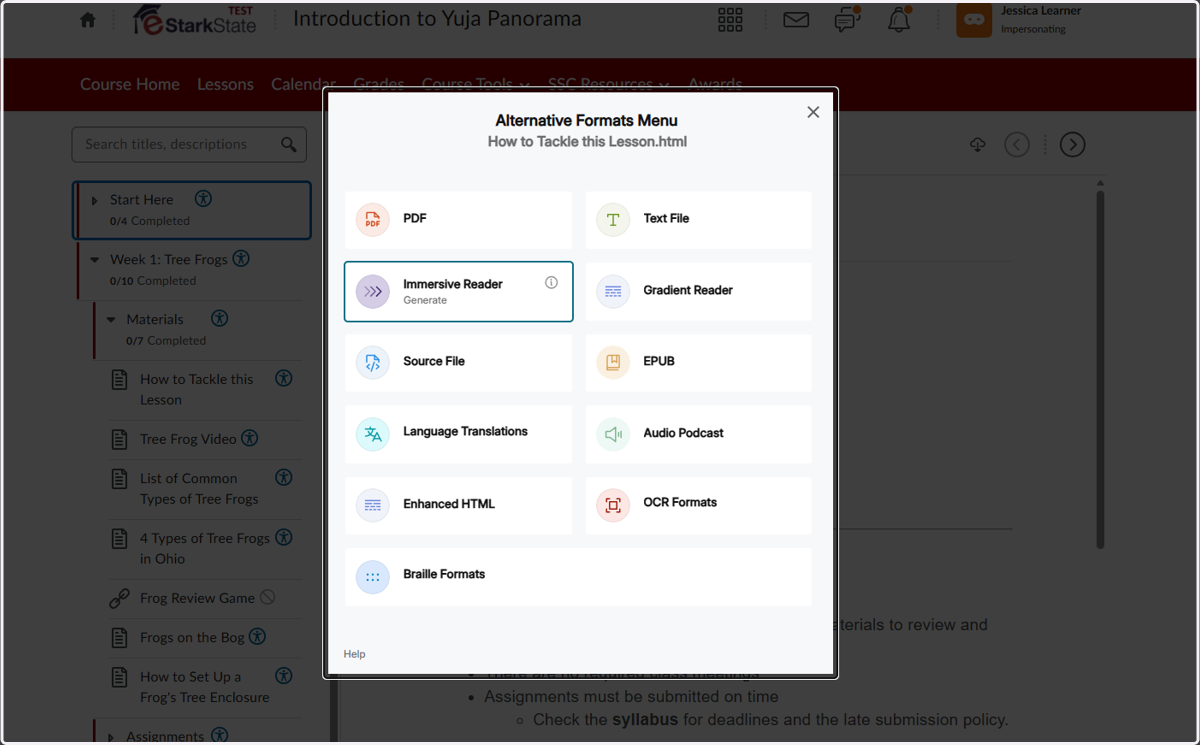
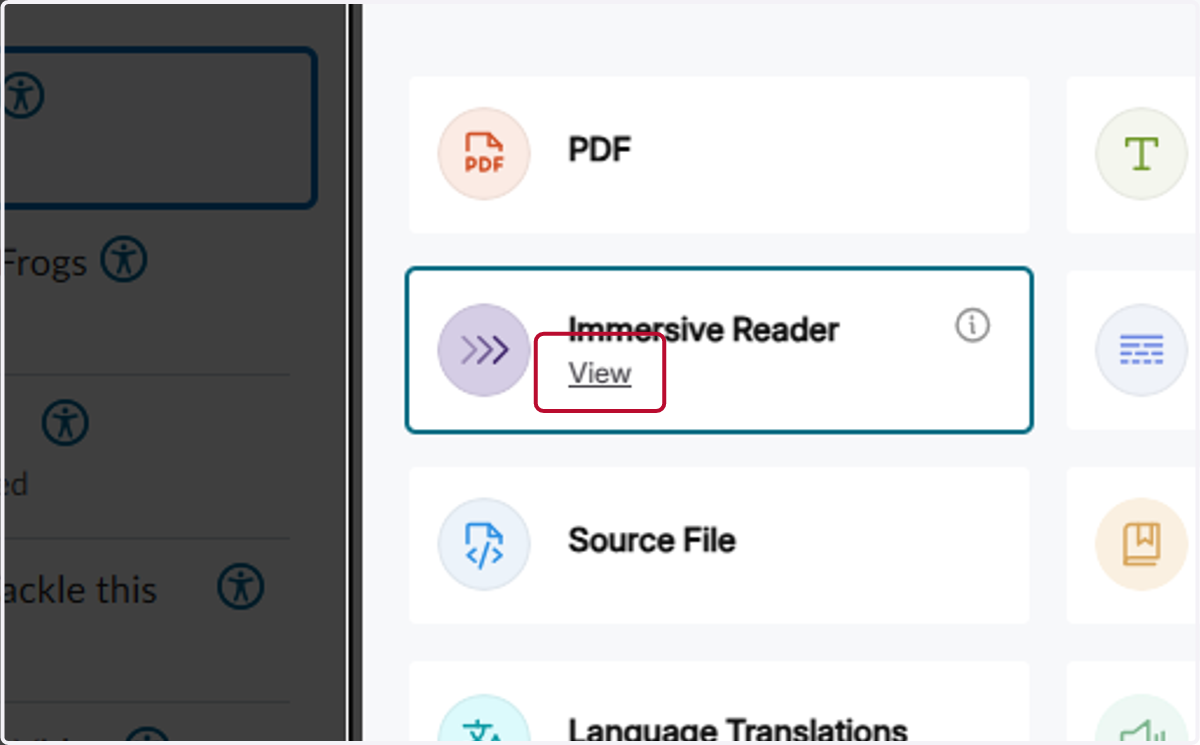
3. Each option is a bit different, some you click on Generate - View, some you will click on View, and some you will click on Download.
Please note:
1. Content you click on View for will open in a separate tab in your browser, so you need to make sure your browser settings allow this.
2. If you click on Download, the files will be in your Downloads folder.