Get Help Accessing Schoology via ClassLink
Home - Hewitt-Trussville Middle School
Navigate to the new HTMS website: htms.tcsk12.us
1. Click on ClassLink
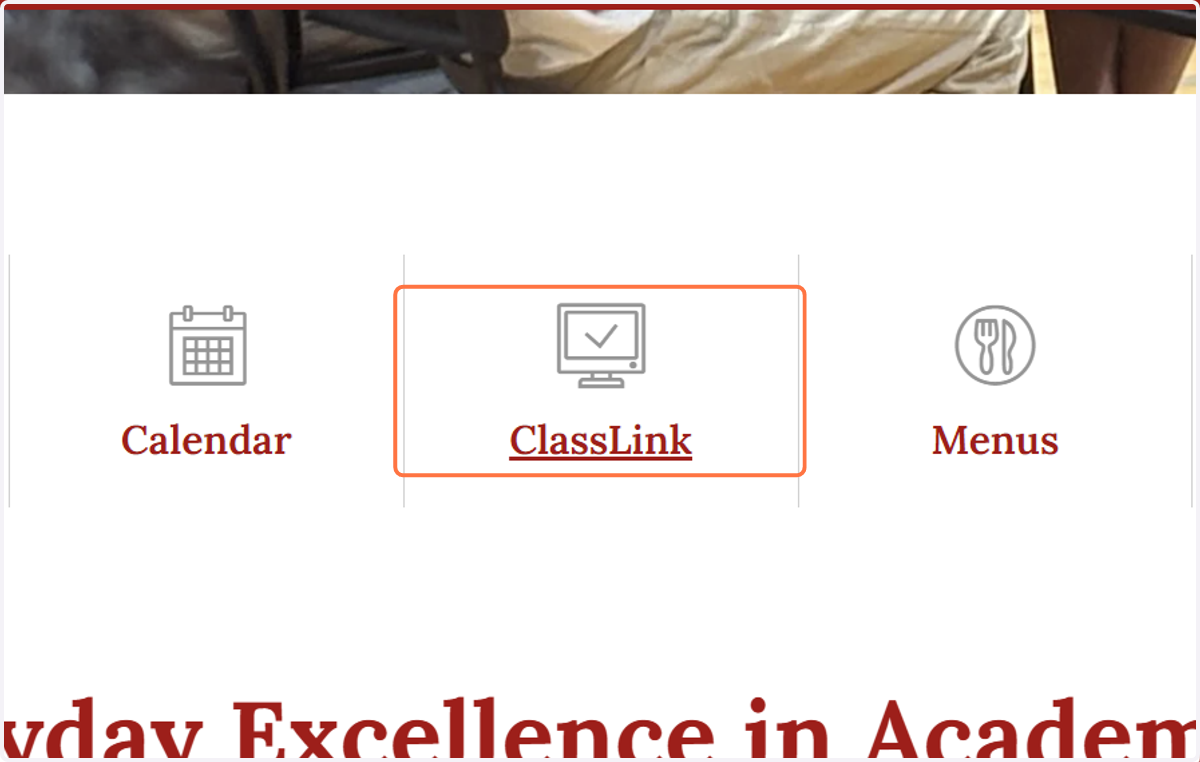
Login
2. On the ClassLink login page, enter your username (first name and four numbers) like you do at school (Example: Kaitlin1234)
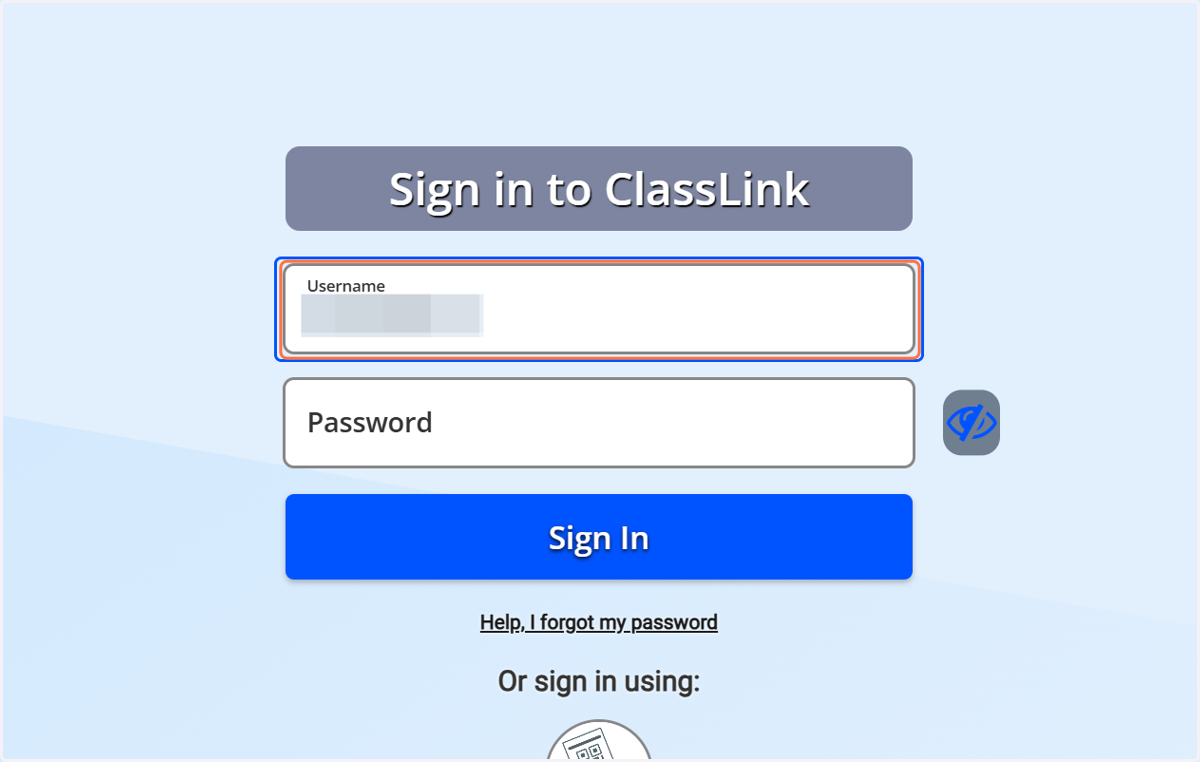
3. Type password
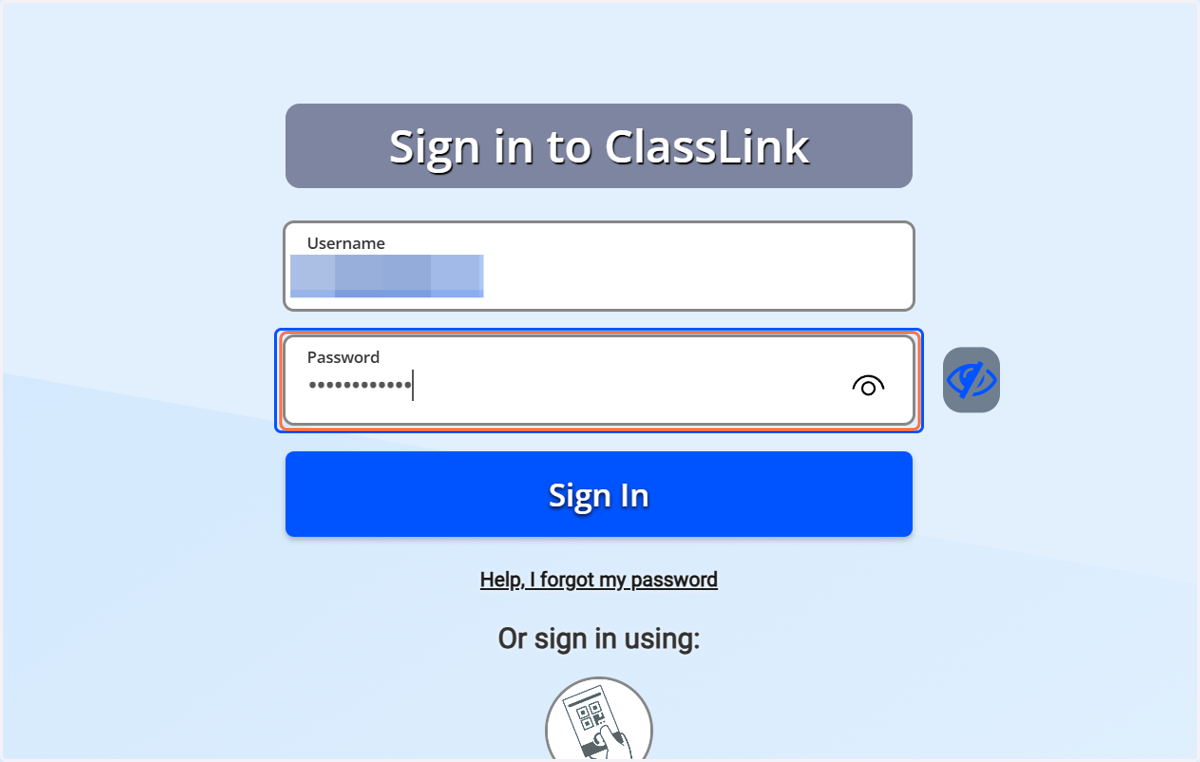
4. Click on Sign In
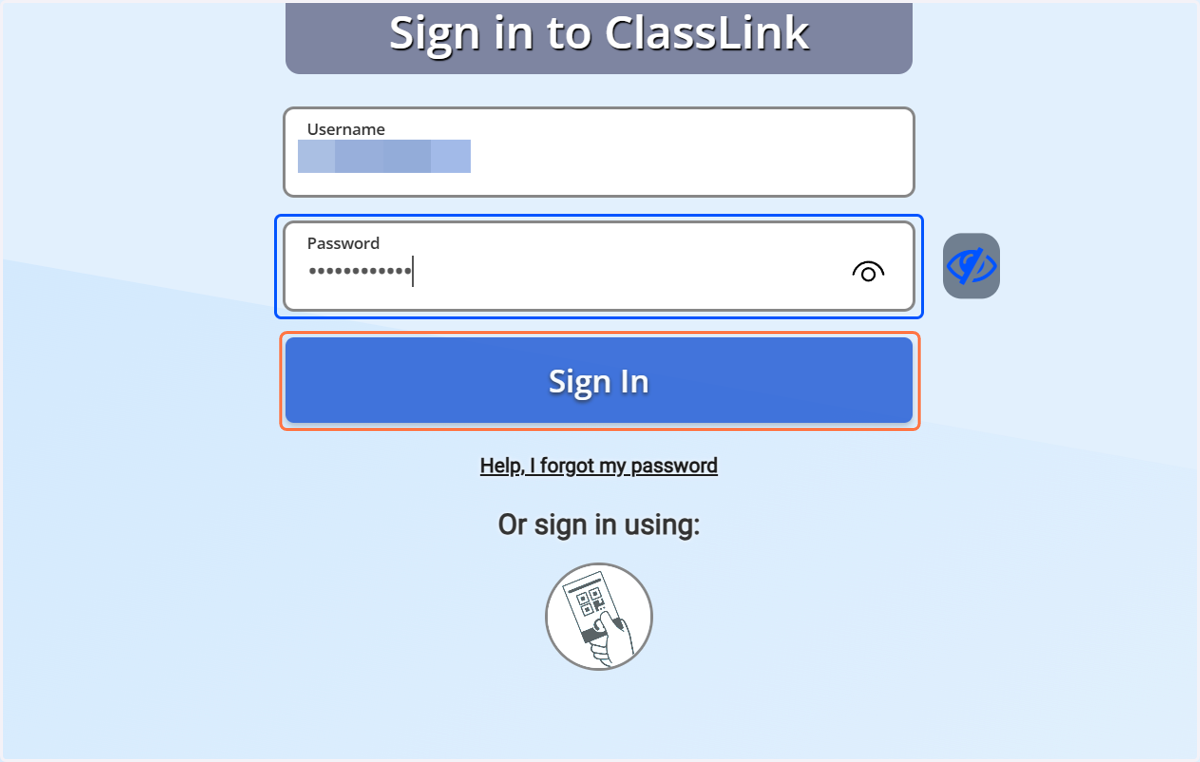
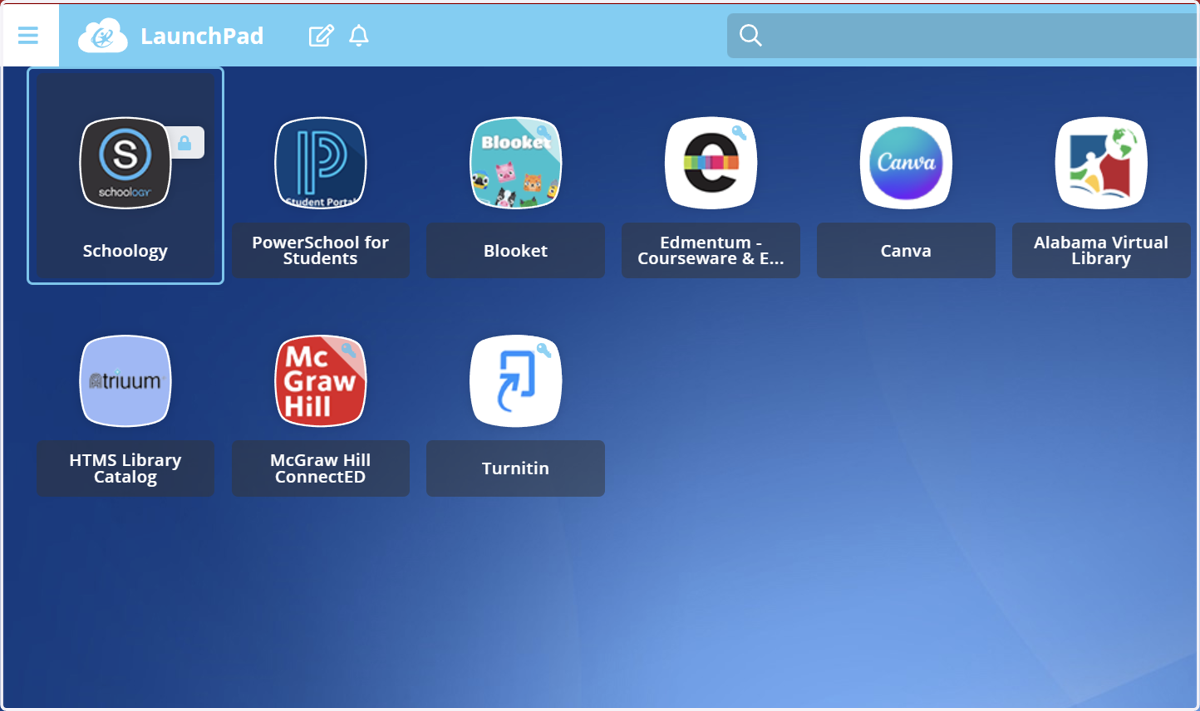
5. Click the Schoology icon.
Sign in using your school Google Account - username@tcsk12.org
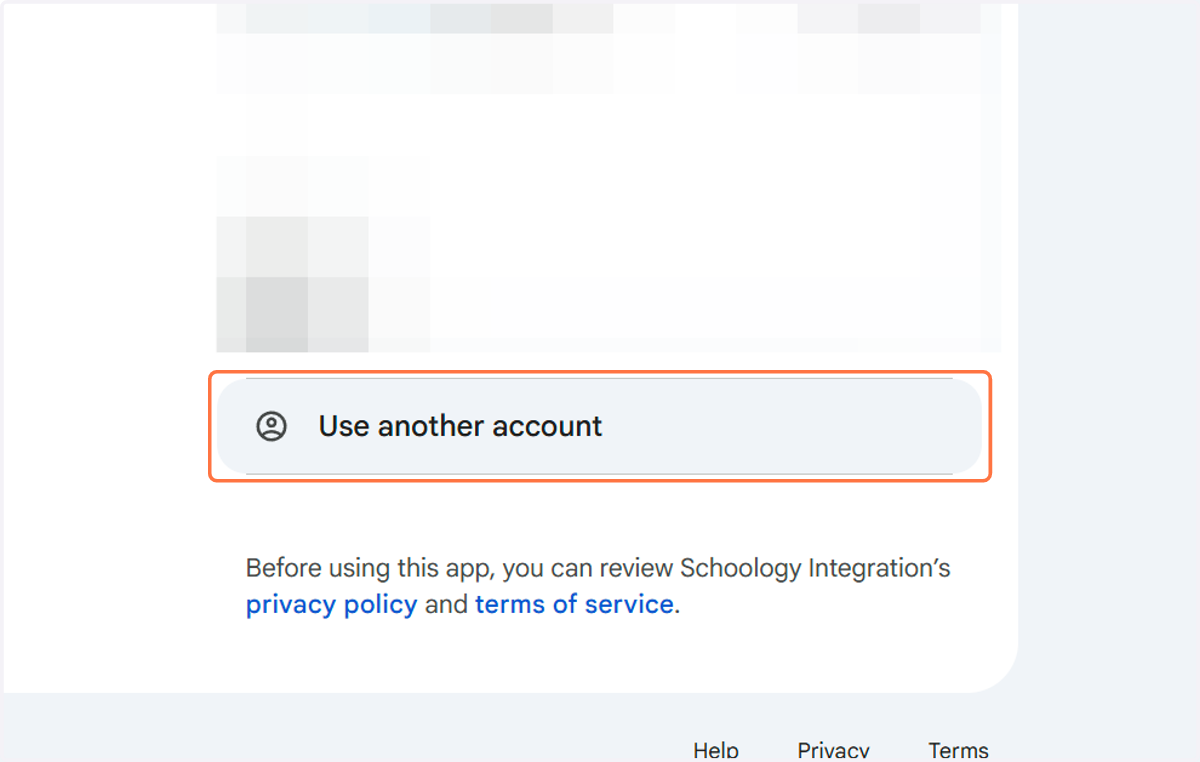
If you have previously logged on to this device, your account may already be listed. If it is, click your account to login. If it is not listed, please continue with step 6.
6. Click on Use another account
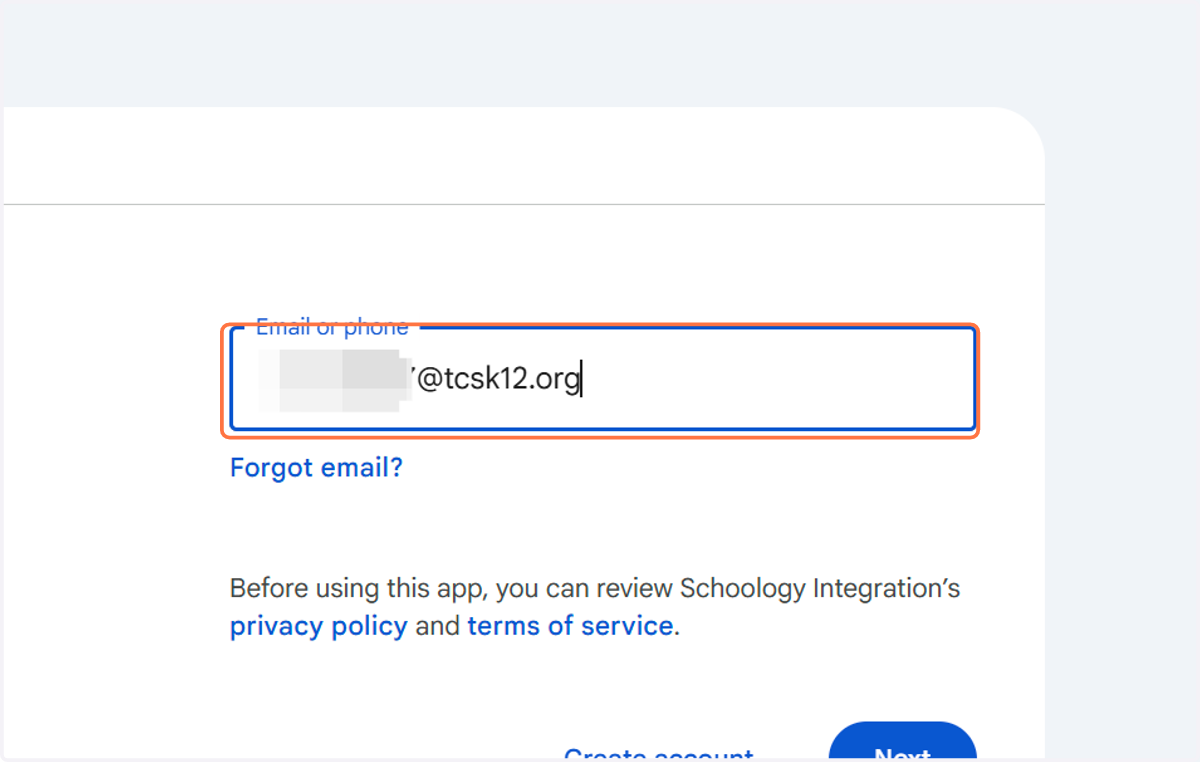
7. Type your student email address with your username@tcsk12.org (example: Kaitlin1234@tcsk12.org)
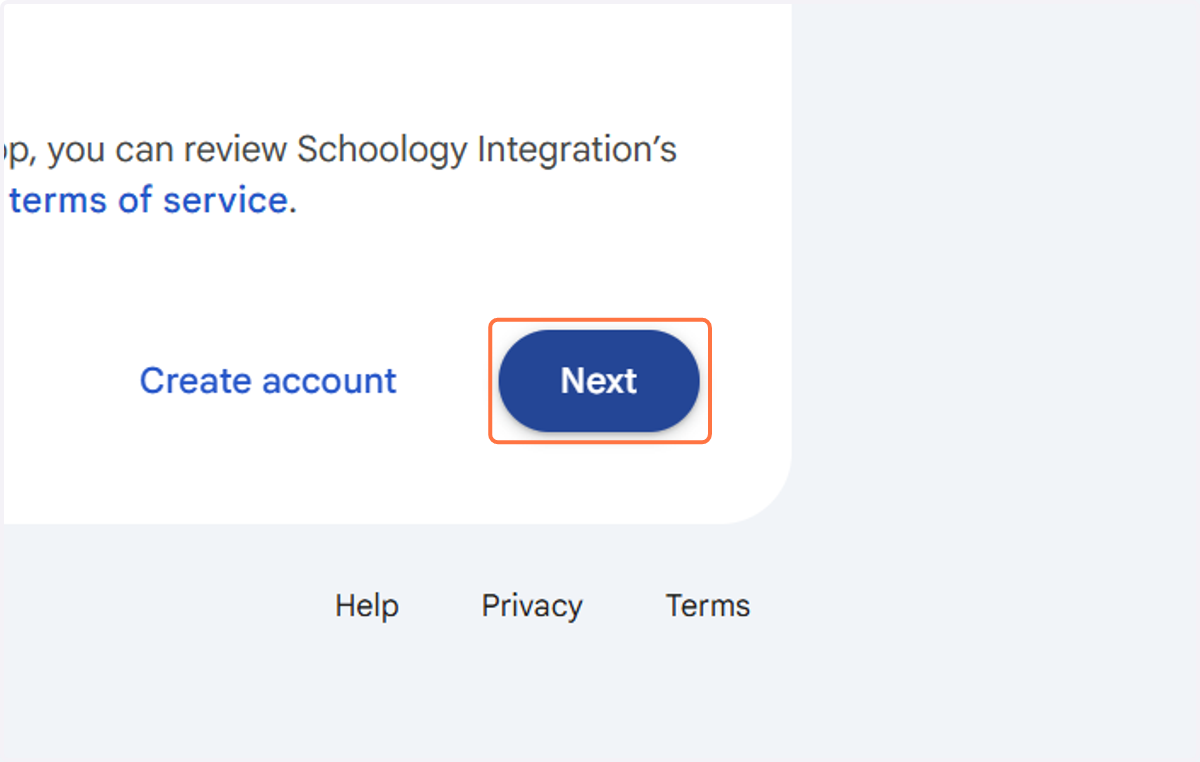
8. Click on Next
Home | Schoology
Now you should be logged into Schoology!
If the device you are trying to use at home has age restrictions on it, you need to add your @tcsk12.org email address to the device first.
If you still cannot access Schoology, please call the technology help desk at 205-228-3006.