Access Past Reports
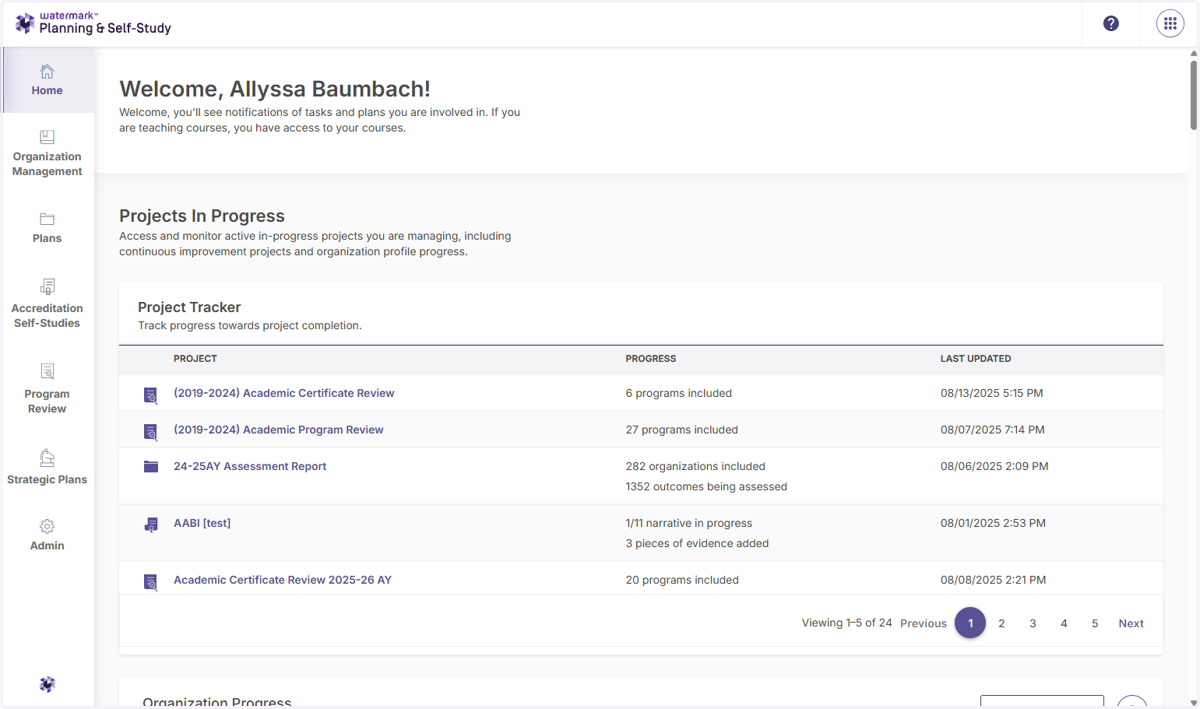
1. From your homepage, scroll down to the program where you want to obtain your previous assessment report.
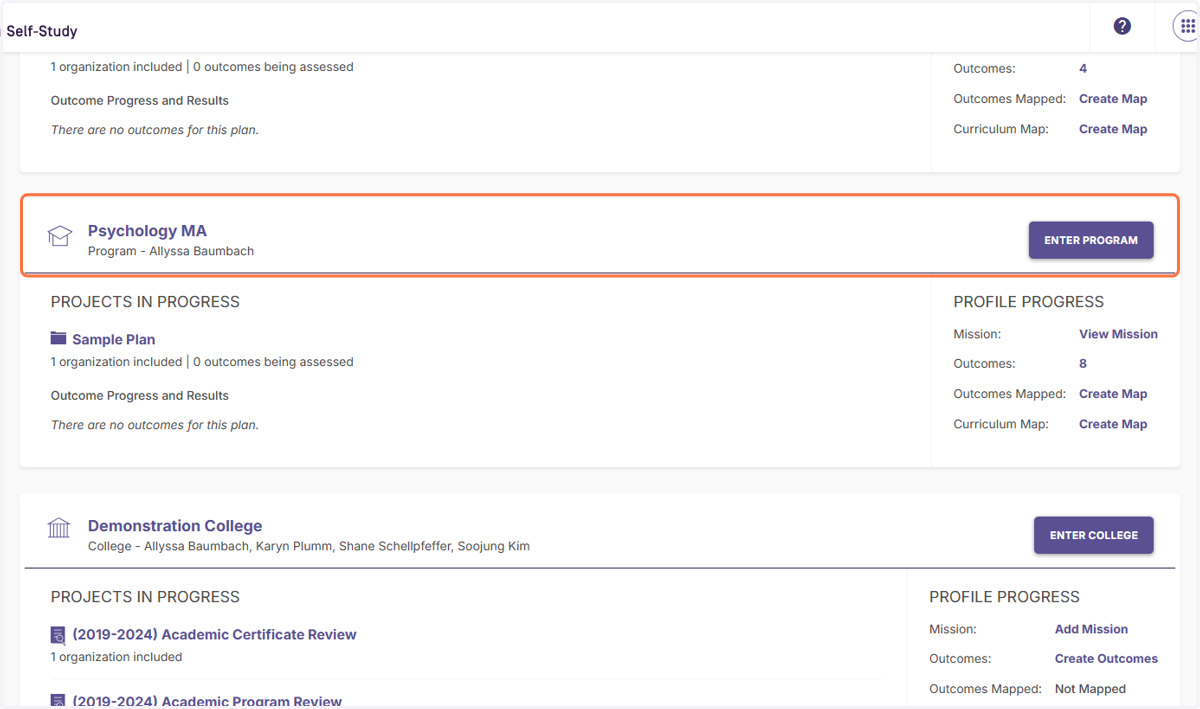
2. Identify the program you want to access and either click the name of the program or the Enter Program button.
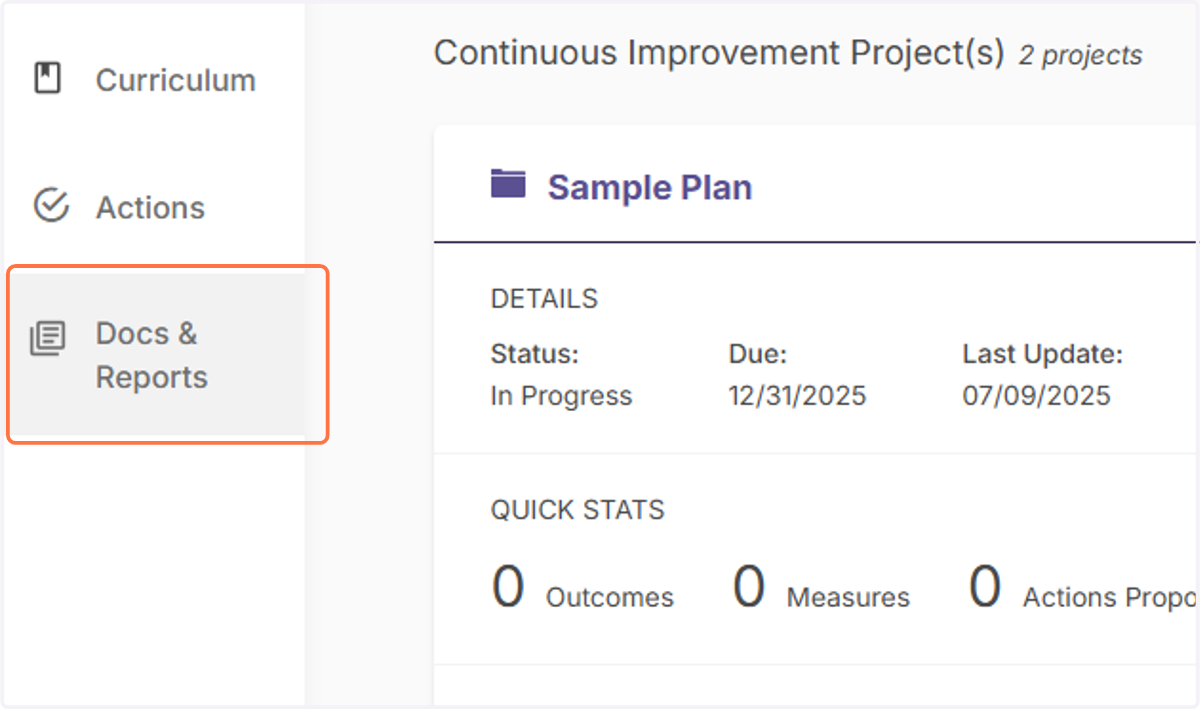
3. Click on Docs & Reports in your left side menu.
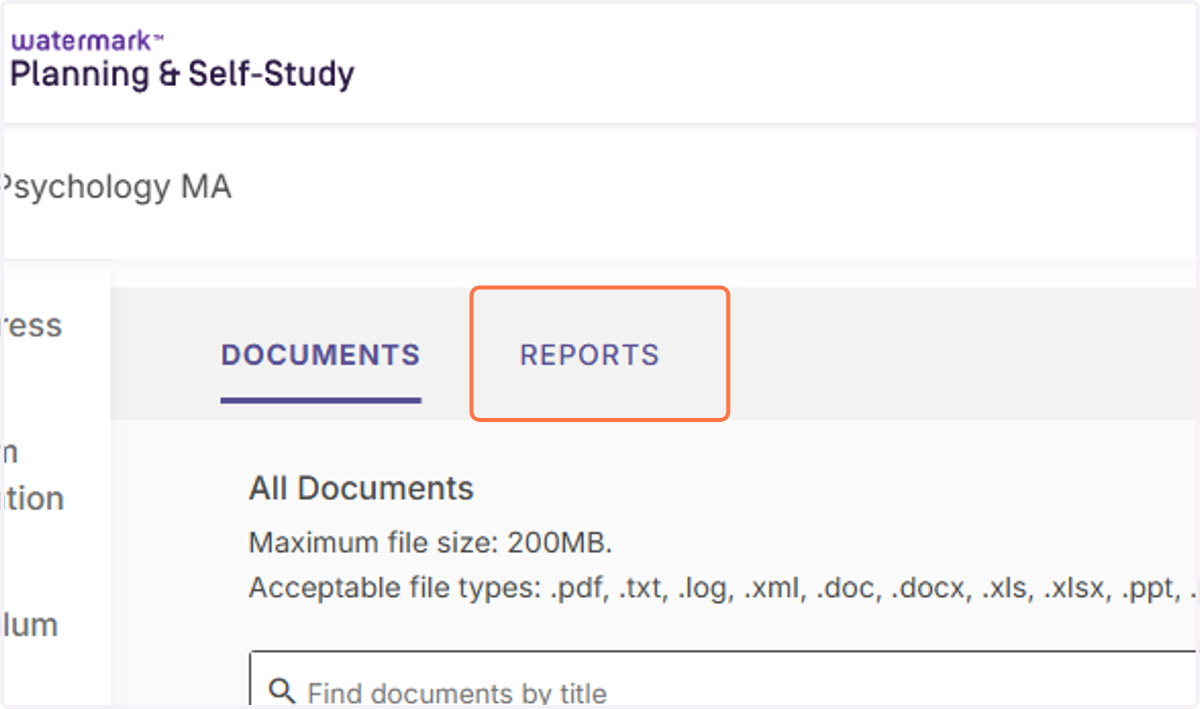
4. This will show you all the document associated with your program, including past assessment reports. Click on Reports.
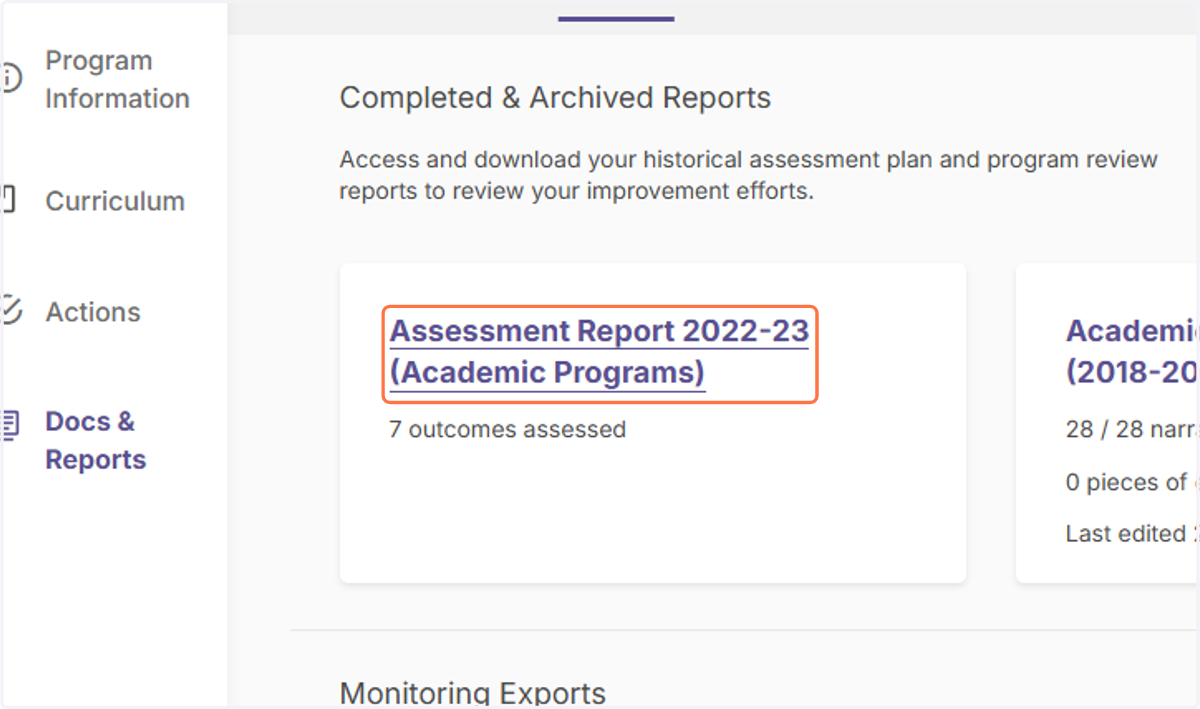
5. Select the report you want to download.
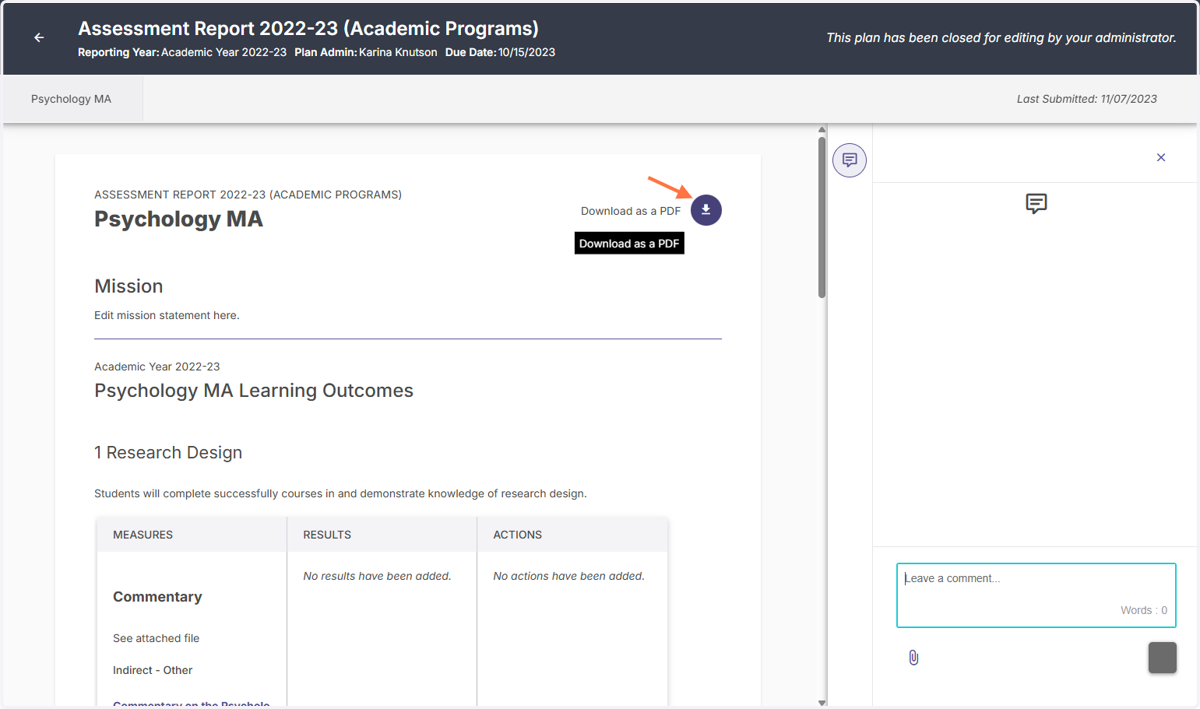
6. Click on the downward facing arrow toward the right side of the screen to download your report as a PDF.