Access Live Tutoring via Okeene Public Library
1. Click on Okeene Public Library…
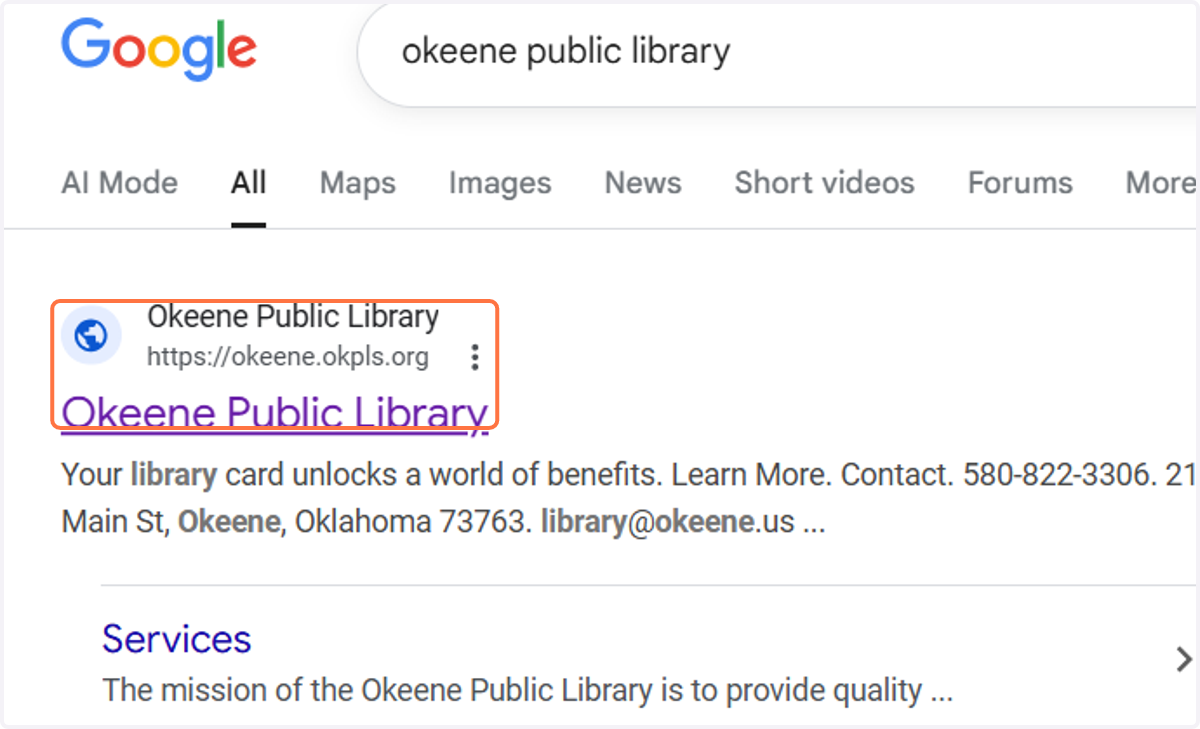
Okeene Public Library
2. Click on Digital Resources
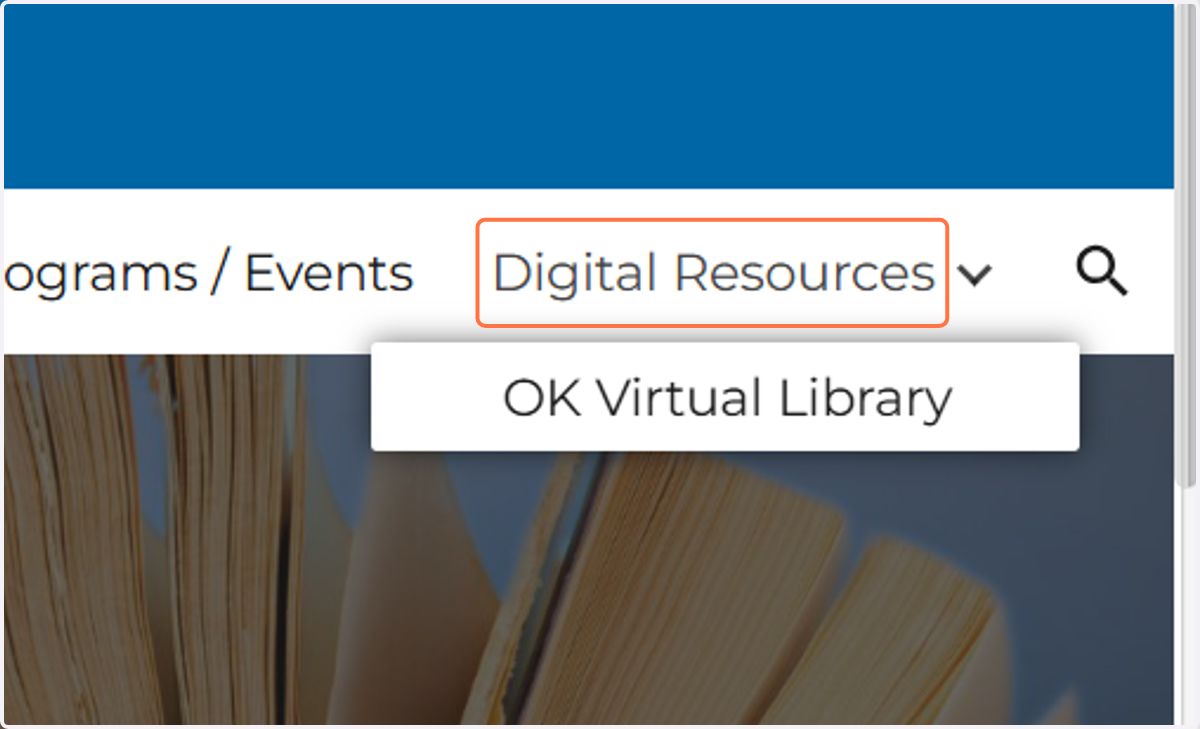
3. Click on brainfuse HelpNow

Okeene Public Library HelpNow - Online Tutoring
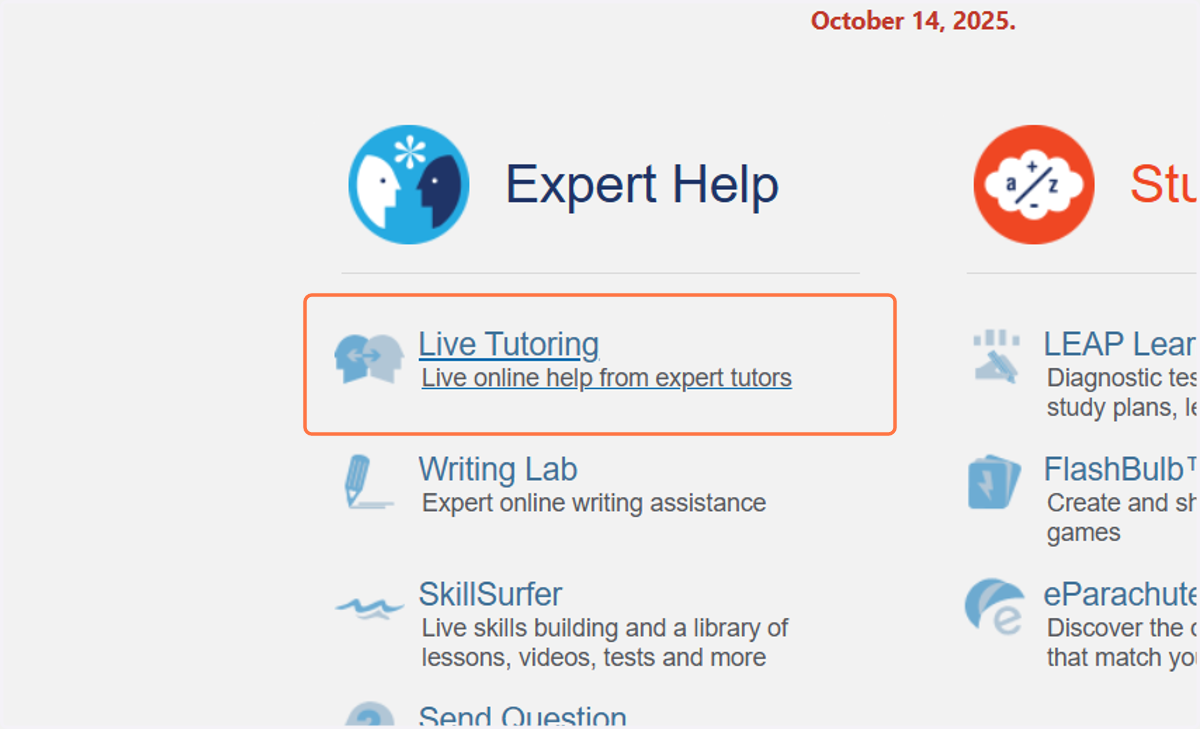
4. Click on Live Tutoring…
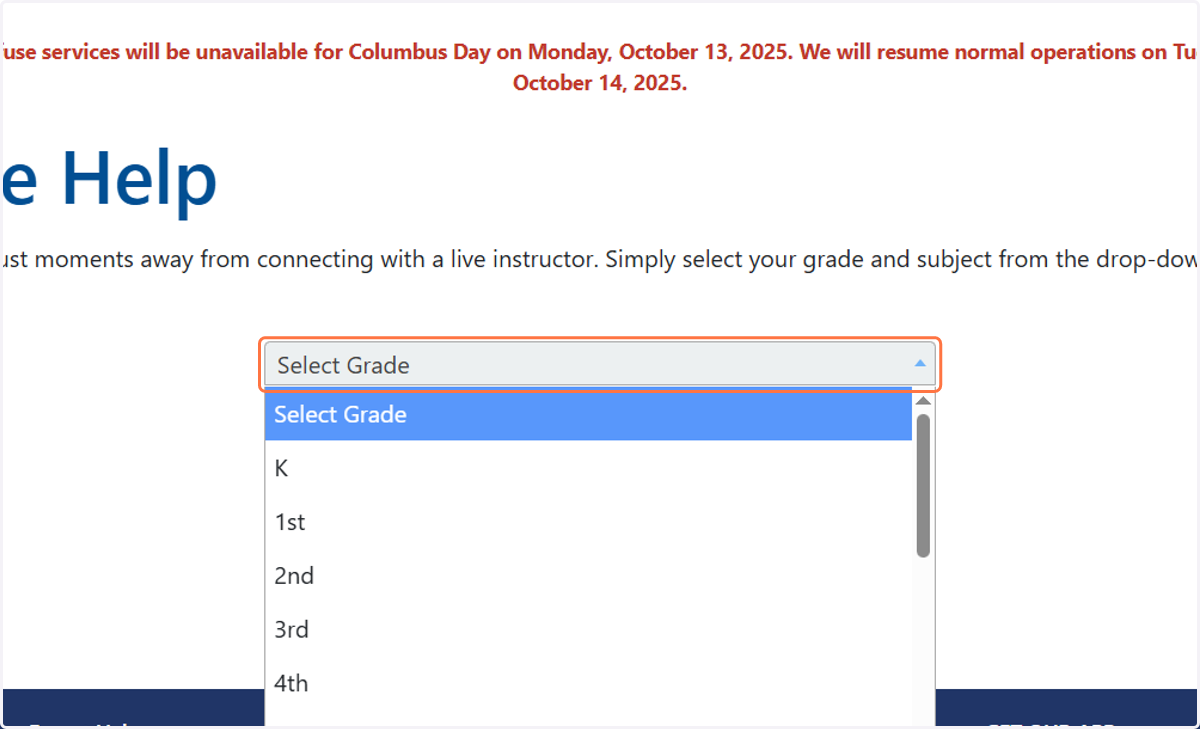
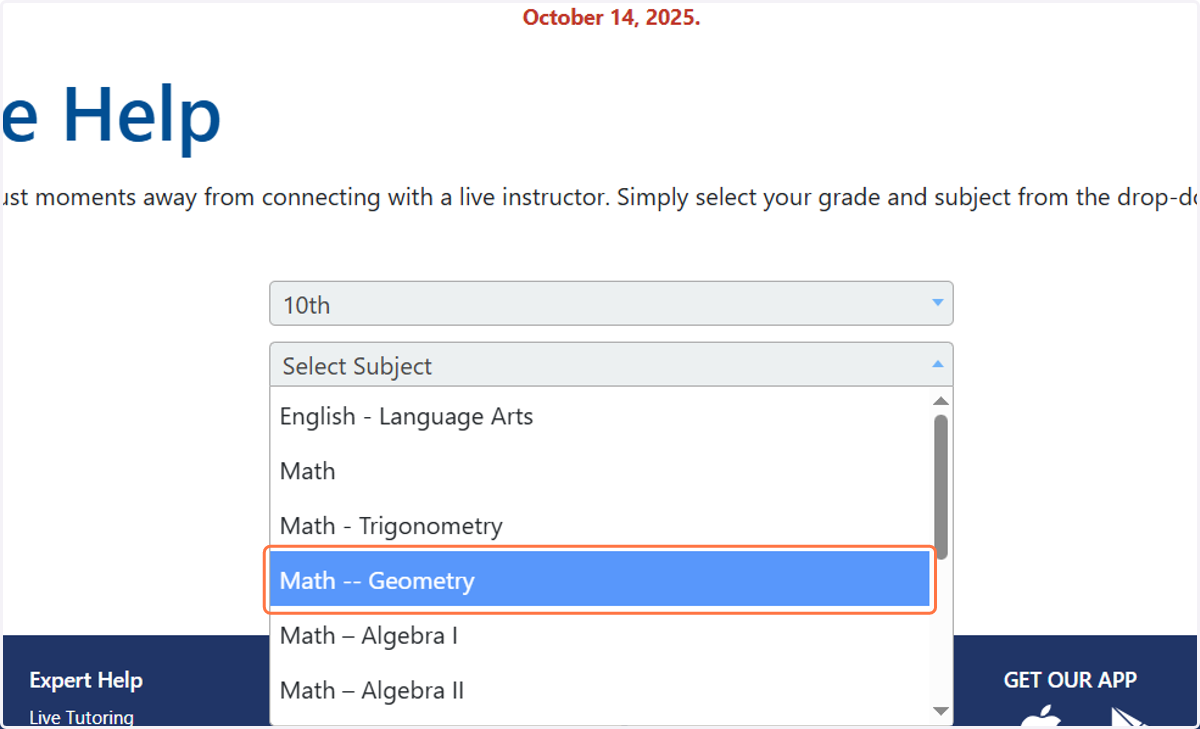
5. Click "Select Grade" and Select your grade
6. Click on "Select Subject" and choose the subject you need help in.
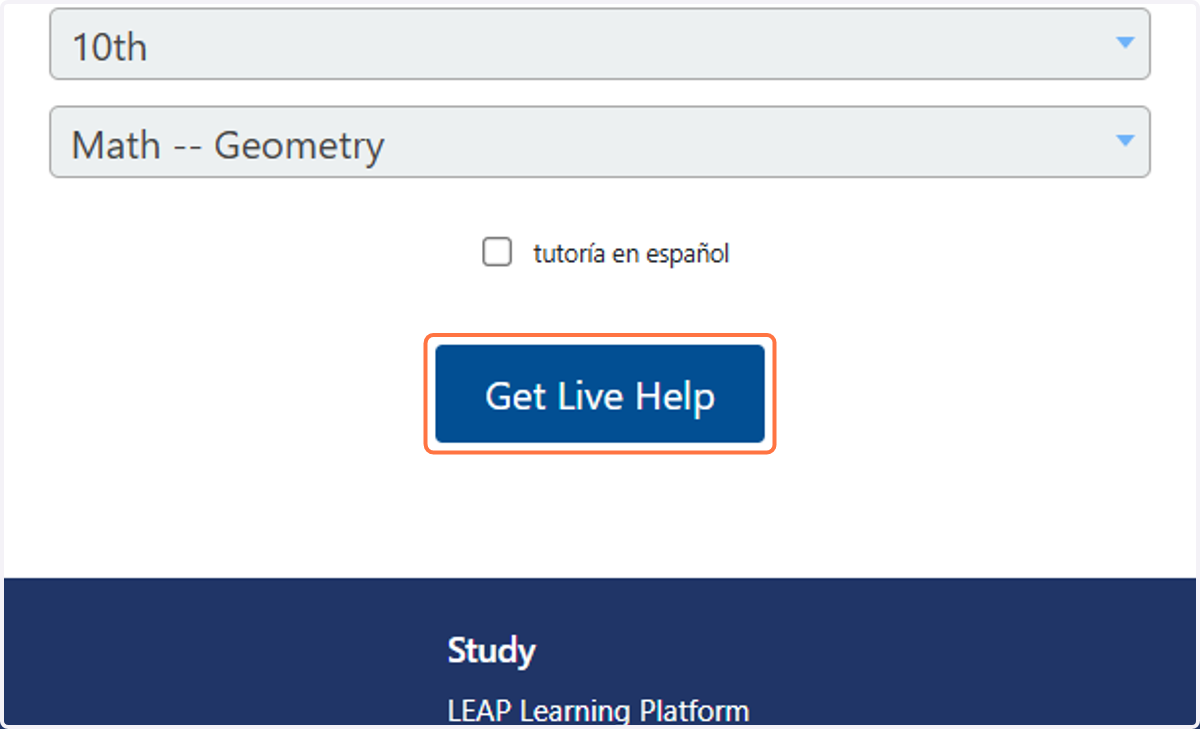
7. Click on Get Live Help
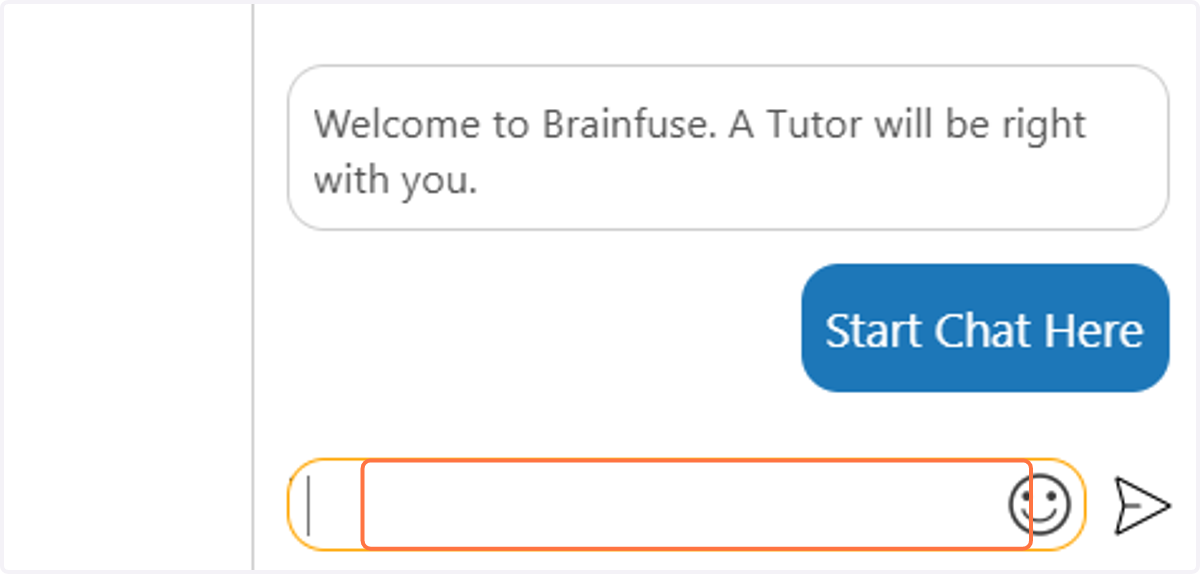
8. When a tutor is assigned, you may start a chat with them and they will answer your questions.
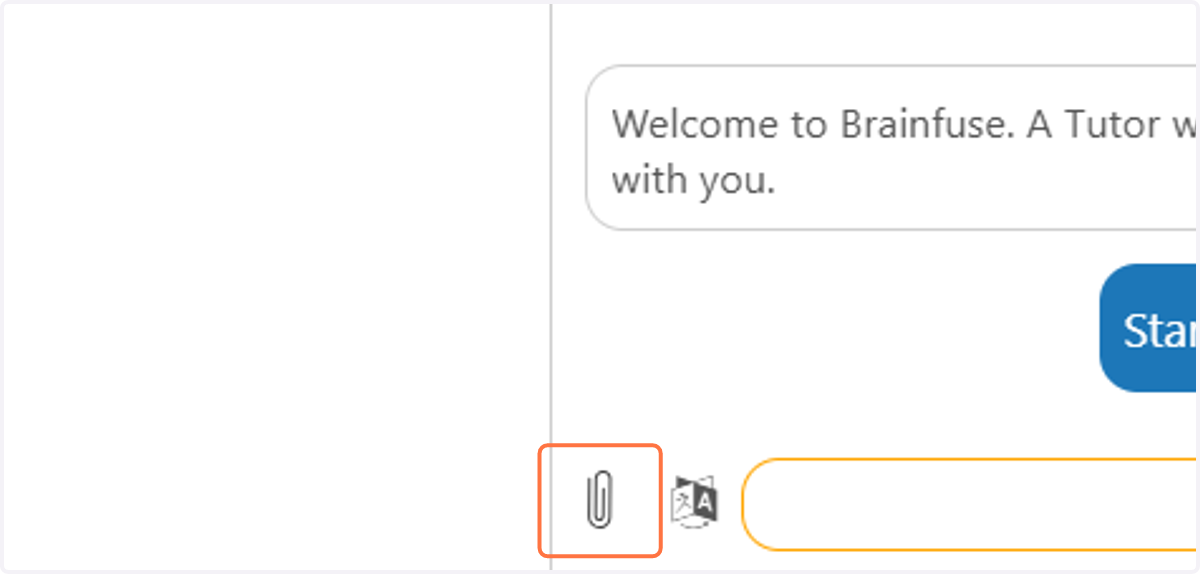
9. If you need to upload a screenshot of your problems or work, use the paper clip next to the chat box. Taking a screenshot can be done on the Chromebook by pressing Ctrl and "Show Windows" button
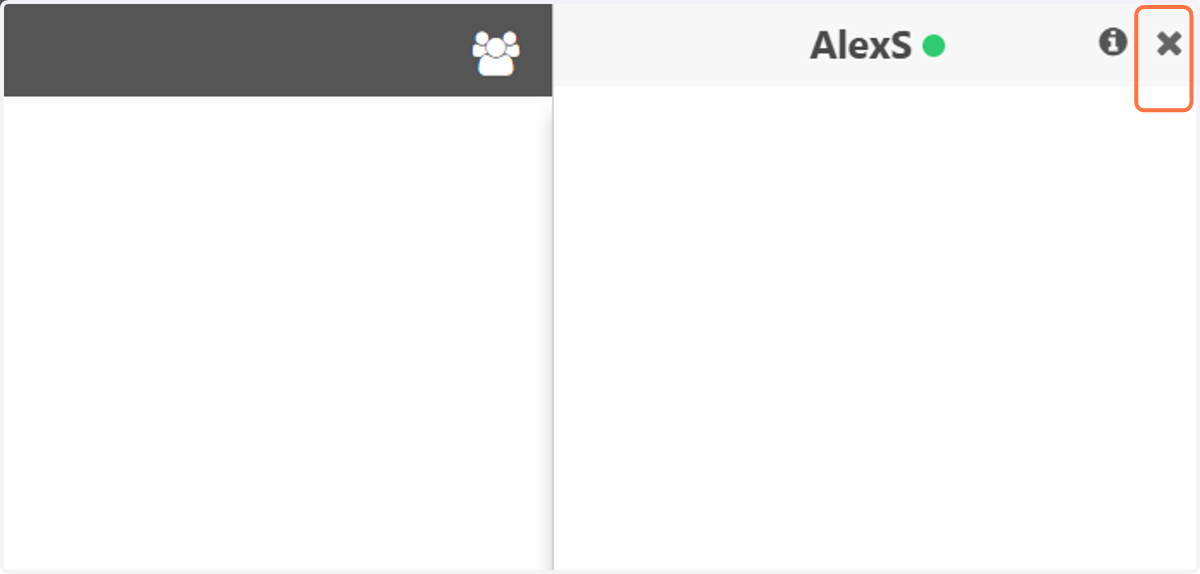
10. When you are finished, you can "x" out and end the session.
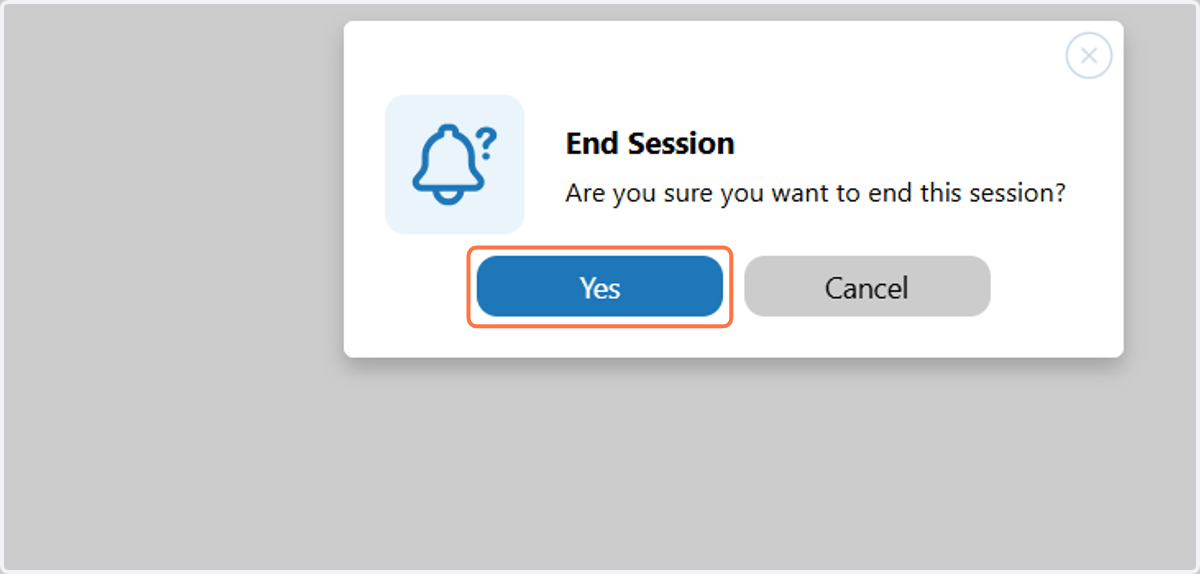
11. Click on Yes
12. You will be asked to take a short survey to evaluate your tutor. Be honest!