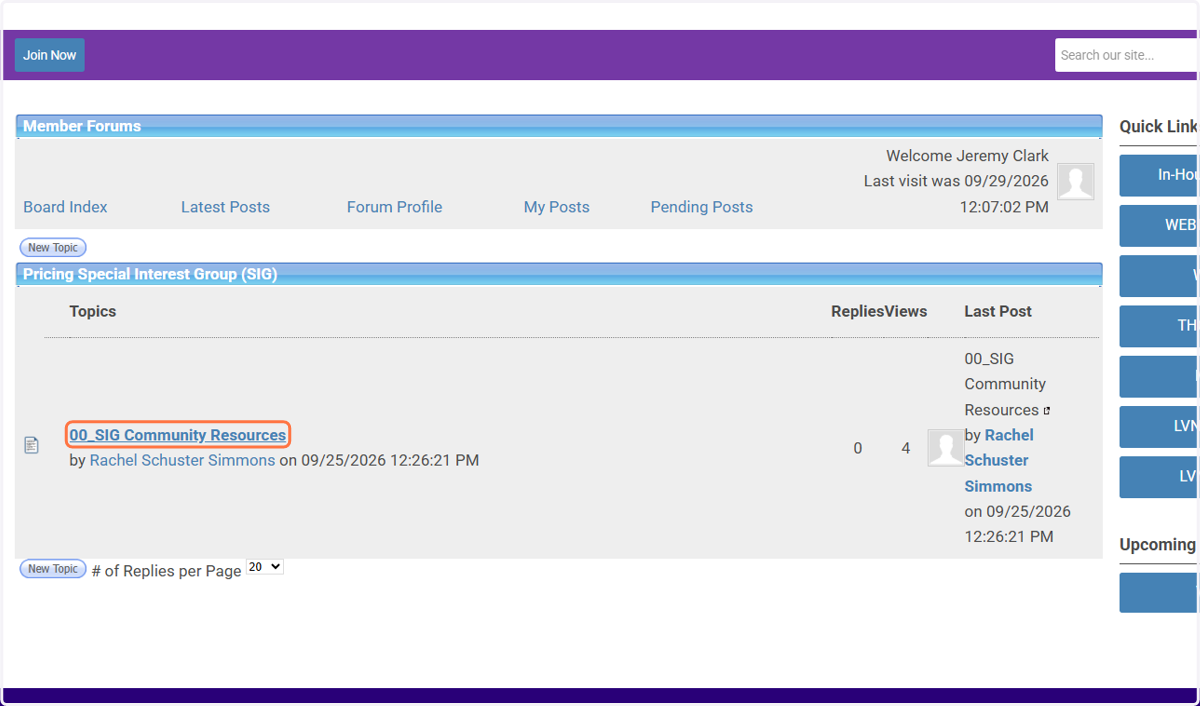
Access Legal Value Network Special Interest Group (SIG) Forums
Go to the Legal Value Network website
How to Sign-Up for a SIG
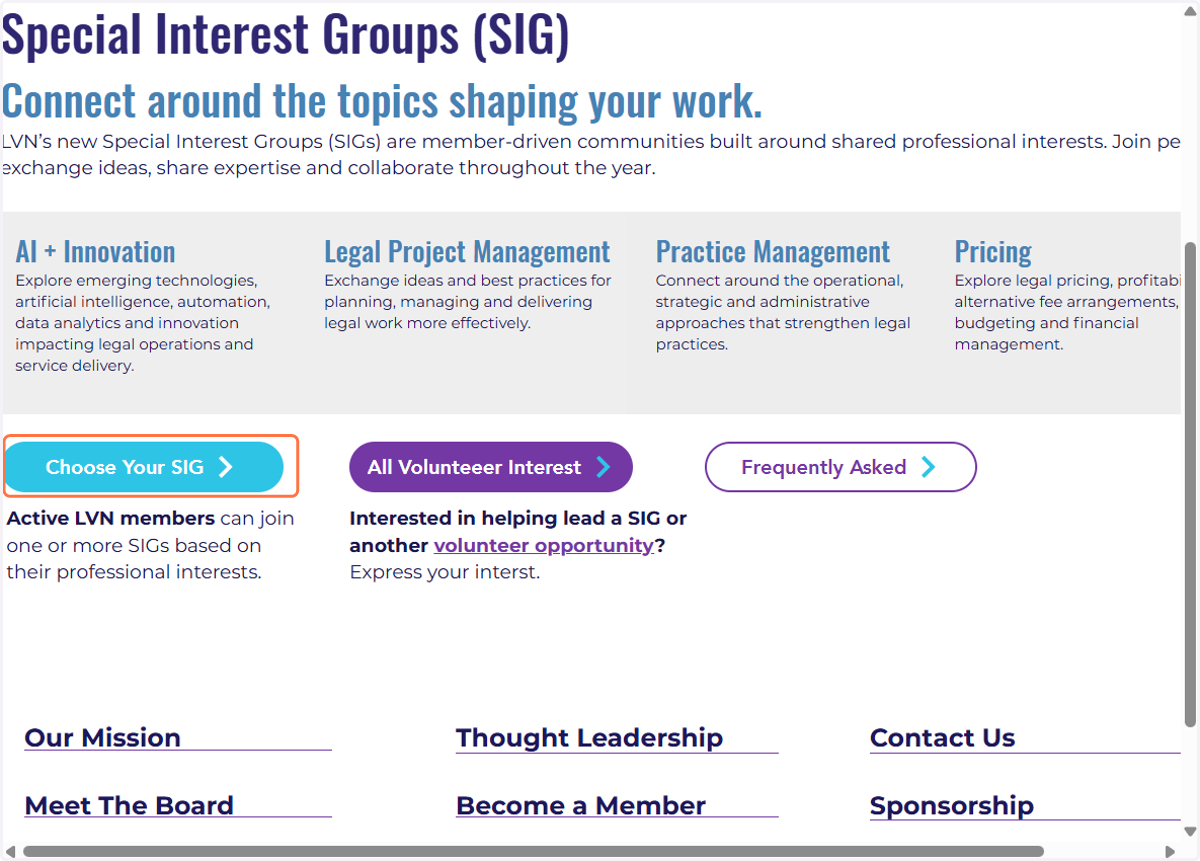
1. Click on Special Interest Groups (SIG) under the About LVN menu tab

2. Click on Choose Your SIG
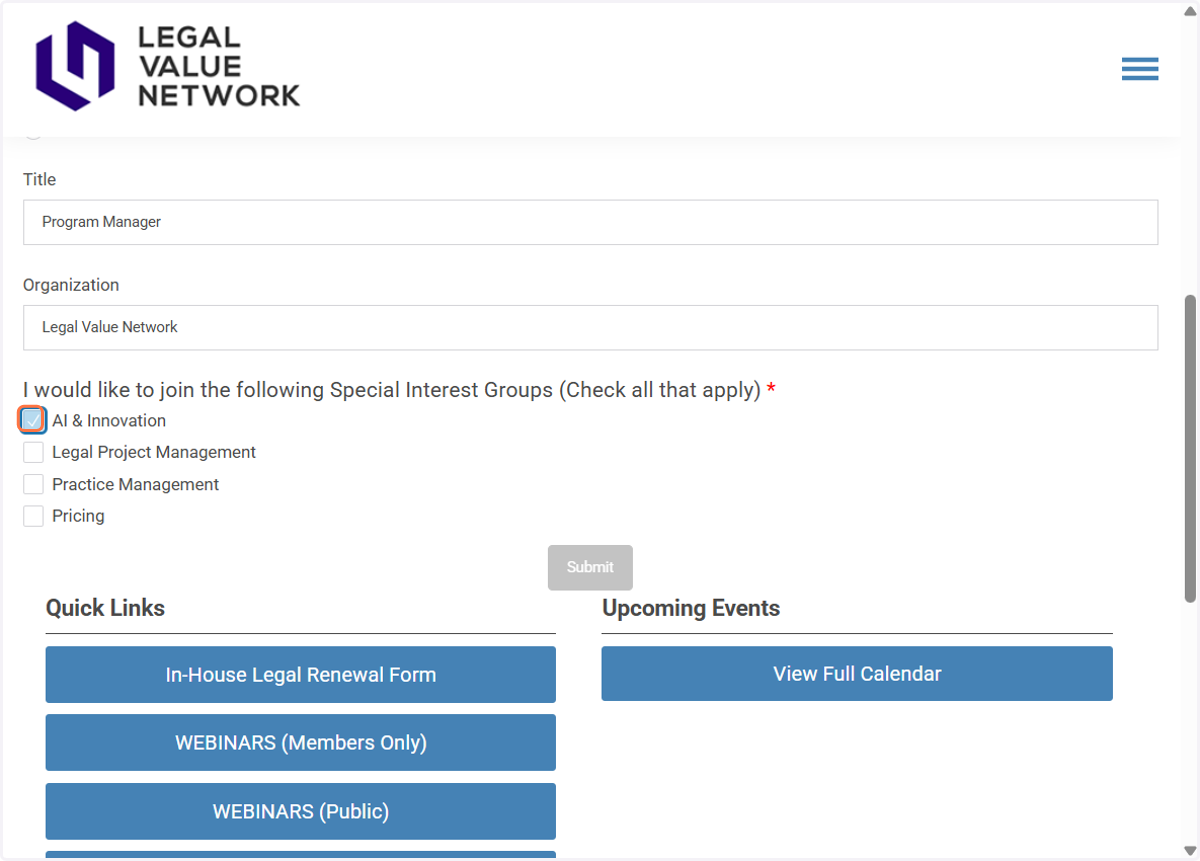
3. Login and Select your SIG(s)
You will be redirected to a page to login and then taken to the SIG sign-up page. Complete the information and select which SIG(s) you would like to be a part of. Chose as many as you like!
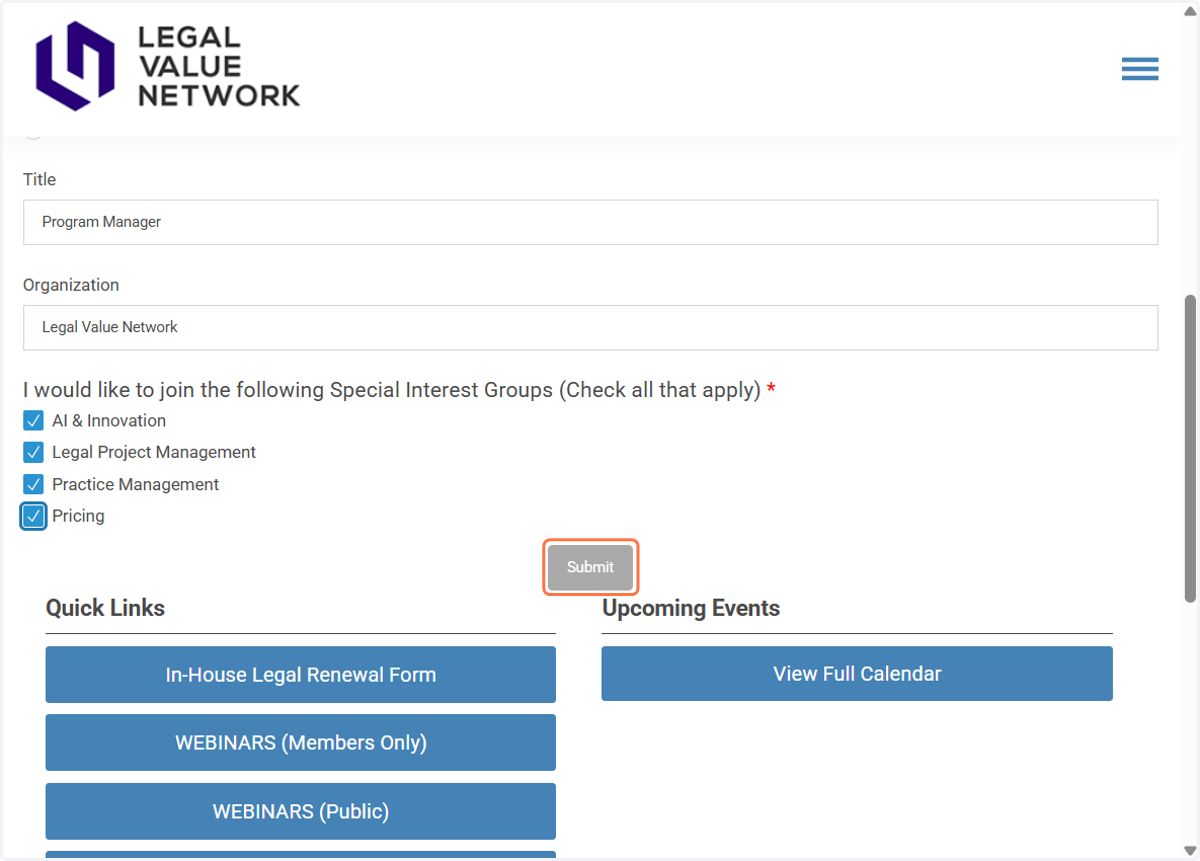
4. Click submit
5. Click on finish
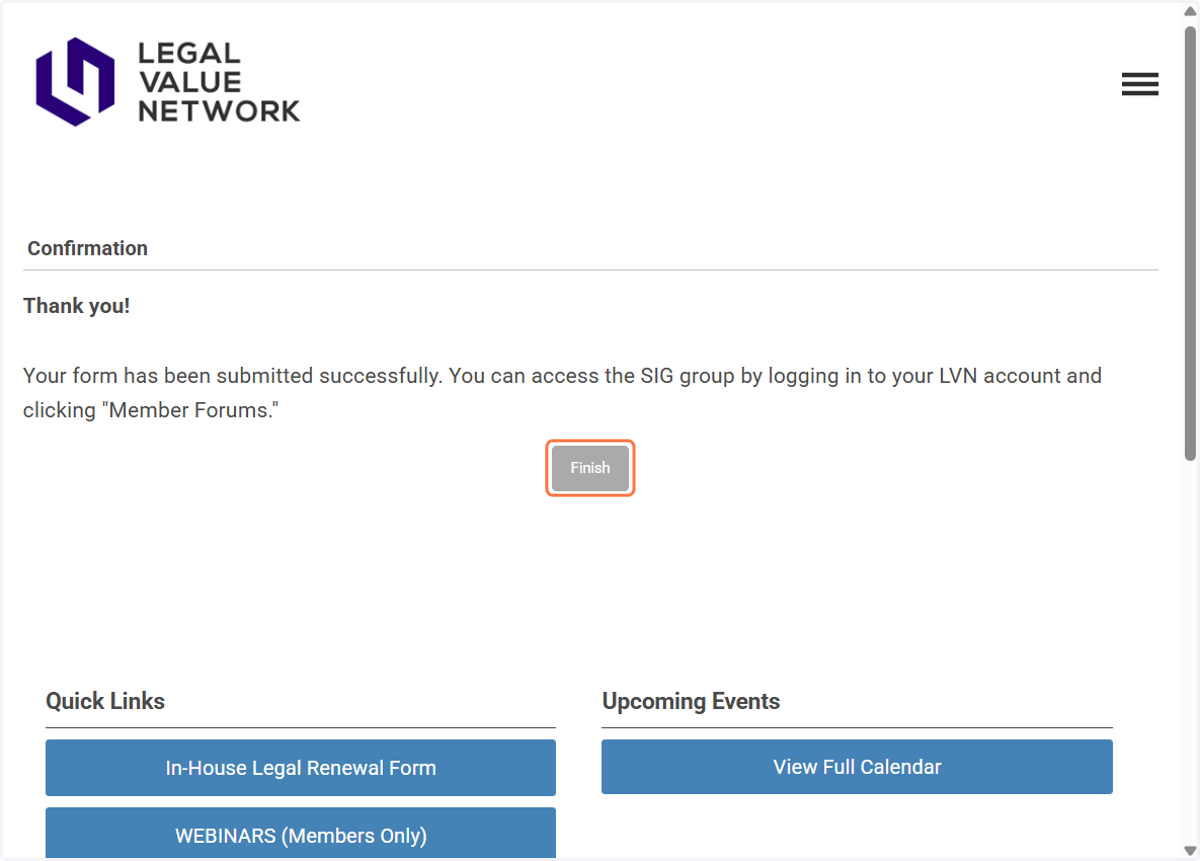
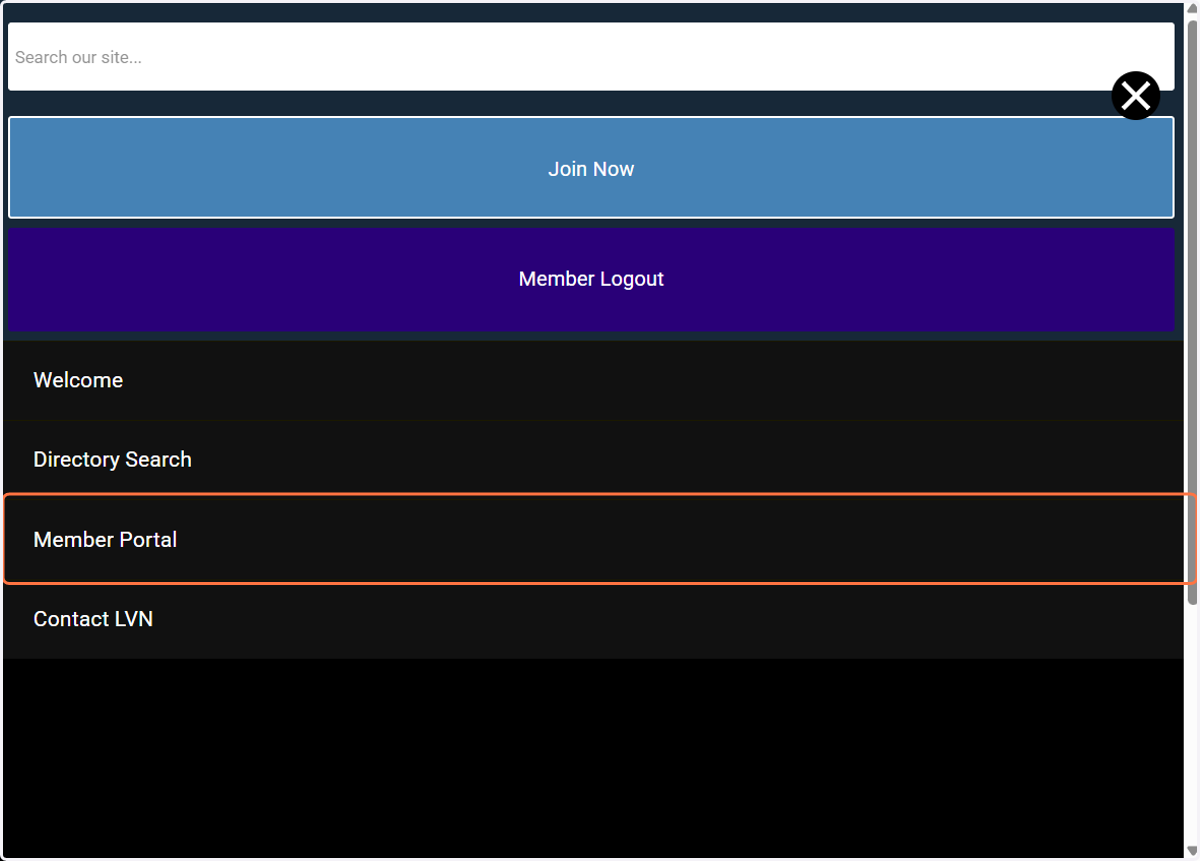
6. You will be directed to a new page and click on the hamburger menu in the top right.

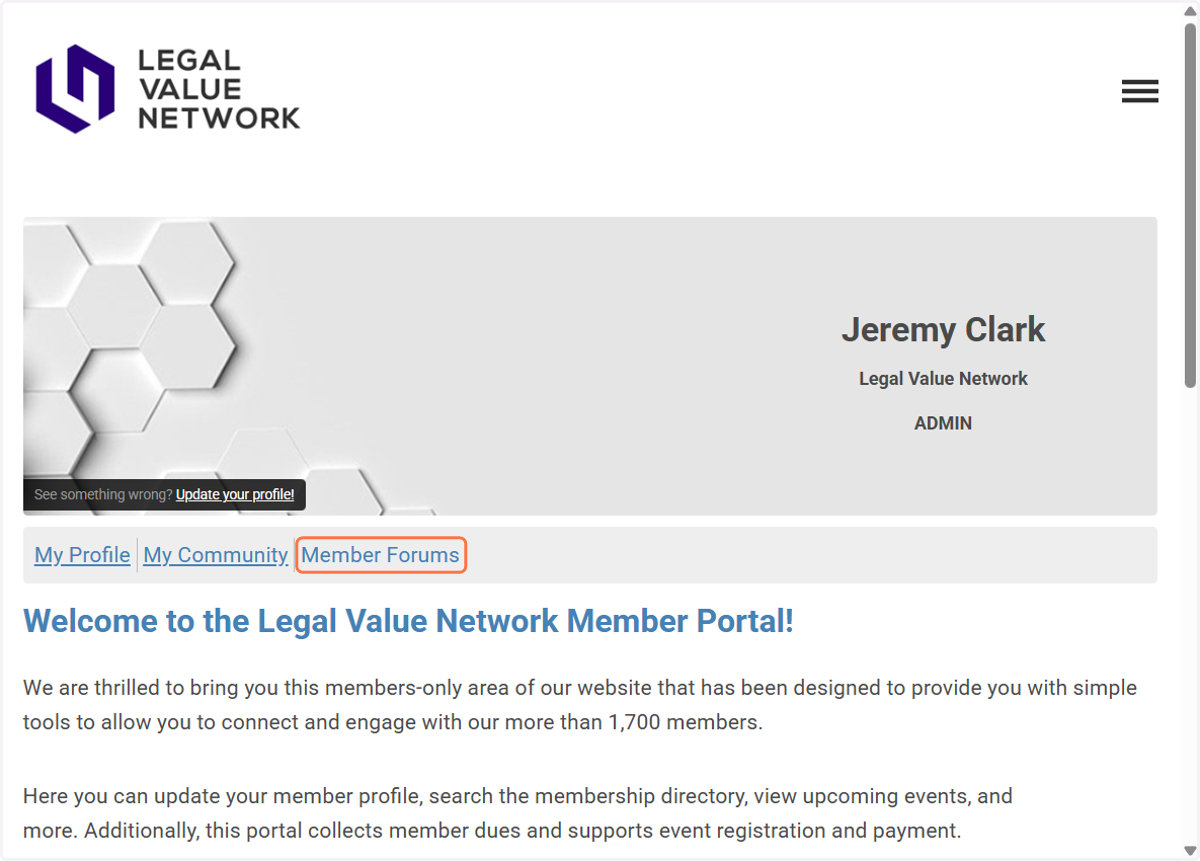
7. Click on Member Portal
8. Click on Member Forums
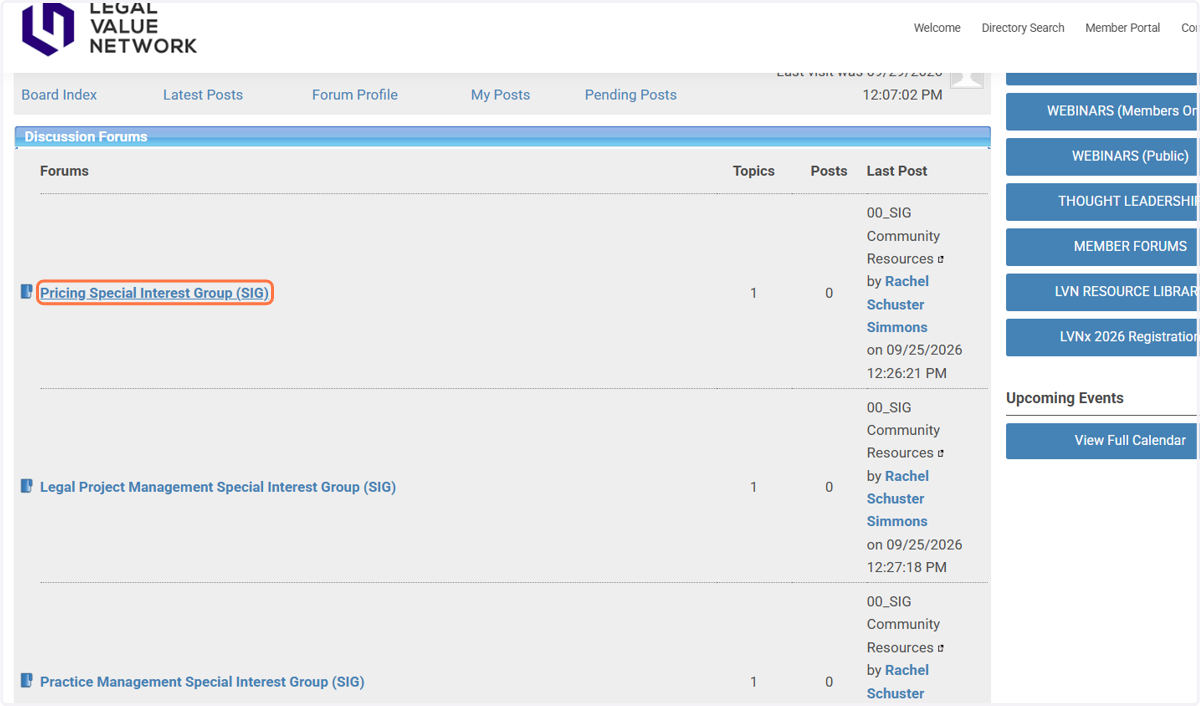
9. The SIGs will be listed and you can see the sub forum topics by clicking the SIG Group
Accessing SIG Forums after initial sign-up
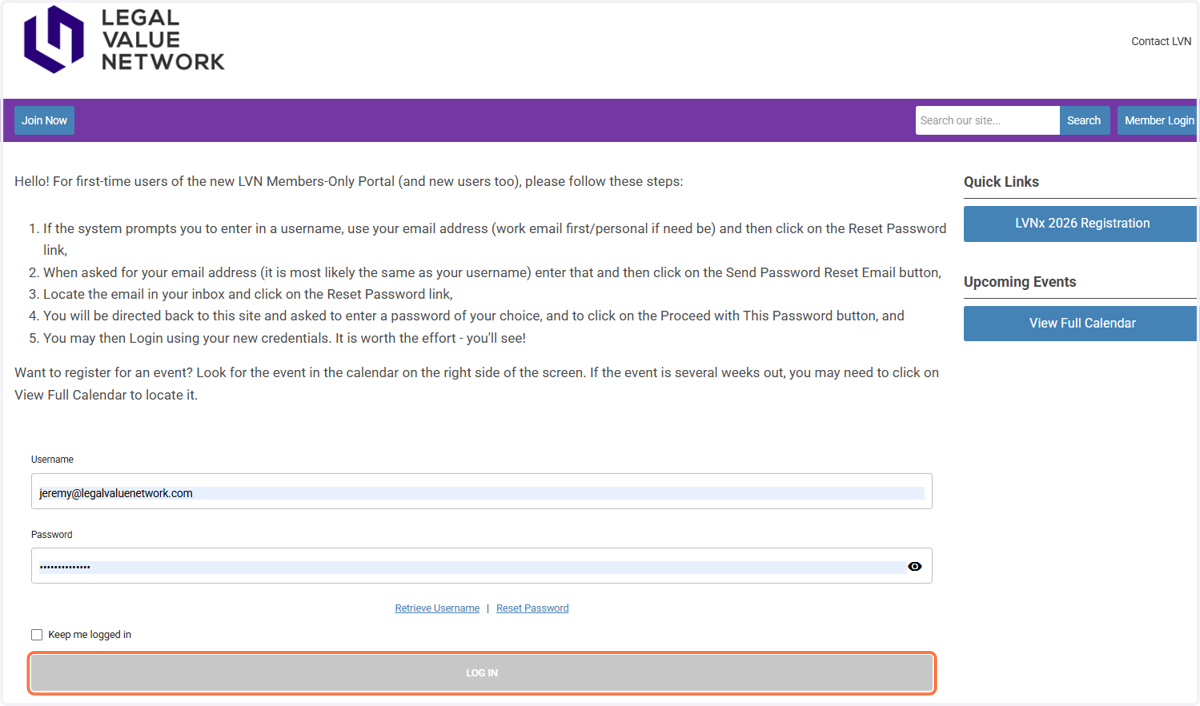
10. Click on Member Login in the top right

11. This will take you to a new page. Enter your login information and click on LOG IN
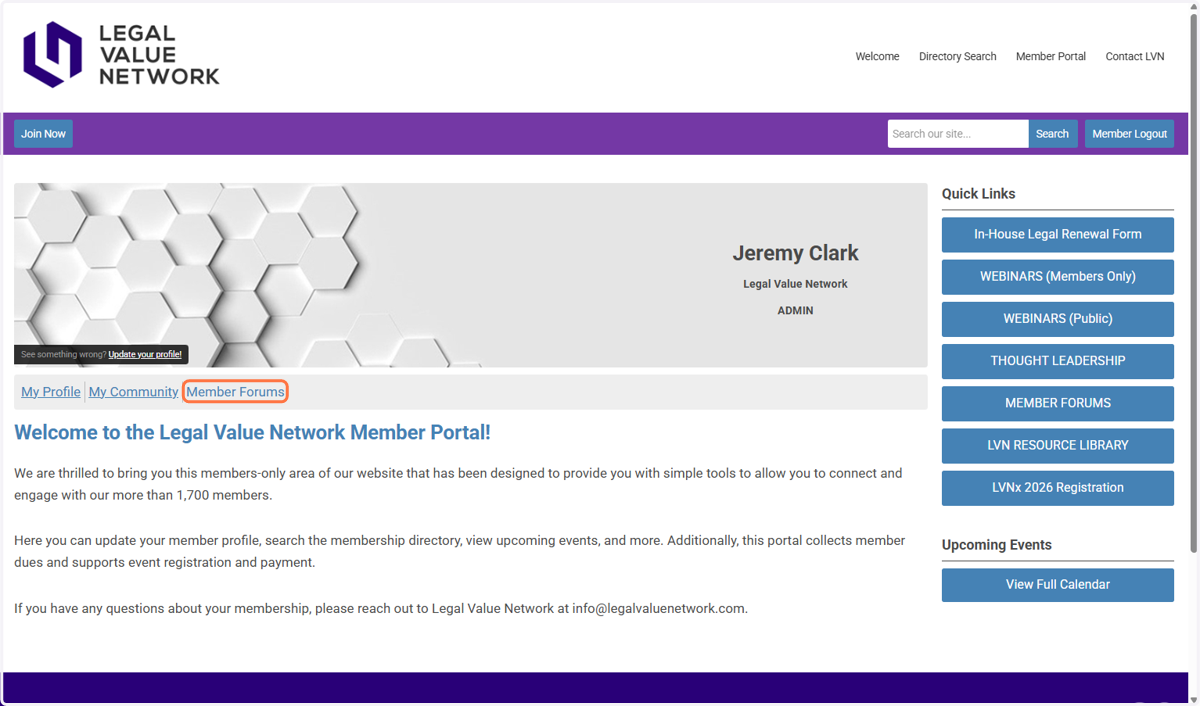
12. Once logged in click on Member Forums
13. The SIGs will be listed and you can see the sub forum topics by clicking the SIG Group
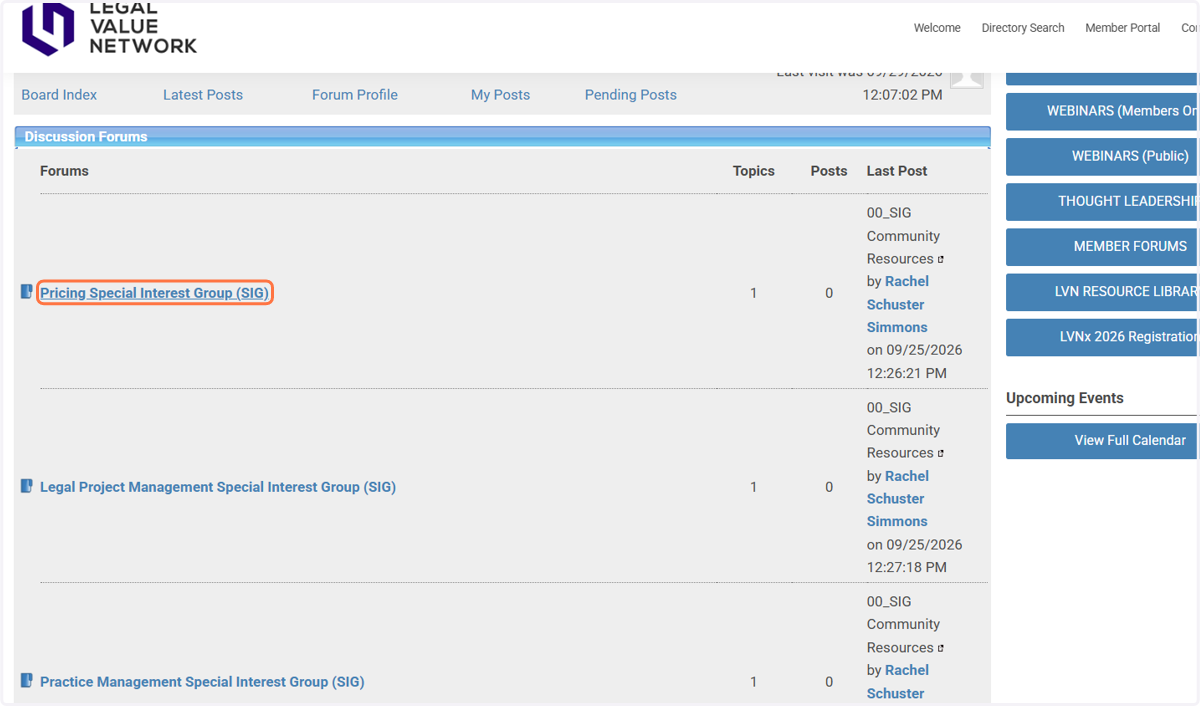
14. Click on 00_SIG Community Resources