Access DIBELS 8 - Including Demo Mode
Log In with Amplify
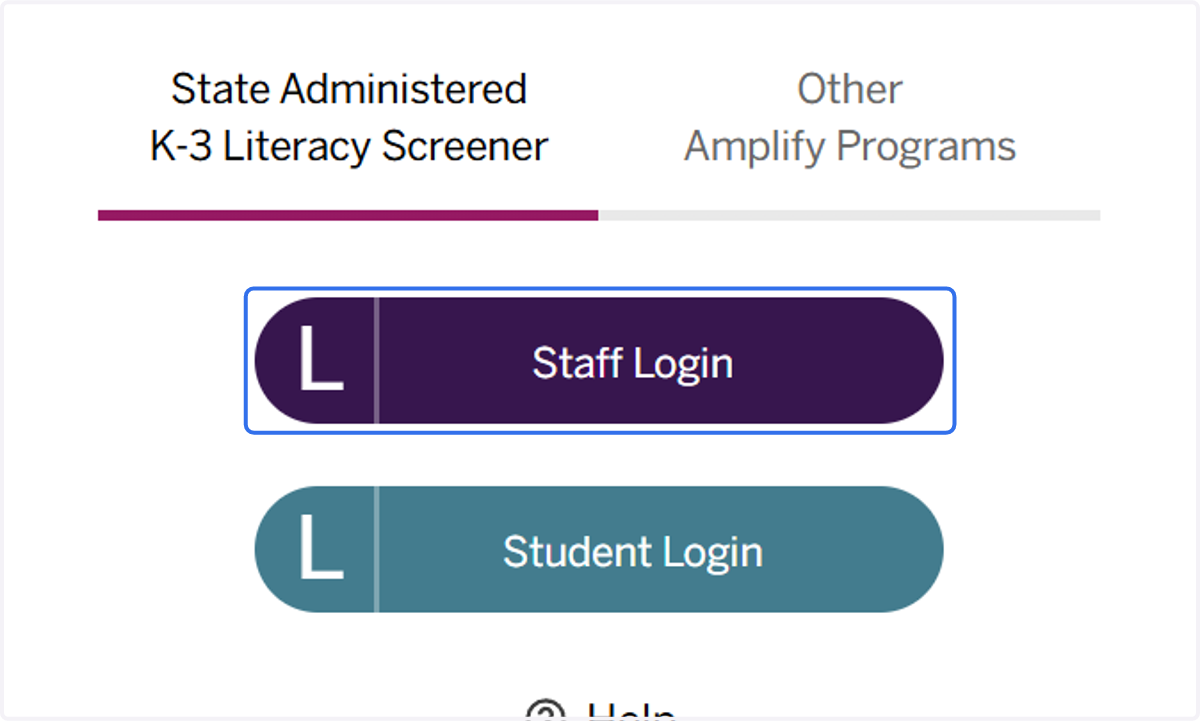
1. Click on Staff Login
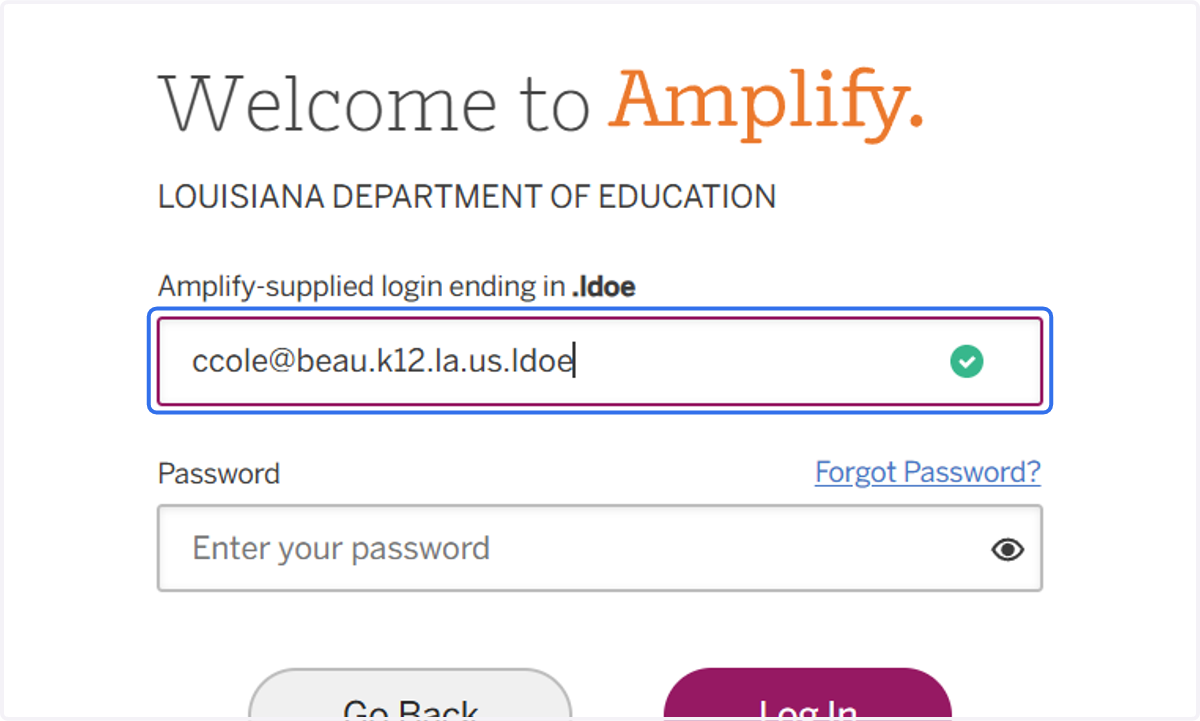
2. Input your login credentials (remember that your user name must end in ".ldoe").
If you do not know your password, please select "Forgot Password" and follow the email prompts to reset it.
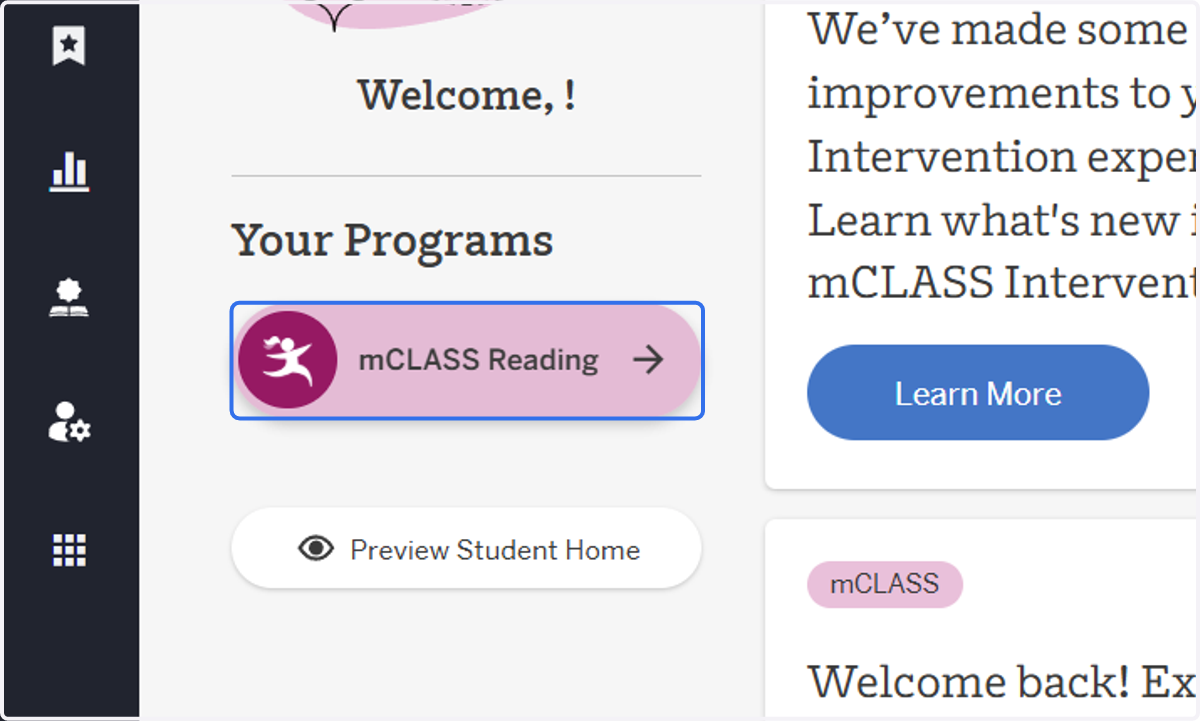
3. Click on m class Reading
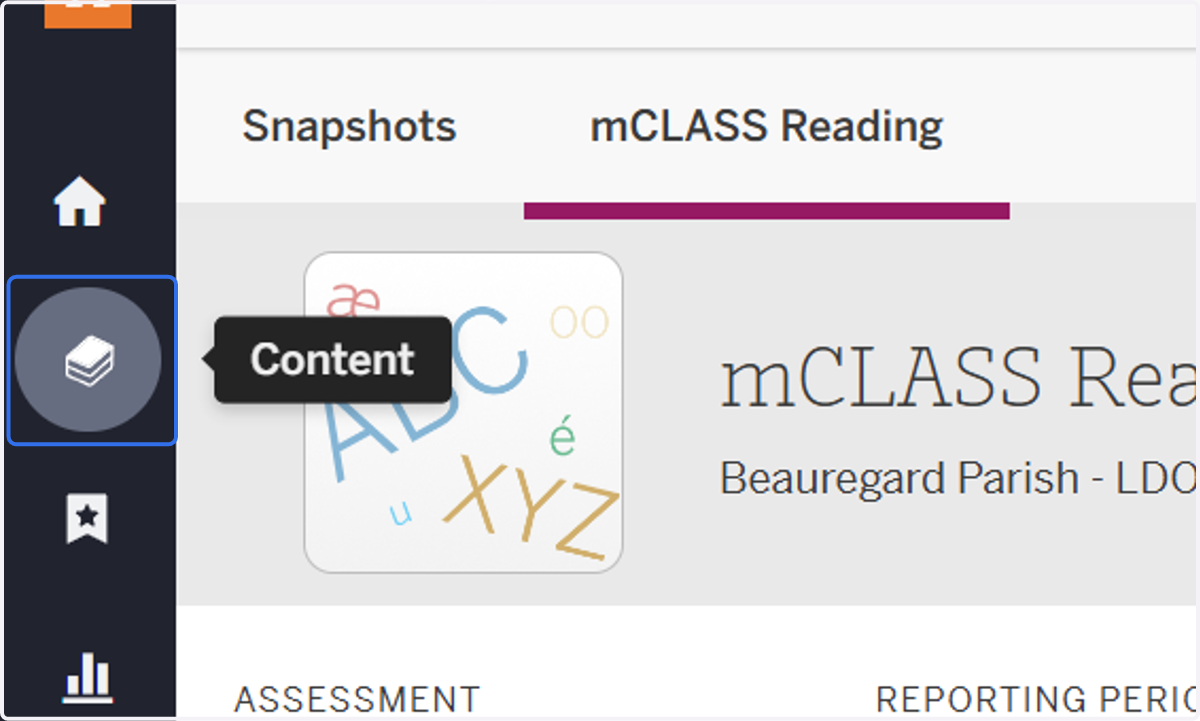
4. Click on Content
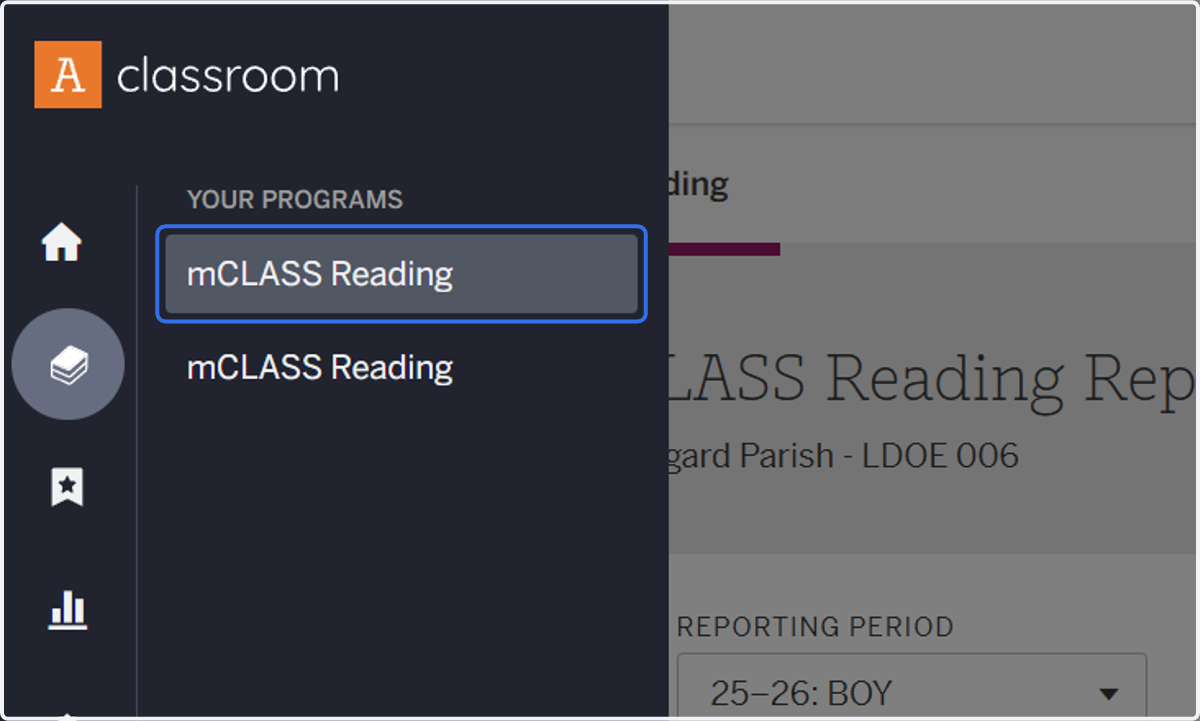
5. Click on mCLASS Reading
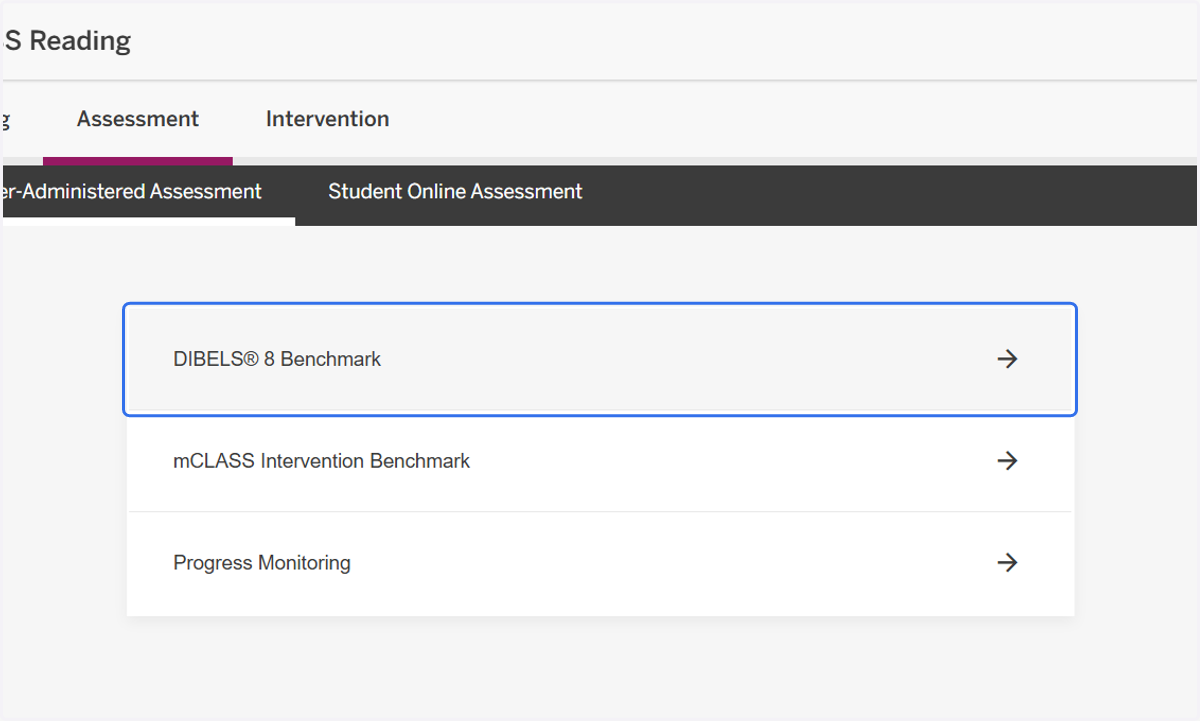
6. Click on DIBELS® 8 Benchmark
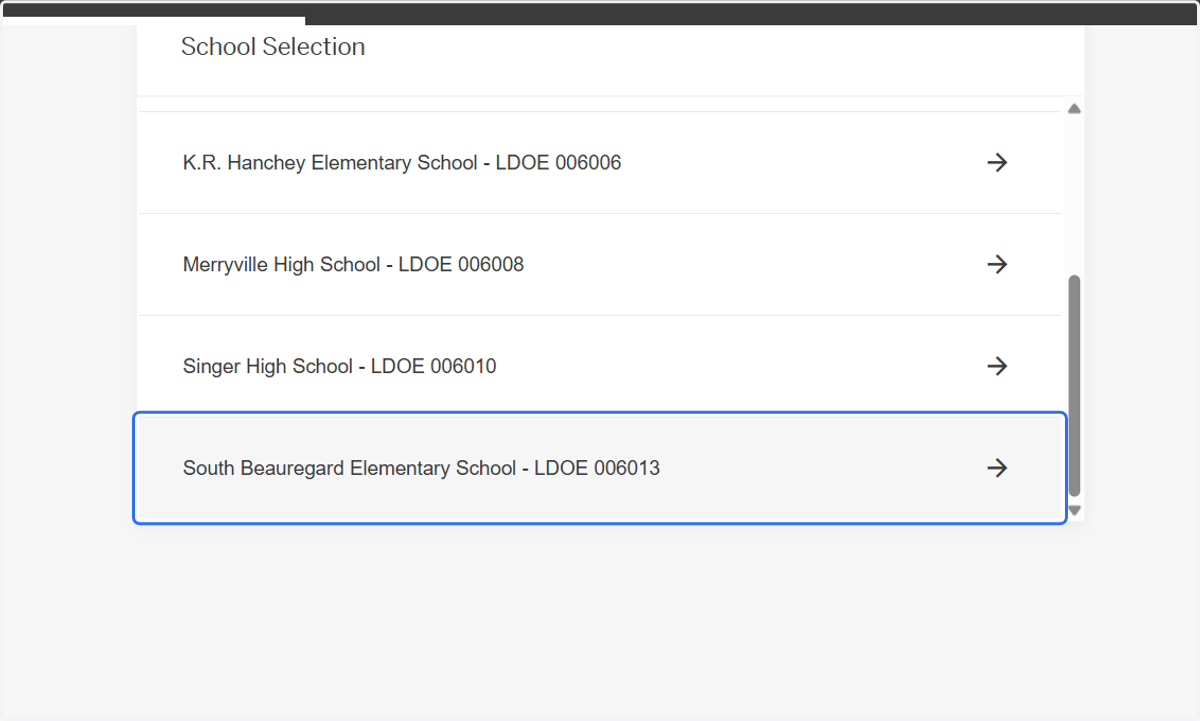
7. Click on your school
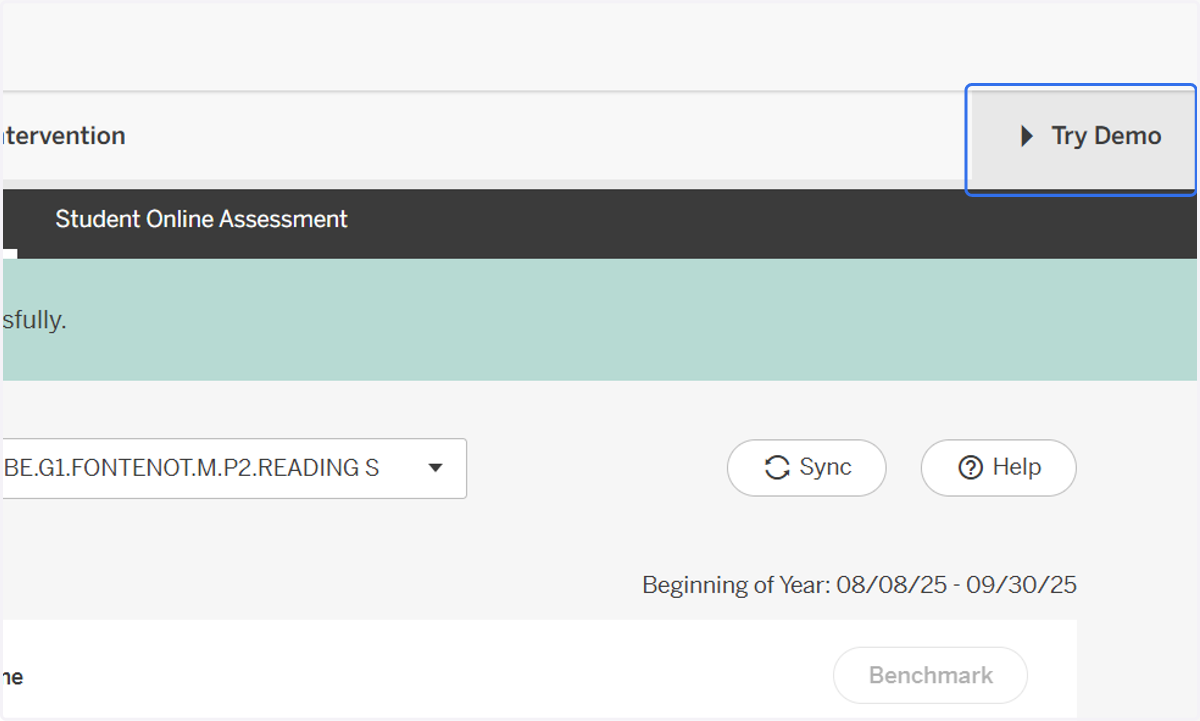
8. Click on Try Demo in the top right corner.