Accepting & Completing Nominations
1. Visit oneusgconnect.usg.edu and log-in to Employee Self Service (ESS)
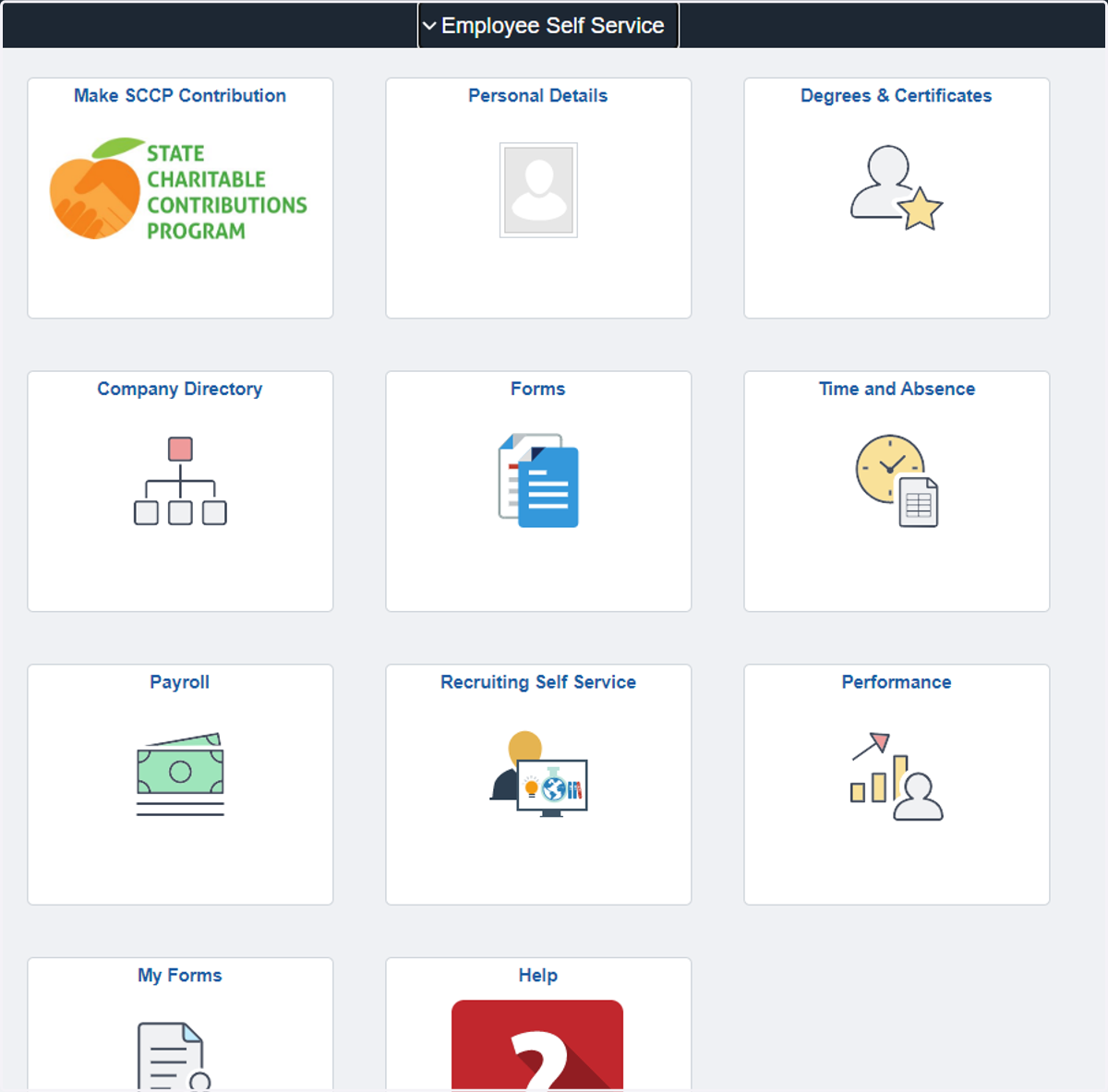
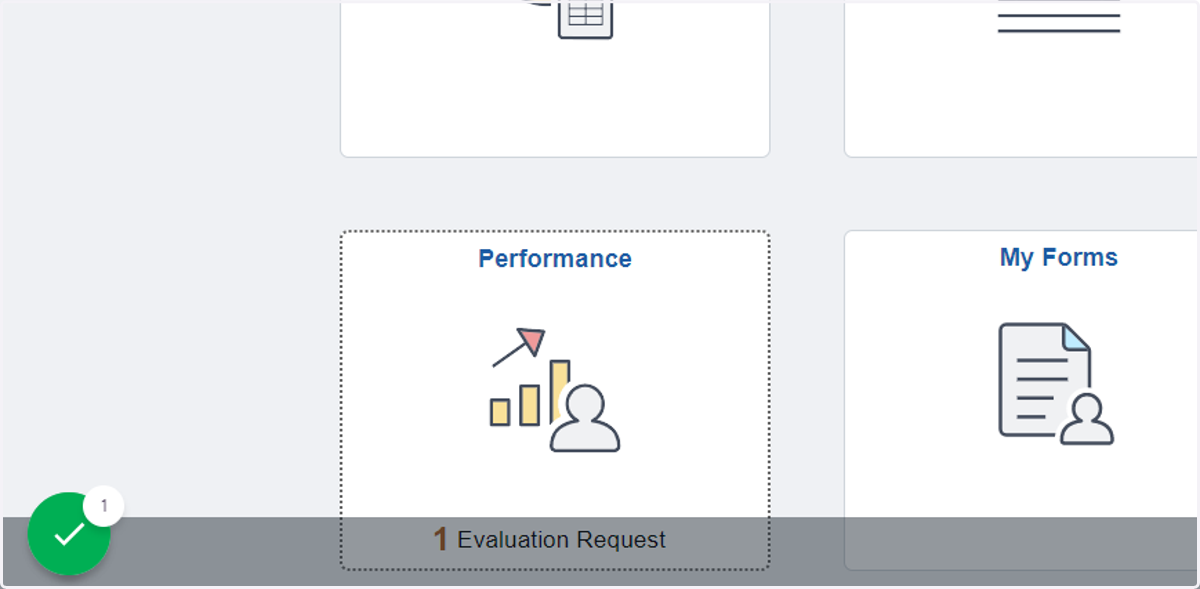
2. Click on the Performance tile
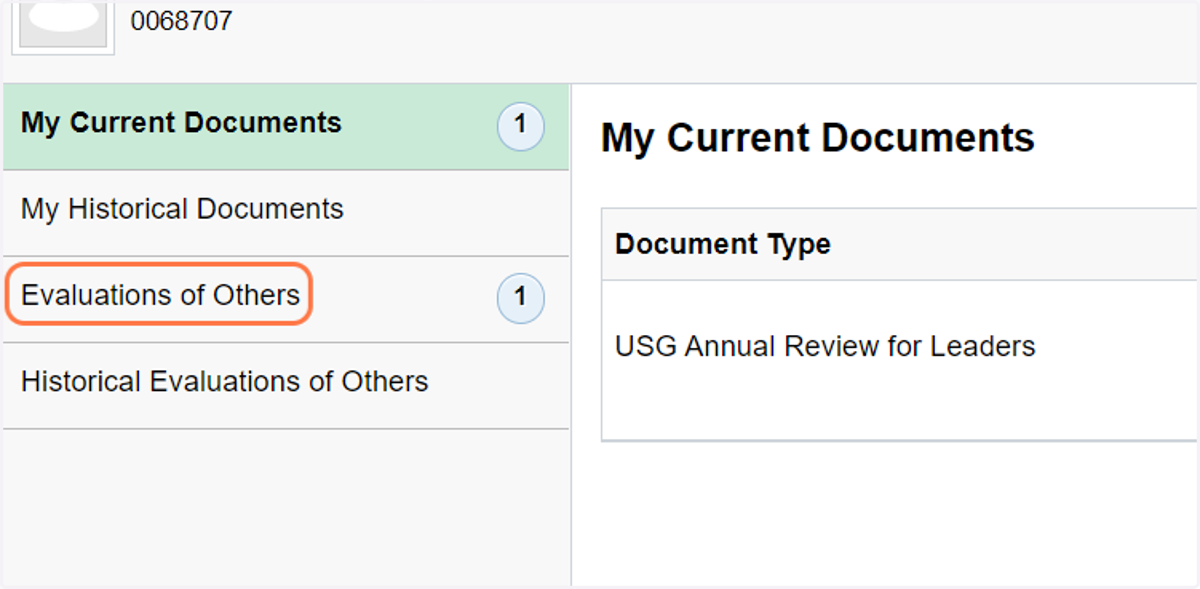
3. On the left navigation bar, click on Evaluations of Others
4. Click the checkbox next to the name you want to select
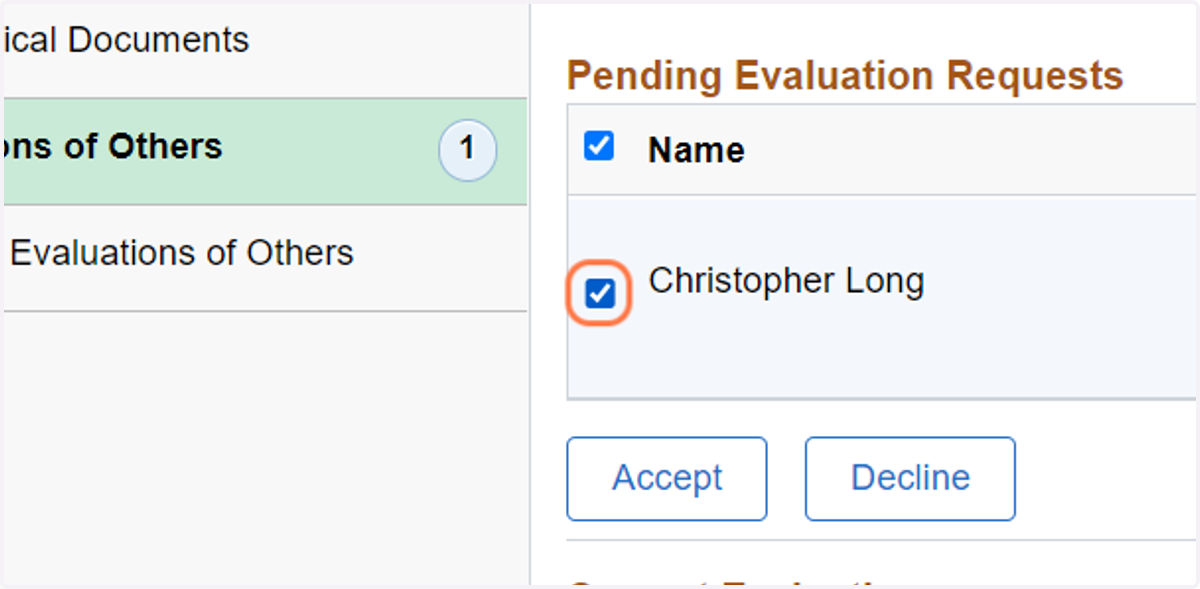
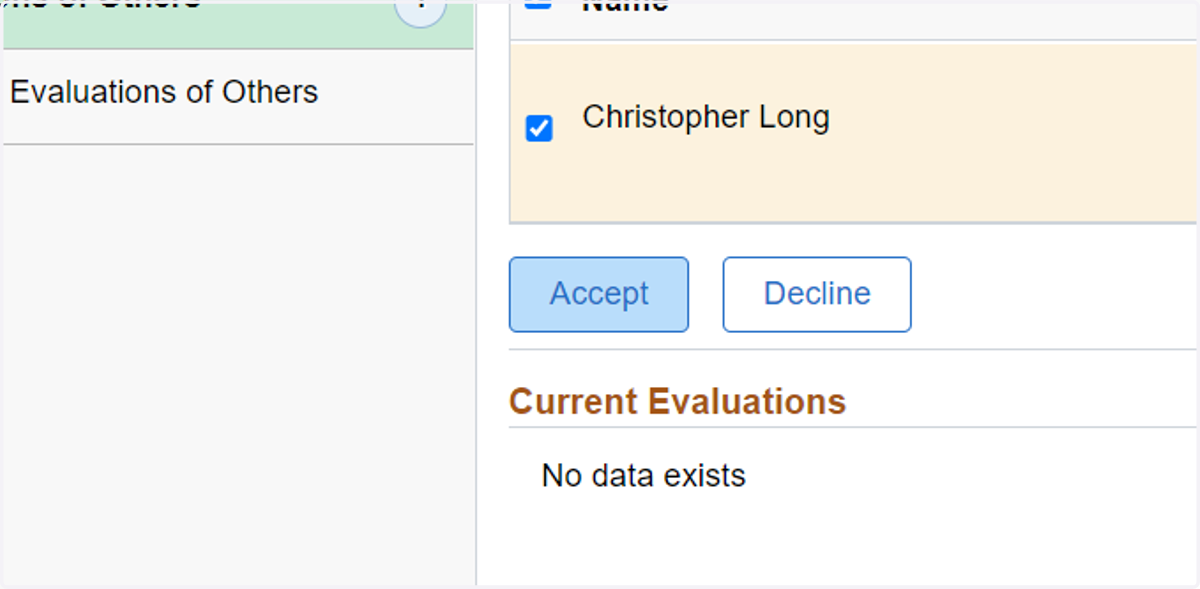
5. Click on the Accept button
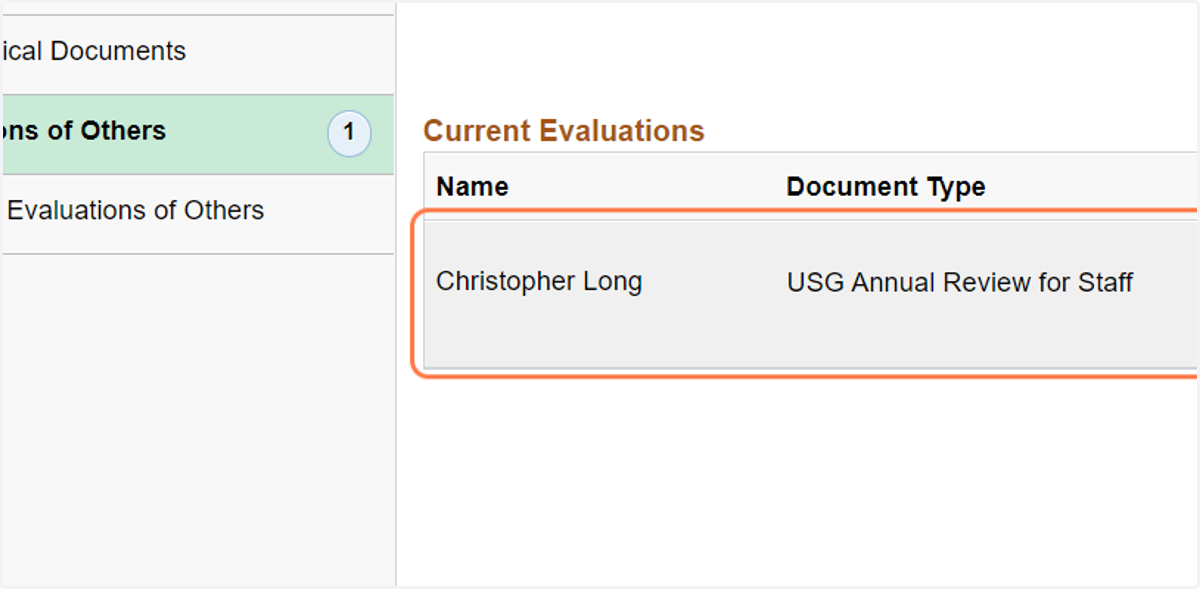
6. Click on name of the employee under current evaluation
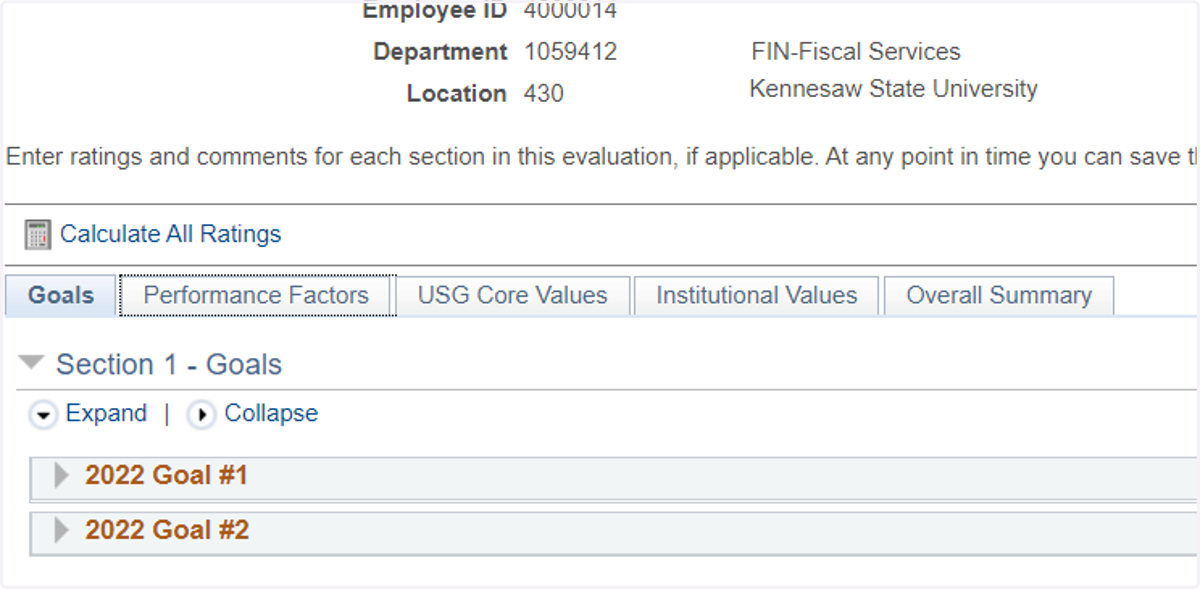
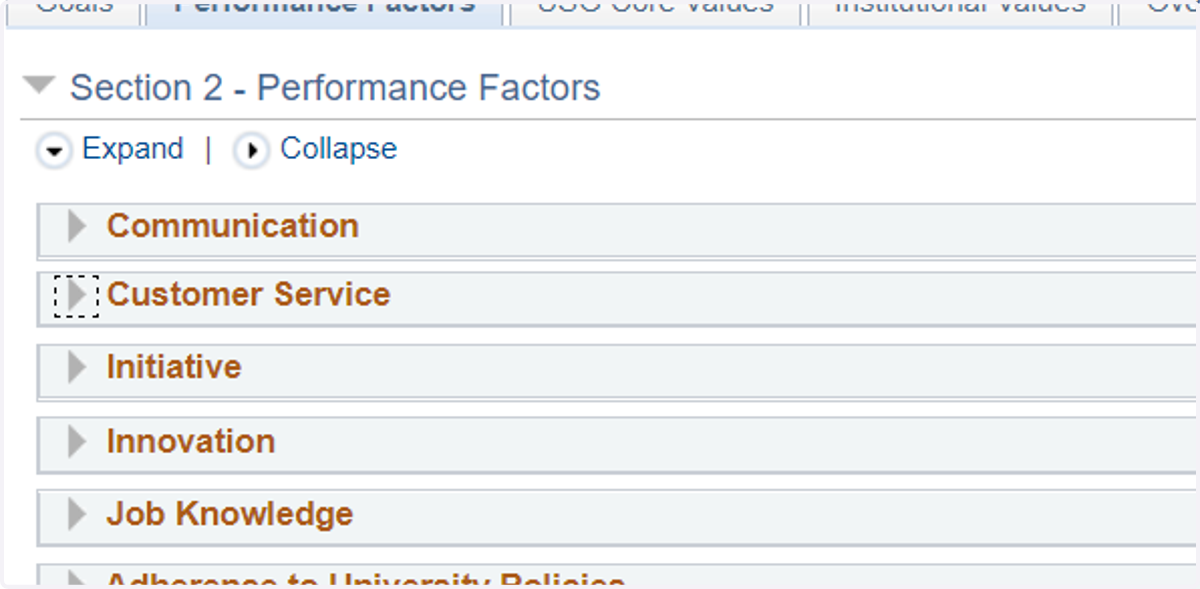
7. Click on the Performance Factors tab
8. Click on each section to expand it. In this case we will use Customer Service
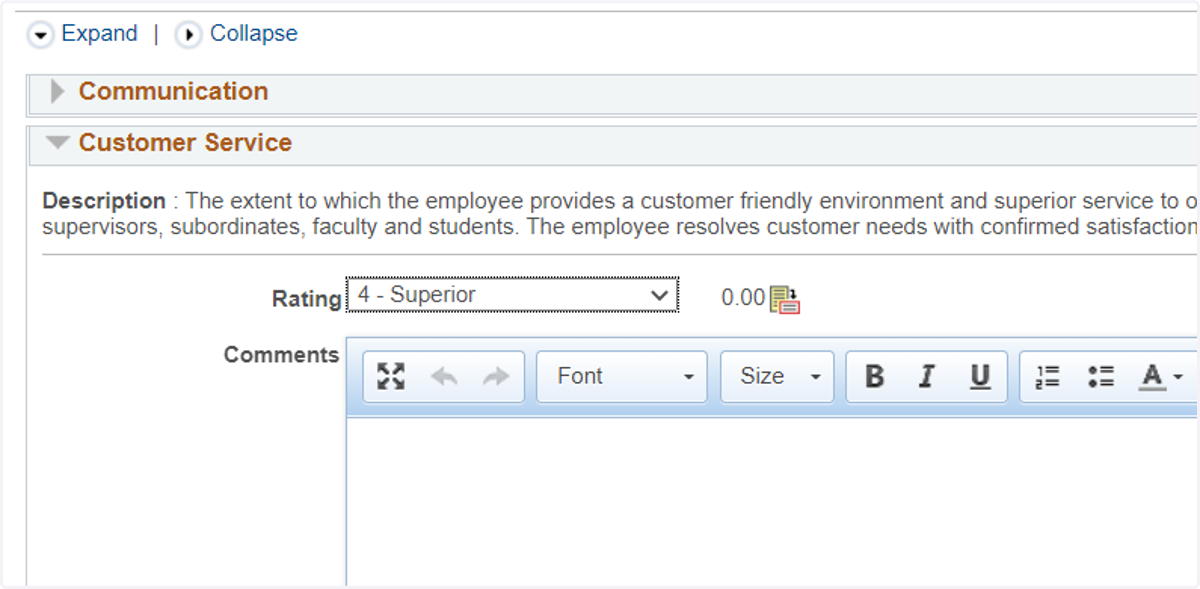
9. Click on the appropriate Rating and provide the rationale in the comments section for the rating chosen
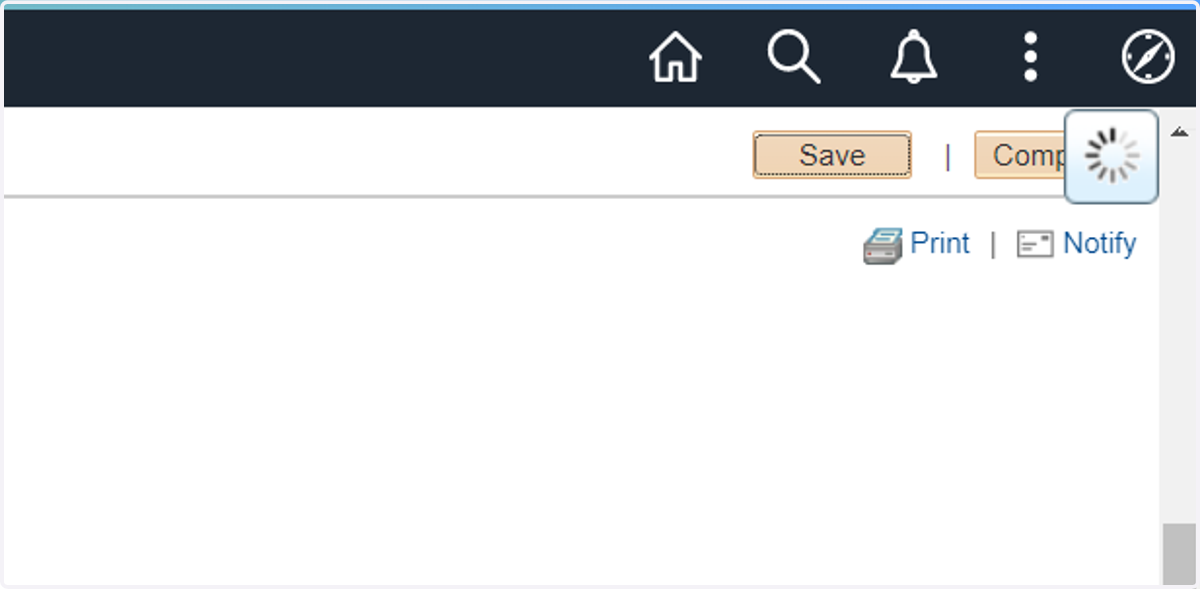
10. Click on Save and Complete in the upper right corner
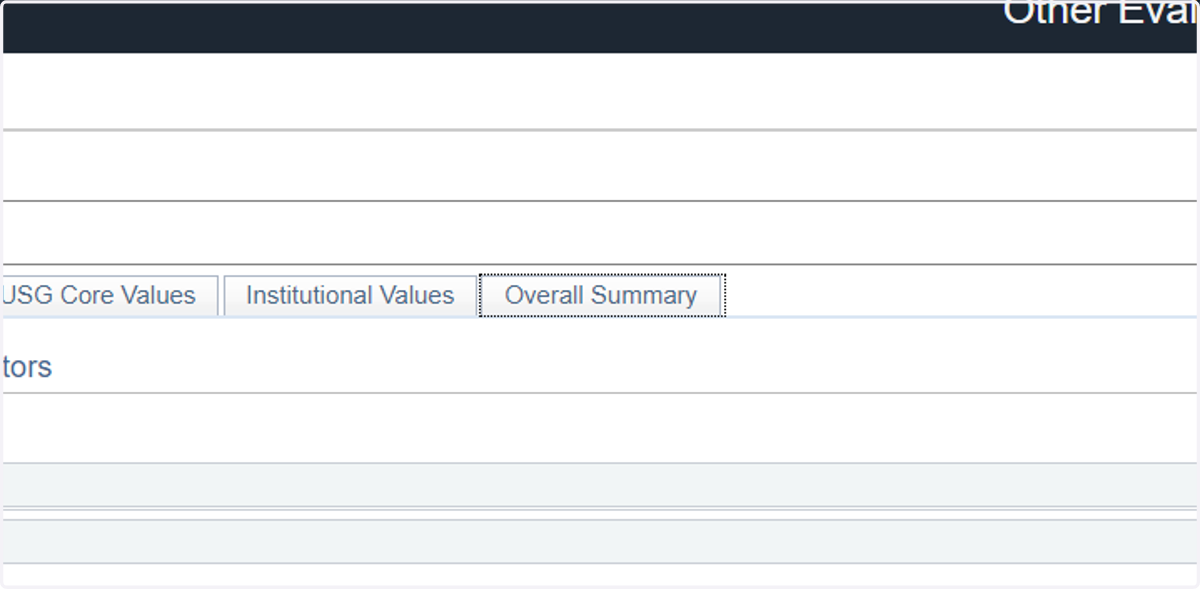
11. Next, click on the Overall Summary tab to provide those details
12. Click on Save
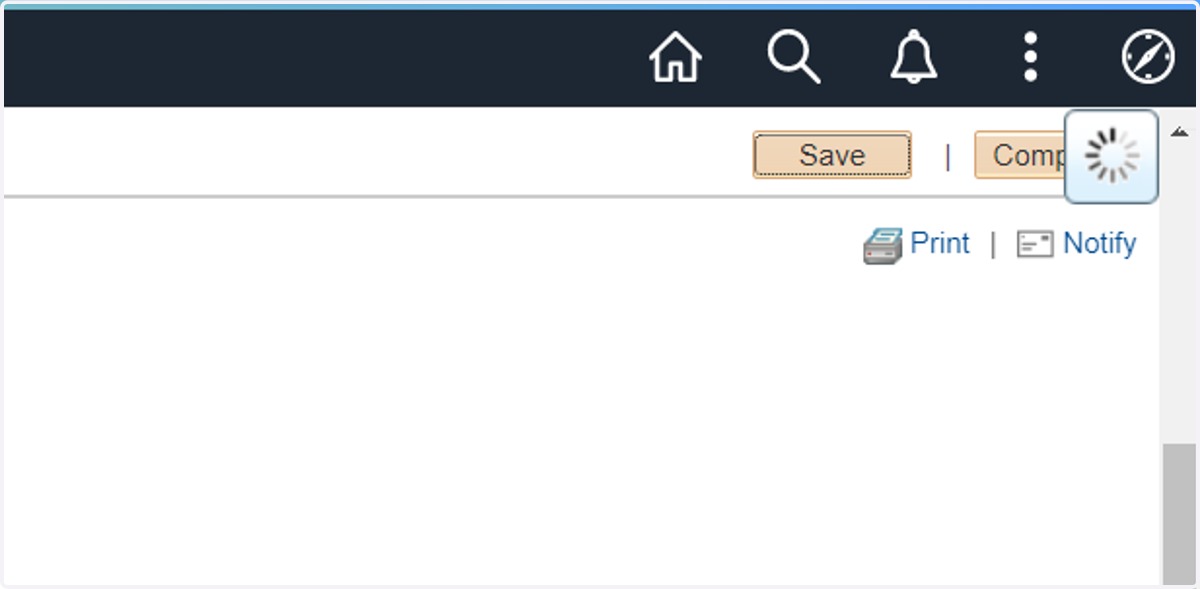
13. Click on Complete