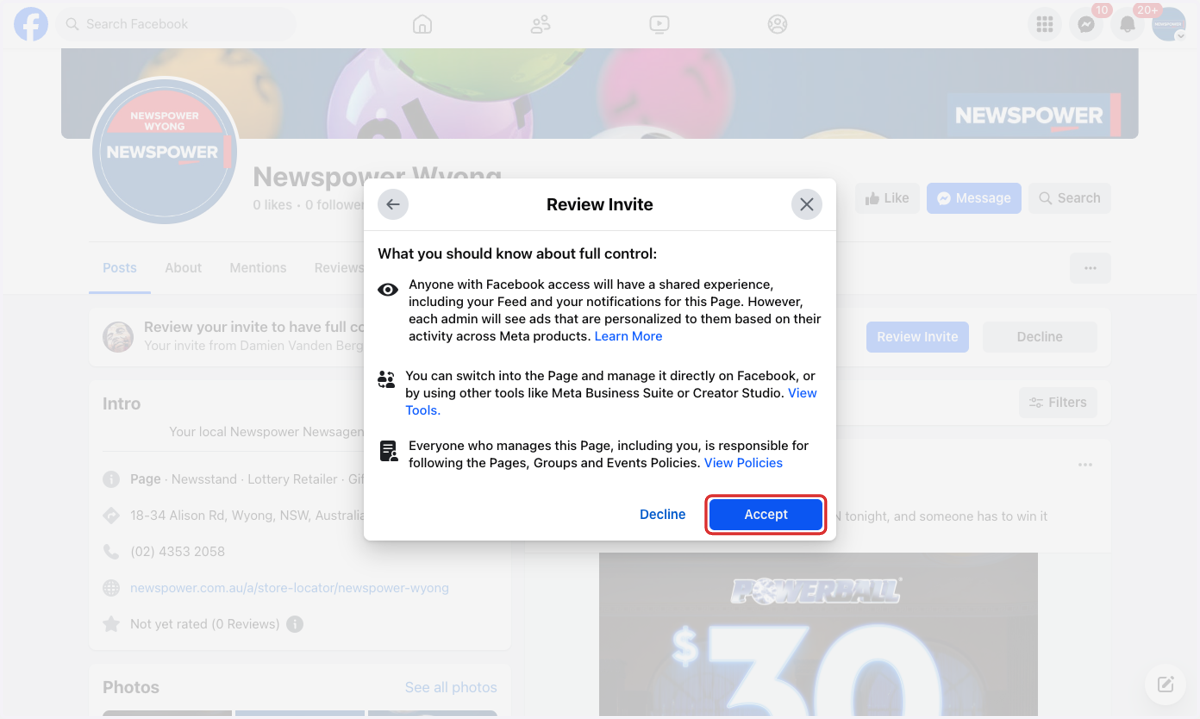
Accept Invite to Manage a Business Facebook Page
In most cases, you’ll receive a notification on your personal Facebook account when Newspower Aust invites you to become an admin of your business page. Simply click on the notification and accept the request to complete the setup.
If you don’t see the notification or are unable to locate the message, you can follow the step-by-step instructions below to manually accept the invitation and ensure you're successfully added as an admin.
1. Log into your personal Facebook account.
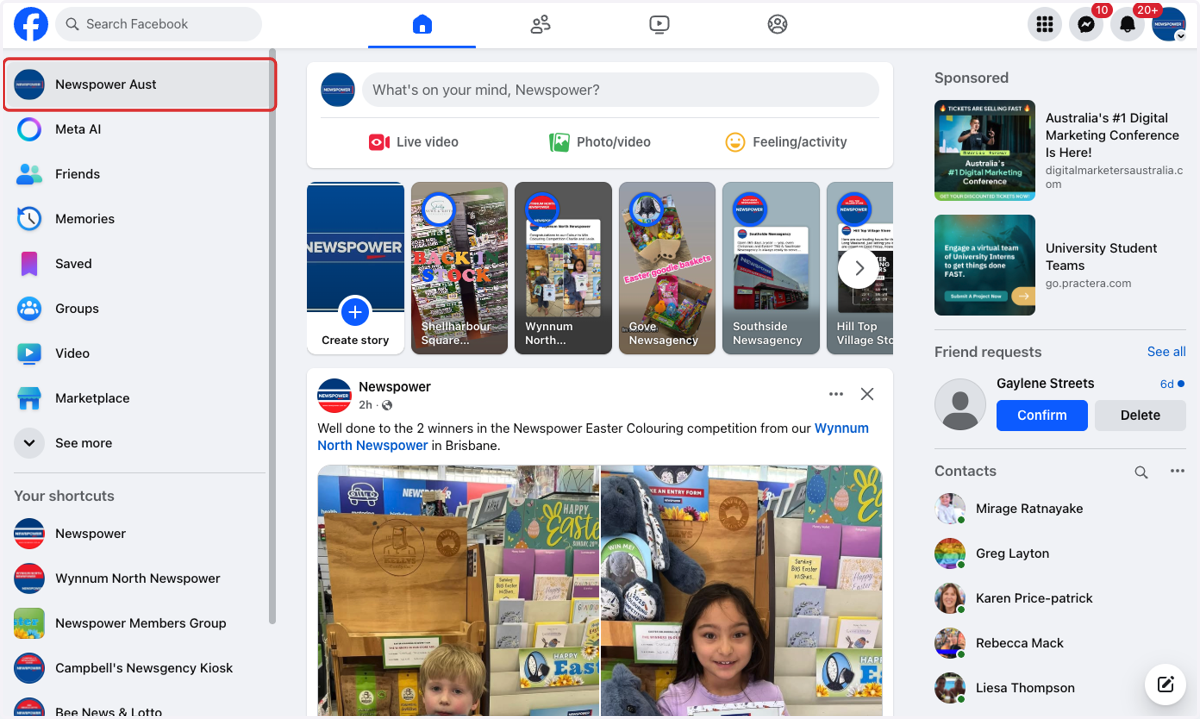
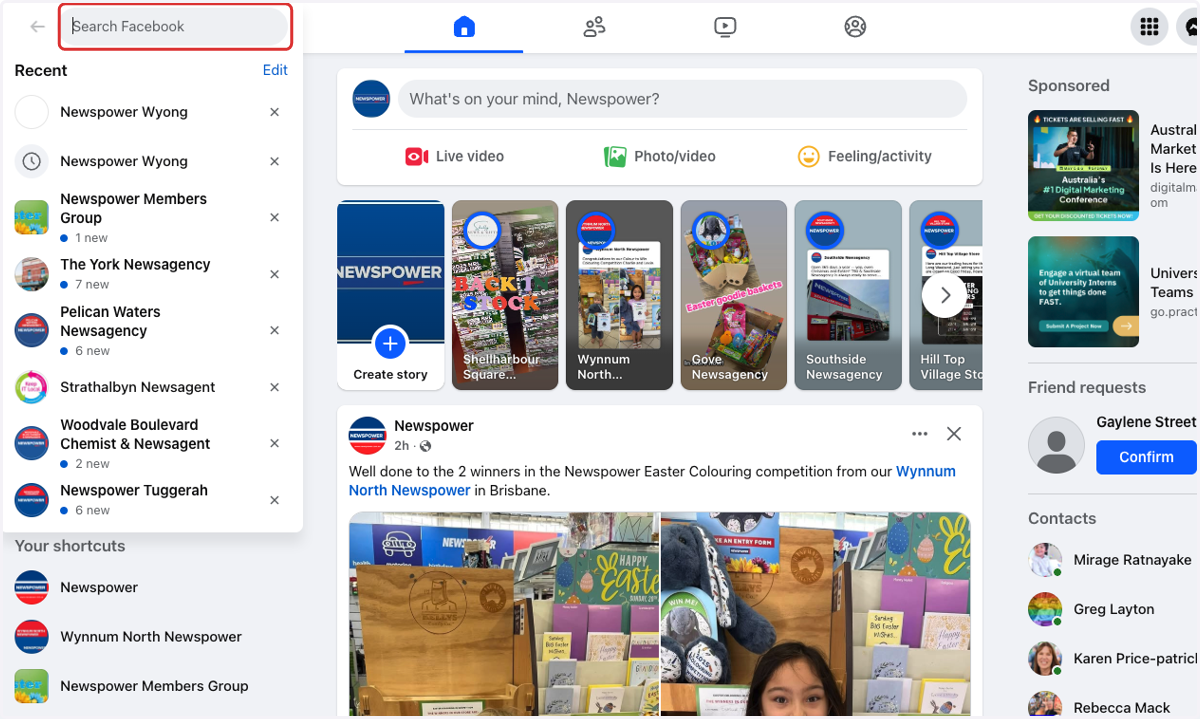
2. Search for your store.
3. Click on your Stores name.
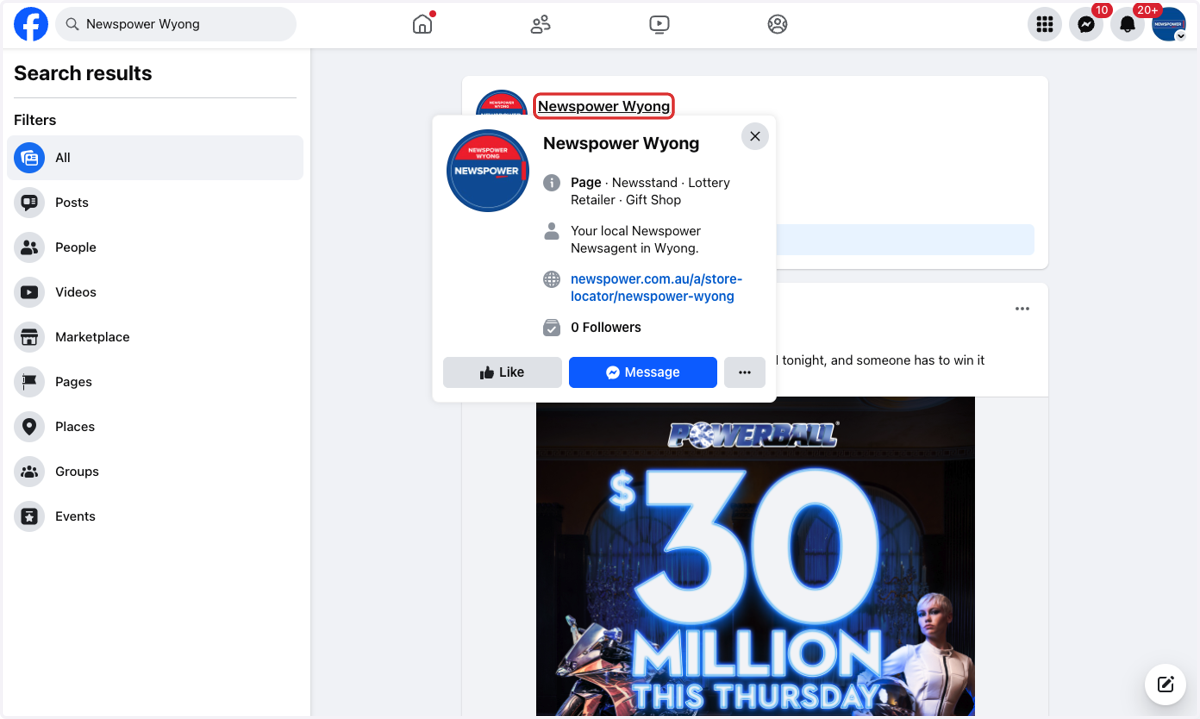
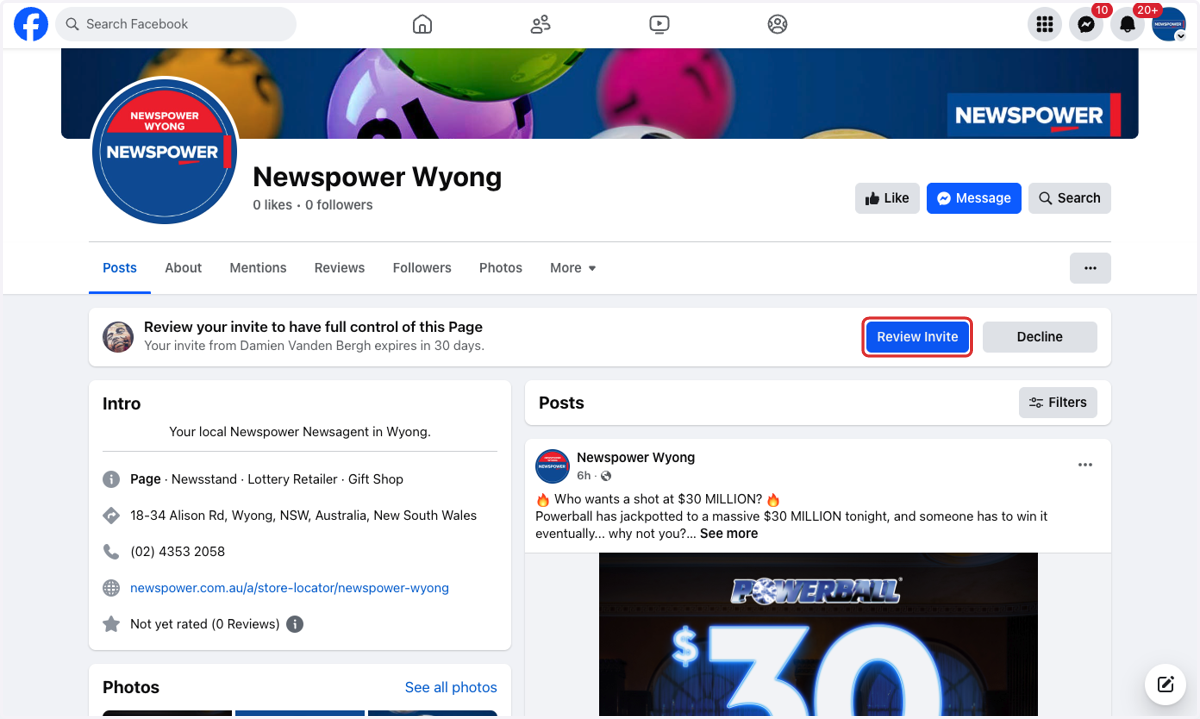
4. Click on Review Invite
5. Click on Next
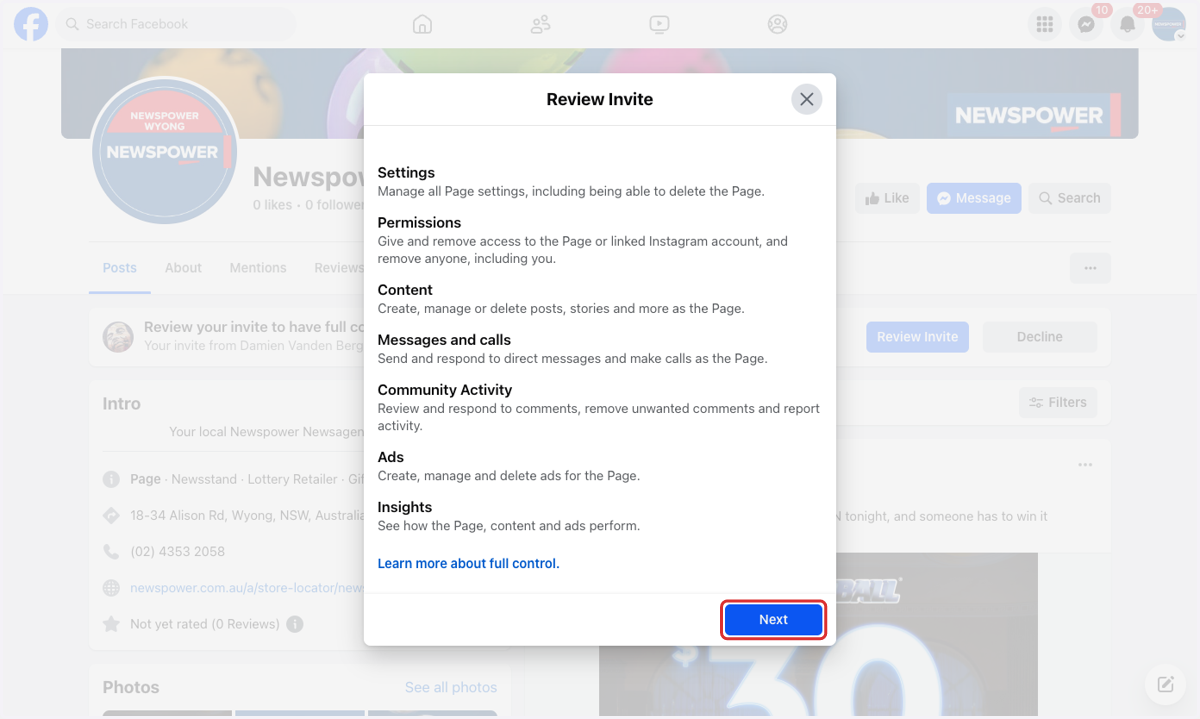
6. Click on Accept