How to connect your phone number to Hubspot
Hubspot
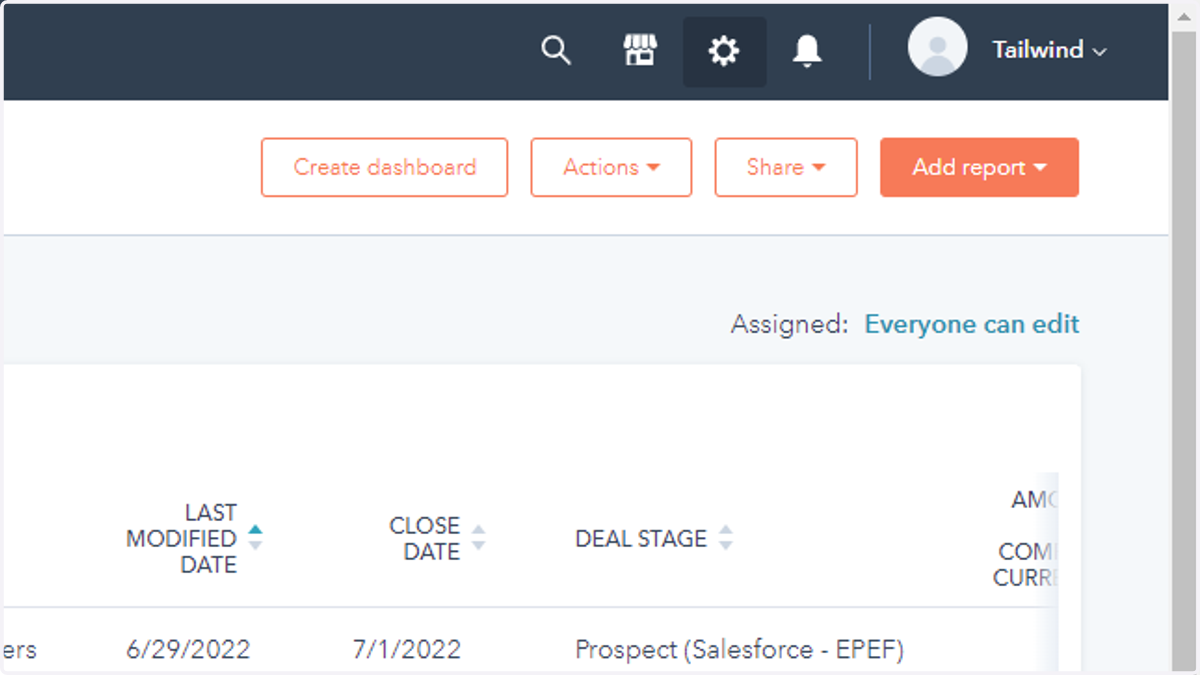
1. Settings
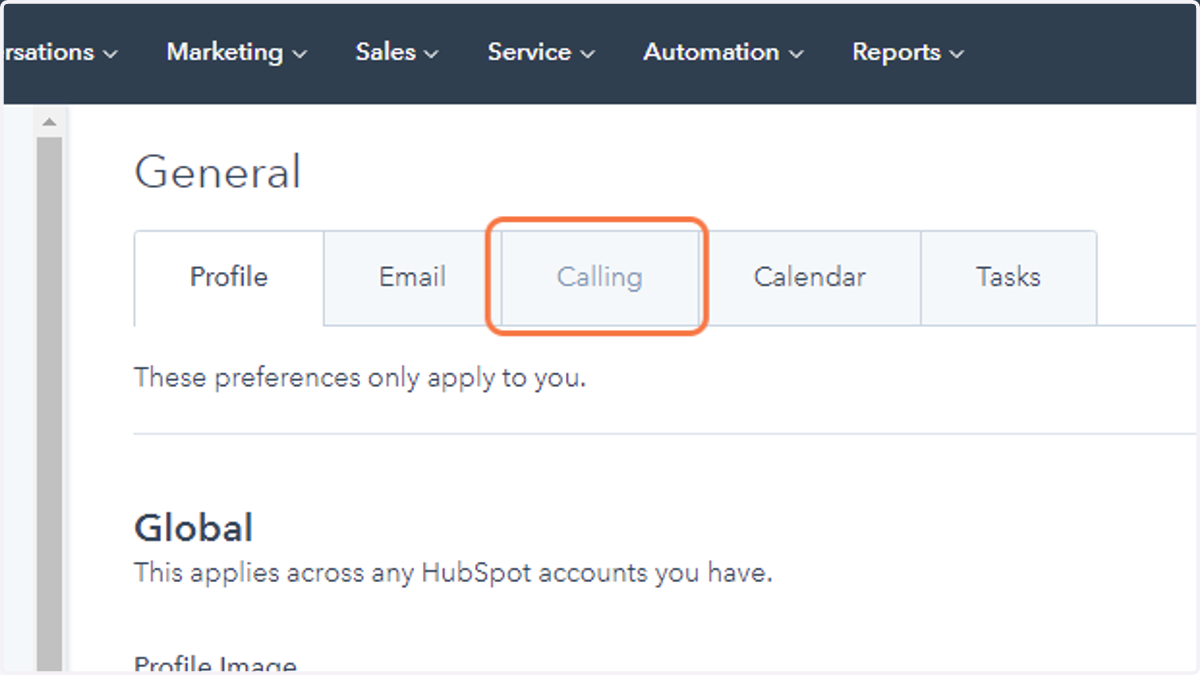
2. Calling
Hubspot
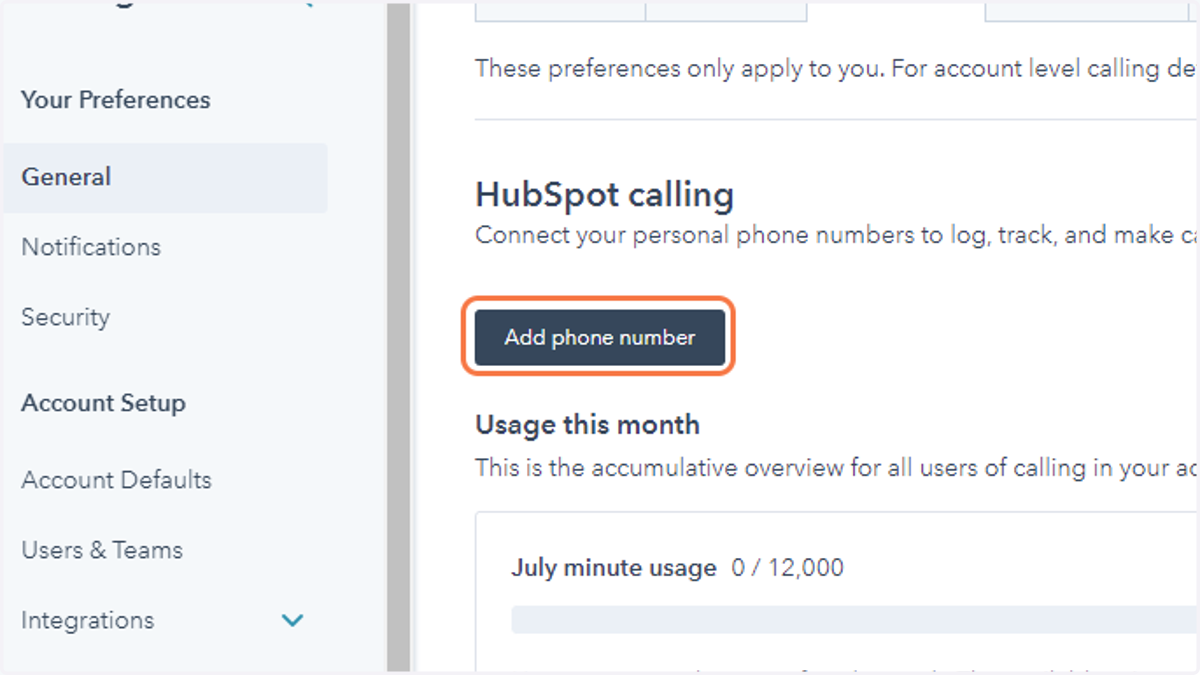
3. Click on Add phone number
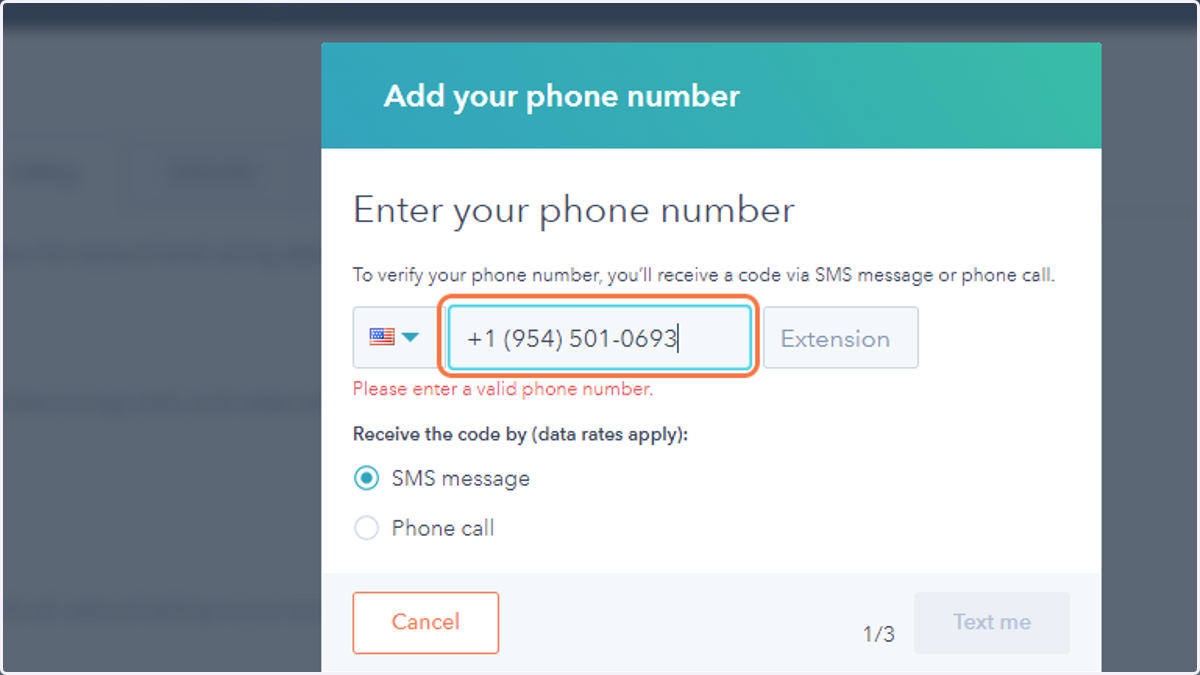
4. Enter your phone number here and select to verify via SMS or a Phone Call
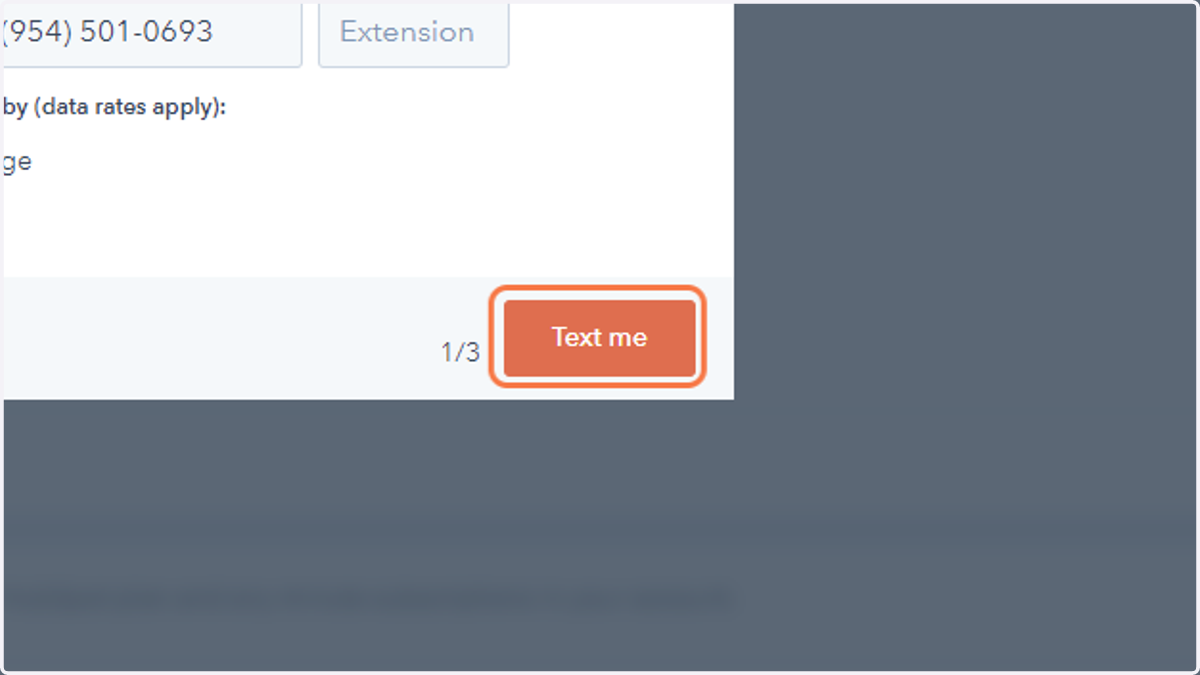
5. Click on "Text Me"
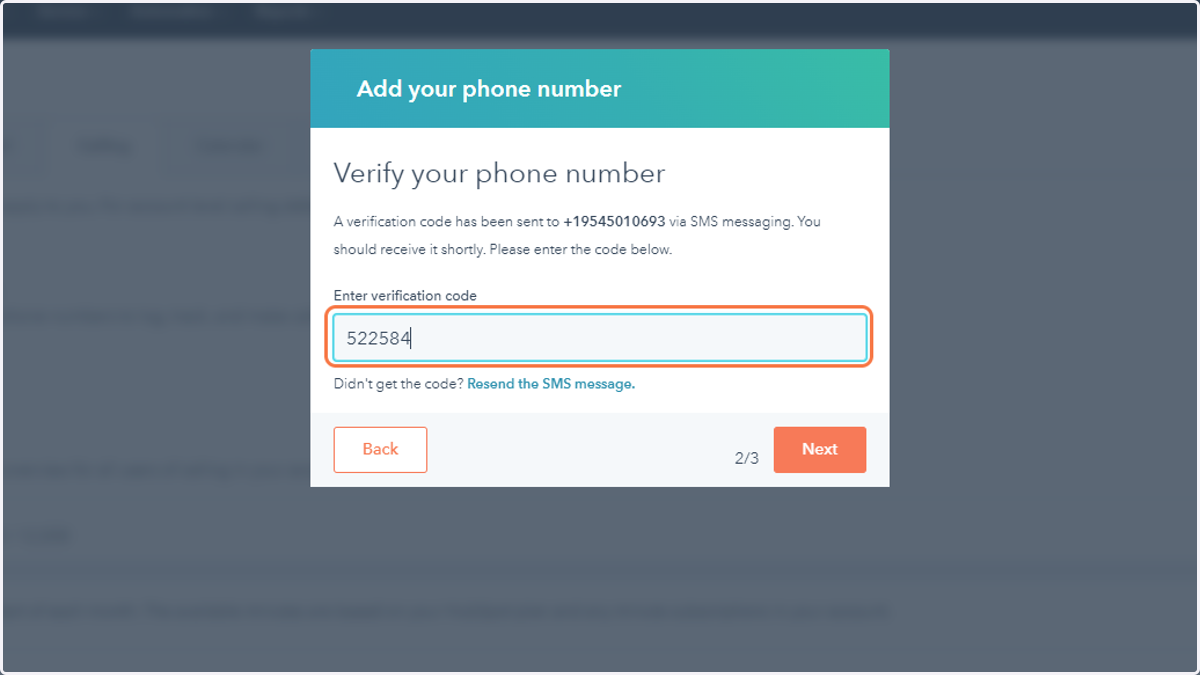
6. Enter the verification code that was sent to you
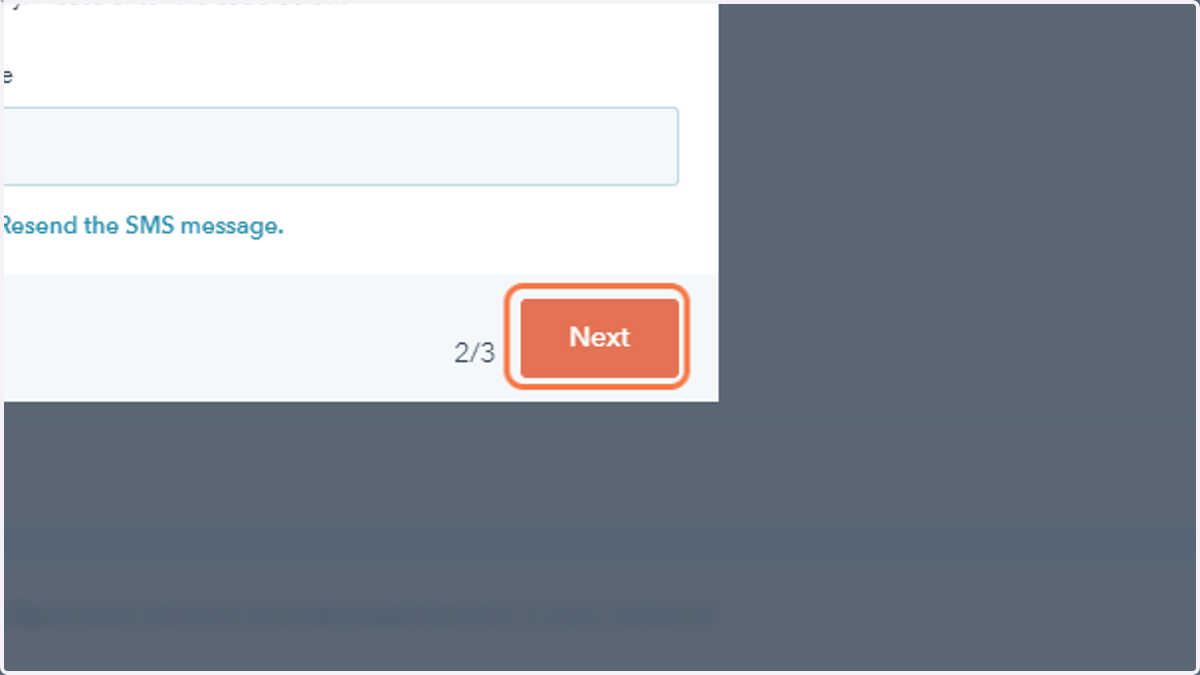
7. Click on next
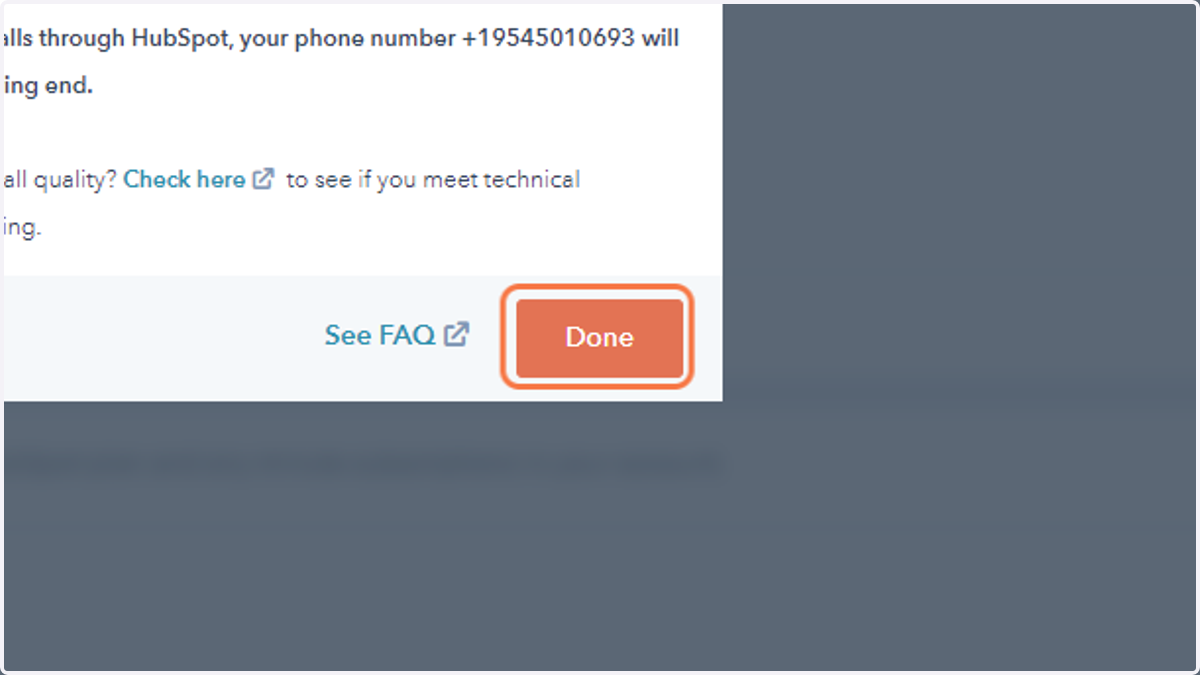
8. Click Done