How to move a Workflow from one Workspace to another
Tango
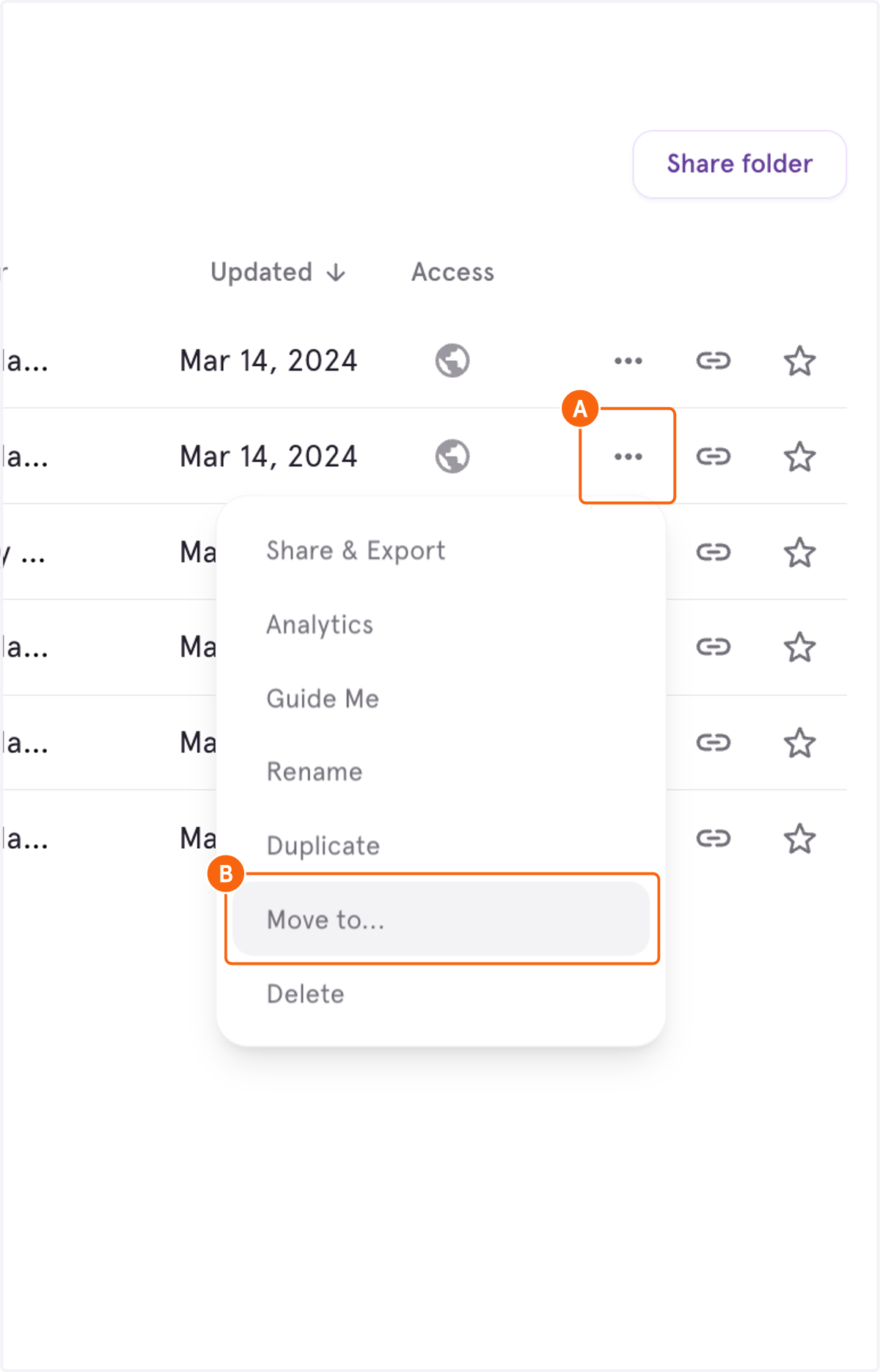
1. A. Click on Open option menu
1. B. Click on Move to...
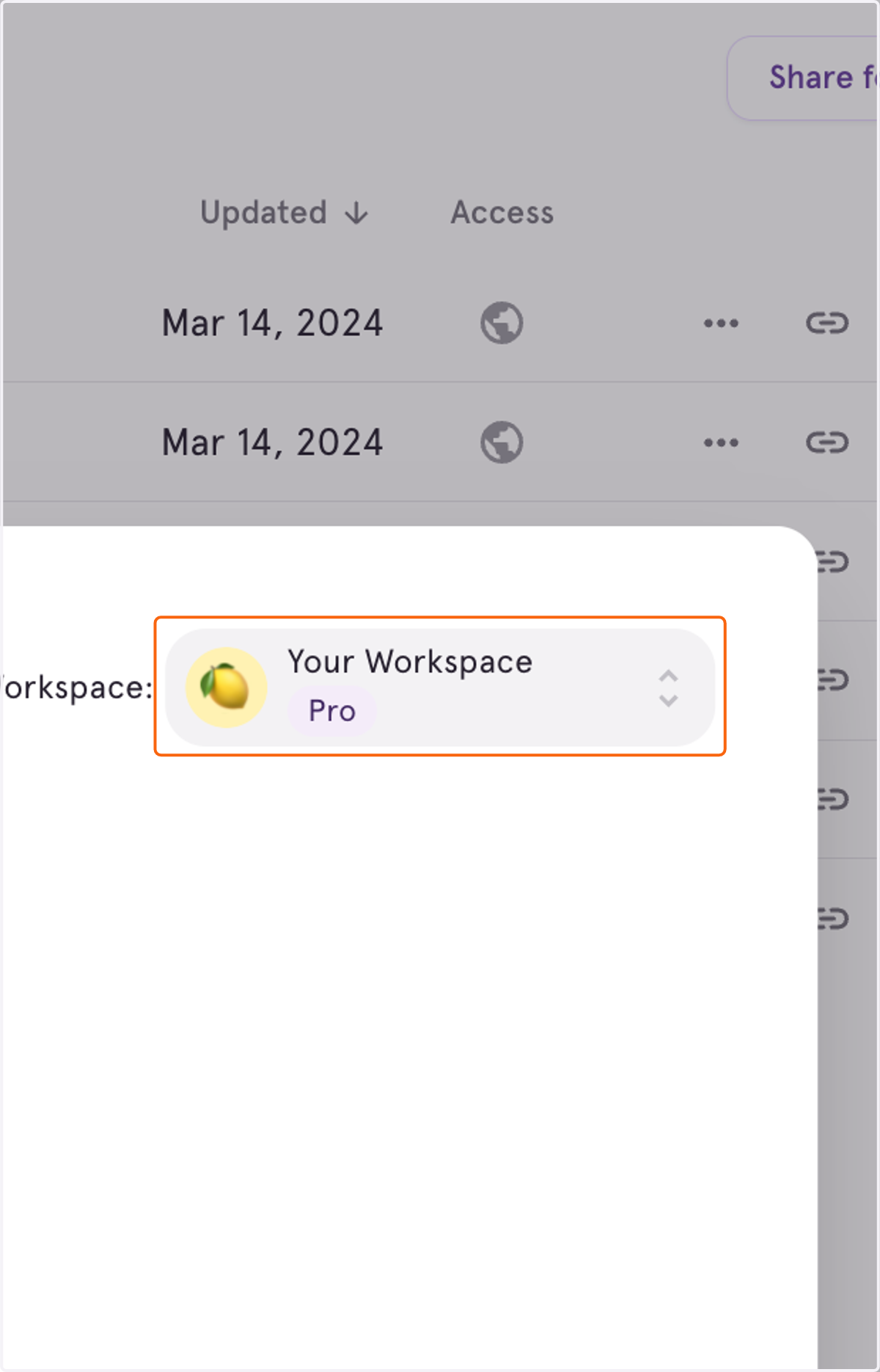
2. Click on the Workspace you're currently in
3. Scroll to find the Workspace you want to move this Tango to
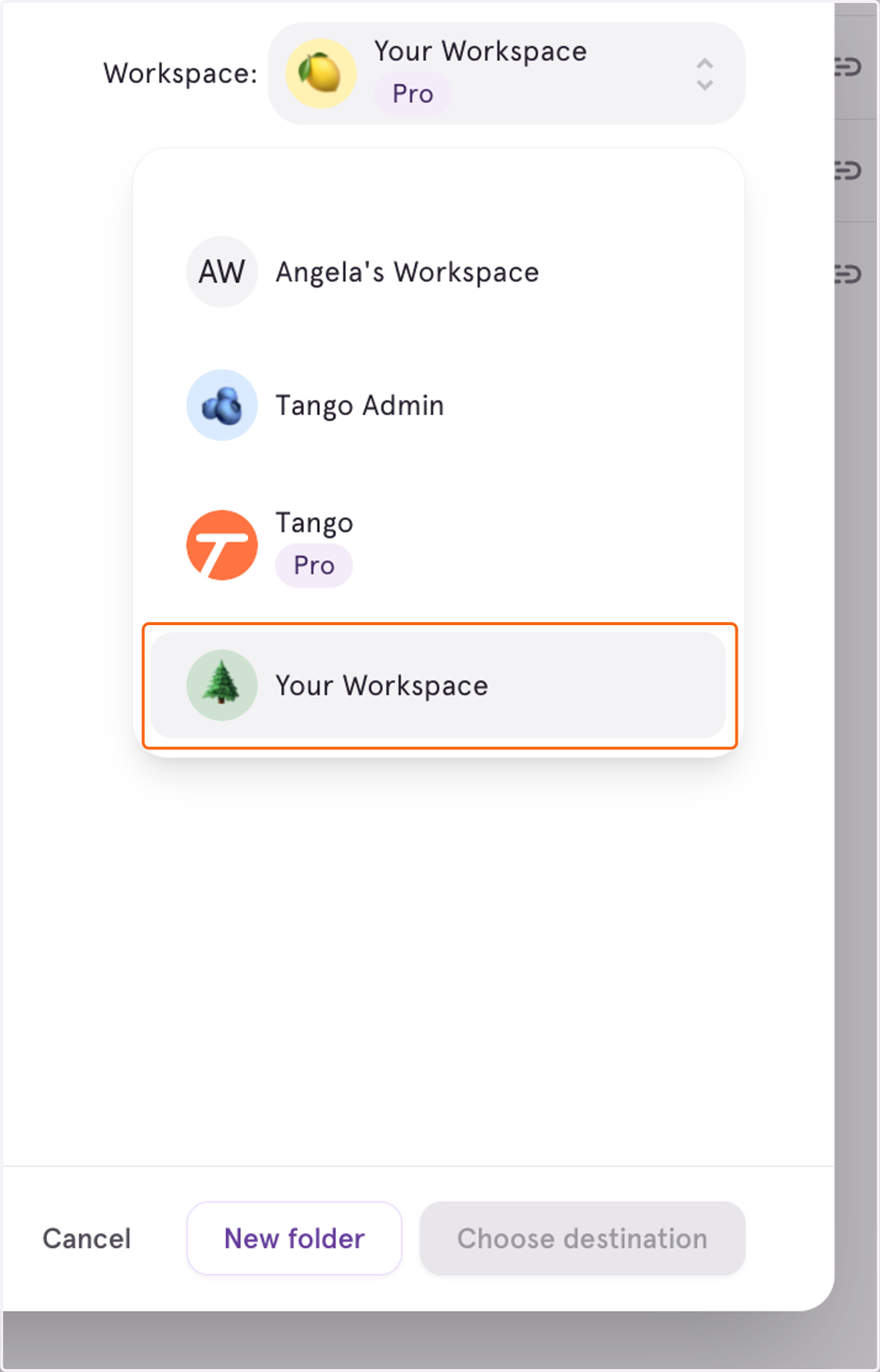
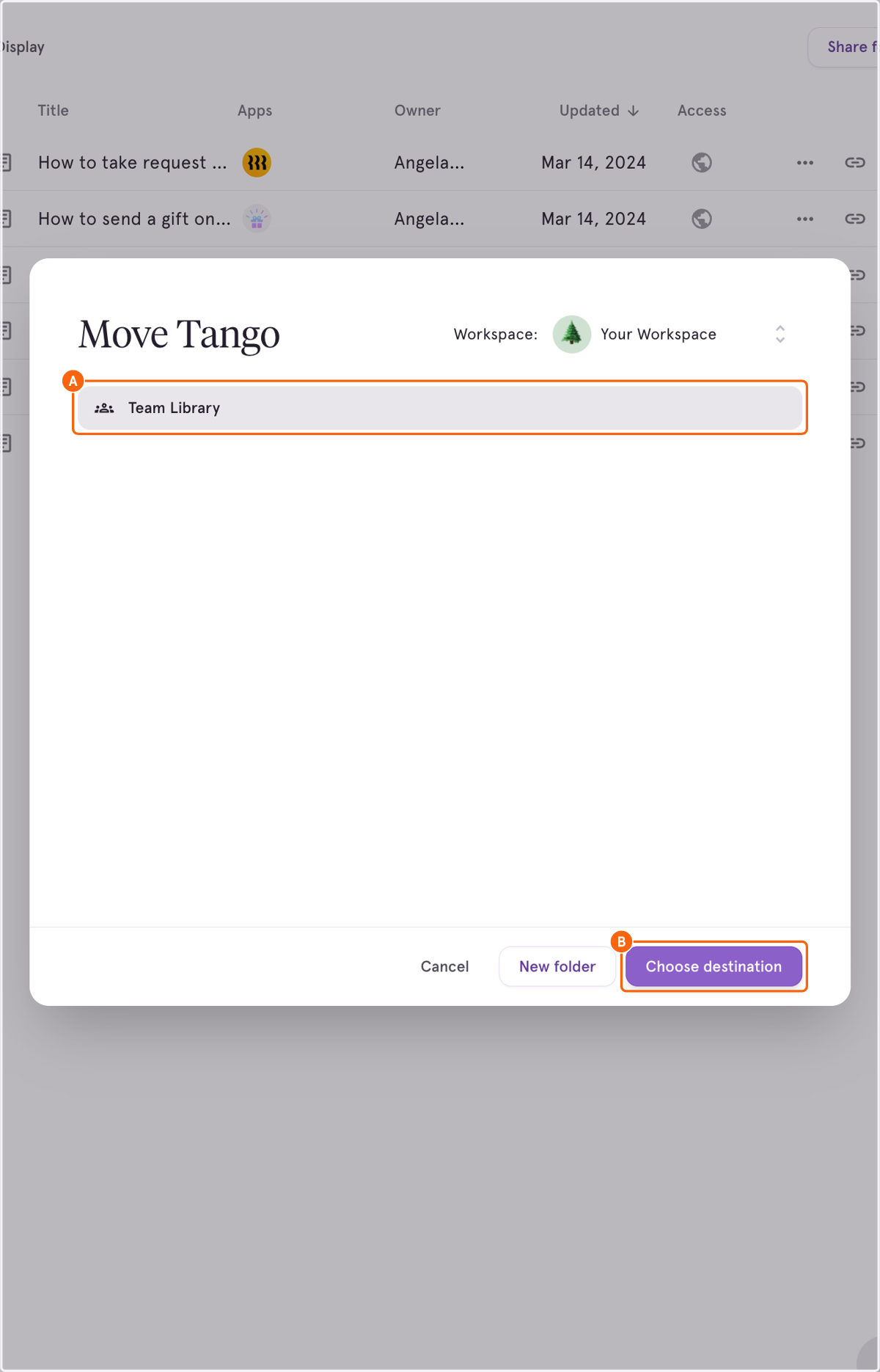
4. A. Click on Team Library or folder which you want to move the Tango to
4. B. Click on Choose destination
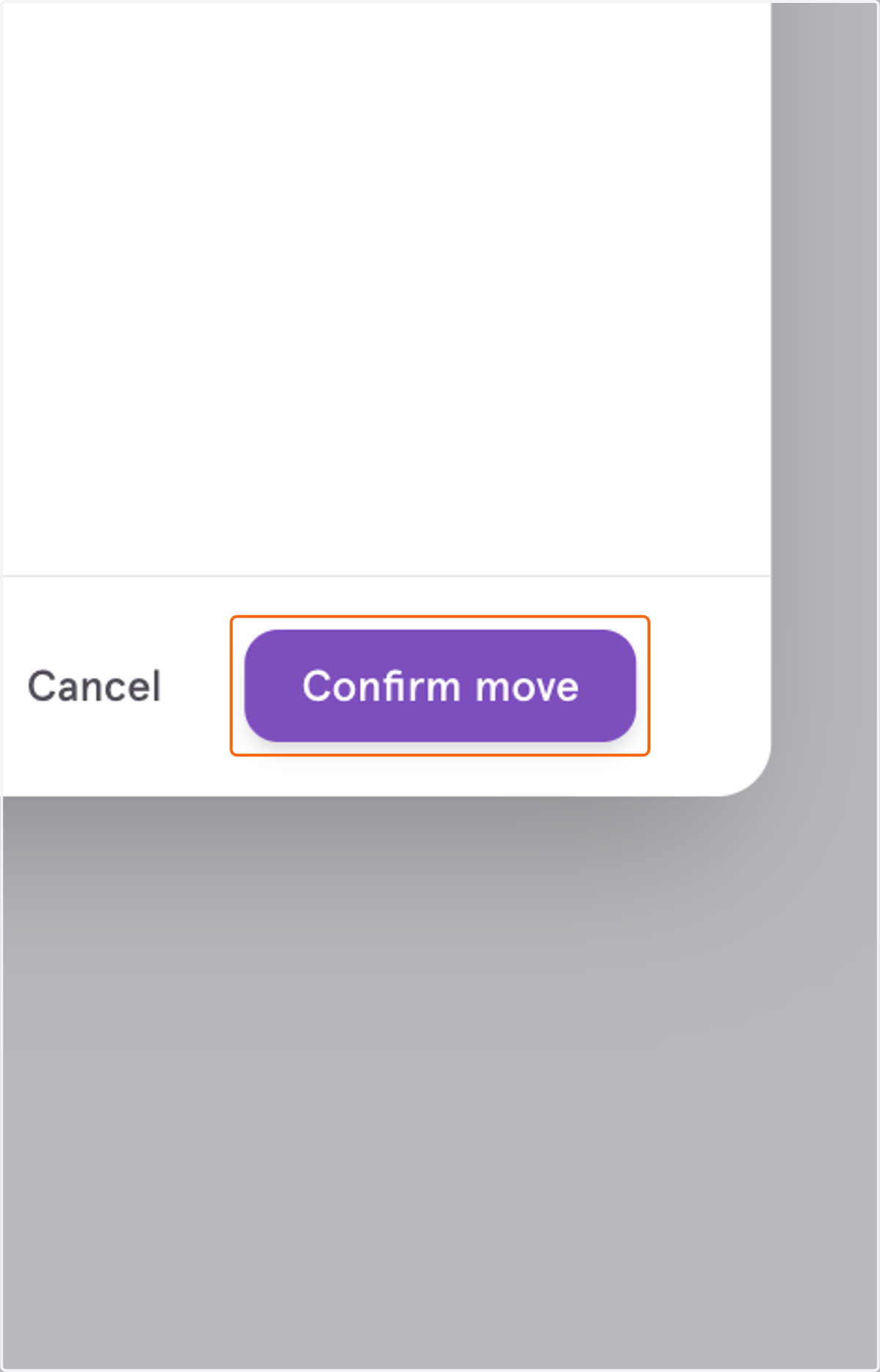
5. Click on Confirm move