I can define the settings of invoices or payables
Haroldwaste
1. Go to Jules AI
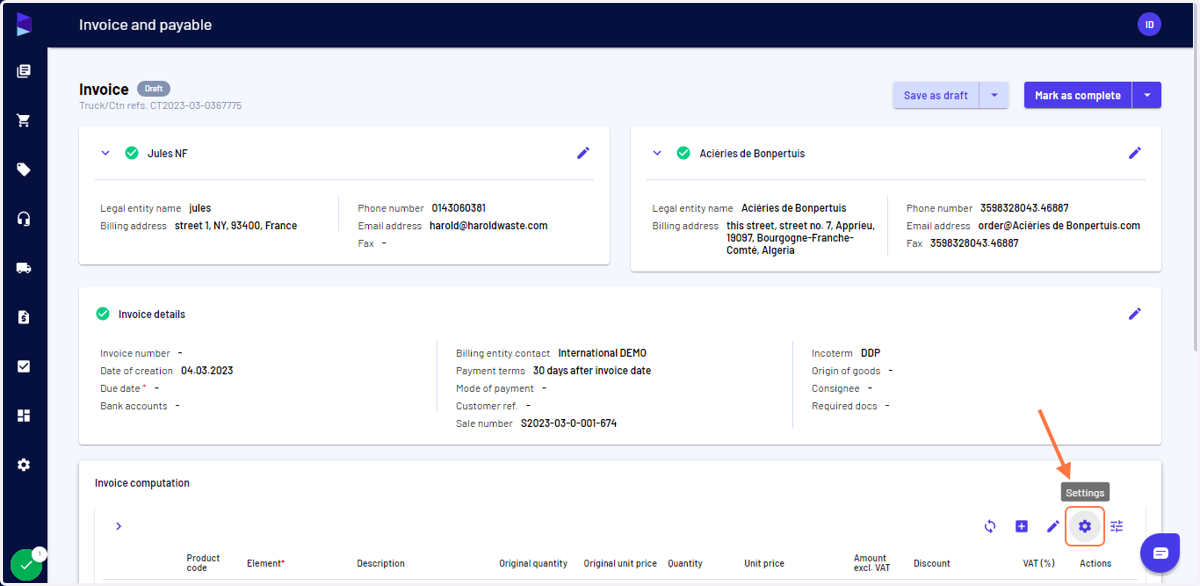
2. When creating an invoice or a payable, click on the "Settings" icon to access the settings menu
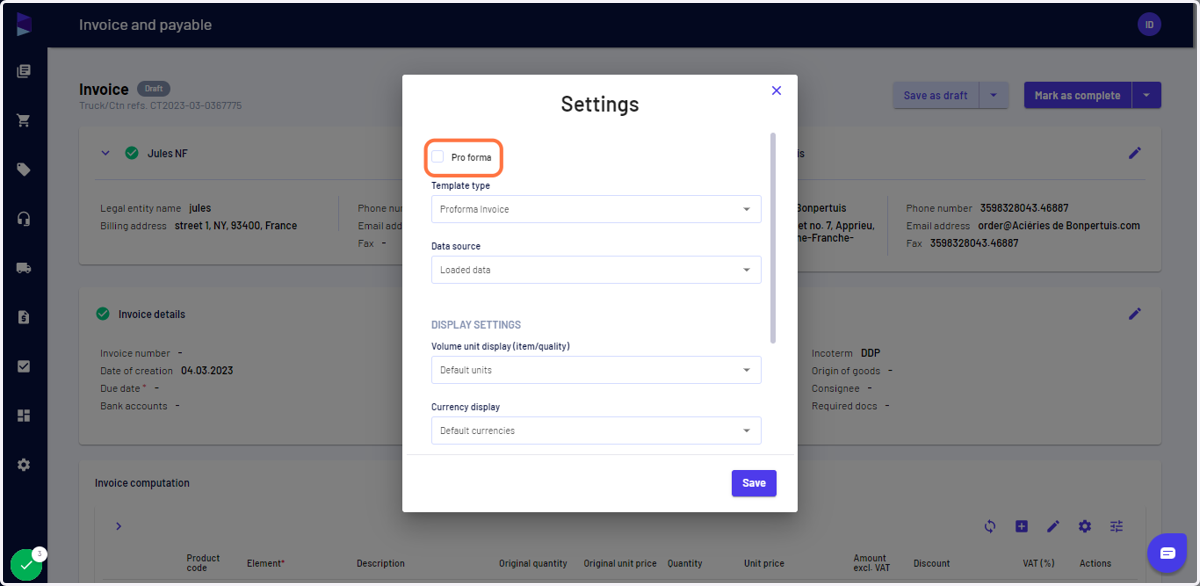
3. When generating proforma, you can click the proforma invoice and select the template type accordingly
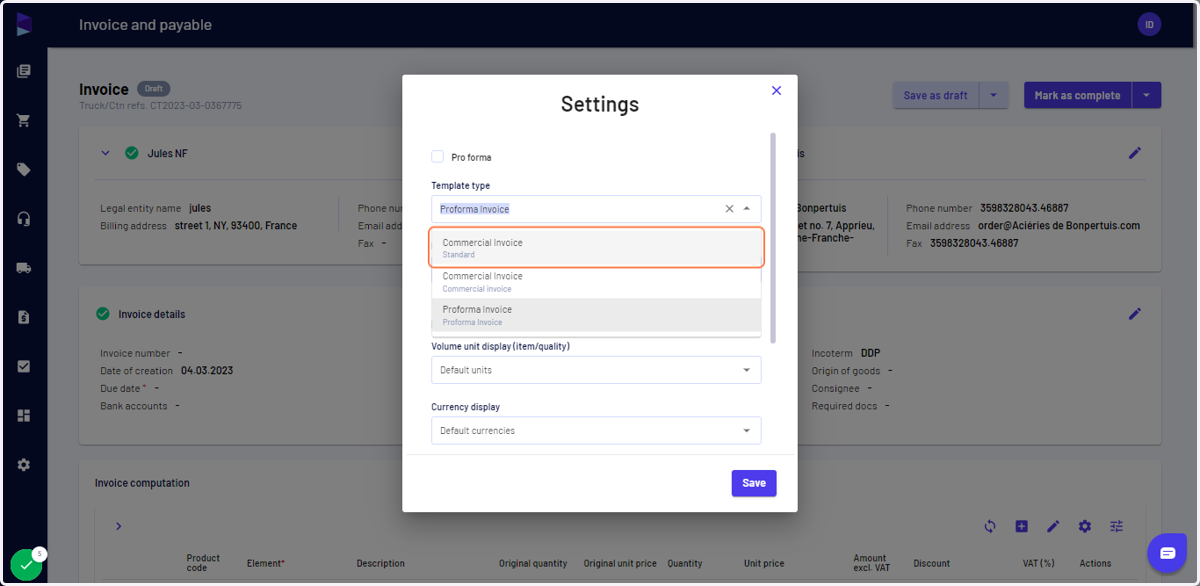
4. You can select the template type from the list as per the invoice
5. You can also select the data source, such as "Expected" for pro forma and "Loaded" for commercial
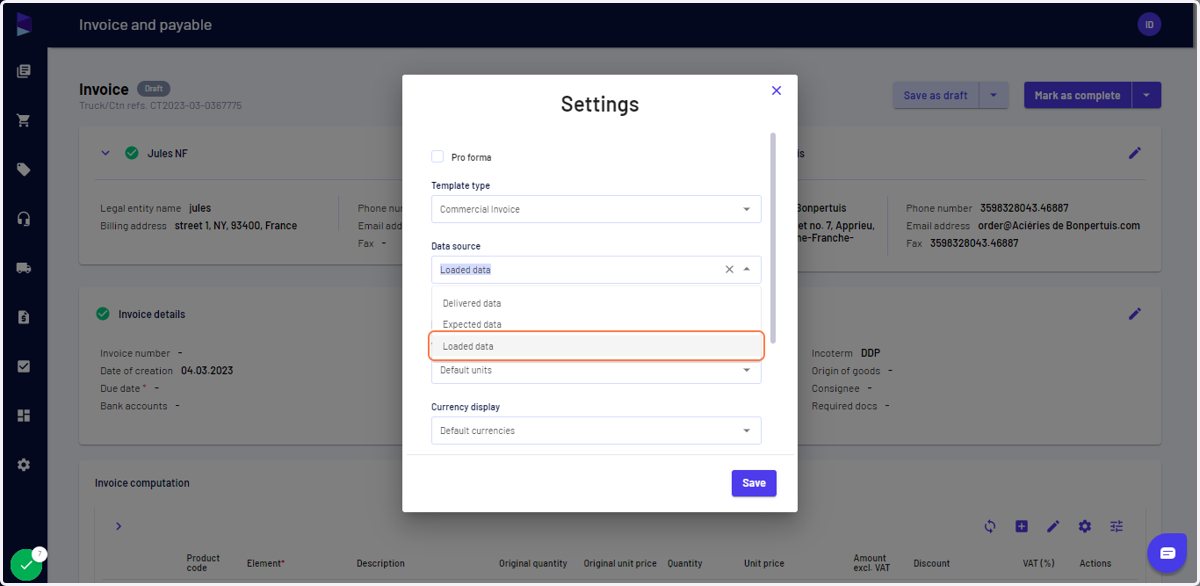
6. You can also select the default unit and currency (and apply a conversion rate)
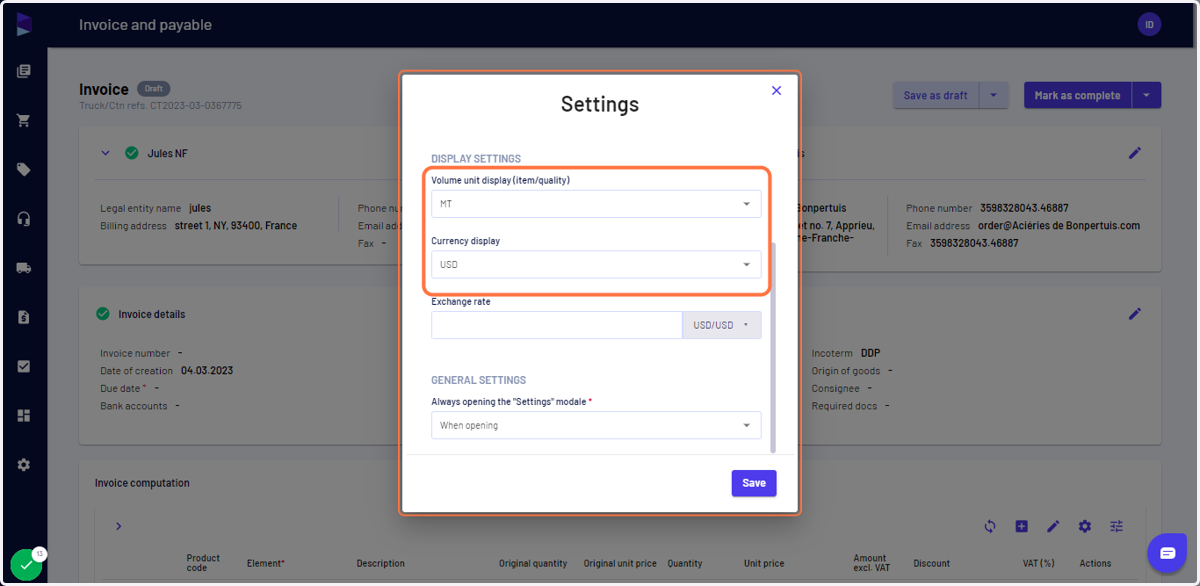
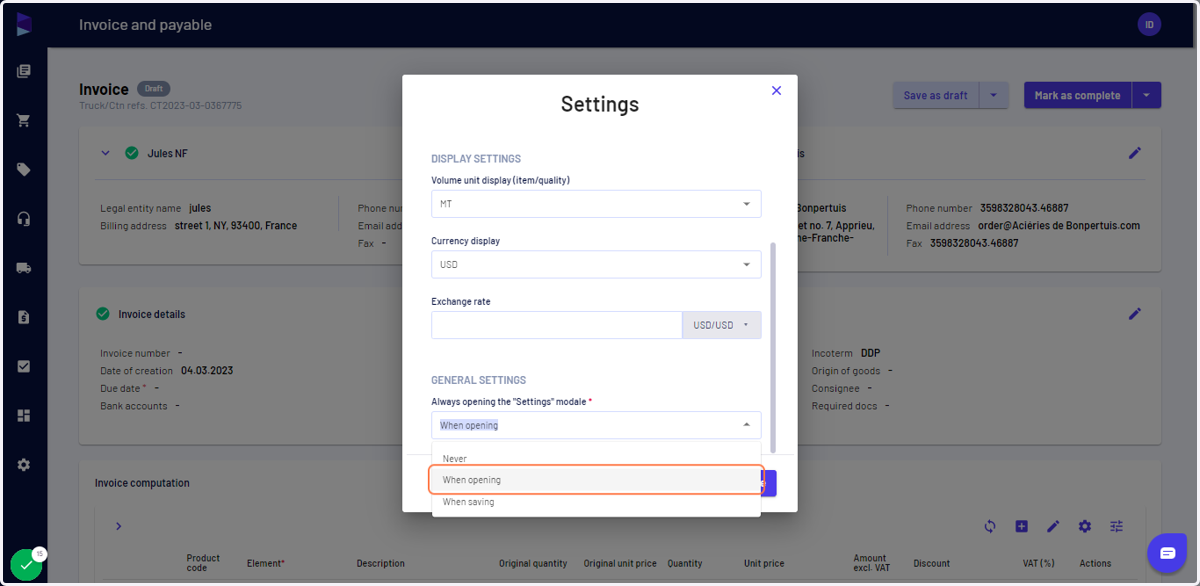
7. Last but not least, you can define when you want this settings page to be displayed, to make sure you never forget it
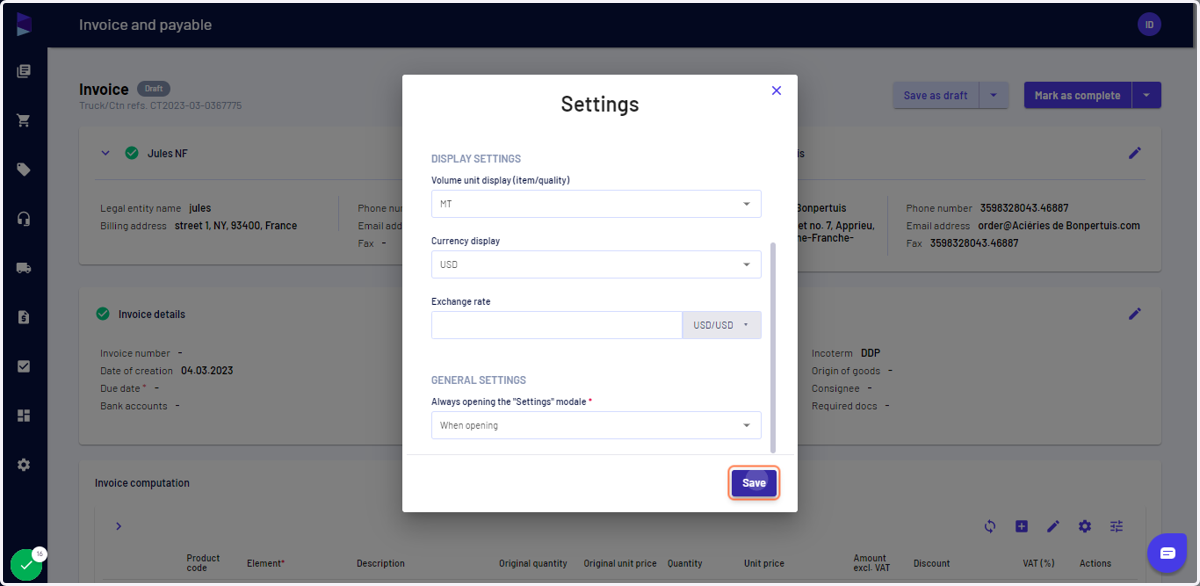
8. Once updated, click on "Save" to save your selection
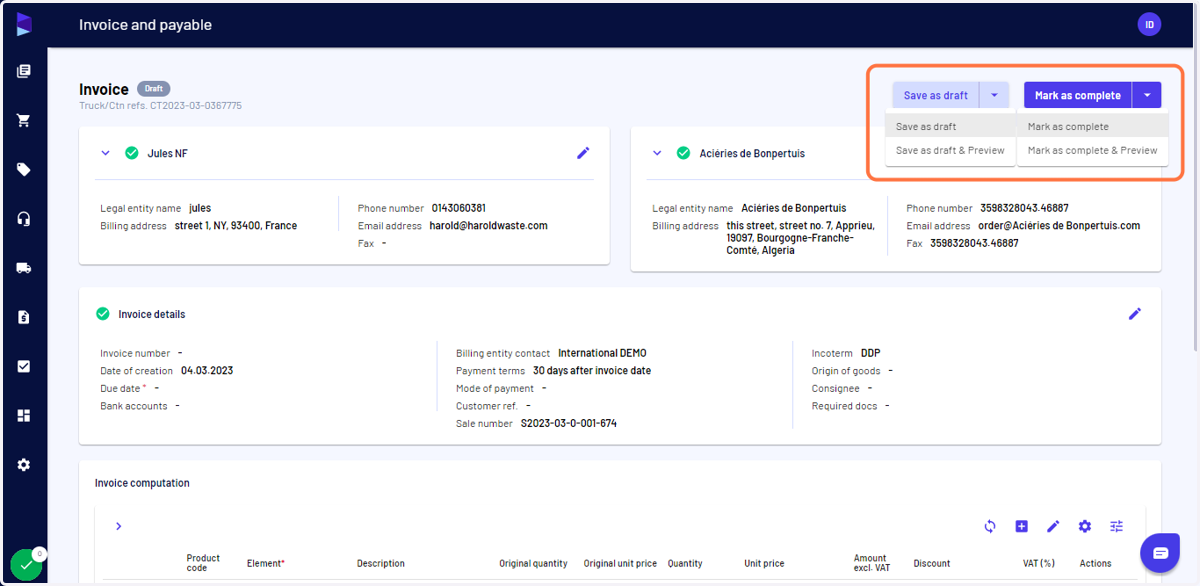
9. Check the other information for the invoice and once it's ready, click on "Mark as complete" to finalize it or on "Save as draft" if want to make further changes later on
You can also click on the down arrow next to save and preview the invoice