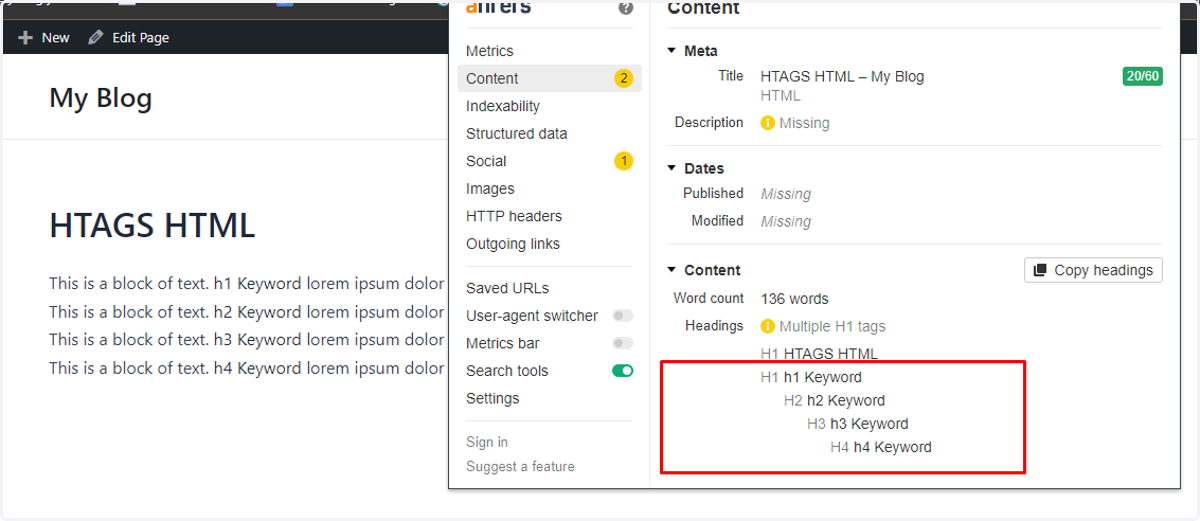
HTAG Insertion - HTML
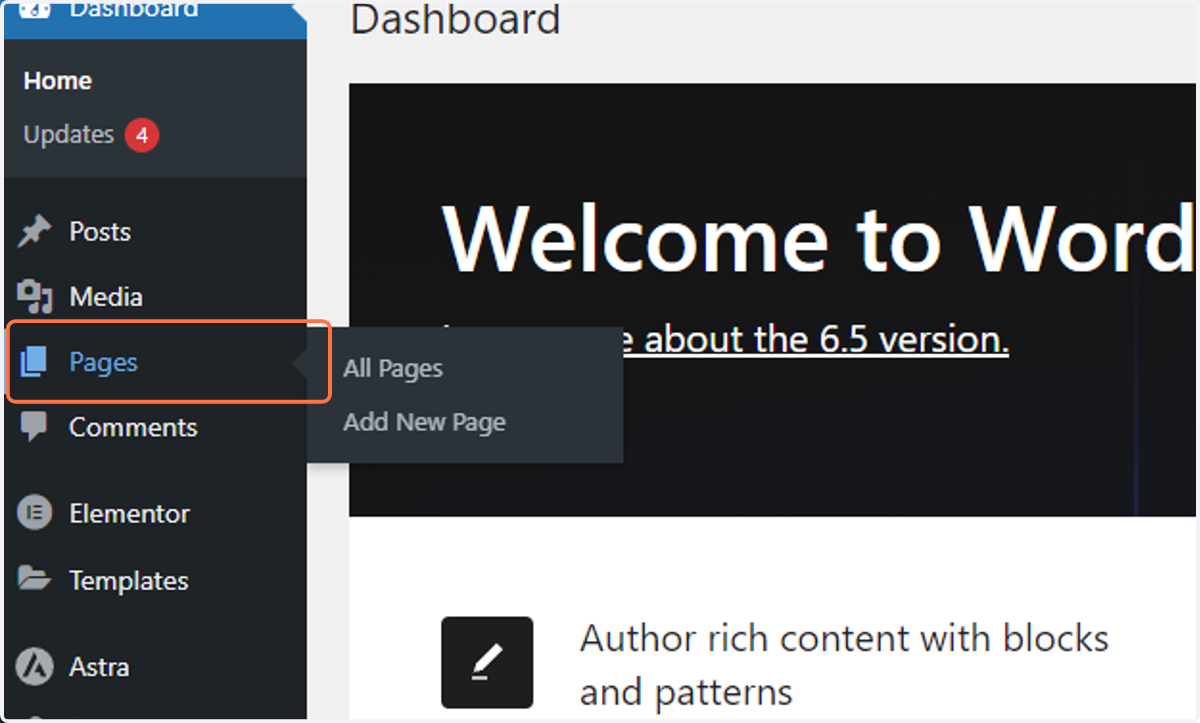
1. Click on Main menu -> Pages
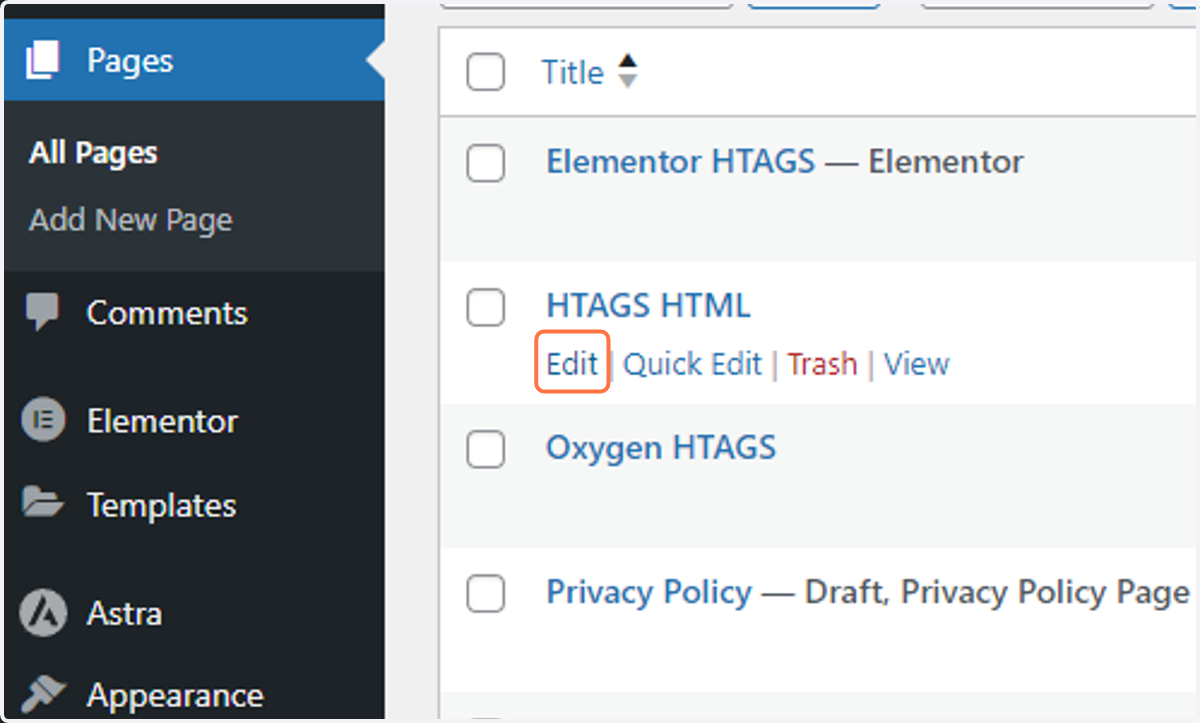
2. Click on Edit on your HTML page
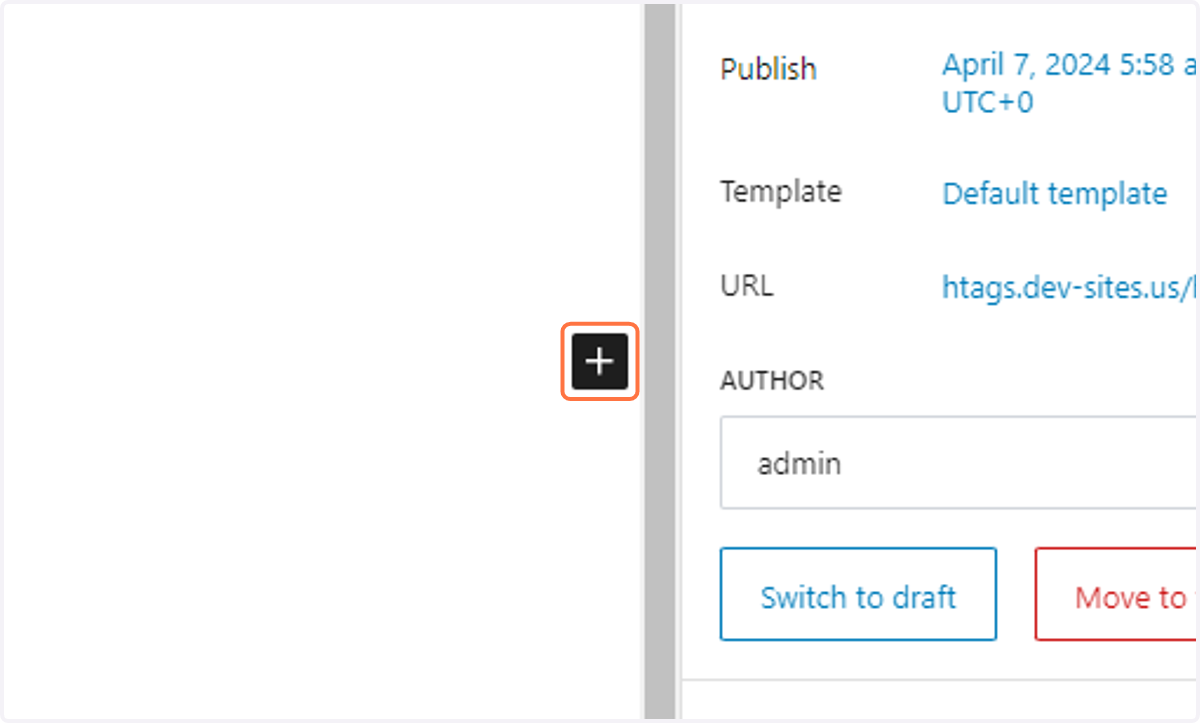
3. Click on + icon Add block
4. Type "html"
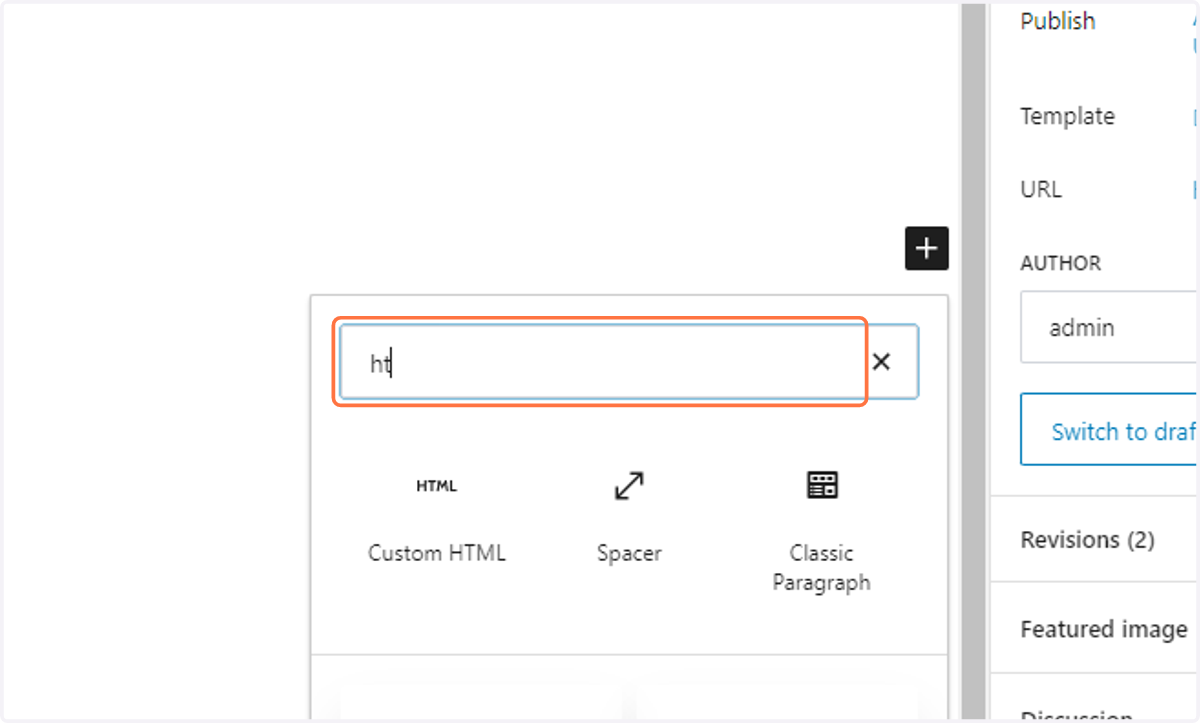
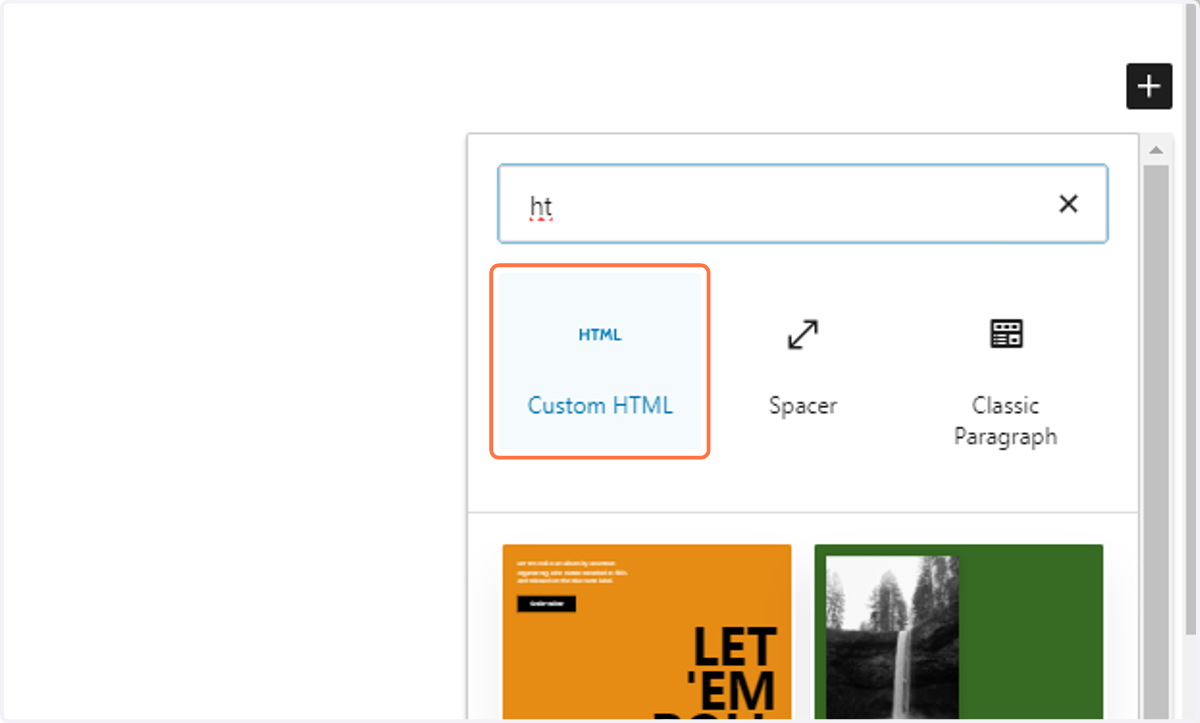
5. Click on Custom HTML
6. Create Your HTML Htag structure and add class (has-htag) on parent div
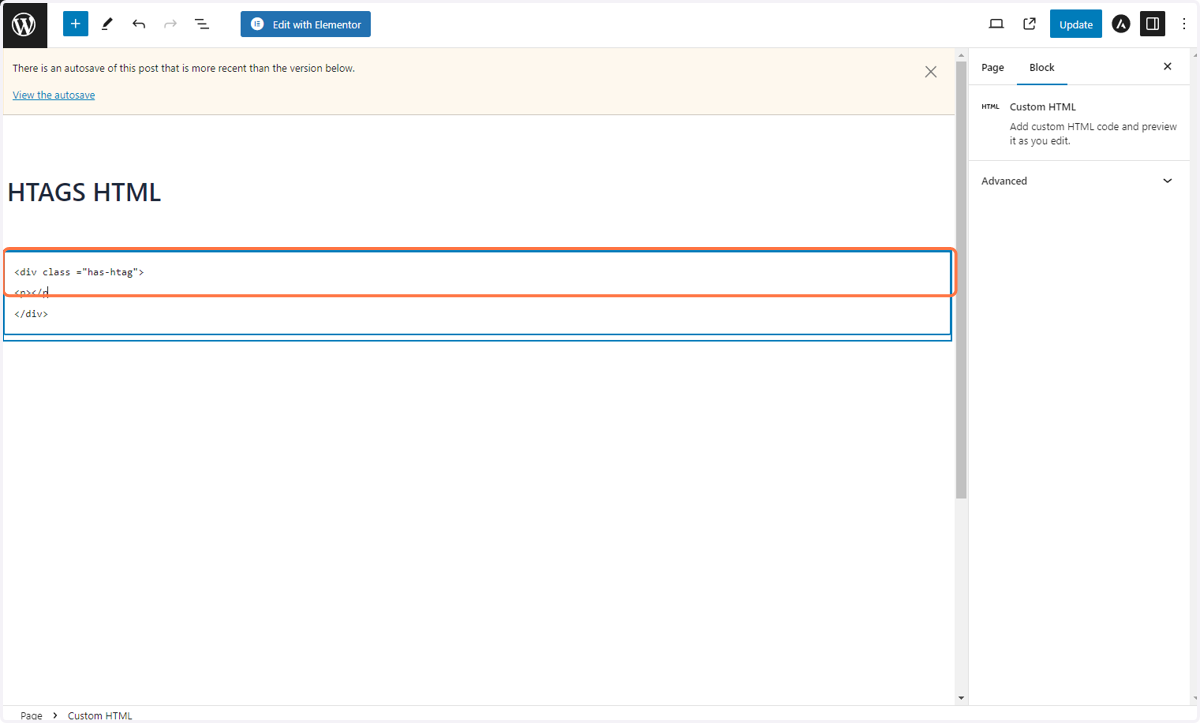
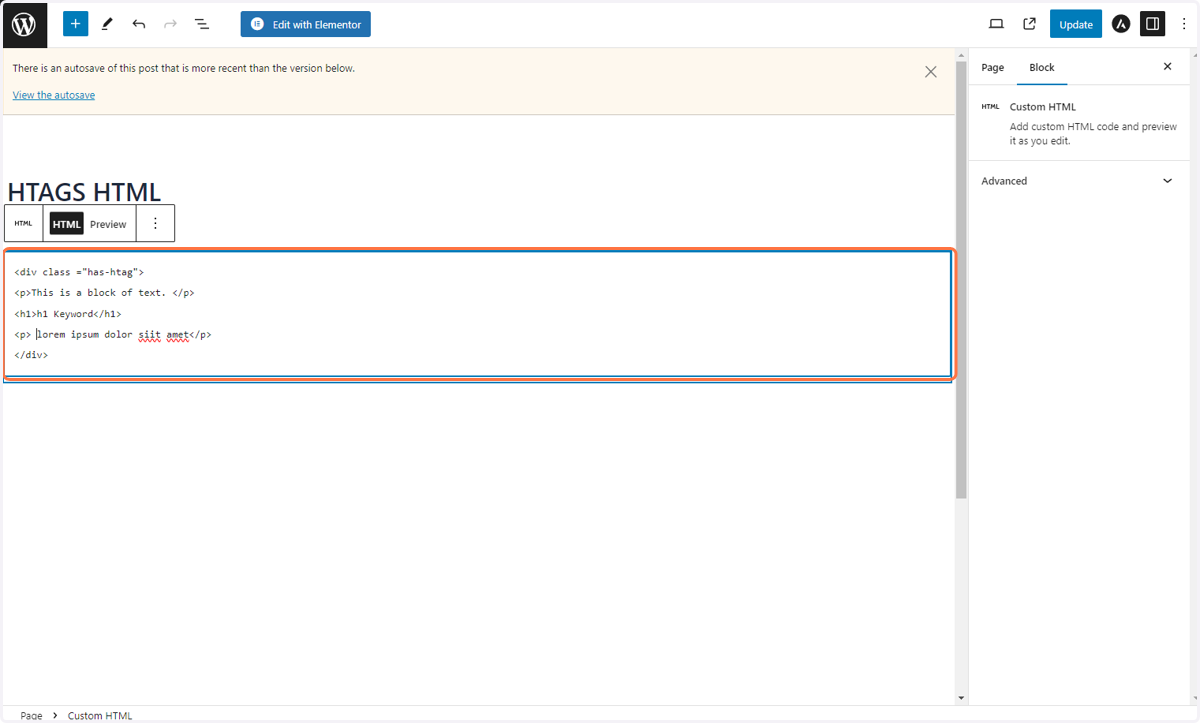
7. Create HTAG HTML Structure
In this example we created h1-h4
<div class ="has-htag">
<p>This is a block of text. </p>
<h1>h1 Keyword</h1>
<p> lorem ipsum dolor siit amet</p>
</div>
<div class ="has-htag">
<p>This is a block of text. </p>
<h2>h2 Keyword</h2>
<p> lorem ipsum dolor siit amet</p>
</div>
<div class ="has-htag">
<p>This is a block of text. </p>
<h3>h3 Keyword</h3>
<p> lorem ipsum dolor siit amet</p>
</div>
<div class ="has-htag">
<p>This is a block of text. </p>
<h4>h4 Keyword</h4>
<p> lorem ipsum dolor siit amet</p>
</div>
8. Click on Update
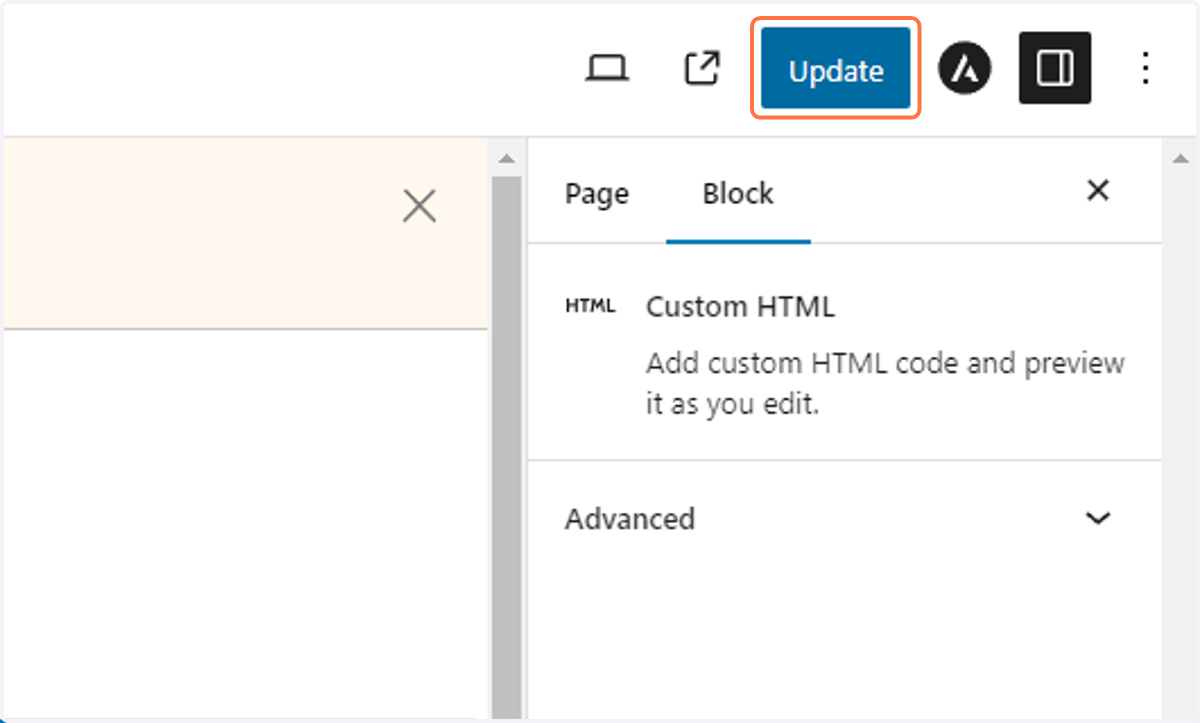
9. Click on View Page

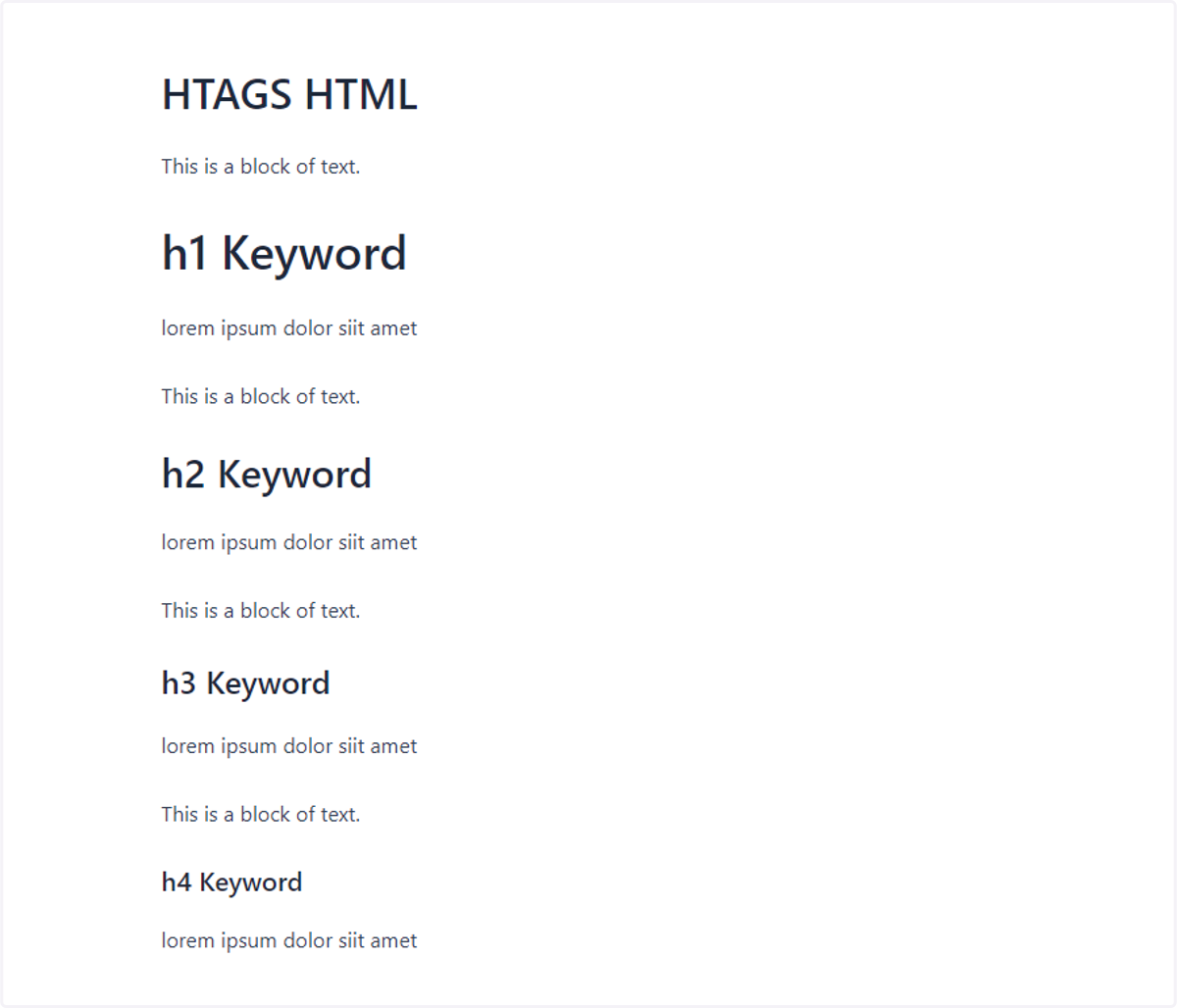
10. Raw Output of HTAG HTML
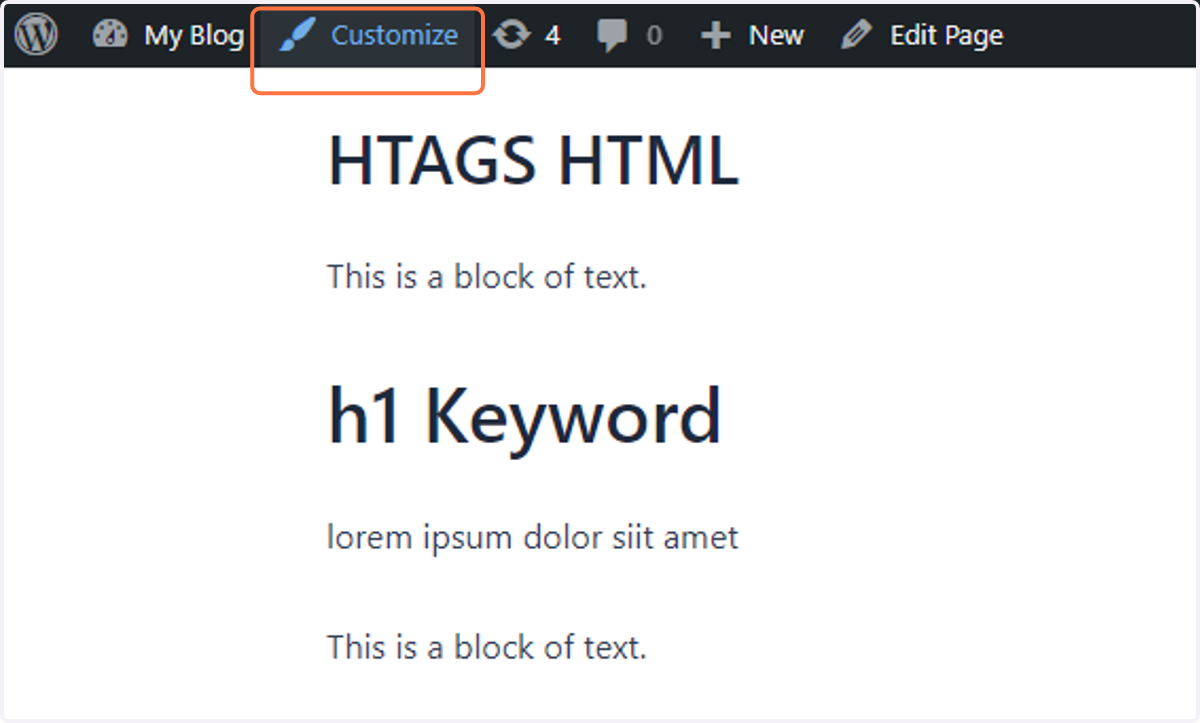
11. To update the style - click on Customize
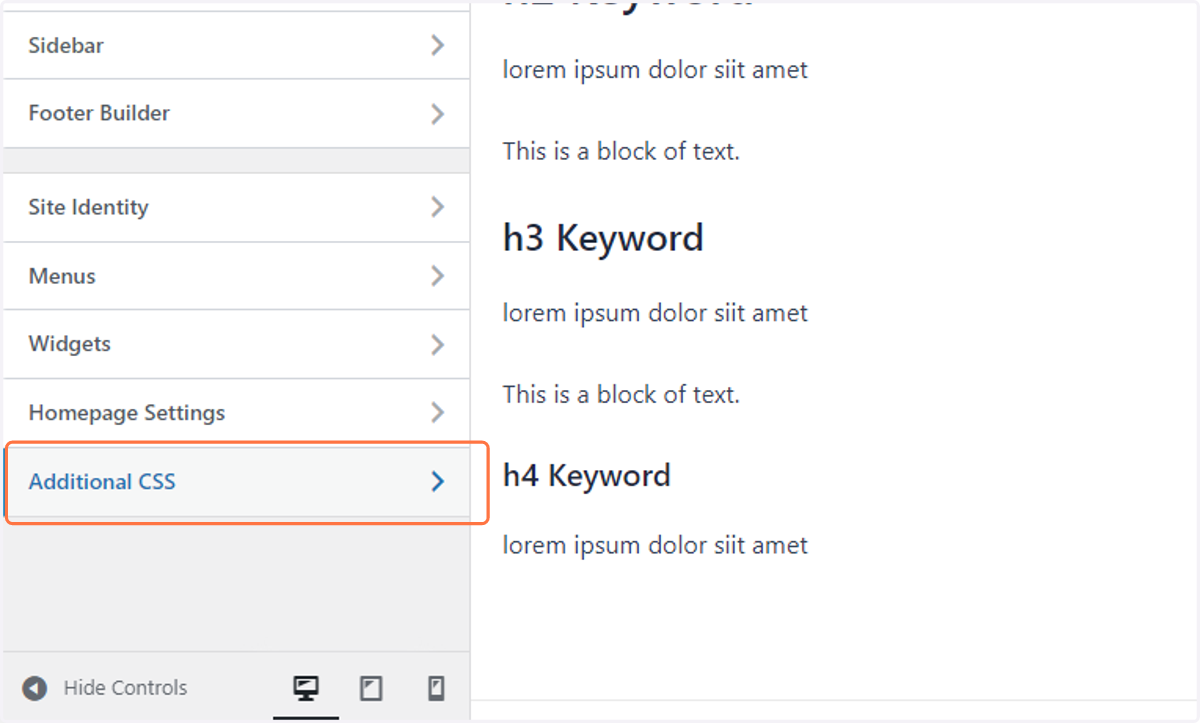
12. Click on Additional CSS…
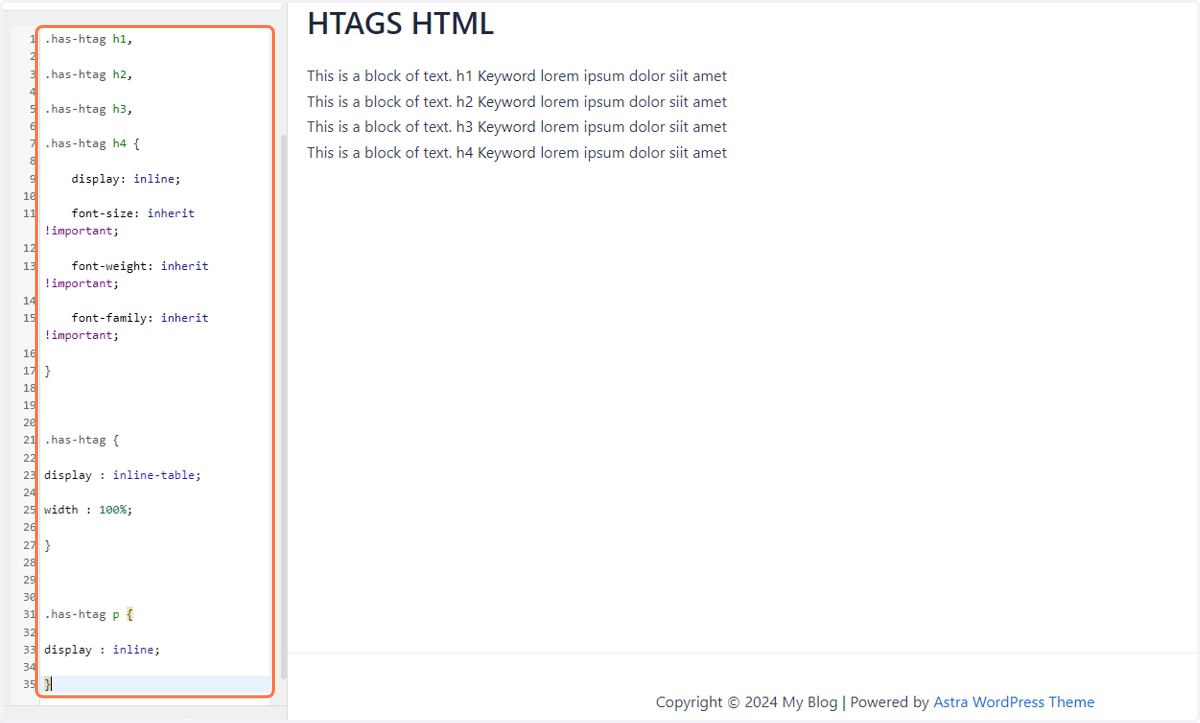
13. Paste the CSS code
.has-htag h1,
.has-htag h2,
.has-htag h3,
.has-htag h4 {
display: inline;
font-size: inherit !important;
font-weight: inherit !important;
font-family: inherit !important;
}
.has-htag {
display : inline-table;
width : 100%;
}
.has-htag p {
display : inline;
}
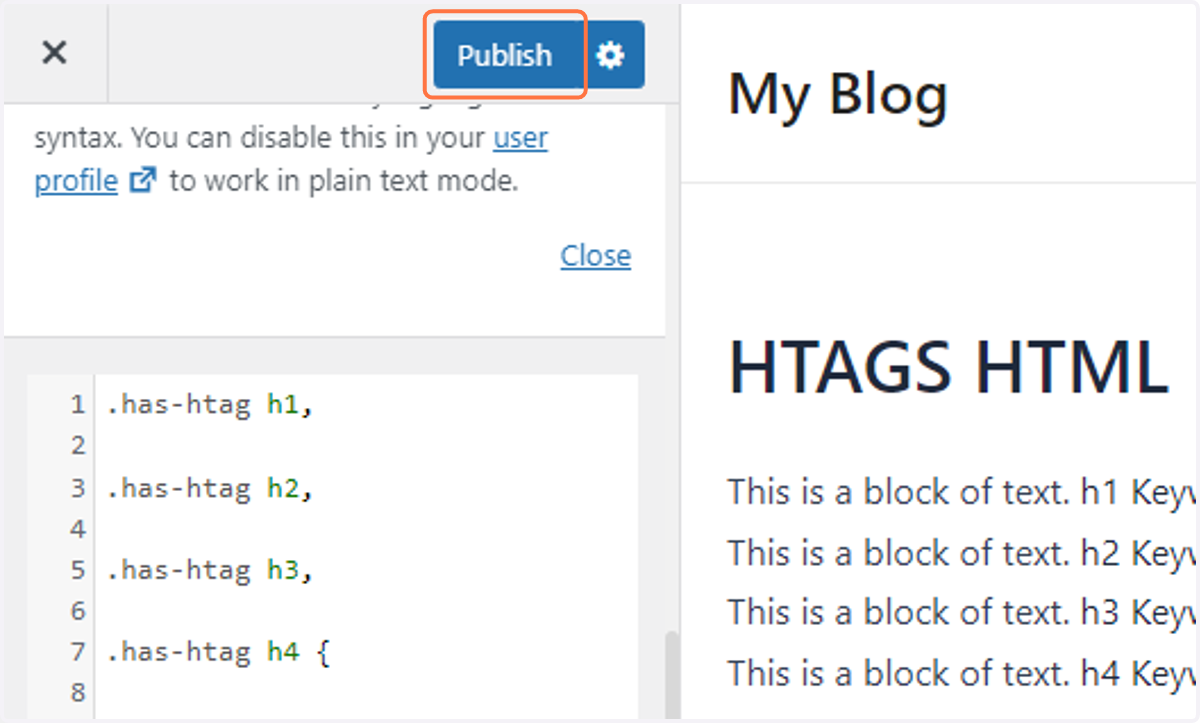
14. Click on Publish
15. After applying the CSS the style should be like this.
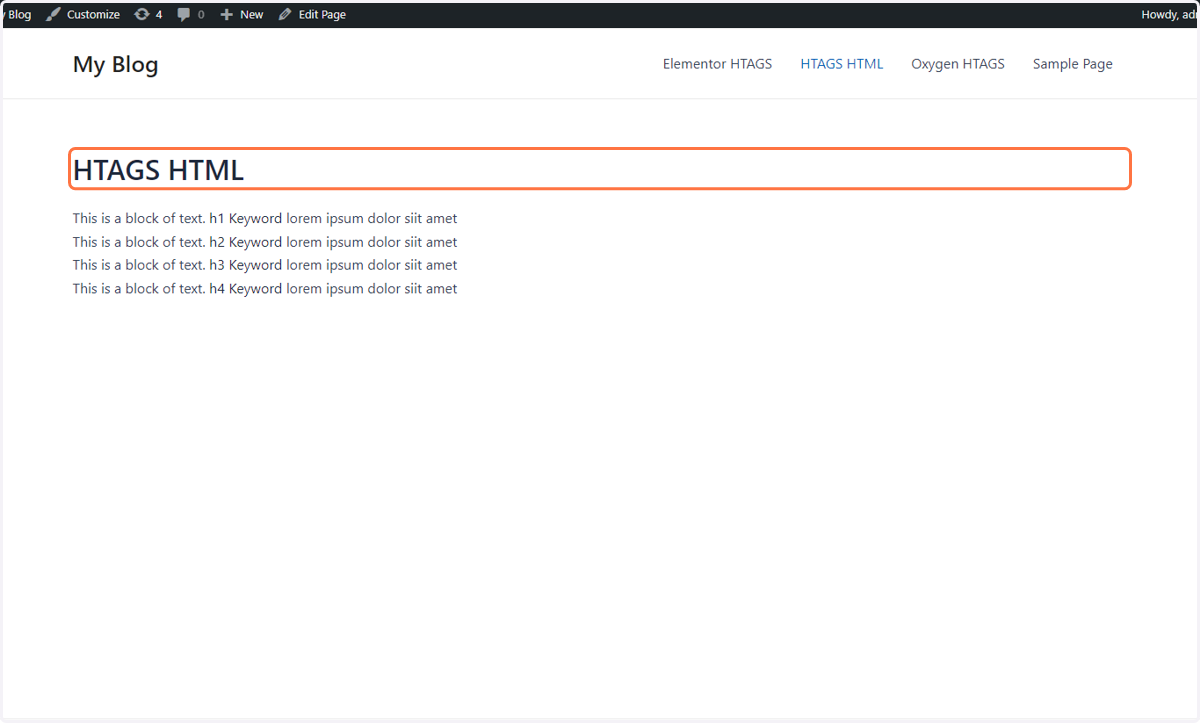
16. HTAG Structure