To view all Corporate Files
Elitesuiteke
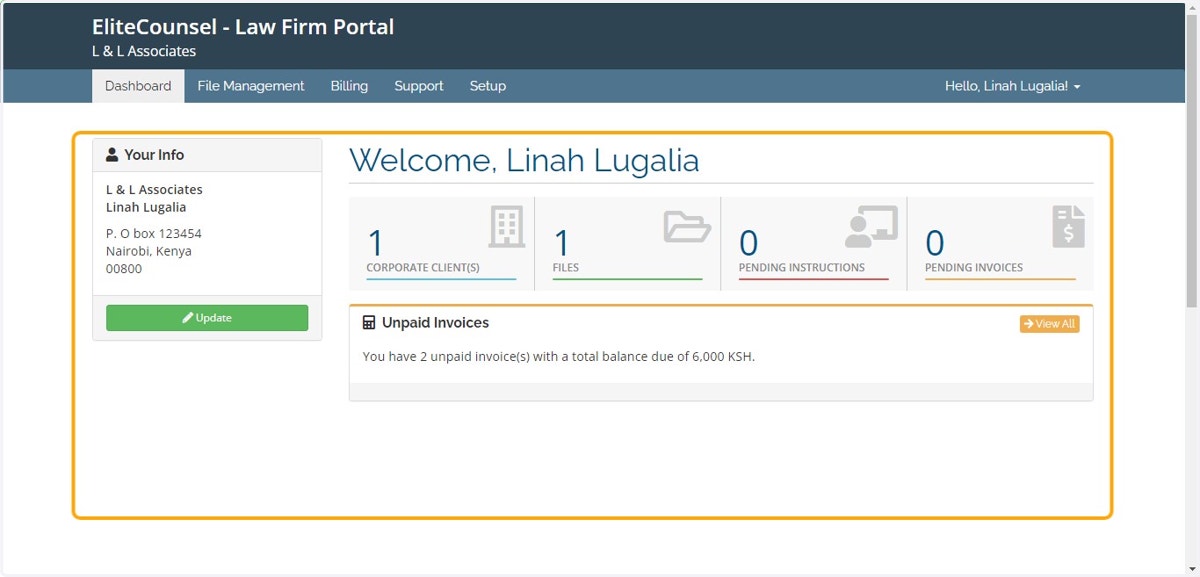
1. Log into the system
2. Click on File Management module
3. Click on Corporate Files link under Maintenance
4. A list of all files will pop out as shown in the example below. Advance search, Search option to perform a quick search and the Print option should you need a print out of the same