Creating Spaces, Boards, and Items
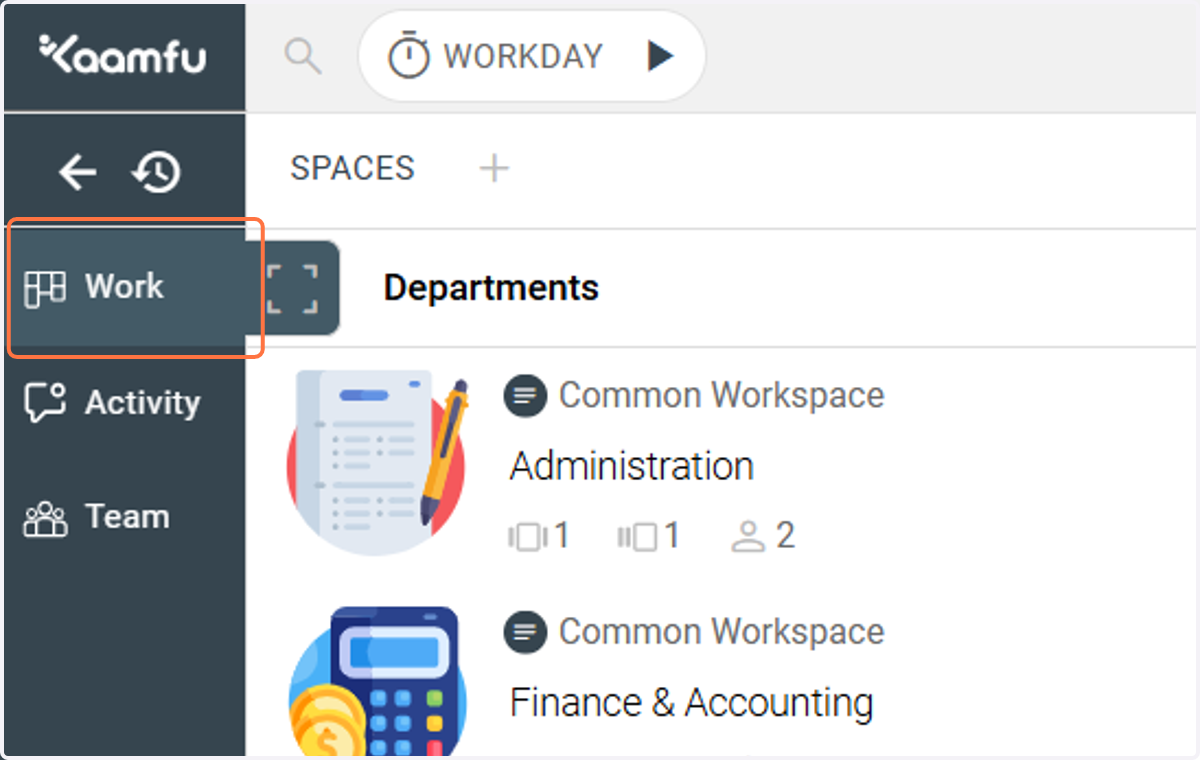
1. Work Panel - where all your work happens
The Work Panel is you hub for work management in Kaamfu.
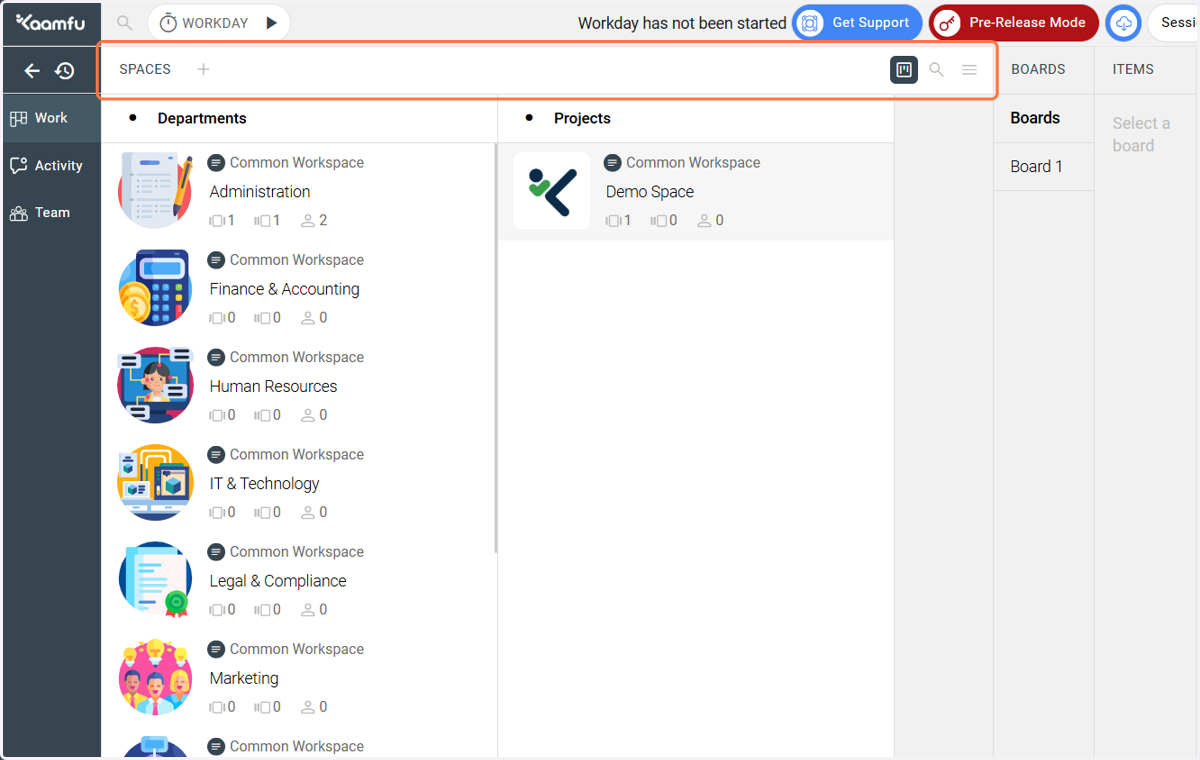
2. Spaces - create departments or projects here
Spaces represent departments or projects in Kaamfu.
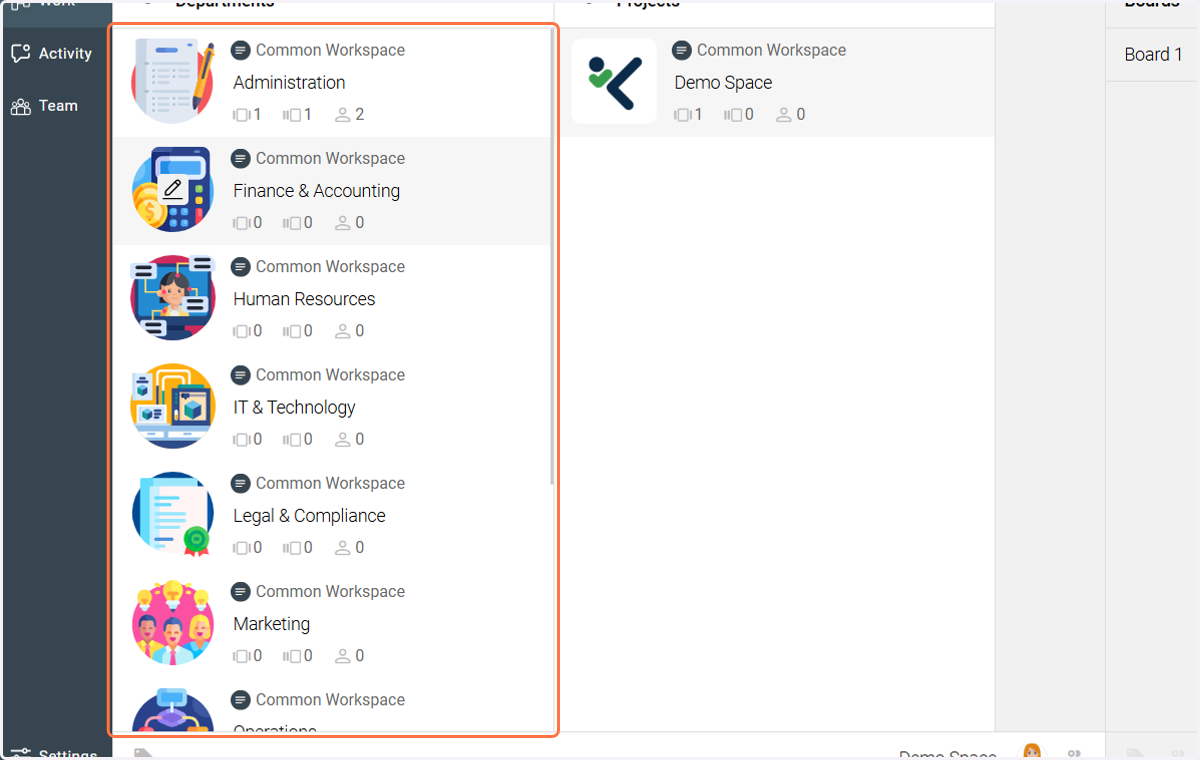
3. Default Workspaces
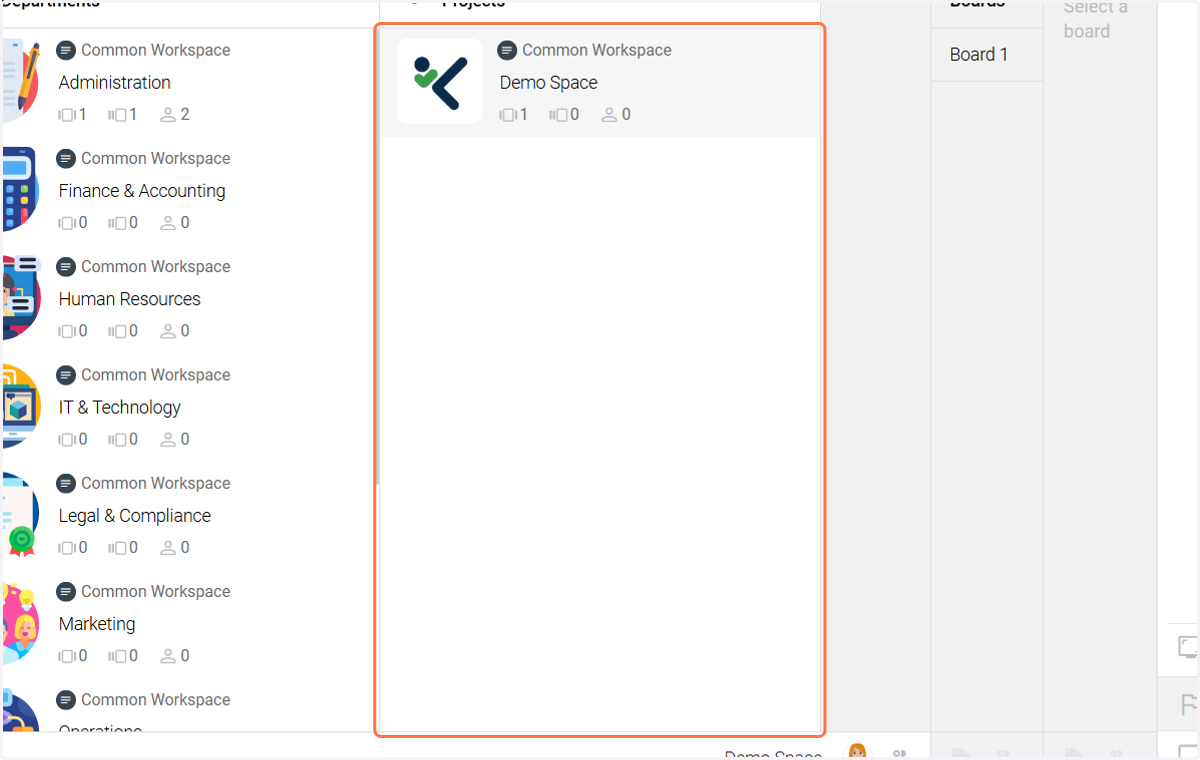
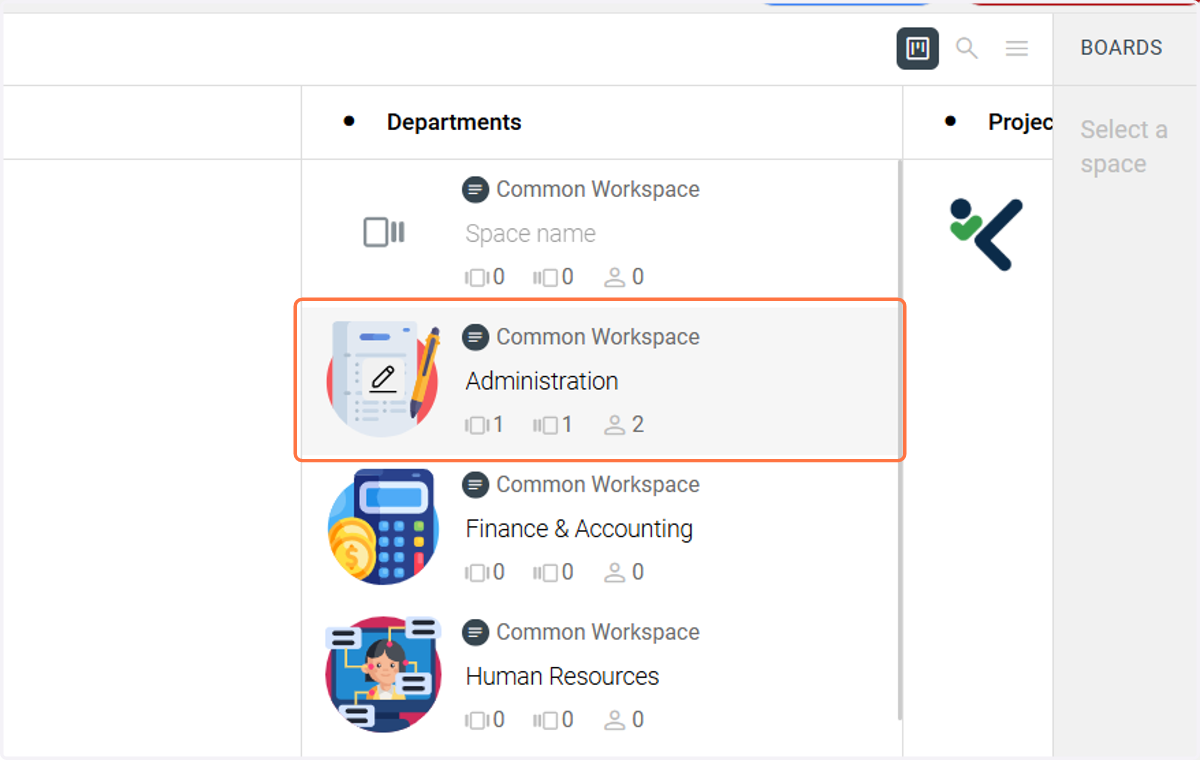
These are examples of department-wise Spaces.
4. Default Workspaces
You can also use this demo space for project-wise workspace creation.
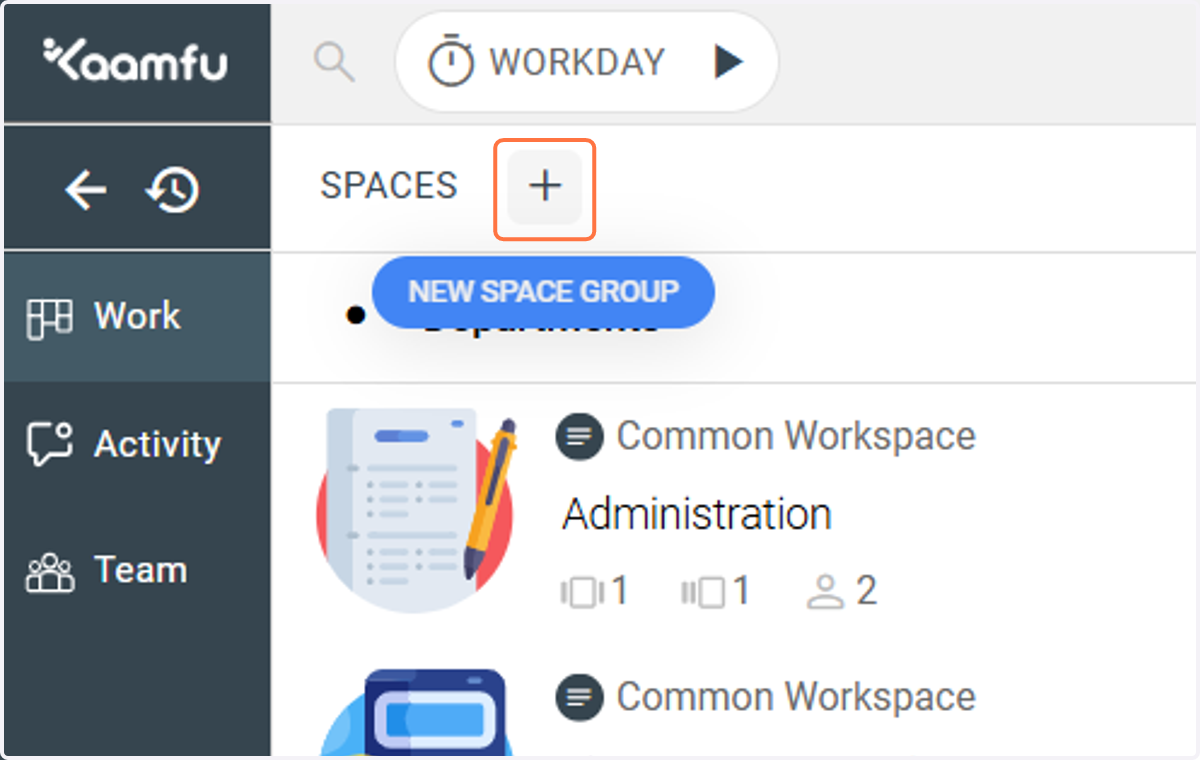
5. Create a new Space Group from scratch.
Click on this plus icon to create a new Space Group.
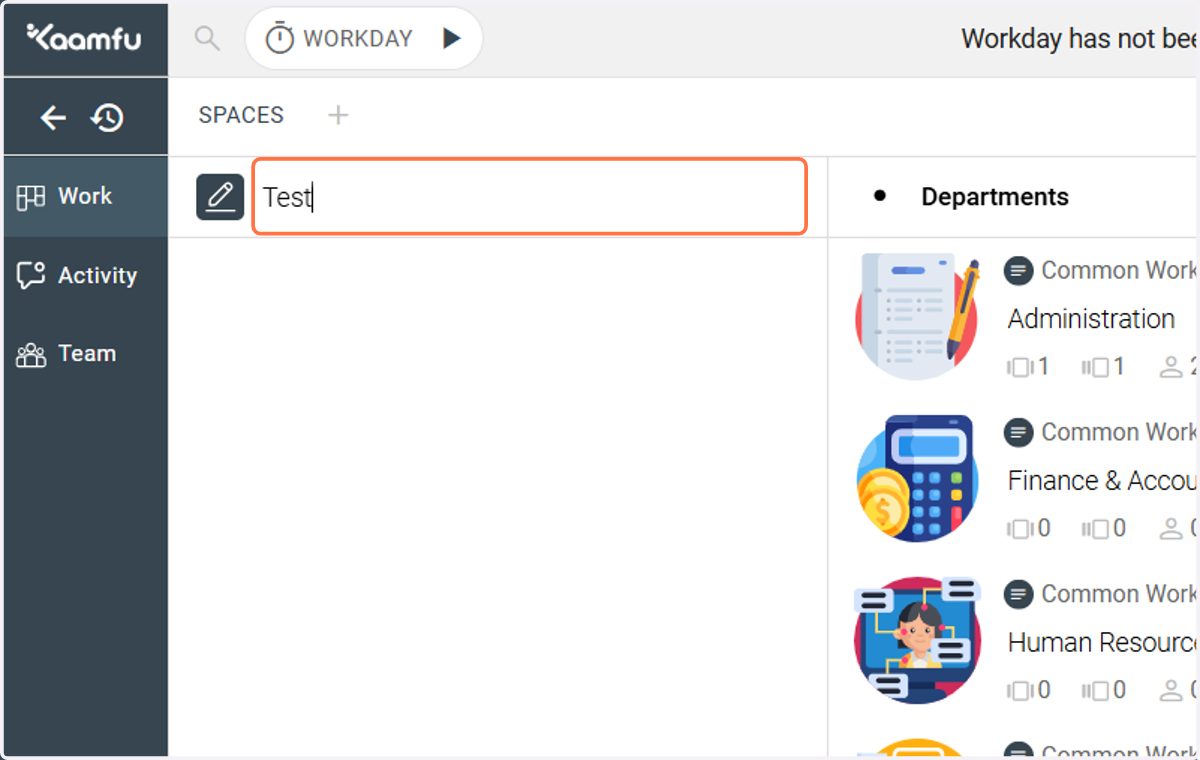
6. Enter a name for the Space Group
Give this Space Group a name.
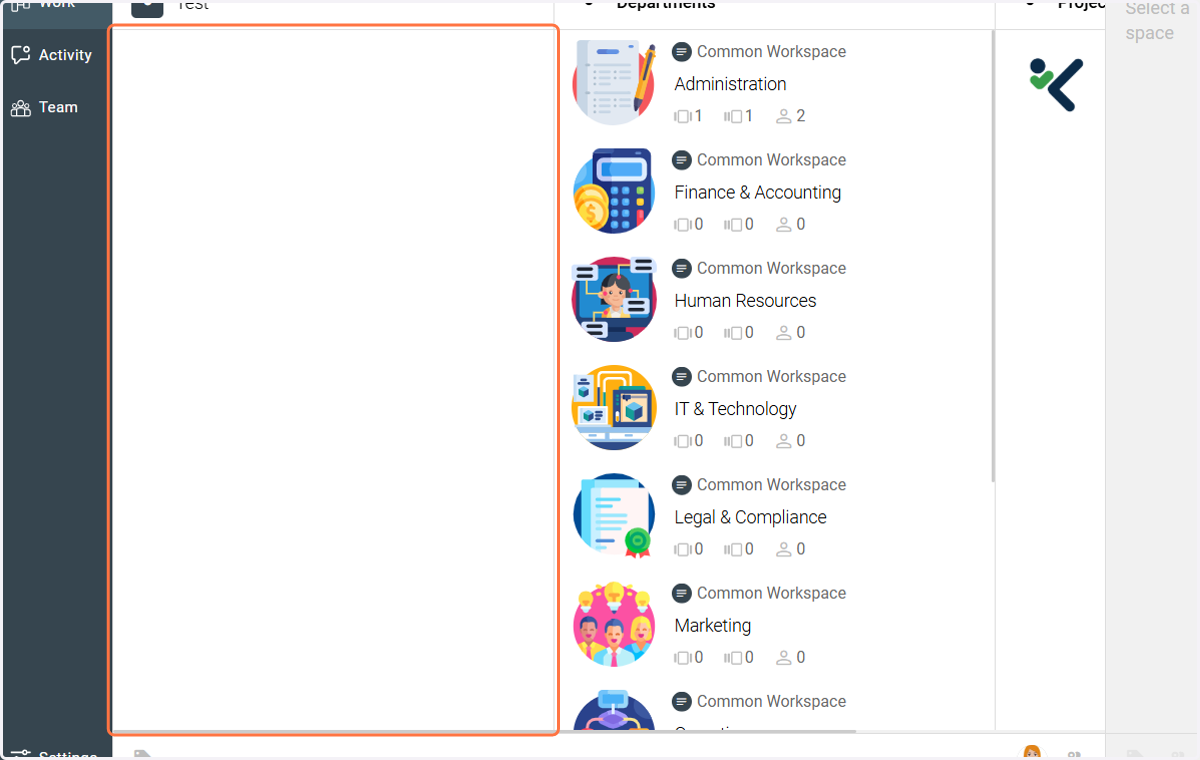
7. Create Spaces
Within a Space Group, you can create as many Spaces as you want.
8. Create a new Space - Step 1
Click on this plus icon next to the name of a Space Group to create a Space in it.
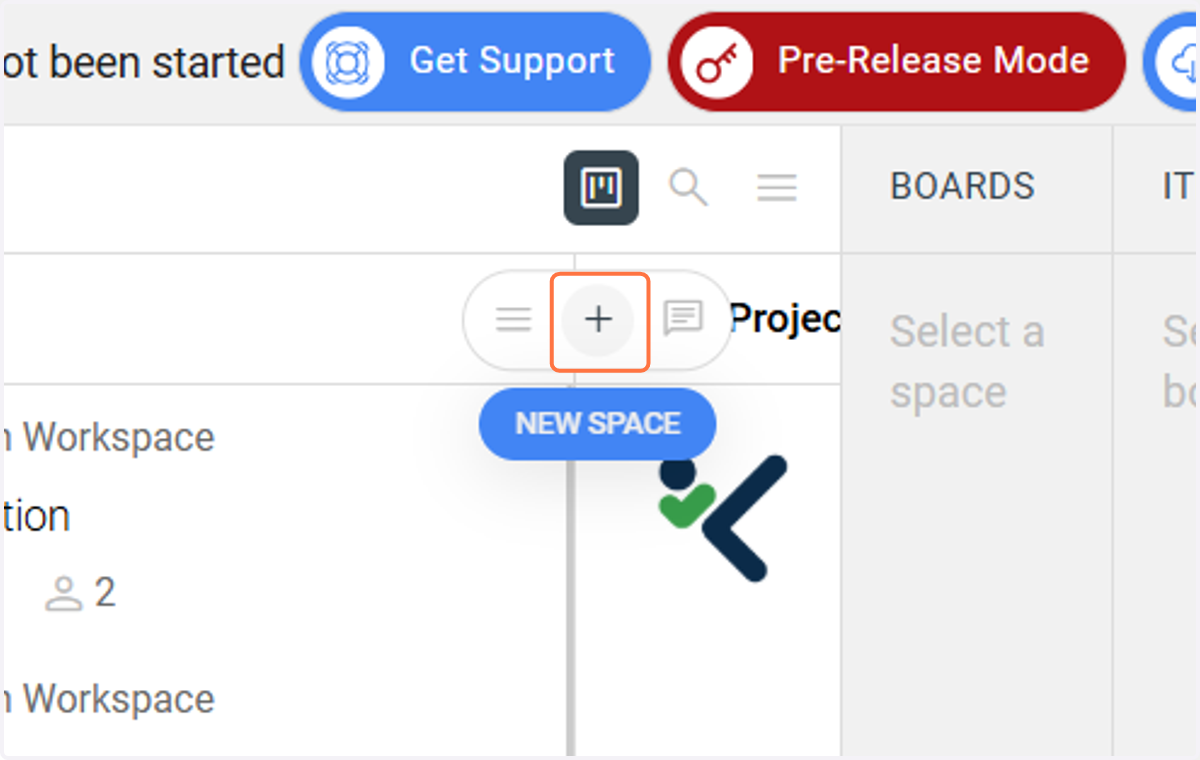
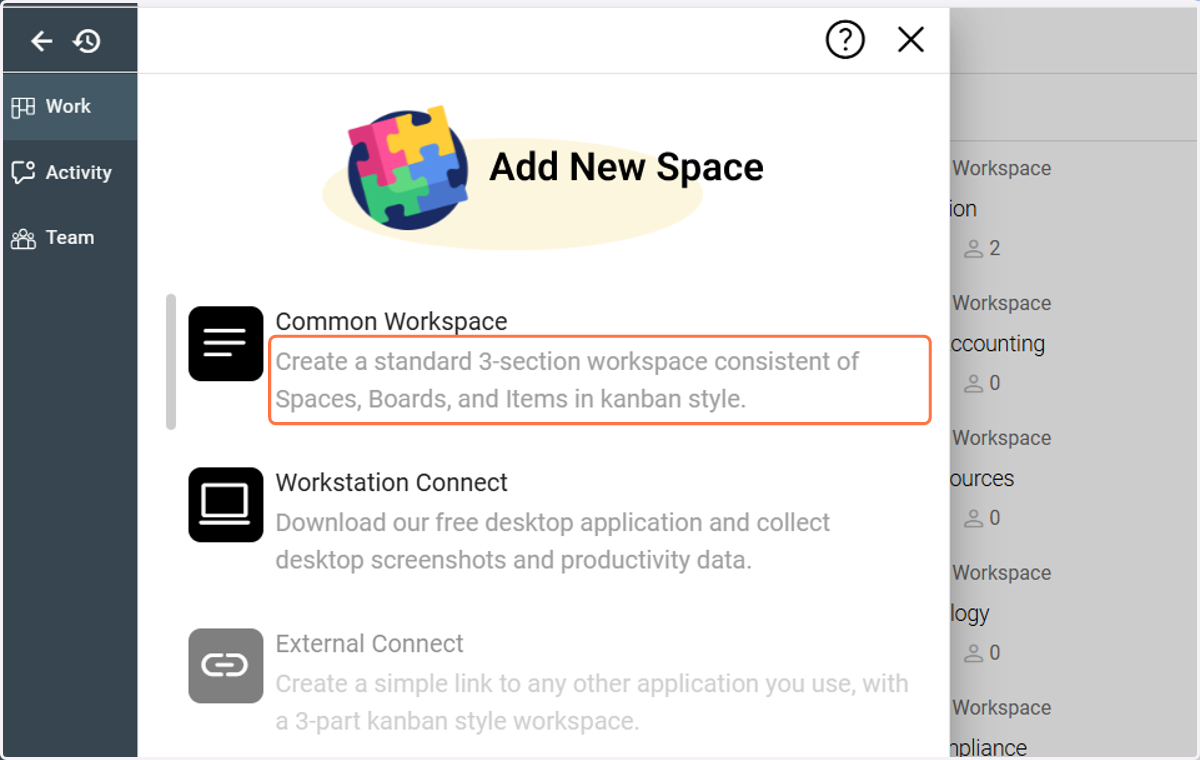
9. Create a new Space - Step 2
Click on Create a standard 3-section workspace consistent of Spaces, Boards, and Items in Kanban style.
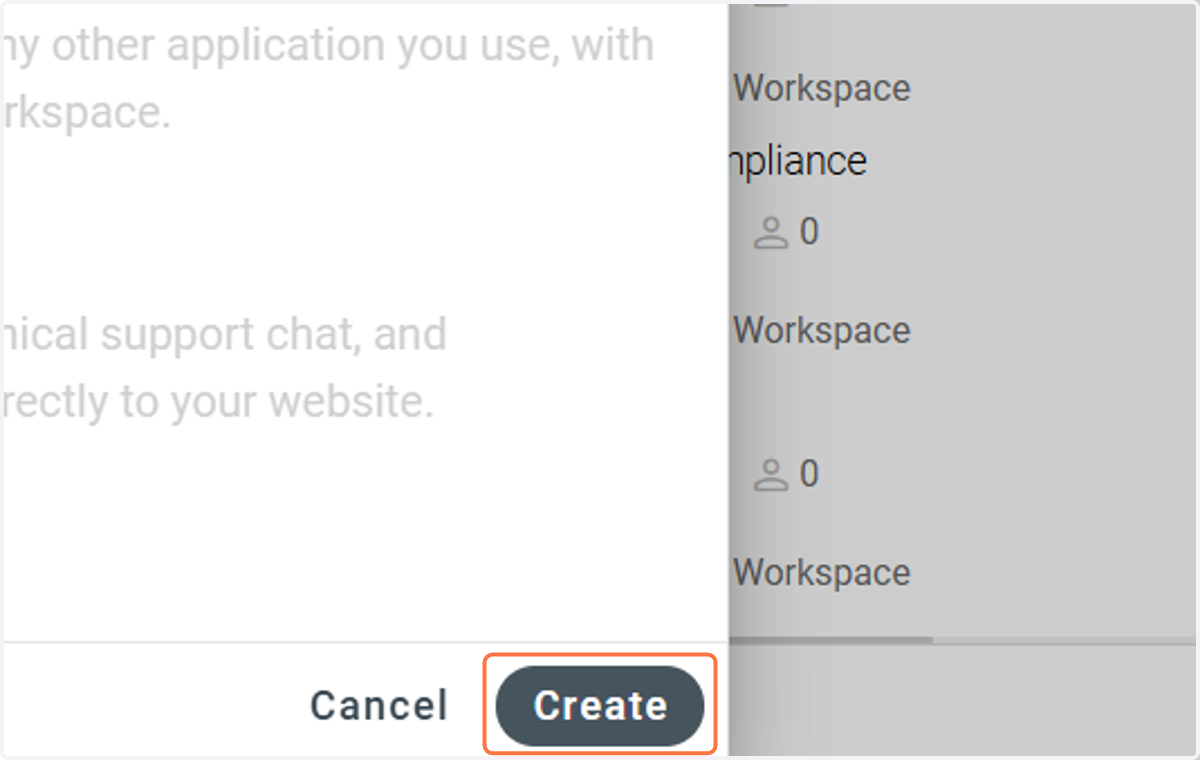
10. Create a new Space - Step 3
Click Create.
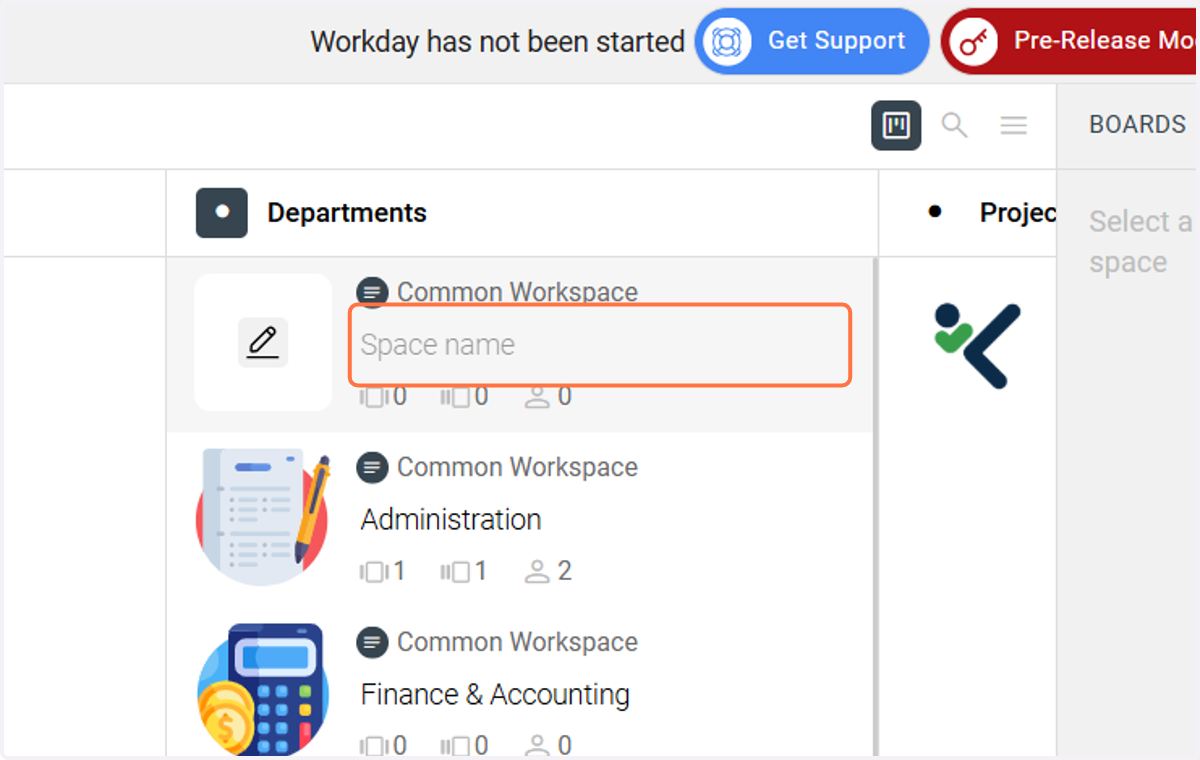
11. Create a new Space - Step 4
Enter a name for the new Space.
12. Create a Board Group - Step 1
Double click on a Space to create a new Board Group.
13. Create a Board Group - Step 2
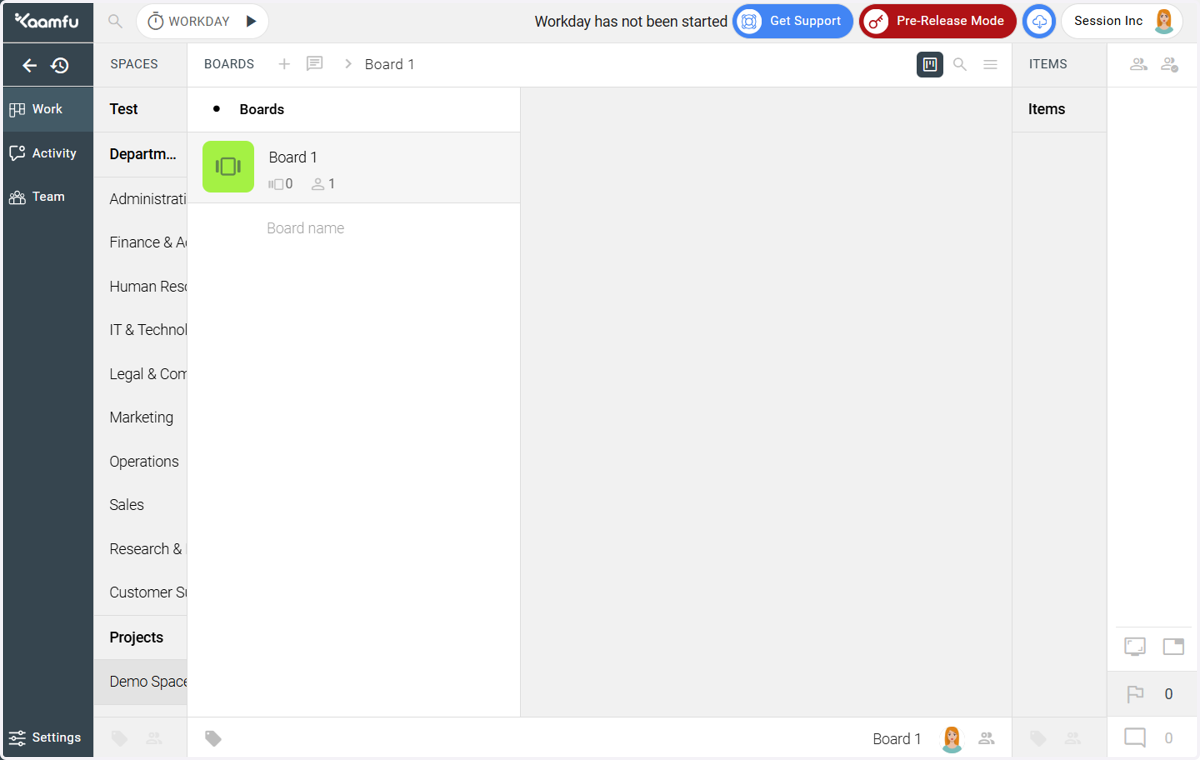
You will be taken to the Boards sub-panel where you can create Board Groups and Boards just as you've done for Spaces.
14. Create a new Board Group - Step 3
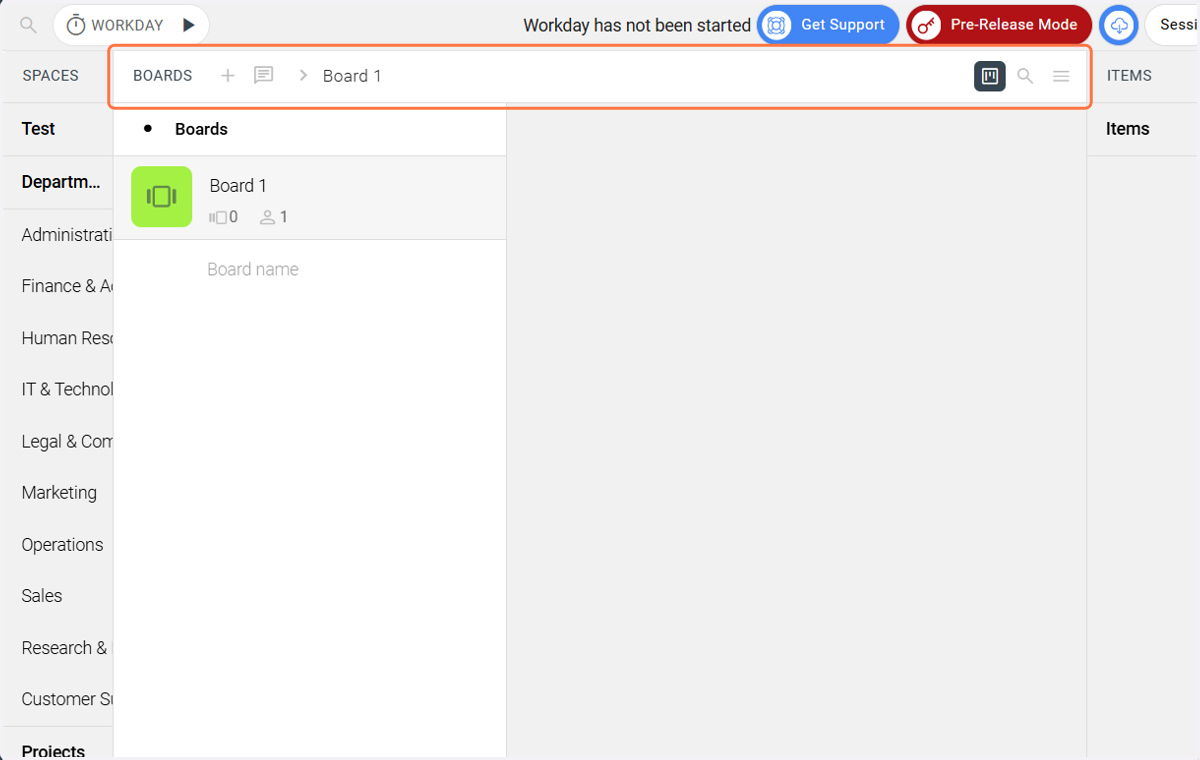
Use these options to create a new Board.
15. Create a new Item Group - Step 1
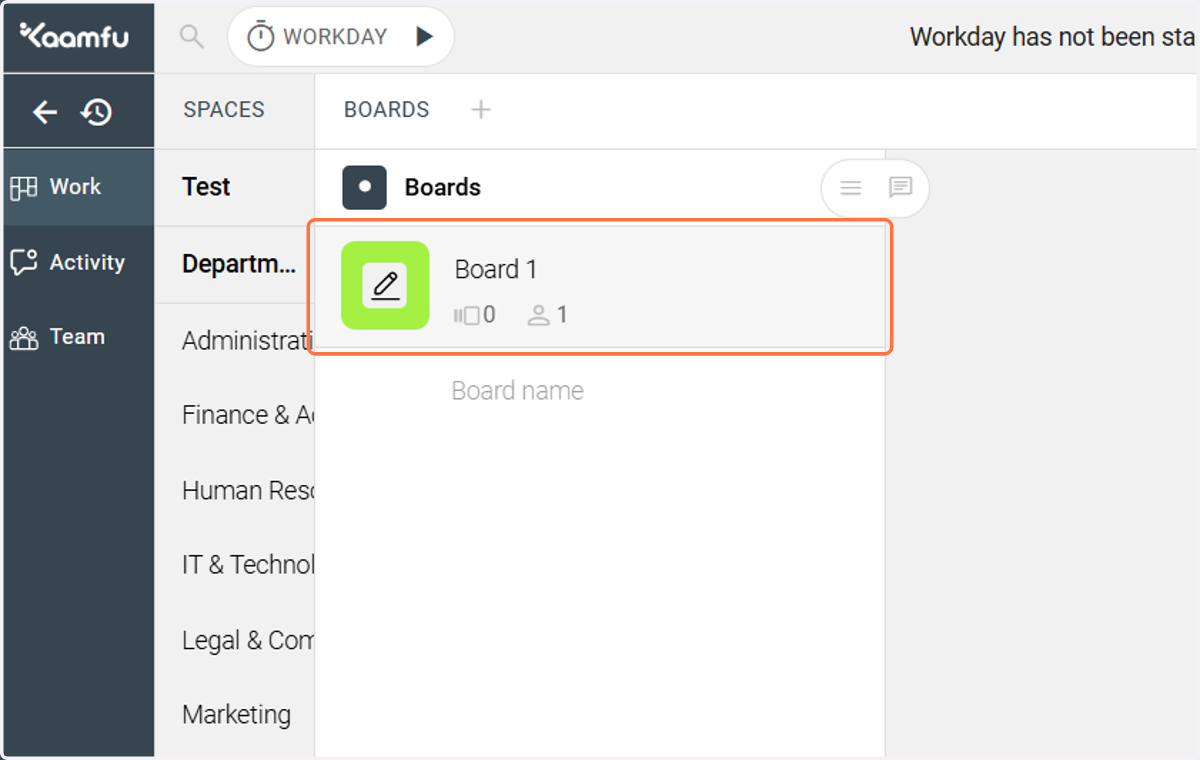
Double click on the pencil icon here to create new Item Group in this Board.
16. Create a new Item Group - Step 2
Use these options here to create new Item Groups and Items.
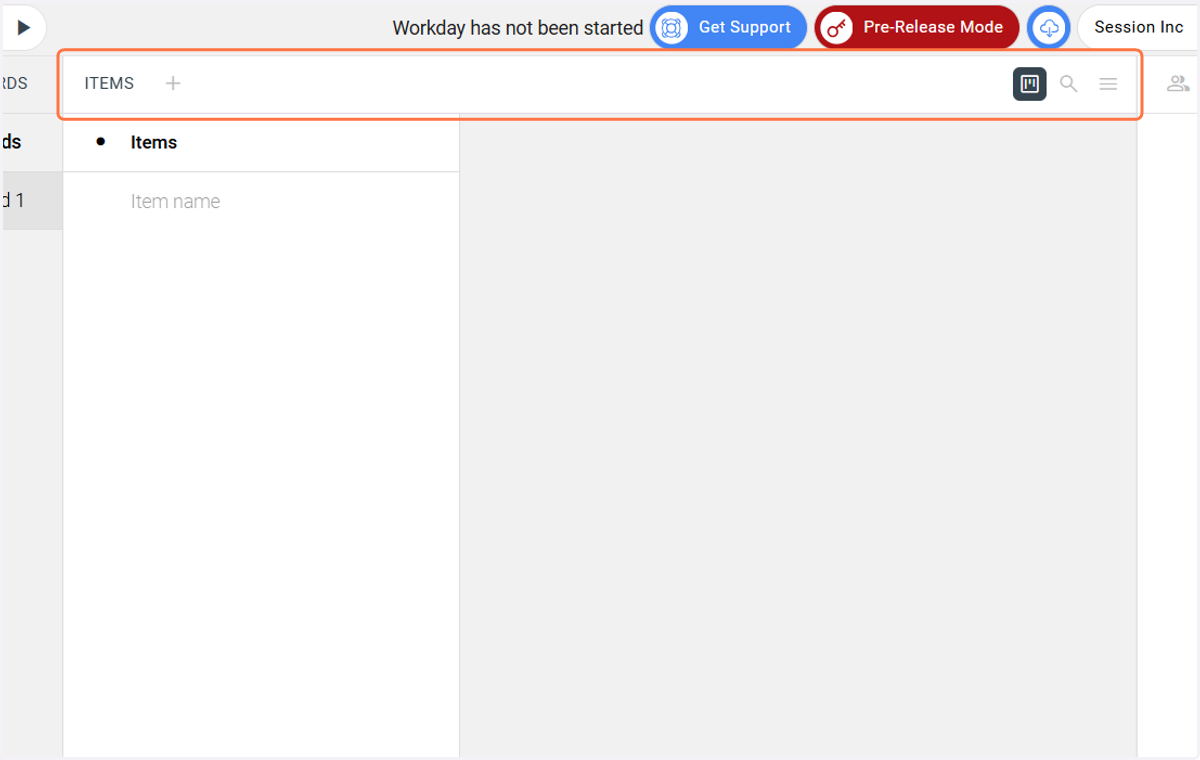
17. Create a new Item
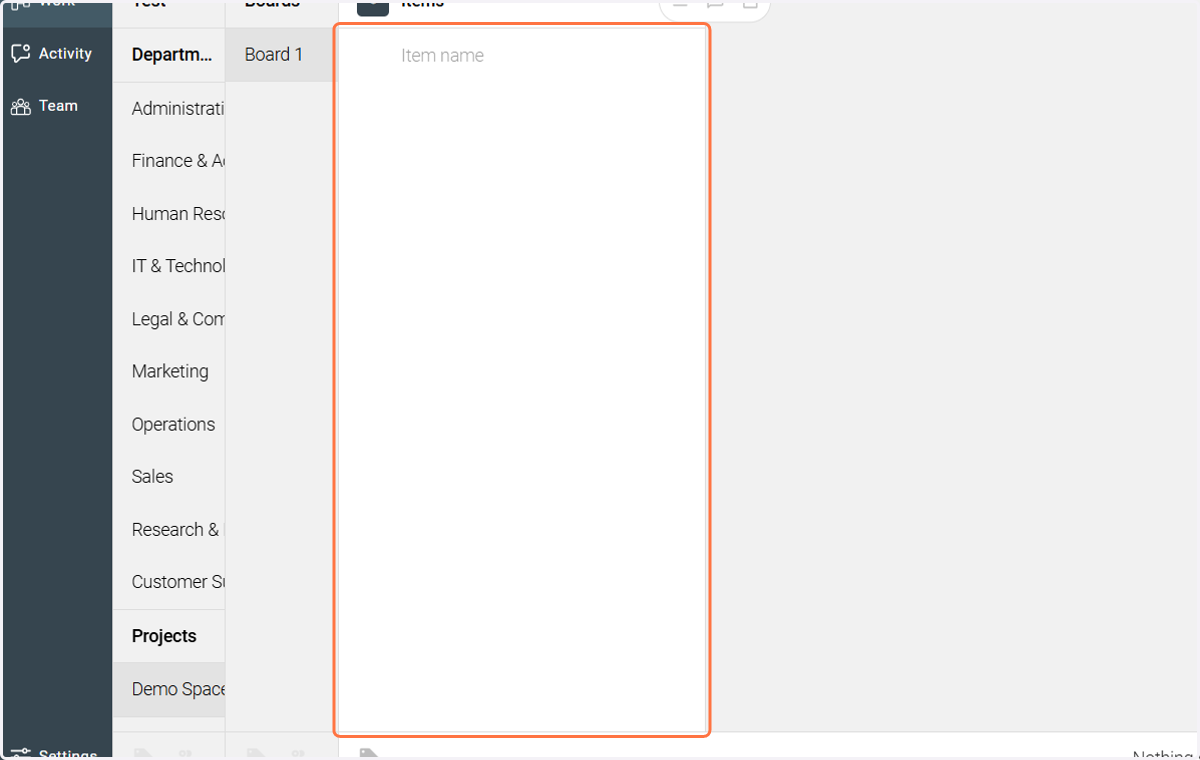
Create as many items you want in an Item Group.