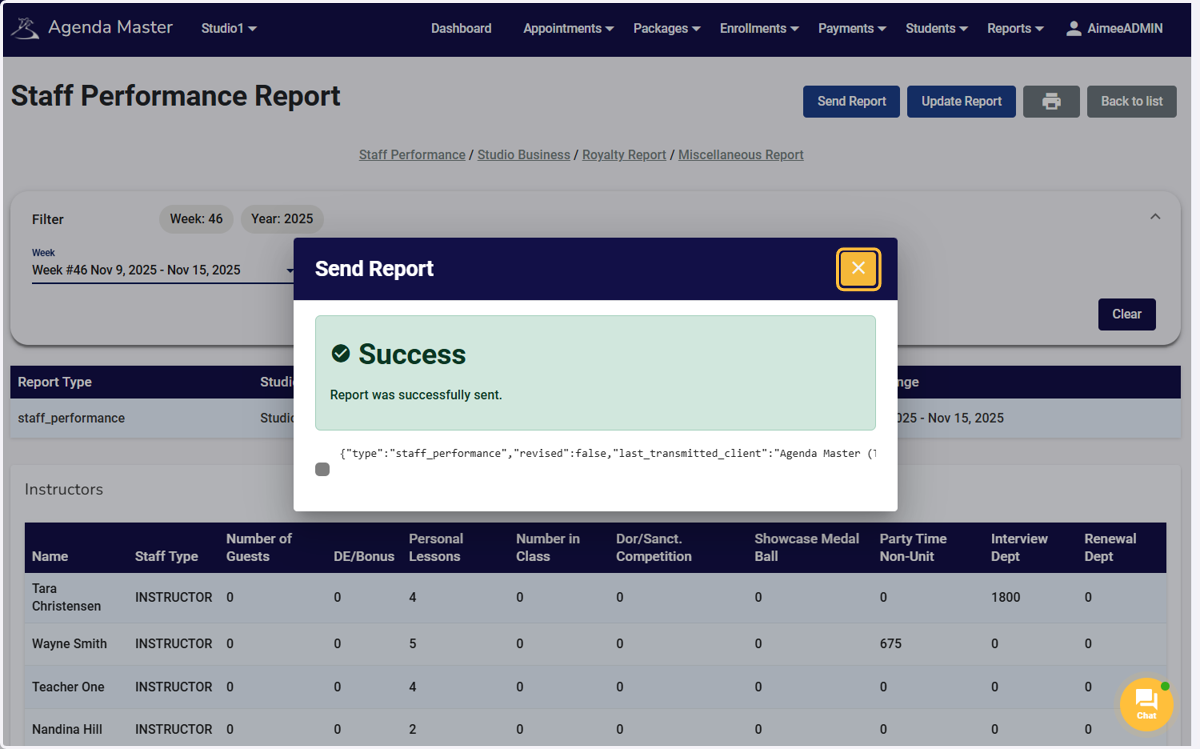
Staff Performance Report
Agenda Master
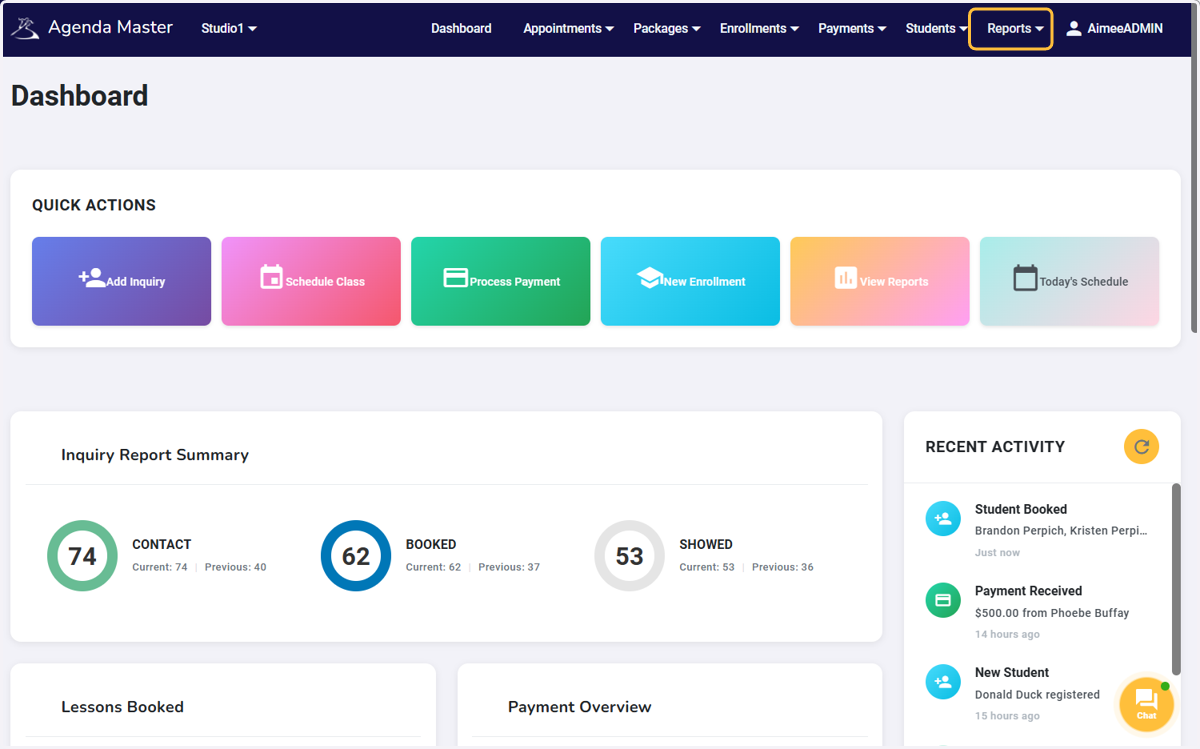
1. Click on Reports…
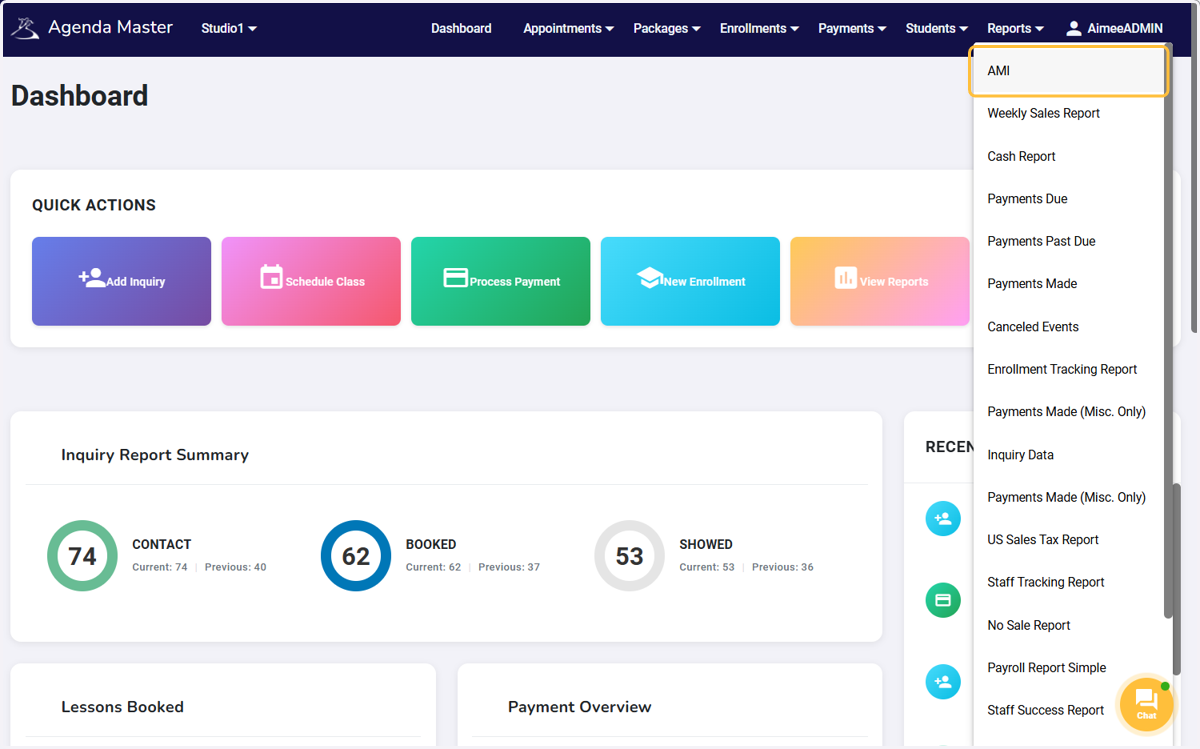
2. Click on AMI
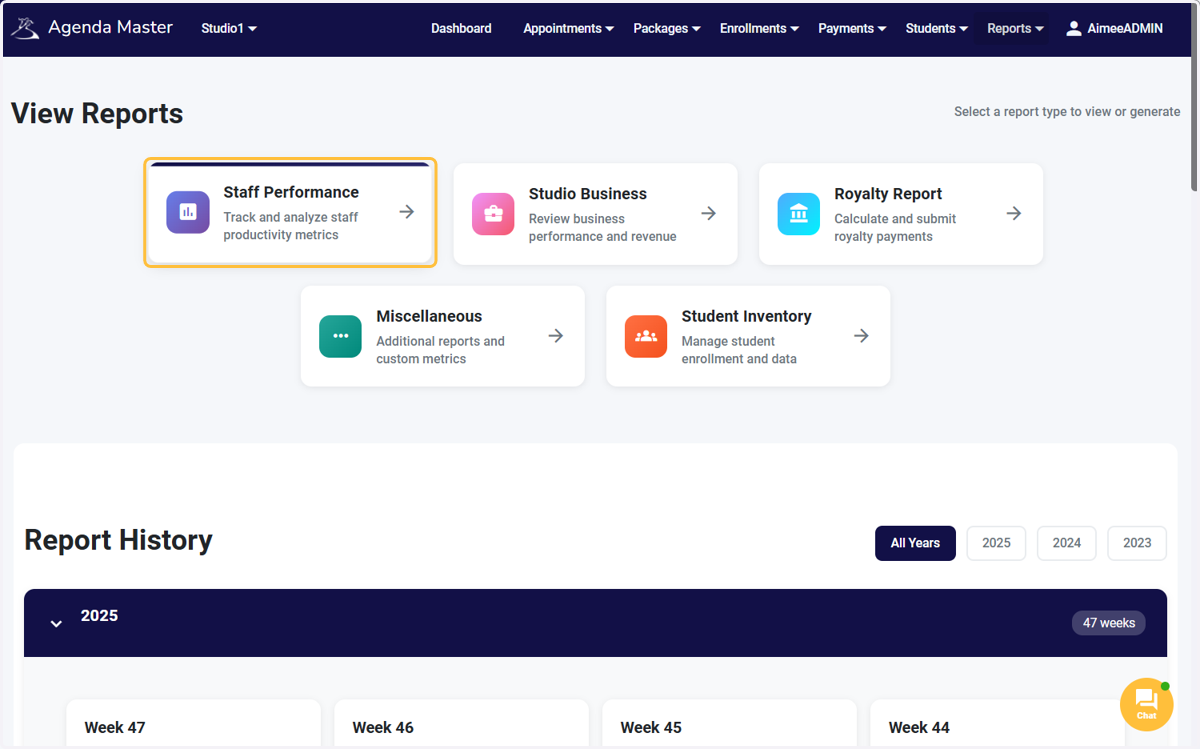
3. Click on Staff Performance
4. Click on Filter…
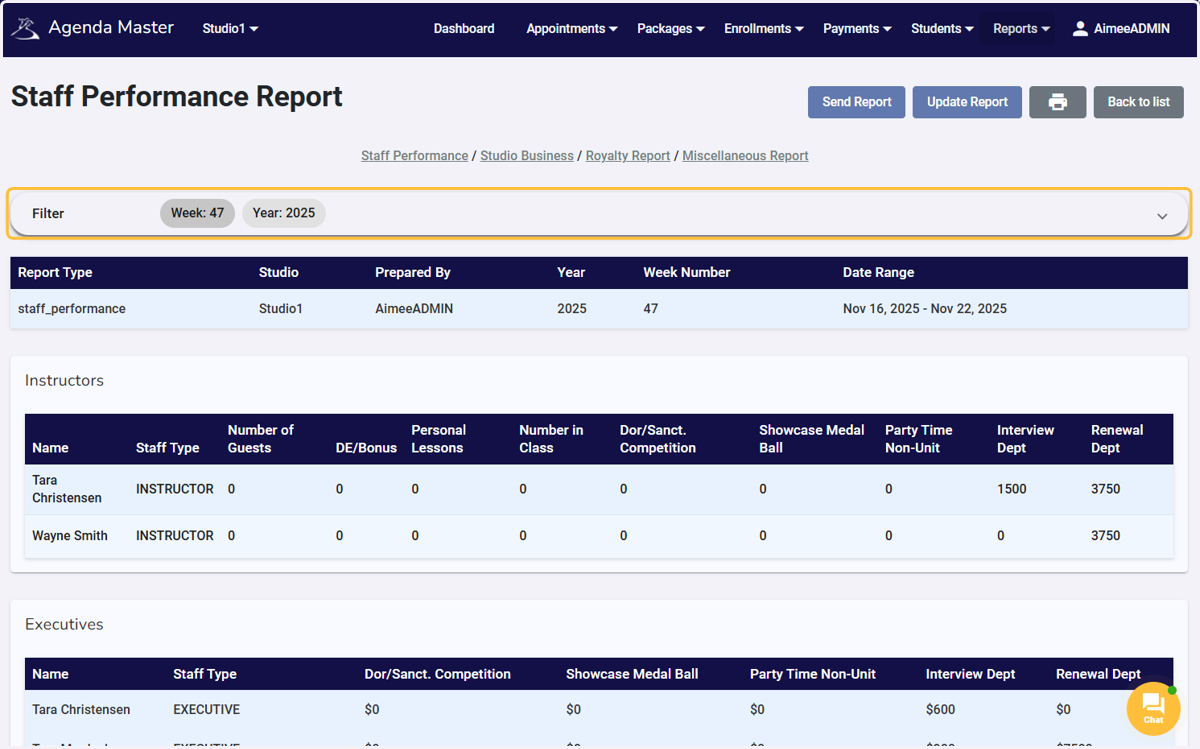
5. Click on week
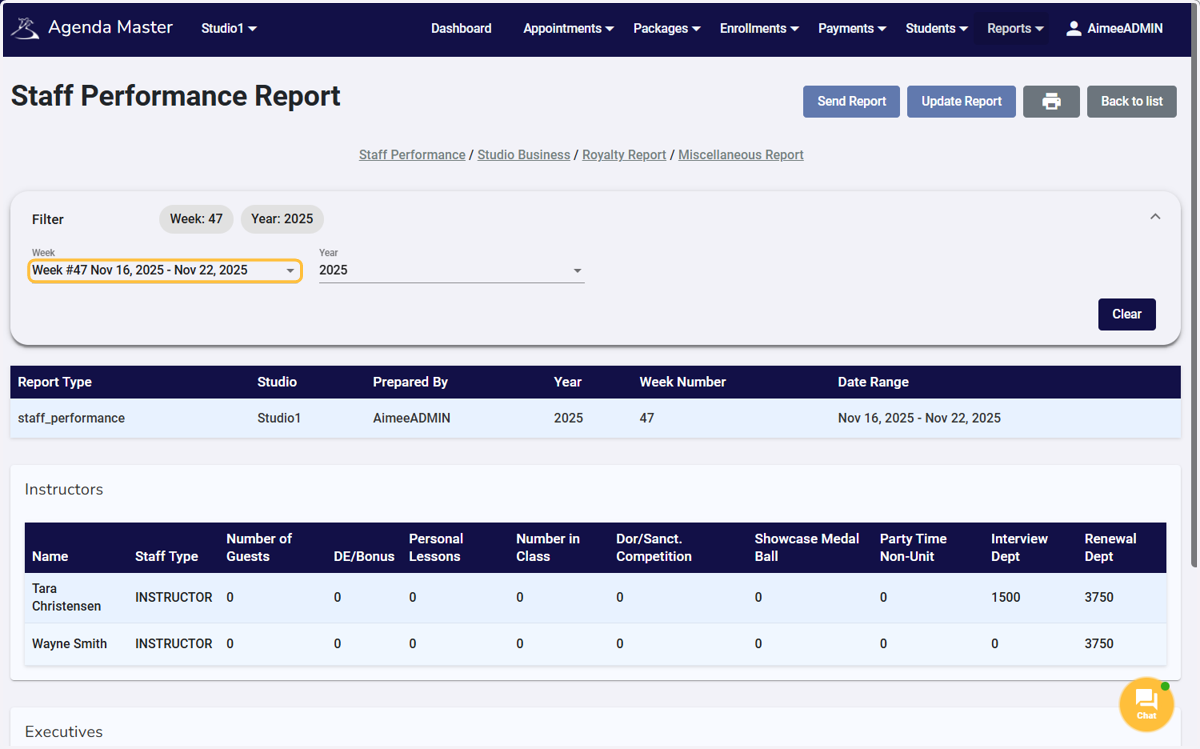
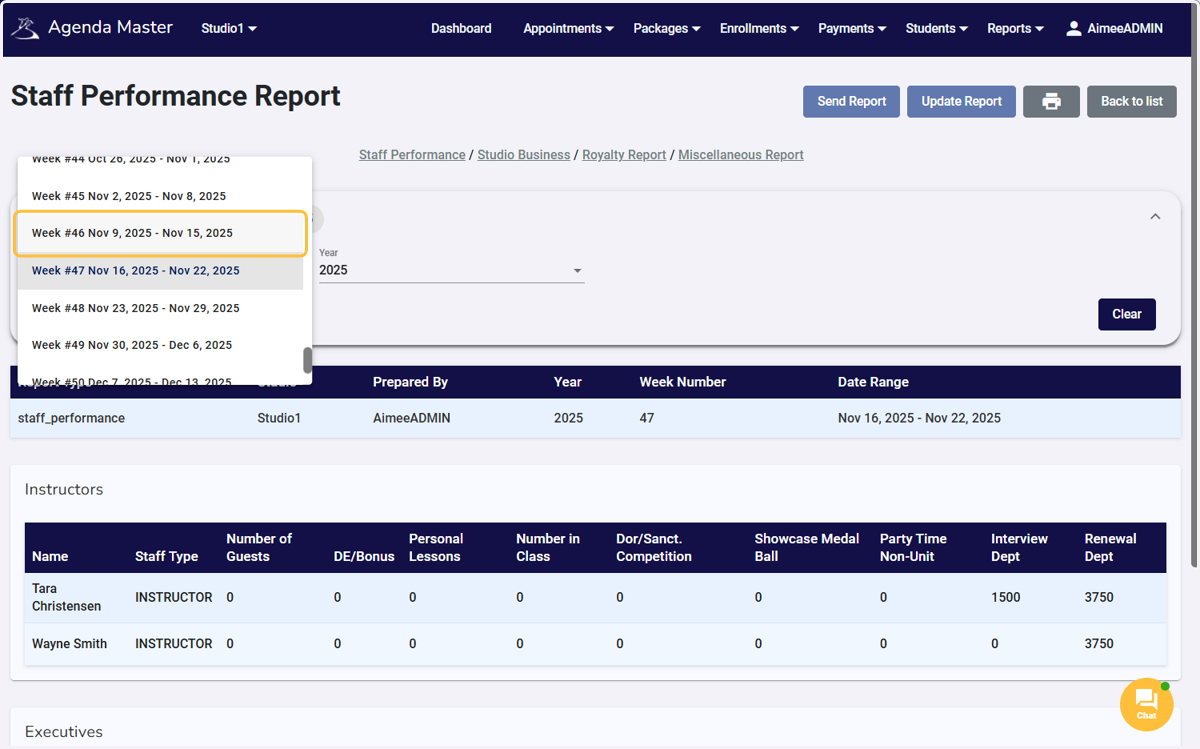
6. Select the week you are submitting
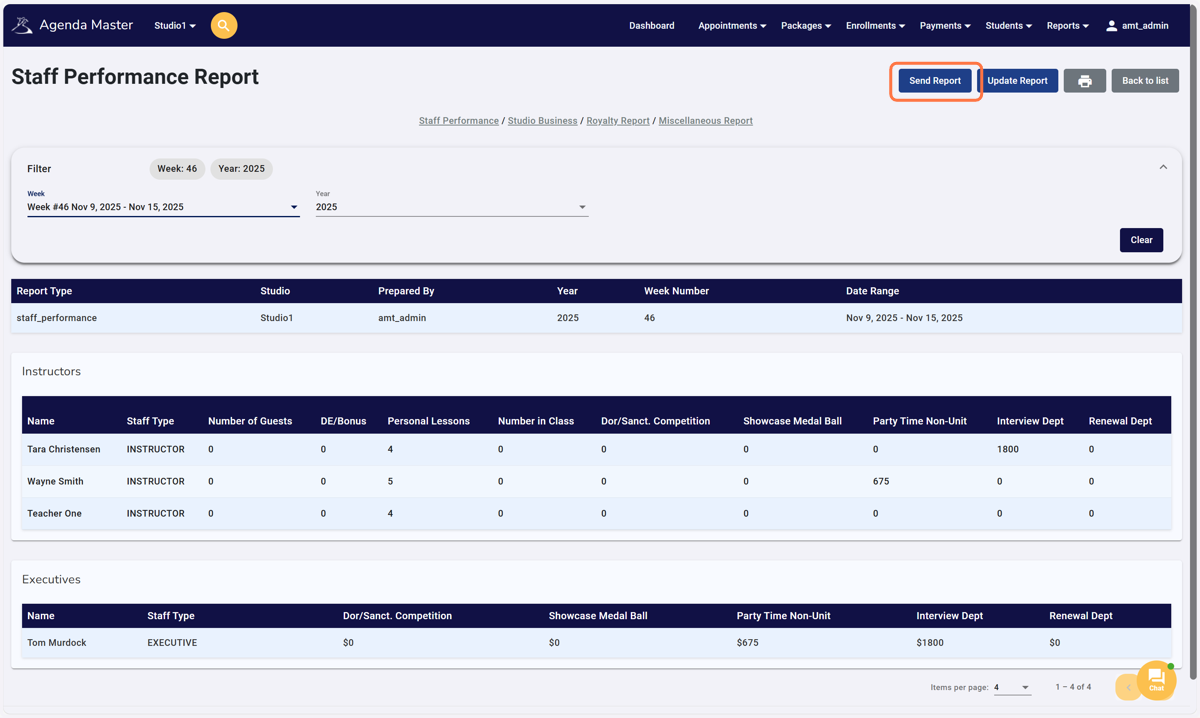
7. Click on Send Report
Double check your numbers and Submit to Online Reporting
8. Make sure you receive a green success window
If the report does NOT go through, the error message will explain the issue that needs to be fixed.
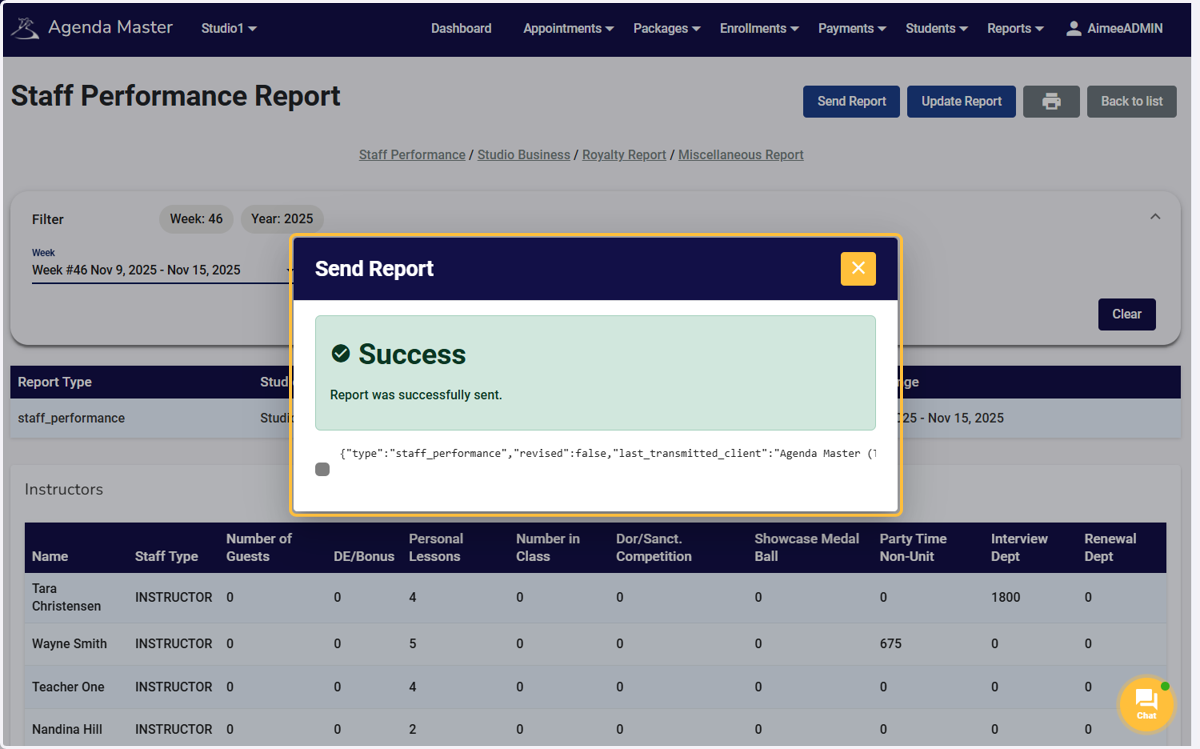
9. Click on close